
Free Material
Find hereMore than 150 Articles about Microsoft Technologies on Modern Workplace
Official Site
Microsoft Most Valuable Professional M365 Apps & Services
Microsoft Most Valuable Professional Business Applications
Consultant & Sr Cloud Solution Architect Modern Wokrplace
Find hereMore than 150 Articles about Microsoft Technologies on Modern Workplace
17 September 2023
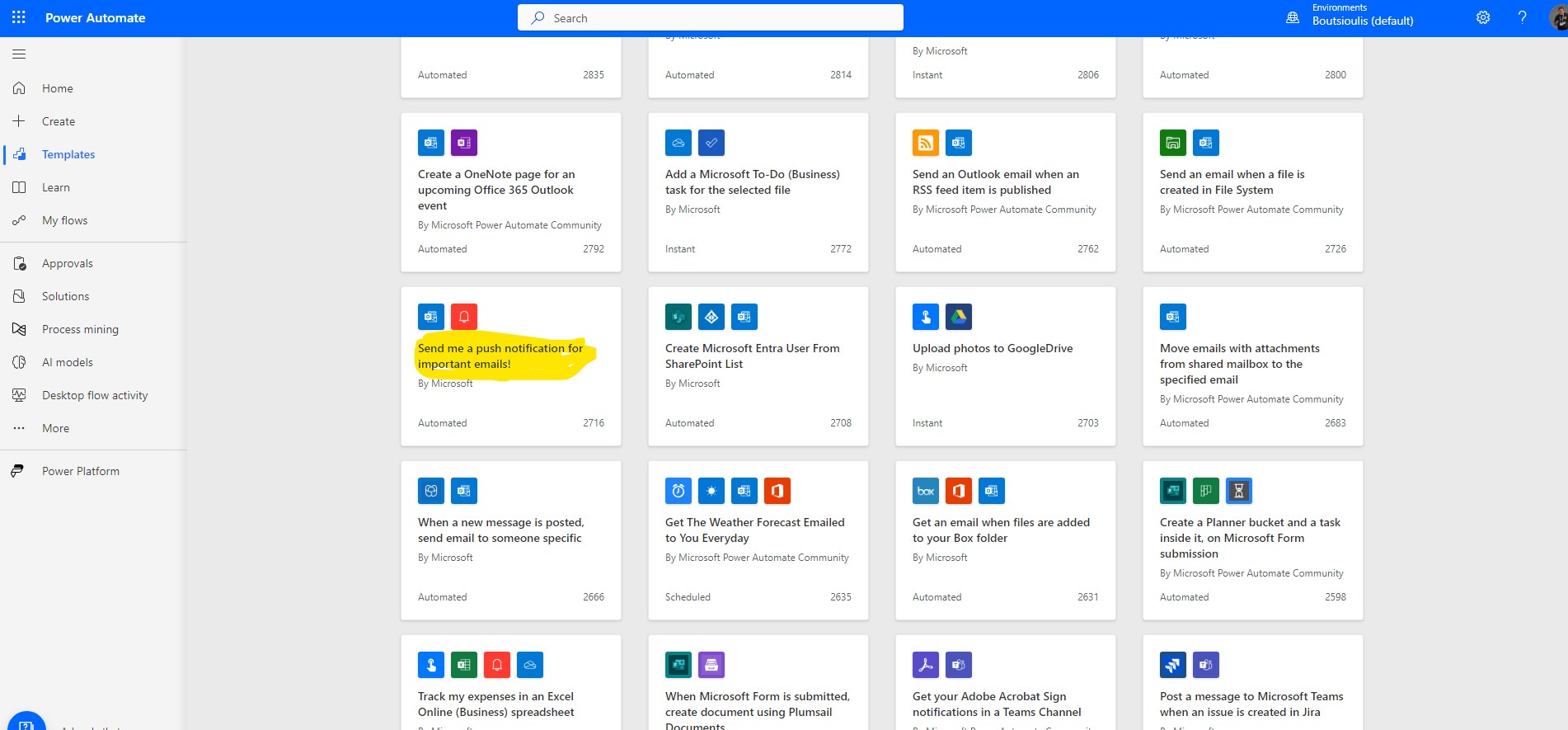
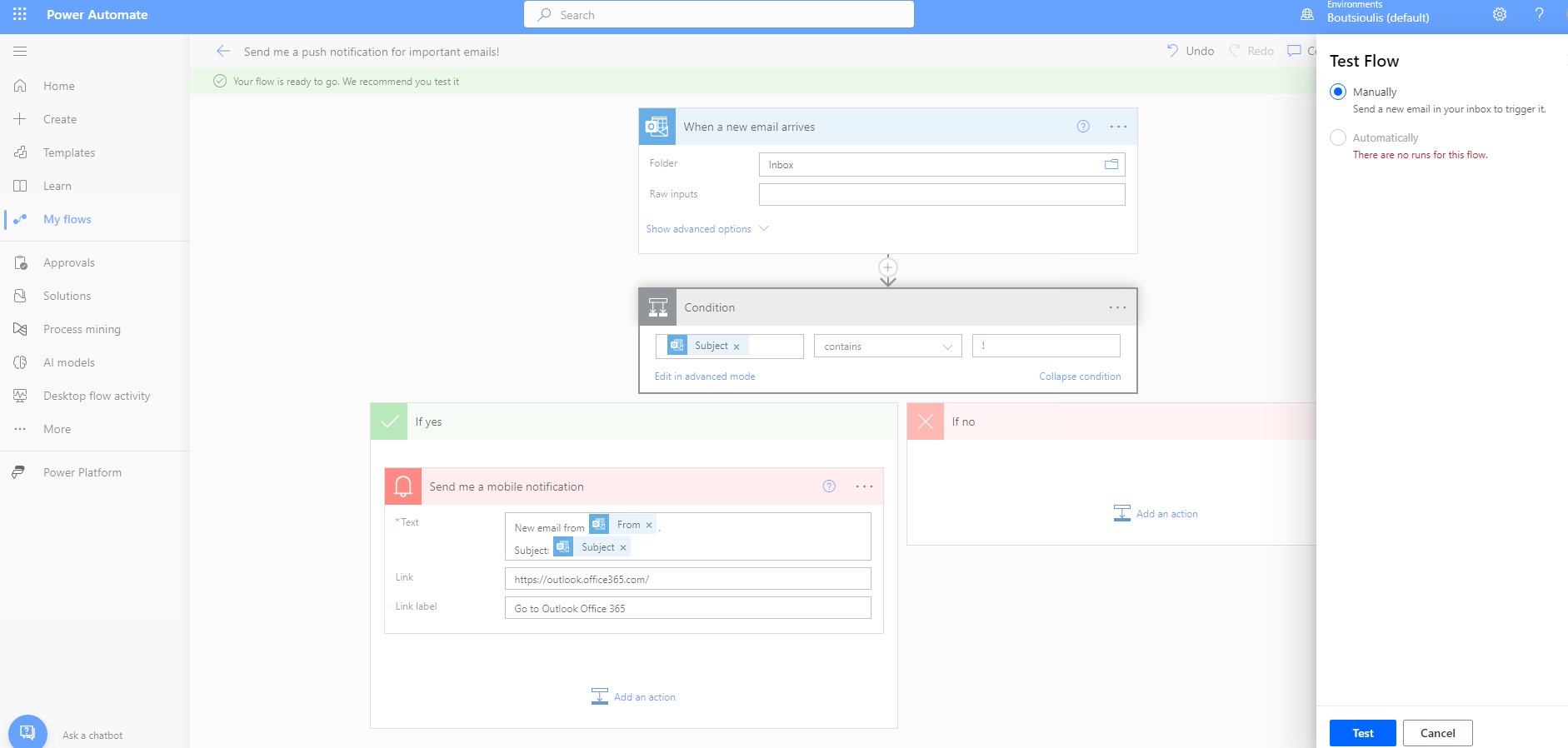
In today's article we will see how we can receive a Push notification every time we receive a mail marked important in our inbox. First from our active M365 subscription we select in the left side drop down column power automate Then from the available choices of templates we select the one called sen me a push notification for important emails !
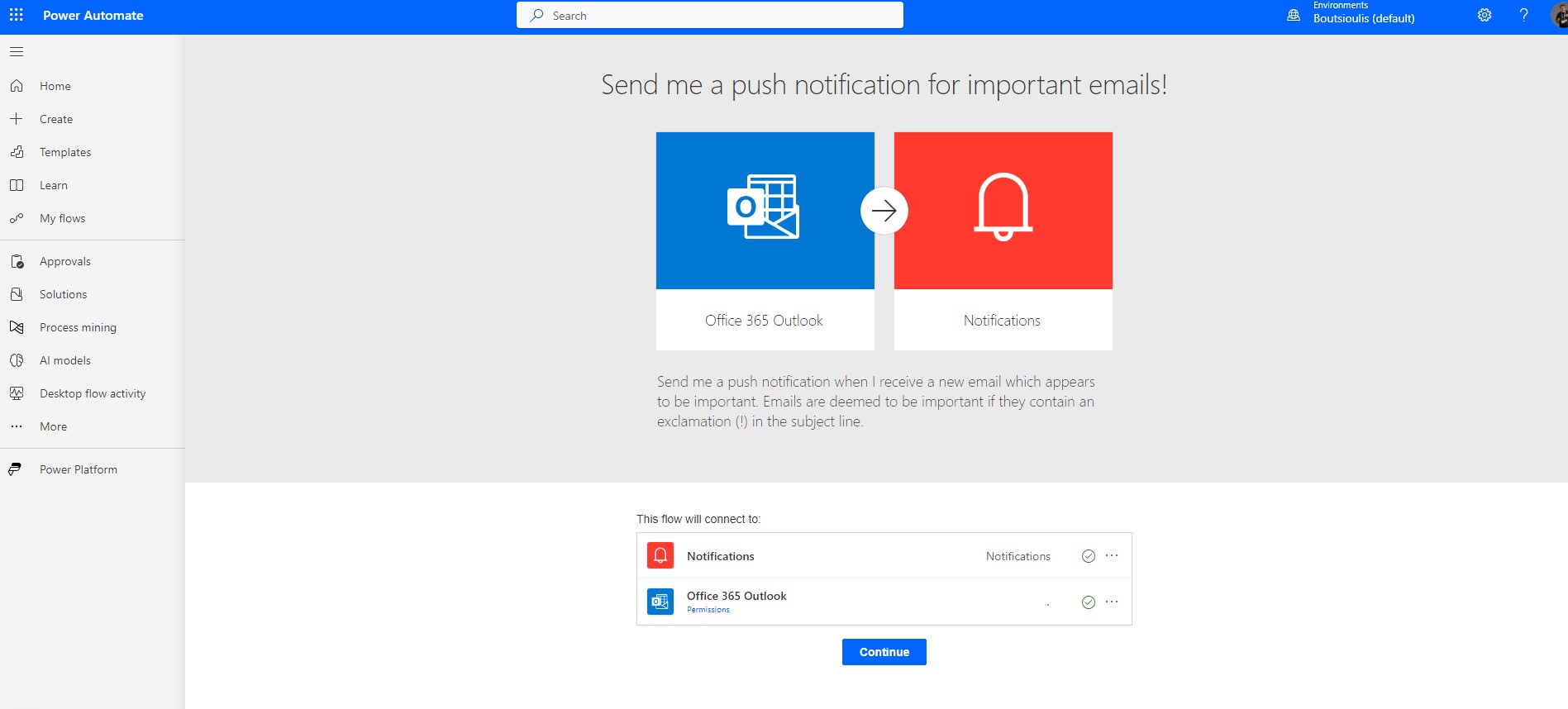
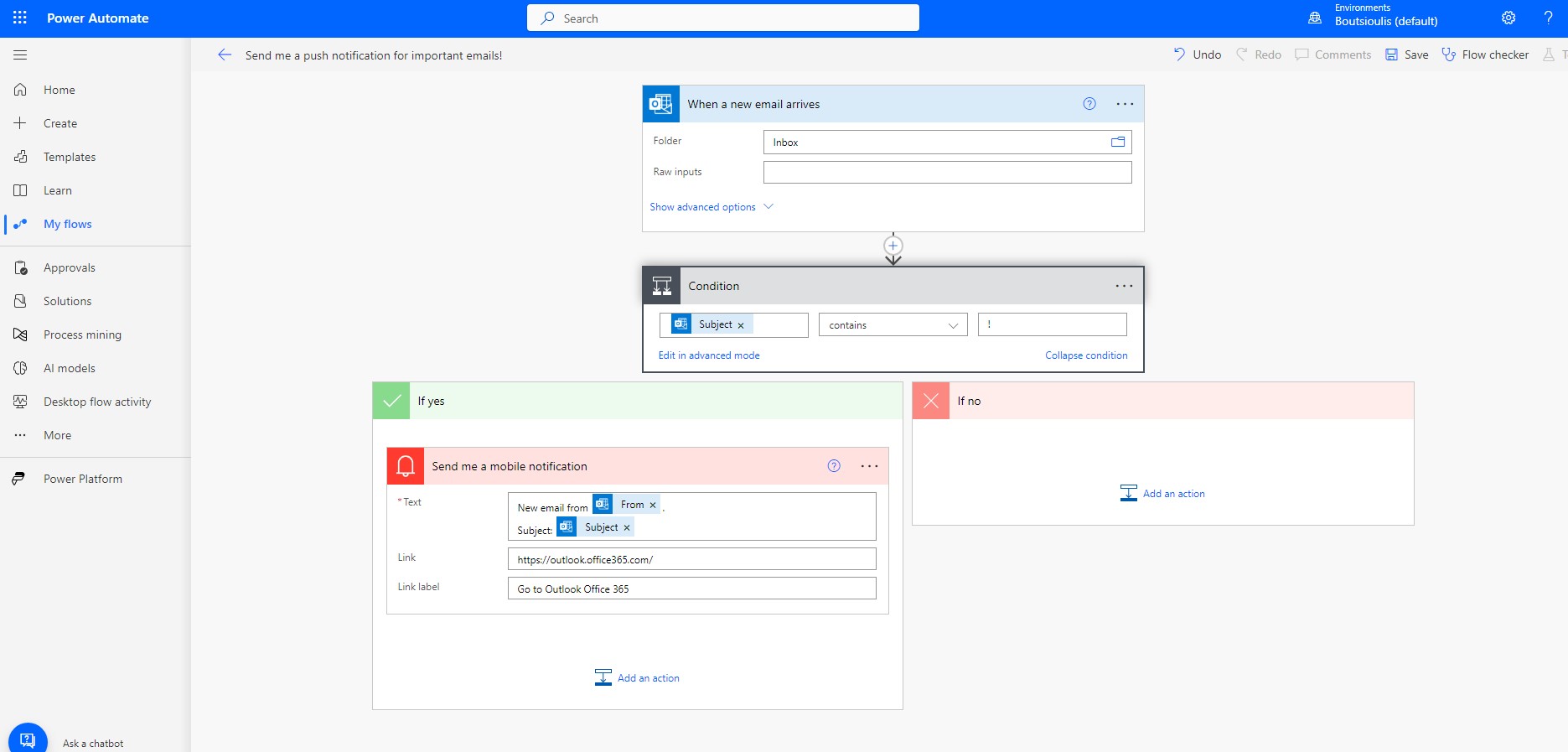
In the next step we allow all the necessary connections and in the body of the flow we have to first specify the folder in which every time an important mail arrives to activate the flow . We chose Inbox and then in the action box titled condition it tells us that every time you detect mail with an attribute ! then send a push notification
which as you can see we can edit the message text as we wish adding or removing items
In the next step we save the automate.
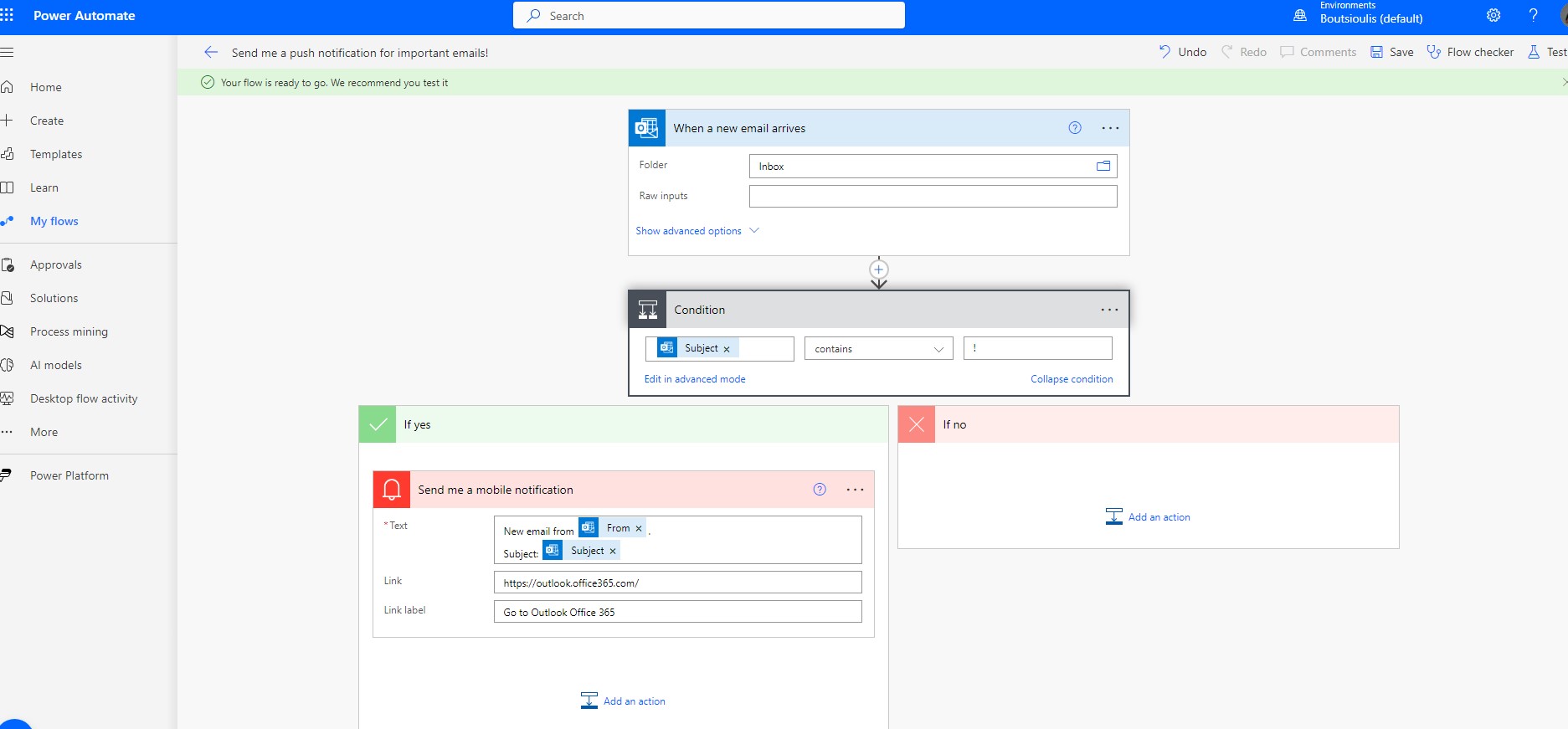
and we need to run a manually our automation check.
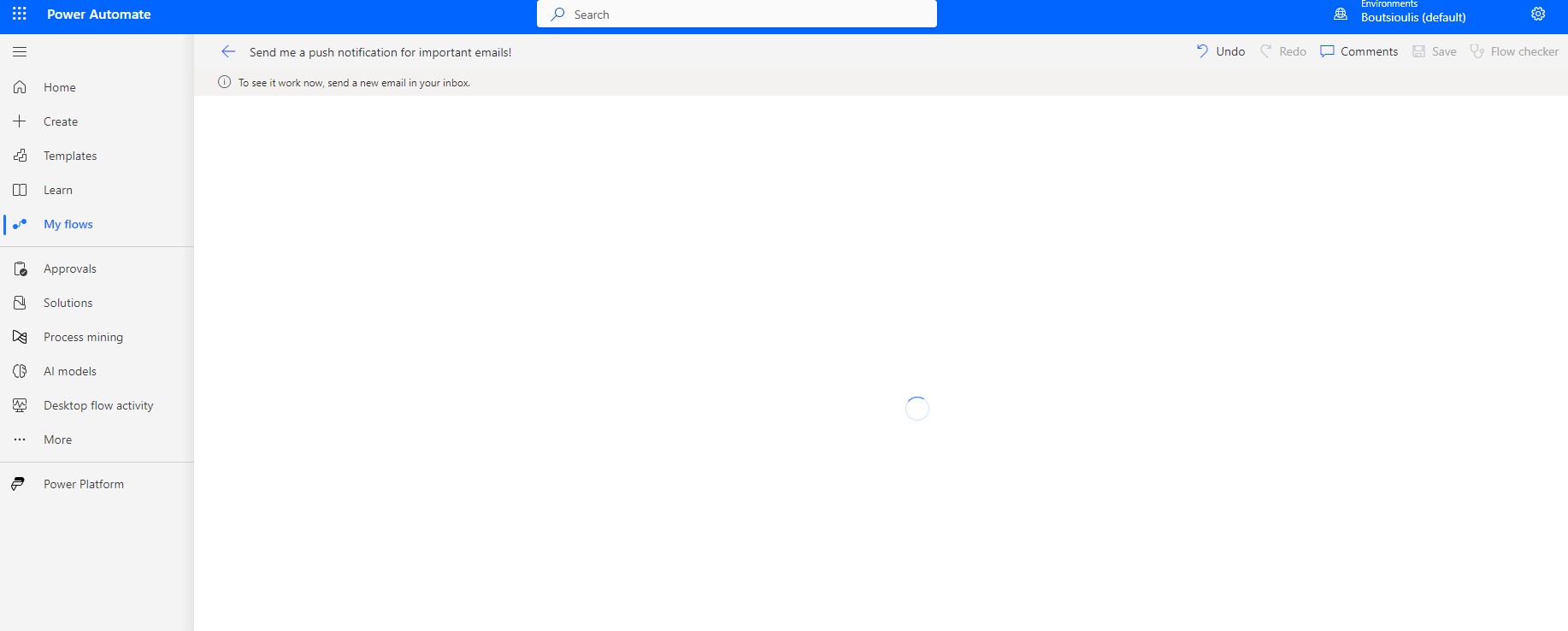
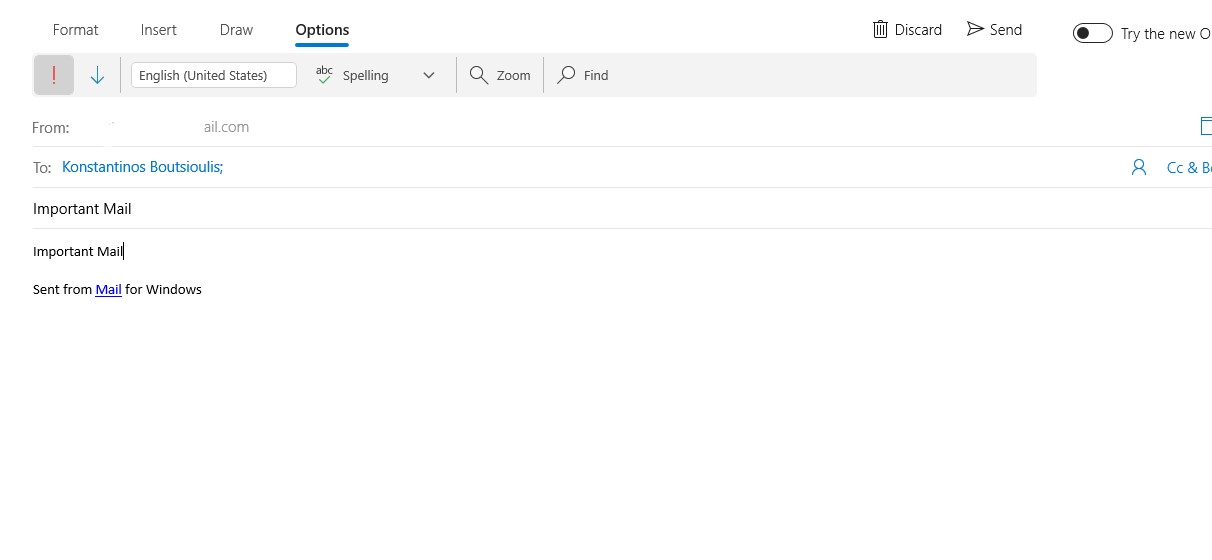
and from another one of our accounts we send to our original account a mail marked as Important to test our automate
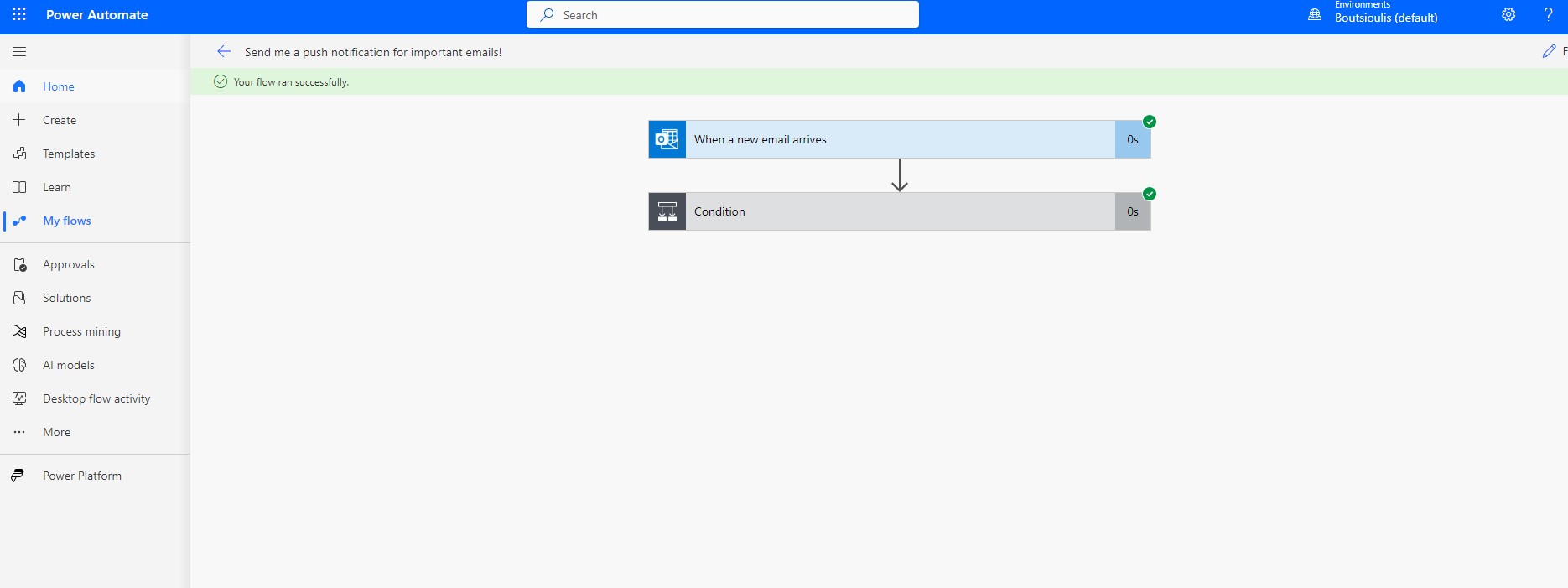
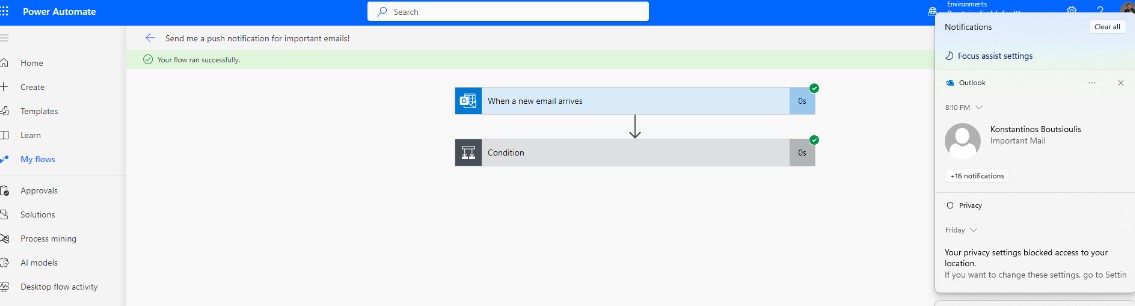
As you can see the automate runs without problems and
Finally, we see the Push Notification on the right side of our screen.
 #technology
#microsoft
#PowerApps
#PowerAutomates
#digitaltransformation
#cloud
#mvpbuzz
#m365
#SharePoint
#technology
#microsoft
#PowerApps
#PowerAutomates
#digitaltransformation
#cloud
#mvpbuzz
#m365
#SharePoint
Visit Archives below to find more articles about Microsoft technologies on Modern Workplace