
Free Material
Find hereMore than 150 Articles about Microsoft Technologies on Modern Workplace
Official Site
Microsoft Most Valuable Professional M365 Apps & Services
Microsoft Most Valuable Professional Business Applications
Consultant & Sr Cloud Solution Architect Modern Wokrplace
Find hereMore than 150 Articles about Microsoft Technologies on Modern Workplace
19 September 2023
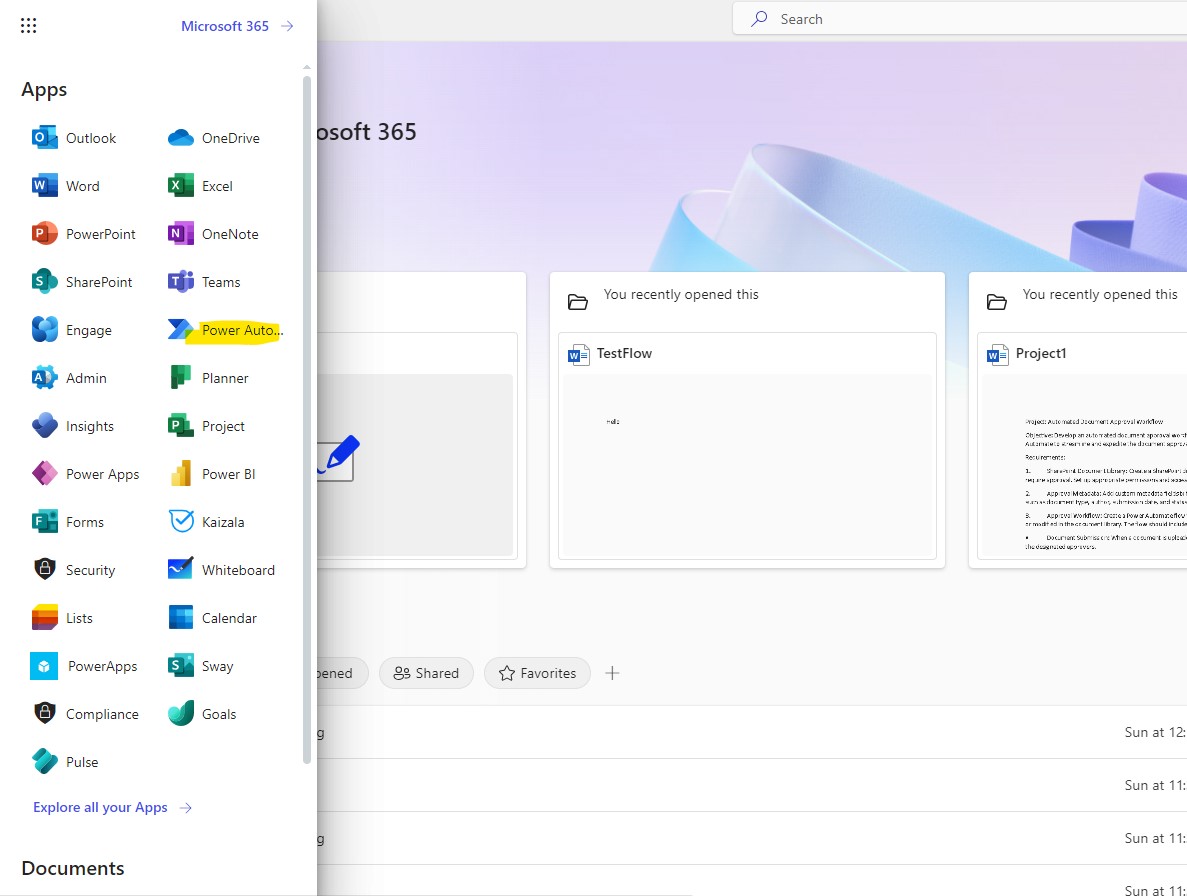
In today's article we will see how we can create an update alert via an email every time an archive is created or added to a SharePoint Library Initially there must be an active M365 subscription. From the home page on the left drop down column select power automate
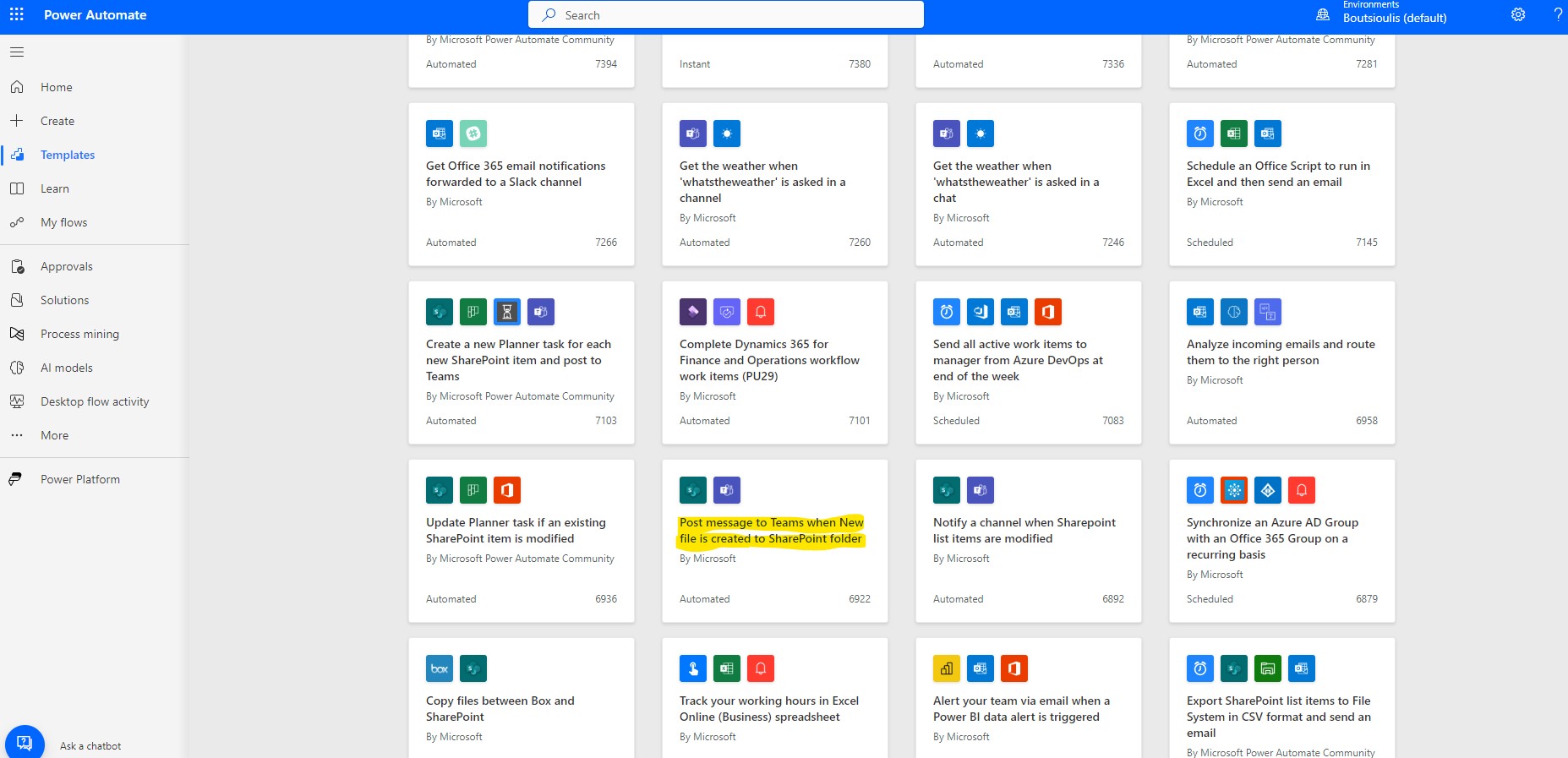
And again from the left column I select templates and there from the available templates we need to locate the automate called Post Message to Teams when new file is created to SharePoint folder .This process is the same as the process we do for creating an item in a list and I have written an article about it earlier
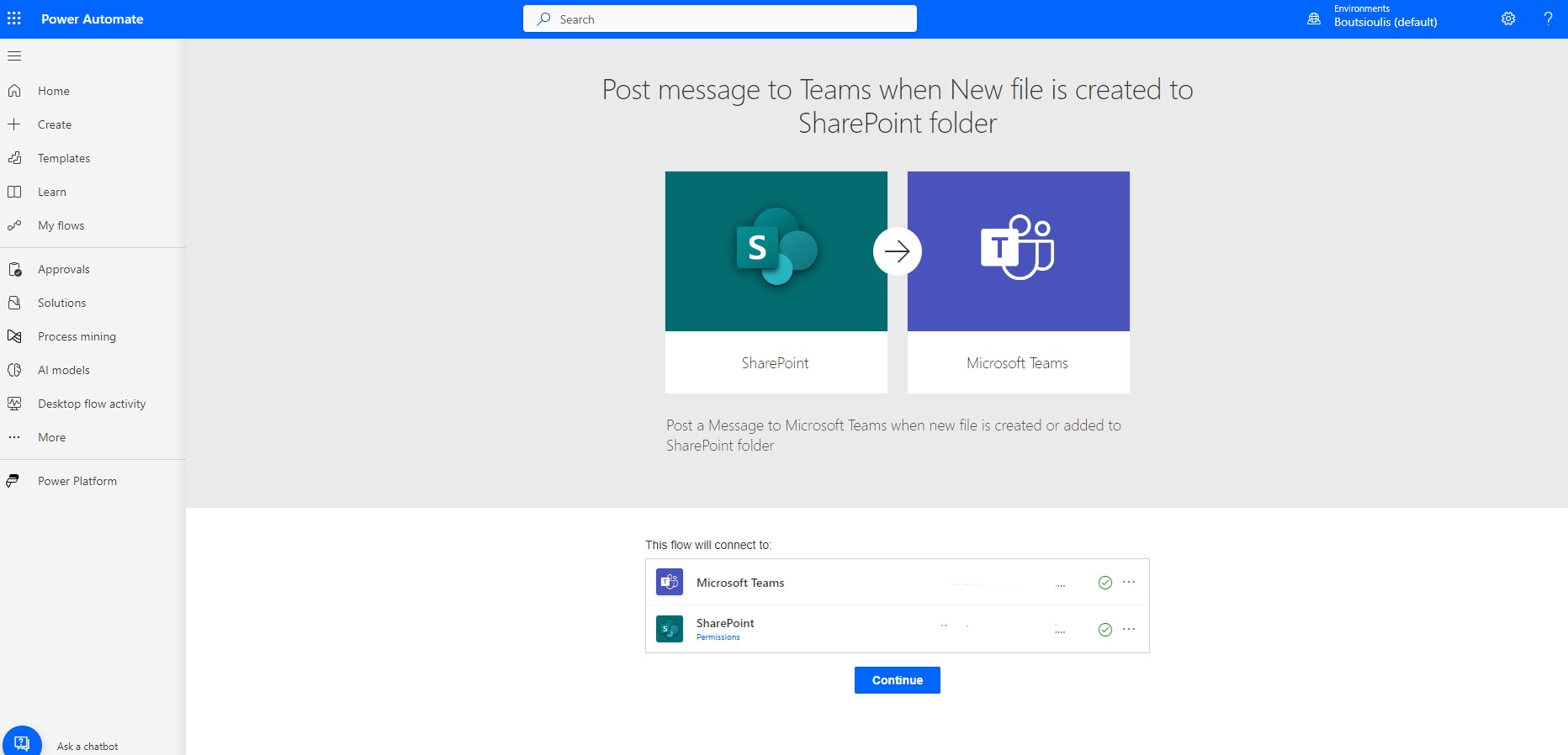
Back to our website we allow all the necessary connections
And now we need to do a little bit of body work with the power automate action boxes. First we have to select the site that hosts the specific library that contains the specific folder .Then from the popup menu on the right we select the library
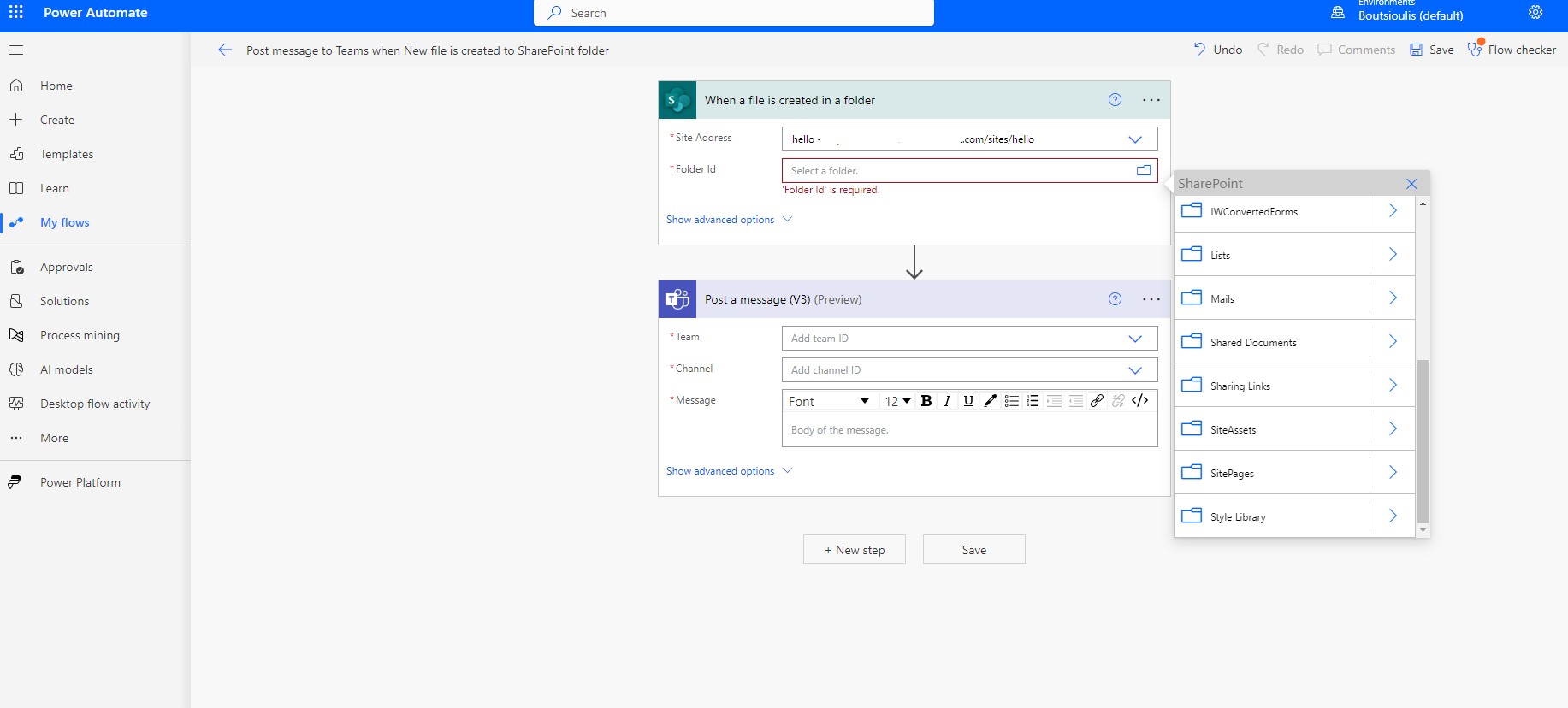
In the next box we select the group we want automate to send a message to and then the channel we want to post this message to
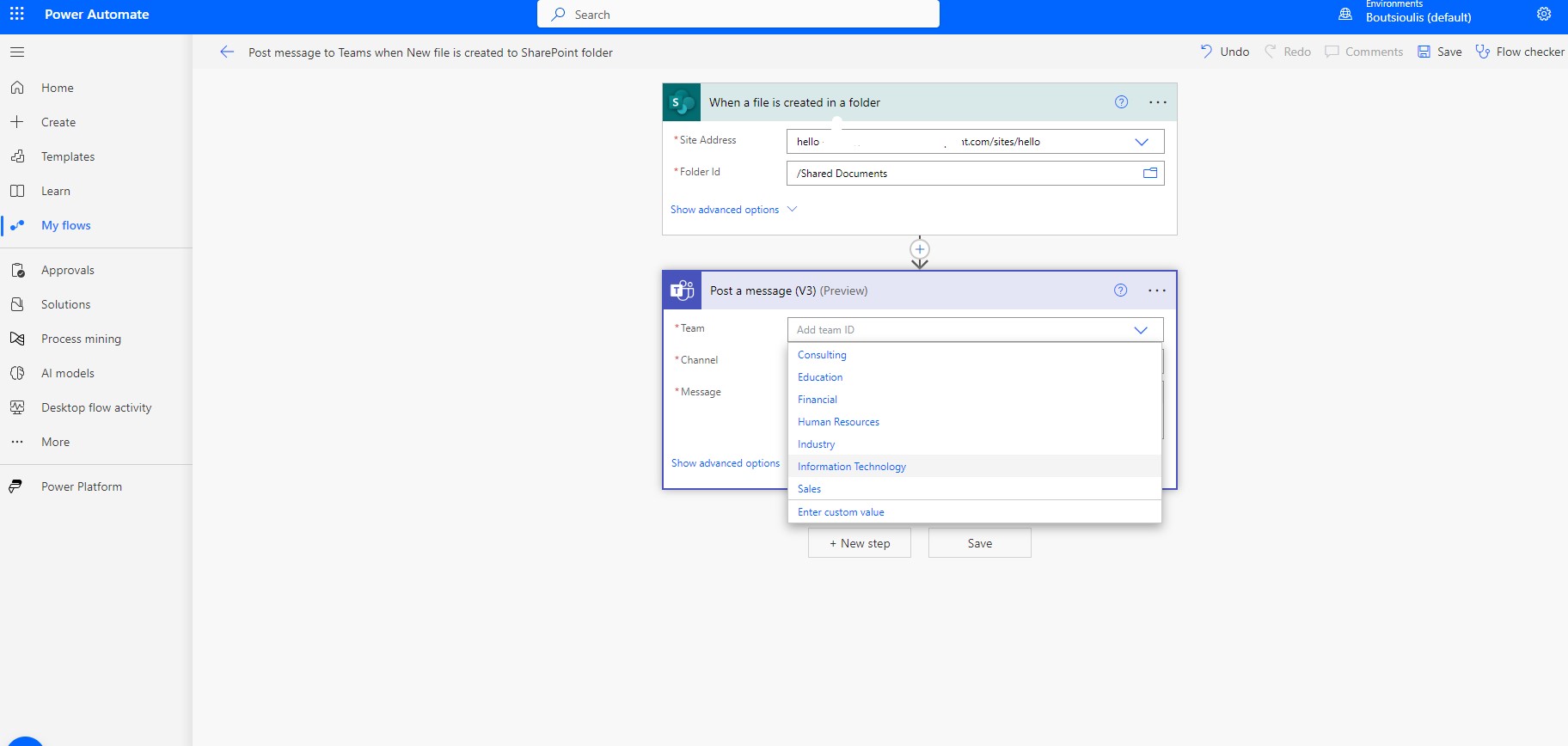
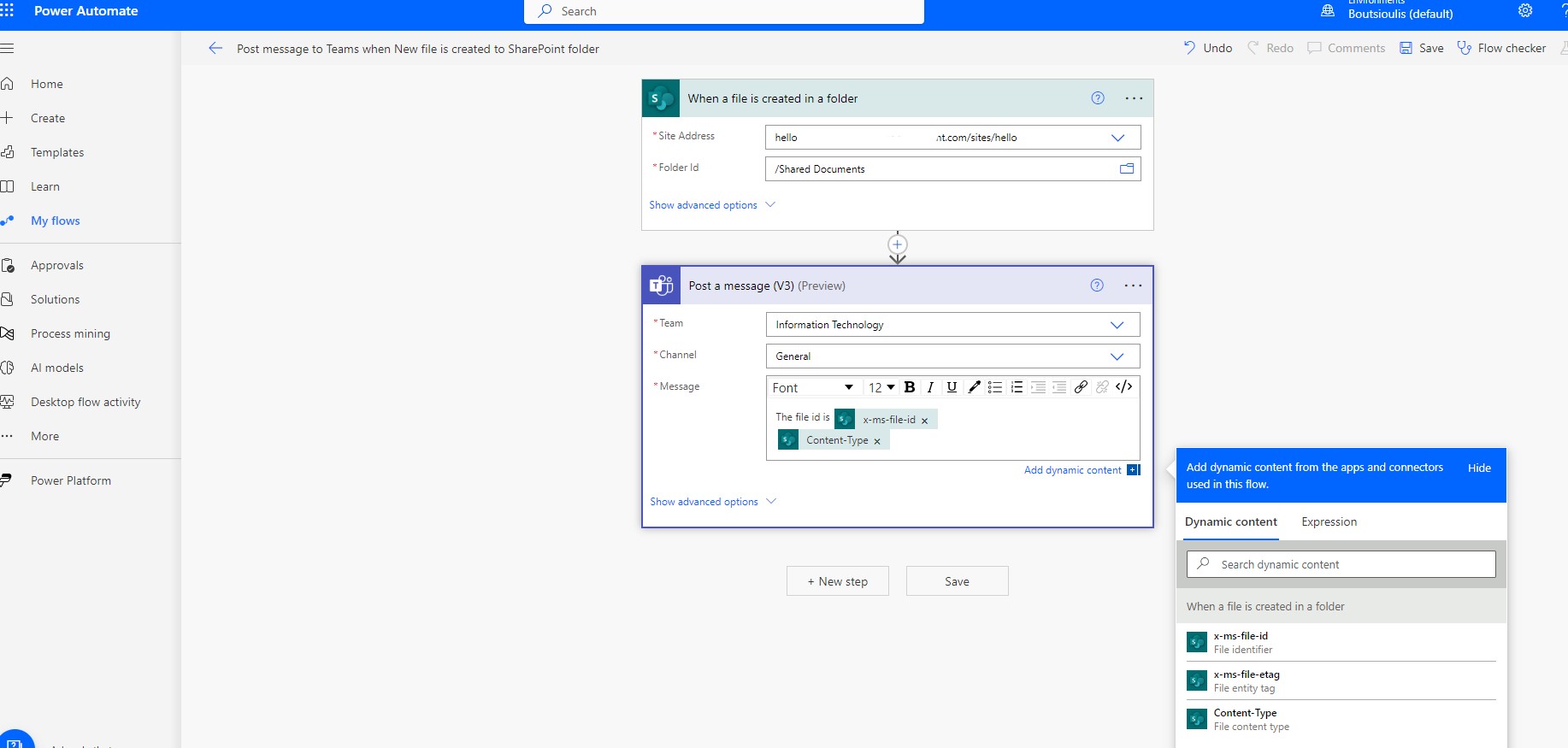
At the same time we can configure the body of the message as we wish using dynamic content which we derive from the properties of the message when a file is created (this is the properties of the record when it is created)
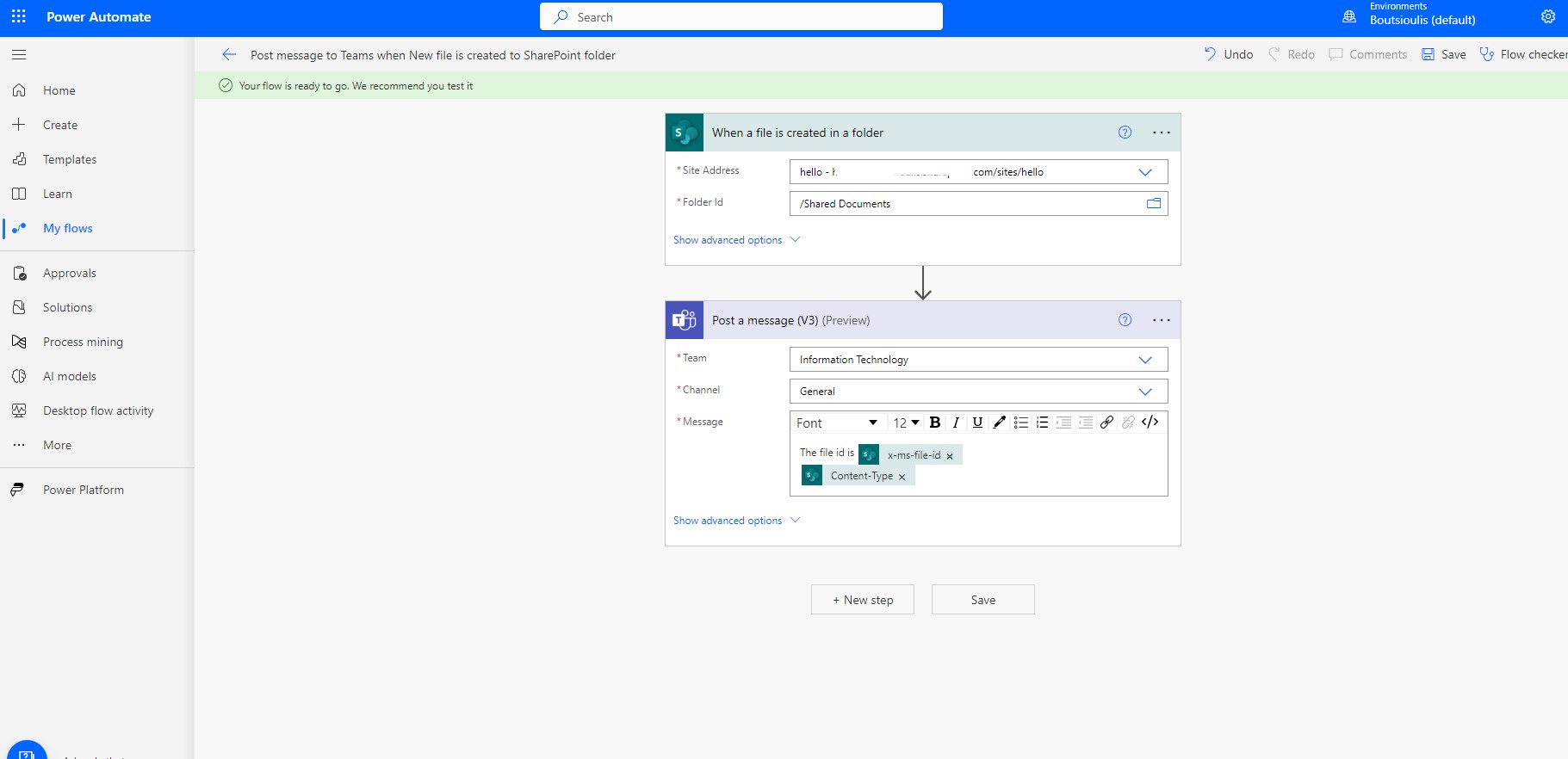
Next step is to save our automate before executing it
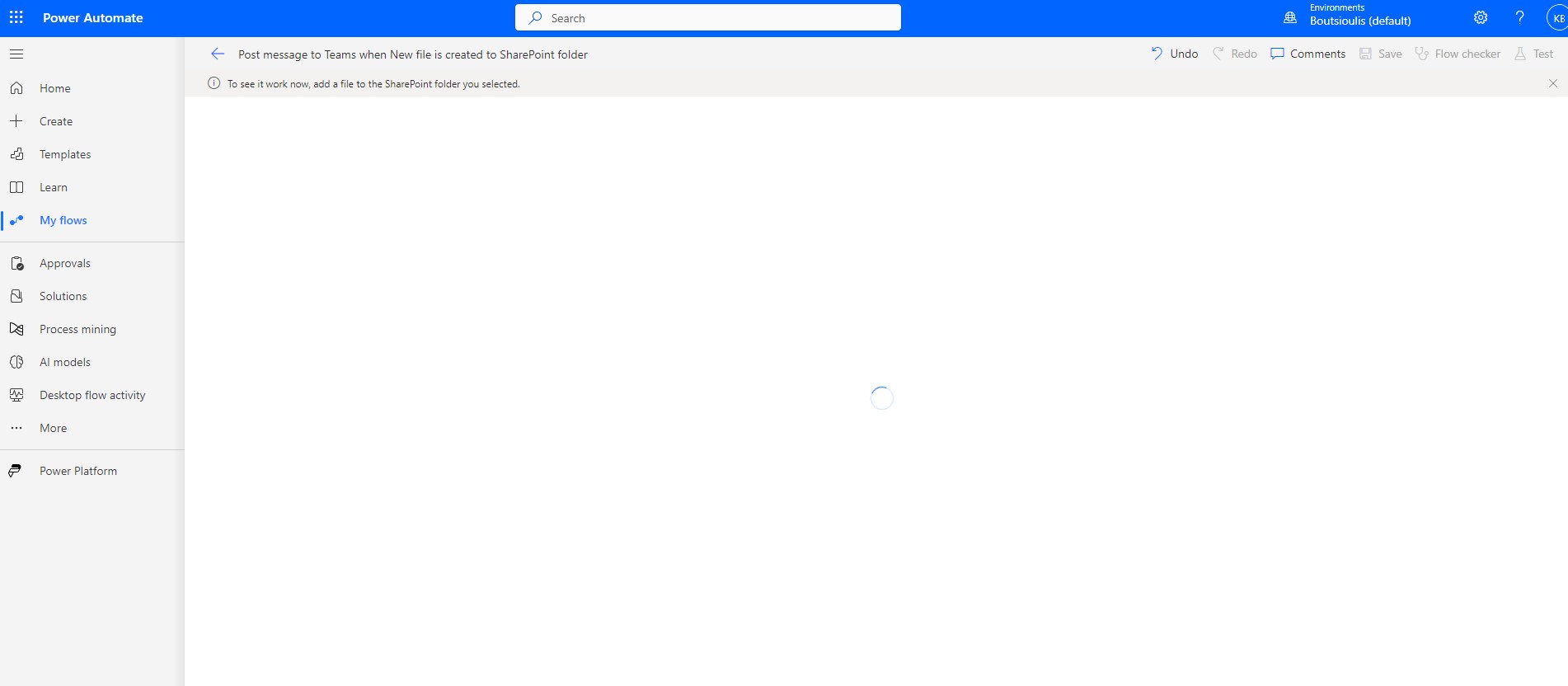
And the next step is to manually execute our automate test
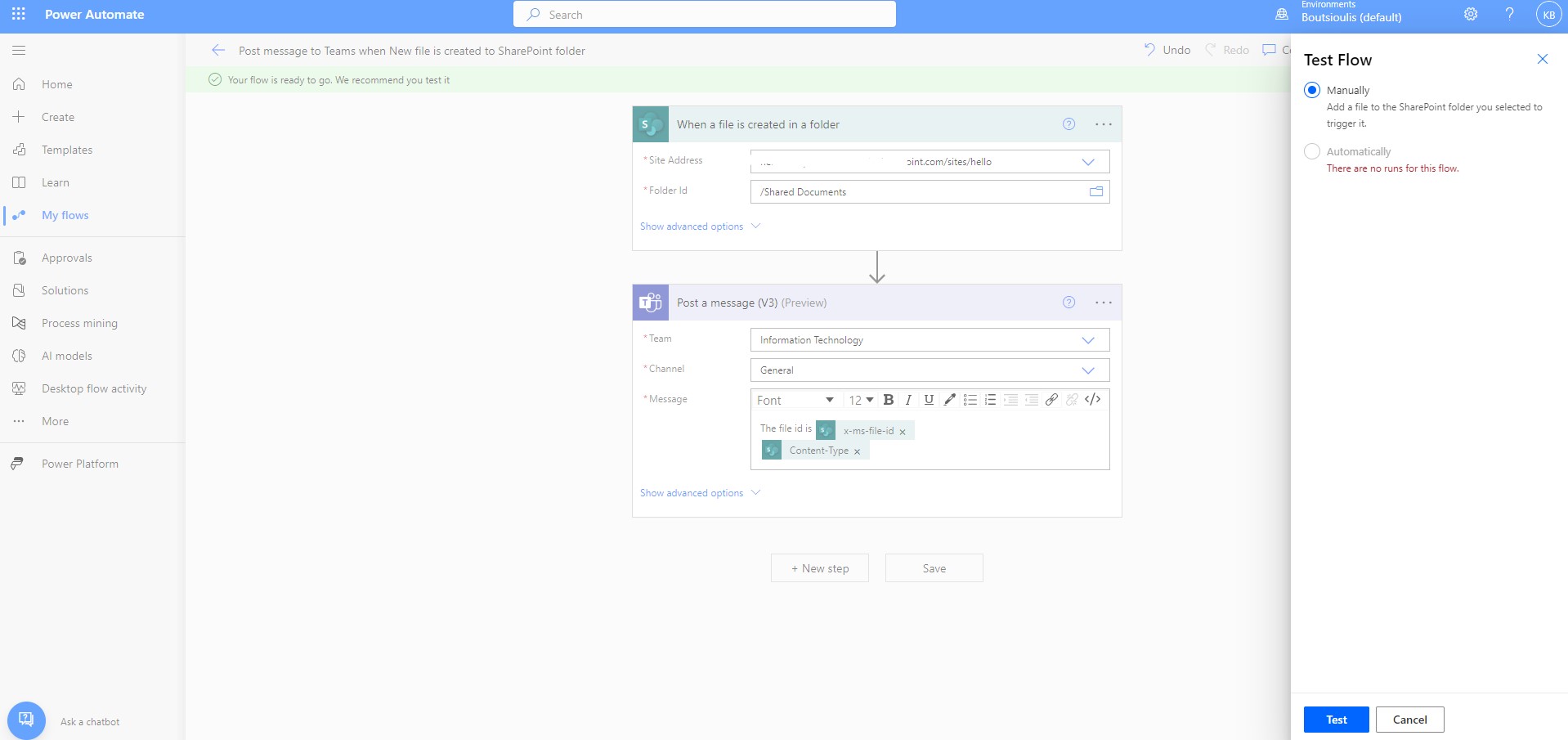
The automate stays active and waits for a file to be created in the library so that the test can run.
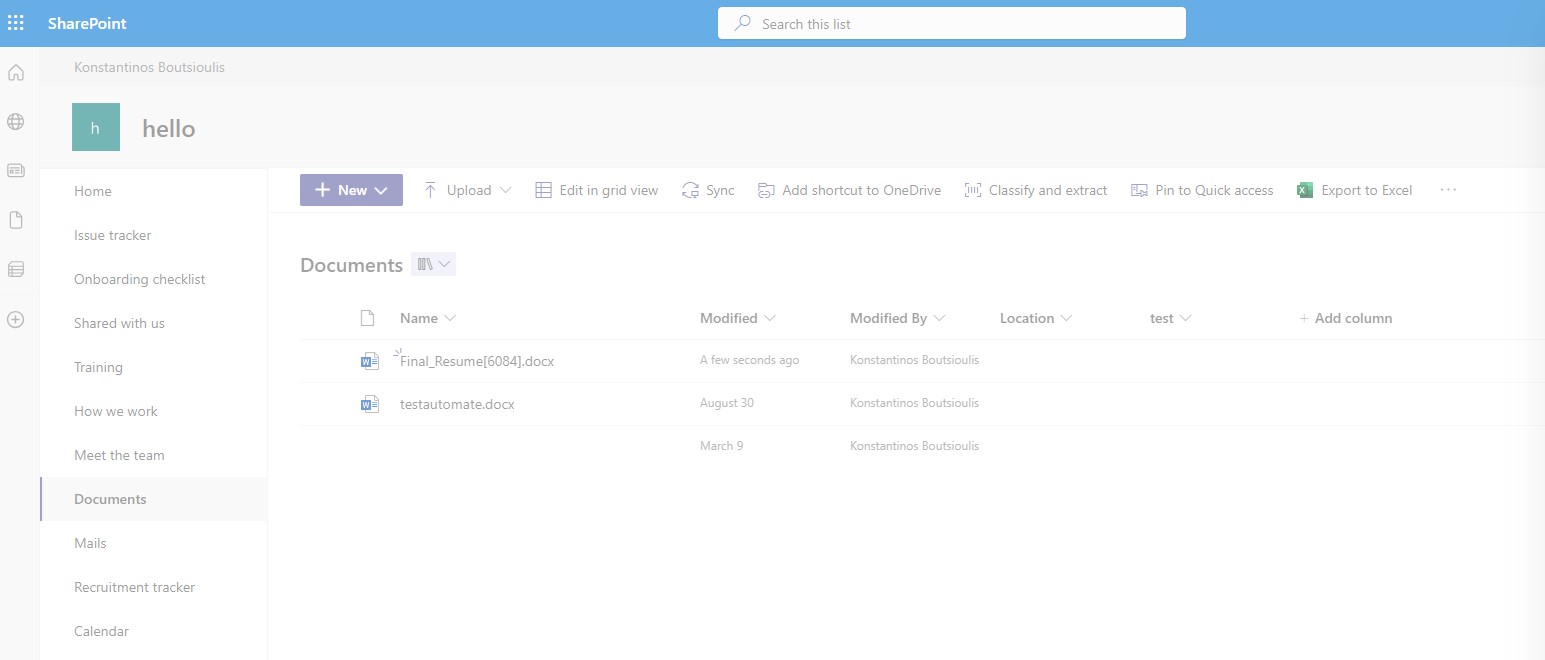
We go to the library in SharePoint and upload a file (I uploaded a resume of my own)
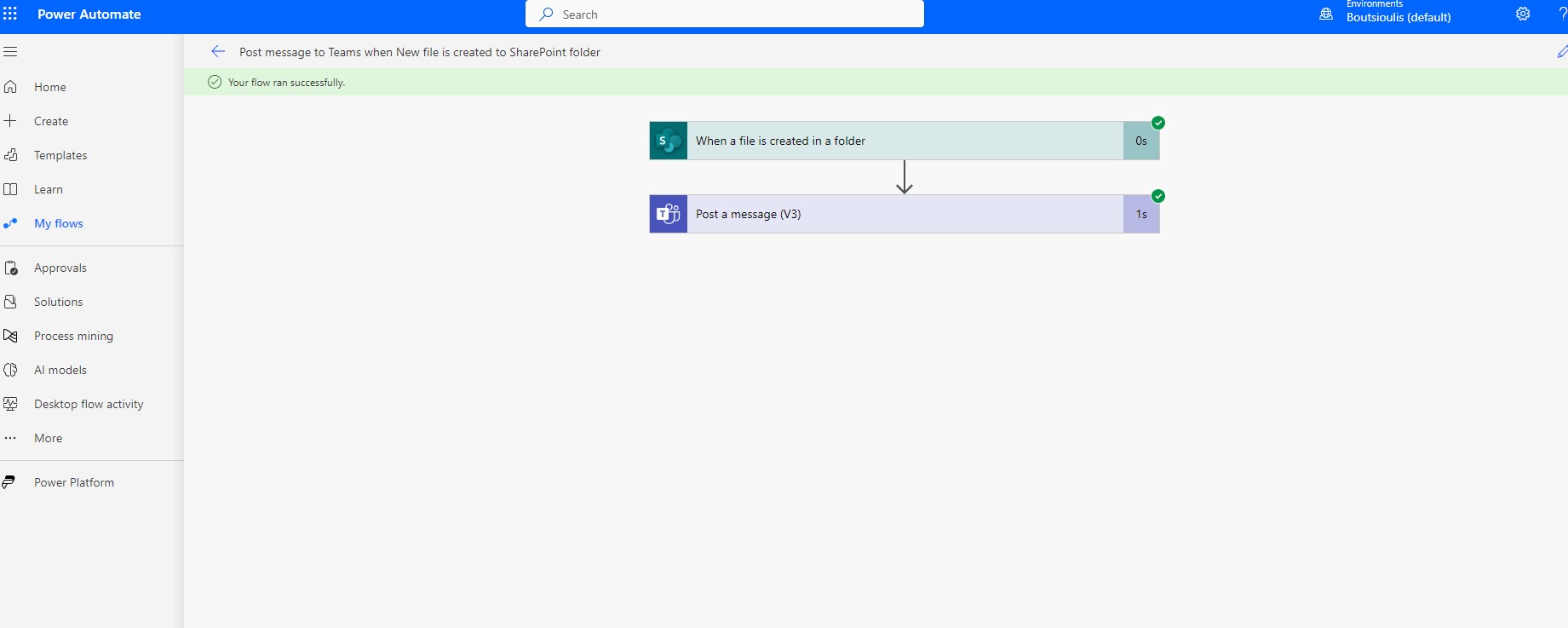
Indeed automate worked normally and there was no error during execution
We now go to the teams in the team we selected and the channel we selected and finally as you can see the message has been sent to the specific channel
 #technology
#microsoft
#PowerApps
#PowerAutomates
#digitaltransformation
#cloud
#mvpbuzz
#m365
#SharePoint
#technology
#microsoft
#PowerApps
#PowerAutomates
#digitaltransformation
#cloud
#mvpbuzz
#m365
#SharePoint
Visit Archives below to find more articles about Microsoft technologies on Modern Workplace