
Free Material
Find hereMore than 150 Articles about Microsoft Technologies on Modern Workplace
Official Site
Microsoft Most Valuable Professional M365 Apps & Services
Microsoft Most Valuable Professional Business Applications
Consultant & Sr Cloud Solution Architect Modern Wokrplace
Find hereMore than 150 Articles about Microsoft Technologies on Modern Workplace
08 September 2023
In today’s article we will see how we can activate Microsoft Loop Preview on our tenant First we need to create a group in Azure Active Directory which will contain the users we want to apply this activation to With the usual procedure from Azure Active Directory we create our group I have named it for this employees guide
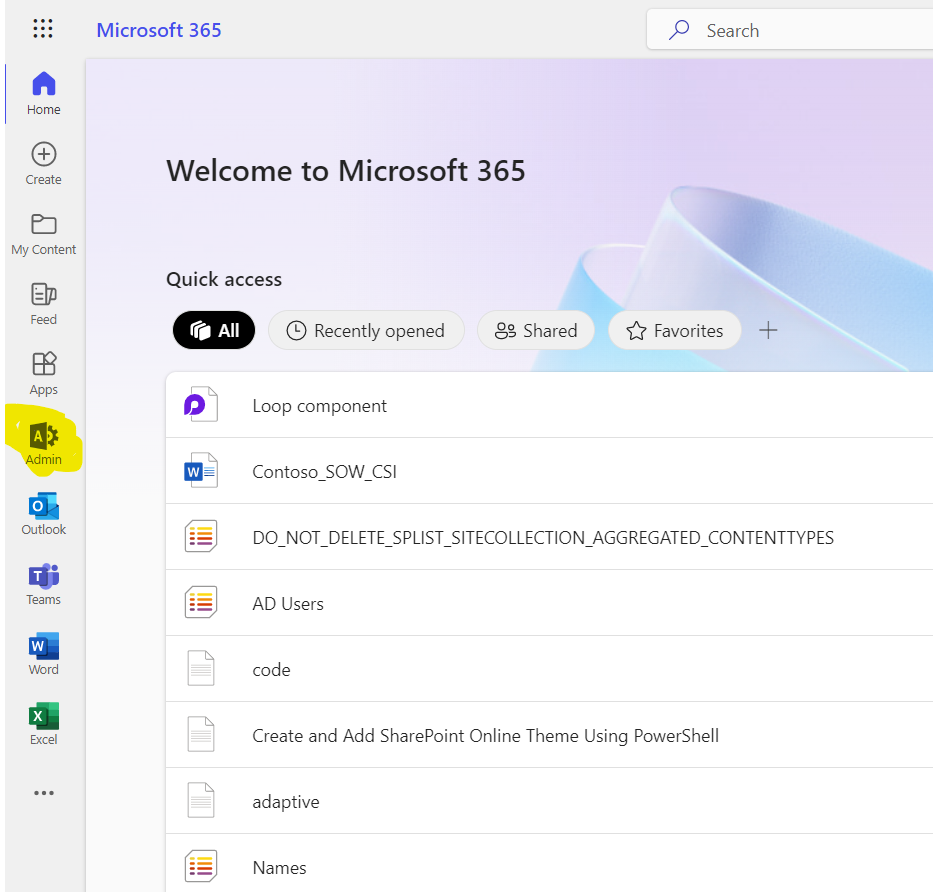
Choose Admin from the left pane and
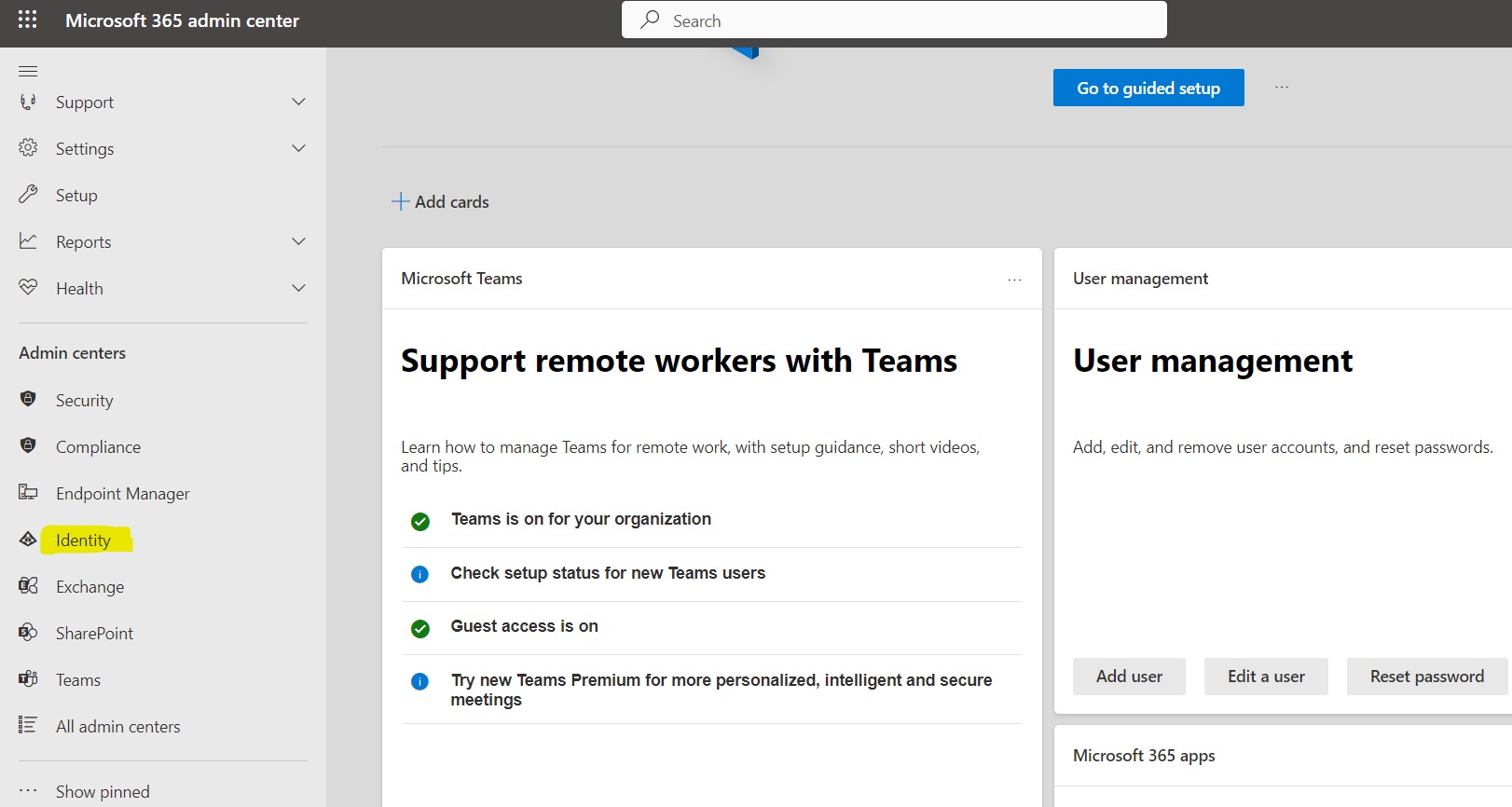
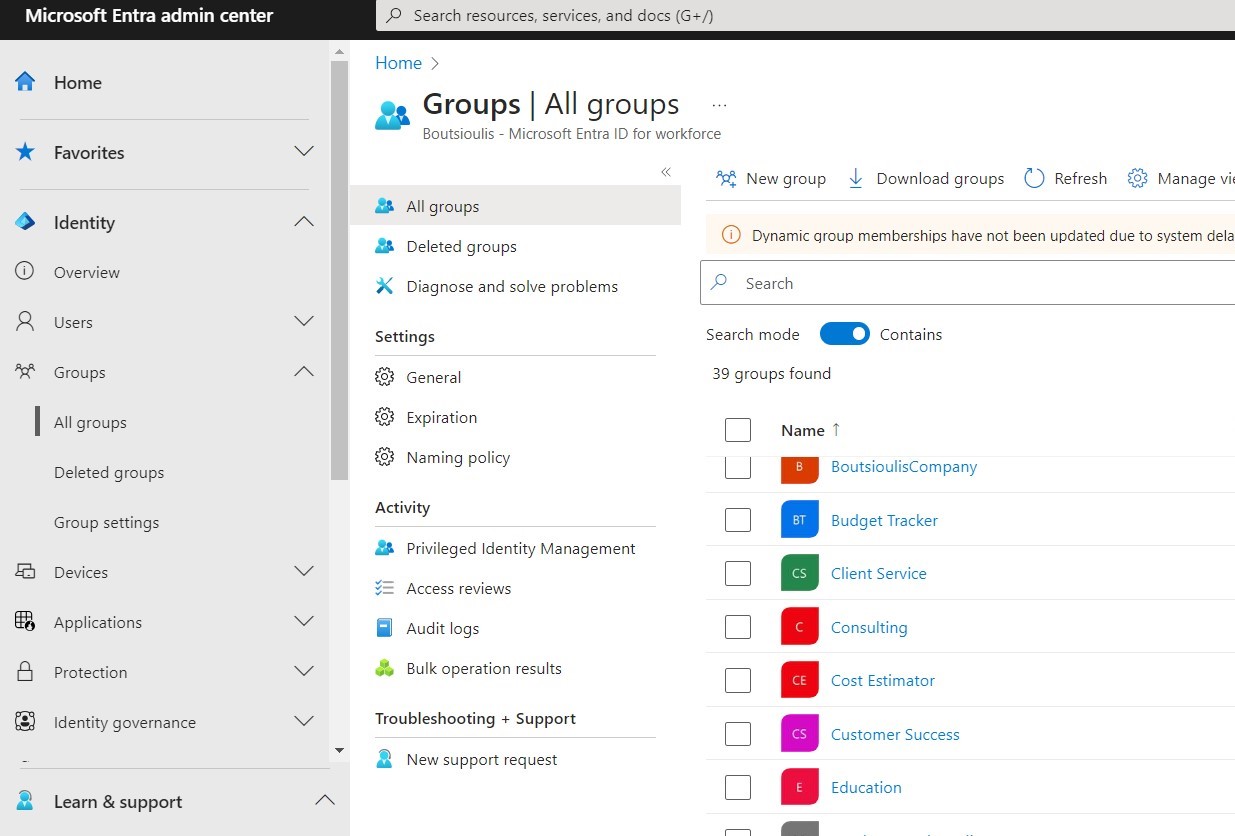
then choose Azure Active Directory Then you have to press All Groups Under Groups Section and in the next step press New Group
Then you need to create a Microsoft 365 Group type and complete the necessary fields
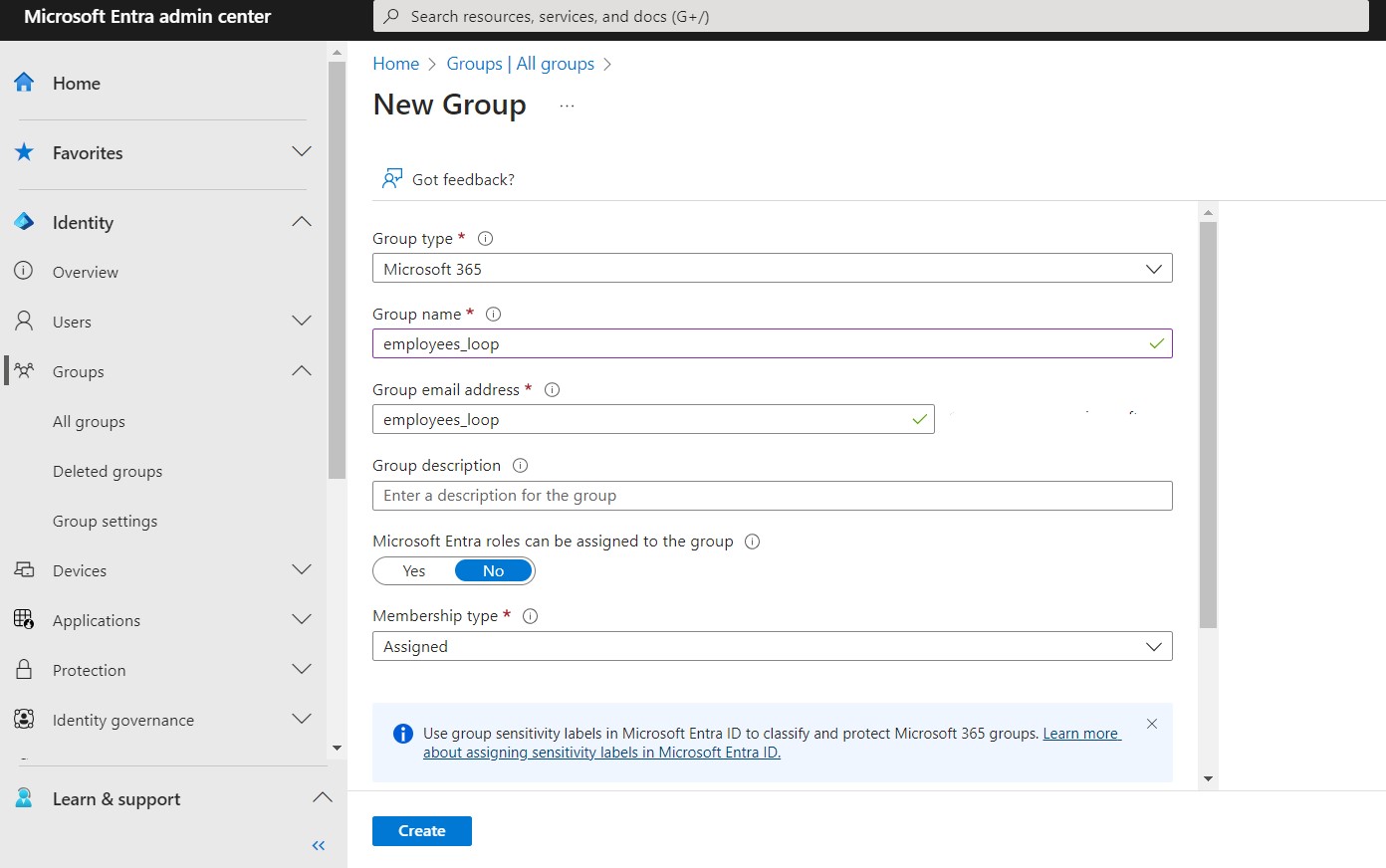
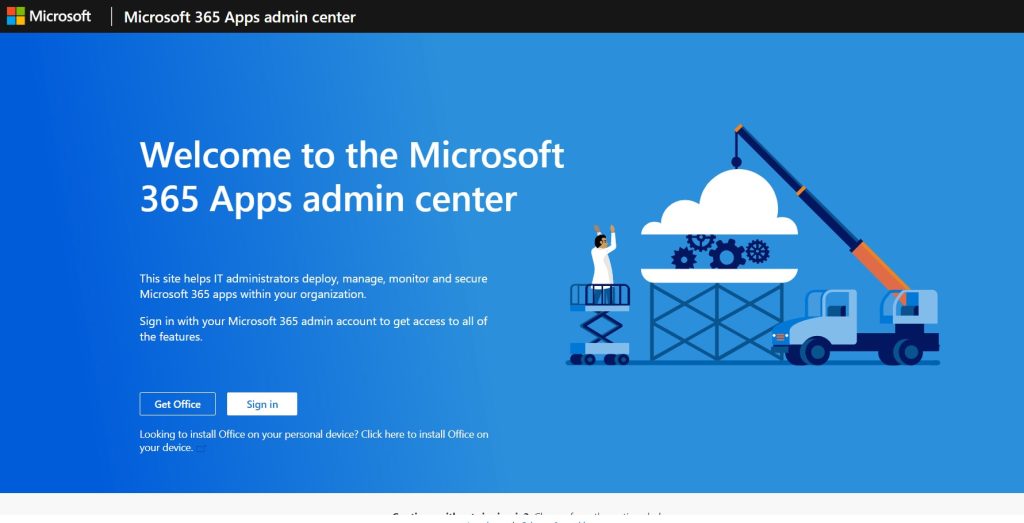
At last add Owners and Members for your group And now we are ready to start the procedure to activate Microsoft Loop .At first we need to create a cloud policy for which users we want to enable Microsoft Loop Login to the following url address Microsoft 365 Apps admin center (office.com)
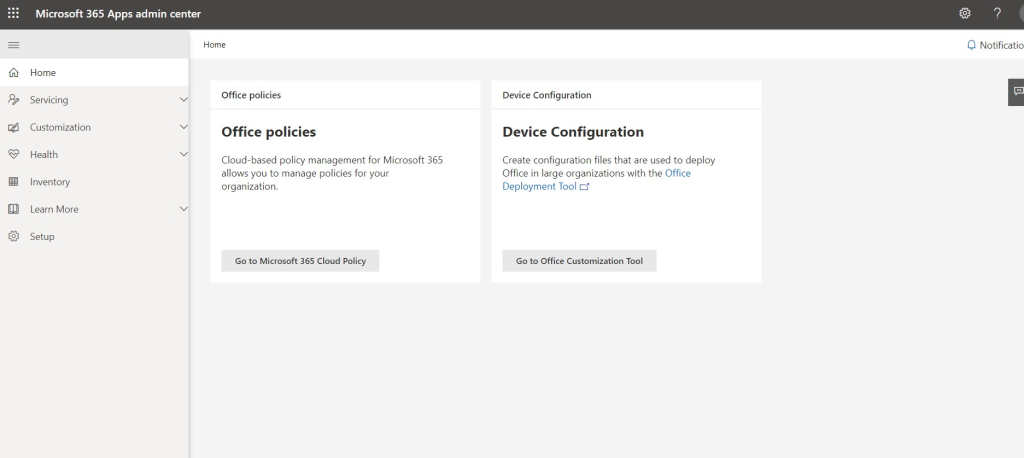
In the next step we select Go to Microsoft 365 Cloud Policy
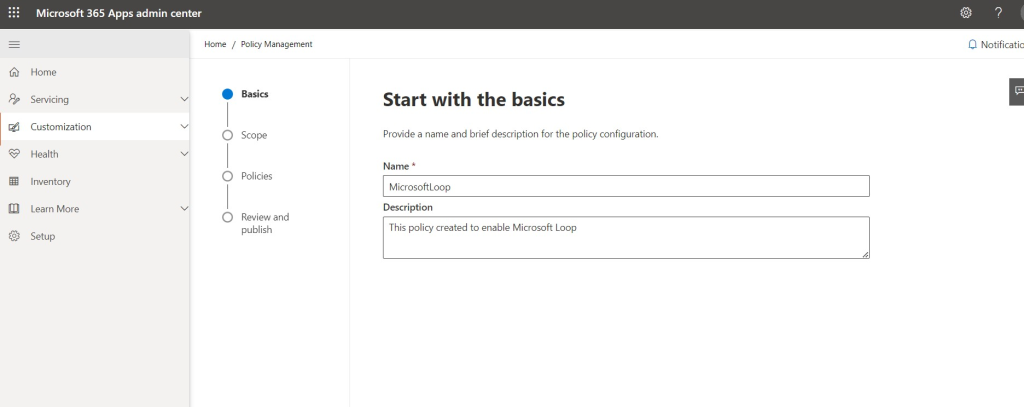
In the next step we select Create and now we’re starting the process of creating our cloud policy First we need to enter a name and description for the cloud policy as shown below
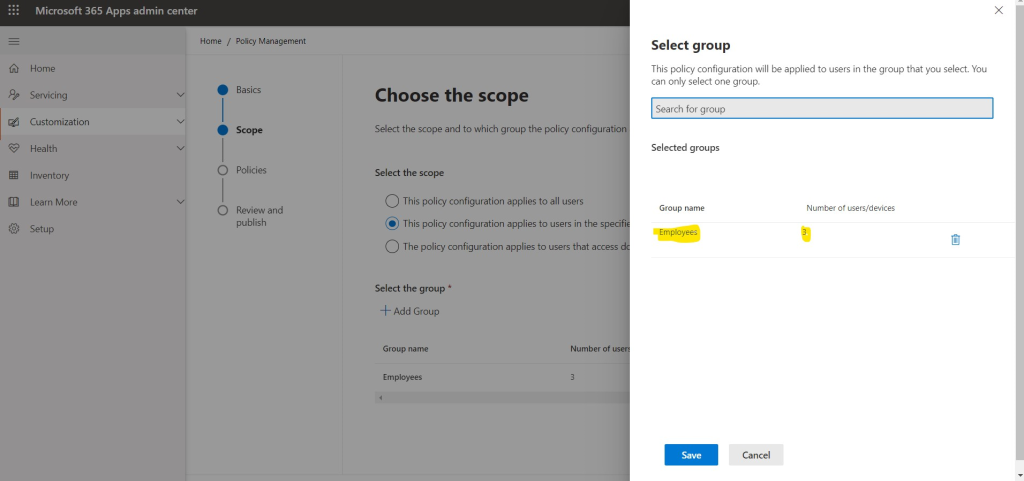
In the next step we select This policy configuration applies to users in the specific group
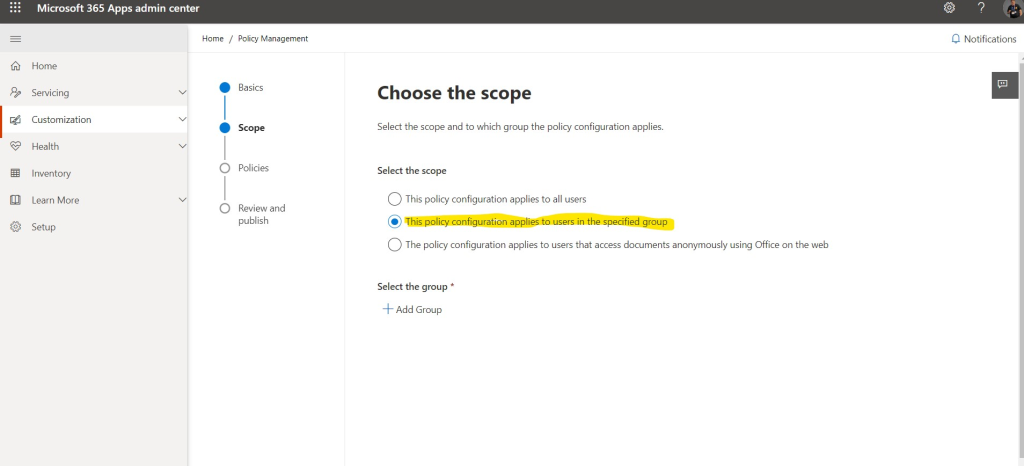
And then we have to add the group (for me it is the employee group ) and press save
in the next step we have to activate 3 basic policies in the settings
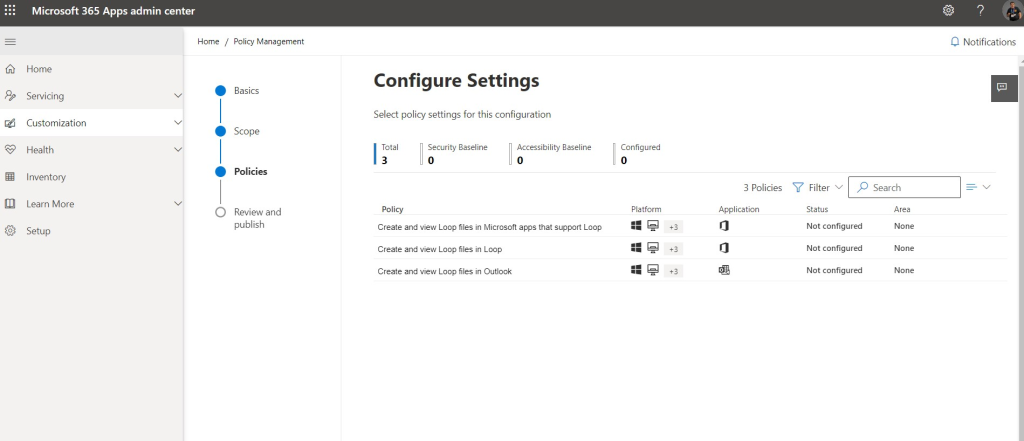
we will have to search for these 3 policies and for each of them individually select Enabled as shown in the photos below
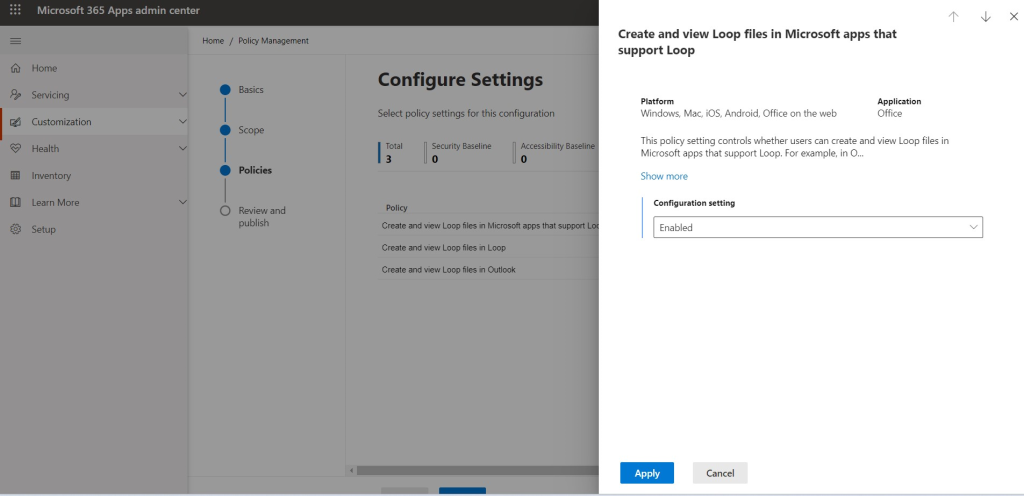
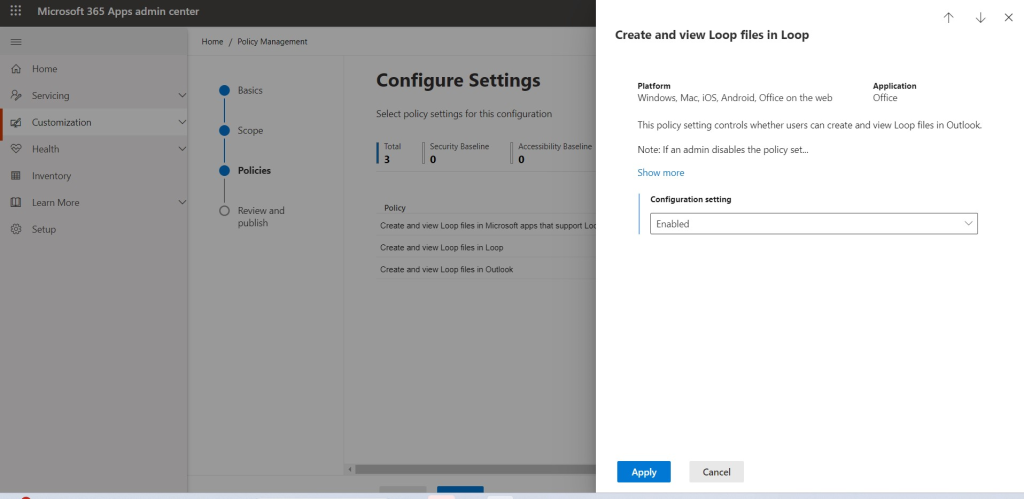
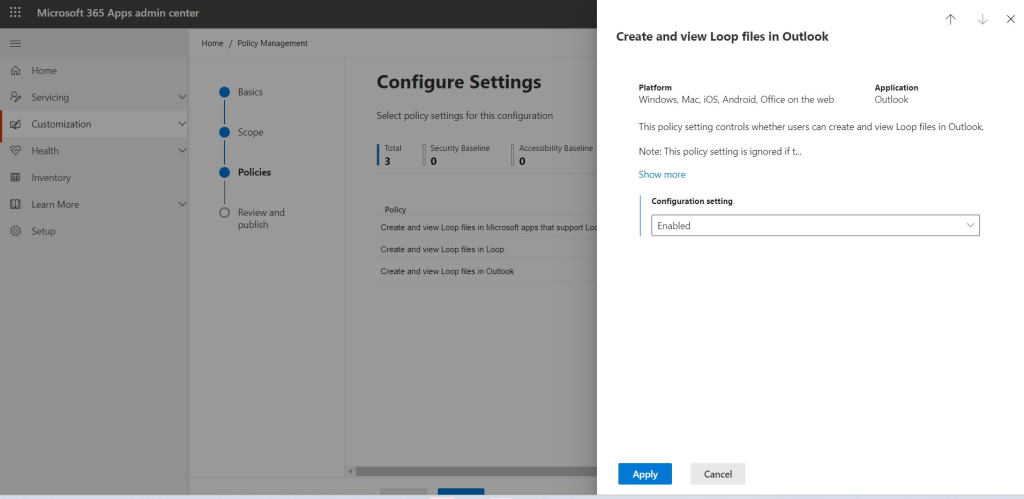
At the end we see the review of the configuration
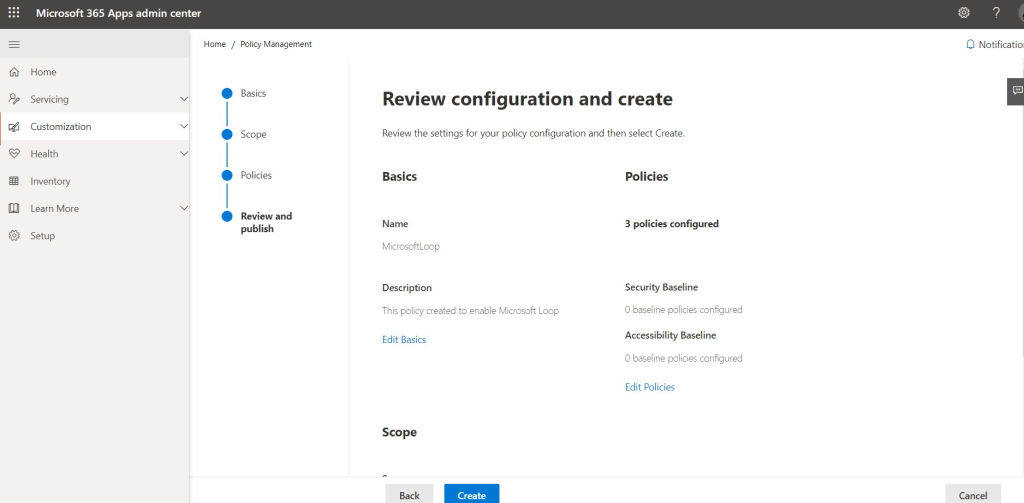
Press create and you will create and publish this new cloud policy
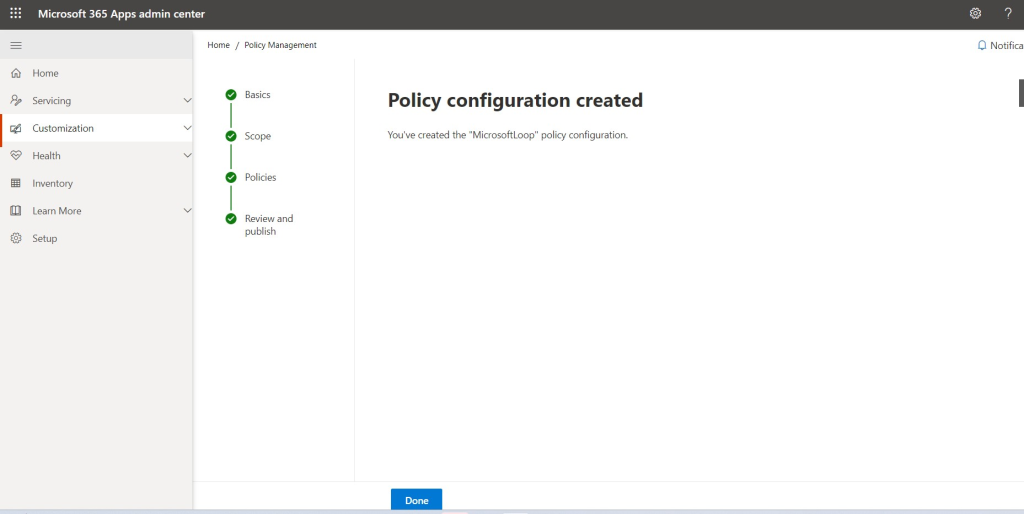
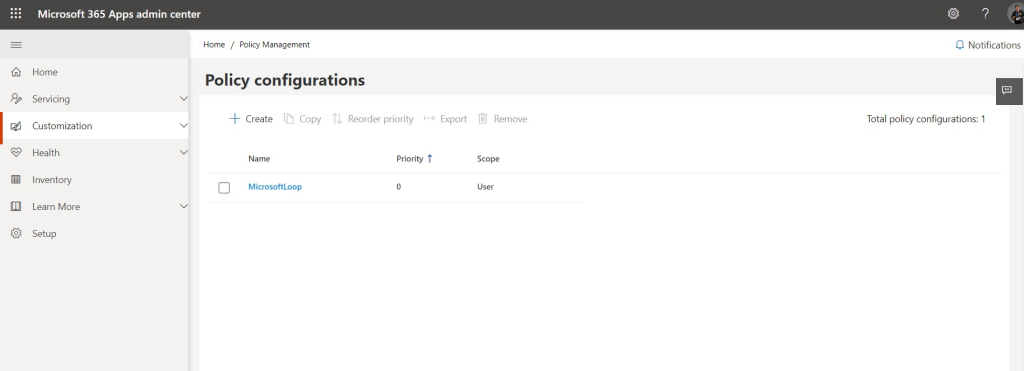
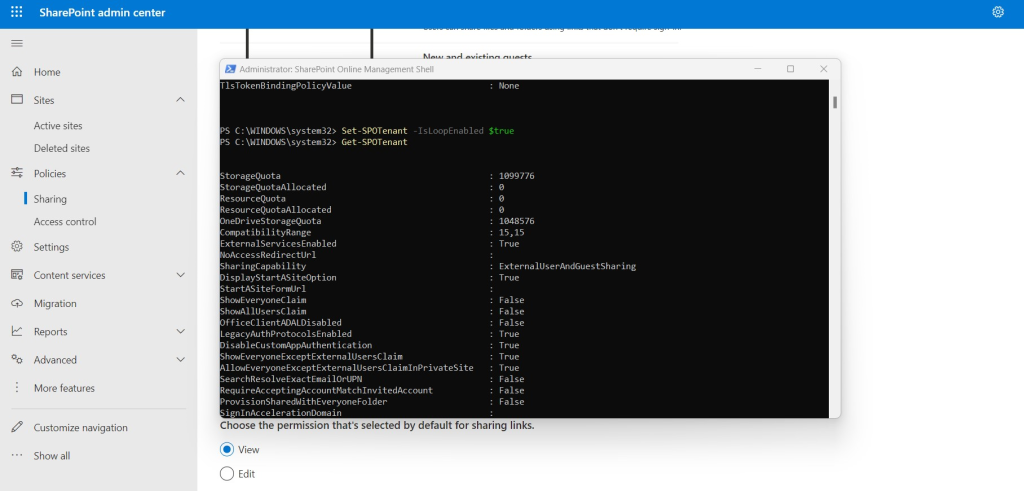
Next step is to activate Microsoft Loop from Management Shell with administrative rights during the execution with the command Set-SPOTenant -IsLoopEnabled $true
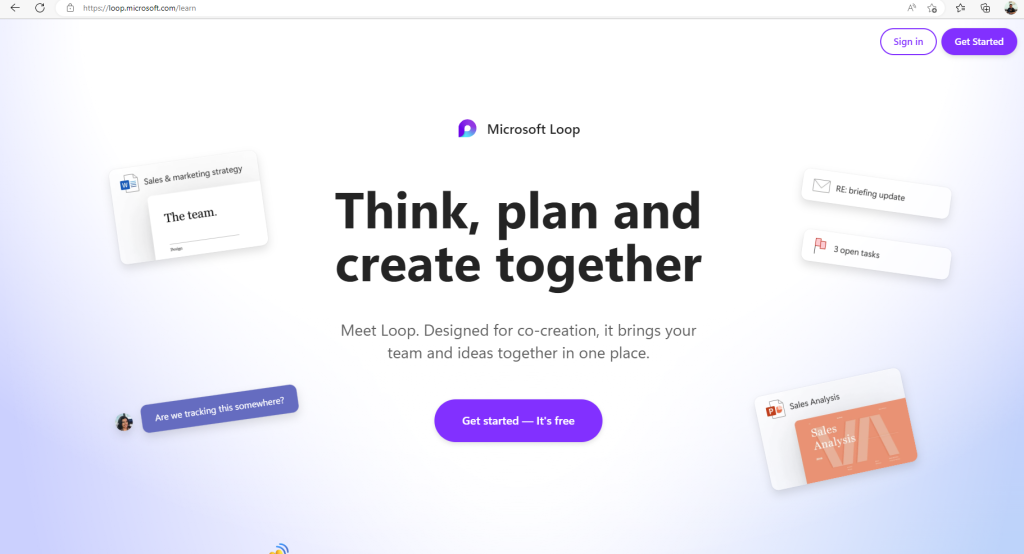
At last you need to navigate to https://loop.microsoft.com/ and login
Now you are ready to use Microsoft Loop
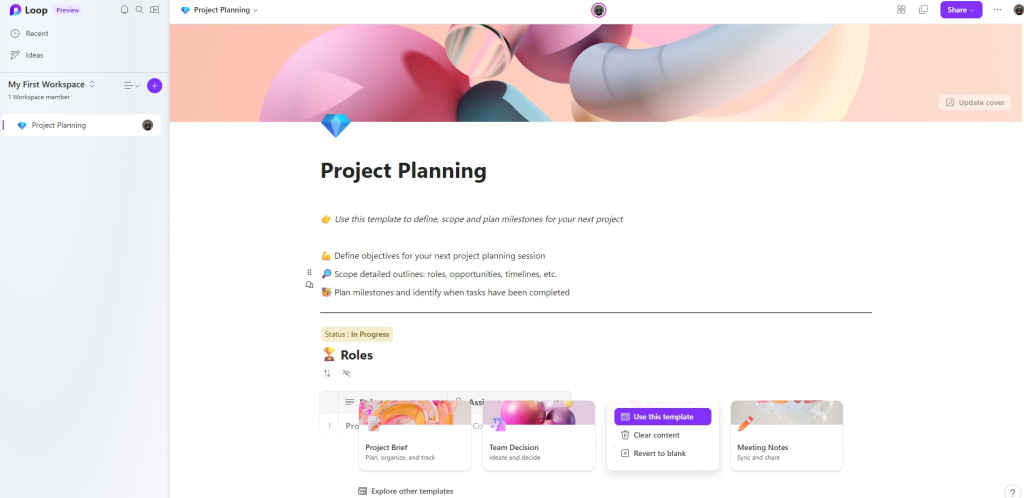
Now you are For more information about Microsoft Loop Visit the official site of Microsoft Loop
Microsoft Loop Official siteto use Microsoft Loop
#SharePoint #technology #microsoft #Loop #Onedrive #digitaltransformation #cloud #mvpbuzz #m365Visit Archives below to find more articles about Microsoft technologies on Modern Workplace