
Free Material
Find hereMore than 150 Articles about Microsoft Technologies on Modern Workplace
Official Site
Microsoft Most Valuable Professional M365 Apps & Services
Microsoft Most Valuable Professional Business Applications
Consultant & Sr Cloud Solution Architect Modern Wokrplace
Find hereMore than 150 Articles about Microsoft Technologies on Modern Workplace
25 September 2023
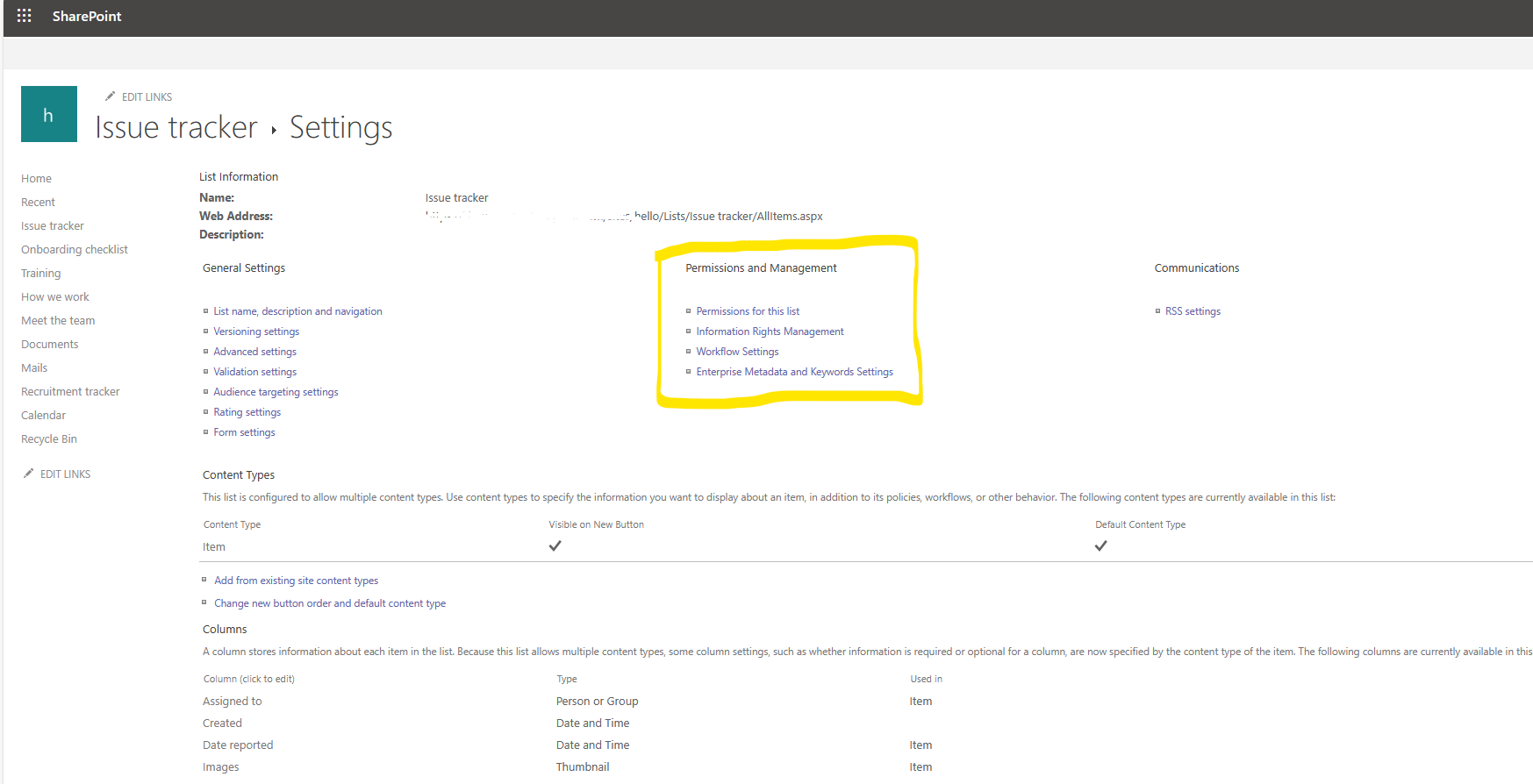
In today's post I will show you how we can disable delete for a SharePoint Online List This procedure is very important considering that this way we ensure that no non-admins but with user rights can delete our list As you can see in the figure below from the settings of the custom list I have created in the second column the option delete this list appears by default
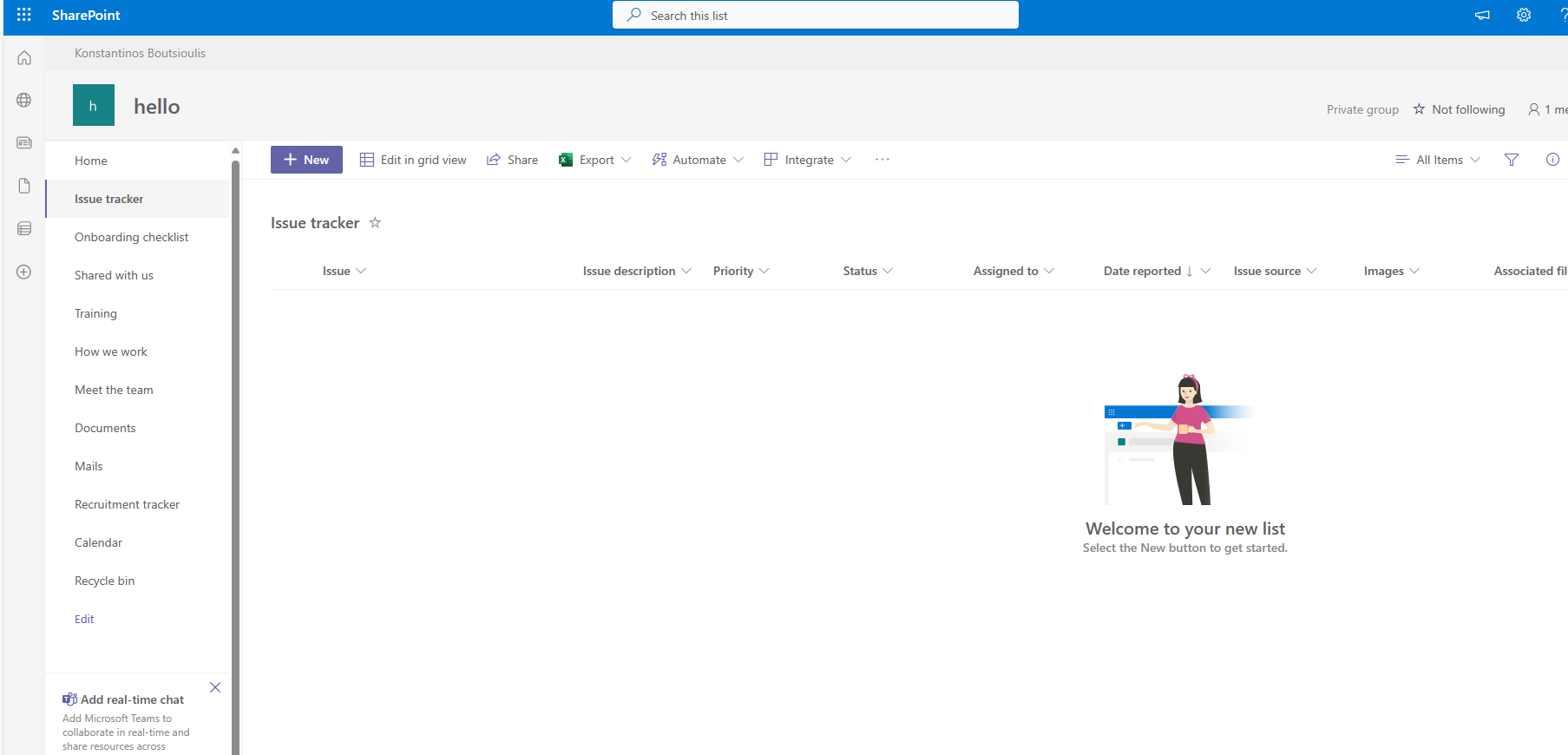
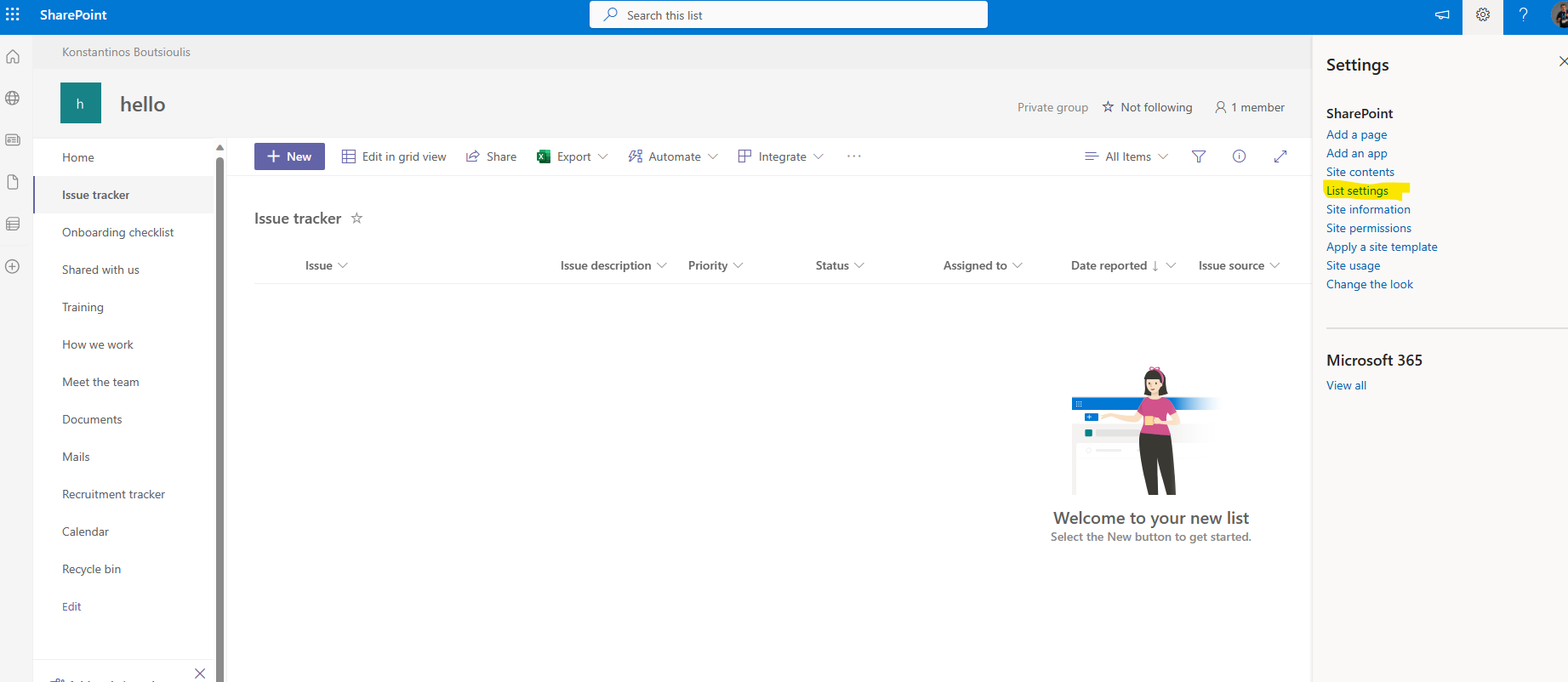
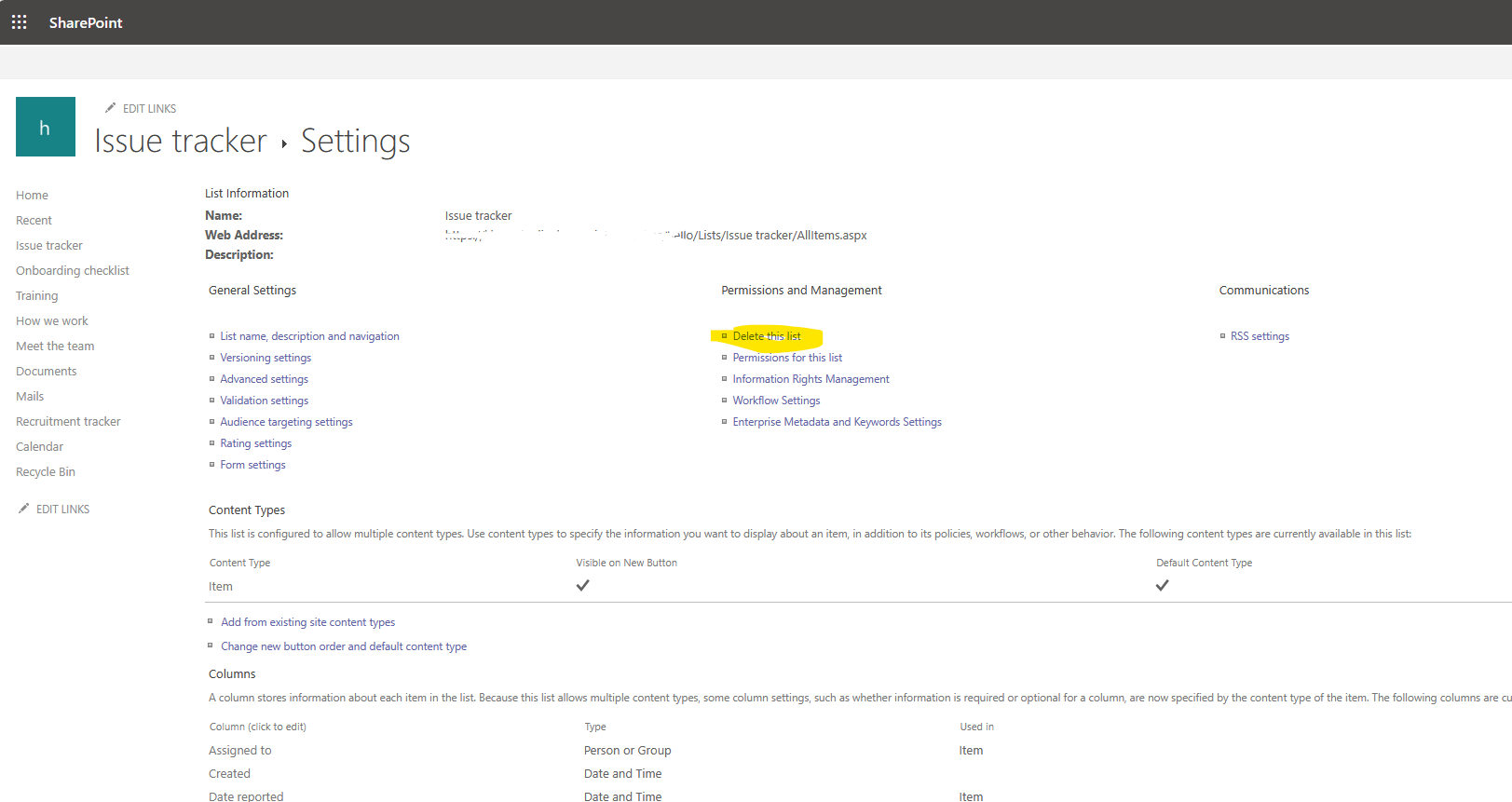
Using PowerShell and SharePoint Online mamagenet Shell always with admin permissions we can deactivate this option which is very important to protect our lists from deletion
# Declare Variables
$SiteURL = "https://mytenant.sharepoint.com/sites/hello"
$CustomList = "Issue tracker"
#Connect with SharePoint Online
Connect-PnPOnline -Url $SiteURL -UseWebLogin
#Disable delete List item
$List = Get-PnPList -Identity $CustomList -Includes AllowDeletion
$List.AllowDeletion = $true
$List.Update()
Invoke-PnPQuery
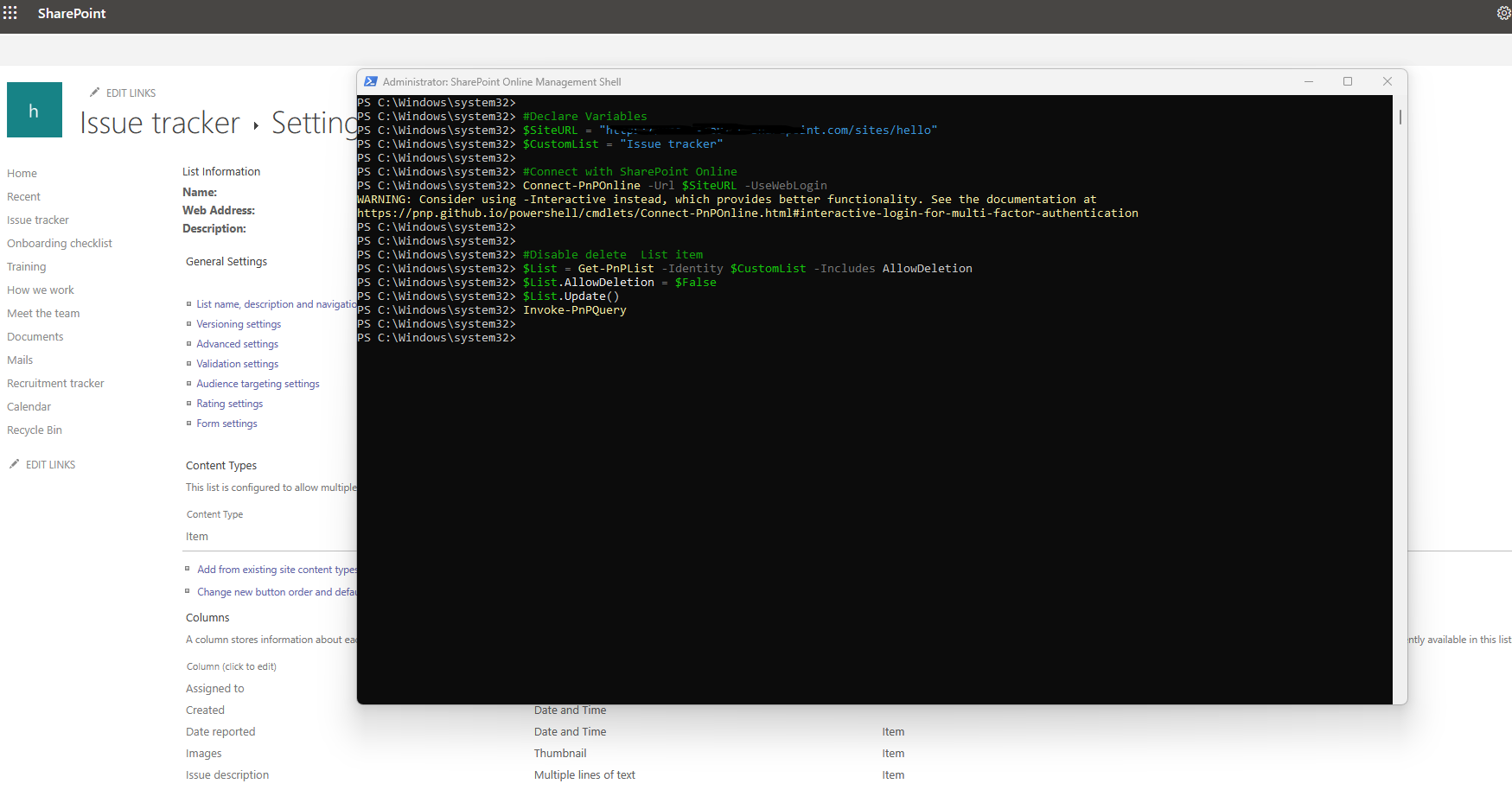
And now as you can see it is not any more available this option (delete list ) from list settings
 #SharePoint
#technology
#microsoft
#PowerShell
#PnP
#digitaltransformation
#cloud
#mvpbuzz
#m365
#SharePoint
#technology
#microsoft
#PowerShell
#PnP
#digitaltransformation
#cloud
#mvpbuzz
#m365
Visit Archives below to find more articles about Microsoft technologies on Modern Workplace