
Free Material
Find hereMore than 150 Articles about Microsoft Technologies on Modern Workplace
Official Site
Microsoft Most Valuable Professional M365 Apps & Services
Microsoft Most Valuable Professional Business Applications
Consultant & Sr Cloud Solution Architect Modern Wokrplace
Find hereMore than 150 Articles about Microsoft Technologies on Modern Workplace
23 September 2023
In this article I will show you how we can create a new column in a custom SharePoint List and select its data type. This could be done apo to front end enviroment with a few simple clicks. But as we have said in the past process automation is very important process for an organization especially in saving working time.
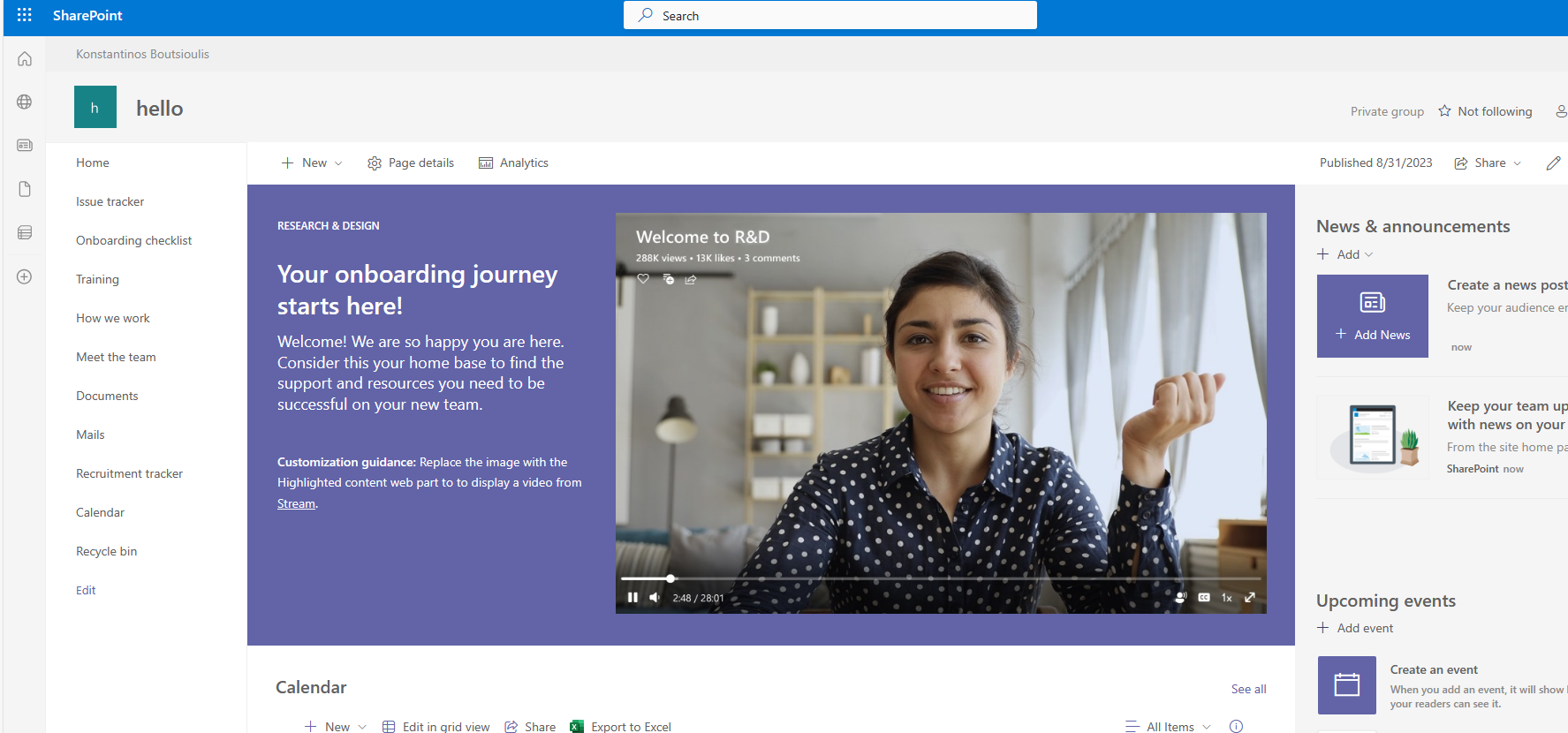
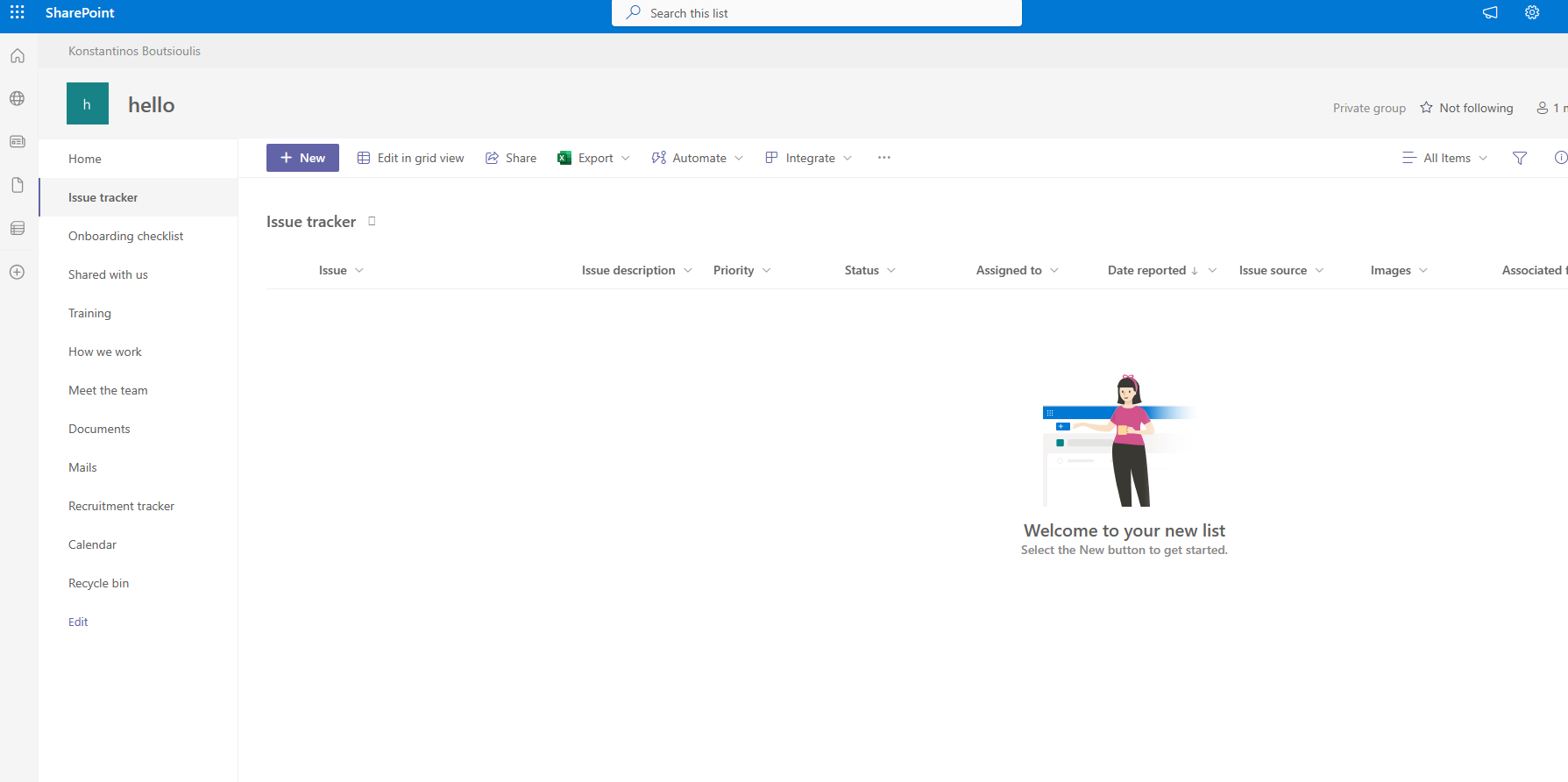
To achieve this from front end we need to go to List settings and Select create column We give it a name and select the type And so we have created our new column . This process could be done very easily using PowerShell By running the following PowerShell we get exactly the same result
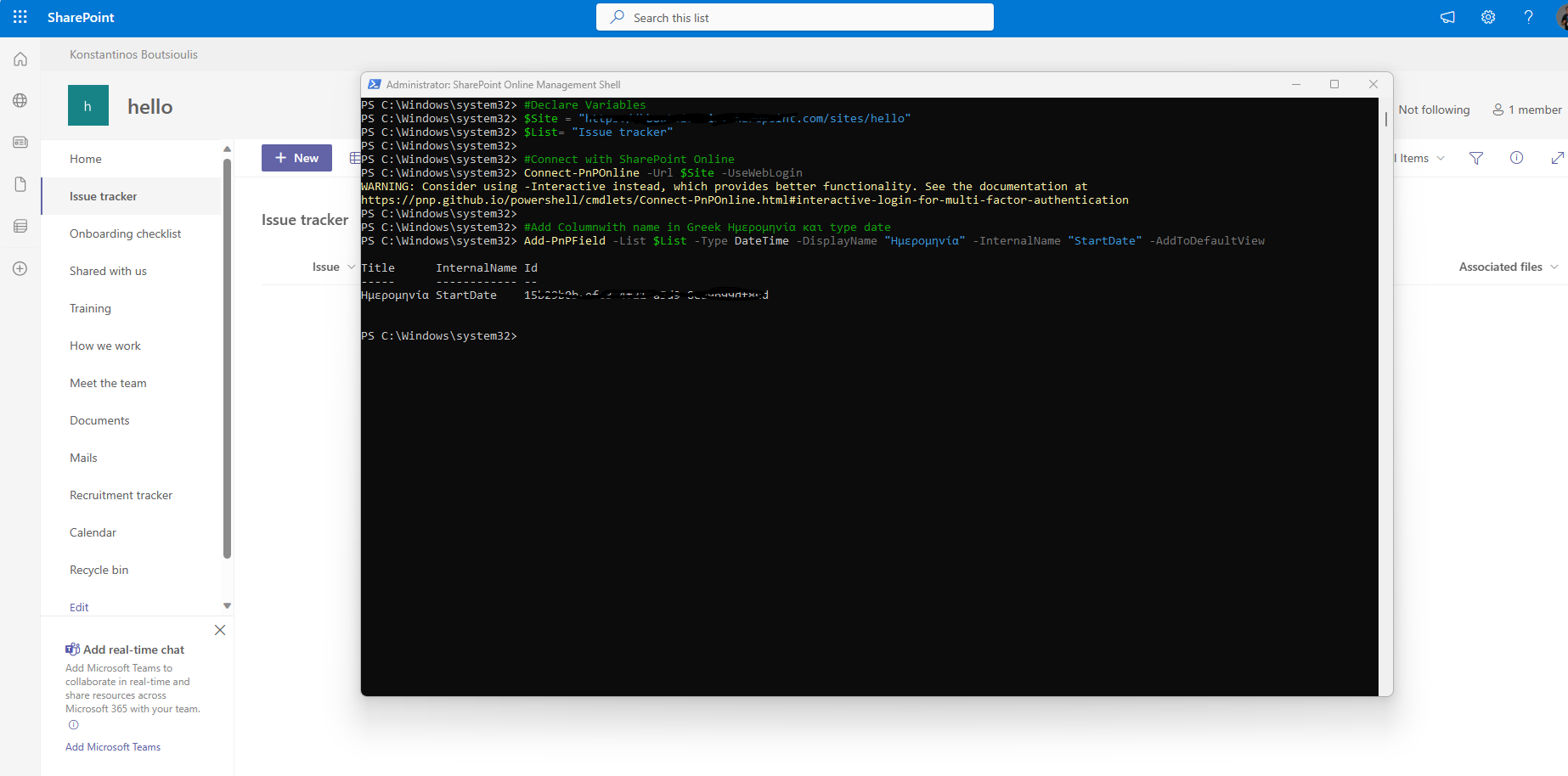
# Declare Variables
$Site = "https://mytenant.sharepoint.com/sites/hello"
$List= "Issue tracker"
#Connect with SharePoint Online
Connect-PnPOnline -Url $Site -UseWebLogin
#Add Columnwith name in Greek Ημερομηνία και type date
Add-PnPField -List $List -Type DateTime -DisplayName "Ημερομηνία" -InternalName "StartDate" -AddToDefaultView
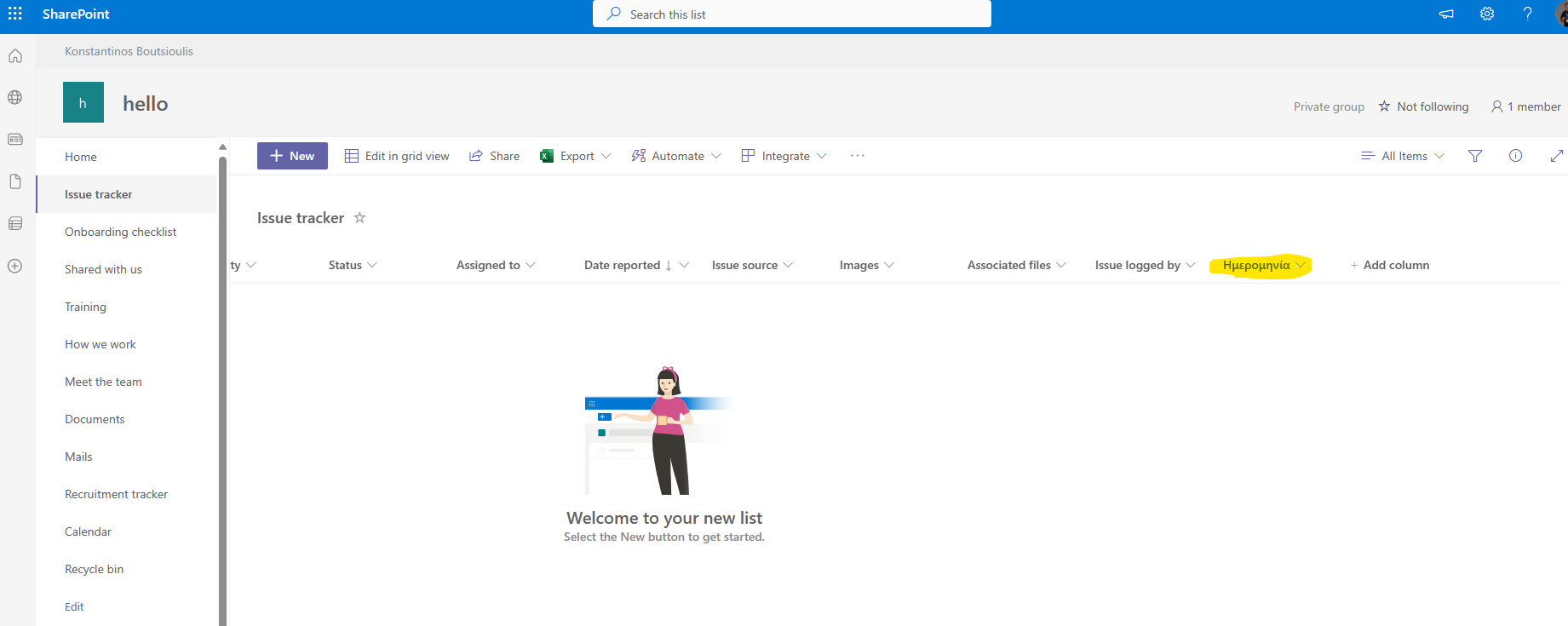
Finally as you can see we have a new column with greek name ημερομηνία which is type date .Also Using this powershell we add this column in the default view
 #SharePoint
#technology
#microsoft
#PowerShell
#PnP
#digitaltransformation
#cloud
#mvpbuzz
#m365
#SharePoint
#technology
#microsoft
#PowerShell
#PnP
#digitaltransformation
#cloud
#mvpbuzz
#m365
Visit Archives below to find more articles about Microsoft technologies on Modern Workplace