
Free Material
Find hereMore than 150 Articles about Microsoft Technologies on Modern Workplace
Official Site
Microsoft Most Valuable Professional M365 Apps & Services
Microsoft Most Valuable Professional Business Applications
Consultant & Sr Cloud Solution Architect Modern Wokrplace
Find hereMore than 150 Articles about Microsoft Technologies on Modern Workplace
01 October 2024
In today's article, we will see how to create a calendar web part in a classic experience site in SharePoint.
First, from our active subscription, we log into M365 and navigate to SharePoint on a page that is of the classic experience type.
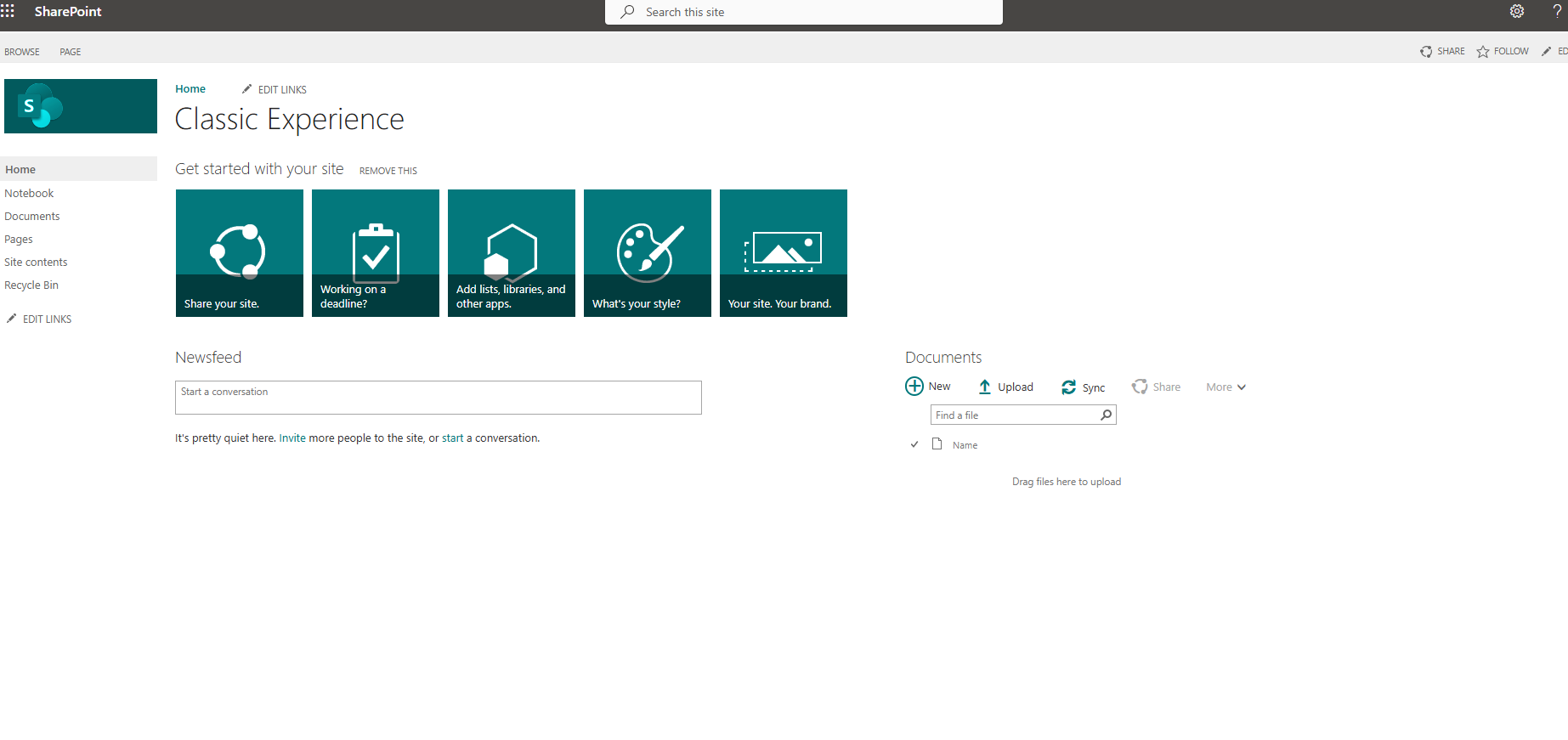
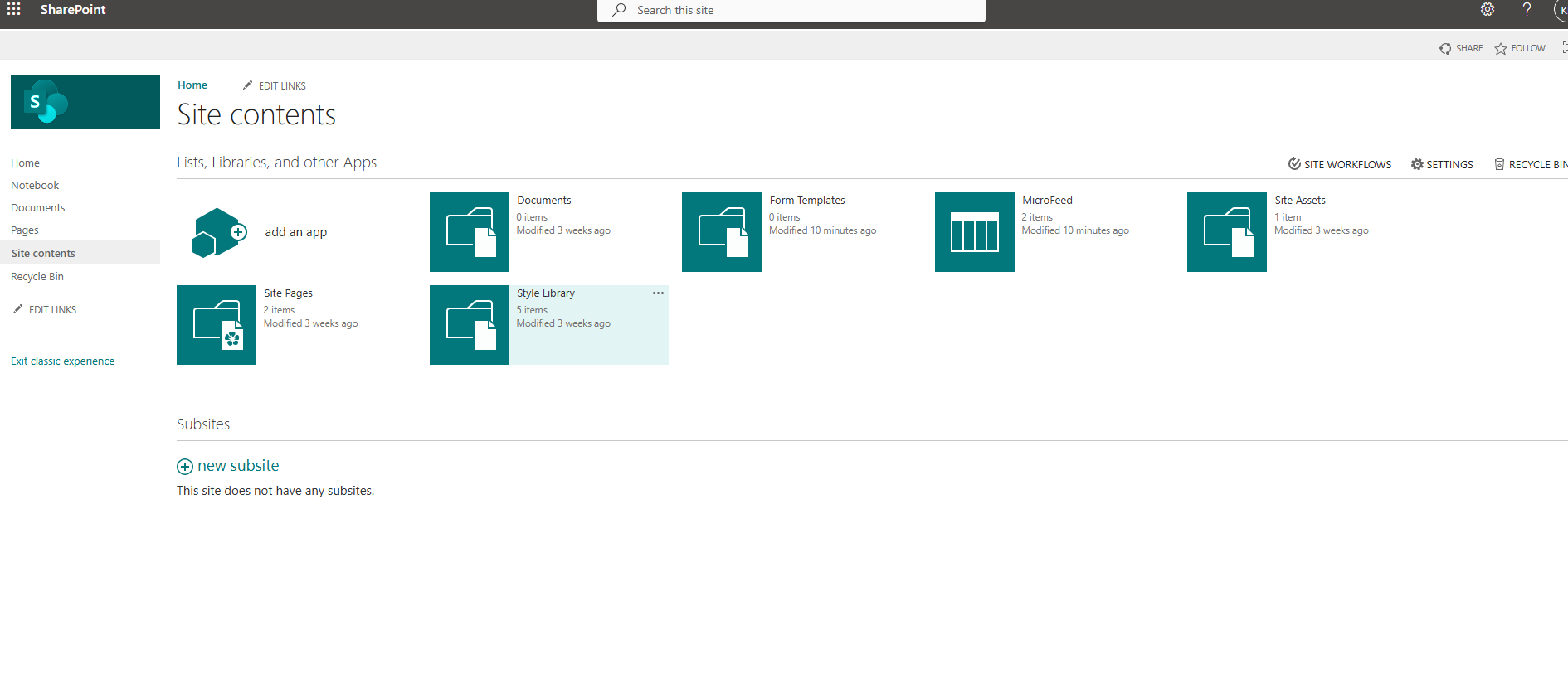
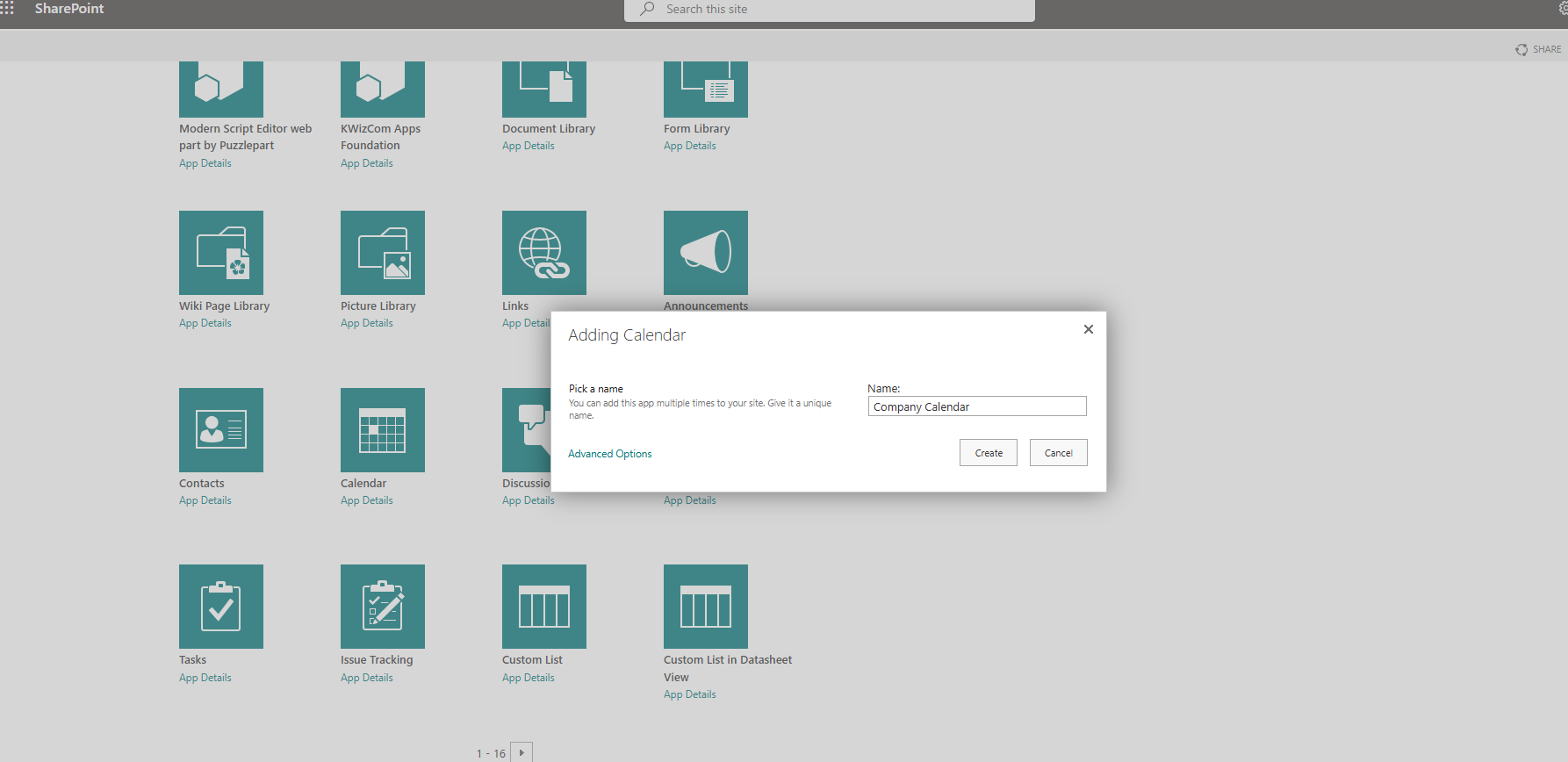
From the gear icon at the top right, select "site contents" and then on the transition page, select "add an app."
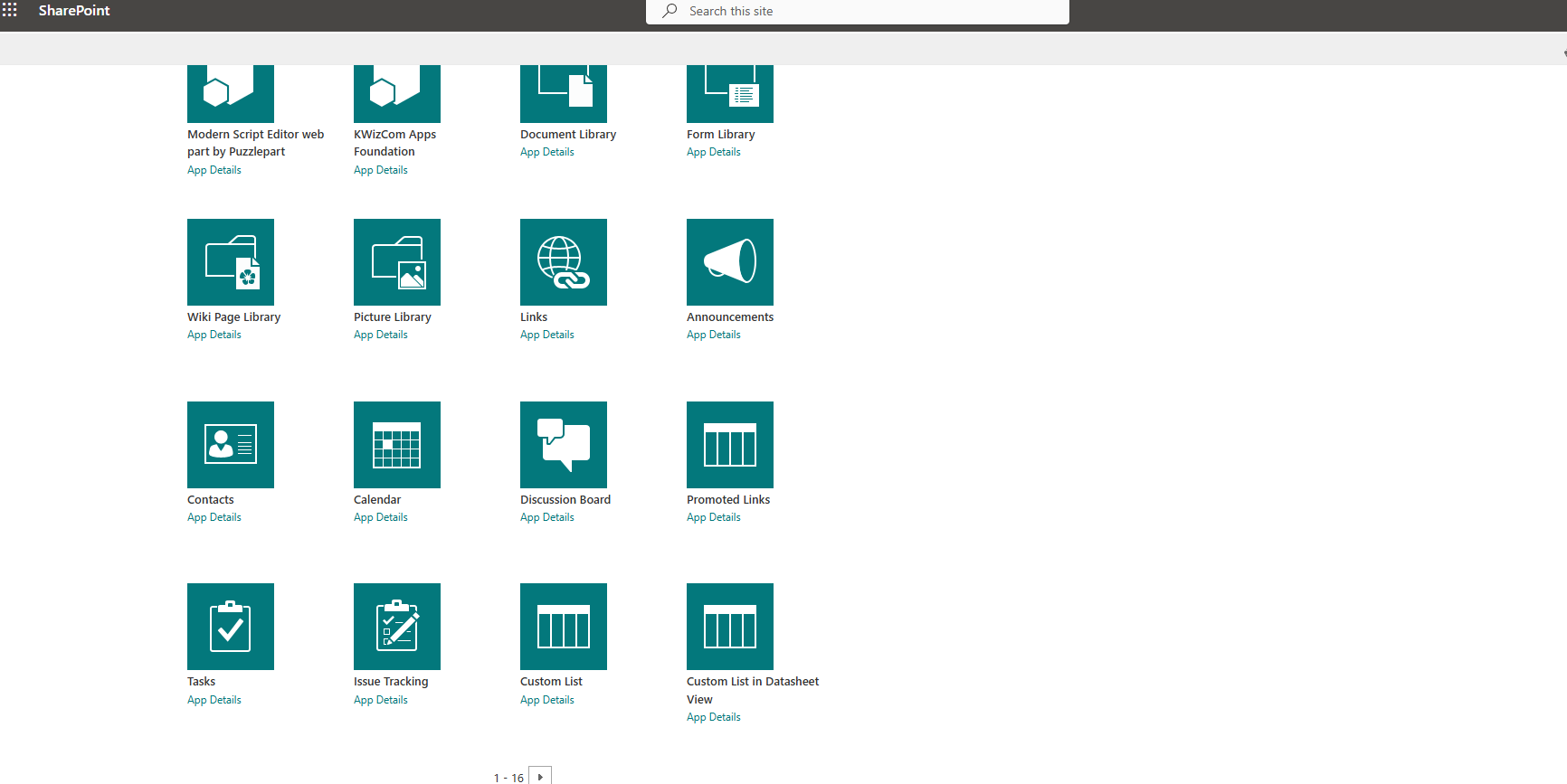
On the next page, navigate to the available web parts.
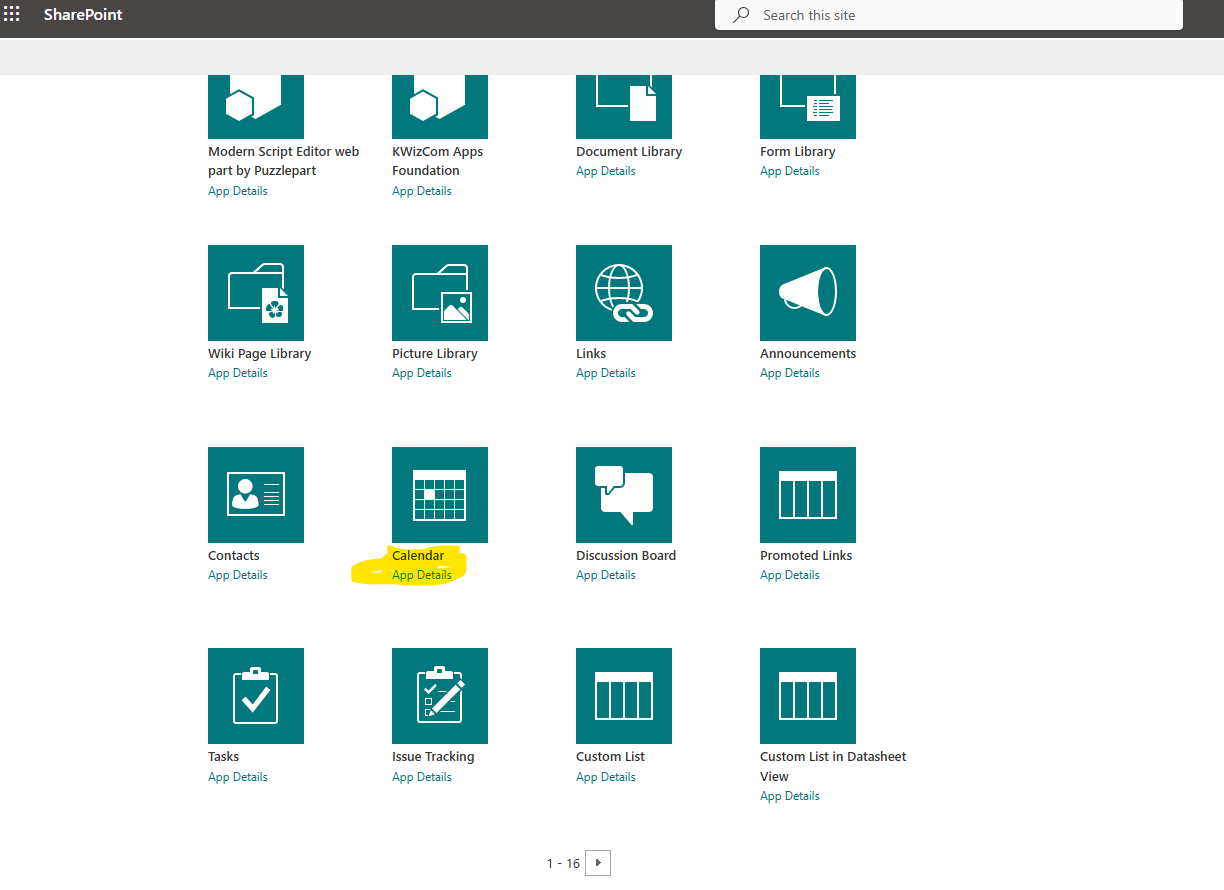
Select the "Calendar" web part.
In the next step, we need to give a name to the calendar, and we name it "Company Calendar."
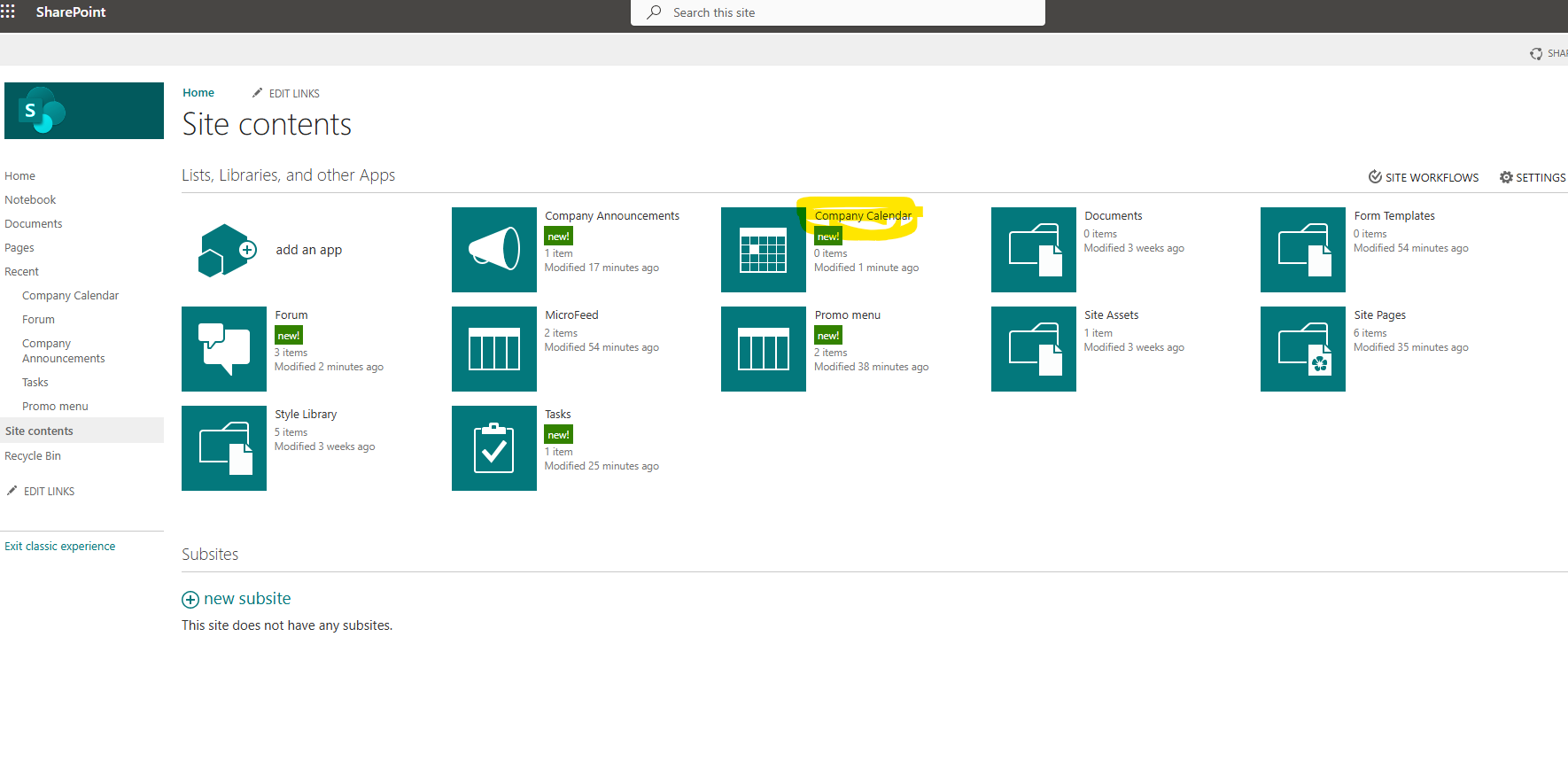
As you can see, a new calendar-type web part has been created.
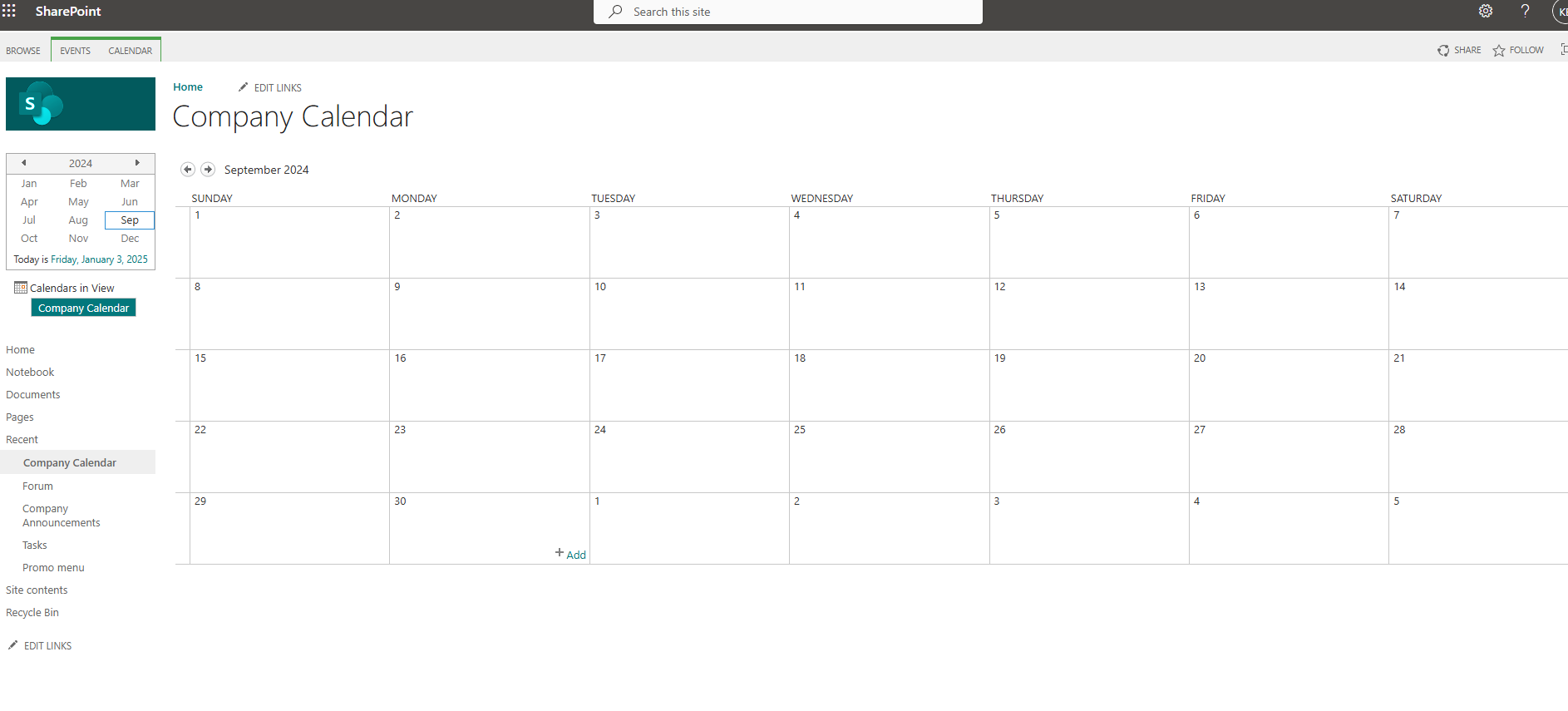
If we select the calendar, we navigate to the familiar page that has the calendar in monthly view, and from the menu at the top left, we have the option to make changes to the calendar view.
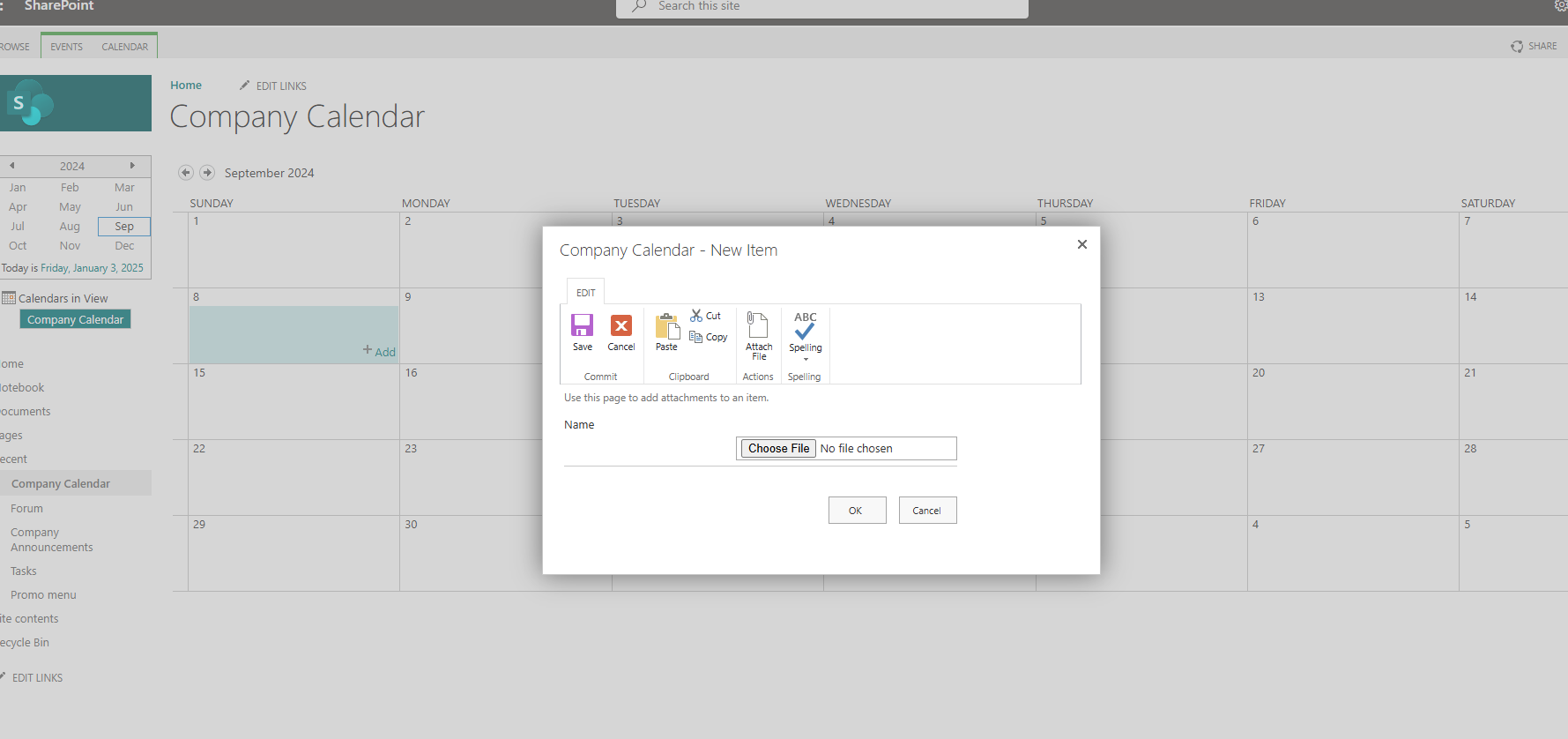
To add a new event, simply select "+ add" on a date, and we have the following pop-up window where we need to provide a title for our event, as well as the location of the event, start and end date of the event, and start and end time of the specific event. We also have the option to enter a description and categorize it from the existing categories. We also need to specify if we want it to be an all-day event or if we want the event to repeat with the frequency of our choice.
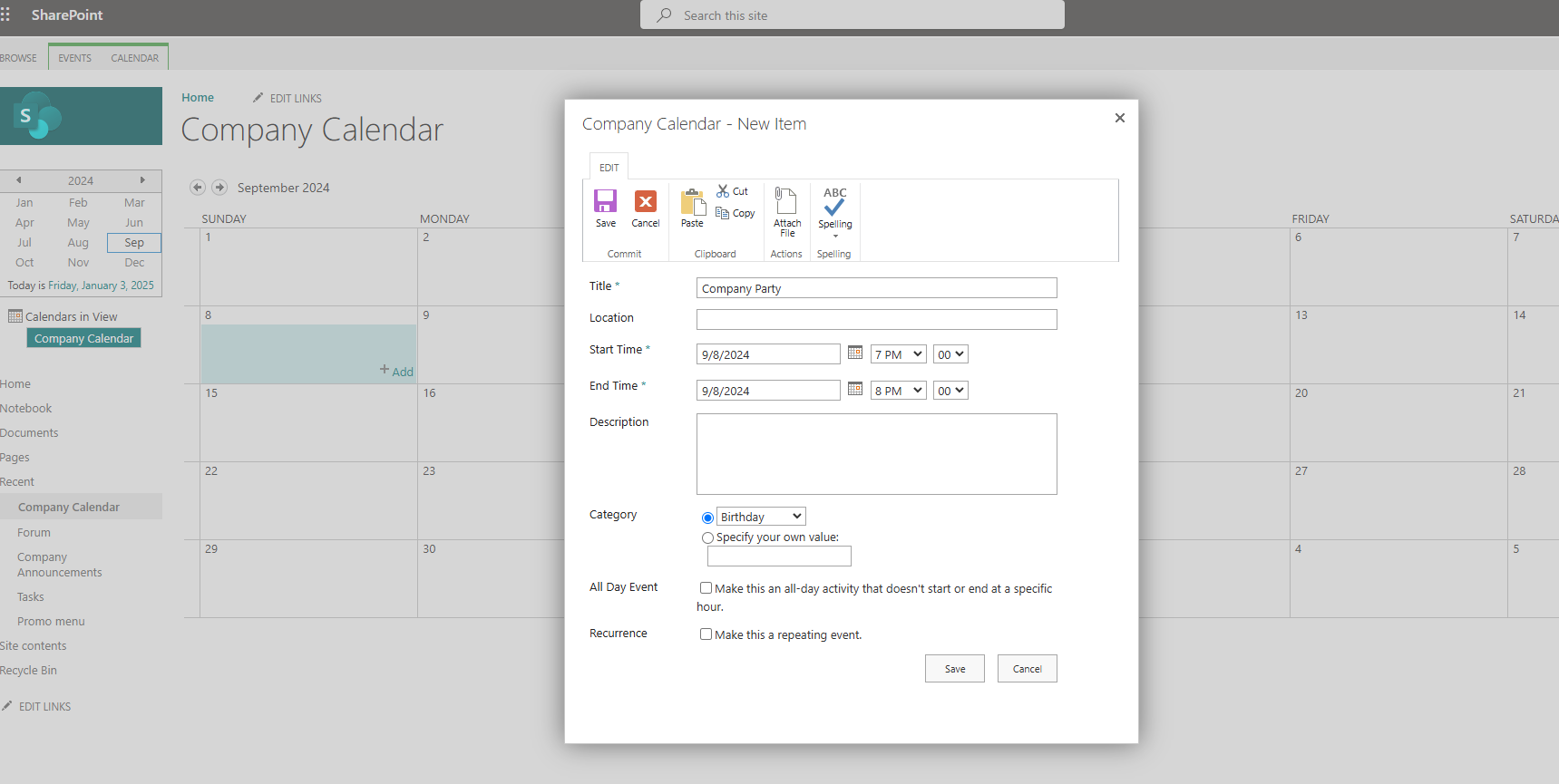
As you can see, I also have the option to attach a file or files to each event.
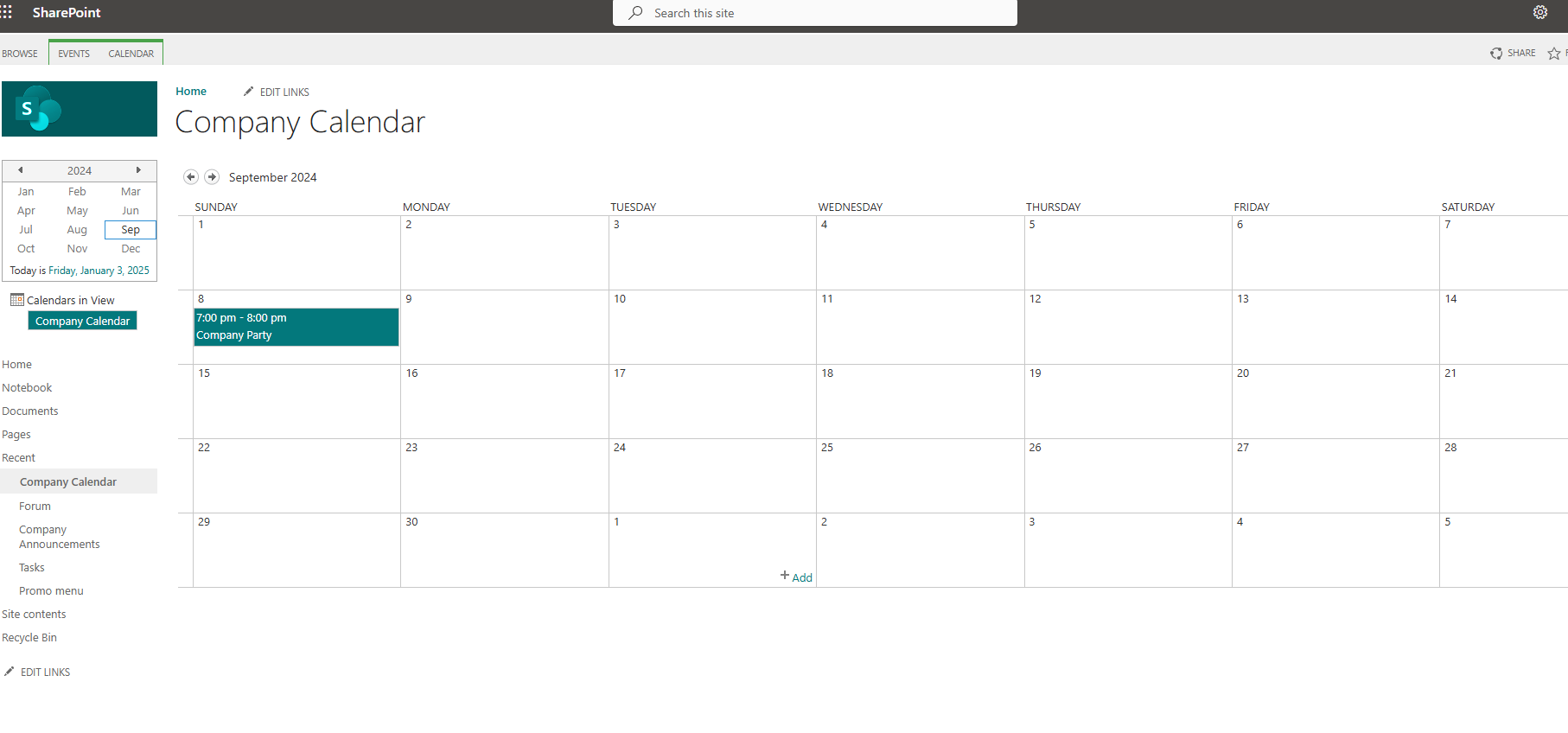
Finally, once I fill in all the details, I save the event, and it is displayed on the calendar in the following form.
It should be noted here that in the new SharePoint, to create such a calendar, I need to create a new list with all the necessary custom columns and then change the view to Calendar View so that the calendar is simulated as a web part in a section of my page. It should also be noted here that with the old type of calendar, I have the ability to do Overlay Calendars, which is often a need in organizations.
#ModerWork #M365_Apps_Services #BusinessApps #SharePoint #PowerAutomate #technology #microsoft #digitaltransformation #cloud #mvpbuzz #m365Visit Archives below to find more articles about Microsoft technologies on Modern Workplace