
Free Material
Find hereMore than 150 Articles about Microsoft Technologies on Modern Workplace
Official Site
Microsoft Most Valuable Professional M365 Apps & Services
Microsoft Most Valuable Professional Business Applications
Consultant & Sr Cloud Solution Architect Modern Wokrplace
Find hereMore than 150 Articles about Microsoft Technologies on Modern Workplace
18 October 2024
In today's article, we will see how to create a Discussion Board web part in a classic experience site in SharePoint.
First, from our active subscription, we log into M365 and navigate to SharePoint on a page that is of the classic experience type.
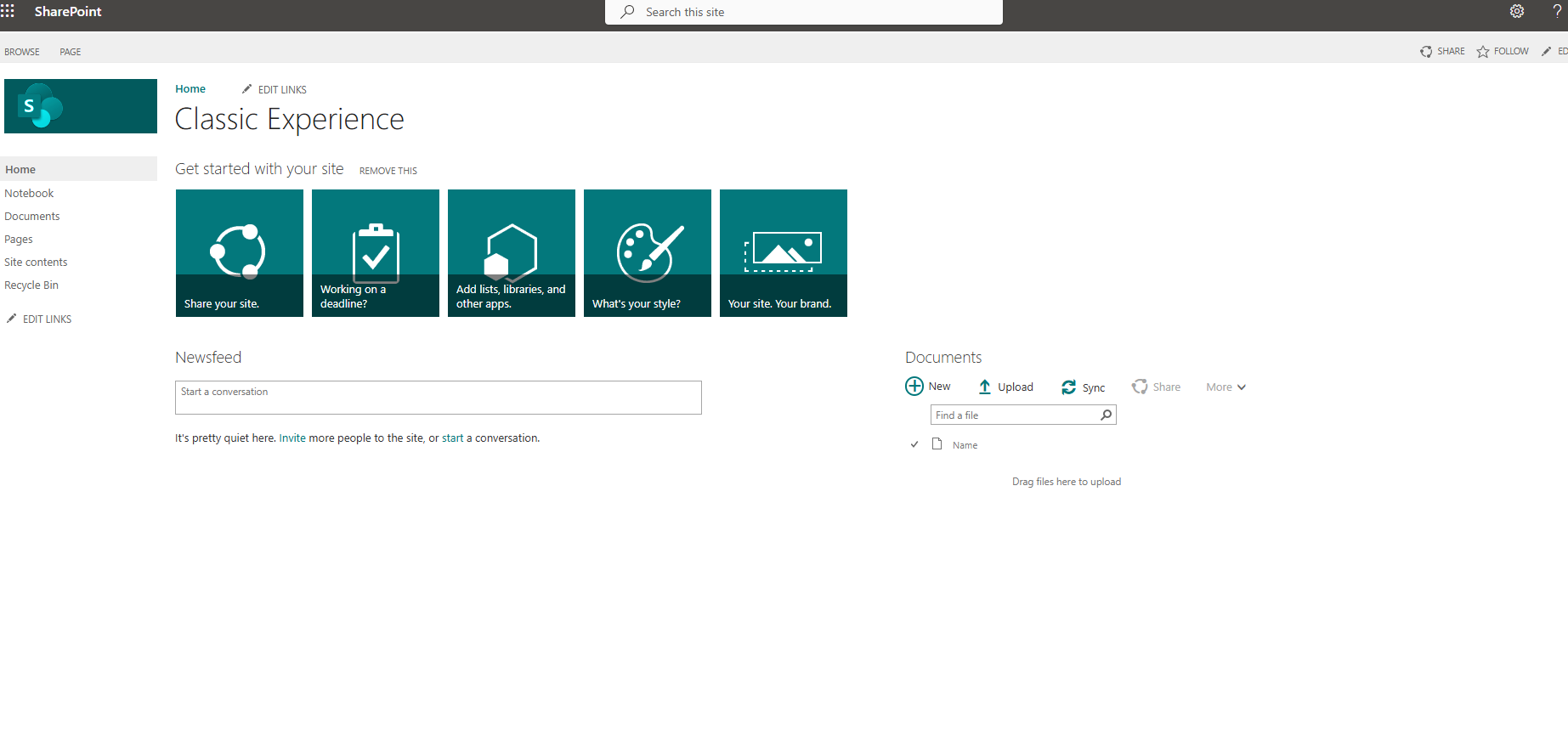
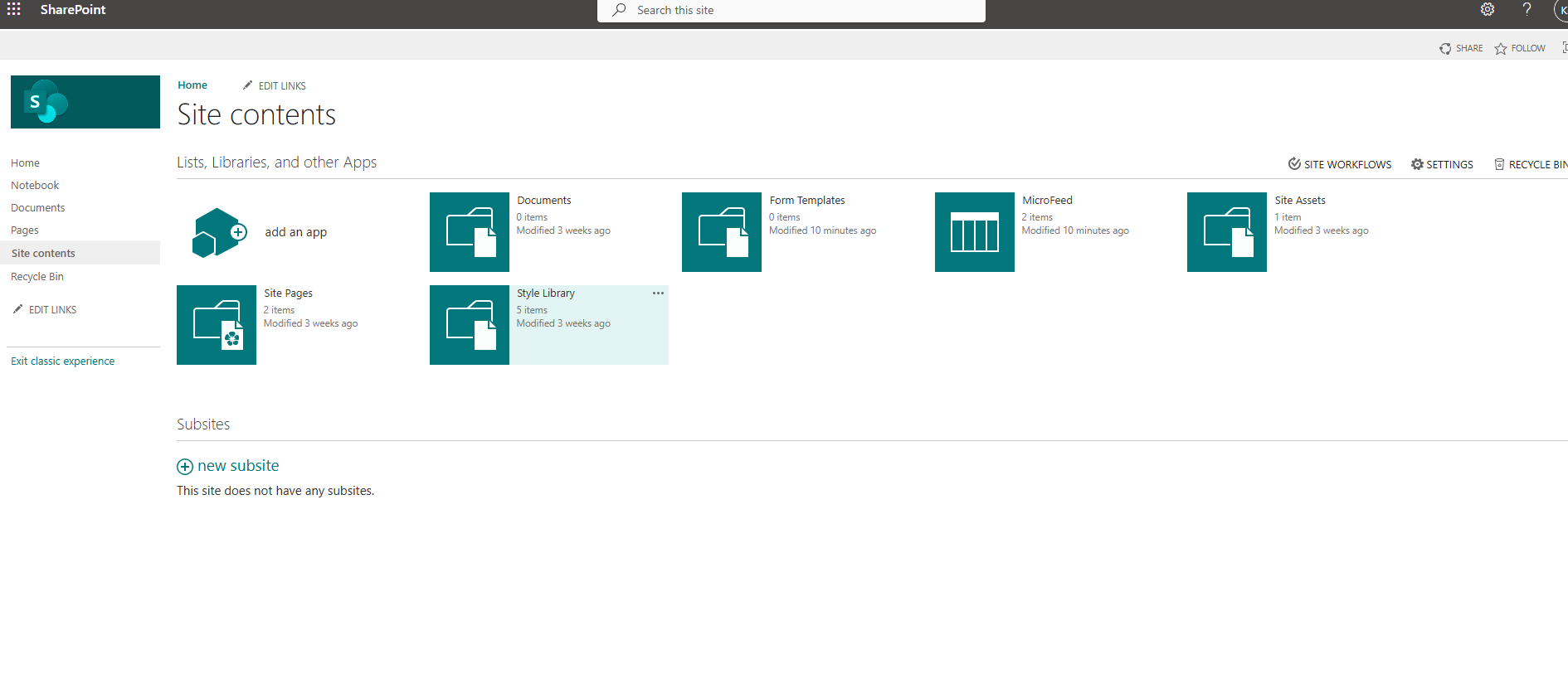
From the gear icon at the top right, select "site contents" and then on the transition page, select "add an app."
On the next page, navigate to the available web parts.
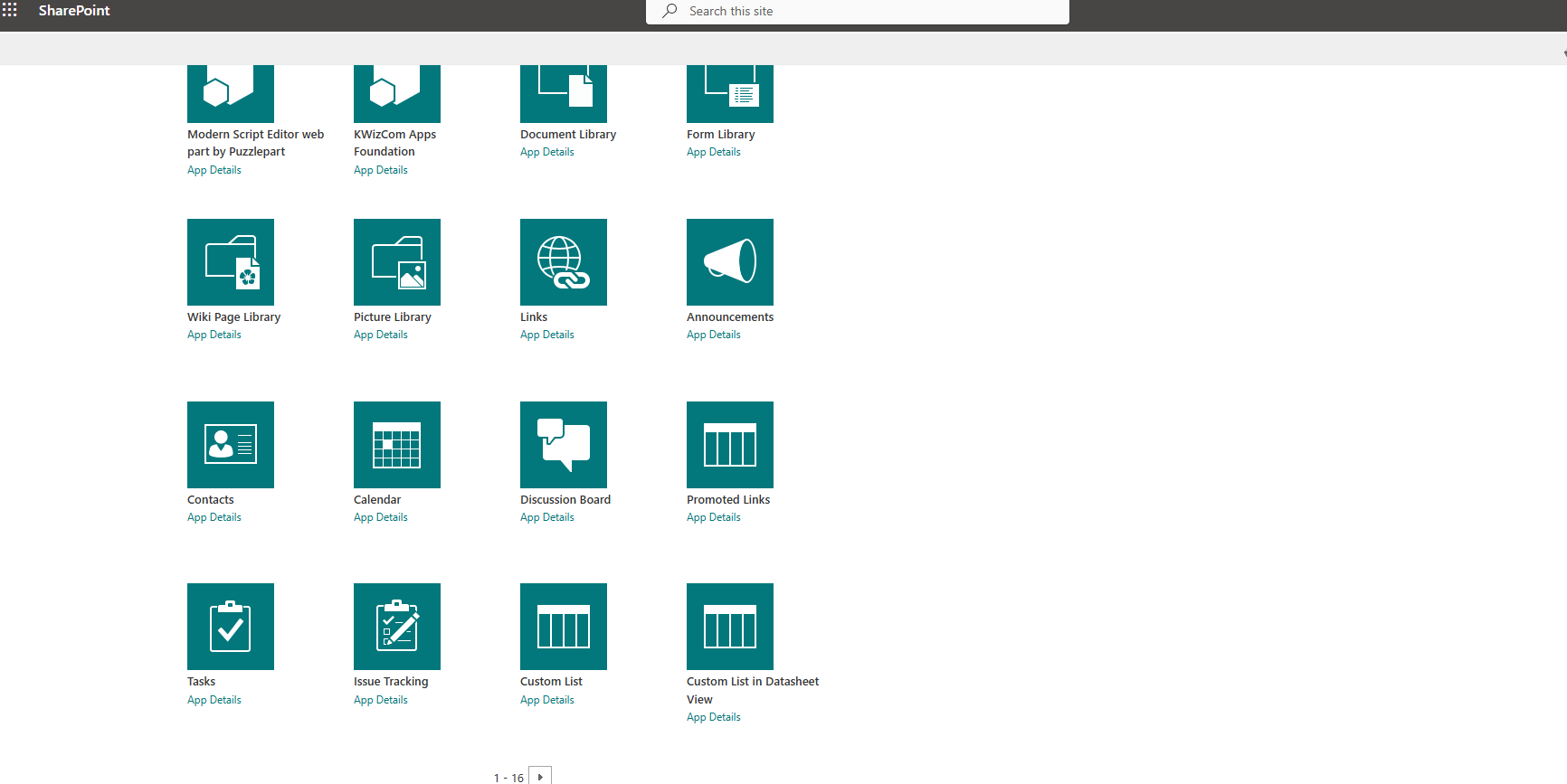
Select the "Discussion Board" web part.
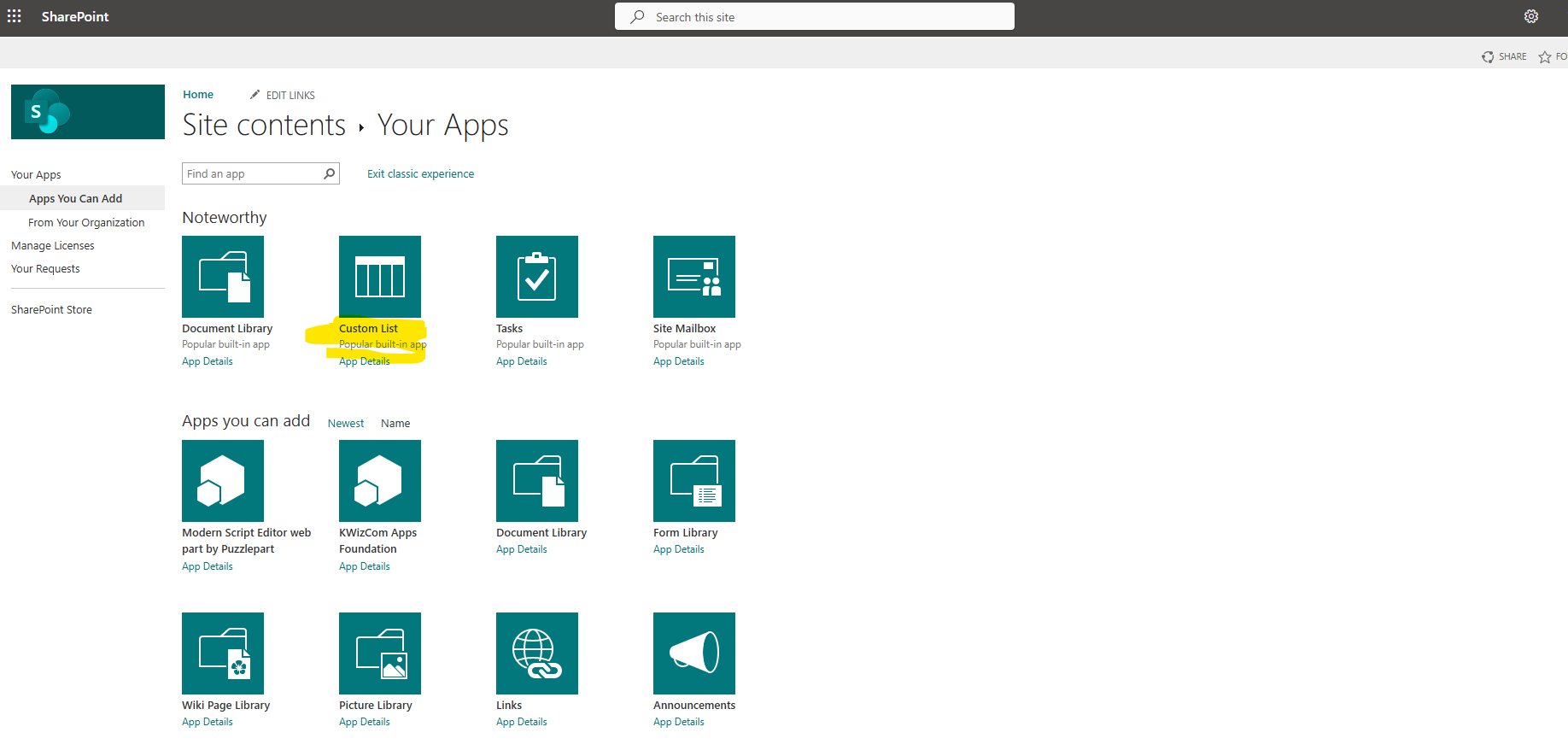
Next, we need to give a name to our new discussion board and select "create."
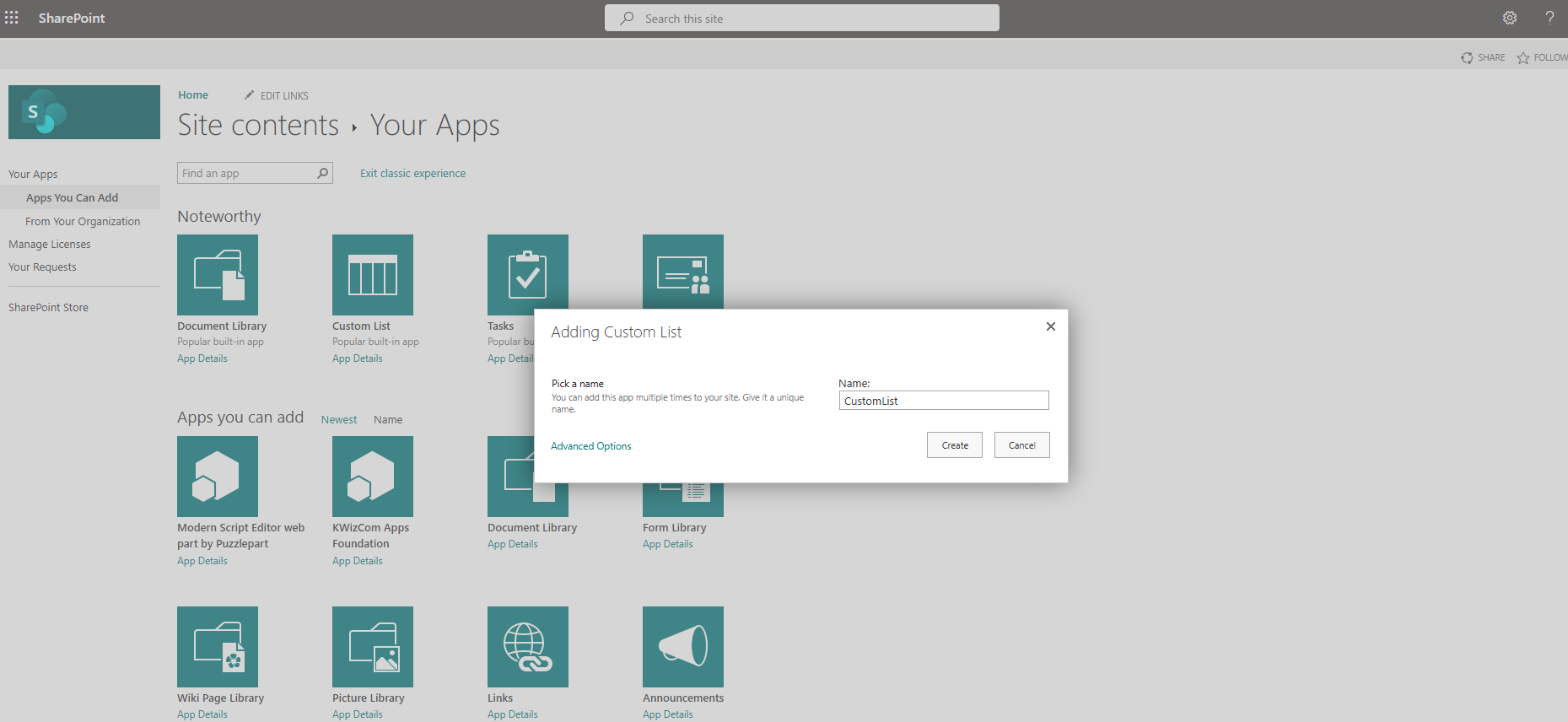
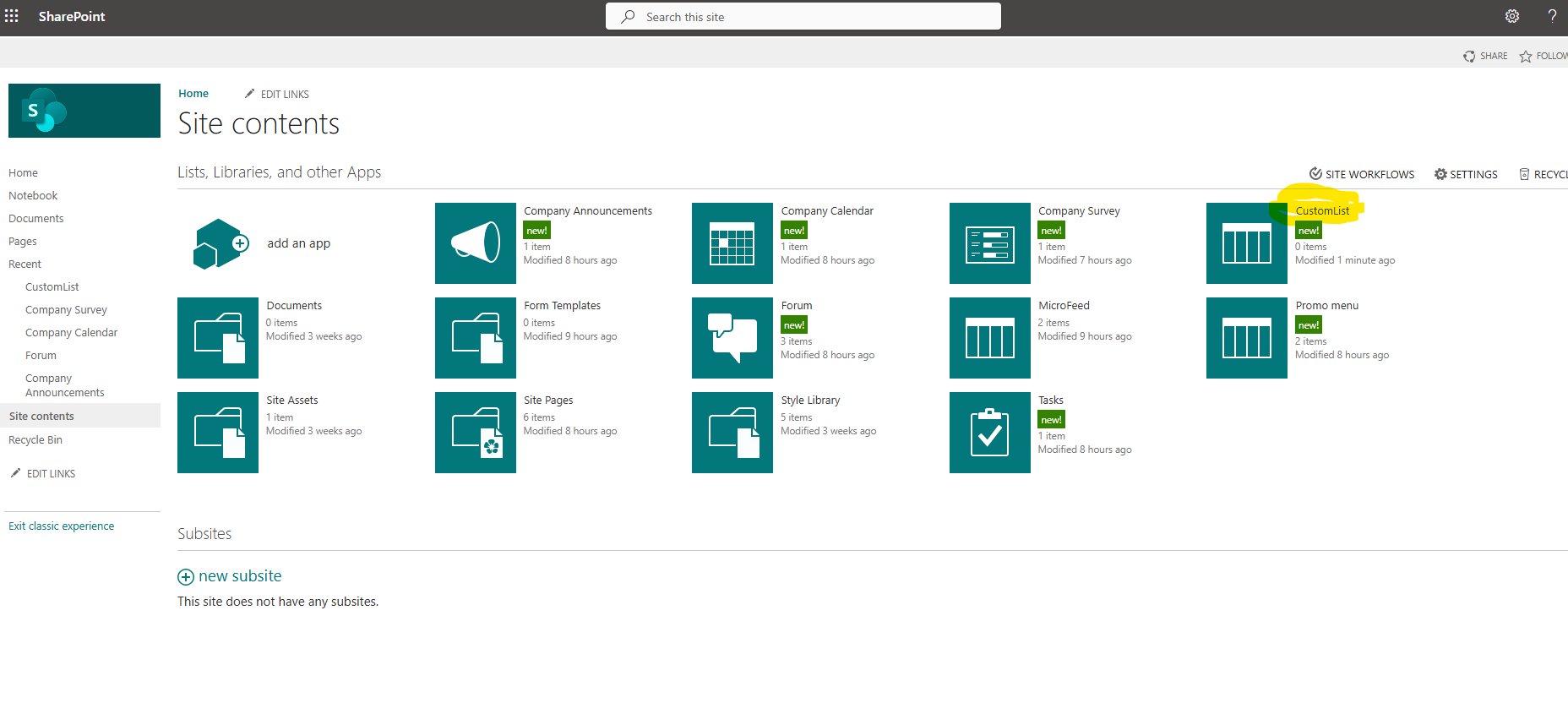
And now we can see our new web part in the available options.
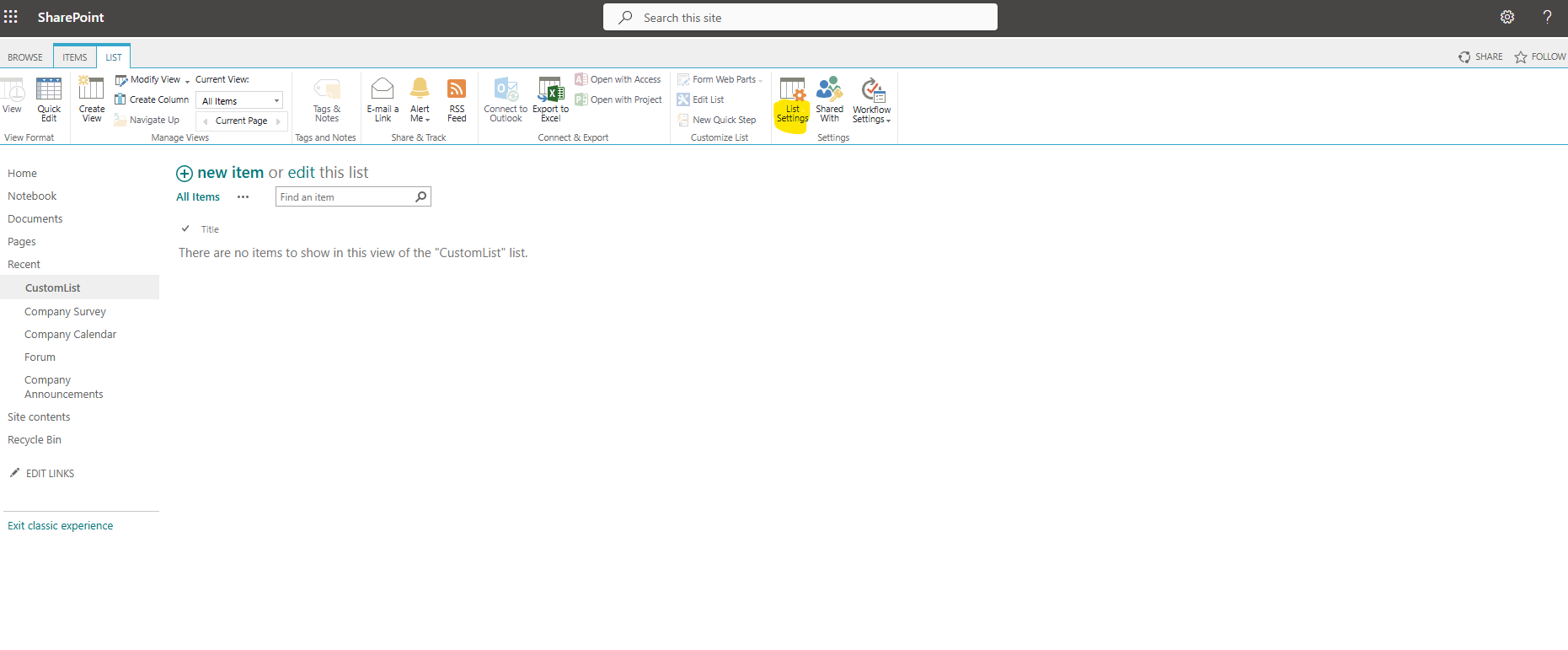
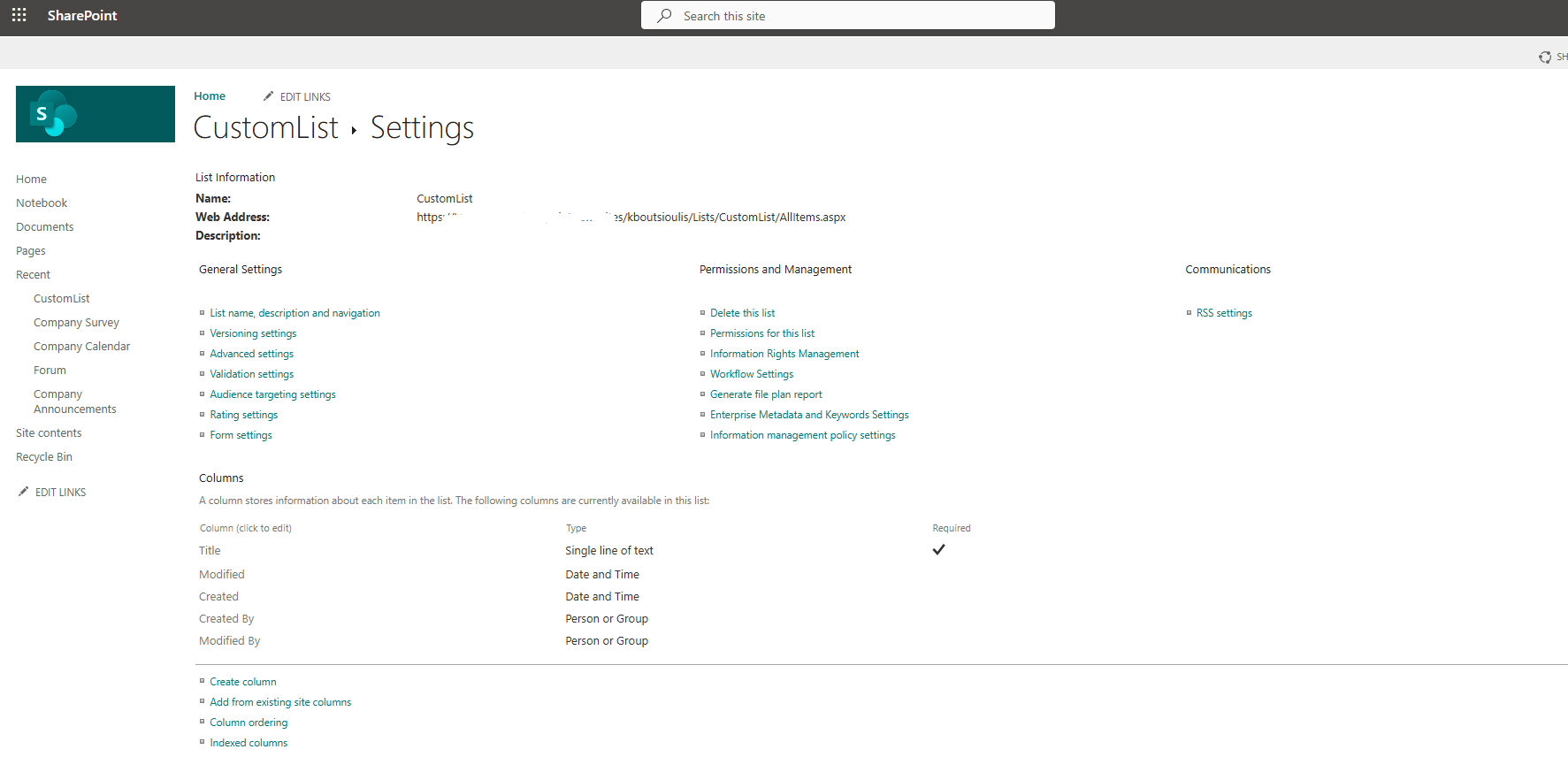
If we select this web part, we will go to the page where we can now create a new discussion and receive responses from our collaborators.
Once we select "new discussion," we will go to the page that contains a form where we need to enter a title for our discussion as well as a body that will contain either a description or some kind of question. Alternatively, it could be used as a knowledge base where comments and opinions of collaborators are exchanged.
As you can see, with a very simple process, I have my new discussion board available.
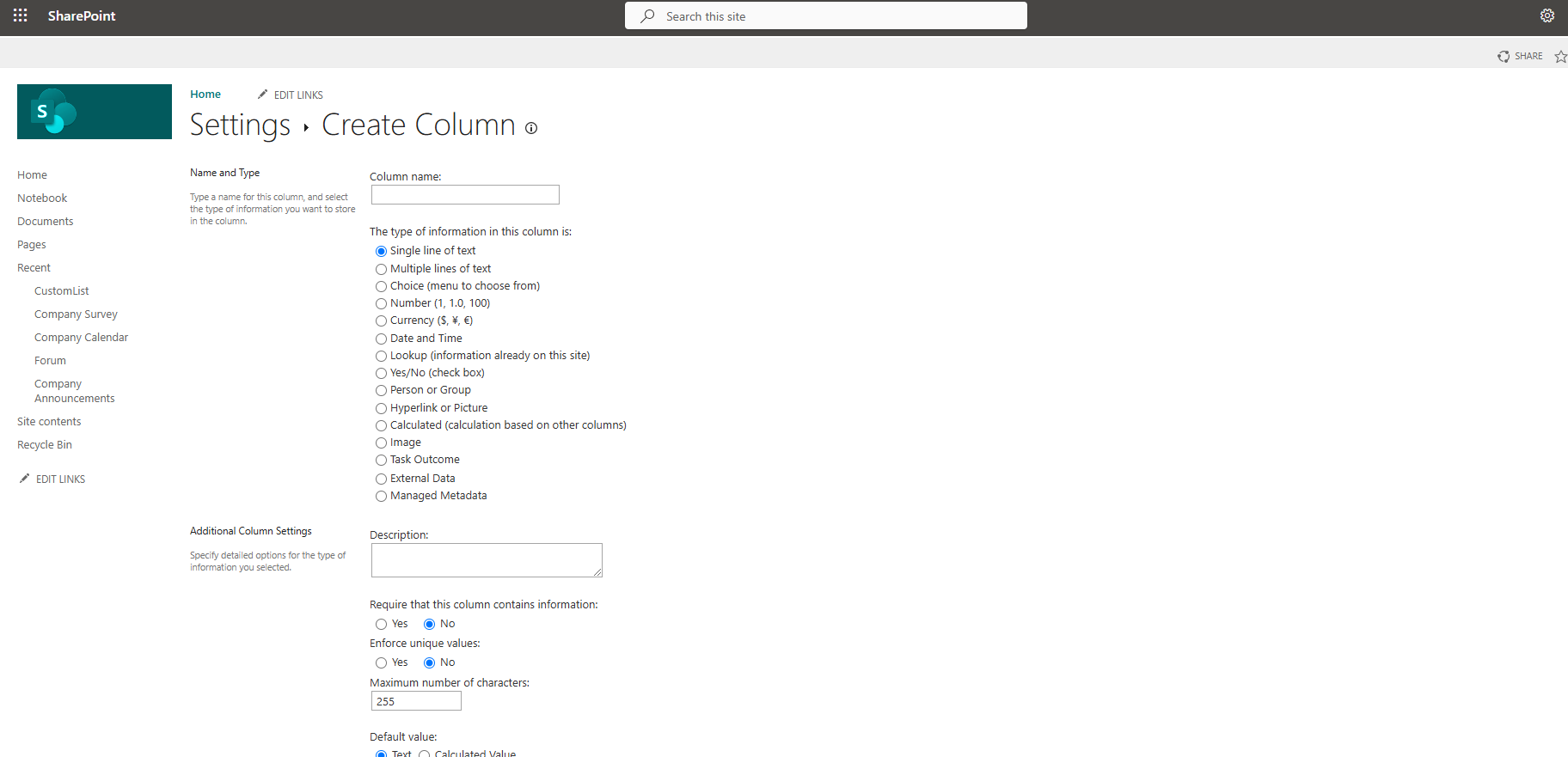
If I select the new discussion, I will have the option to reply.
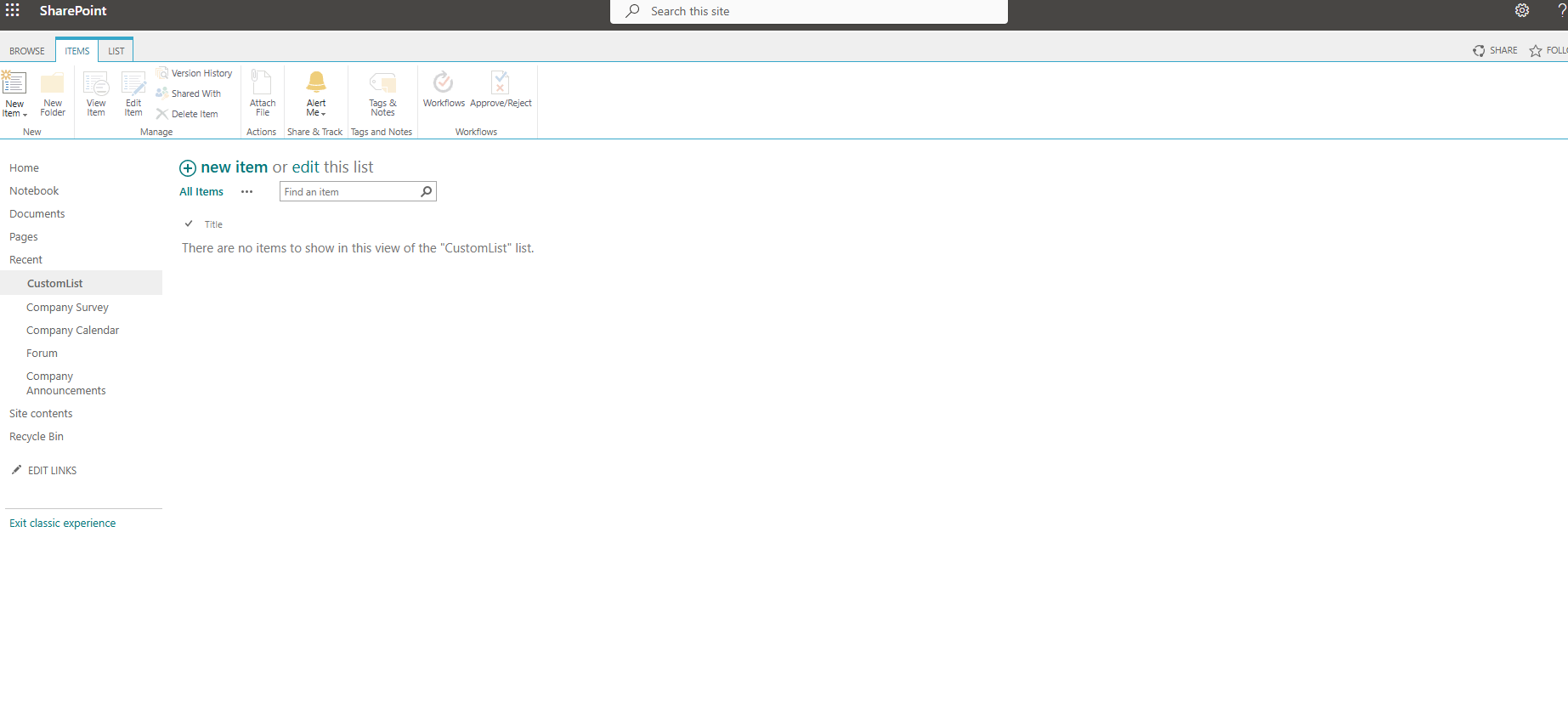
Then, within "add reply," I can submit my response or comment and select "Reply."
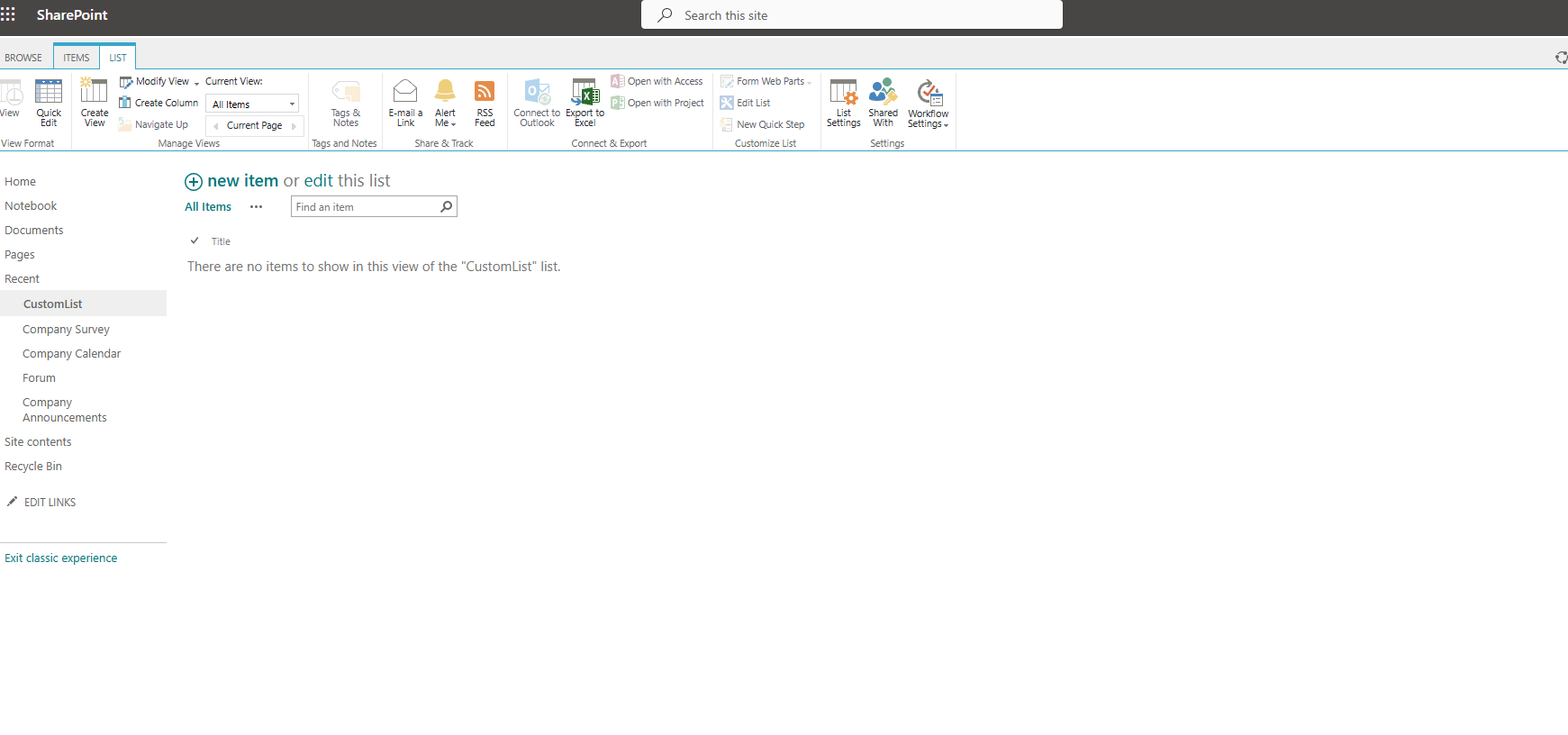
As you can see, my response is posted below, and there is the option for a new reply as well as commenting or replying to my initial response, so a new cycle of message exchange can begin.

Below, you can see how I reply to the reply in the same way I did before.

Finally, all responses appear one below the other, with the most recent at the end, just like the old forums we were used to.

In the new experience, there is no default web part of this kind for discussion among members of an organization. Of course, there are solutions both in React and custom code, but there is no default web part.
#ModerWork #M365_Apps_Services #BusinessApps #SharePoint #PowerAutomate #technology #microsoft #digitaltransformation #cloud #mvpbuzz #m365Visit Archives below to find more articles about Microsoft technologies on Modern Workplace