
Free Material
Find hereMore than 150 Articles about Microsoft Technologies on Modern Workplace
Official Site
Microsoft Most Valuable Professional M365 Apps & Services
Microsoft Most Valuable Professional Business Applications
Consultant & Sr Cloud Solution Architect Modern Wokrplace
Find hereMore than 150 Articles about Microsoft Technologies on Modern Workplace
28 October 2023
In today's article we will see how we can use PowerShell to export to a txt file the Taxonomy of our organization that we have designed in SharePoint online in the Taxonomy Term Store First from the site settings of the home page we select Term Store Management There we need to expand all the menus to actually see our organization's Taxonomy . By running the following PowerShell however we can very easily have the Taxonomy in a txt file We run the following PowerShell and we have
#Declare Variables
$Site = "https://mytenant.sharepoint.com"
#Connect with SharePoint Online
Connect-PnPOnline -Url $Site -UseWebLogin
#Export Taxonomy in txt file in C: disk
Export-PnPTaxonomy -Path c:\output.txt
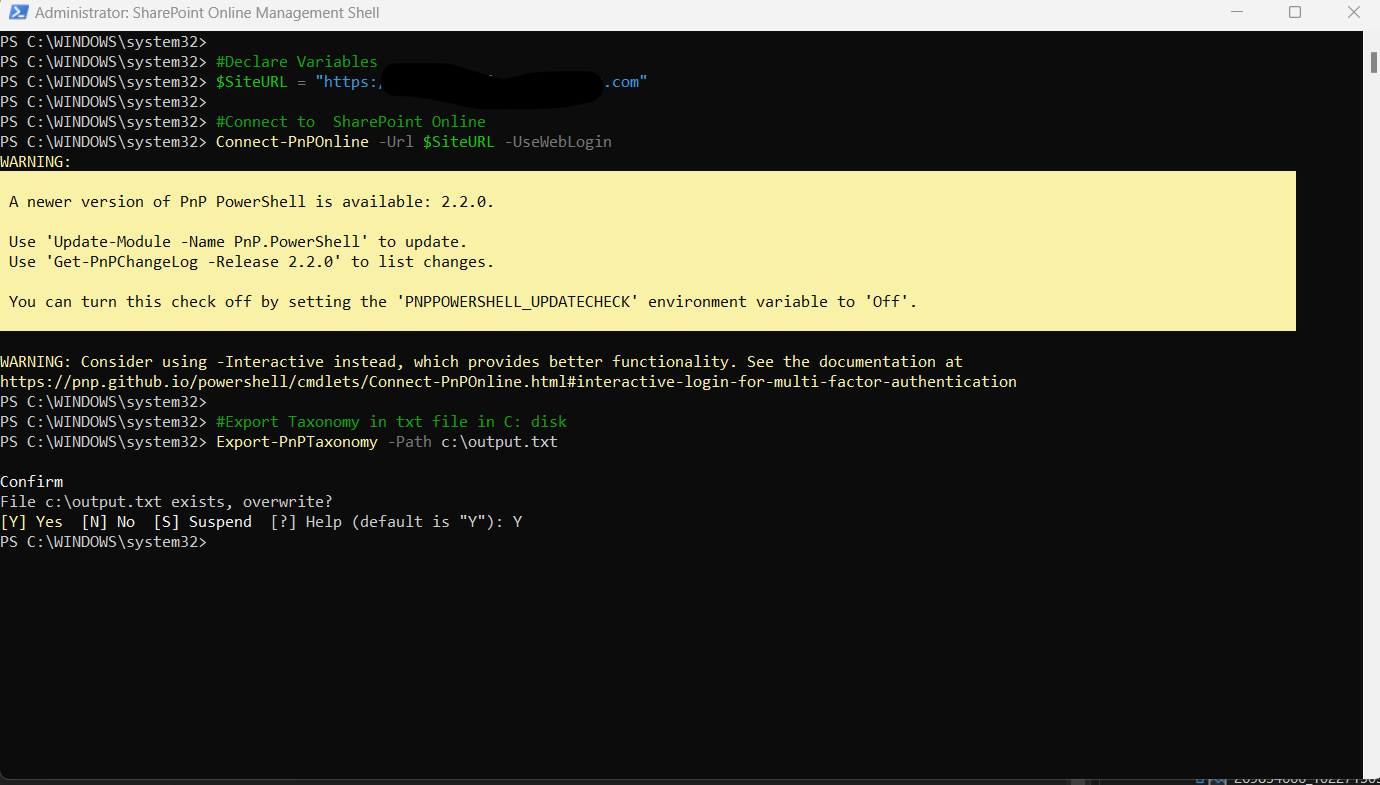
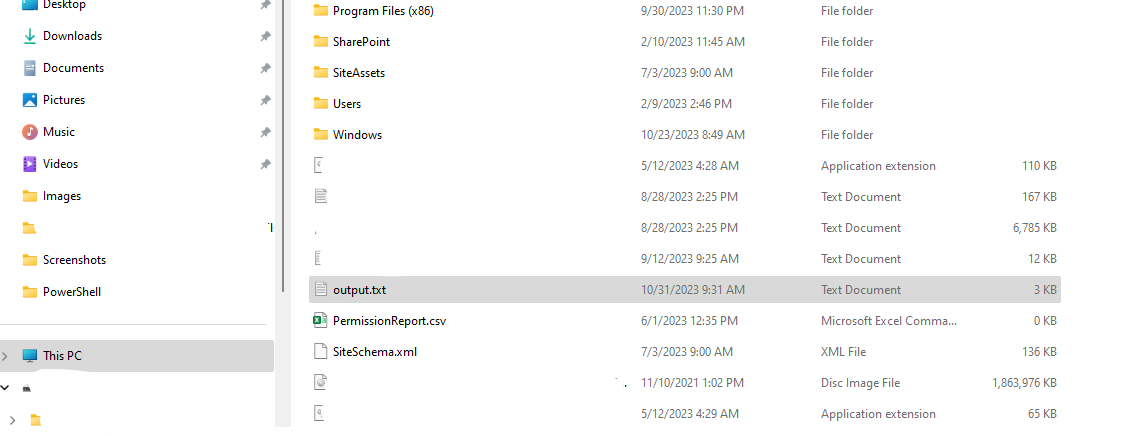
and now we have available the txt file
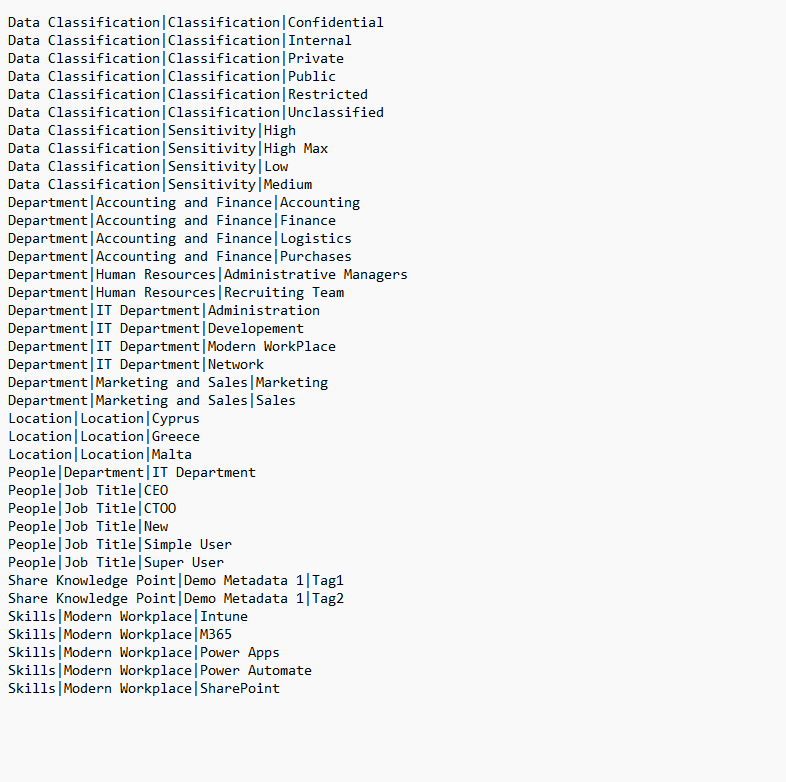
and if we open this file we can see the Taxonomy that we created for our SharePoint .
 #SharePoint
#technology
#microsoft
#PowerShell
#PnP
#digitaltransformation
#cloud
#mvpbuzz
#m365
#SharePoint
#technology
#microsoft
#PowerShell
#PnP
#digitaltransformation
#cloud
#mvpbuzz
#m365
Visit Archives below to find more articles about Microsoft technologies on Modern Workplace