
Free Material
Find hereMore than 150 Articles about Microsoft Technologies on Modern Workplace
Official Site
Microsoft Most Valuable Professional M365 Apps & Services
Microsoft Most Valuable Professional Business Applications
Consultant & Sr Cloud Solution Architect Modern Wokrplace
Find hereMore than 150 Articles about Microsoft Technologies on Modern Workplace
22 November 2023
In today's article we will see how we can create a term group, a term set and a term label using PowerShell and SharePoint Online management shell. First of all I would like you to know that this is a process that can be done from the front end using SharePoint admin center and with a few clicks First I will show you how it is done from the front end. With the active subscription from M365 we login to the home page
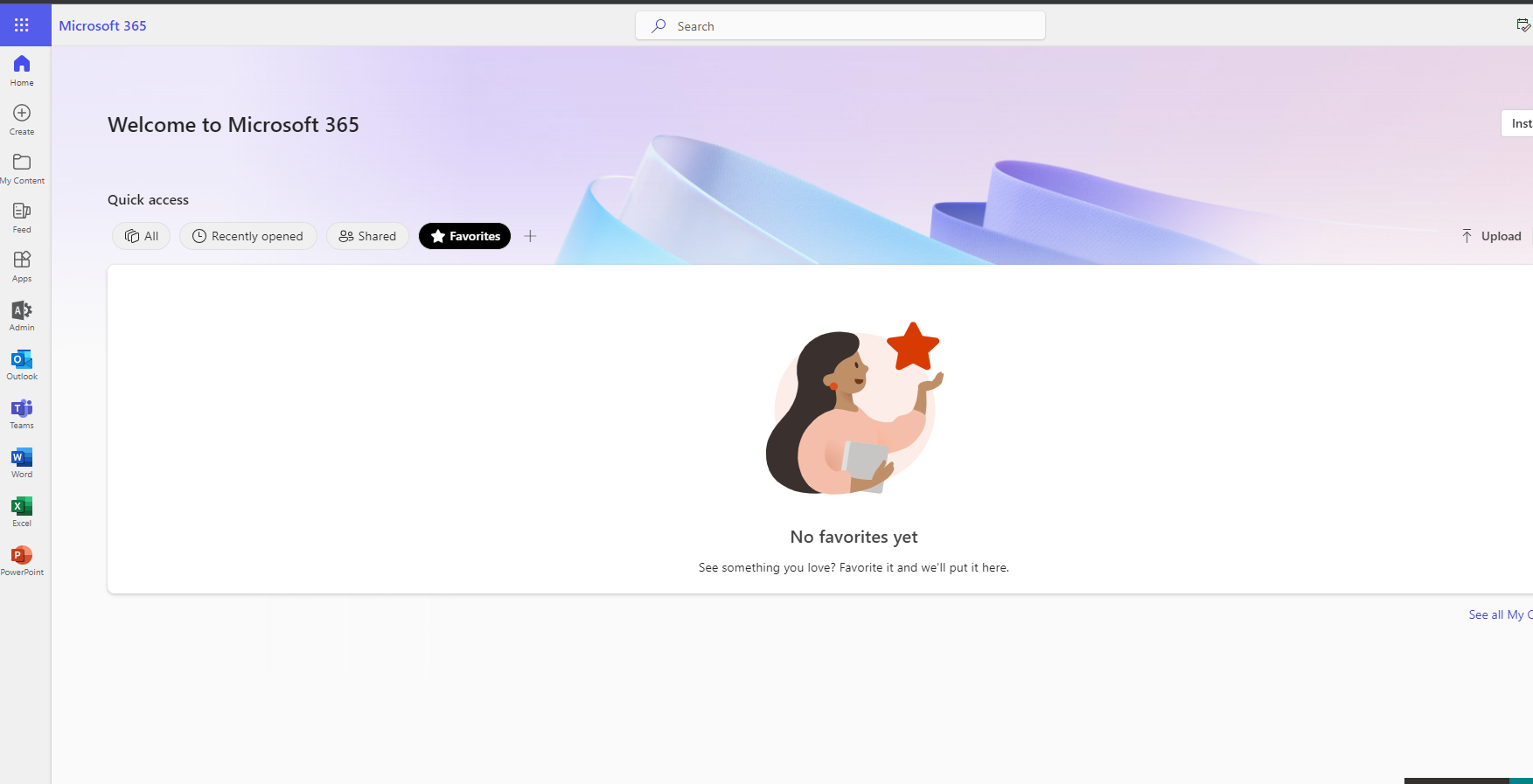
Then we select the admin icon in the left column
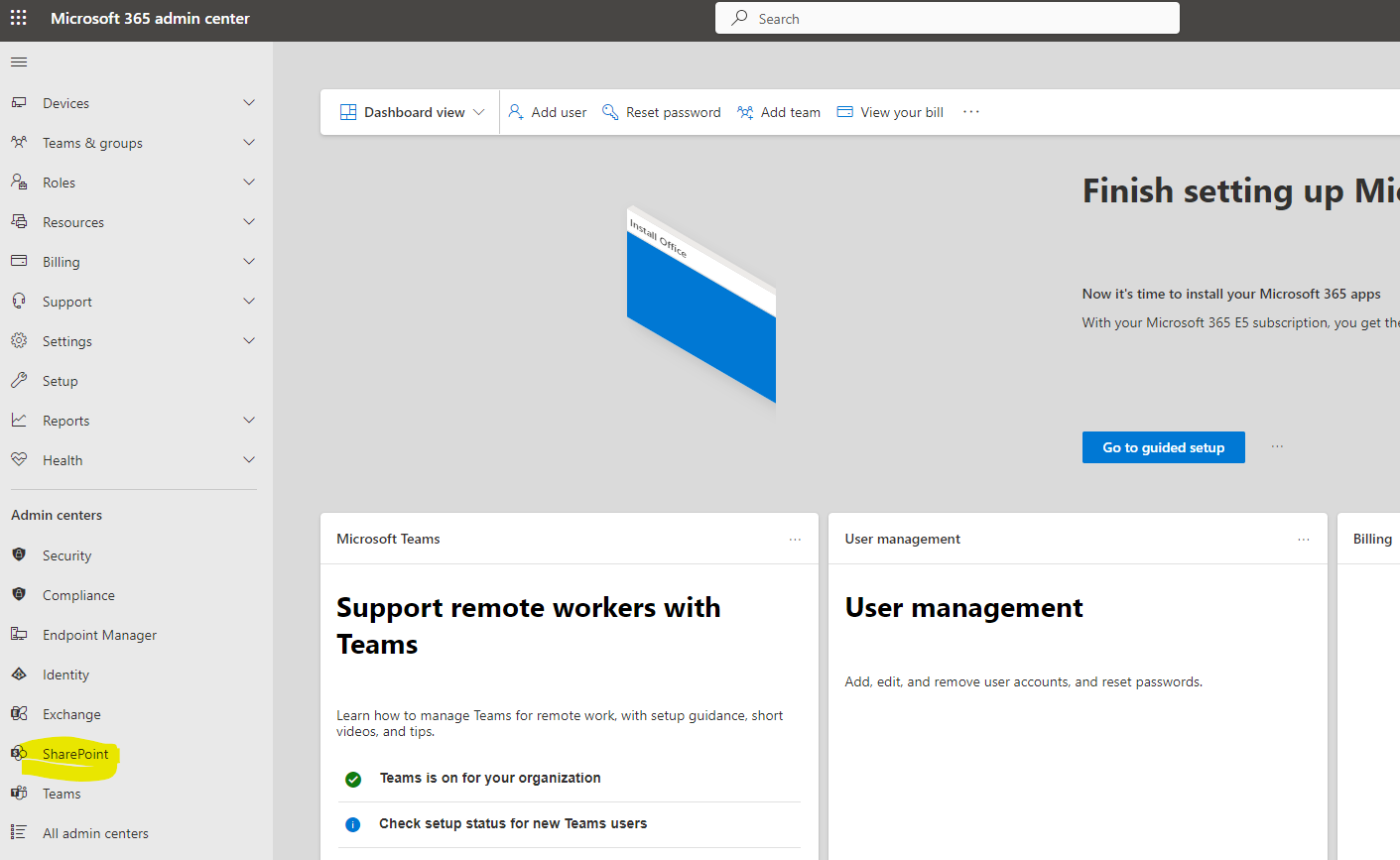
Then we select SharePoint and again from the left column of M365 Admin On the home page of SharePoint Admin we select under content services the Term Store option
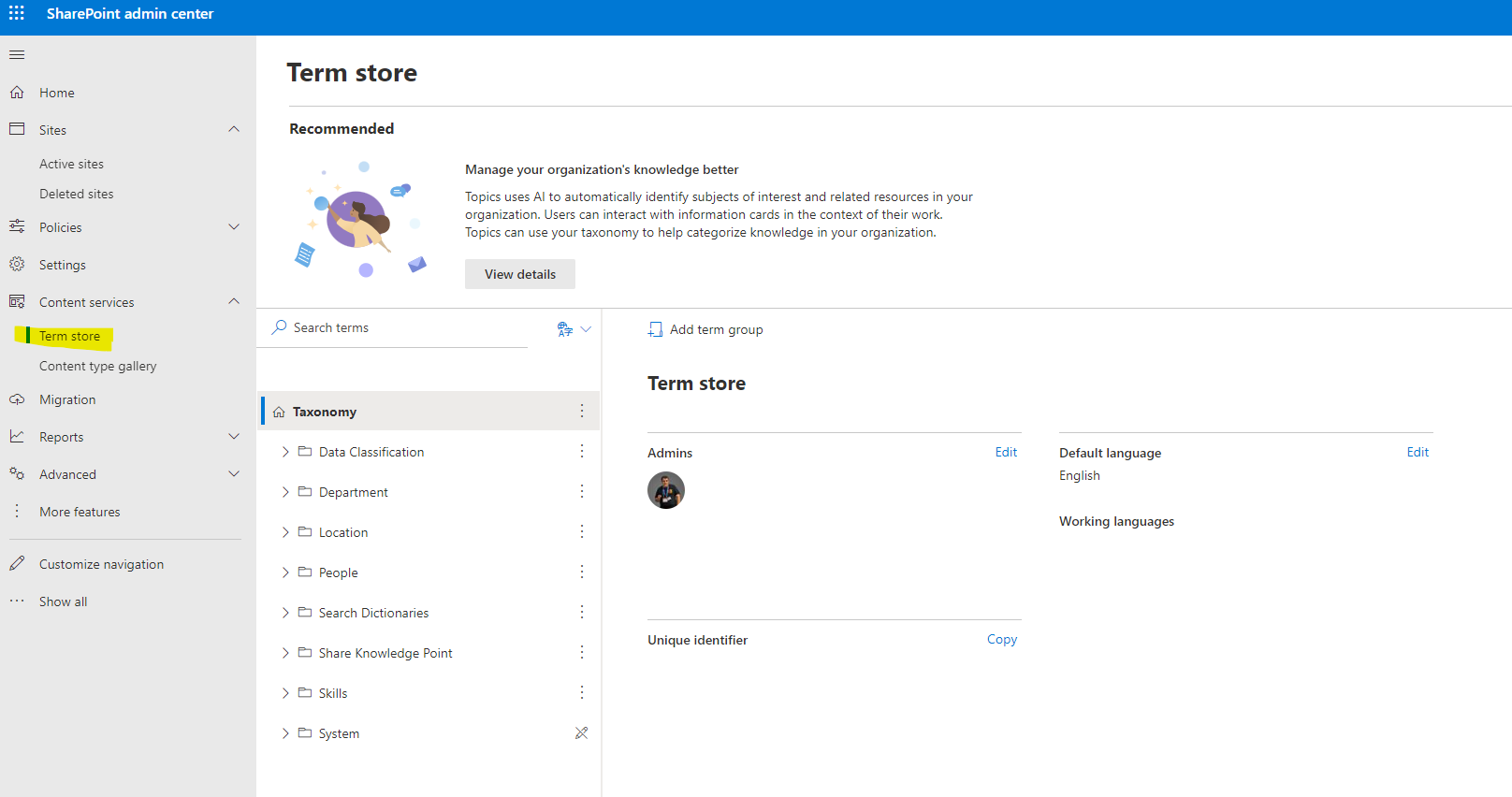
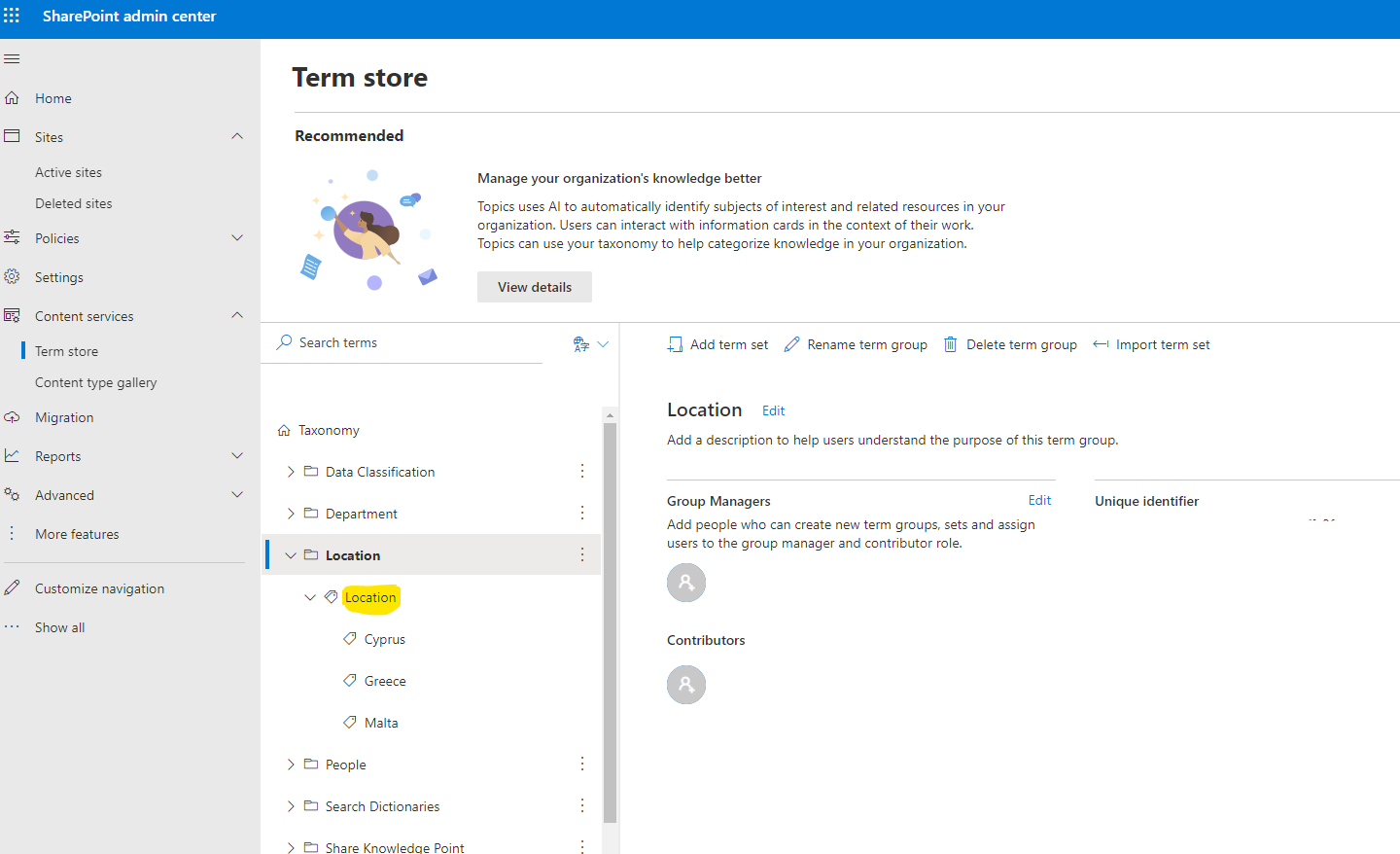
So here above the 3 dots and with add we add a group, a set and labels For example you see a group location, a term set location and labels the different countries
This process is seemingly very easy but can be automated and done with PowerShell. So if you run the following PowerShell with administrator privileges we have
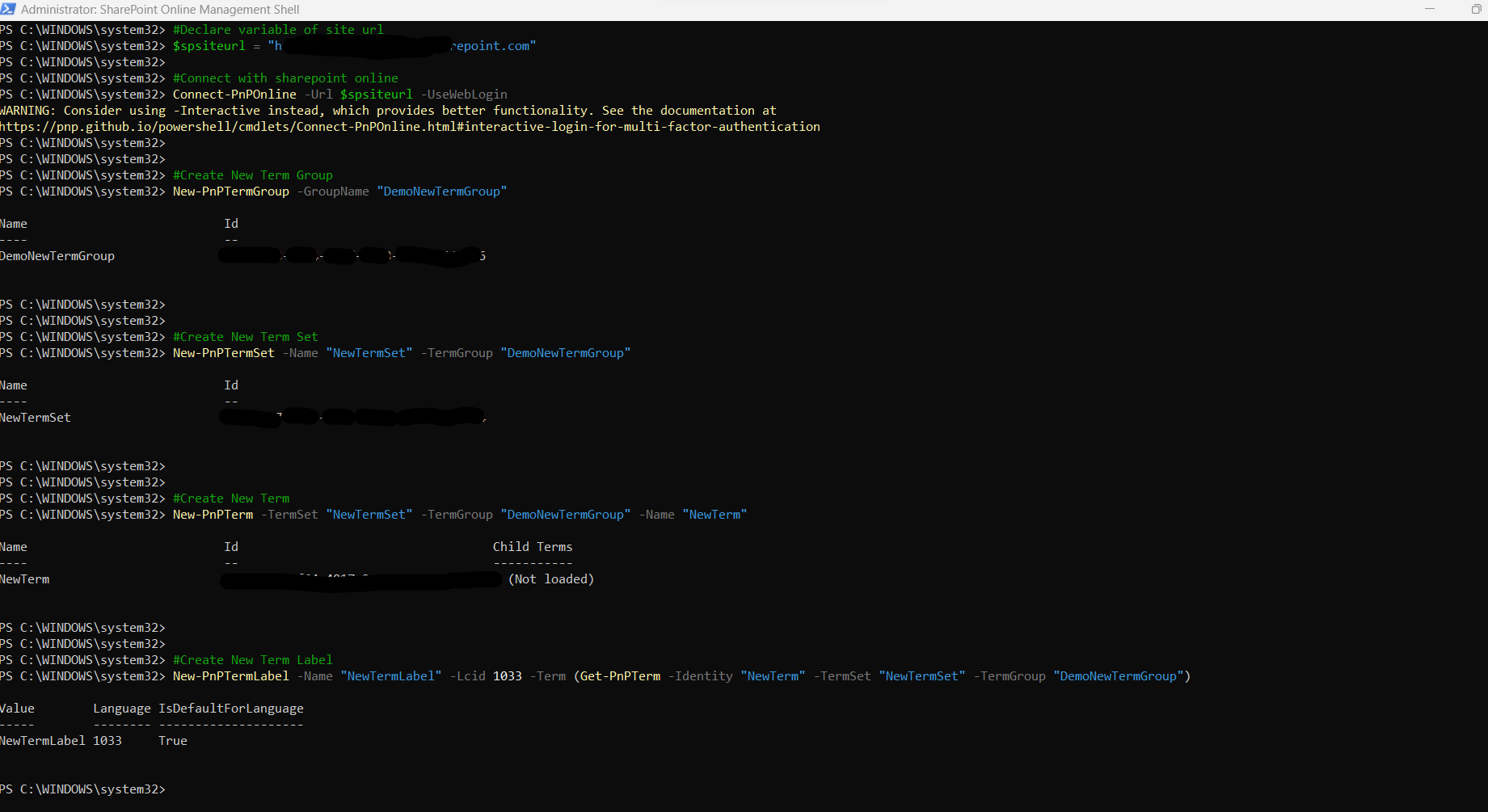
#Declare variable of site url
$spsiteurl = "https://mytenant.sharepoint.com"
#Connect with SharePoint Online
Connect-PnPOnline -Url $spsiteurl -UseWebLogin
#Create New Term Group
New-PnPTermGroup -GroupName "DemoNewTermGroup"
#Create New Term Set
New-PnPTermSet -Name "NewTermSet" -TermGroup "DemoNewTermGroup"
#Create New Term
New-PnPTerm -TermSet "NewTermSet" -TermGroup "DemoNewTermGroup" -Name "NewTerm"
#Create New Term Label
New-PnPTermLabel -Name "NewTermLabel" -Lcid 1033 -Term (Get-PnPTerm -Identity "NewTerm" -TermSet "NewTermSet" -TermGroup "DemoNewTermGroup")
Visit Archives below to find more articles about Microsoft technologies on Modern Workplace