
Free Material
Find hereMore than 150 Articles about Microsoft Technologies on Modern Workplace
Official Site
Microsoft Most Valuable Professional M365 Apps & Services
Microsoft Most Valuable Professional Business Applications
Consultant & Sr Cloud Solution Architect Modern Wokrplace
Find hereMore than 150 Articles about Microsoft Technologies on Modern Workplace
24 November 2023
In today's article we will see how we can create alerts for libraries and lists and then how to find all alerts in libraries and lists using PowerShell and SharePoint Online management shell. First of all I would like you to know that this is a process that can be done from the front end using SharePoint site and with a few clicks First I will show you how it is done from the front end. With the active subscription from M365 we login to the home page
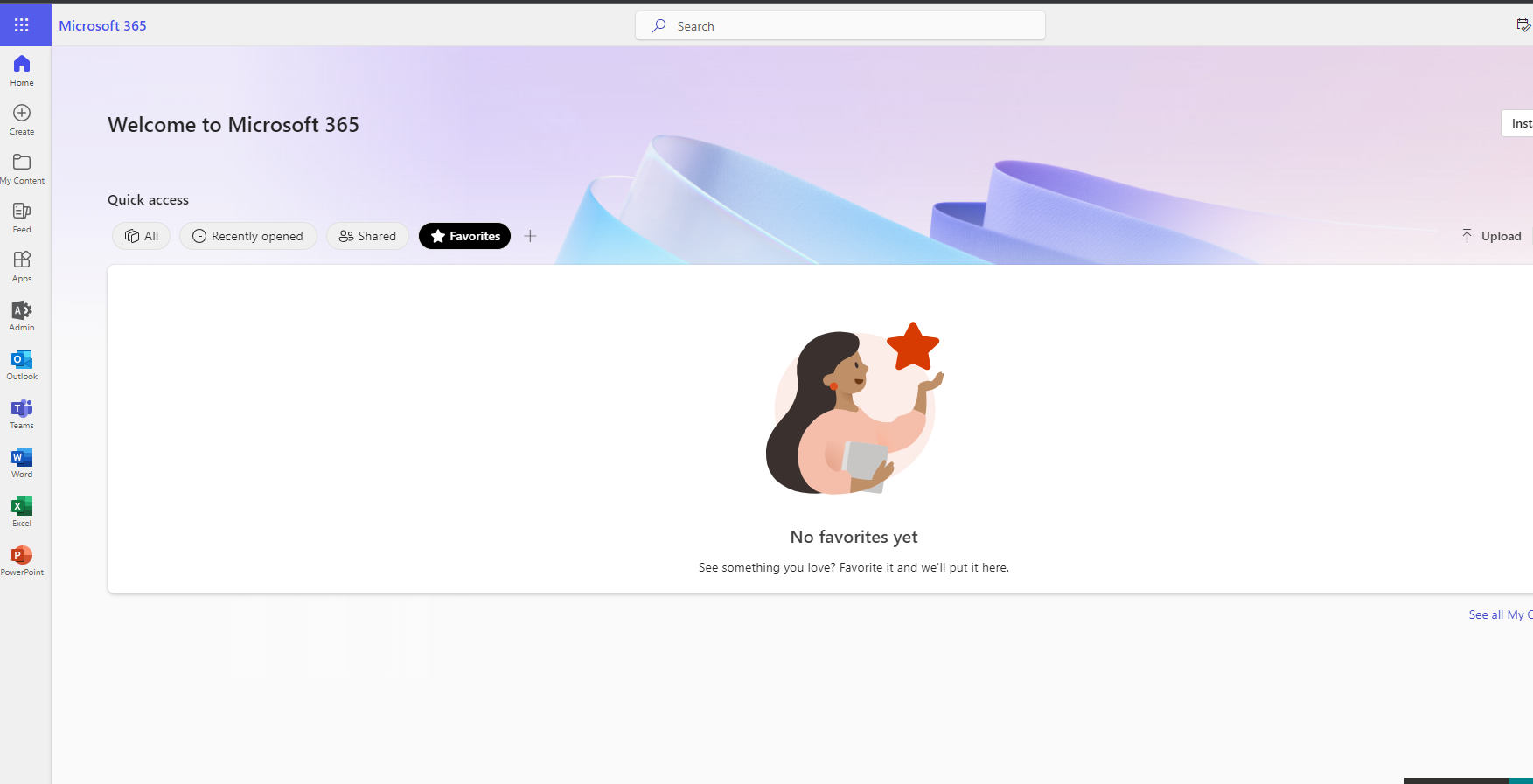
Then we select the admin icon in the left column
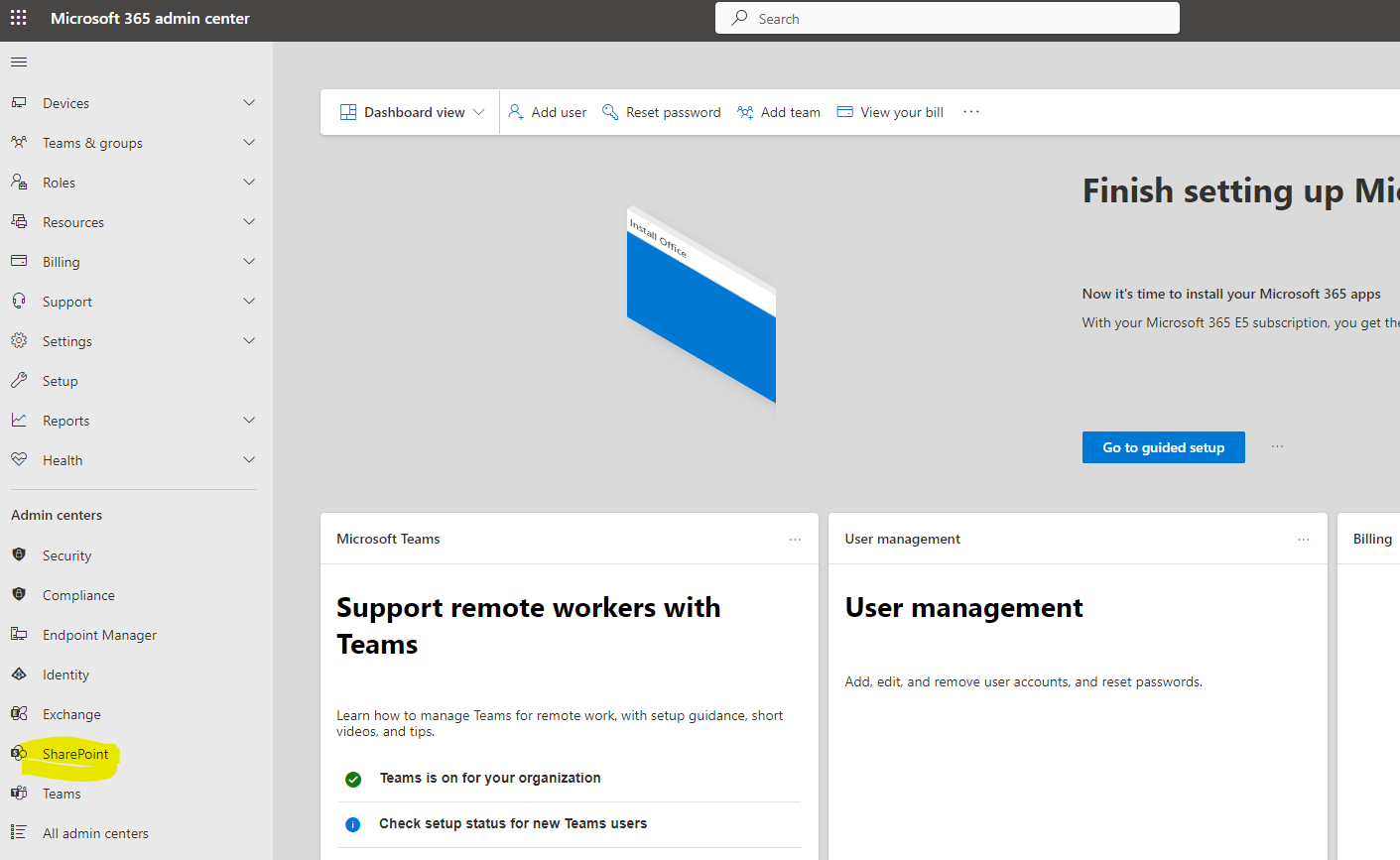
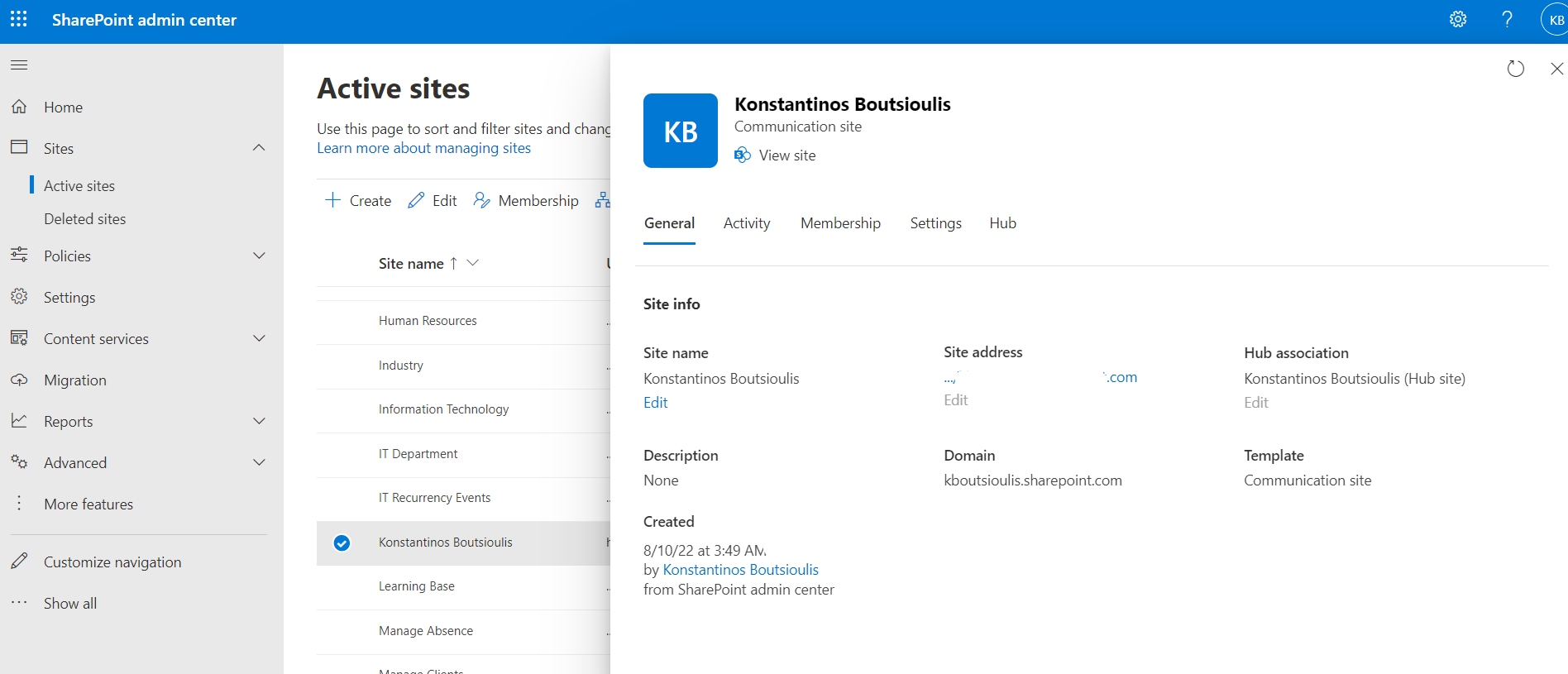
Then we select SharePoint and again from the left column of M365 Admin On the home page of SharePoint Admin and under active sites choose your site
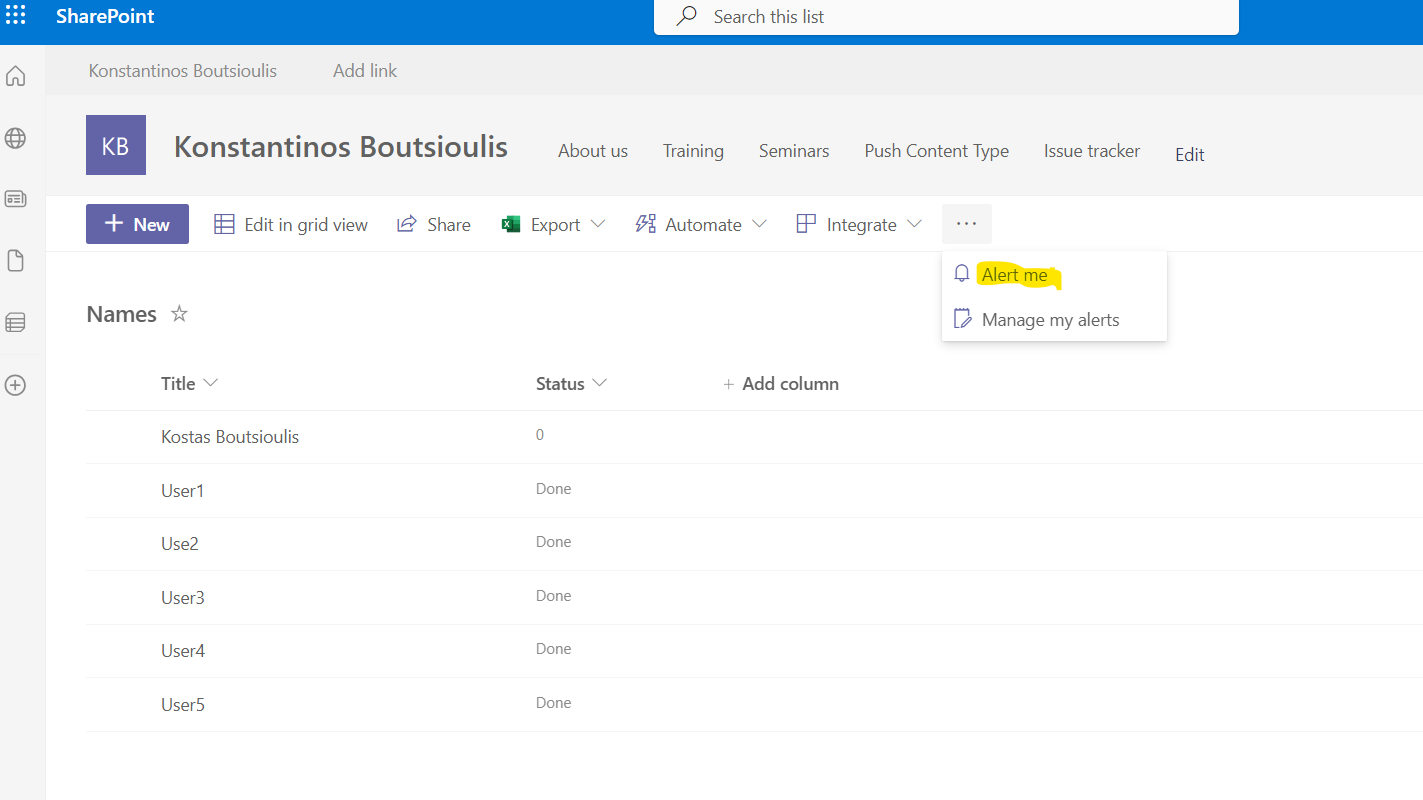
Now we will go to our selection page and from there from the content site we will find our list or library and create a new alert
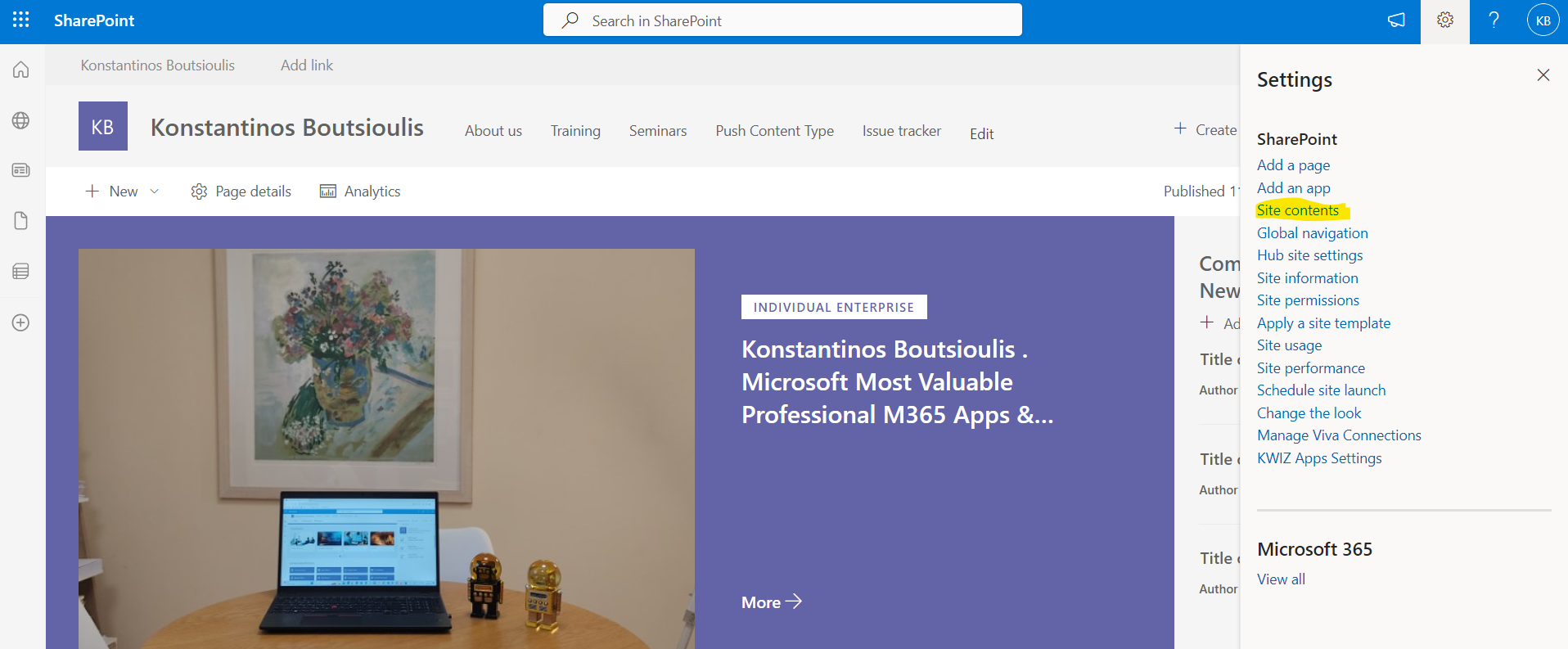
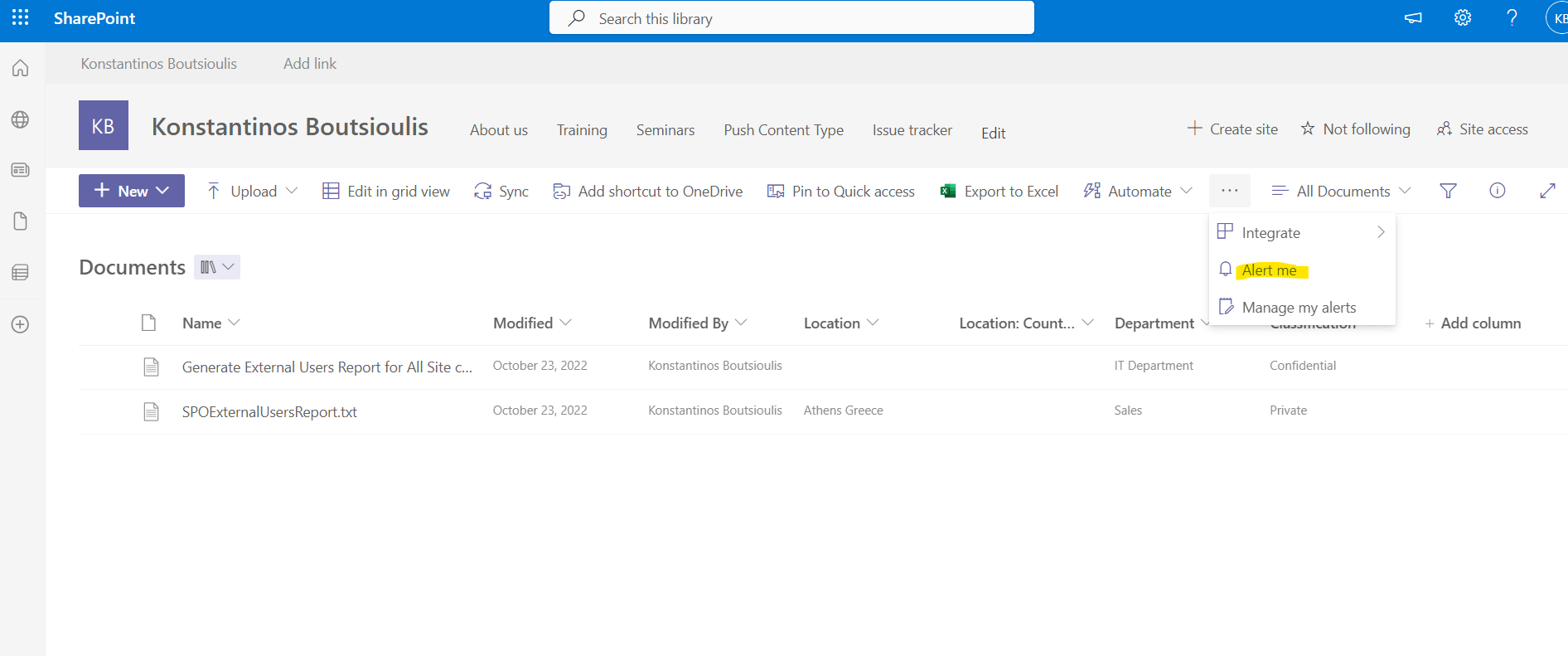
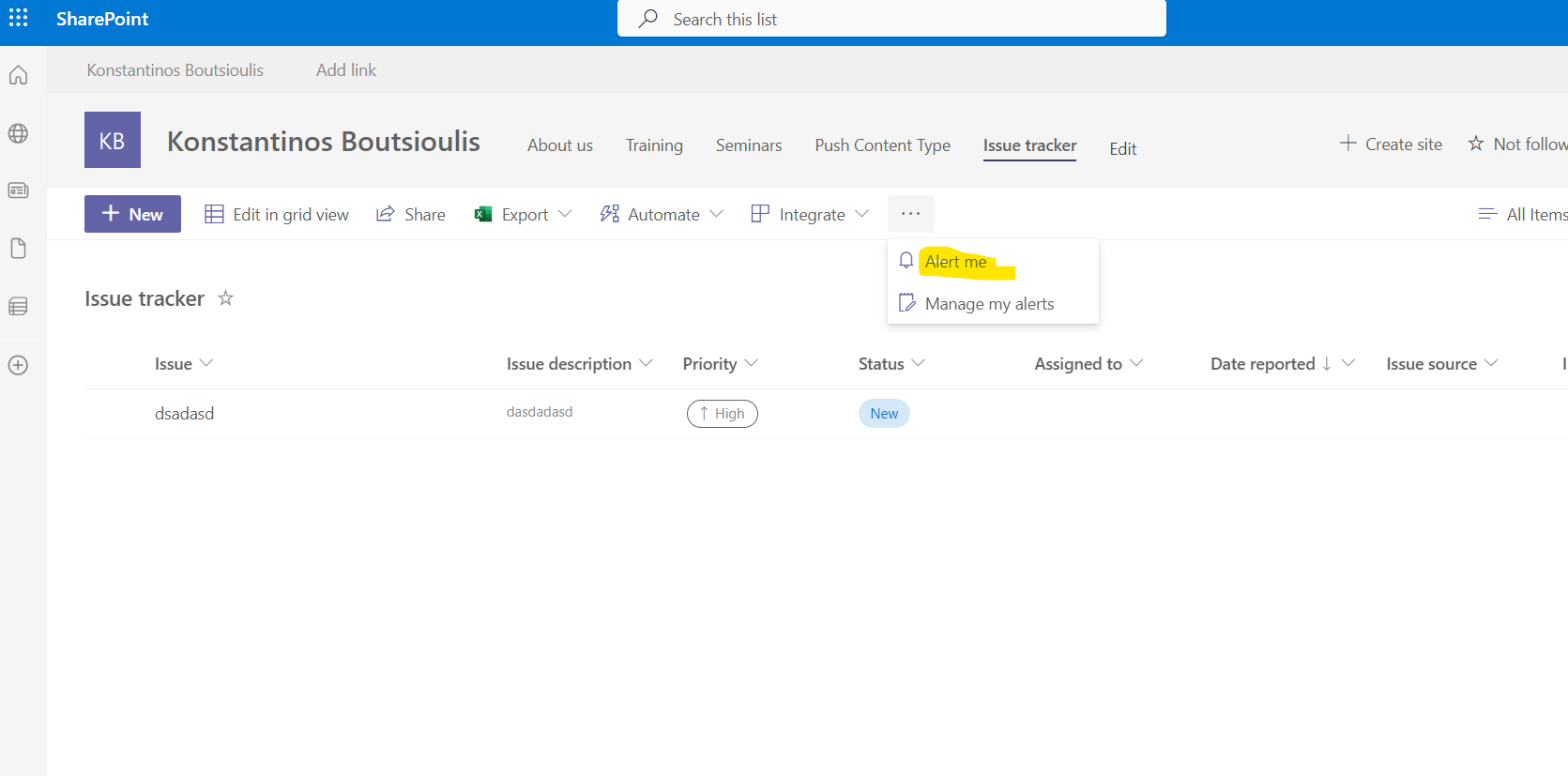
In this way we create an alert on our lists and our library
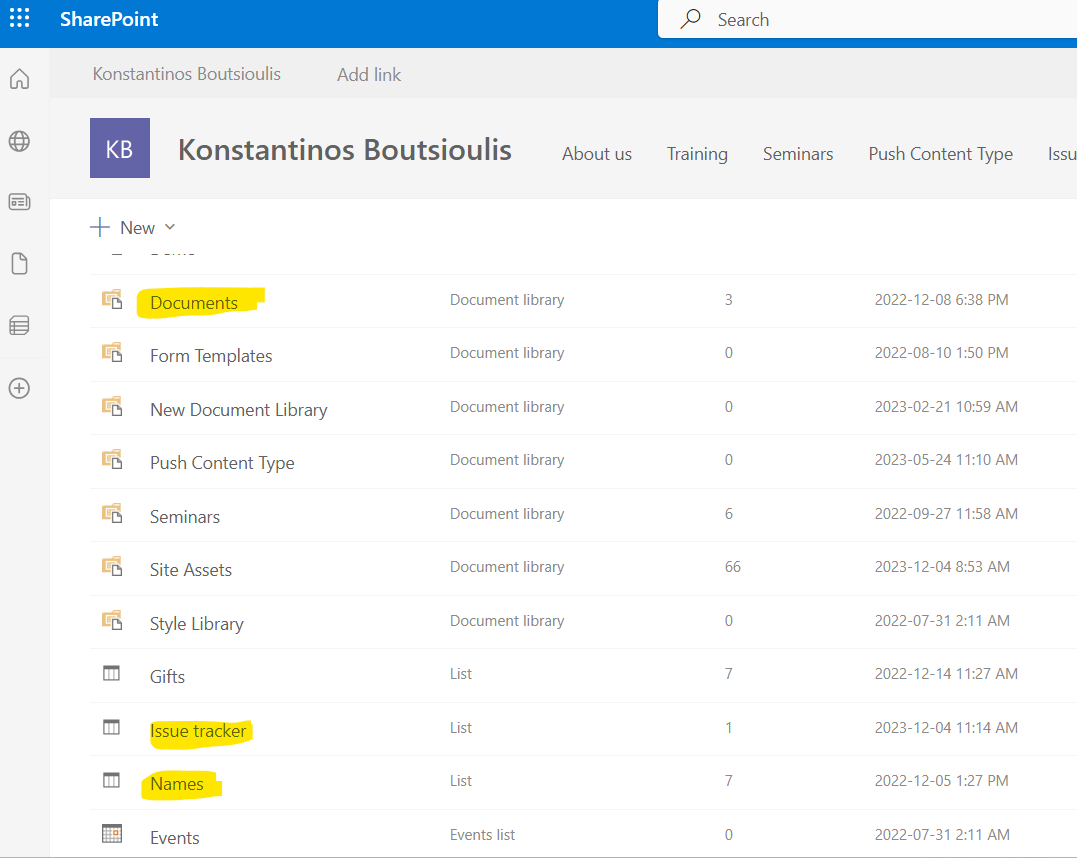
For the Document library
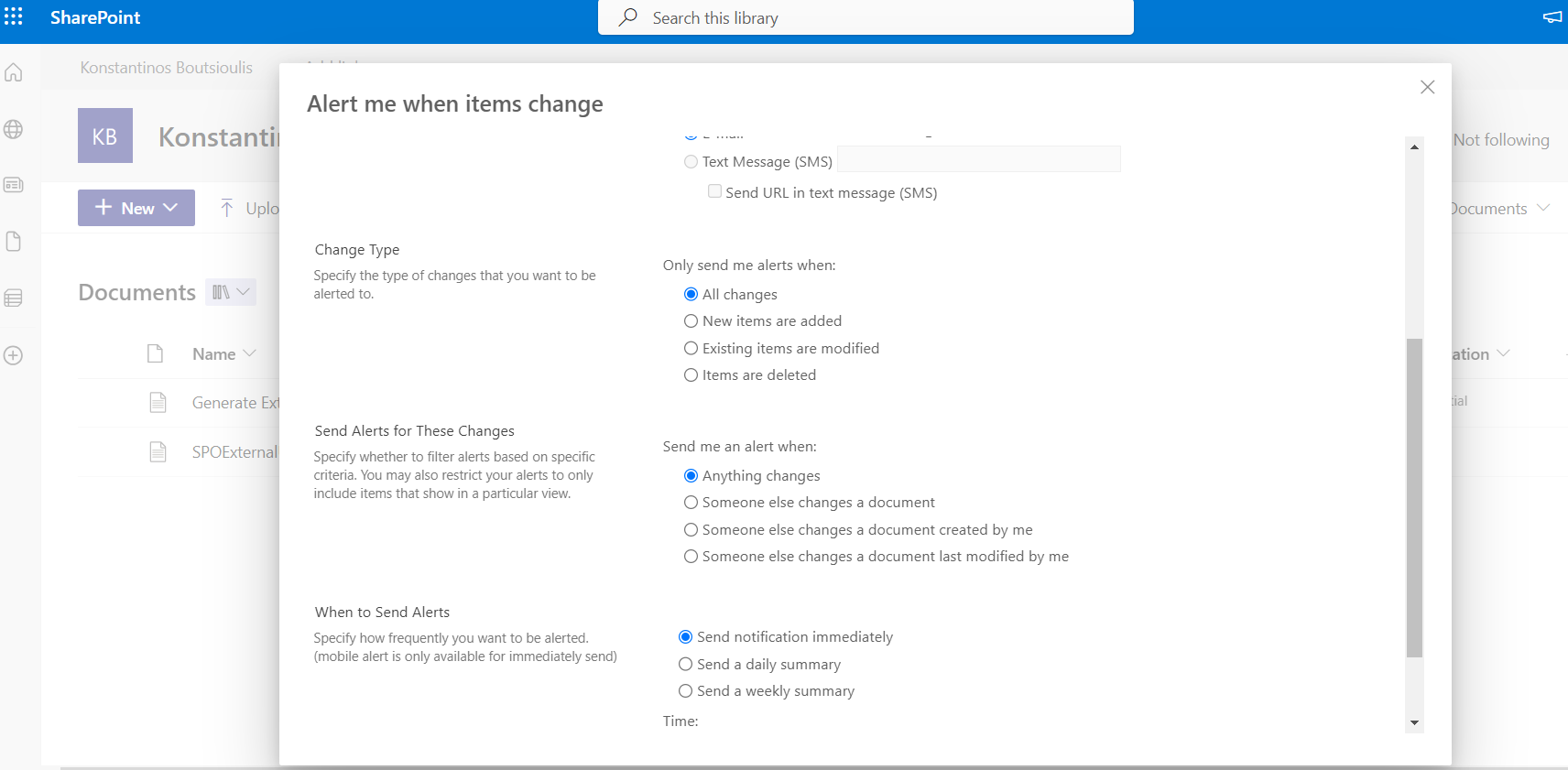
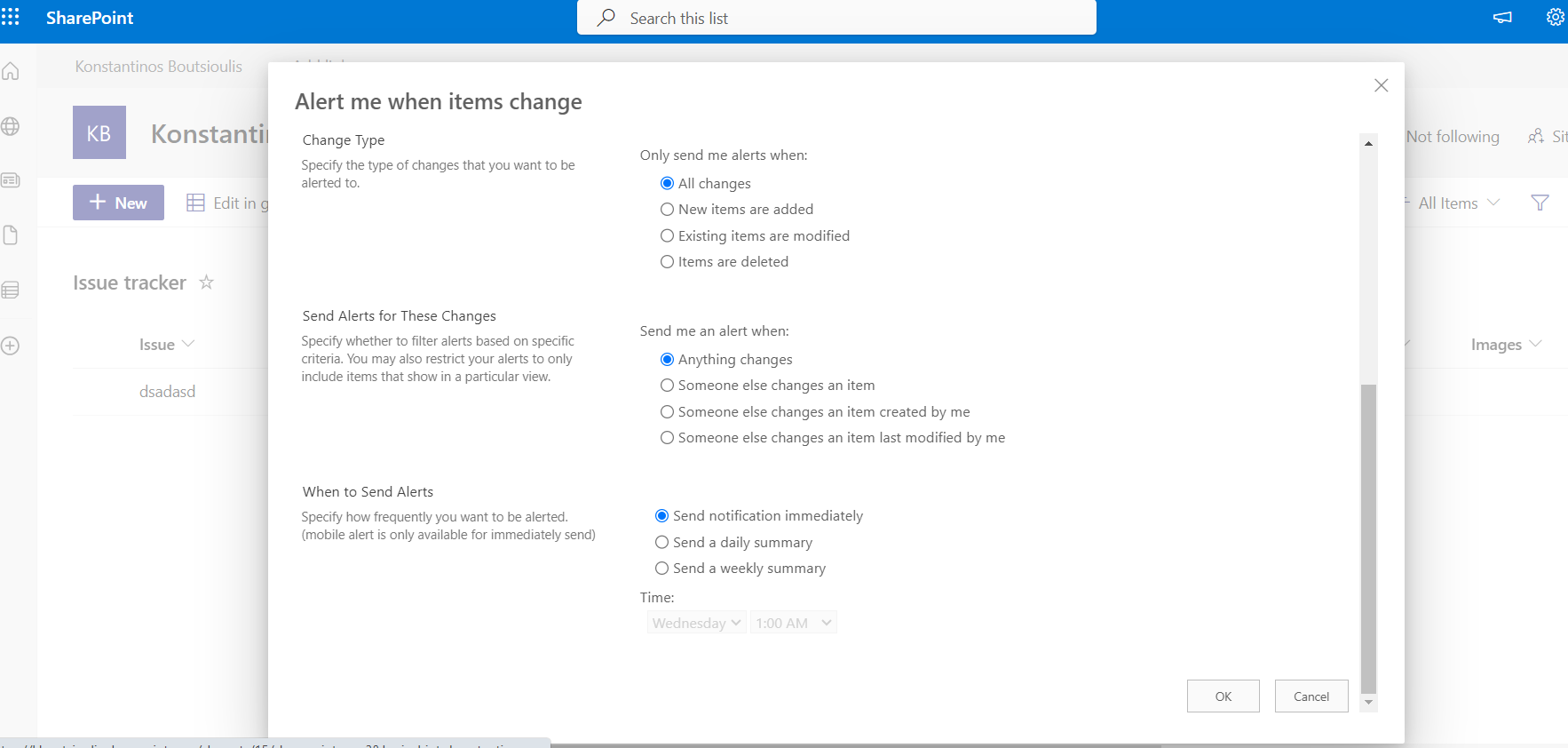
For the Issue tracker list
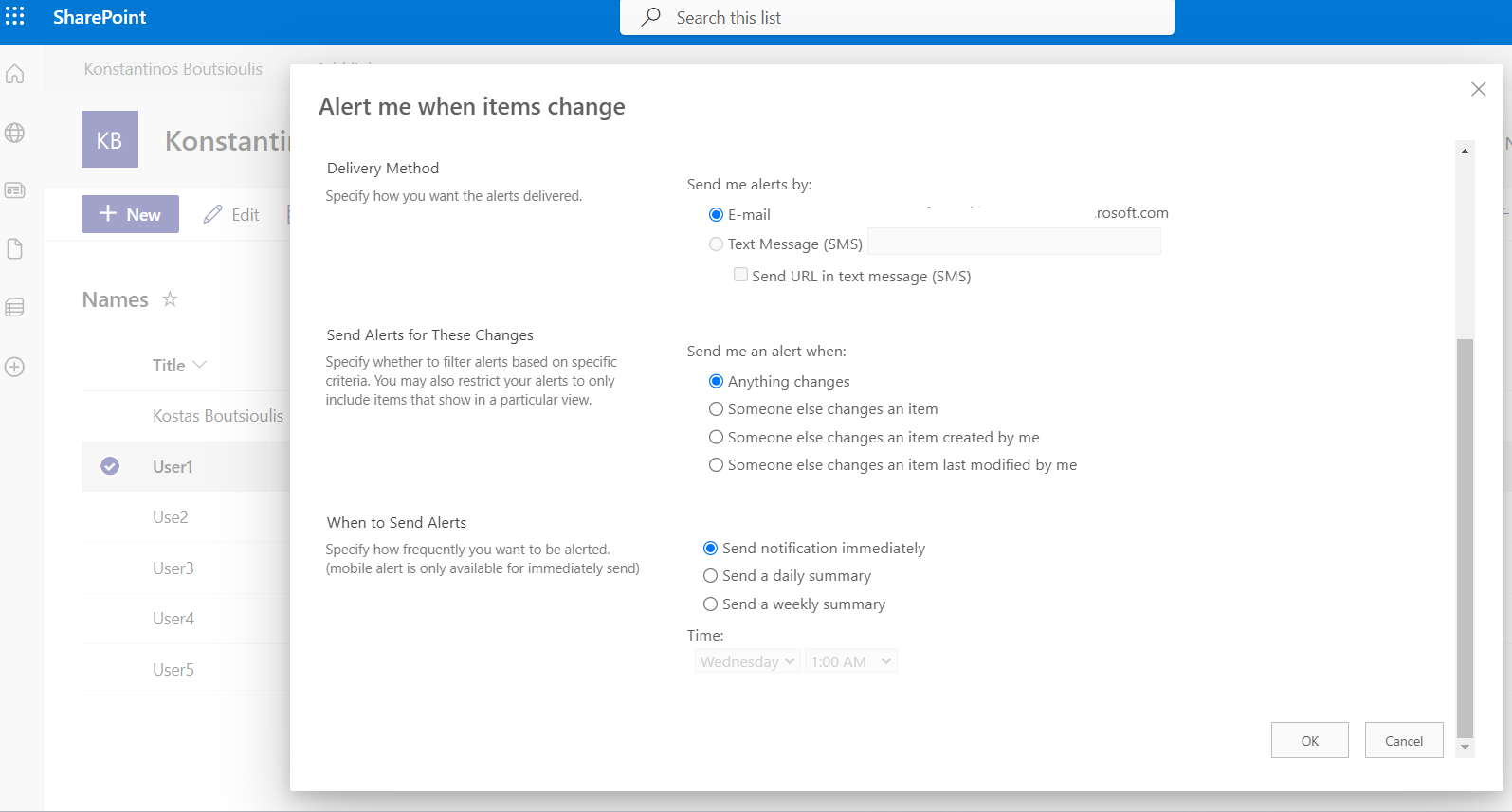
For the Names list
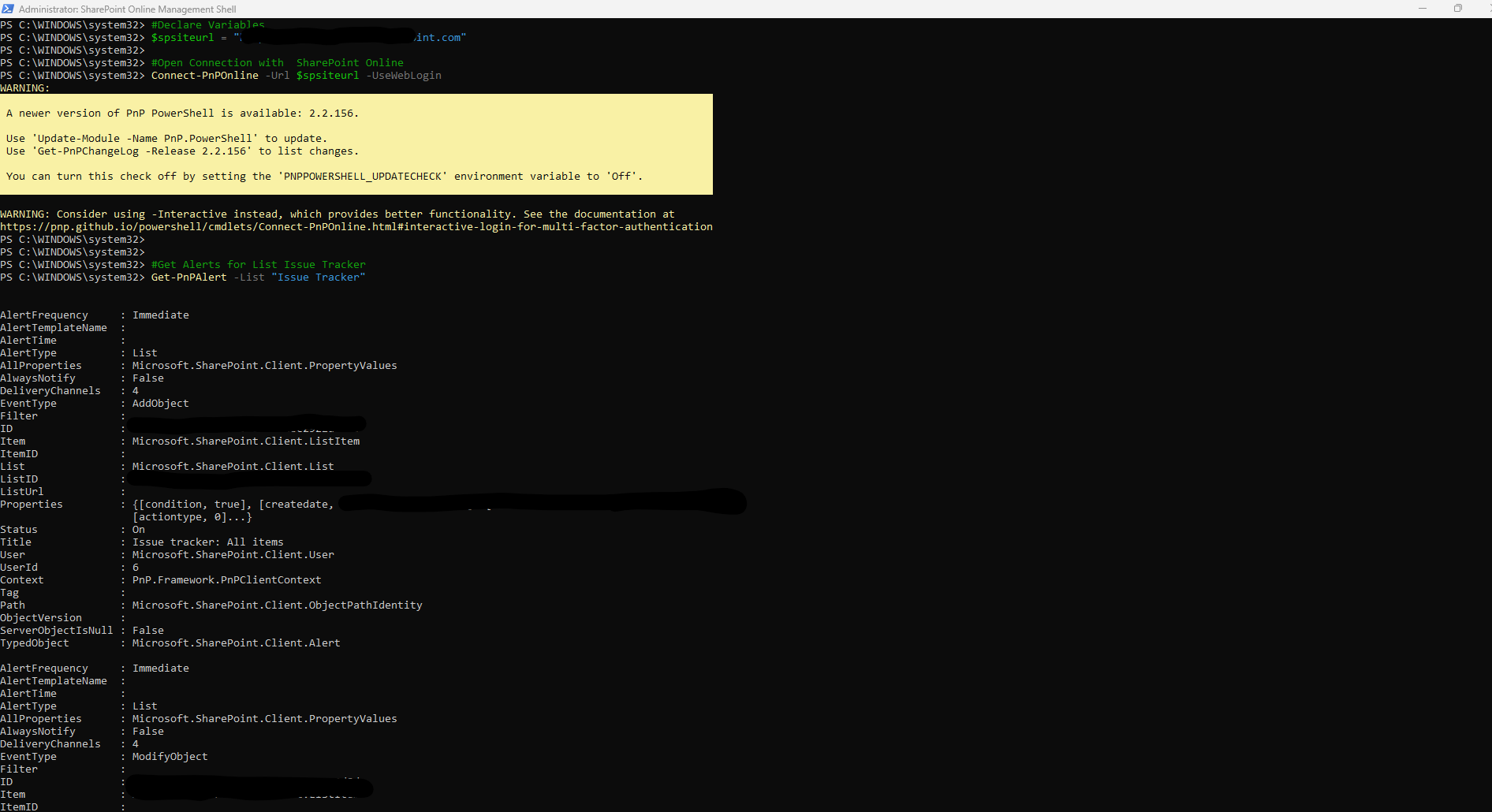
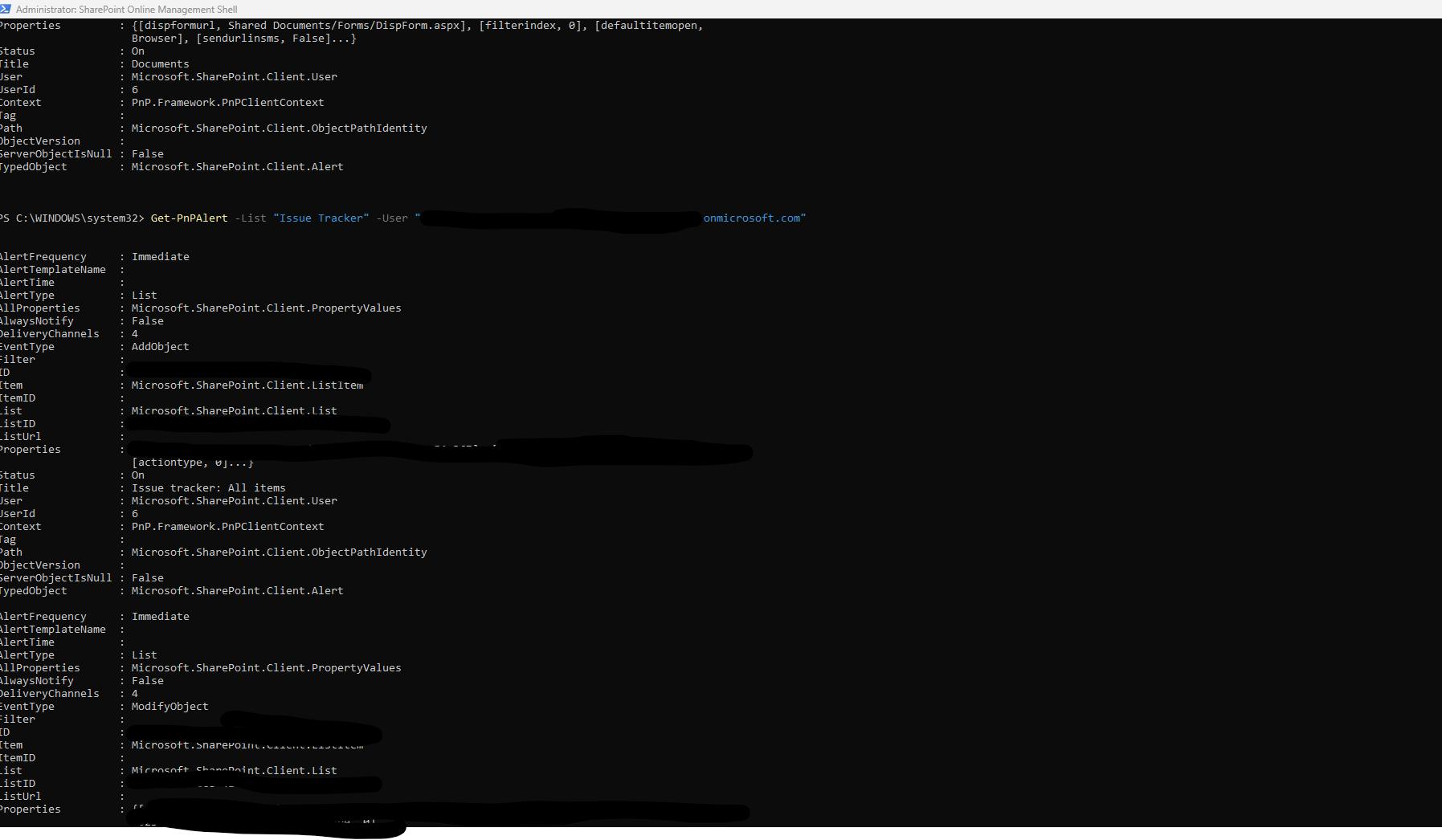
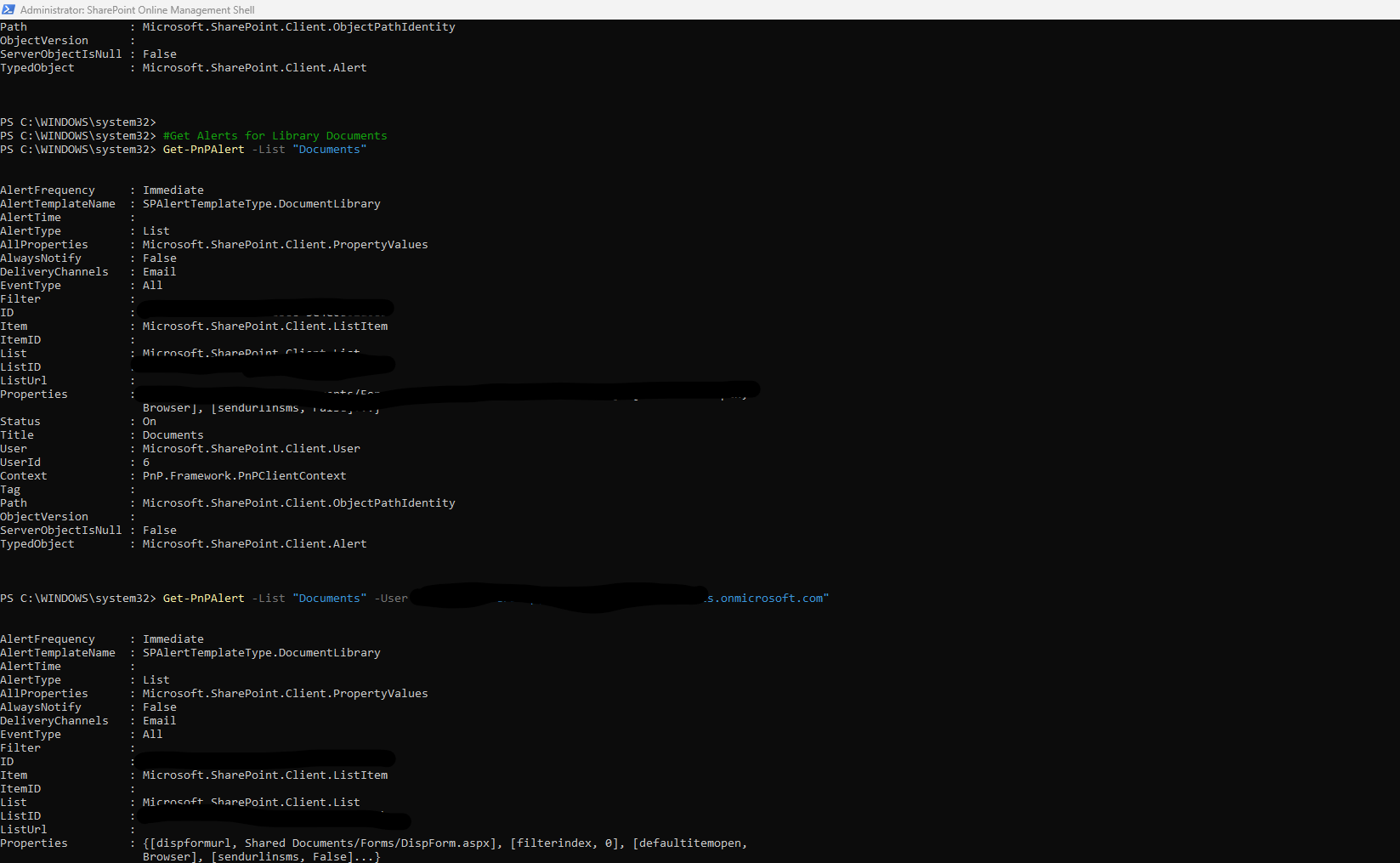
We run the following PowerShell in the SharePoint Online Management Shell with administrator privileges and we have
#Declare Variables
$Site = "https://mytenant.sharepoint.com"
#Connect with SharePoint Online
Connect-PnPOnline -Url $Site -UseWebLogin
#Get Alerts for List Issue Tracker
Get-PnPAlert -List "Issue Tracker" Get-PnPAlert -List "Issue Tracker" -User "i:0#.f|membership|user@mytenant.onmicrosoft.com"
#Get Alerts for Library Documents
Get-PnPAlert -List "Documents" Get-PnPAlert -List "Documents" -User "i:0#.f|membership|user@mytenant.onmicrosoft.com"
#Get Alerts for List Names
Get-PnPAlert -List "Names" Get-PnPAlert -List "Names" -User "i:0#.f|membership|user@mytenant.onmicrosoft.com"
 #SharePoint
#technology
#microsoft
#PowerShell
#PnP
#digitaltransformation
#cloud
#mvpbuzz
#m365
#SharePoint
#technology
#microsoft
#PowerShell
#PnP
#digitaltransformation
#cloud
#mvpbuzz
#m365
Visit Archives below to find more articles about Microsoft technologies on Modern Workplace