
Free Material
Find hereMore than 150 Articles about Microsoft Technologies on Modern Workplace
Official Site
Microsoft Most Valuable Professional M365 Apps & Services
Microsoft Most Valuable Professional Business Applications
Consultant & Sr Cloud Solution Architect Modern Wokrplace
Find hereMore than 150 Articles about Microsoft Technologies on Modern Workplace
27 November 2023
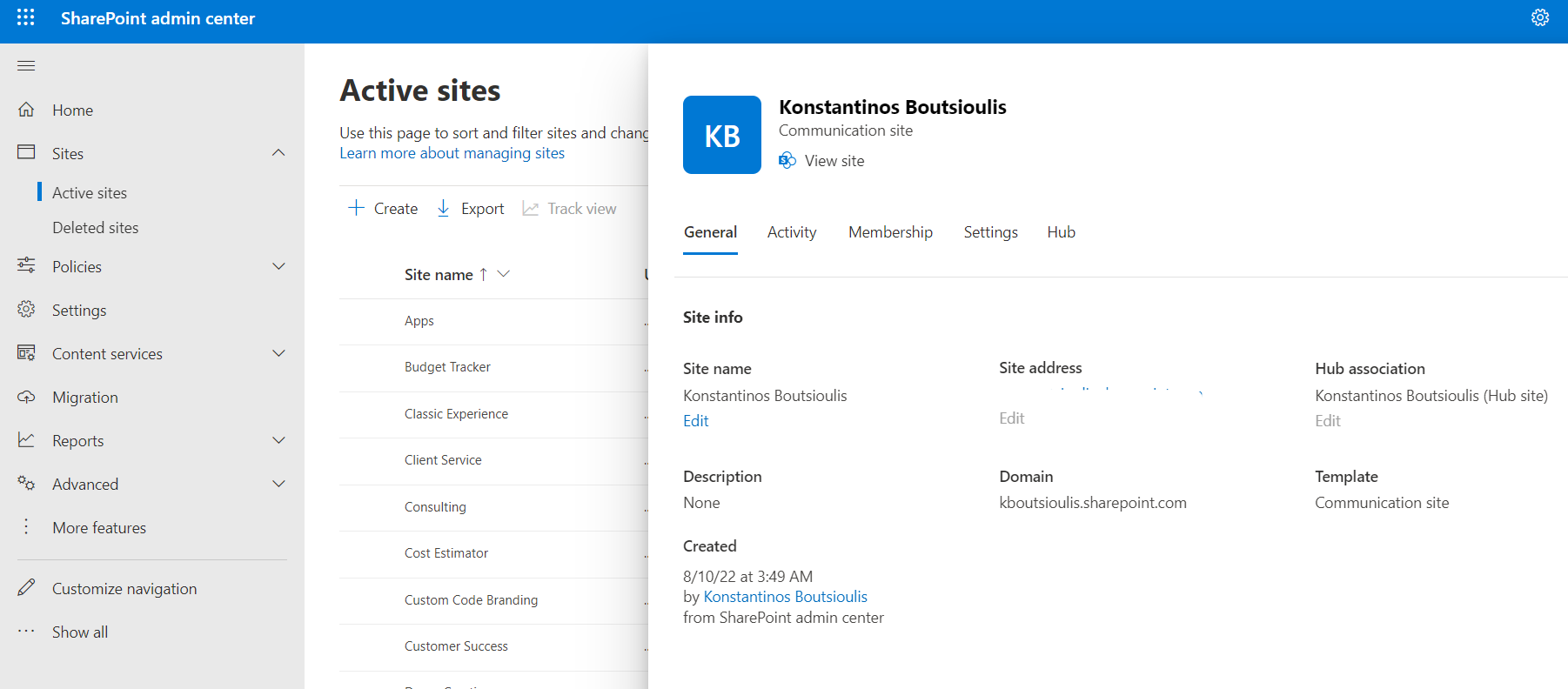
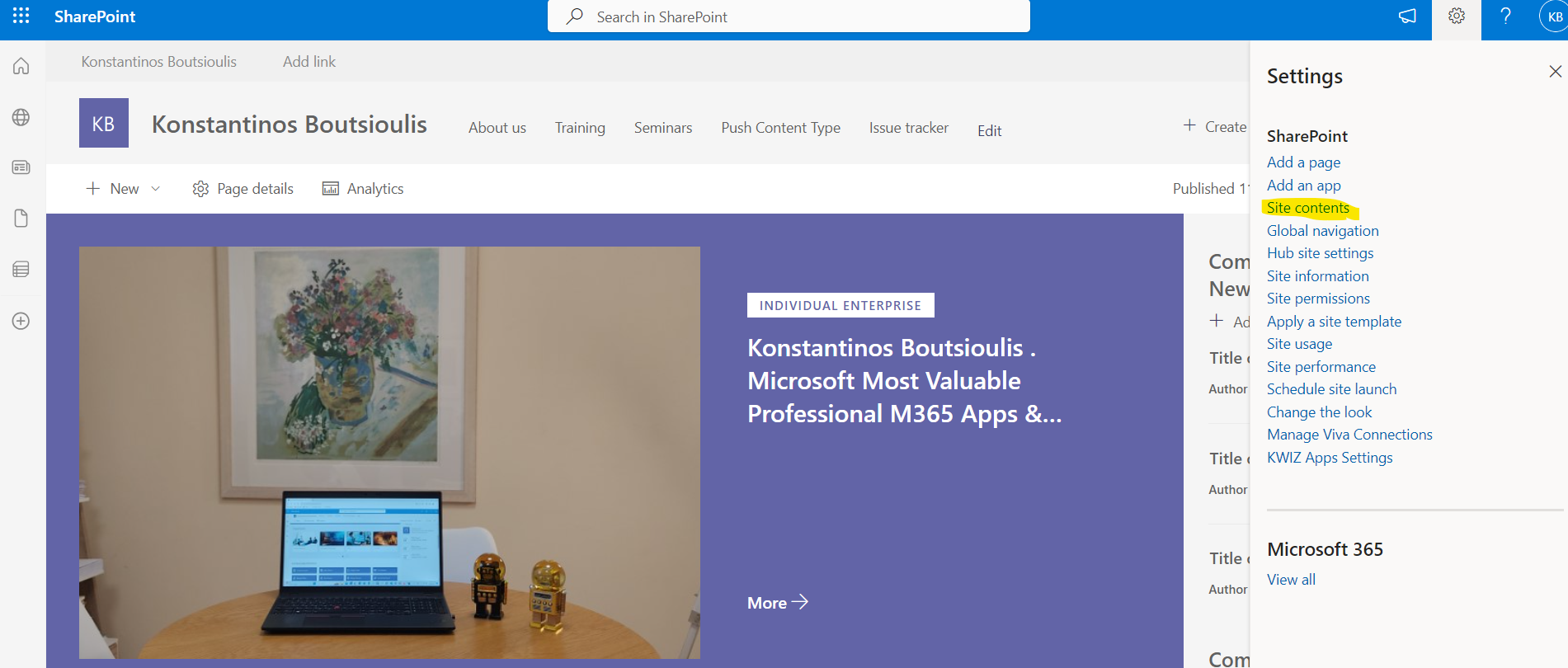
In today's post I will show you how we can add a new item to the custom lits names of a SharePoint Online Site using PowerShell. The above process can be done very simply from the end user interface with simple steps First we login to M365 and then to the SharePoint site we want

there we locate the list that is the names
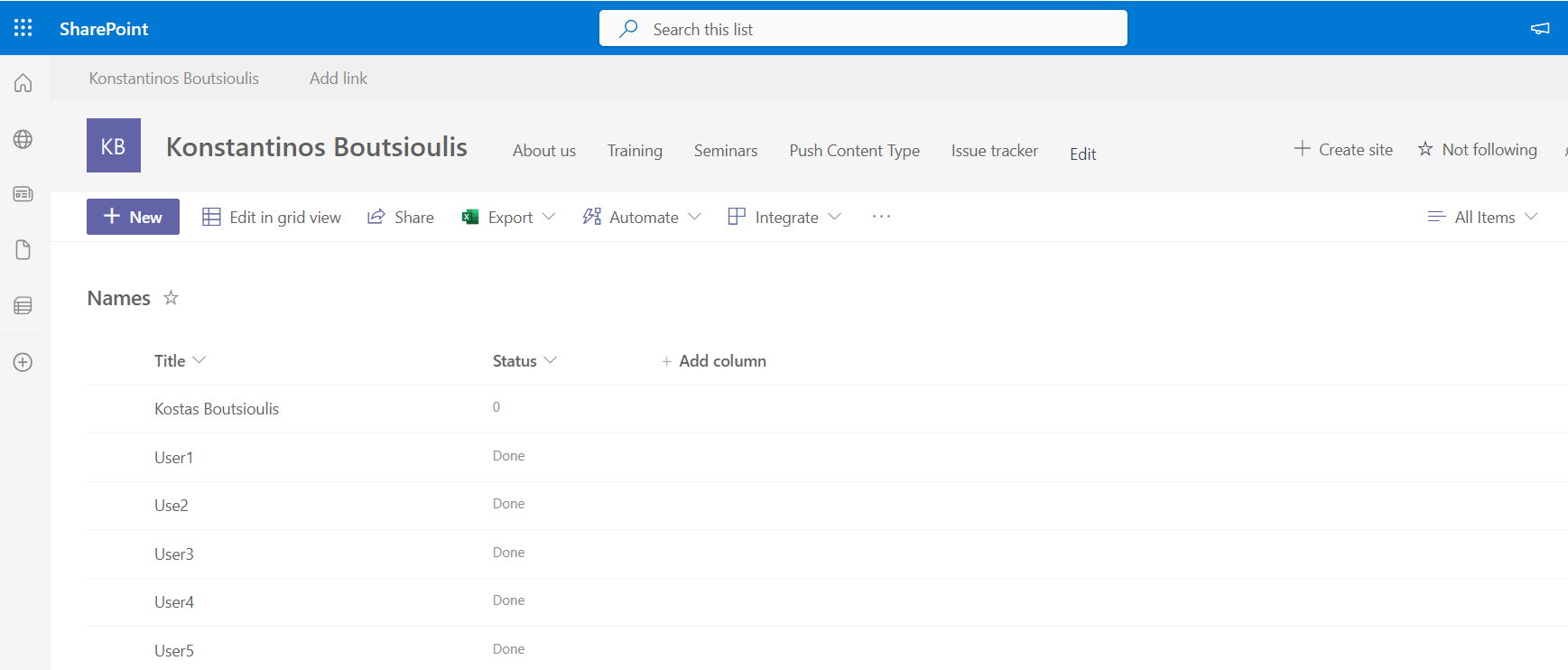
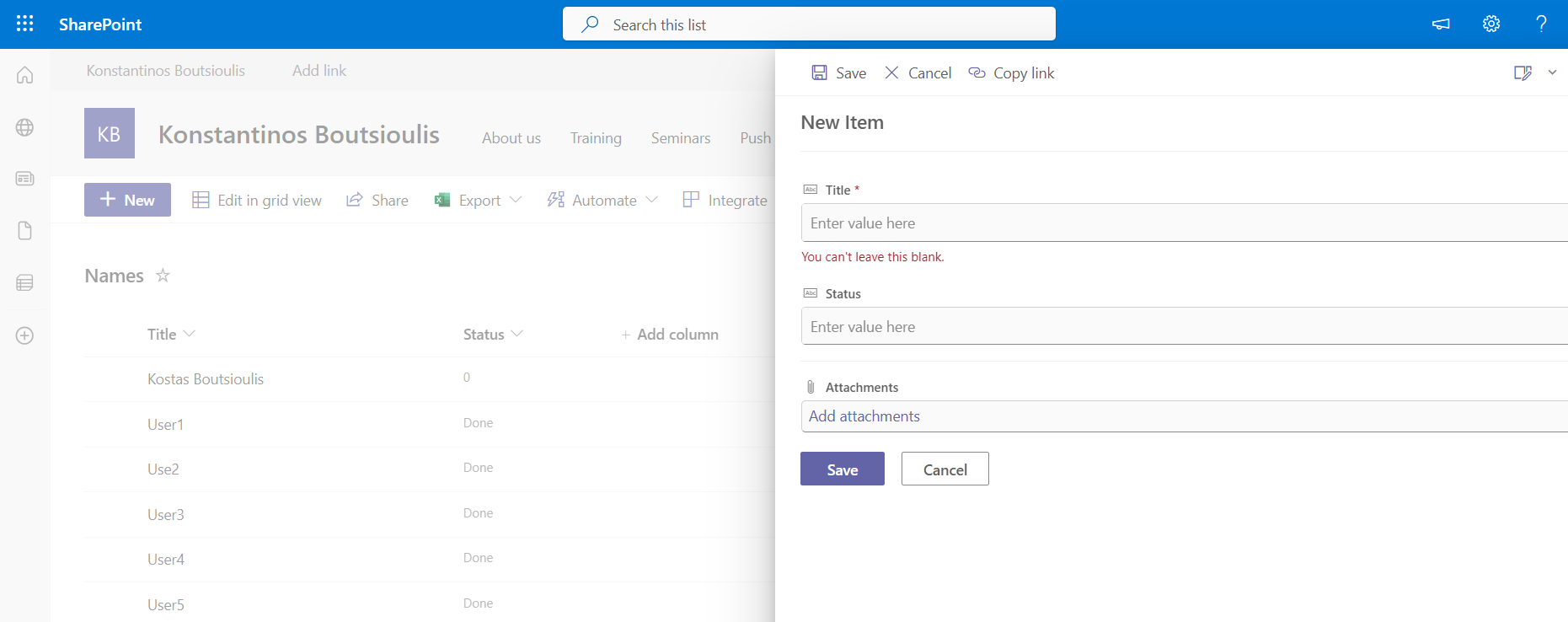
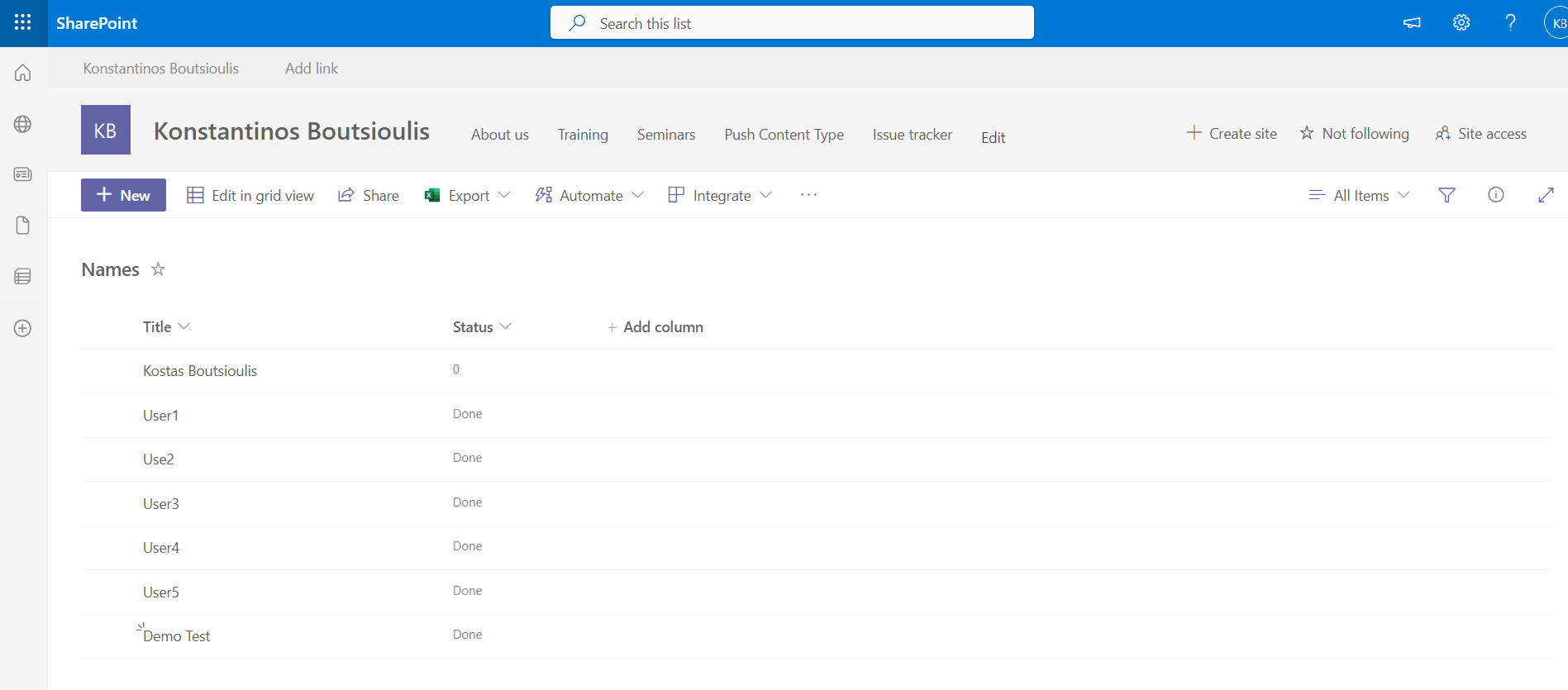
and as we can see it has 2 columns the title column and the status column Both columns are text type To add a new item click on new and fill in the right side column that pops up with the information
But for mainly automation purposes it would be good to have the corresponding command available in PowerShell or alternatively for creating recurring processes that need to be posted to the calendar could be done with powershell and a powershell runbook via azure automations First I locate the calendar I want to post the relevant calendar and press add on the date I want Alternatively using pnp online we have
#Declare Variables
$Site = "https://mytenant.sharepoint.com"
#Connect with SharePoint Online
Connect-PnPOnline -Url $Site -UseWebLogin
#Add item to name list
Add-PnPListItem -List $listName -Values 2 { "Title" = "Demo Test"; "Status" = "Done";}
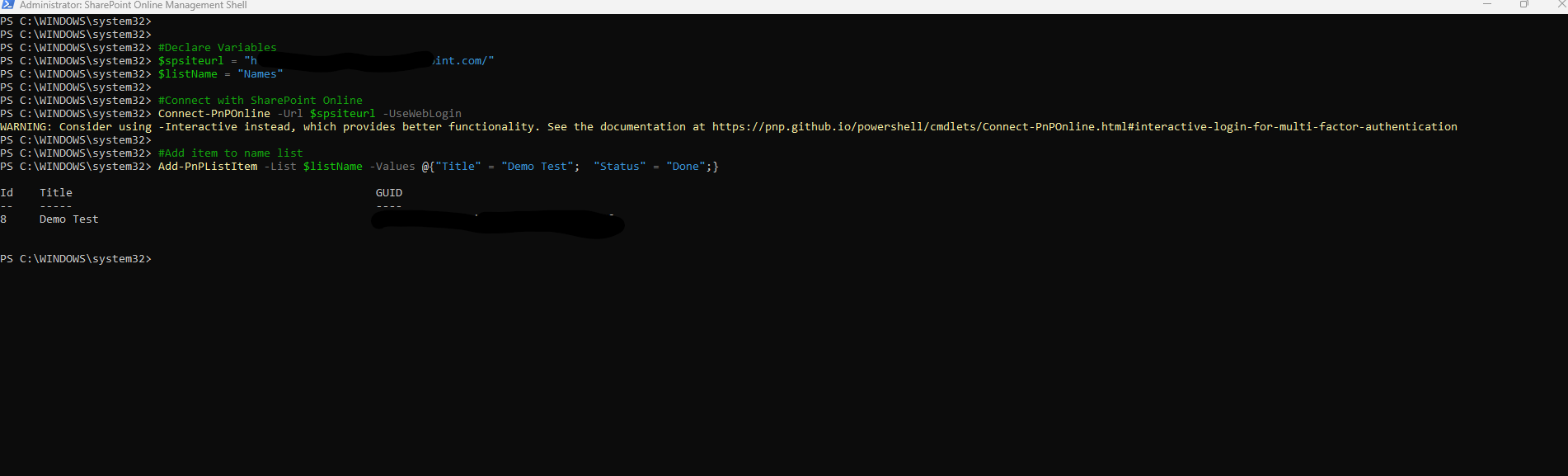
And finally as you can see we have a new item in our custom list that created using PowerShell
 #SharePoint
#technology
#microsoft
#PowerShell
#PnP
#digitaltransformation
#cloud
#mvpbuzz
#m365
#SharePoint
#technology
#microsoft
#PowerShell
#PnP
#digitaltransformation
#cloud
#mvpbuzz
#m365
Visit Archives below to find more articles about Microsoft technologies on Modern Workplace