
Free Material
Find hereMore than 150 Articles about Microsoft Technologies on Modern Workplace
Official Site
Microsoft Most Valuable Professional M365 Apps & Services
Microsoft Most Valuable Professional Business Applications
Consultant & Sr Cloud Solution Architect Modern Wokrplace
Find hereMore than 150 Articles about Microsoft Technologies on Modern Workplace
25 May 2024
In today's article, we will see how we can create a self-reminder every ten minutes using Power Automate.
First, you need to have an active M365 subscription and, once logged into the service, select Power Automates from the Apps.
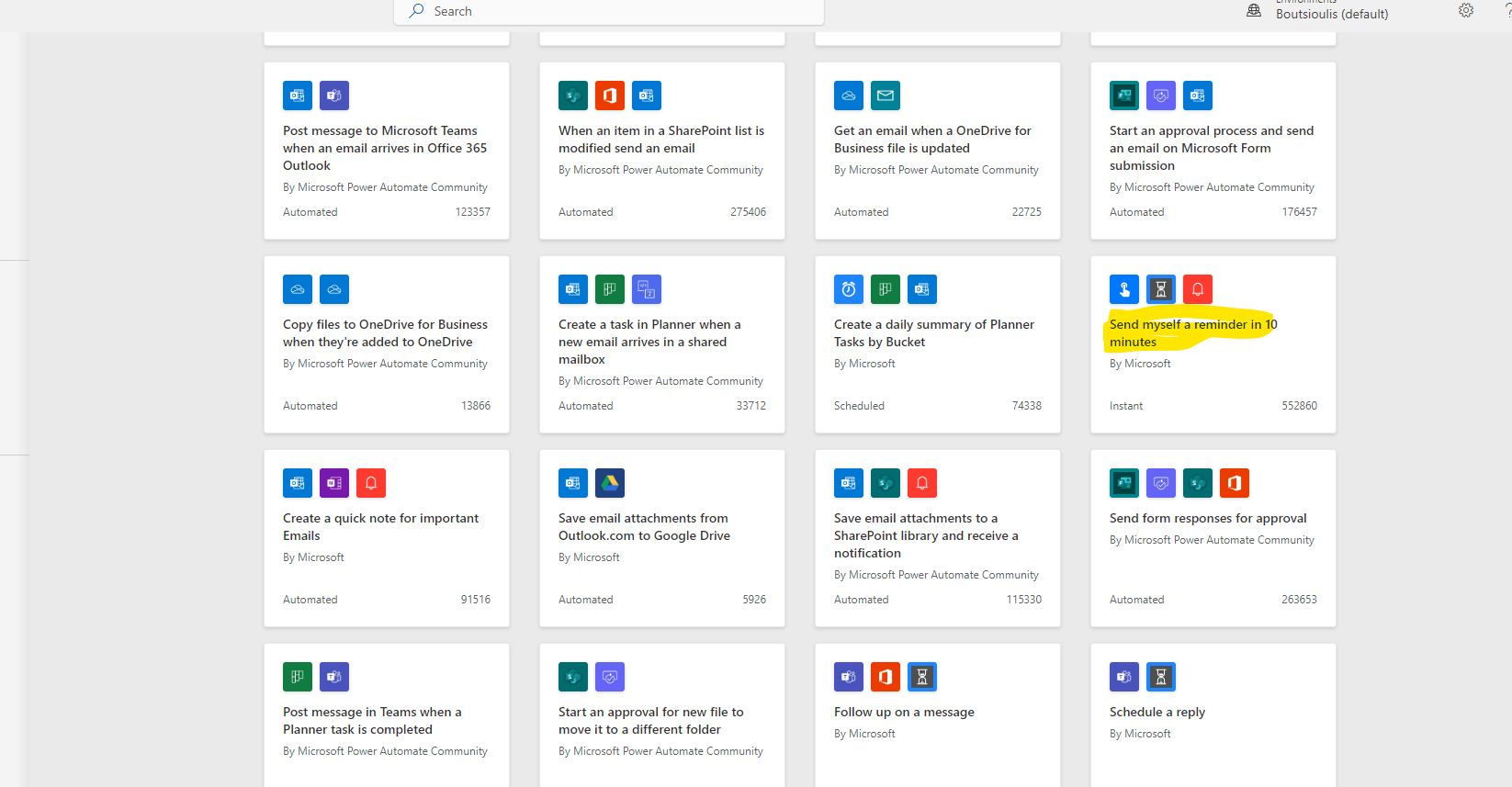
Once you navigate to the main page, select templates from the left menu and find the automate named "Send myself a reminder in 10 minutes."
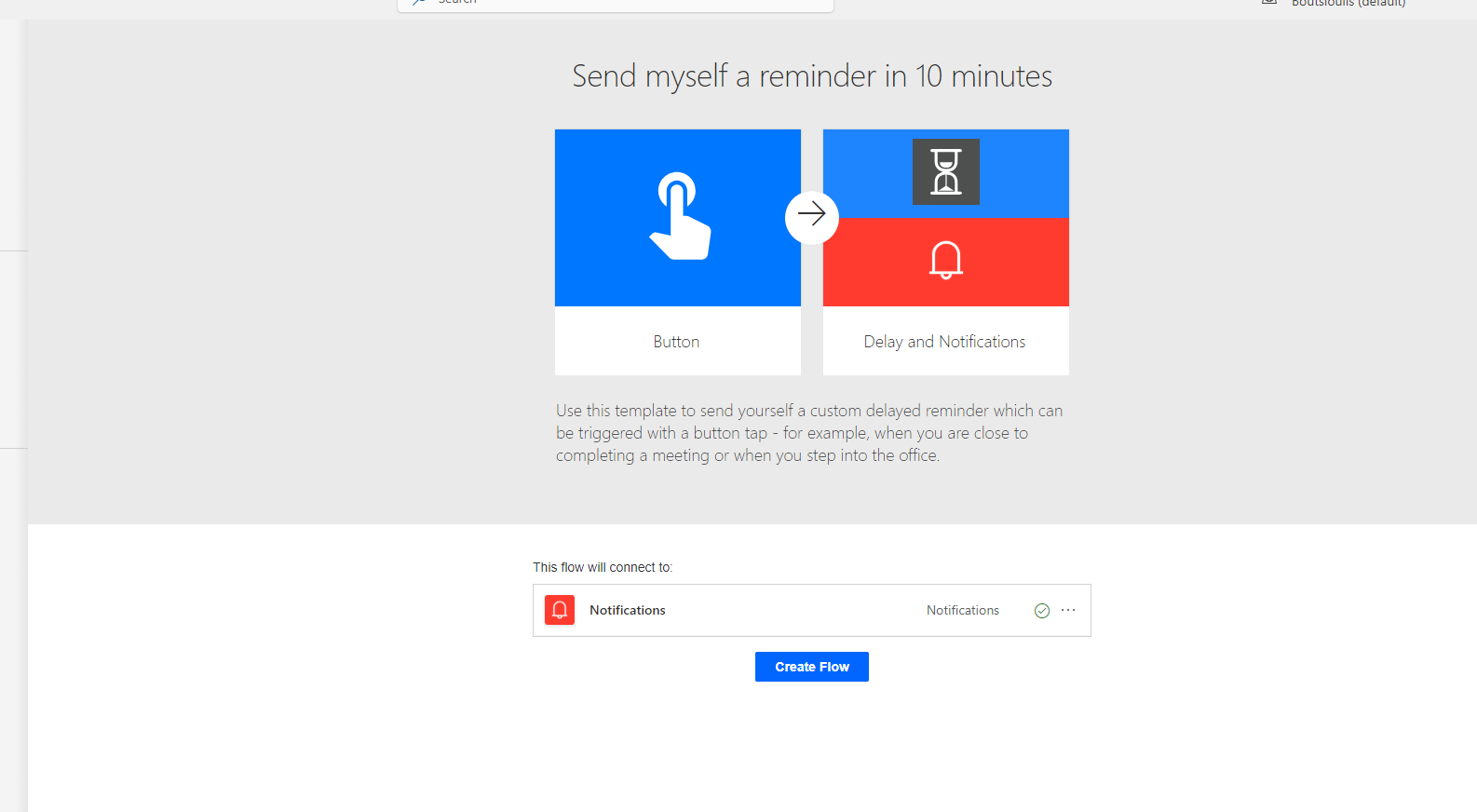
In the next step, you need to select "Create flow" and allow all necessary connections.
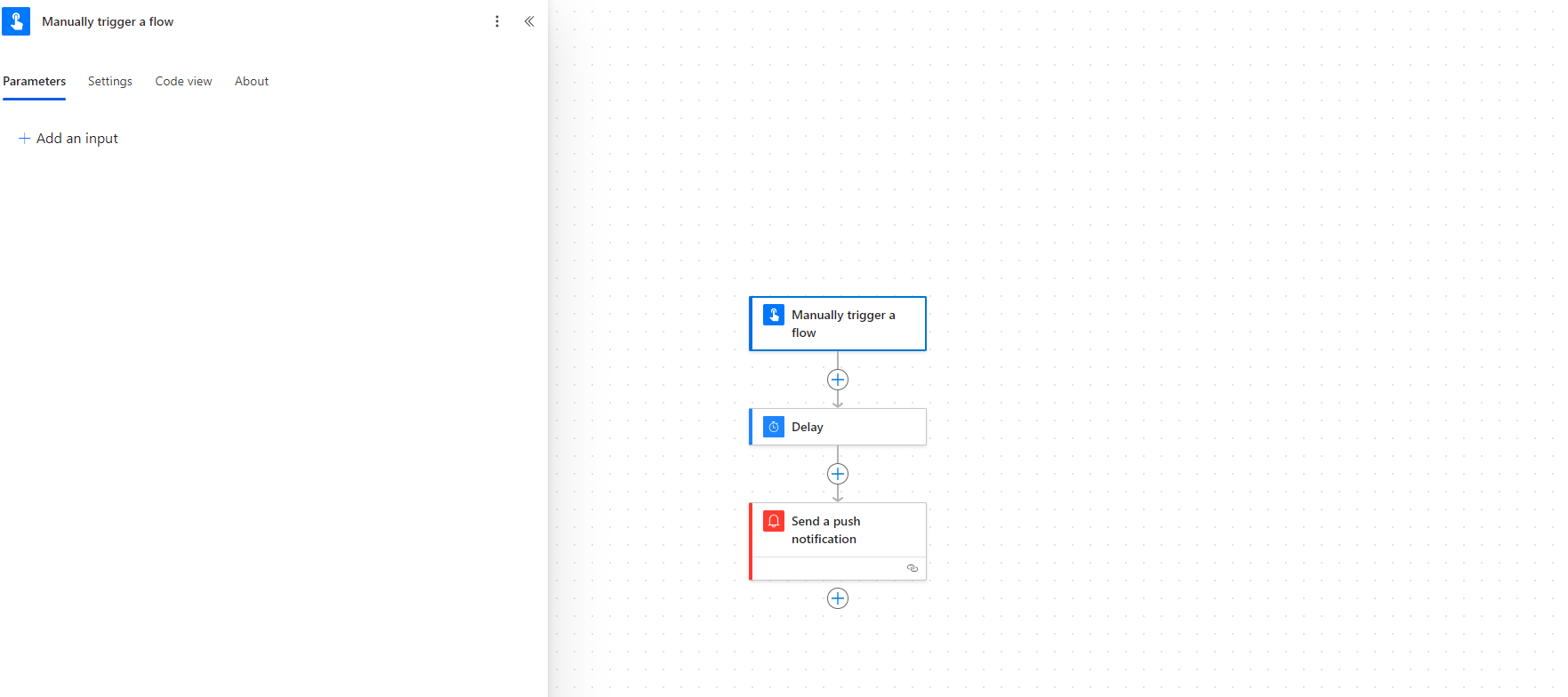
In our automate, as you can see, we have three actions. The first one, which is the trigger, is of type "manually trigger flow," and we can enter a parameter to activate the trigger.
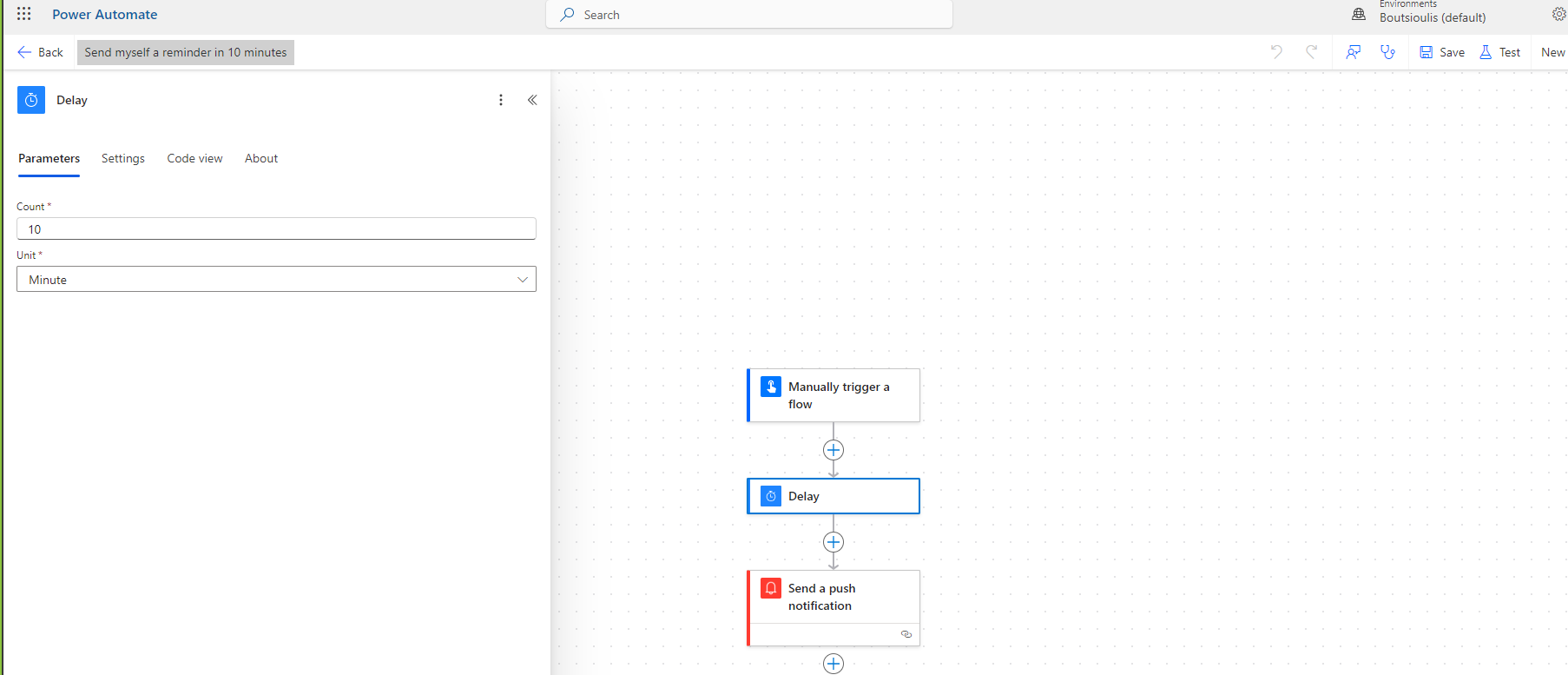
The next step is a delay where we select the counter 10 and choose minutes as the unit.
Finally, we have an action of type "send a push notification," and we add a text for the notification.
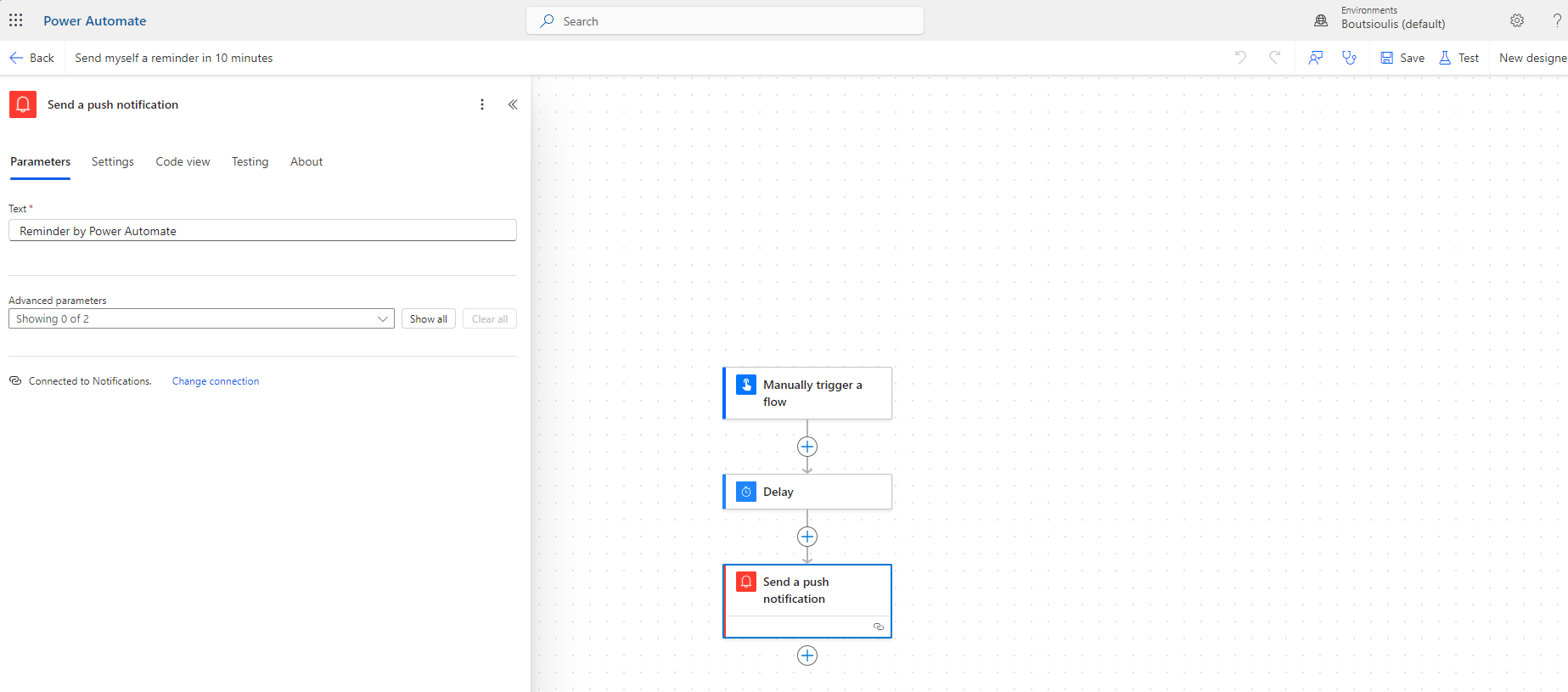
In the next step, we will save the automate.
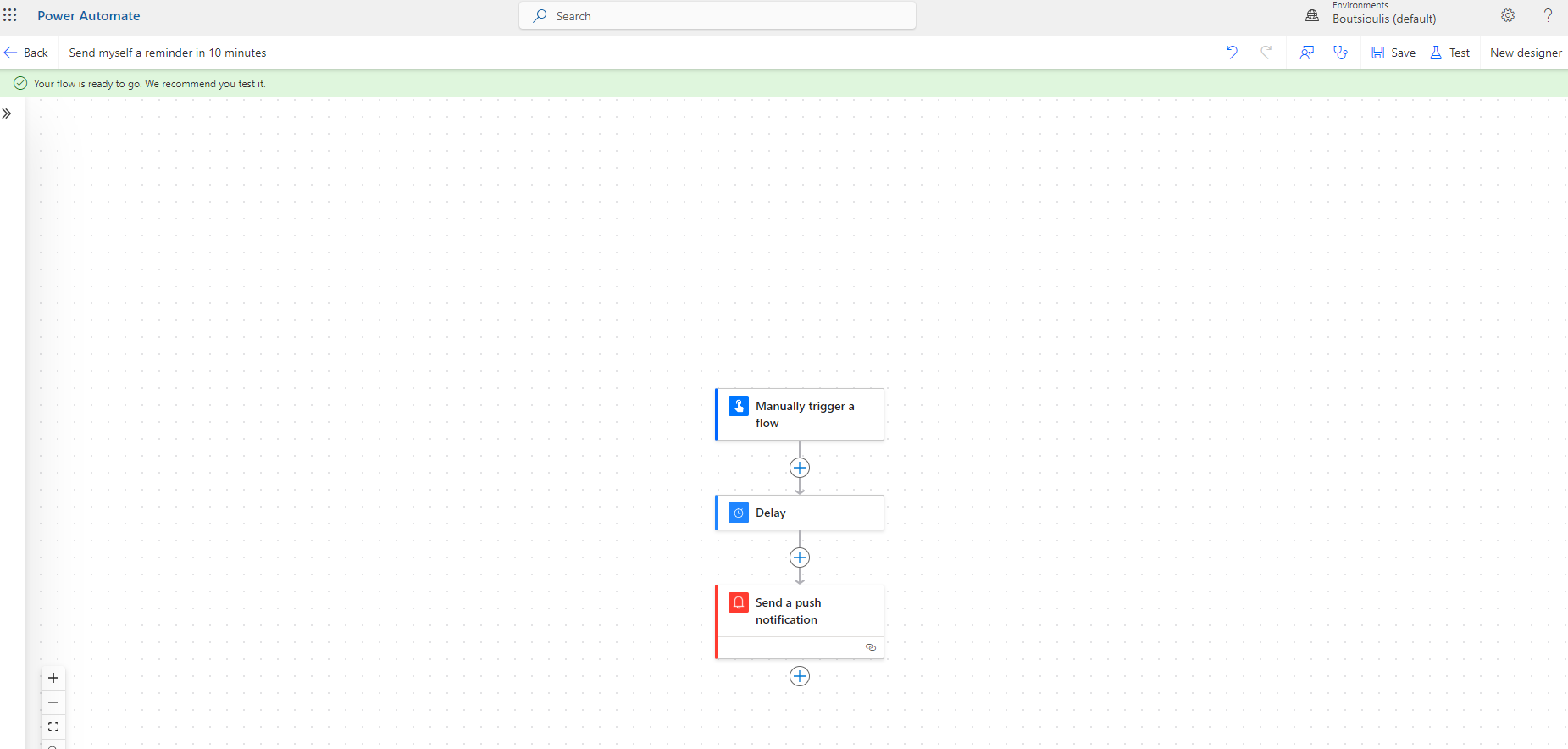
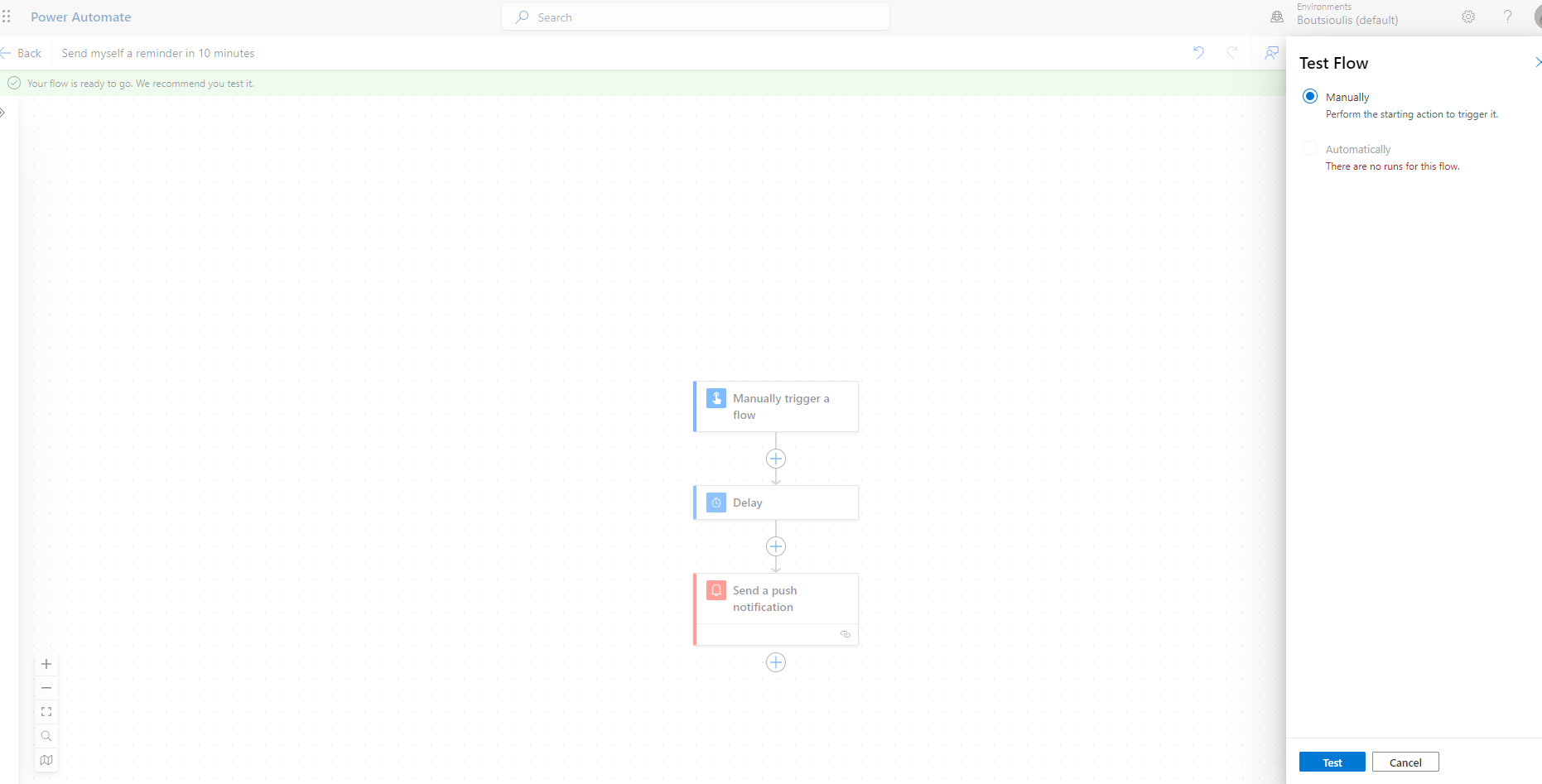
Then, we will select "Manually test flow."
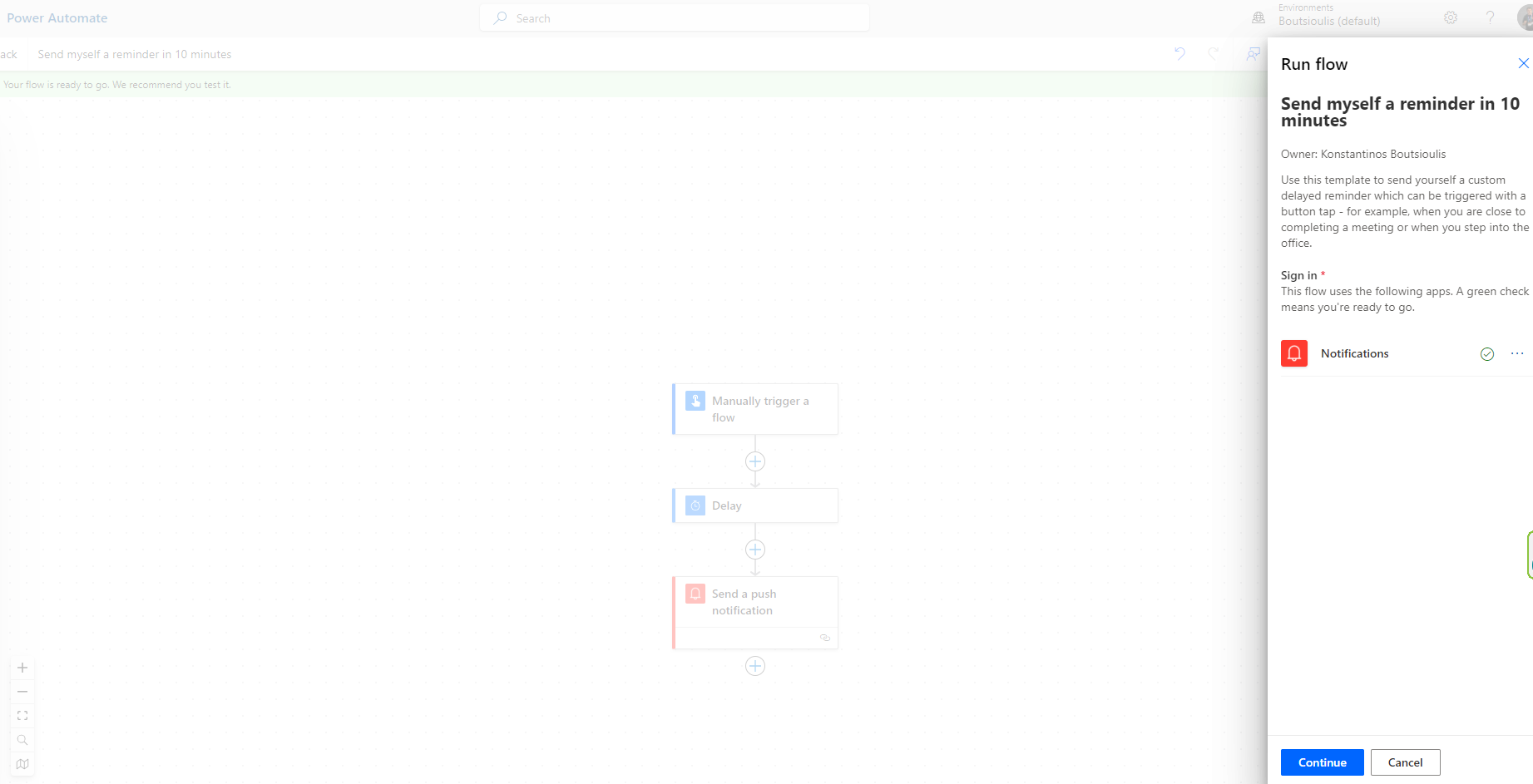
In the next step, select "Continue" to activate the necessary connections.
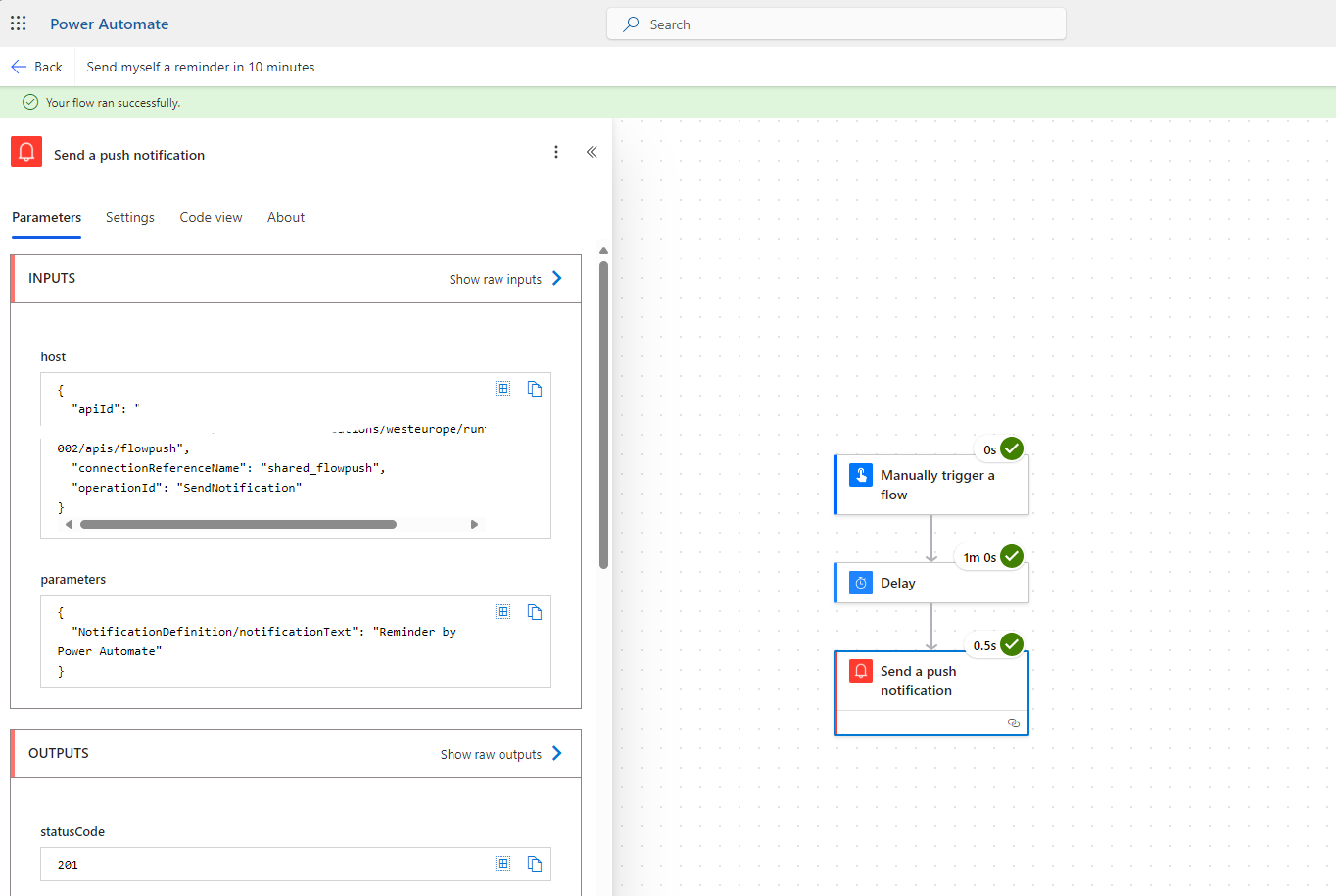
Finally, the flow executed successfully.
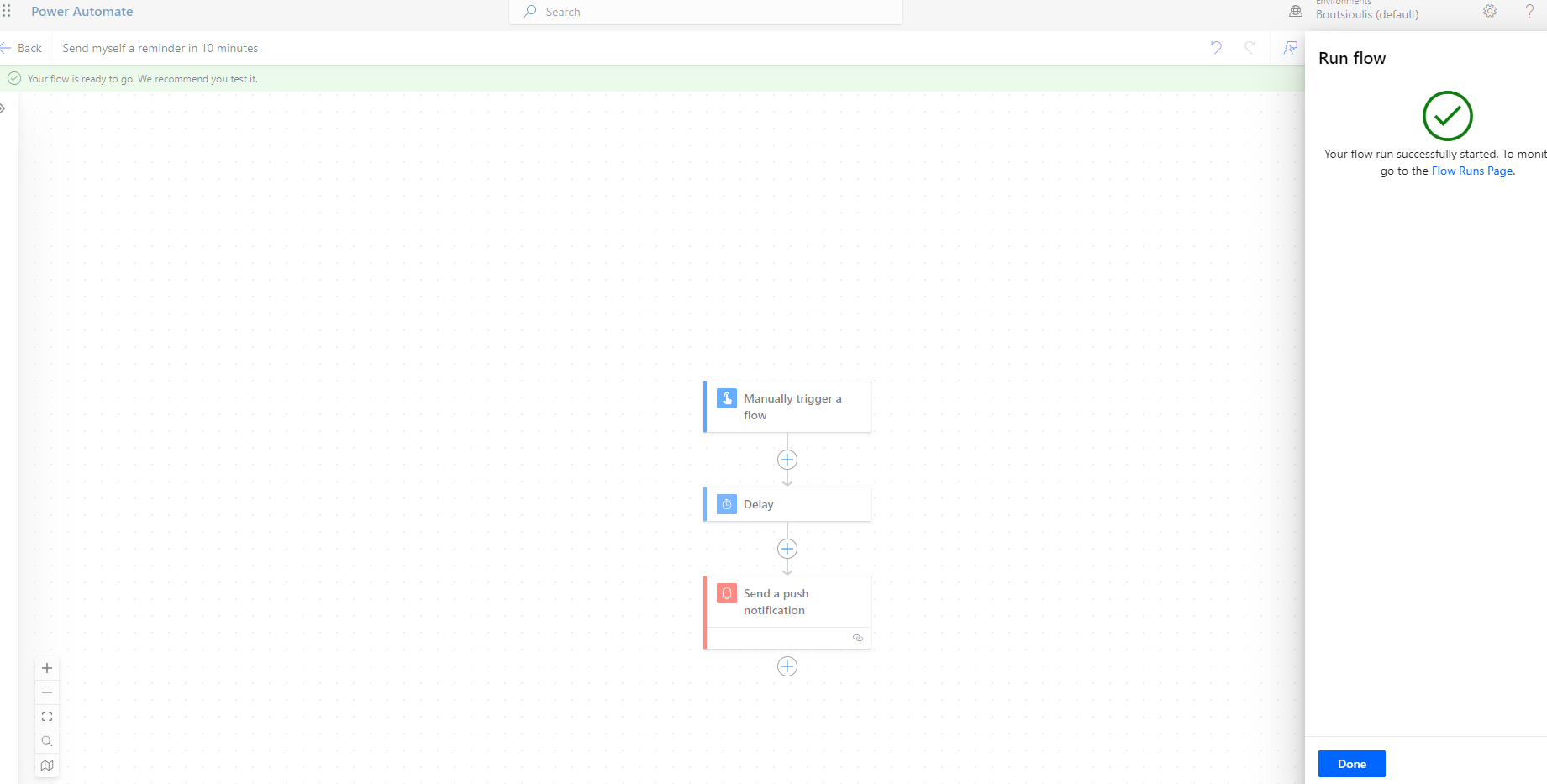
As you can see, the flow ran smoothly without any issues and sent the notification.
 #ModerWork
#M365_Apps_Services
#BusinessApps
#SharePoint
#PowerAutomate
#technology
#microsoft
#digitaltransformation
#cloud
#mvpbuzz
#m365
#ModerWork
#M365_Apps_Services
#BusinessApps
#SharePoint
#PowerAutomate
#technology
#microsoft
#digitaltransformation
#cloud
#mvpbuzz
#m365
Visit Archives below to find more articles about Microsoft technologies on Modern Workplace