
Free Material
Find hereMore than 150 Articles about Microsoft Technologies on Modern Workplace
Official Site
Microsoft Most Valuable Professional M365 Apps & Services
Microsoft Most Valuable Professional Business Applications
Consultant & Sr Cloud Solution Architect Modern Wokrplace
Find hereMore than 150 Articles about Microsoft Technologies on Modern Workplace
19 May 2023
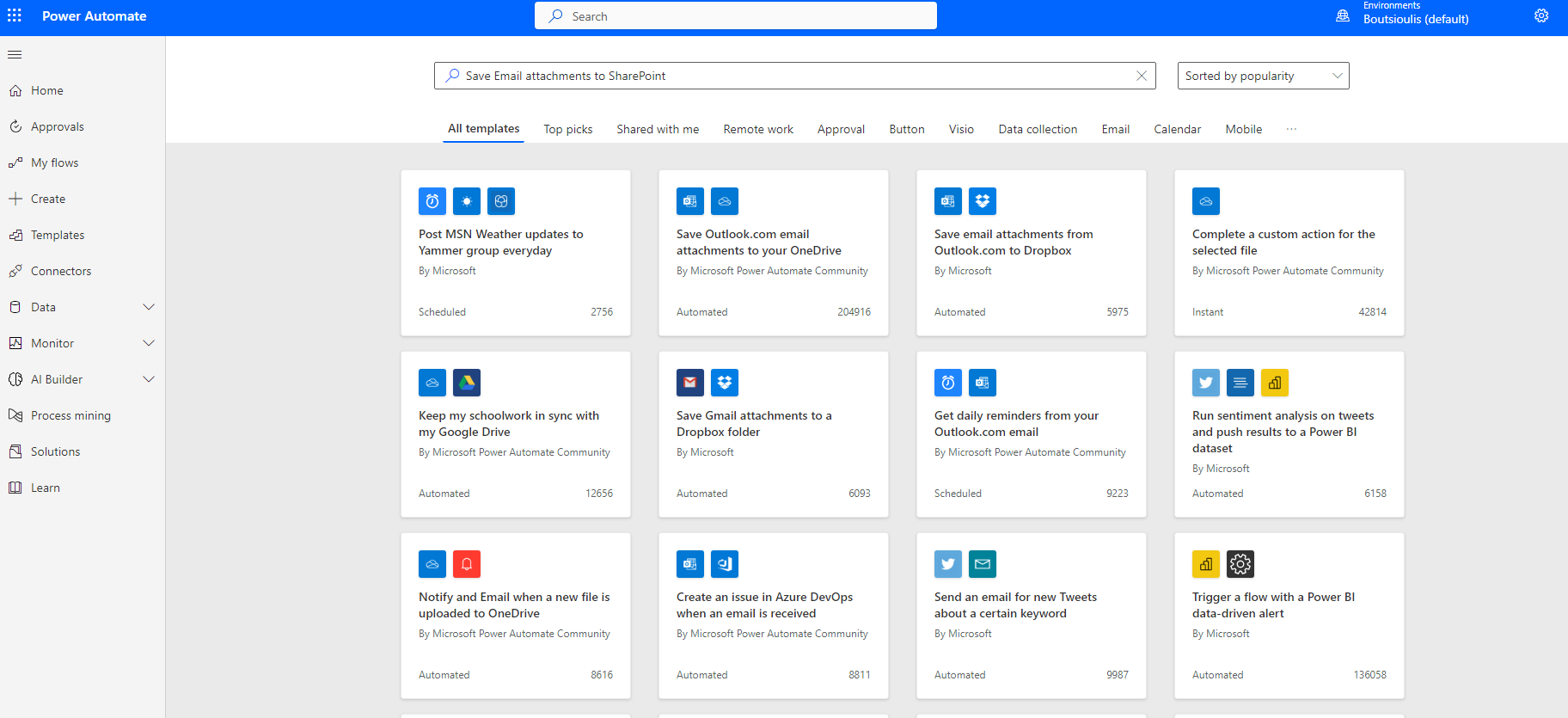
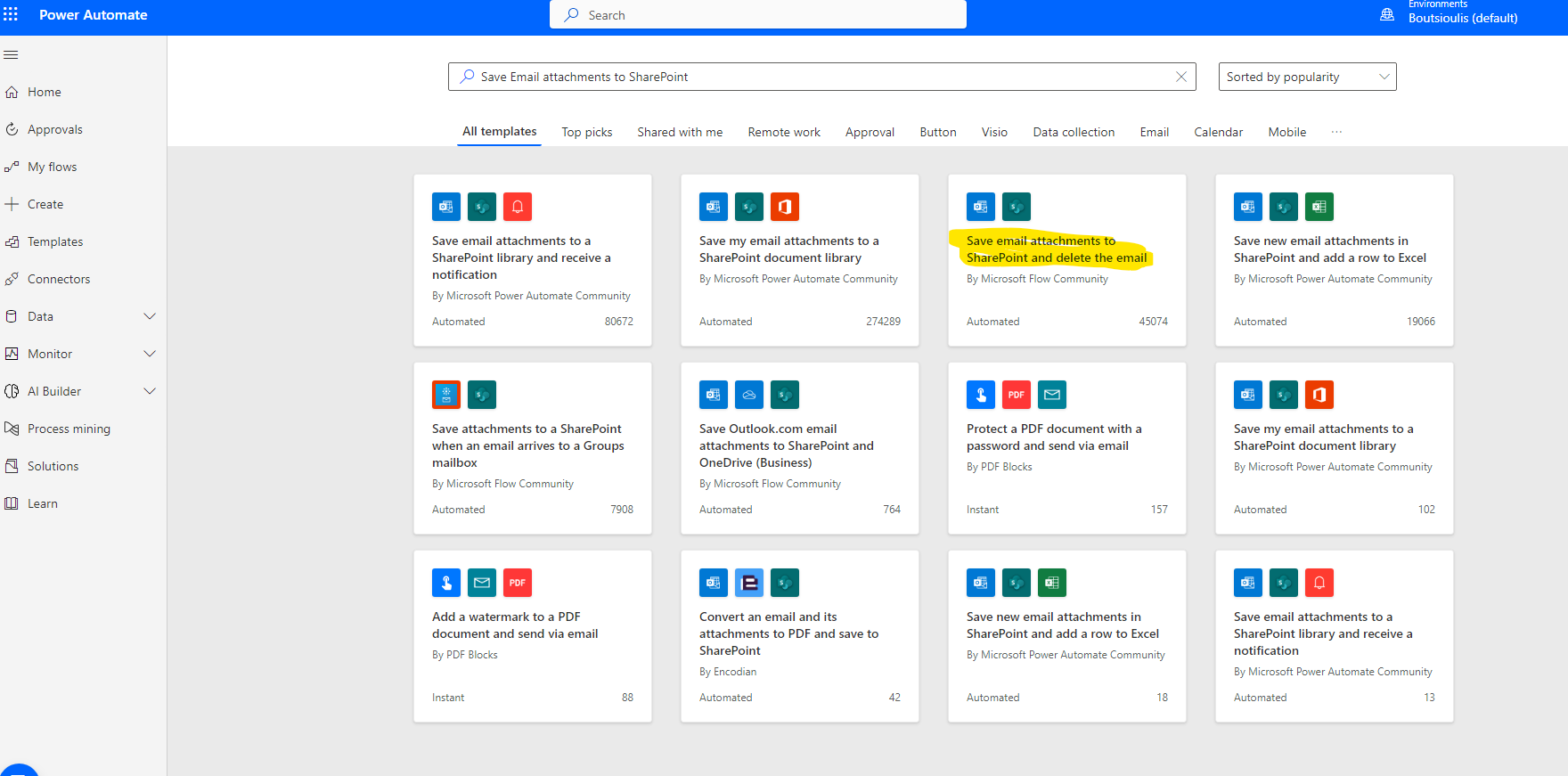
In today's article we will see an automated process on how we can create an automate that will store the attachments of an email in SharePoint and then delete the mail from our account First we need to search from available automates and find the onem which named Save email attachments to SharePoint and delete the email
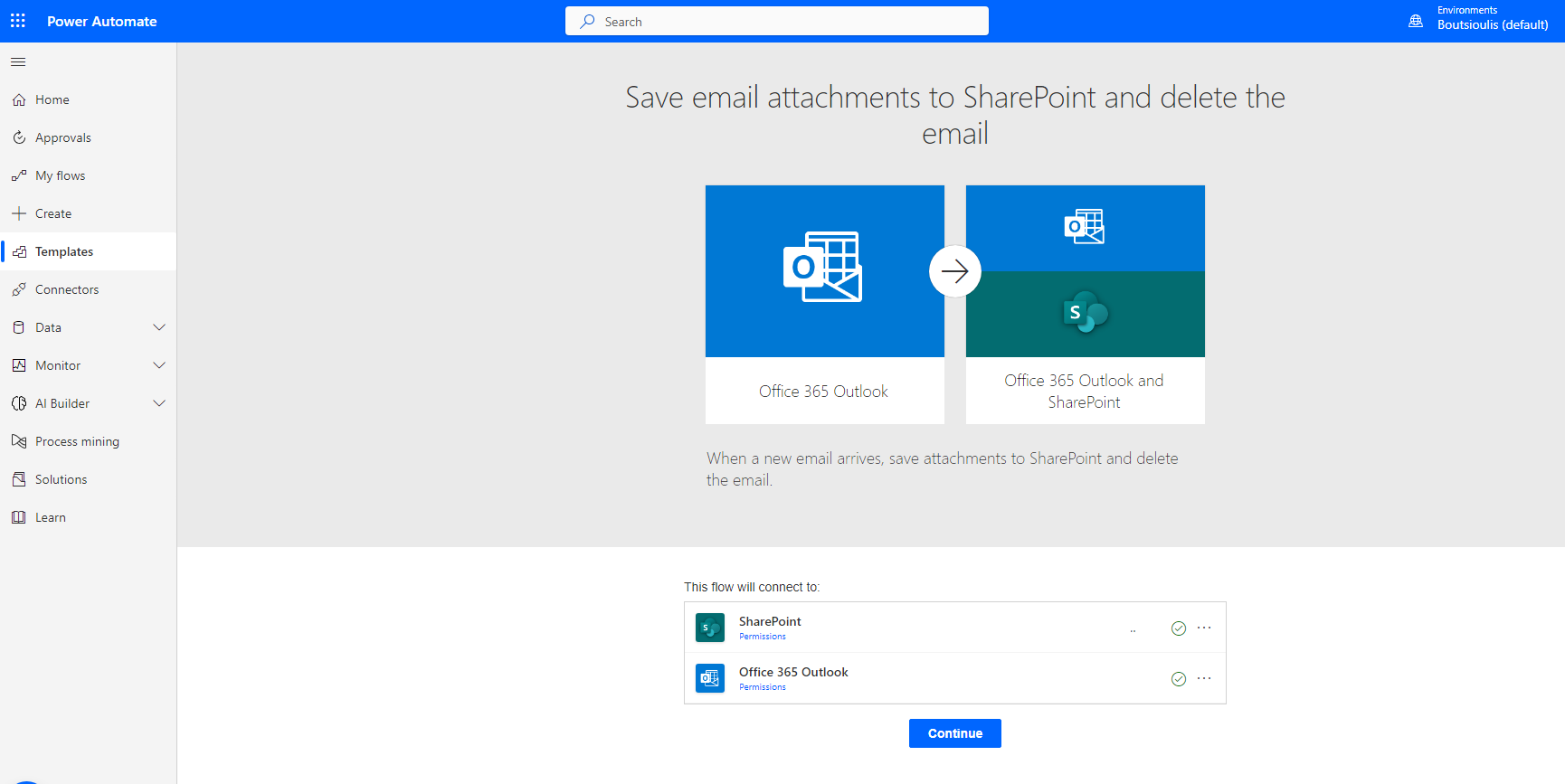
And then we select to allow access to O365 Outlook and SharePoint
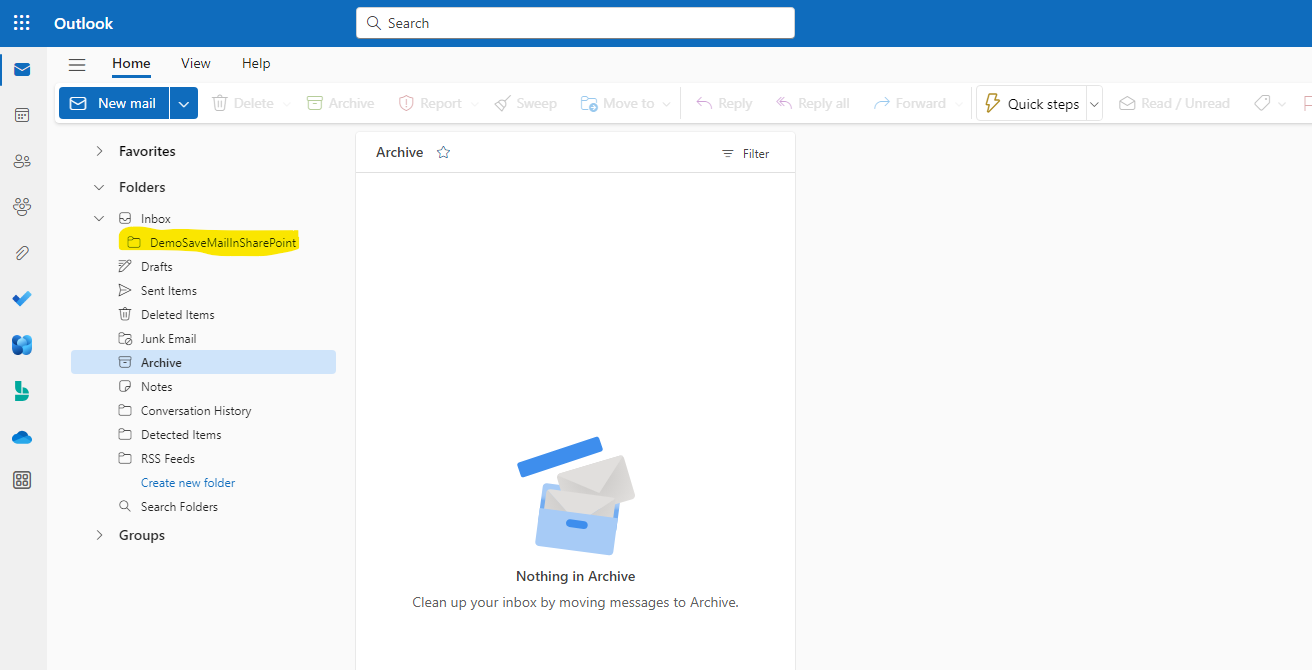
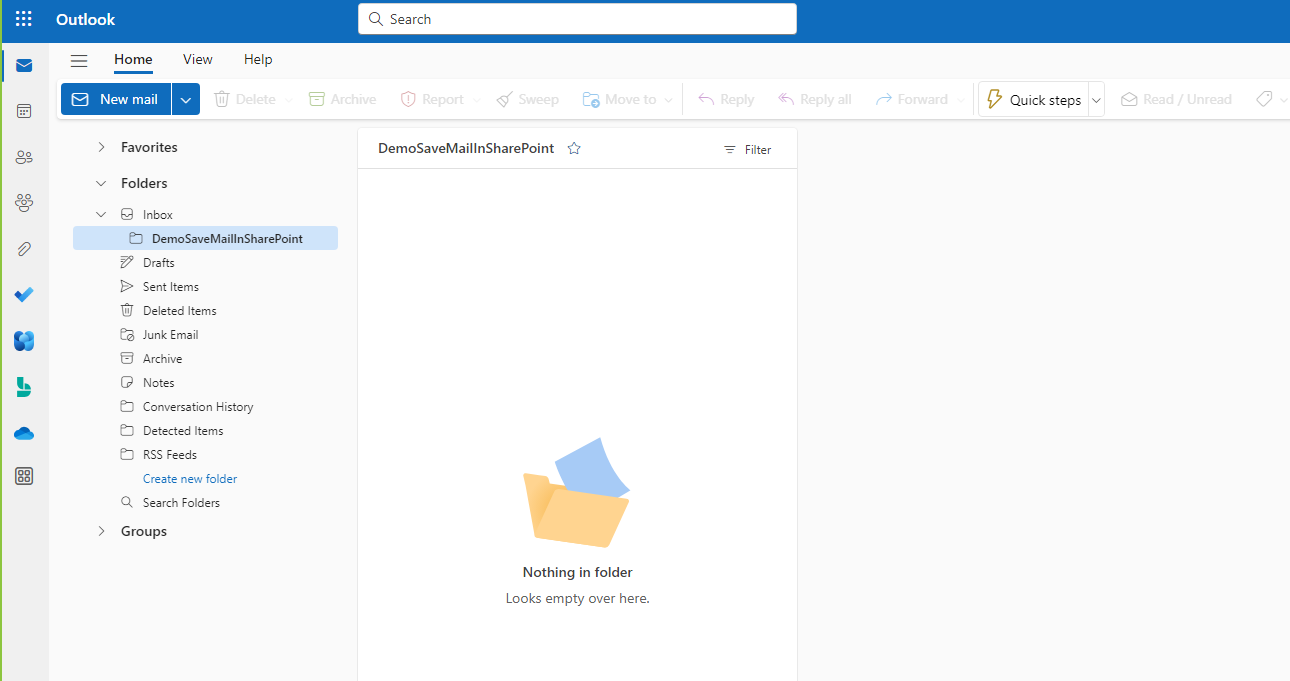
We create a folder under the Inbox maw in which we will drag the message we want to send the attachment to SharePoint and then delete it
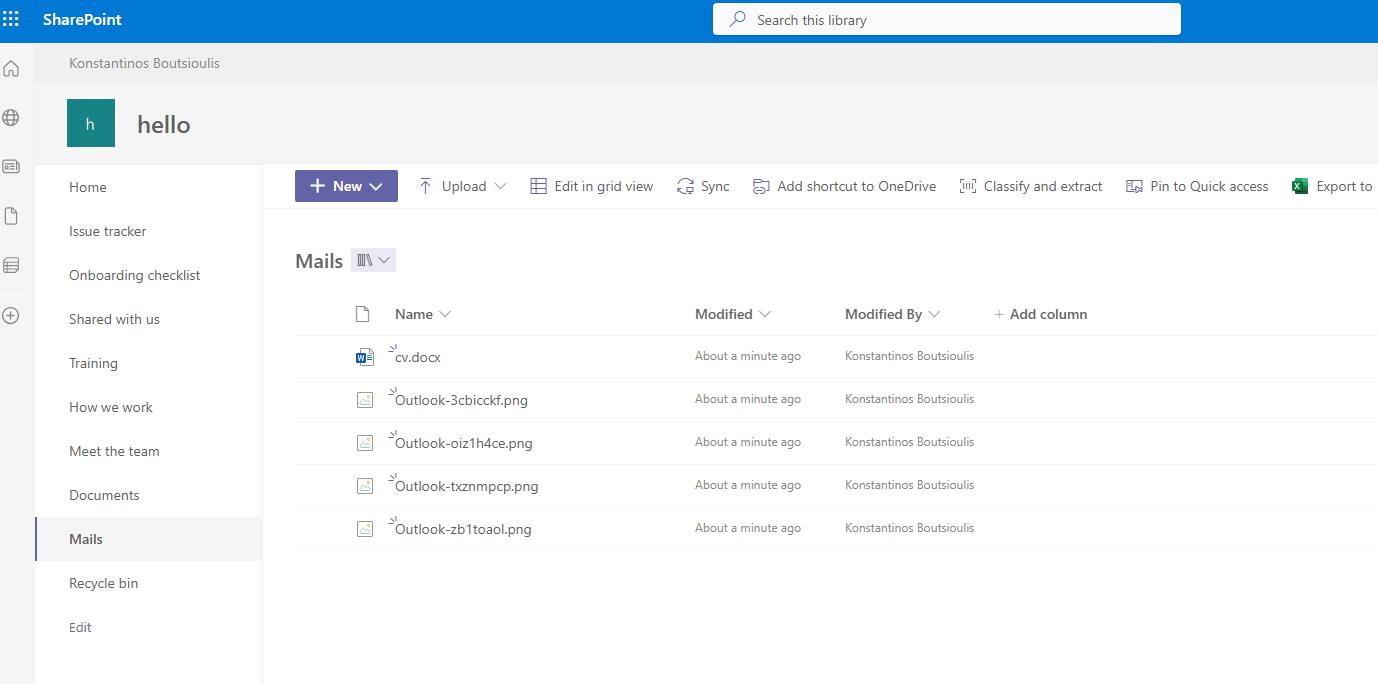
We will also create a library on a SharePoint site called mails
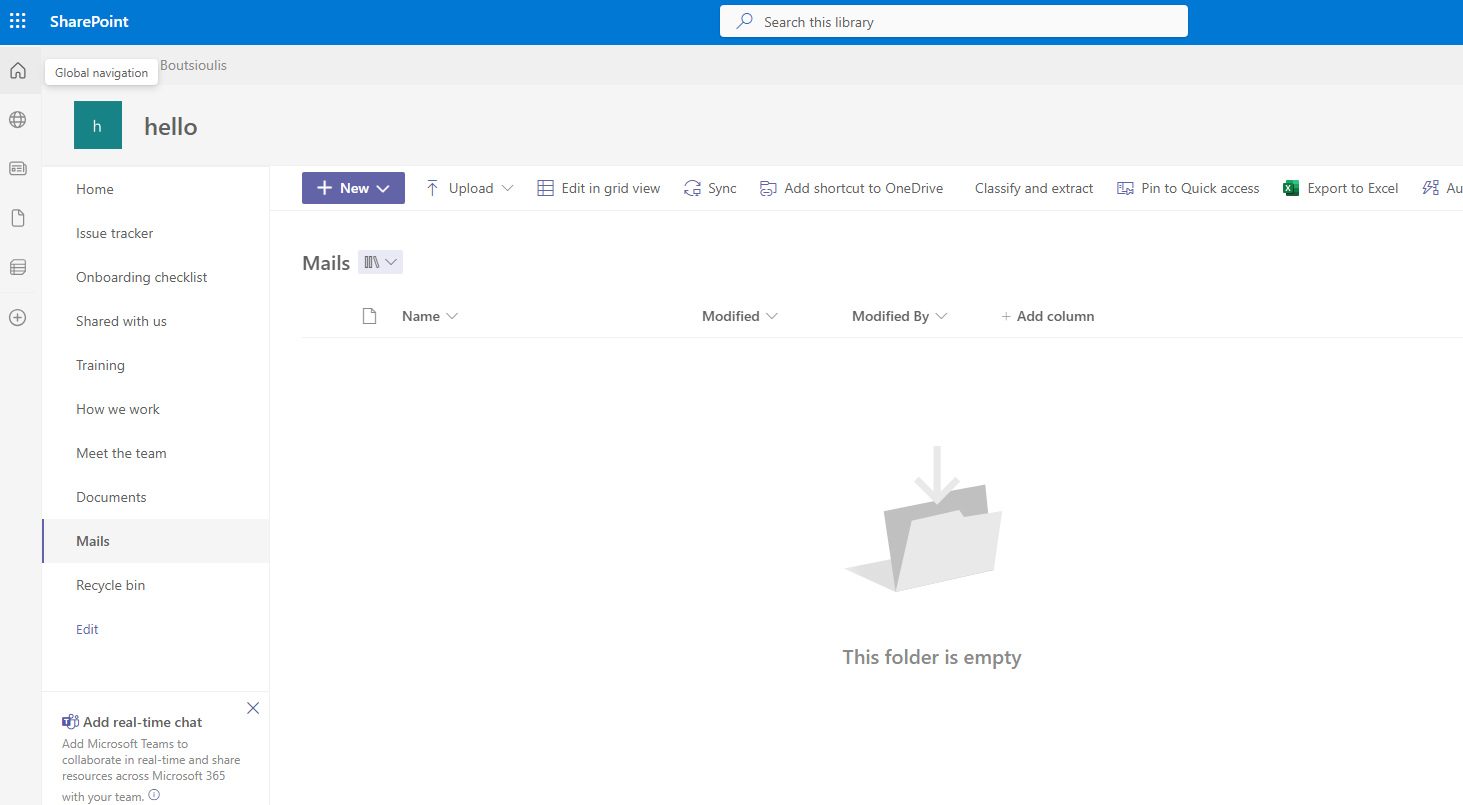
Now back in automate We need to insert the folder we created in our mail under inbox and in create file we insert the address of the SharePoint site where the library that will host the attachments will be located. Then we enter the address of the folder where the files will be stored
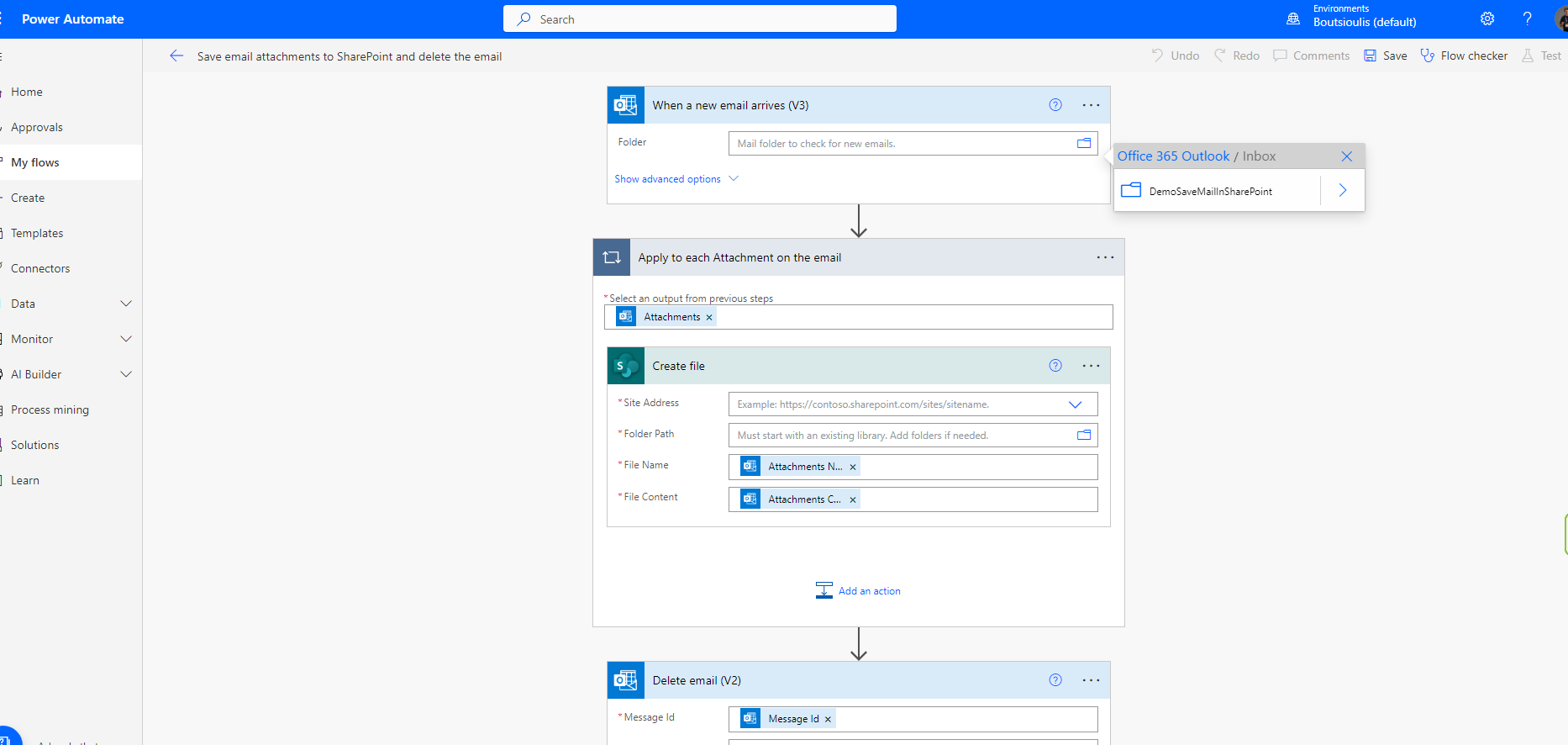
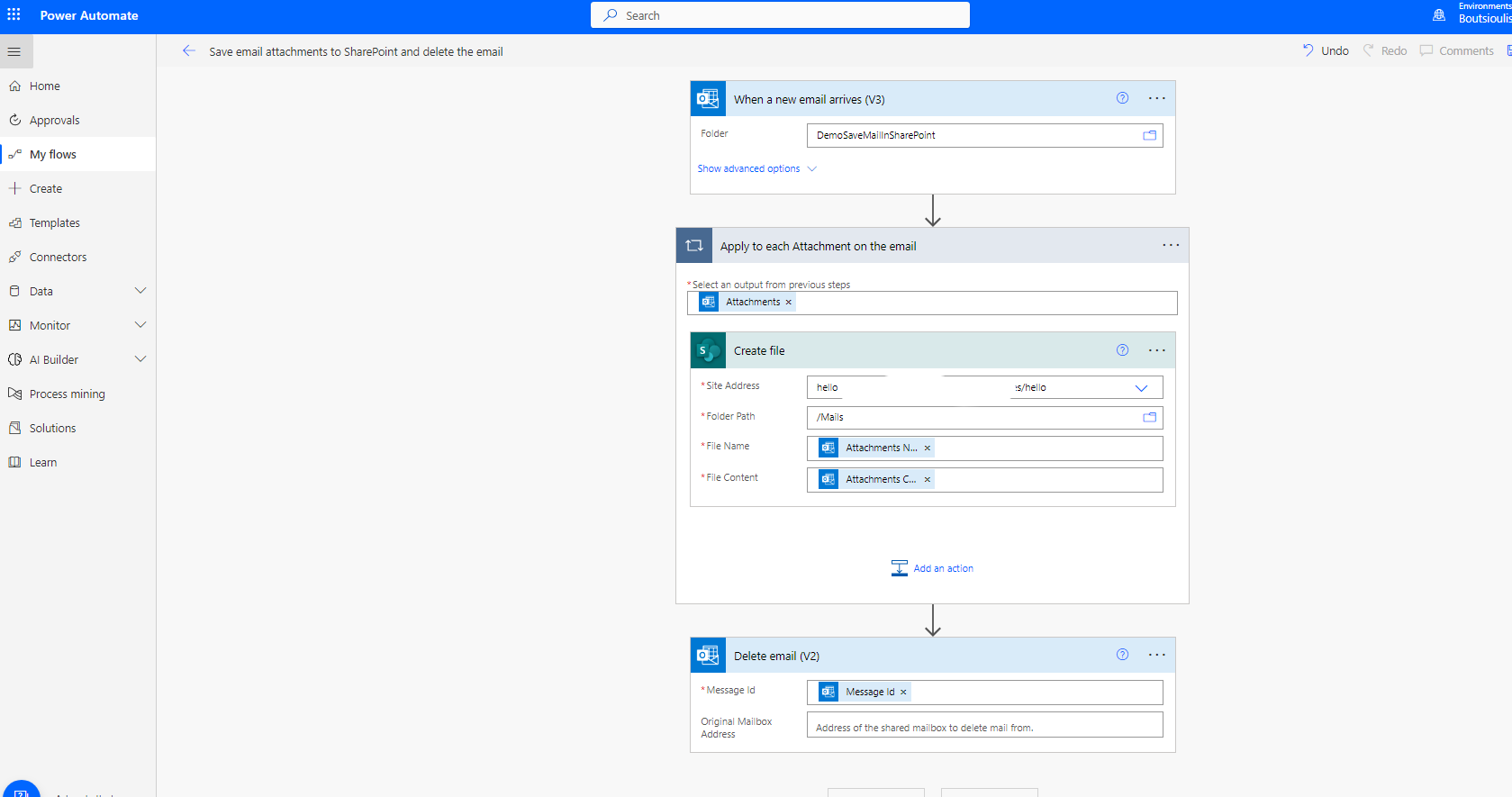
Next step is to save the automate
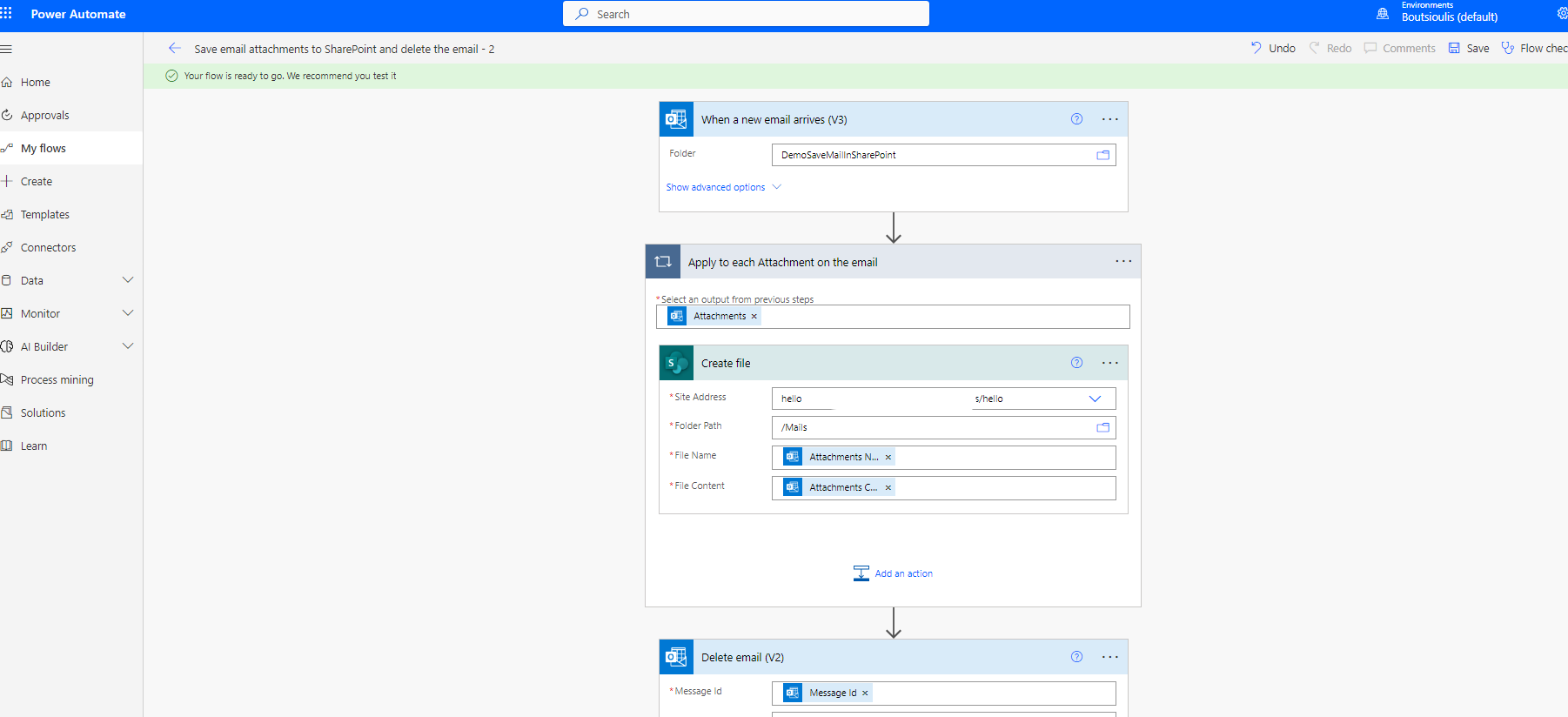
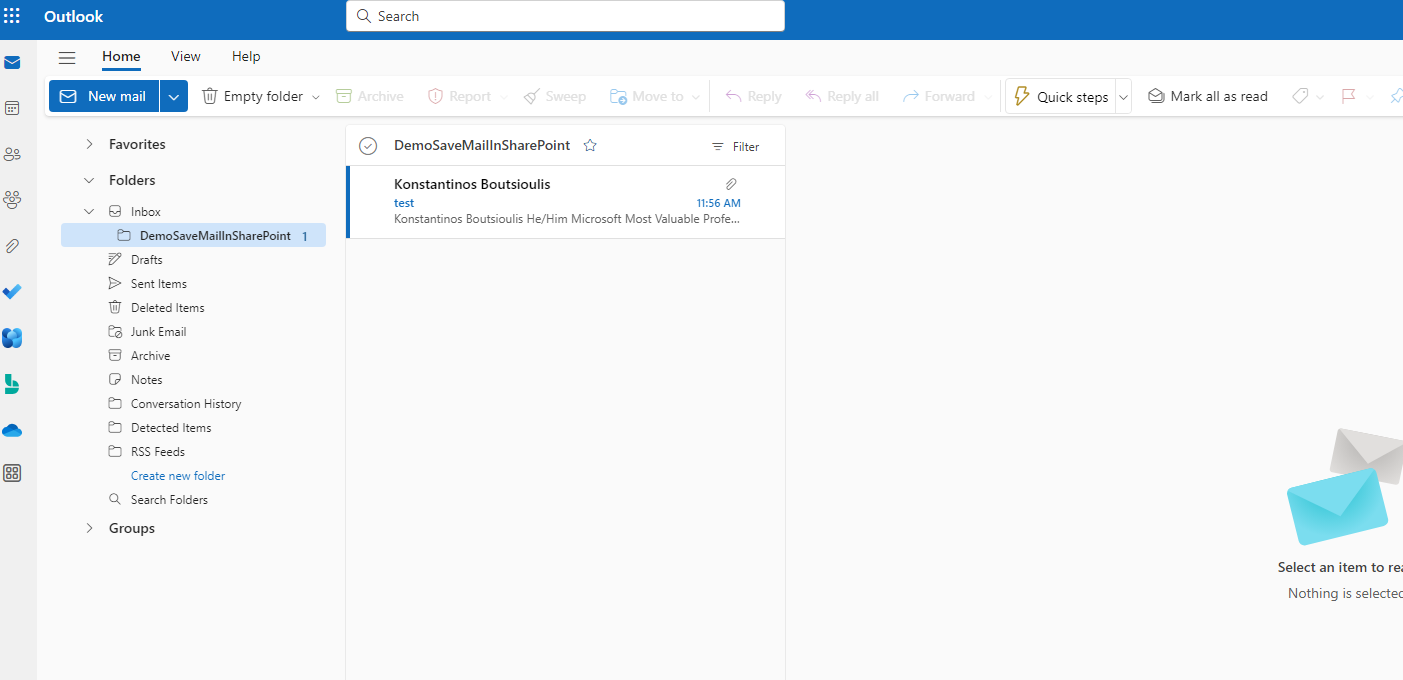
And then we need to test my automate with manually trigger .We have to create a test mail then move this mail to our new folder under inbox and we will check our automate with this way I send a mail with an attachment and transfer it to the folder I created
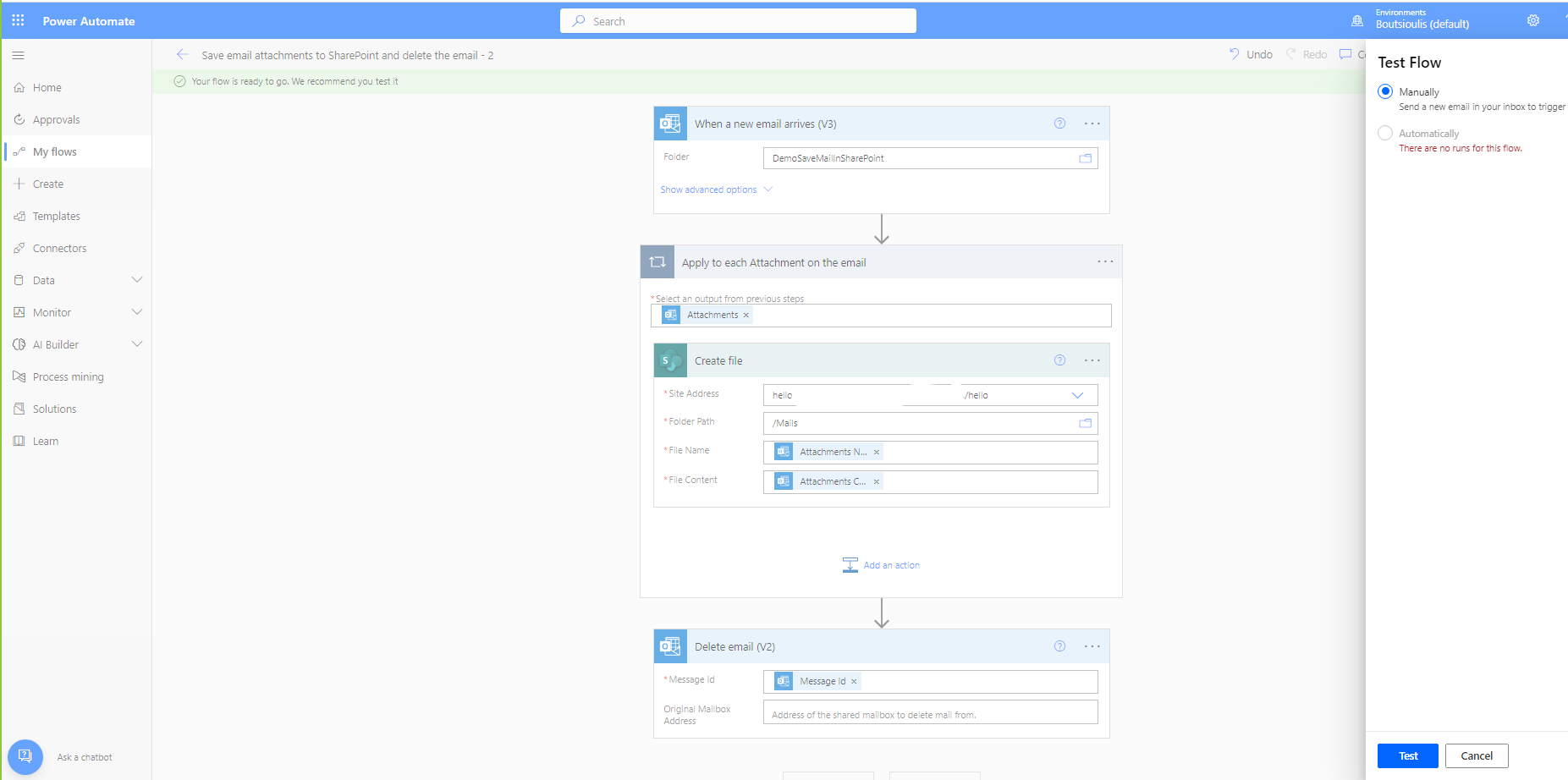
I send a mail with an attachment and transfer it to the folder I created
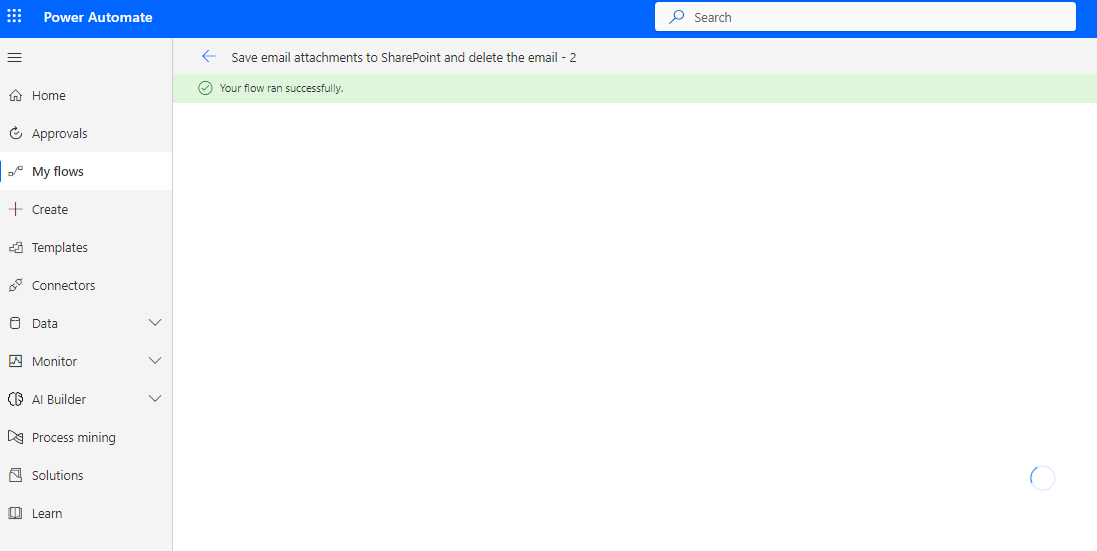
The automate ran without any problem and deleted the mail I just received
and finally our file was saved in the library we have predefined in SharePoint
 #SharePoint
#technology
#microsoft
#powerapps
#powerautomates
#digitaltransformation
#cloud
#mvpbuzz
#m365
#SharePoint
#technology
#microsoft
#powerapps
#powerautomates
#digitaltransformation
#cloud
#mvpbuzz
#m365
Visit Archives below to find more articles about Microsoft technologies on Modern Workplace