
Free Material
Find hereMore than 150 Articles about Microsoft Technologies on Modern Workplace
Official Site
Microsoft Most Valuable Professional M365 Apps & Services
Microsoft Most Valuable Professional Business Applications
Consultant & Sr Cloud Solution Architect Modern Wokrplace
Find hereMore than 150 Articles about Microsoft Technologies on Modern Workplace
07 May 2023
In today's post I will show you how using power automate we can create an automation that will change the name of each list item when it is inserted and give it a name with some characteristics that we can use in the future for easier searching between many entries First we select the custom list we want this renaming to be applied to
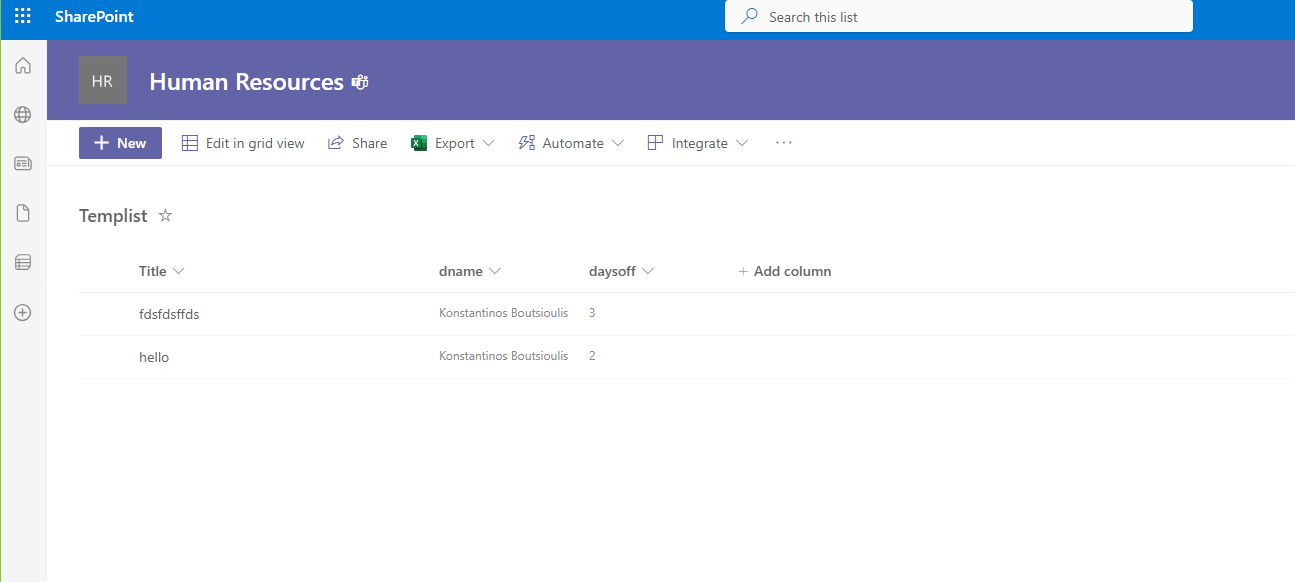
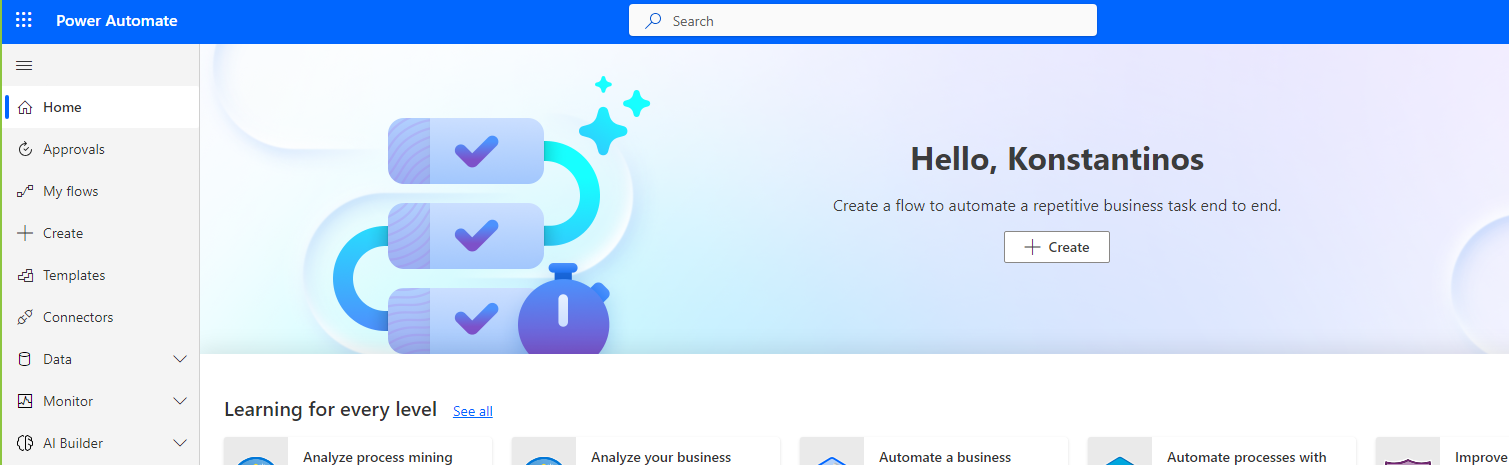
We create a new automate with the attribute when an item is created. From the M365 Environment choose power automate
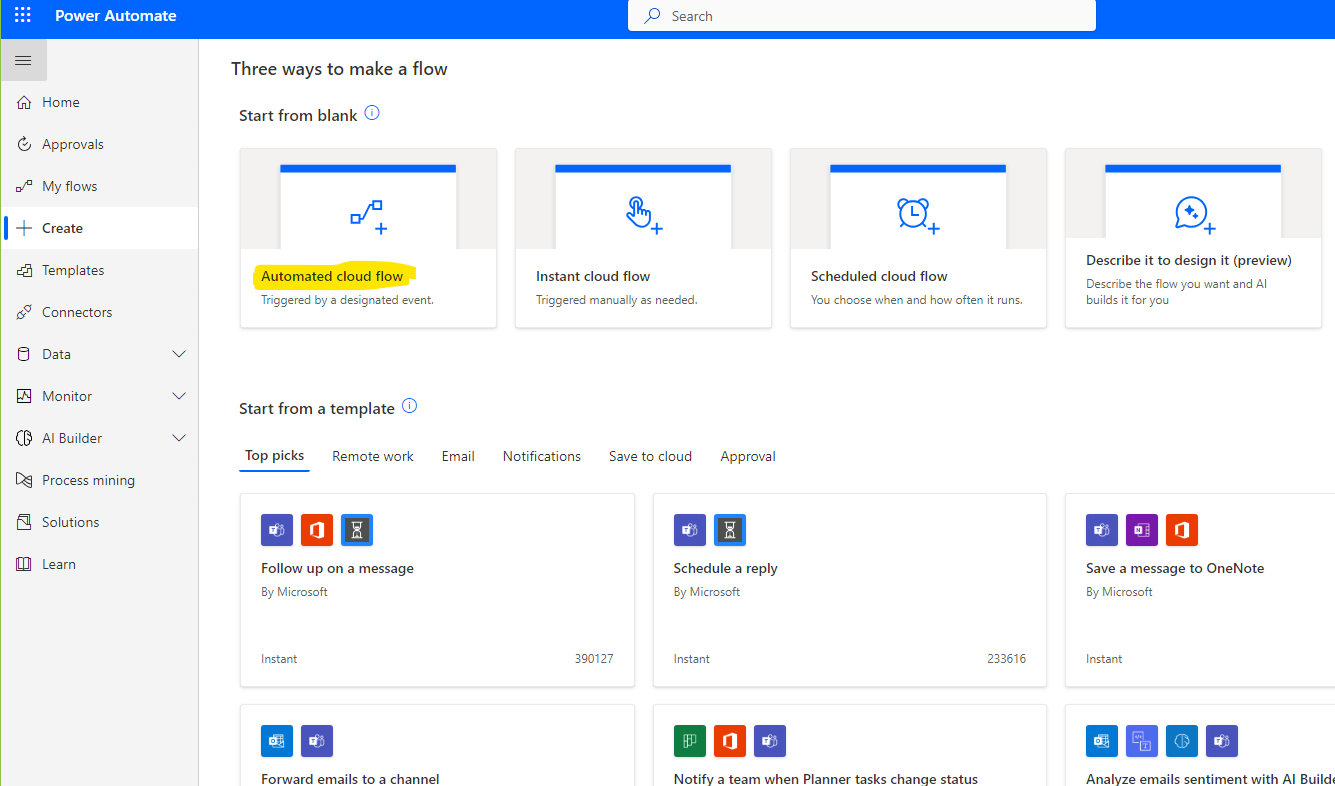
Then we need to choose Automated Cloud Flow
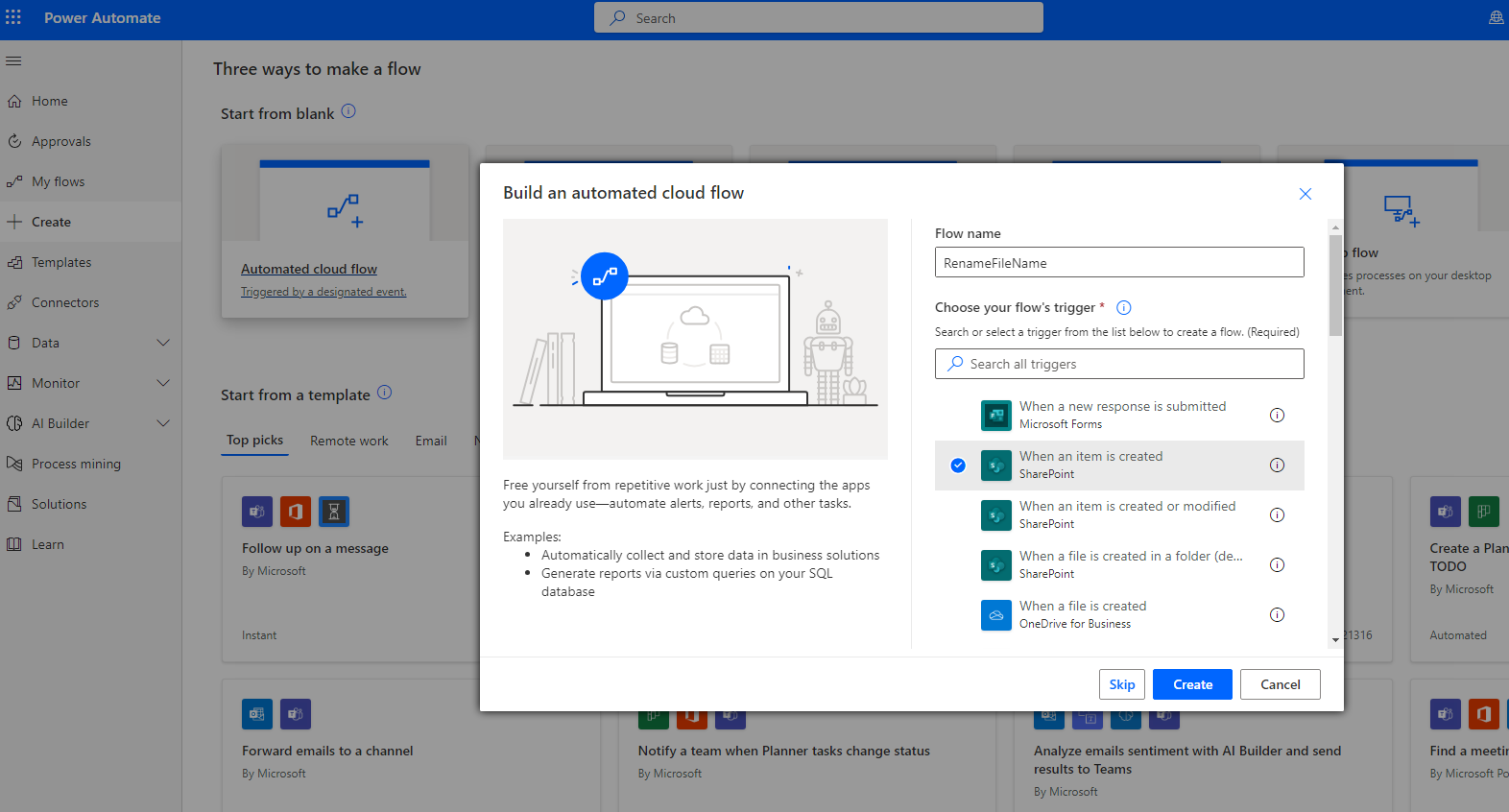
And in the next step we need to name our automation and choose when an item is created which is the first action in our automation
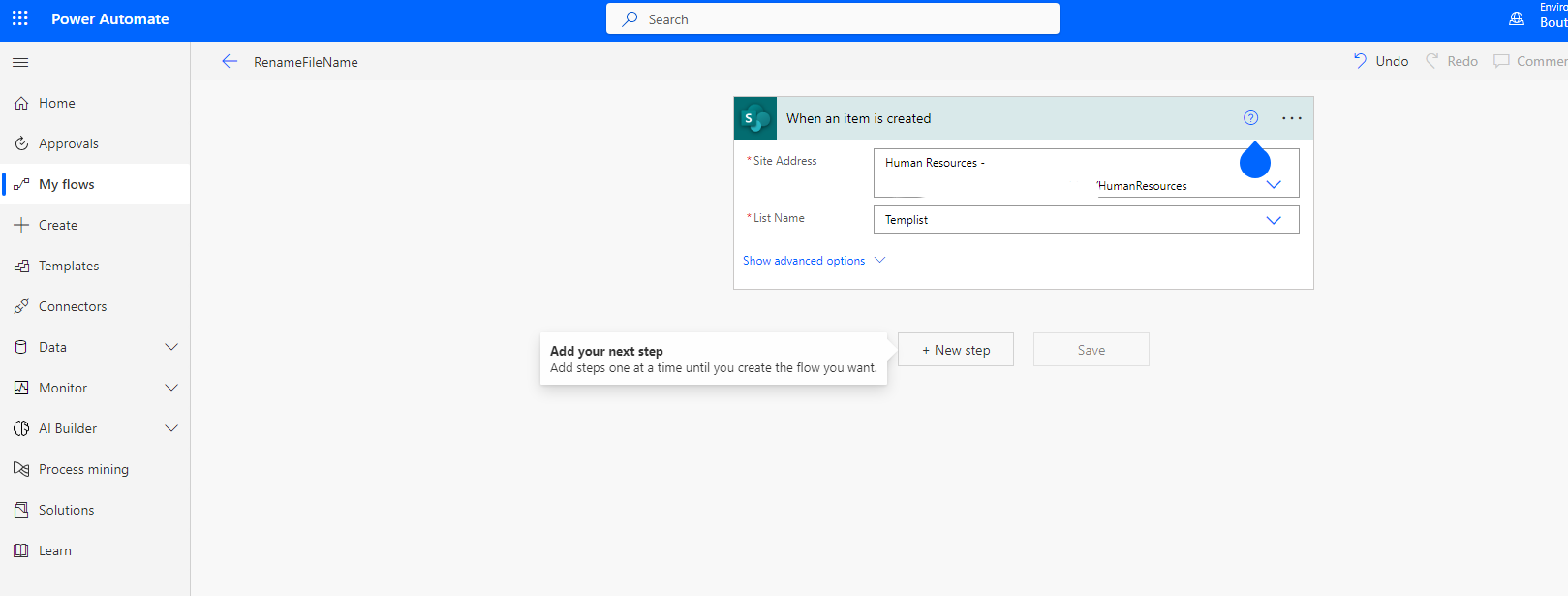
In the next step we need to choose the site and the list form the available sites in the automation
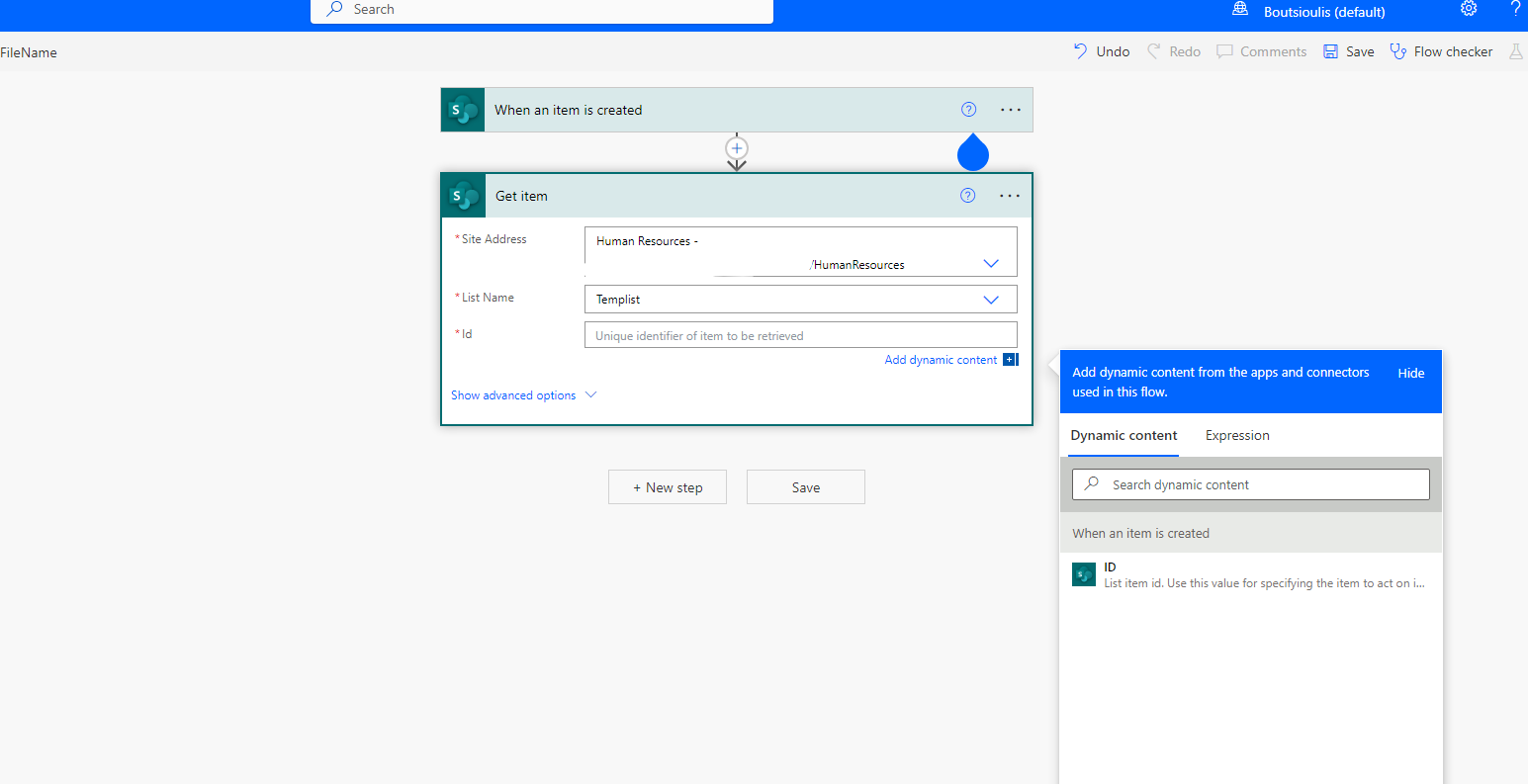
And now we need to use get item action to get the id later of our item . We can pass this step but trust me in a complicated scenario of using power automate and SharePoint you need this action
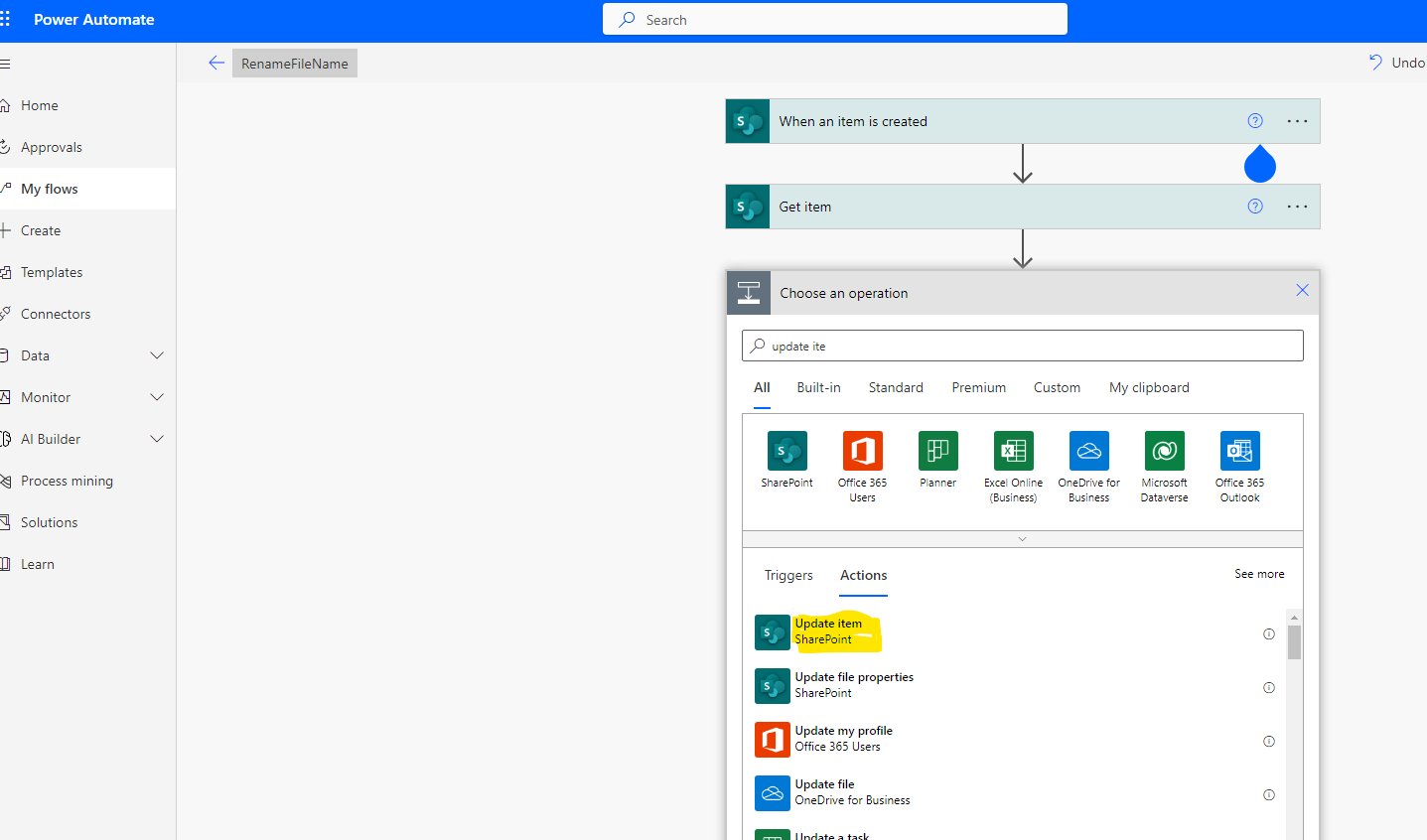
In the next step we will choose the updqate item action which will update this item with the type of name tha we will insert in the "Title" field. For example i choose to add the extension New before the name of the new item
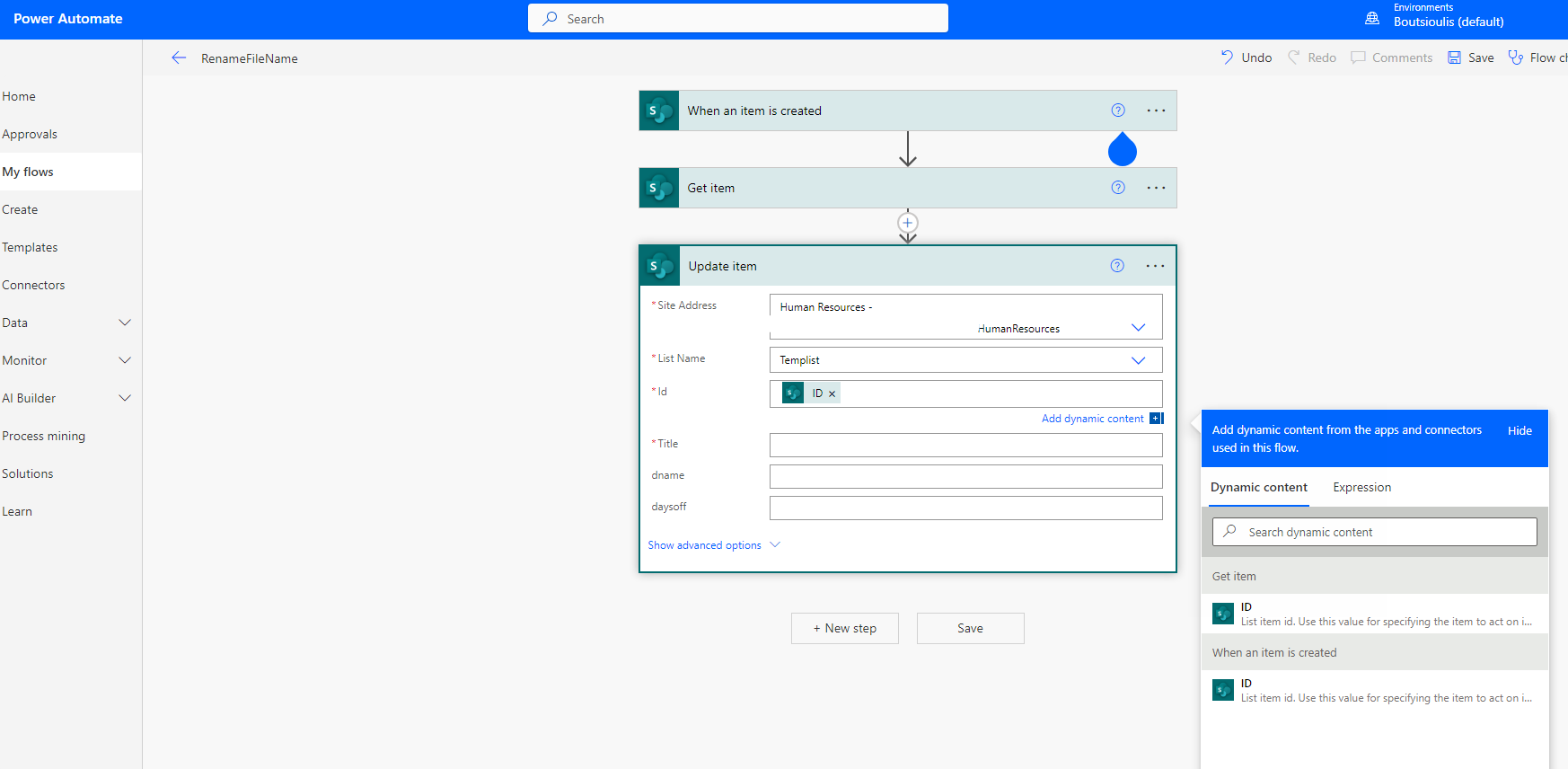
After that we need to complete all fields (not only the necessary fields )
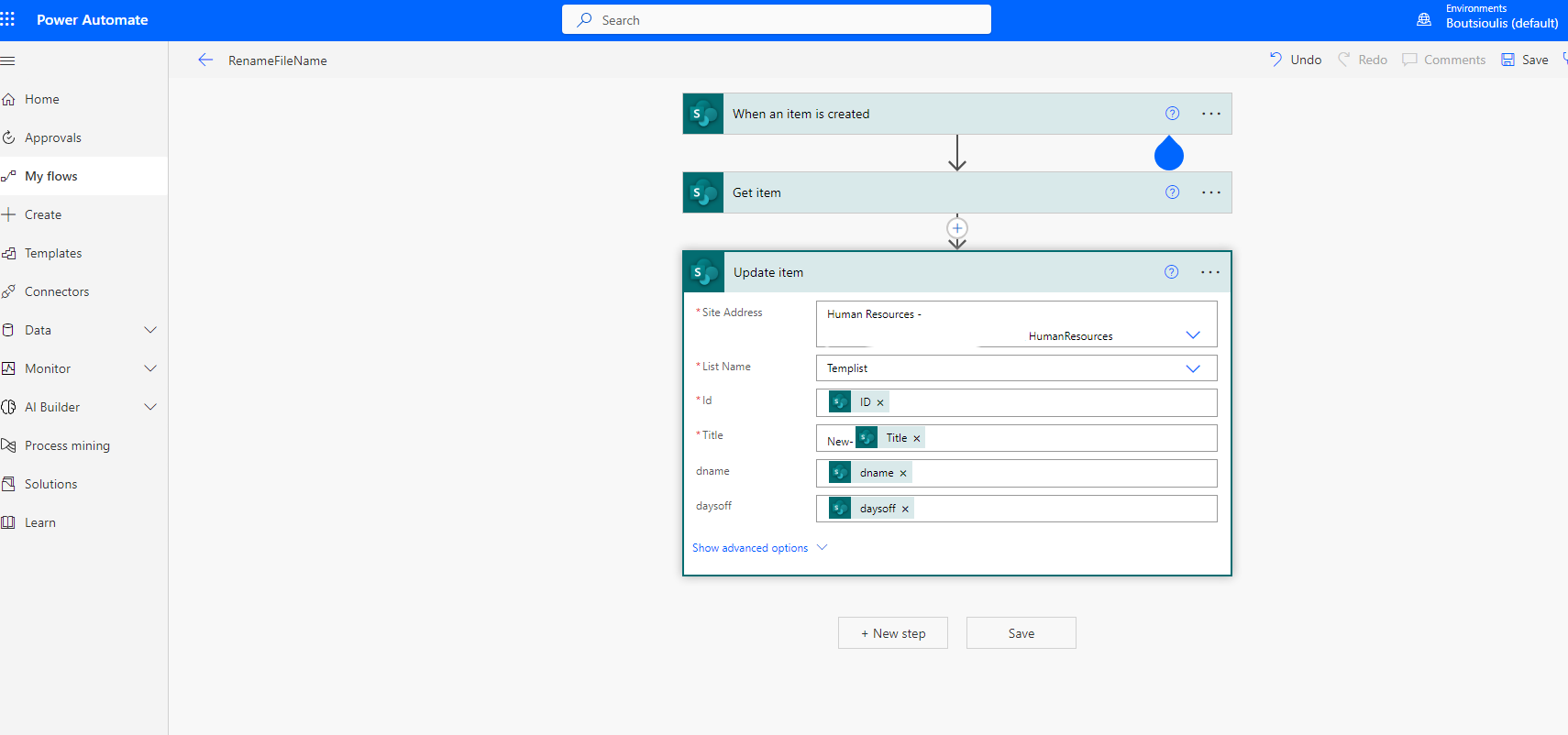
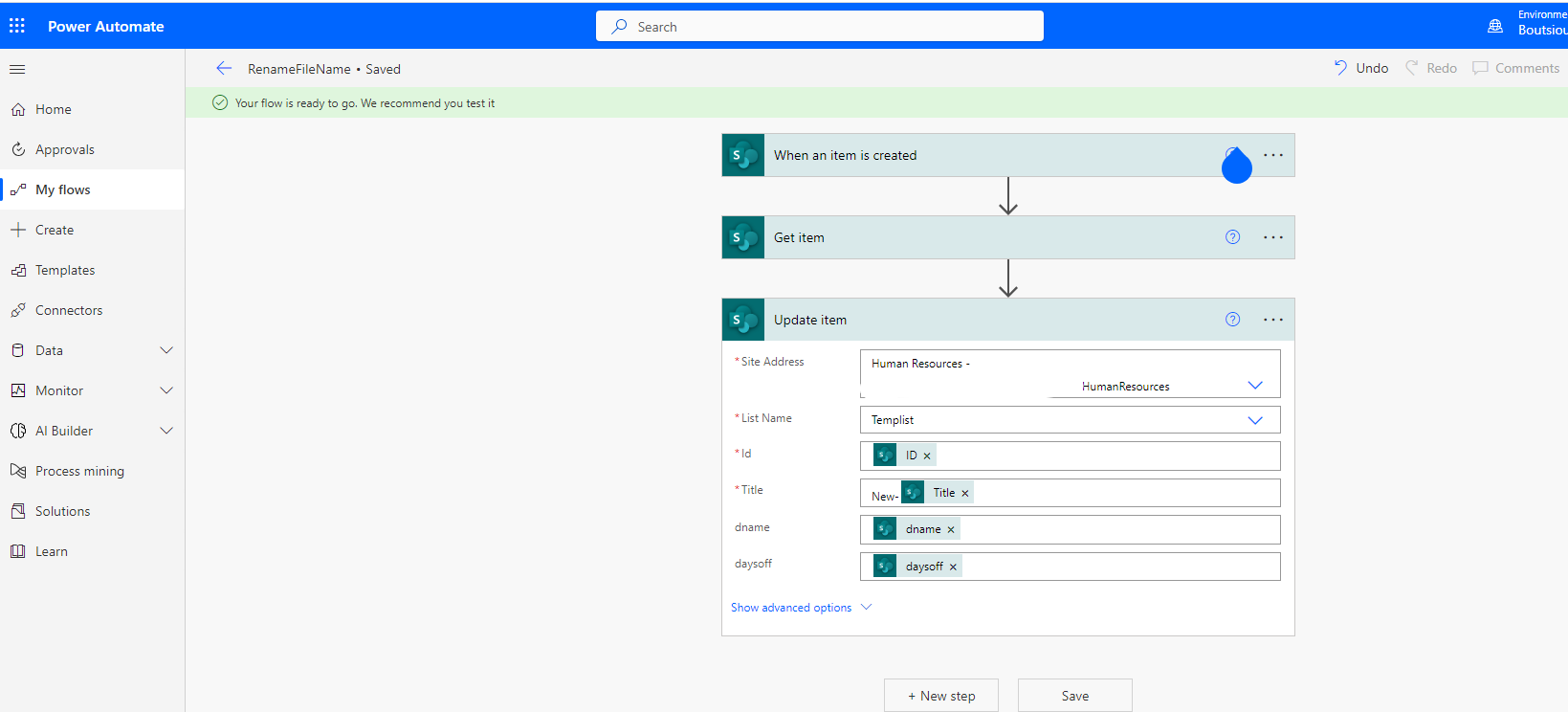
And then we need to save our automate (Press Save on the top)
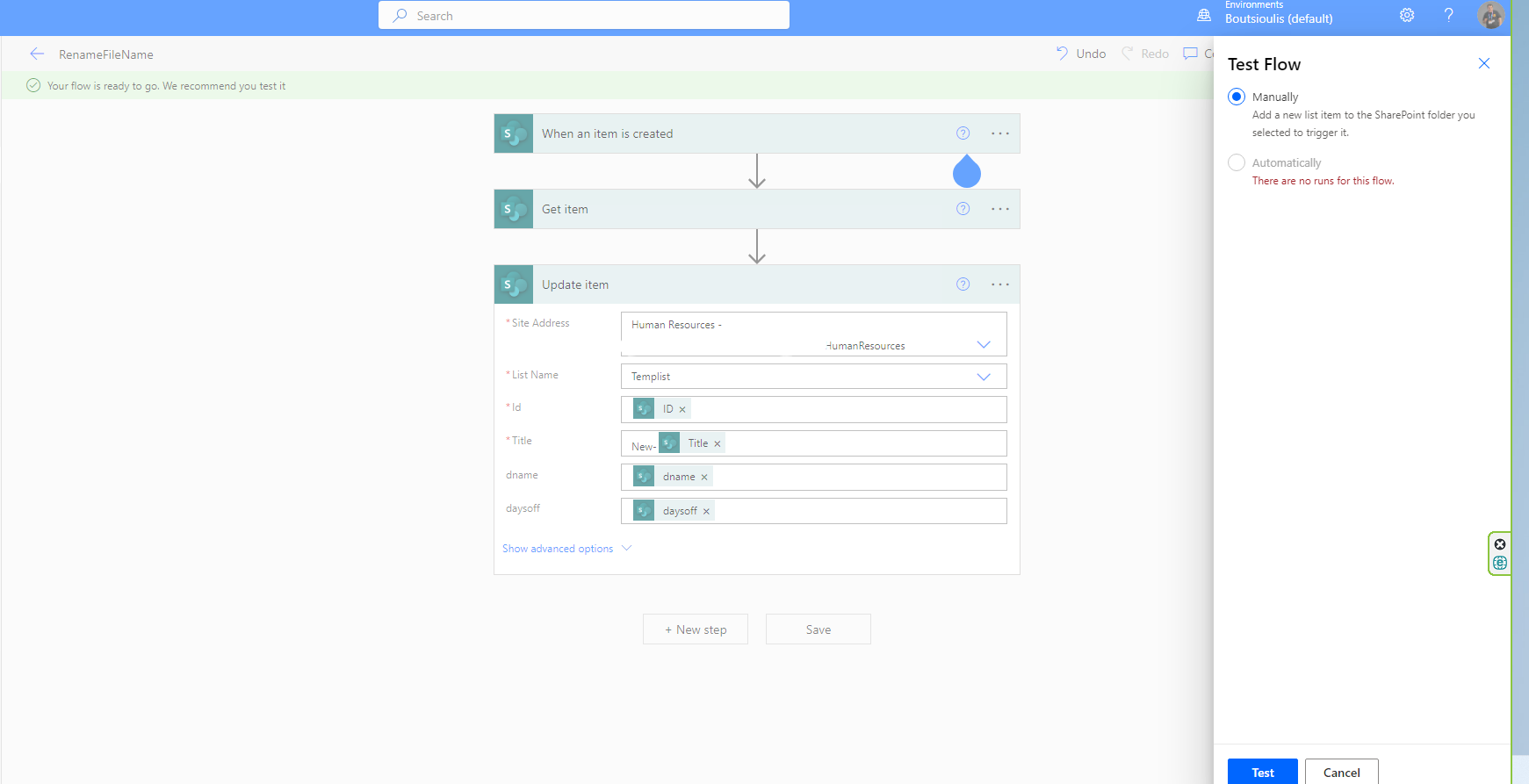
Now we need to test it and you have to press test manually the automation on the right top and you need to add a new item in the list to see if this automate works
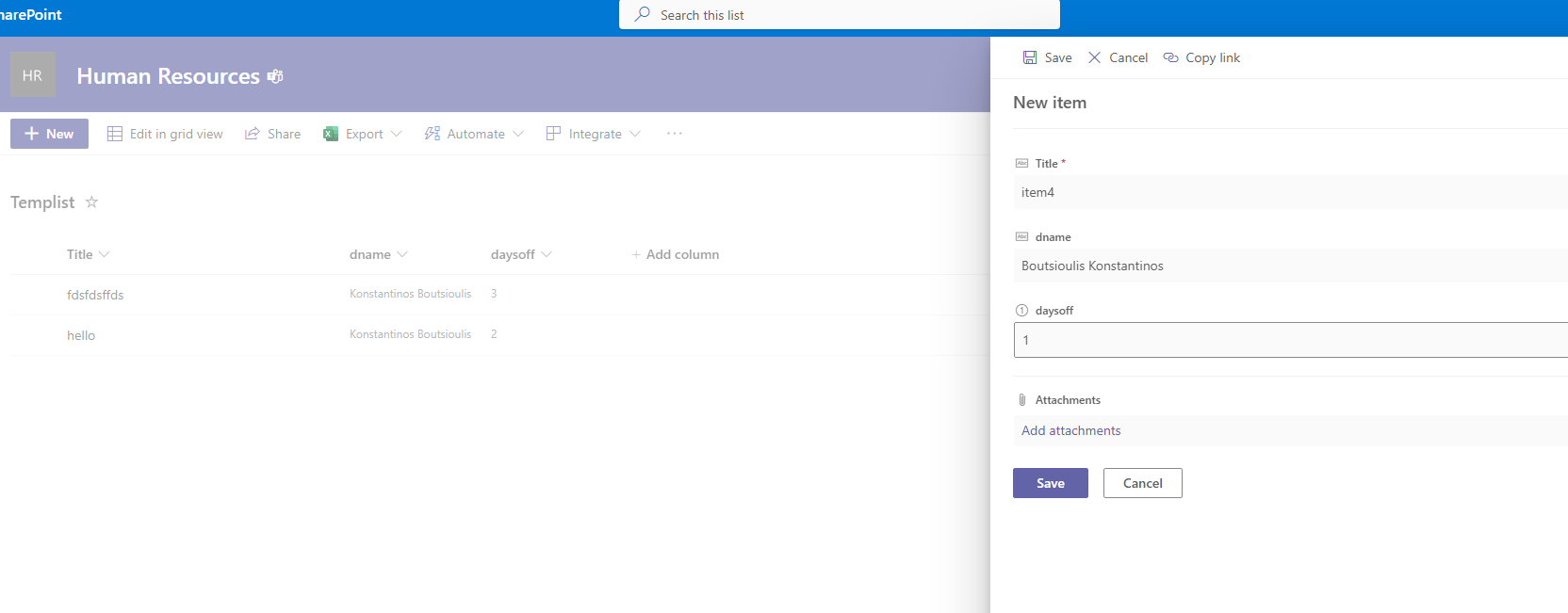
Next step is to add a new item in the list
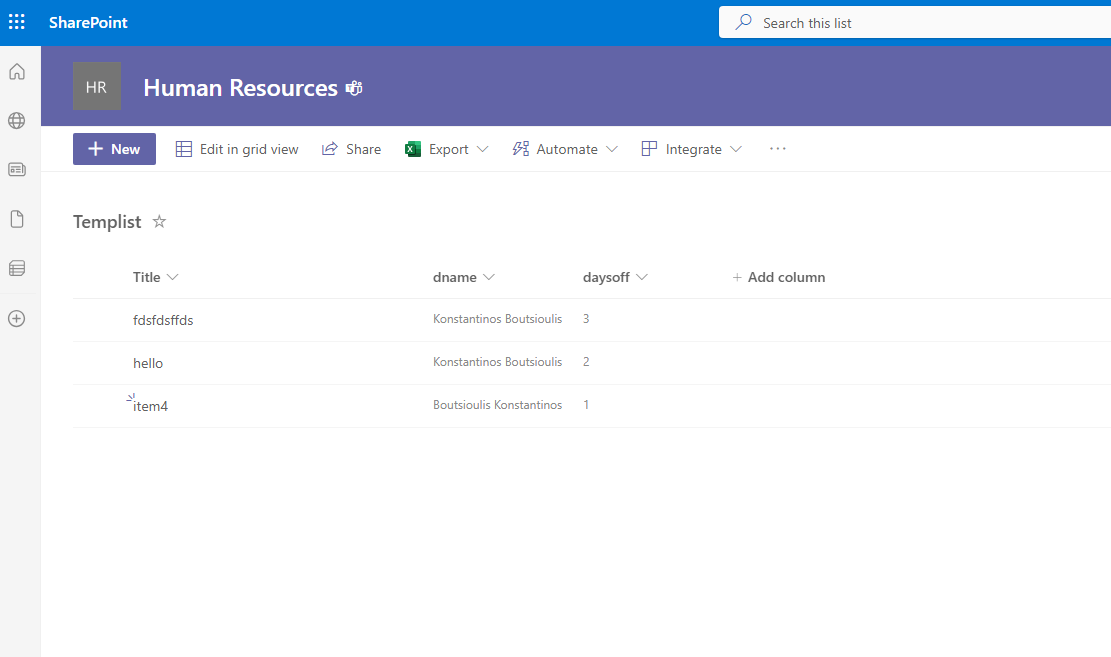
And as you can see in the image below we have the first import with the name that i complete earlier in the list form
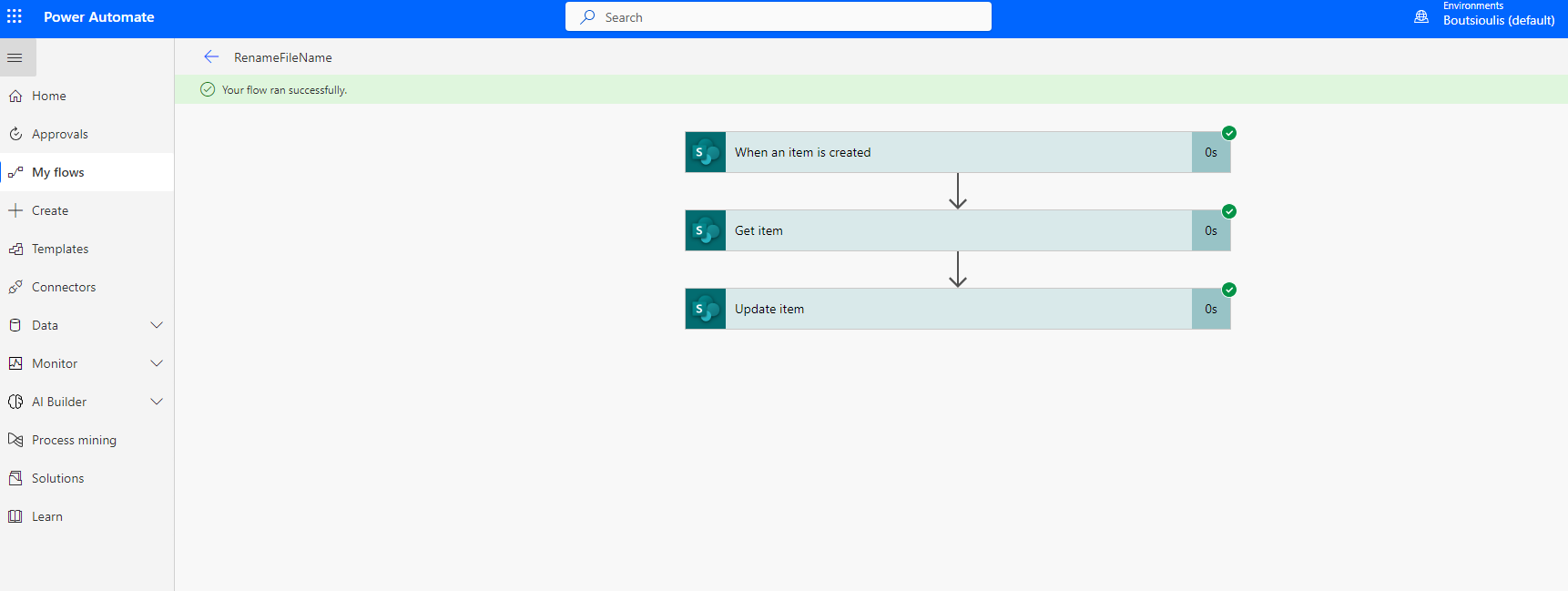
And a few seconds later the automate runs without any error and finaly it changed the name of the new item
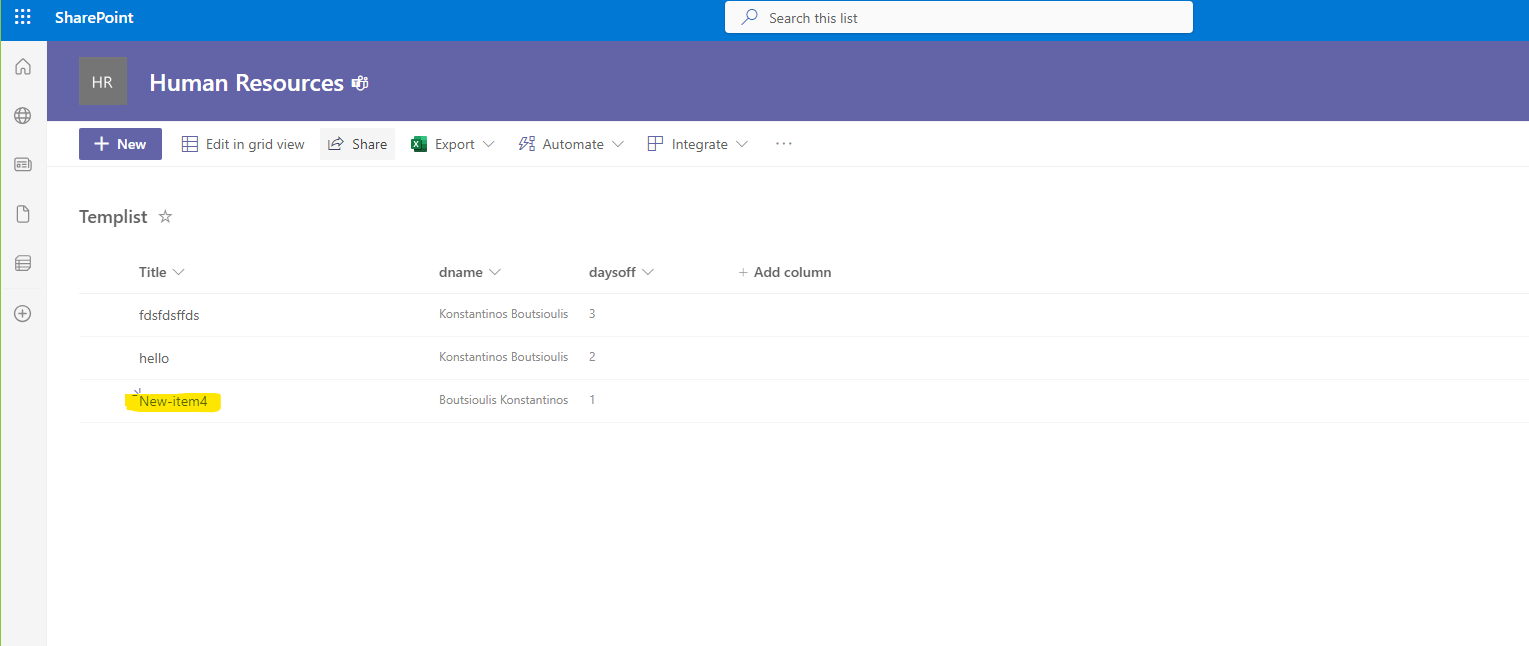
Now you have this item with the new name and this is a good idea to use name models for your items in SharePoint Libraries
#SharePoint #technology #microsoft #powerapps #powerautomates #digitaltransformation #cloud #mvpbuzz #m365Visit Archives below to find more articles about Microsoft technologies on Modern Workplace