
Free Material
Find hereMore than 150 Articles about Microsoft Technologies on Modern Workplace
Official Site
Microsoft Most Valuable Professional M365 Apps & Services
Microsoft Most Valuable Professional Business Applications
Consultant & Sr Cloud Solution Architect Modern Wokrplace
Find hereMore than 150 Articles about Microsoft Technologies on Modern Workplace
04 May 2023
In today's article we will see how we can delete a folder and a site from SharePoint Permanently. At the same time we will show how to make a permanent deletion from the Recycle bin and the second stage recycle bin First we create a site which we will then delete From the SharePoint admin center we select create and choose the type of the new site
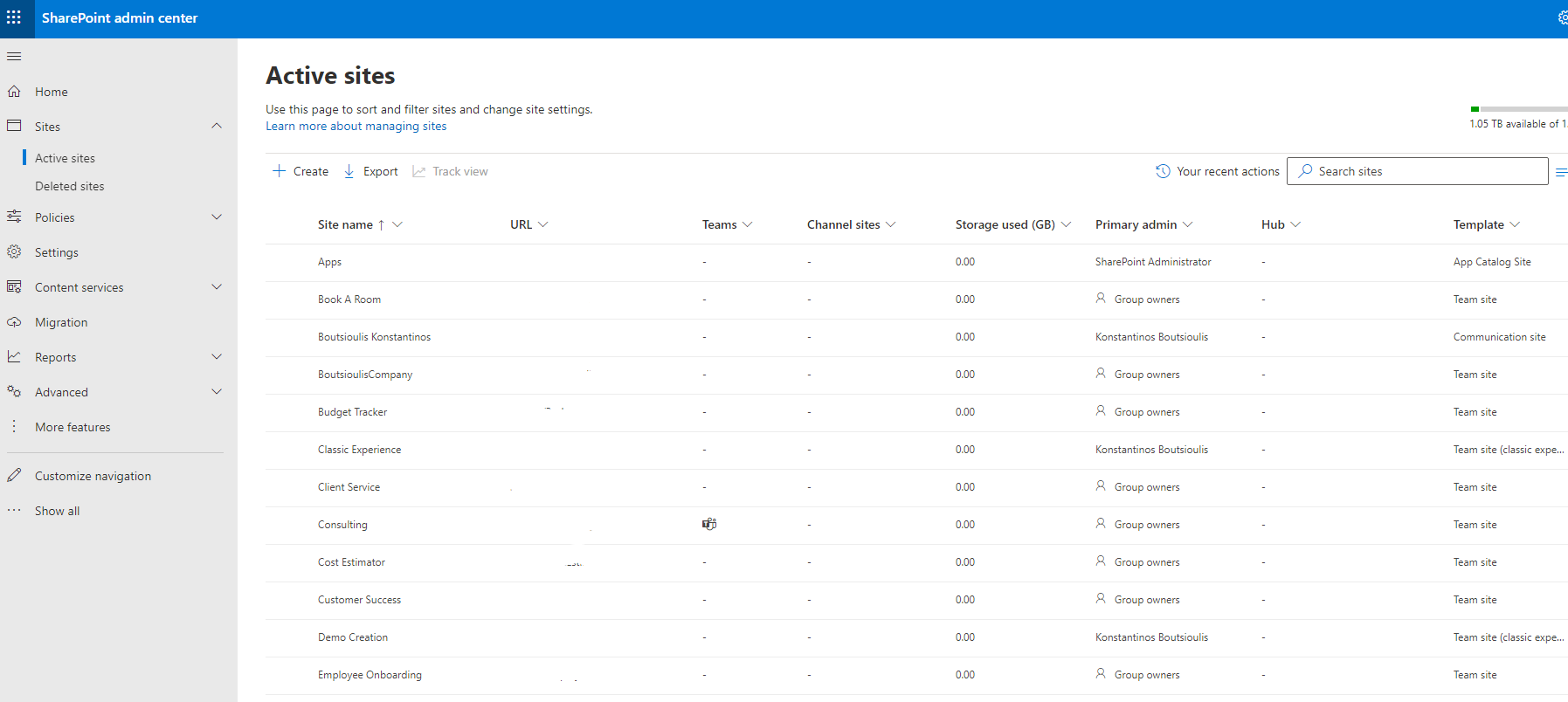
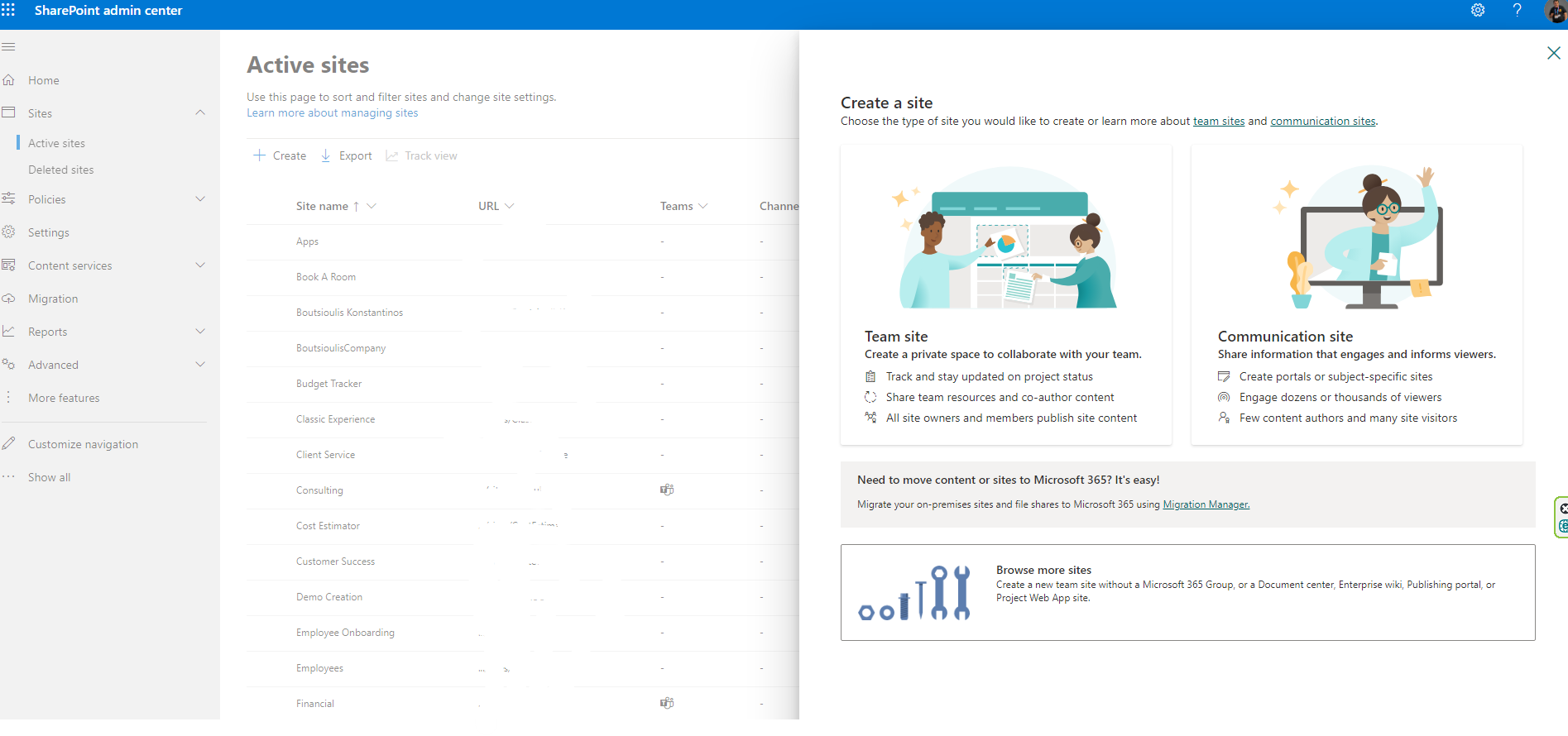
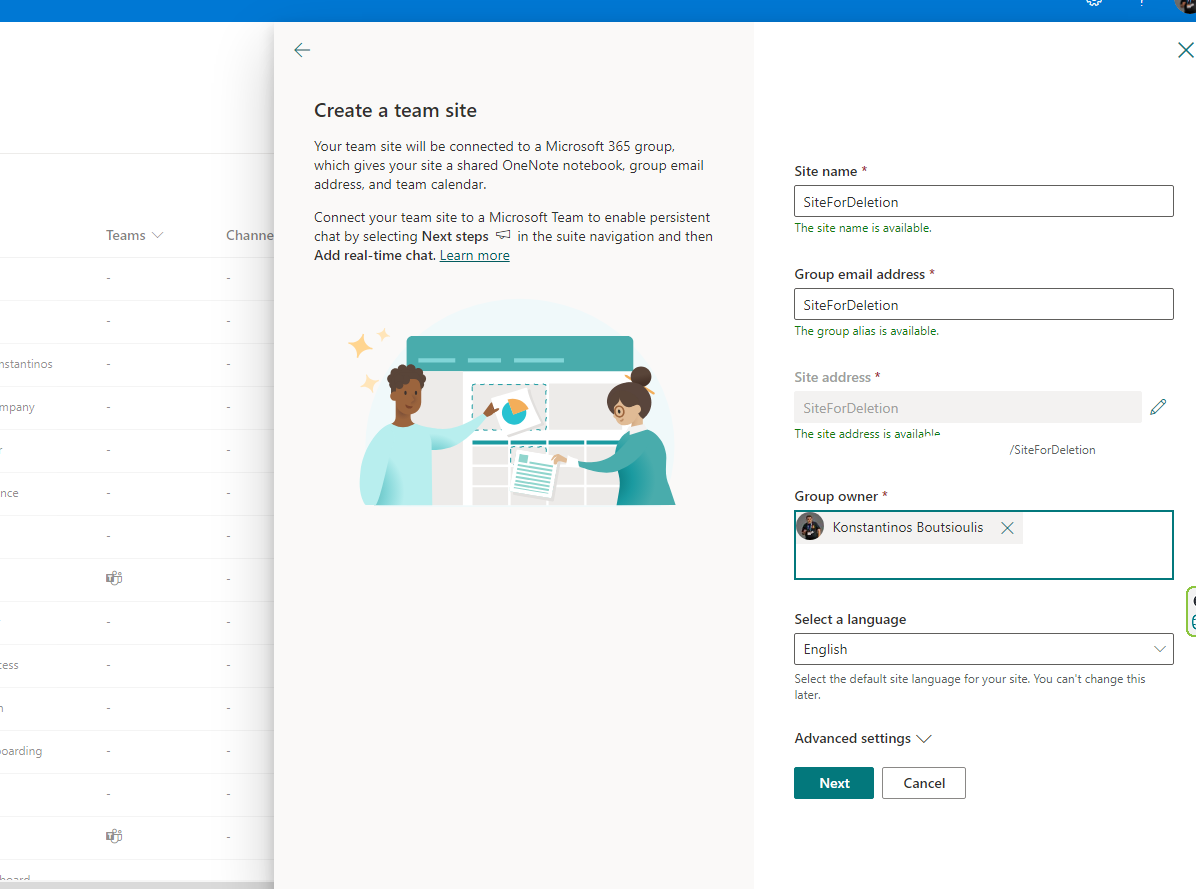
And then we give a name to our new site (we have named it site for deletion ) and then we give the site owner and the 365 group associated with the site is created
Then we add more members if we want
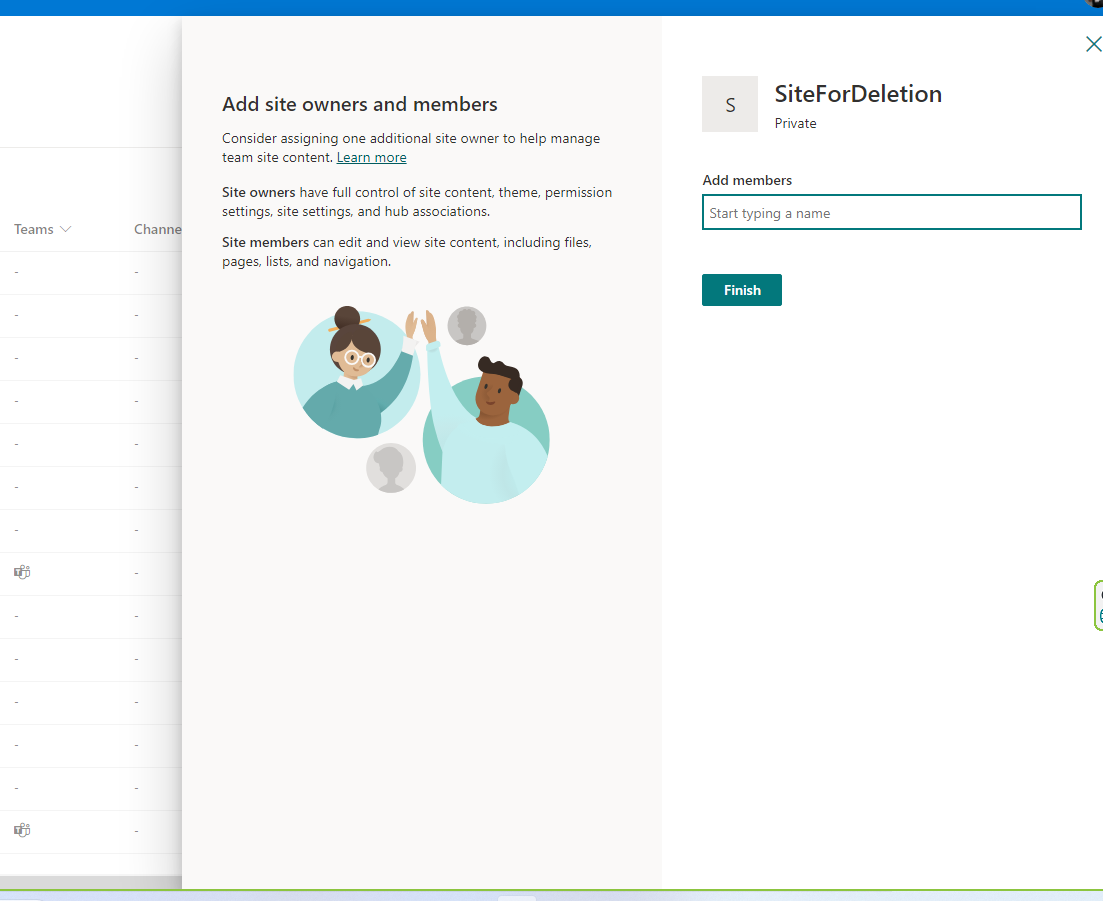
And finally our site is created
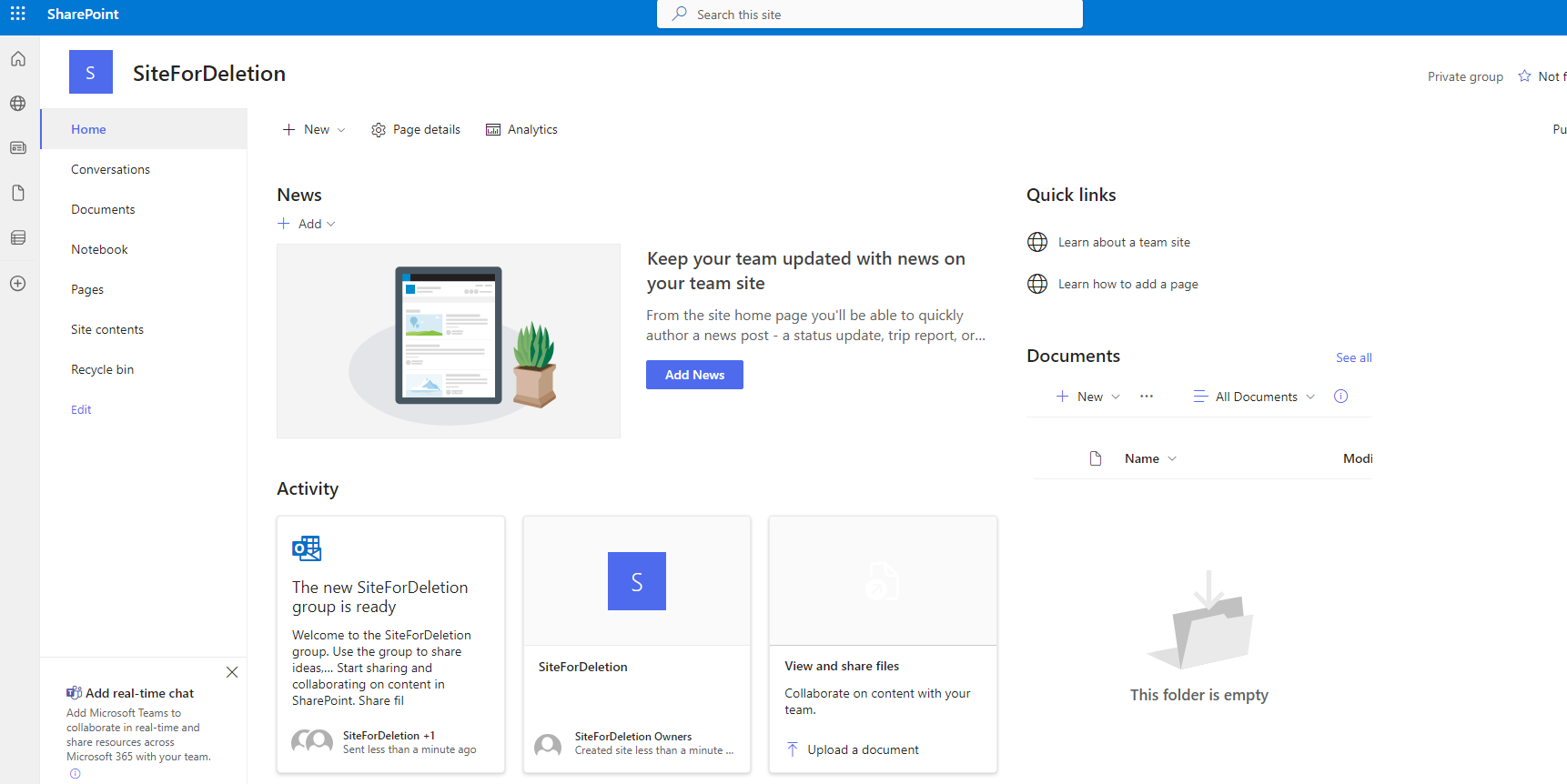
Inside the site in the library that is created with the site the documents we will click to create a new folder
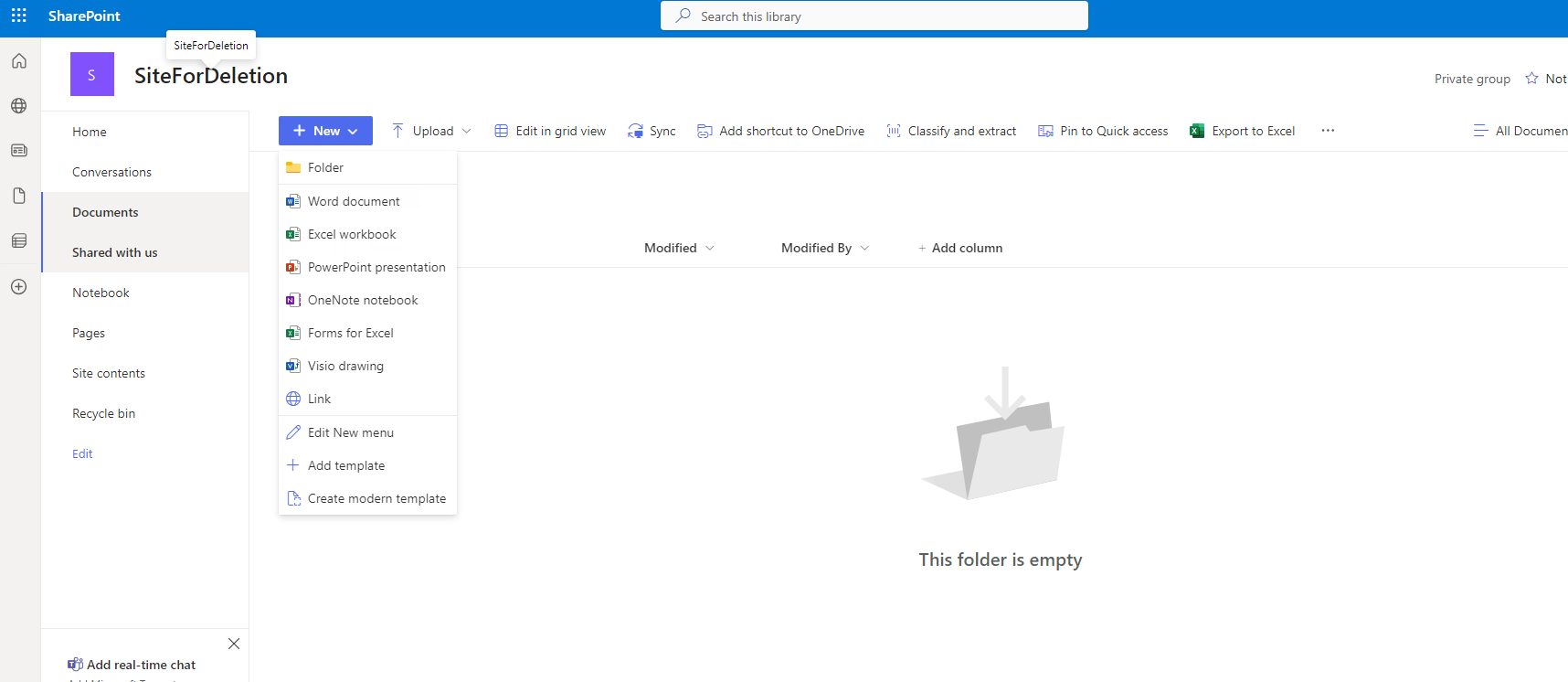
We name our folder
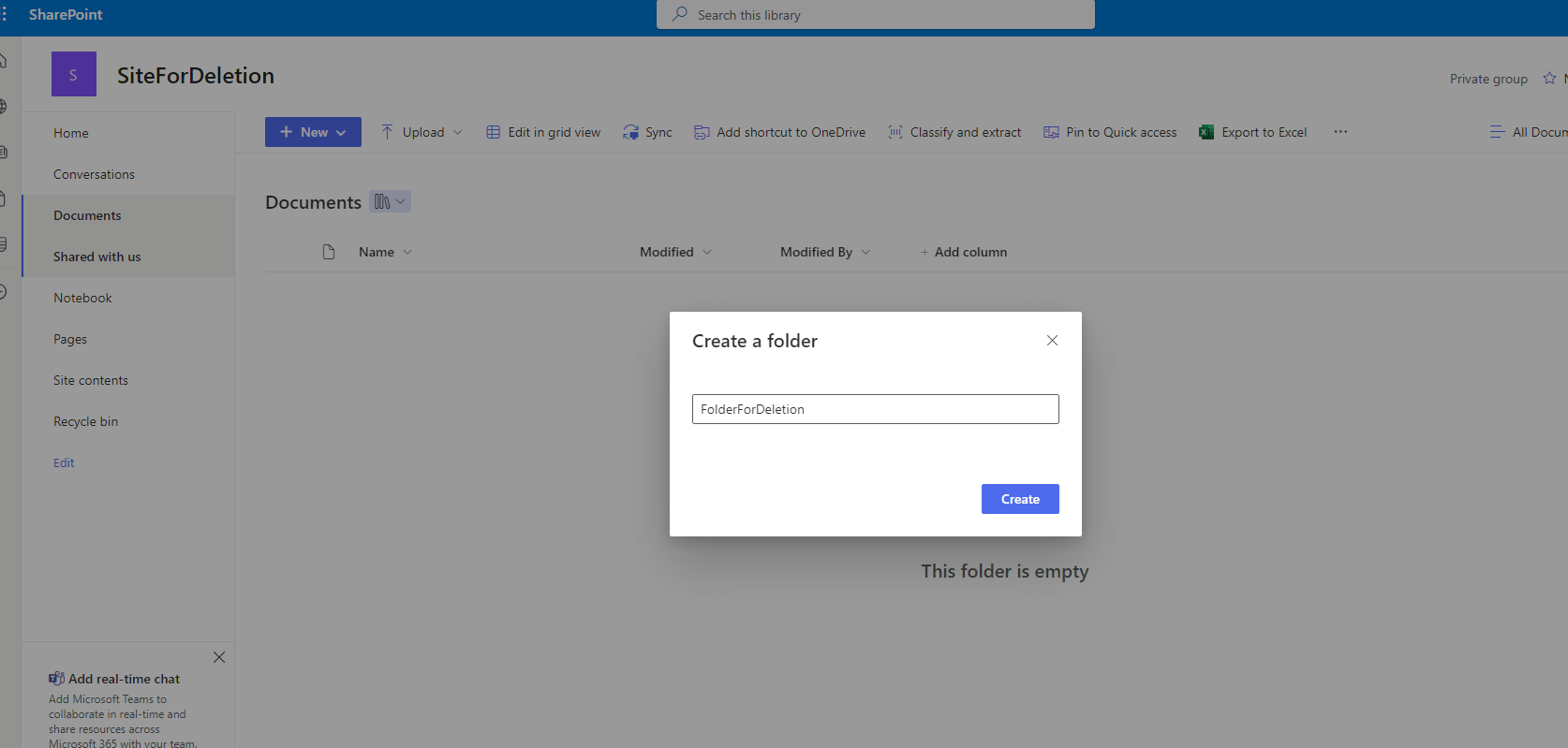
And from the 3 dots we select delete so that the folder is deleted
The folder is not permanently deleted but goes to the recycling bin where we can find it above and to the right of the site contents
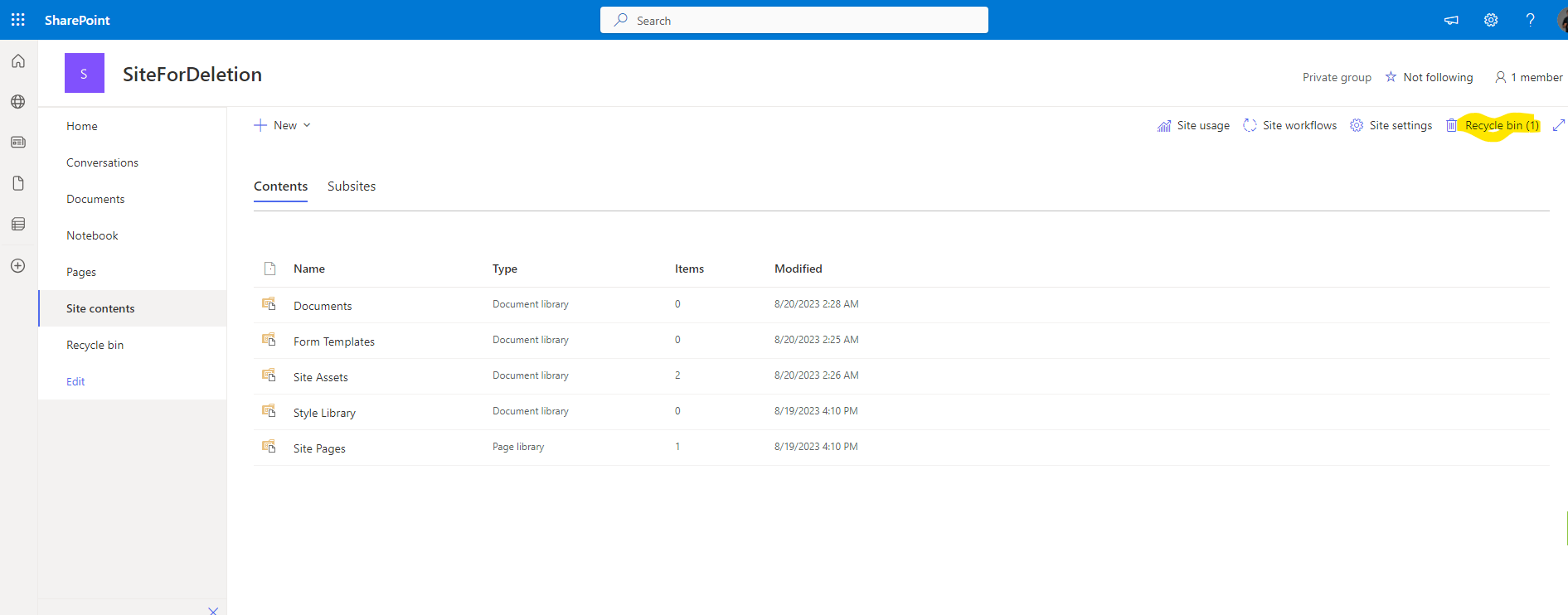
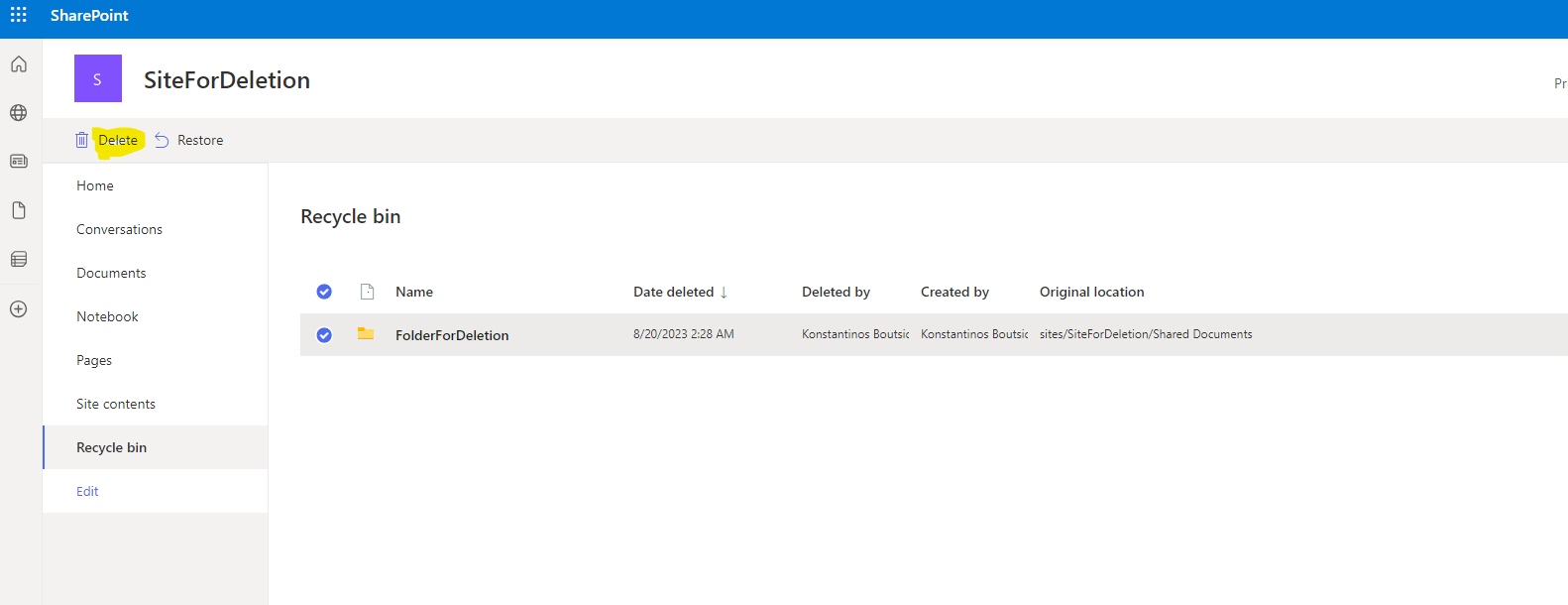
As you can see we can also delete the envelope from the bin but still the envelope is not deleted permanently. There is still a security level which is the second stage for the recycle bin
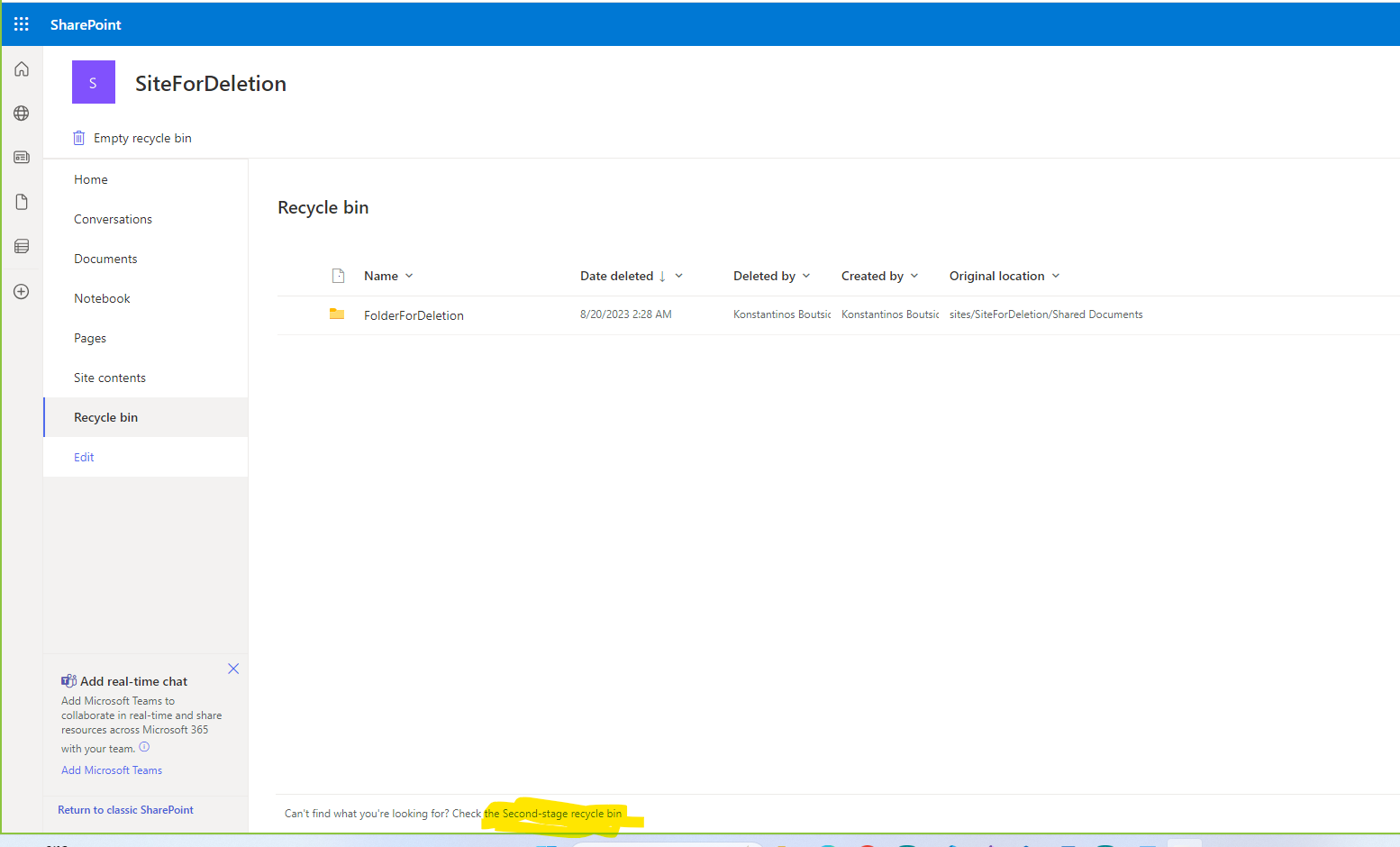
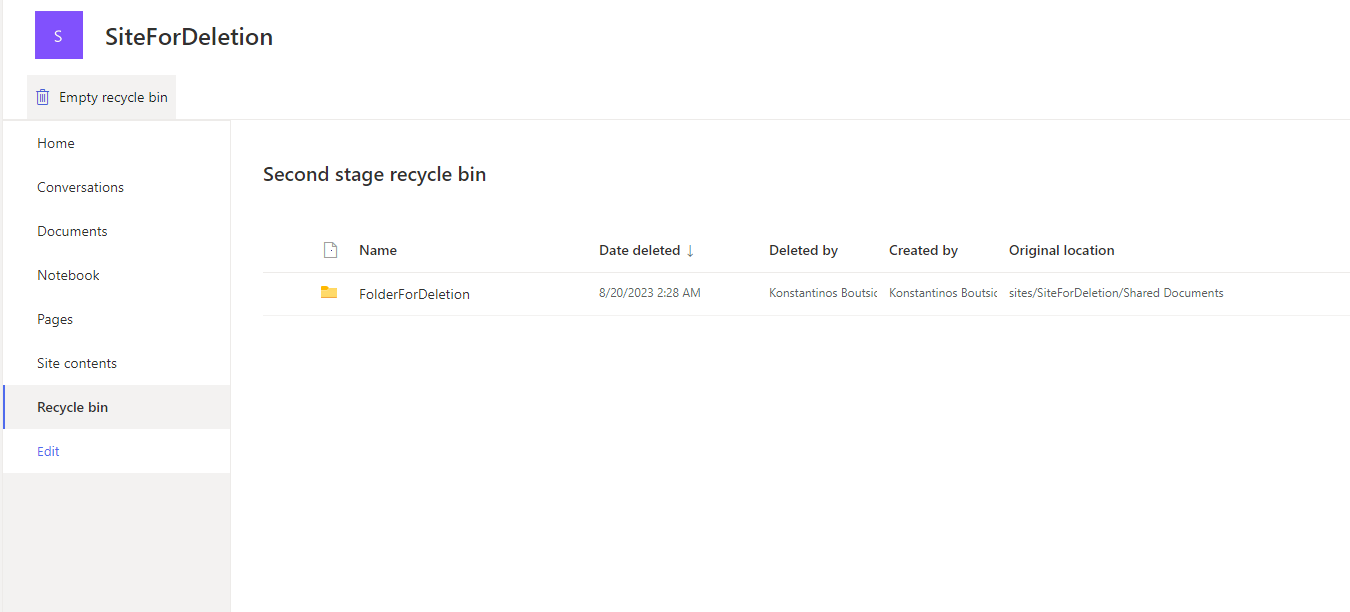
At the bottom left we select second stage and from there as you can see we can delete our folder permanently
To delete the site we have to select the gear on the top right and then site information And then select delete site
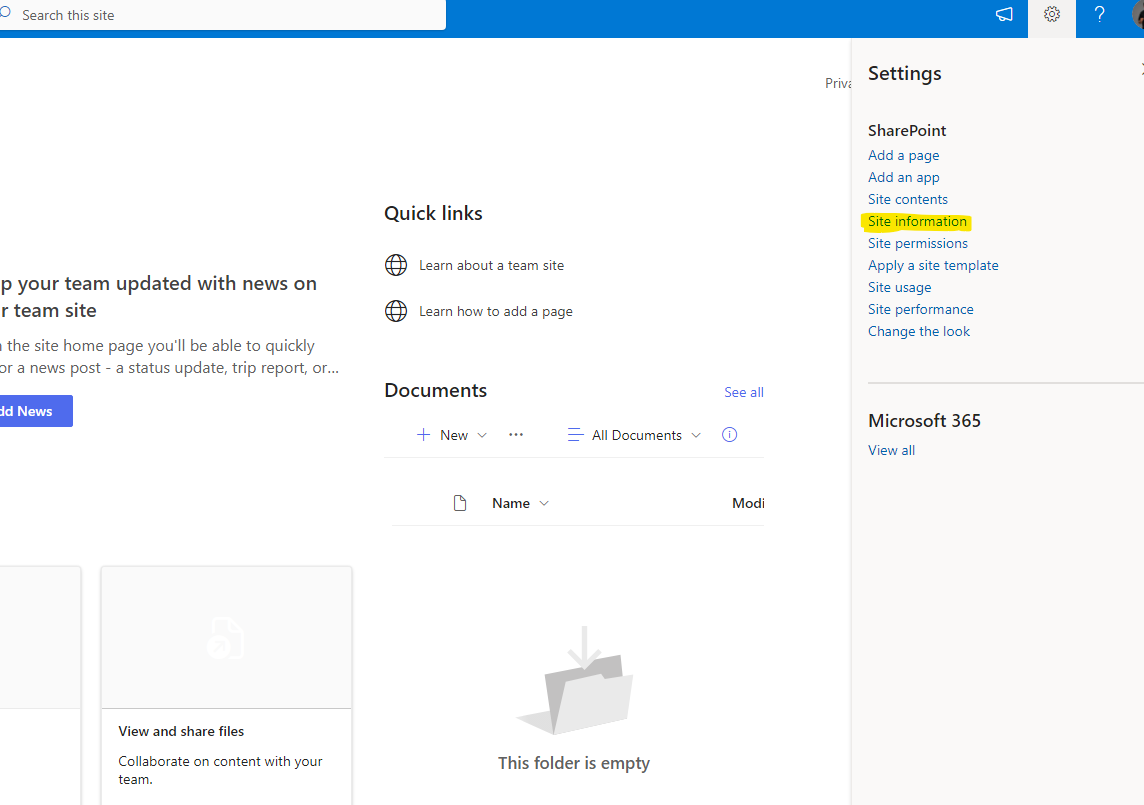
In order to complete the deletion process and permanently delete the site and not to remain in deleted Until the retention policy To permanently delete the site it is indicated to deassociate with any group it is associated with and then delete the members and the group from the site's settings
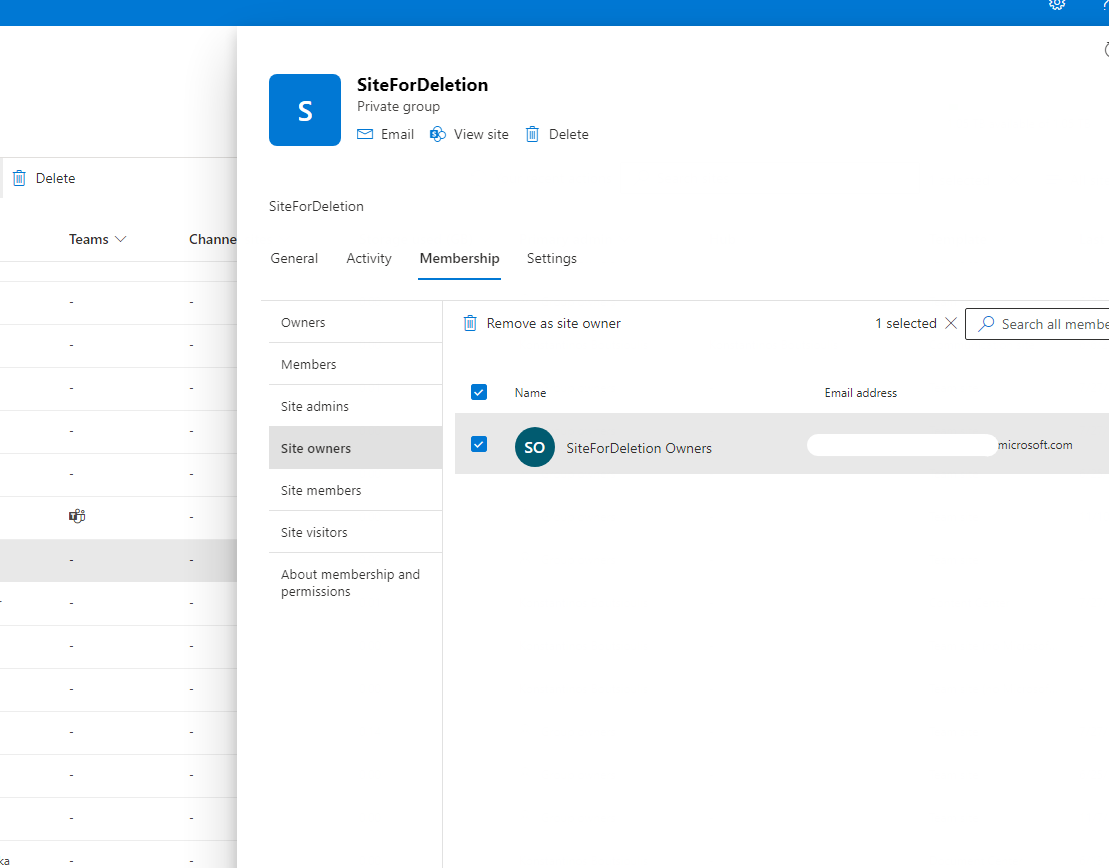
And so finally the site and any files or folders in the site's respective libraries have been permanently deleted.
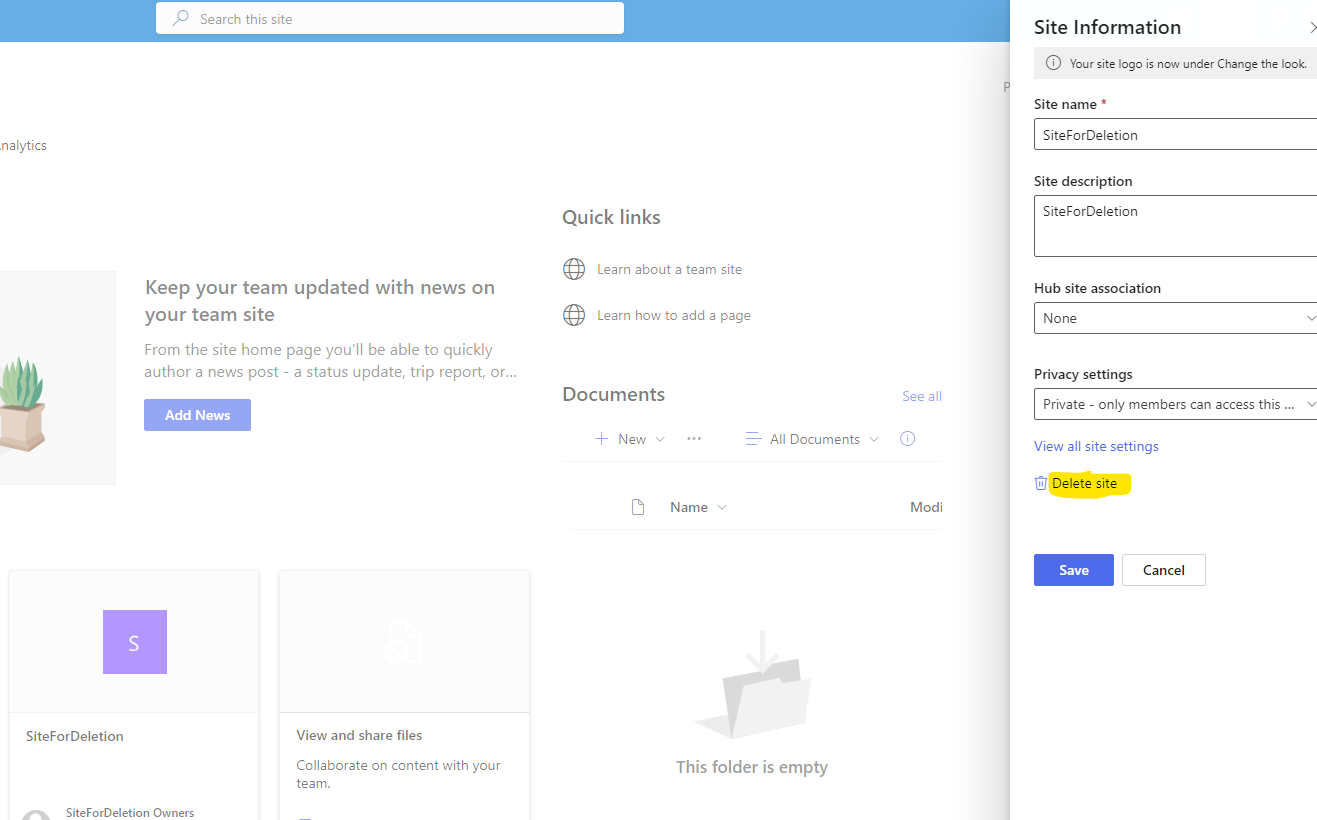
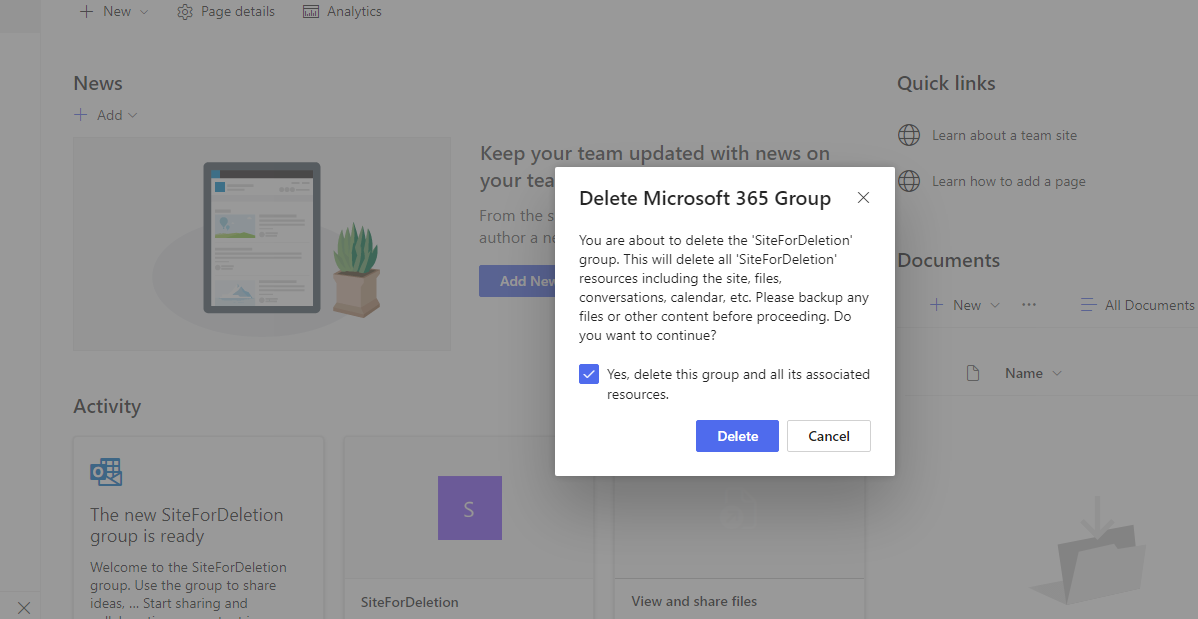
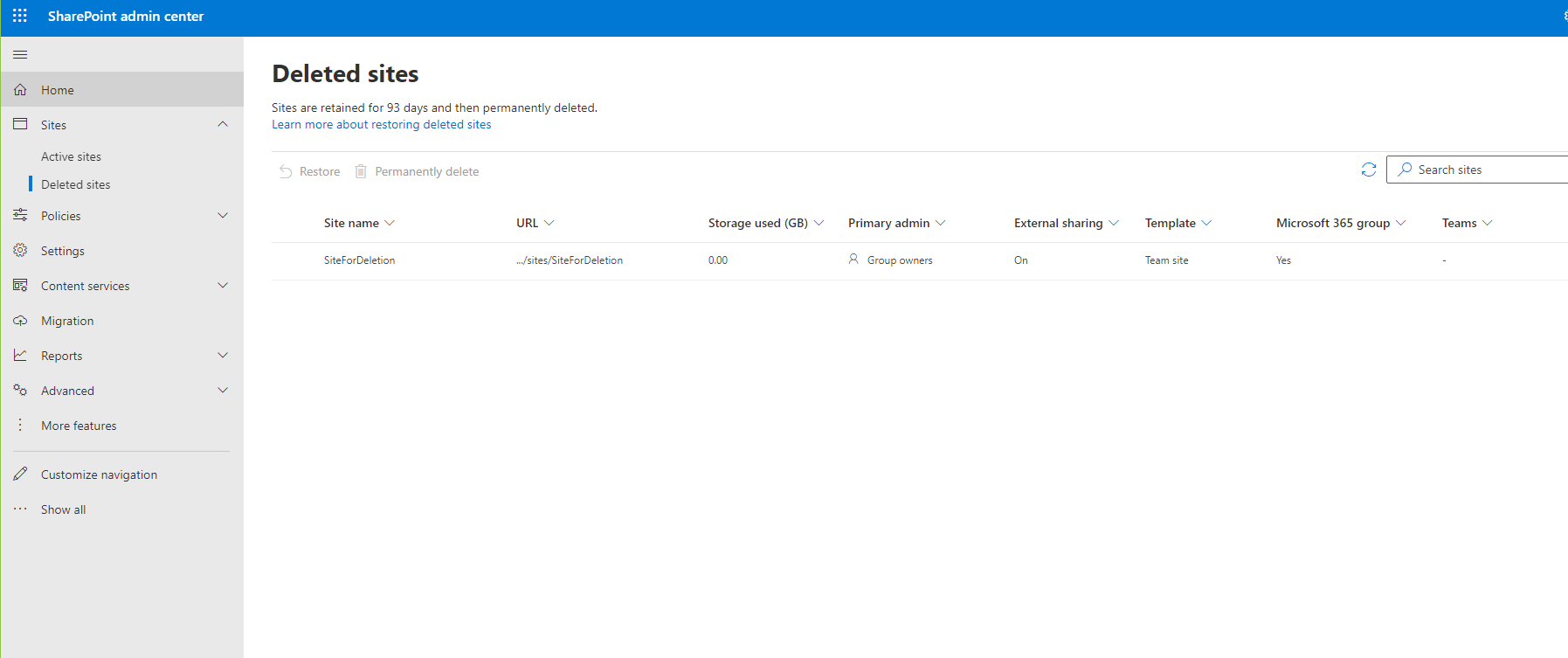
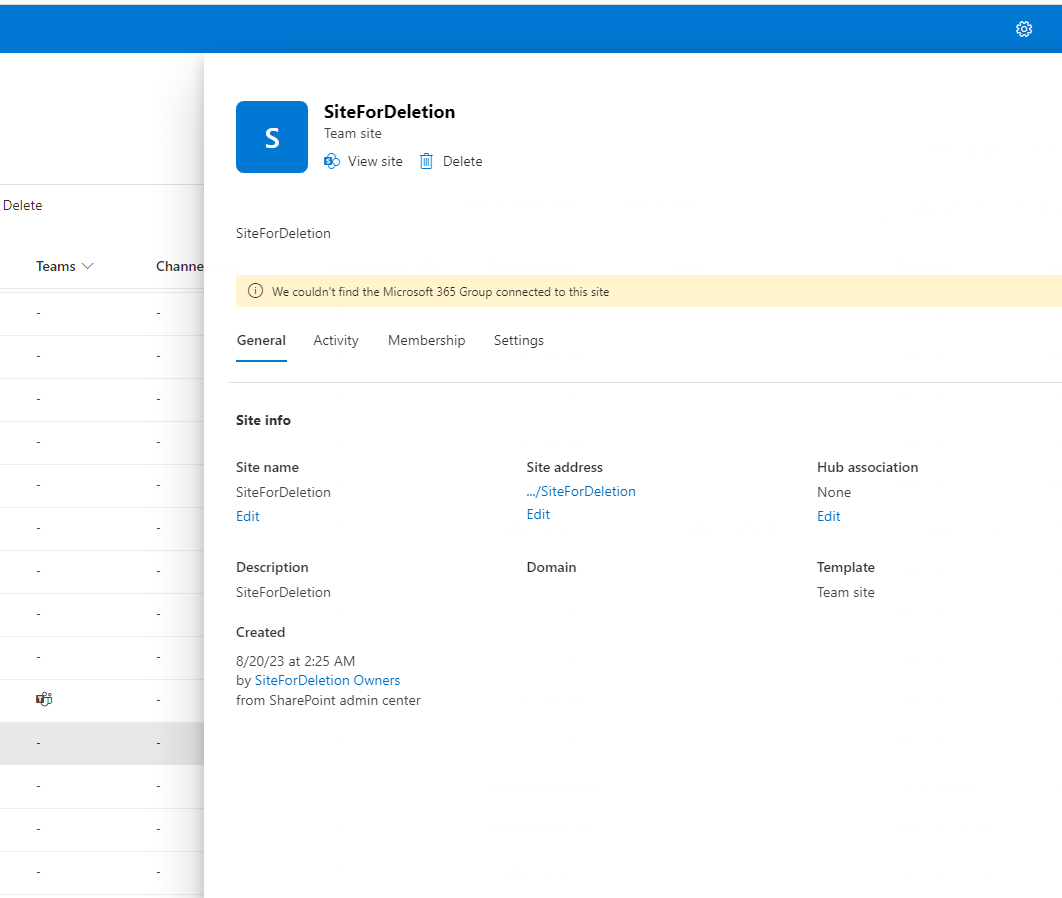
This process can be done in an automated way either with Powershell or with power automate
#SharePoint #technology #microsoft #digital #work #digitaltransformation #cloud #mvpbuzz #m365Visit Archives below to find more articles about Microsoft technologies on Modern Workplace