
Free Material
Find hereMore than 150 Articles about Microsoft Technologies on Modern Workplace
Official Site
Microsoft Most Valuable Professional M365 Apps & Services
Microsoft Most Valuable Professional Business Applications
Consultant & Sr Cloud Solution Architect Modern Wokrplace
Find hereMore than 150 Articles about Microsoft Technologies on Modern Workplace
15 May 2023
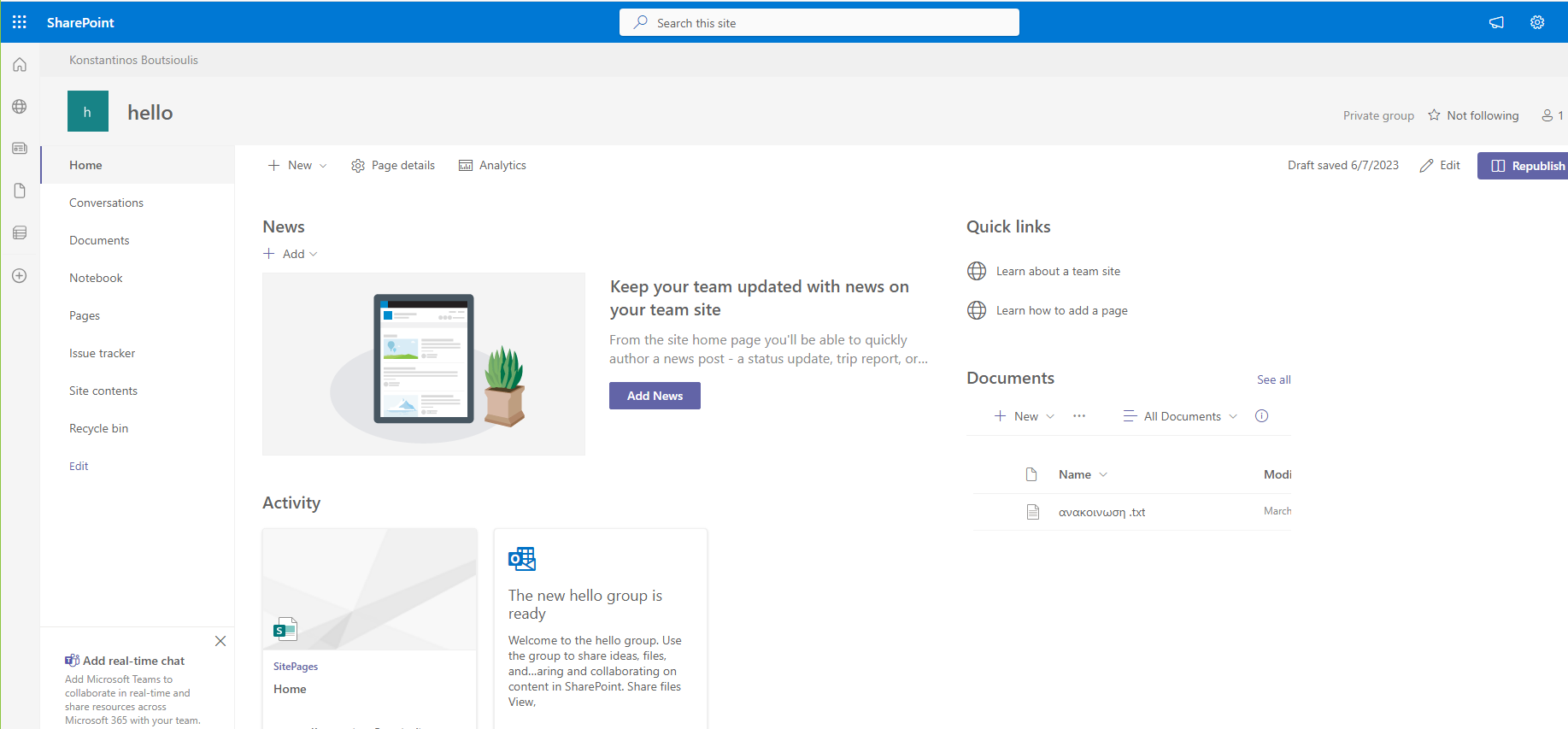
In today's article I will show you how we can very easily from front end to apply a template to a SharePoint Site First we locate the site on which we want to apply the new template
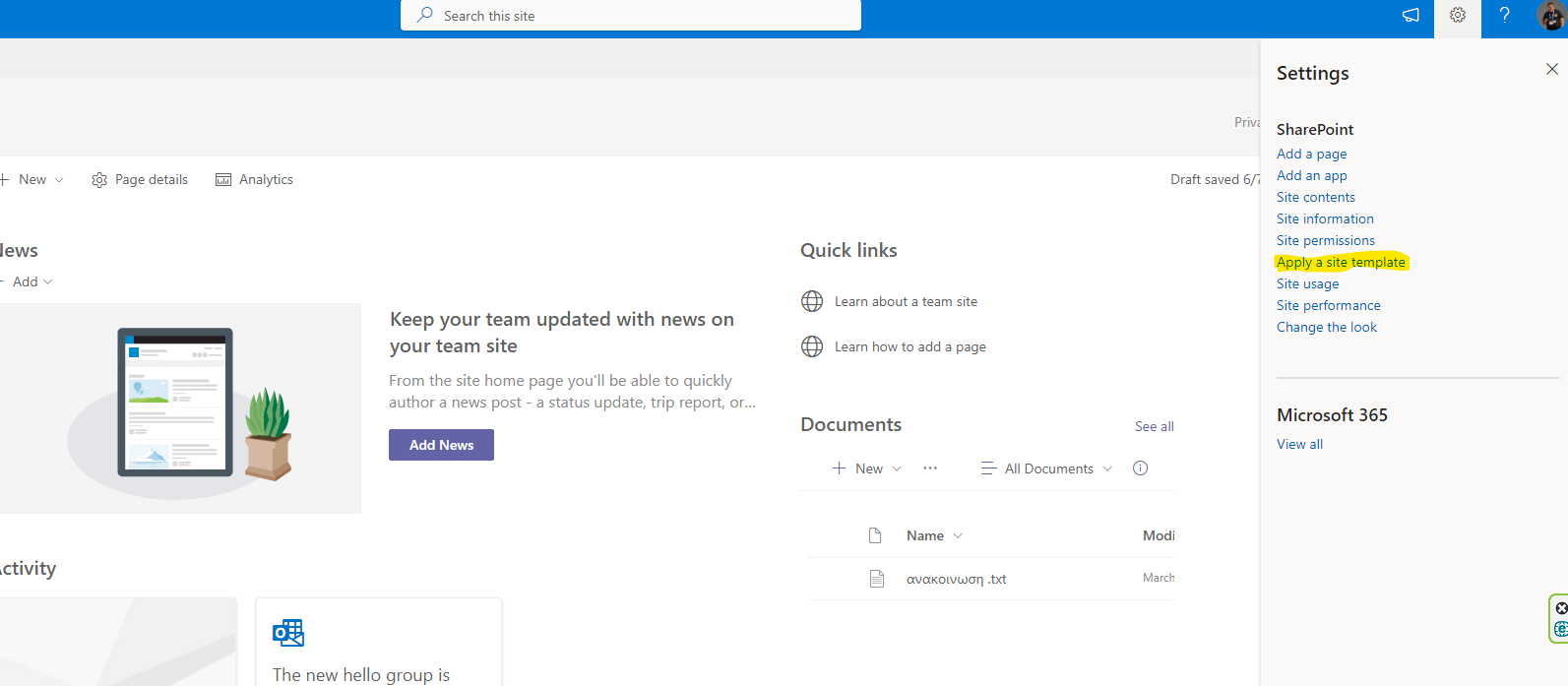
Select the gear on the top right and then apply a site template
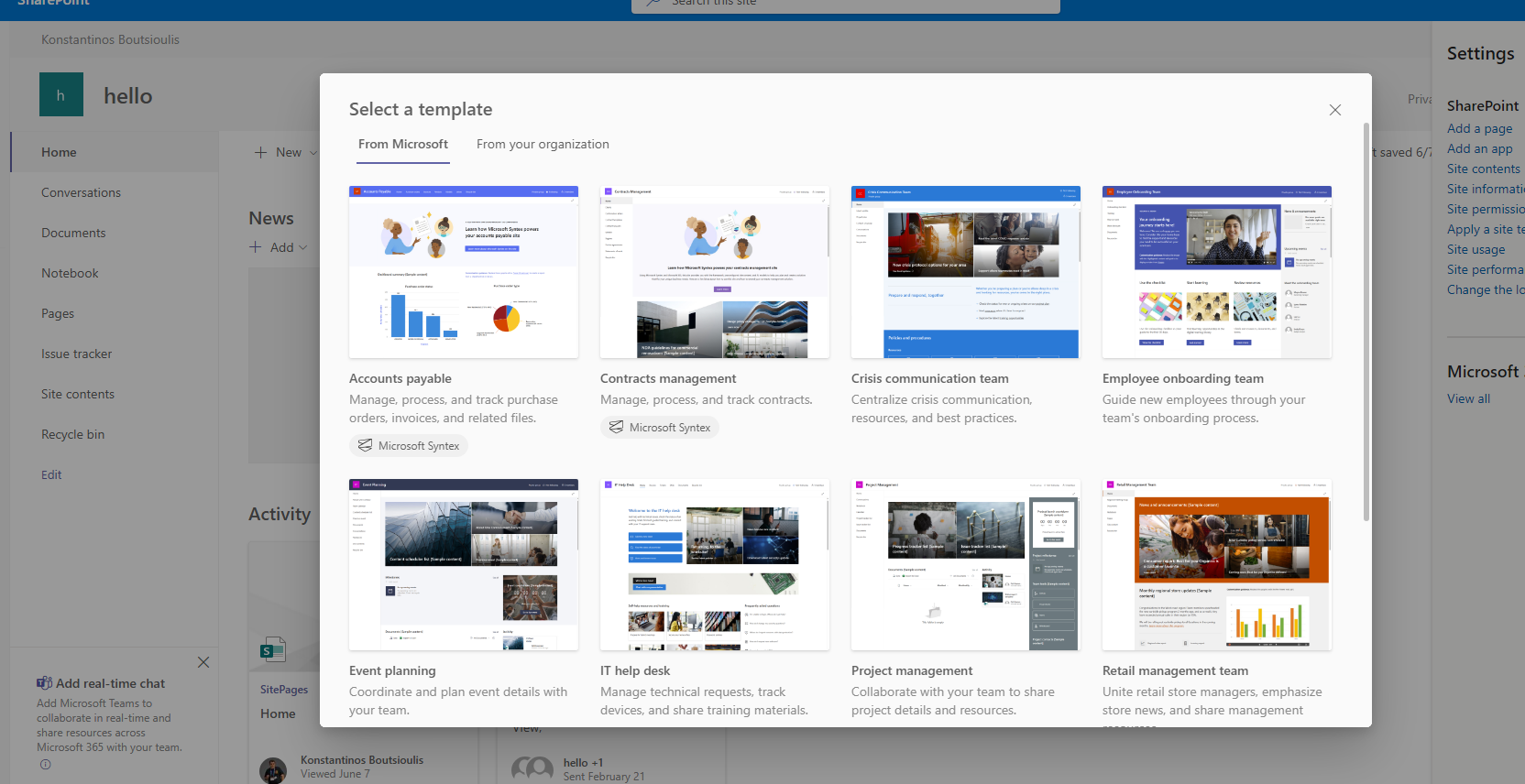
I select one of the available ones and then click aplly .i will choose employee on boarding theme
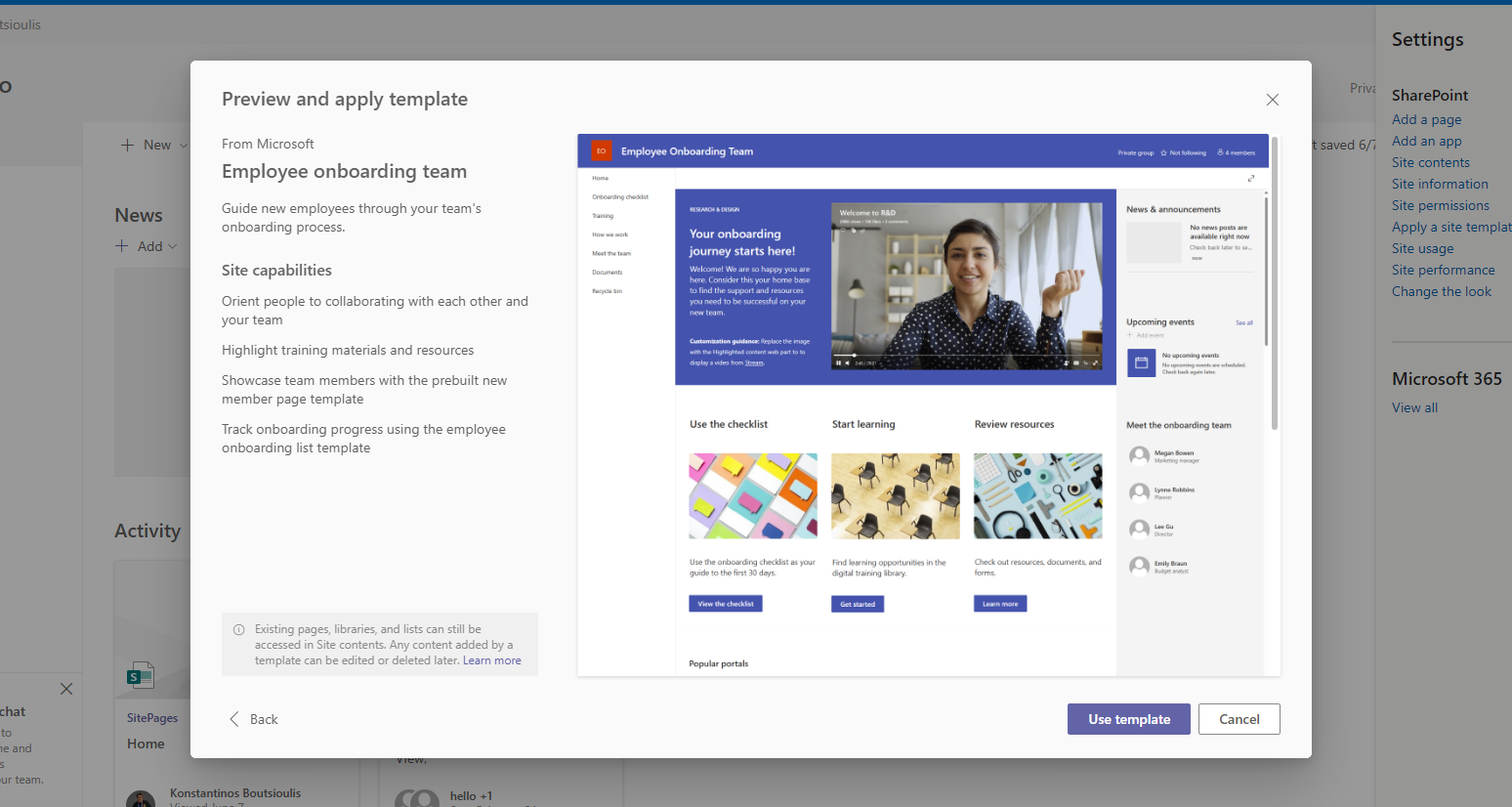
I select Use template to apply this theme in my site
you will have to wait a few seconds for the process to complete
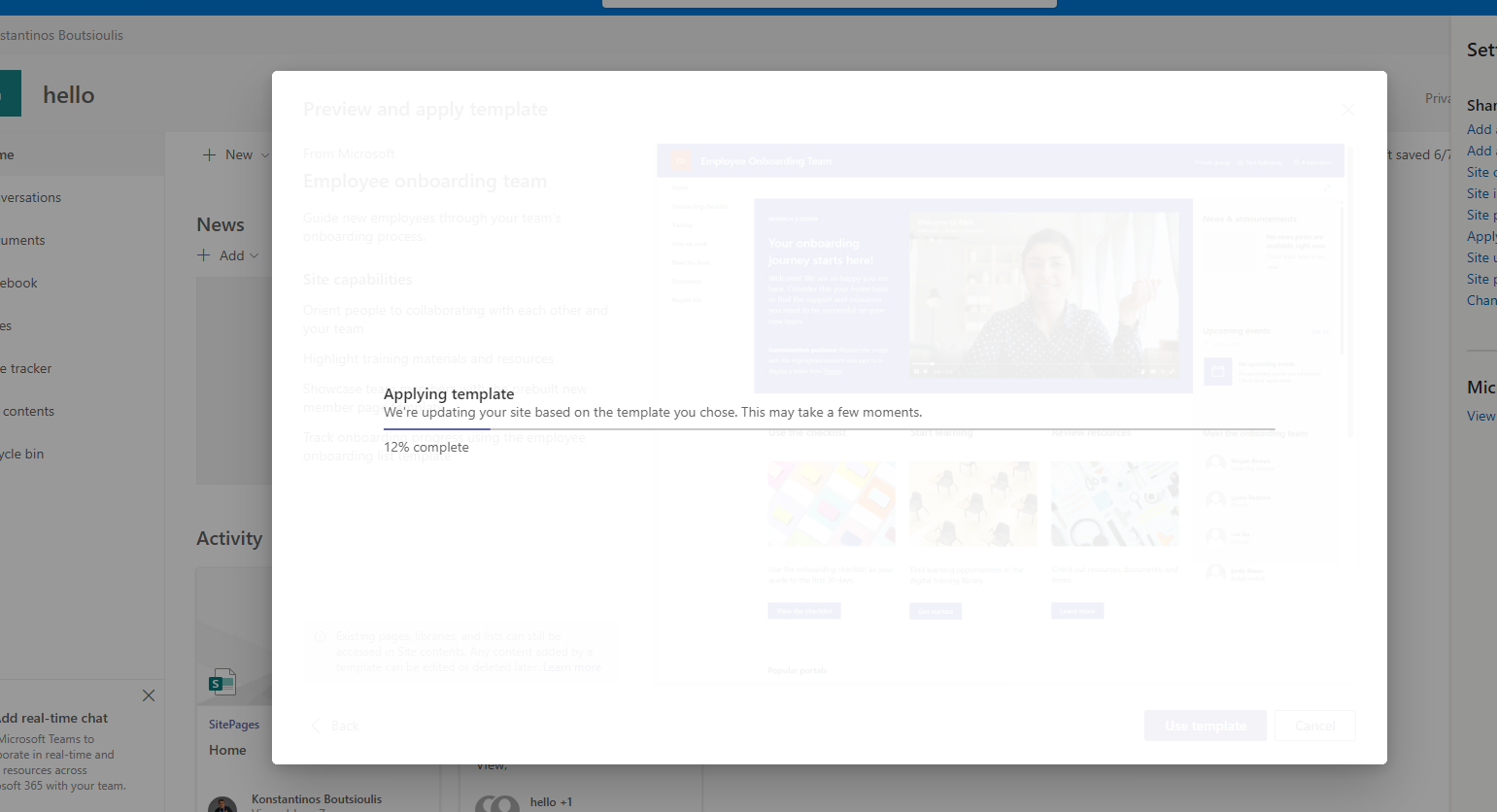
As you can see My site has now changed and the new template has been applied
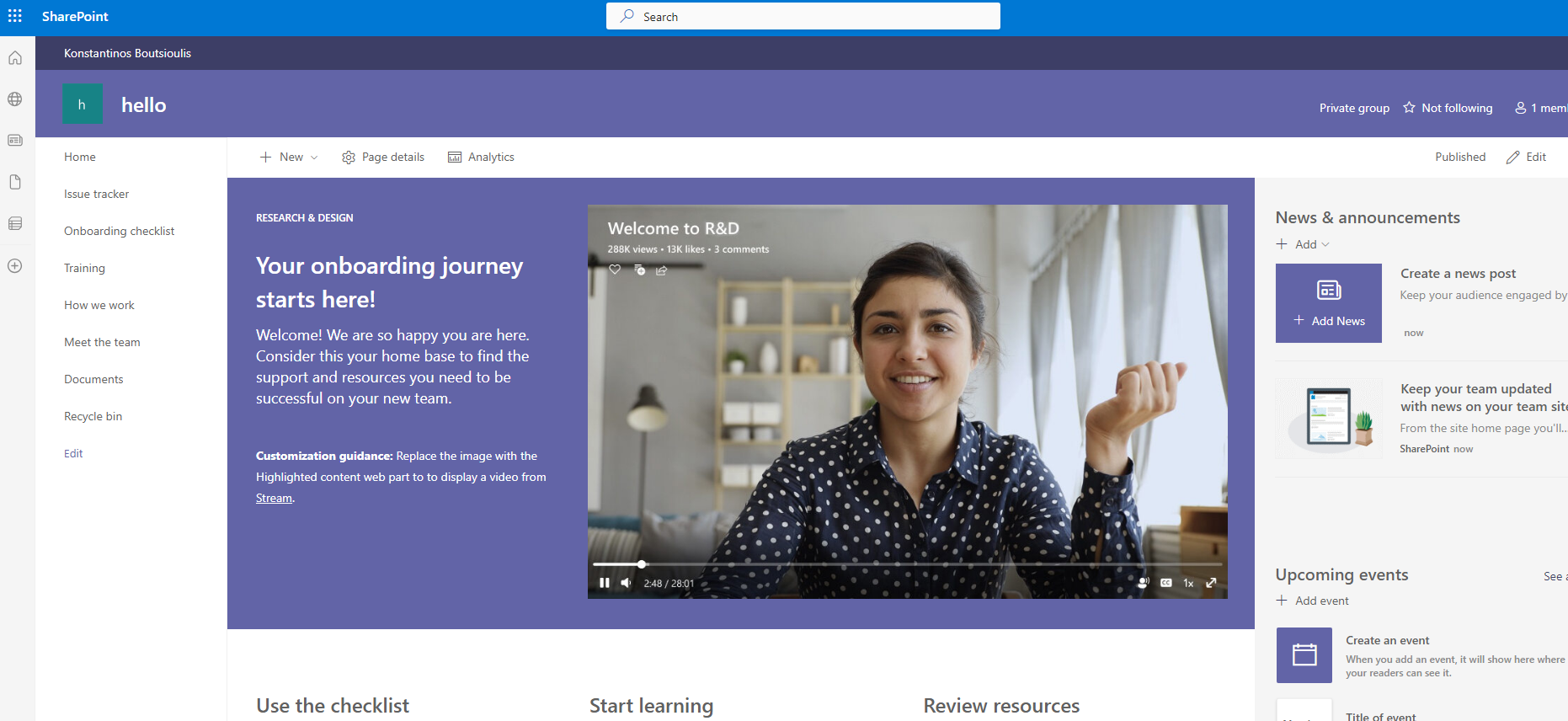
As you can see My site has now changed and the new template has been applied
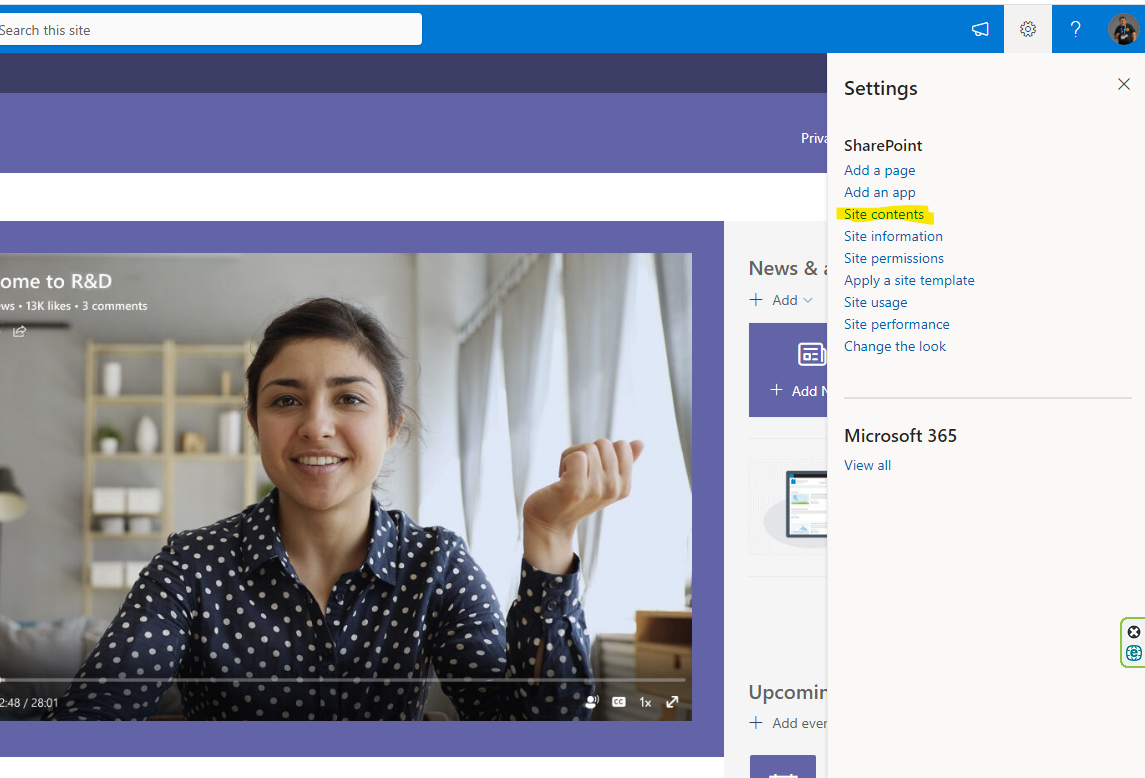
Note that we can see the new template if we broswe in site pages under site content .At first choose site contents
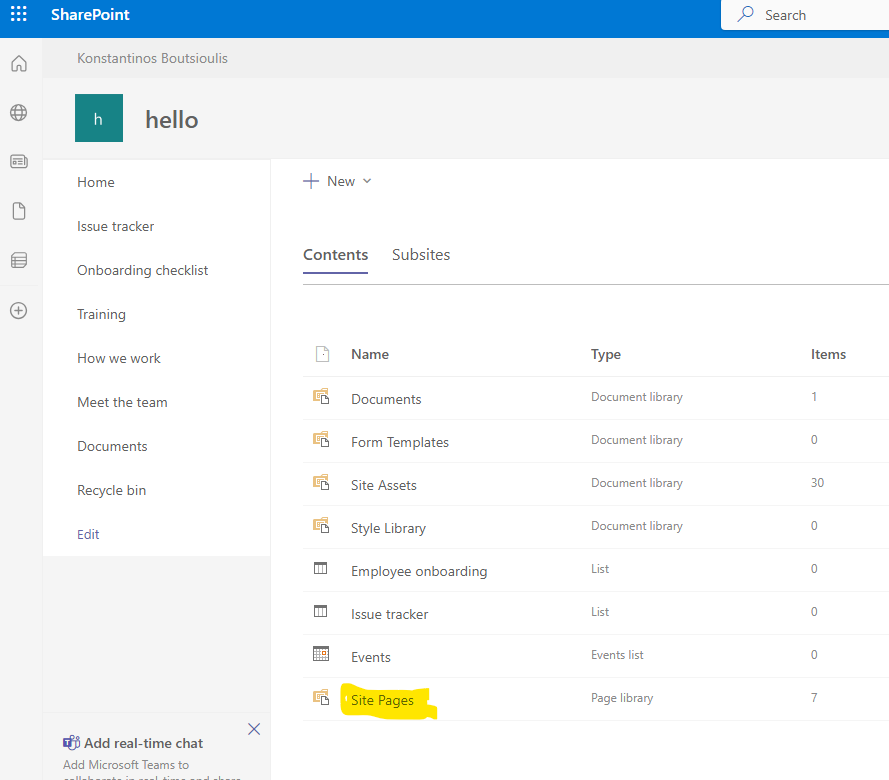
And now you can see all these files that belongs to our new theme under site pages
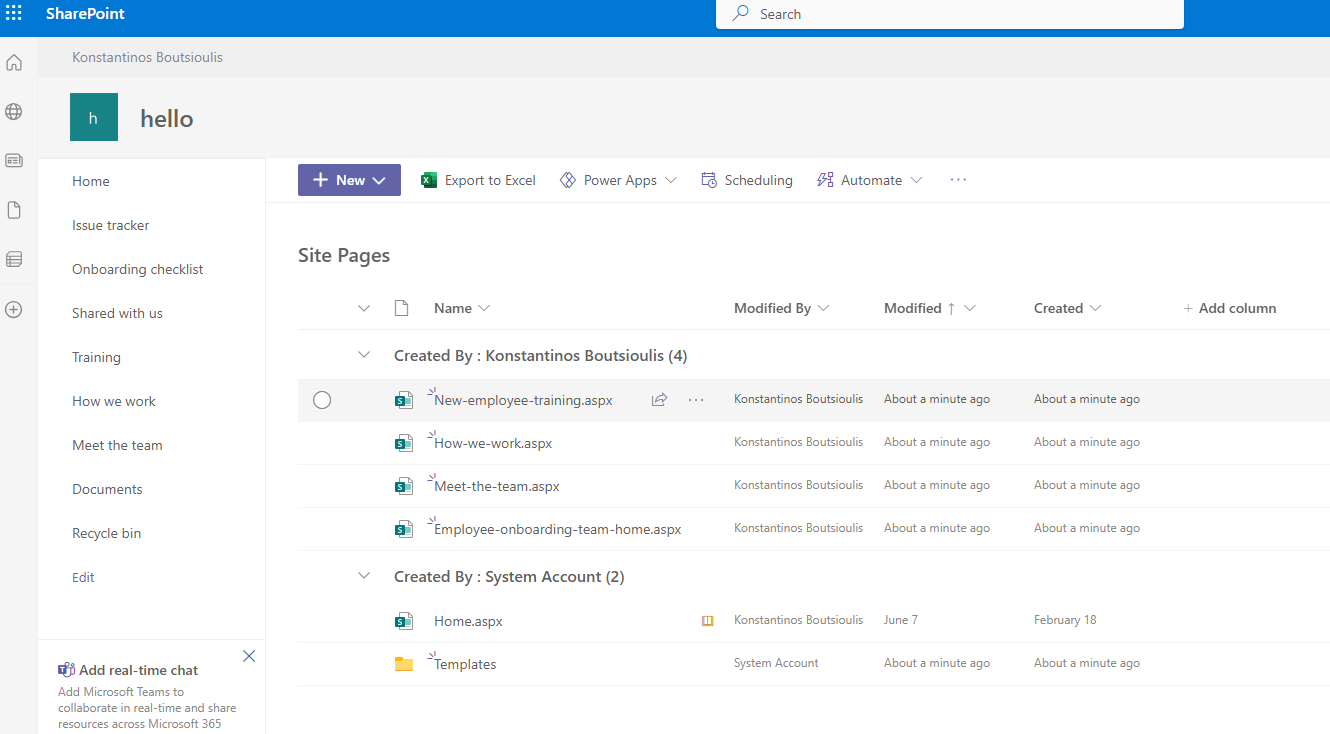
Note that we only have a few sites templates from Microsoft . Usually what is seen in all organizations is the creation of their own templates which they then apply to each new site of the organization .This is the ideal case so that an organization can manage to maintain a uniform branding on all its pages more on the official Microsoft page at
Also note that during the storage of templates some organizations choose to include content where along with the template the content of the original template appears Changing the template could also be done via PowerShell script or Rest .More on the official Microsoft page at
#SharePoint #technology #microsoft #digital #work #digitaltransformation #cloud #mvpbuzz #m365Visit Archives below to find more articles about Microsoft technologies on Modern Workplace