
Free Material
Find hereMore than 150 Articles about Microsoft Technologies on Modern Workplace
Official Site
Microsoft Most Valuable Professional M365 Apps & Services
Microsoft Most Valuable Professional Business Applications
Consultant & Sr Cloud Solution Architect Modern Wokrplace
Find hereMore than 150 Articles about Microsoft Technologies on Modern Workplace
27 May 2023
In today’s article I will show you how we can get information about the sites we have created in our sharepoint online What we need is a list with the name of each site and the email address of each one individually First we need to run the following PowerShell with administrator privileges
# Connect to SharePoint Online
Connect-SPOService -Url "https://mytenant-admin.sharepoint.com"
# Next command is to get all the site collections
$All_Sites = Get-SPOSite -Limit All
# Next command is to print all sites and URLs foreach site
foreach ($Specific_Sites in $All_Sites) {
Write-Output "Specific Site Name: $($Specific_Sites.Title)"
Write-Output "Specific Site URL: $($Specific_Sites.Url)"
}
# Disconnect from SharePoint Online
Disconnect-SPOService
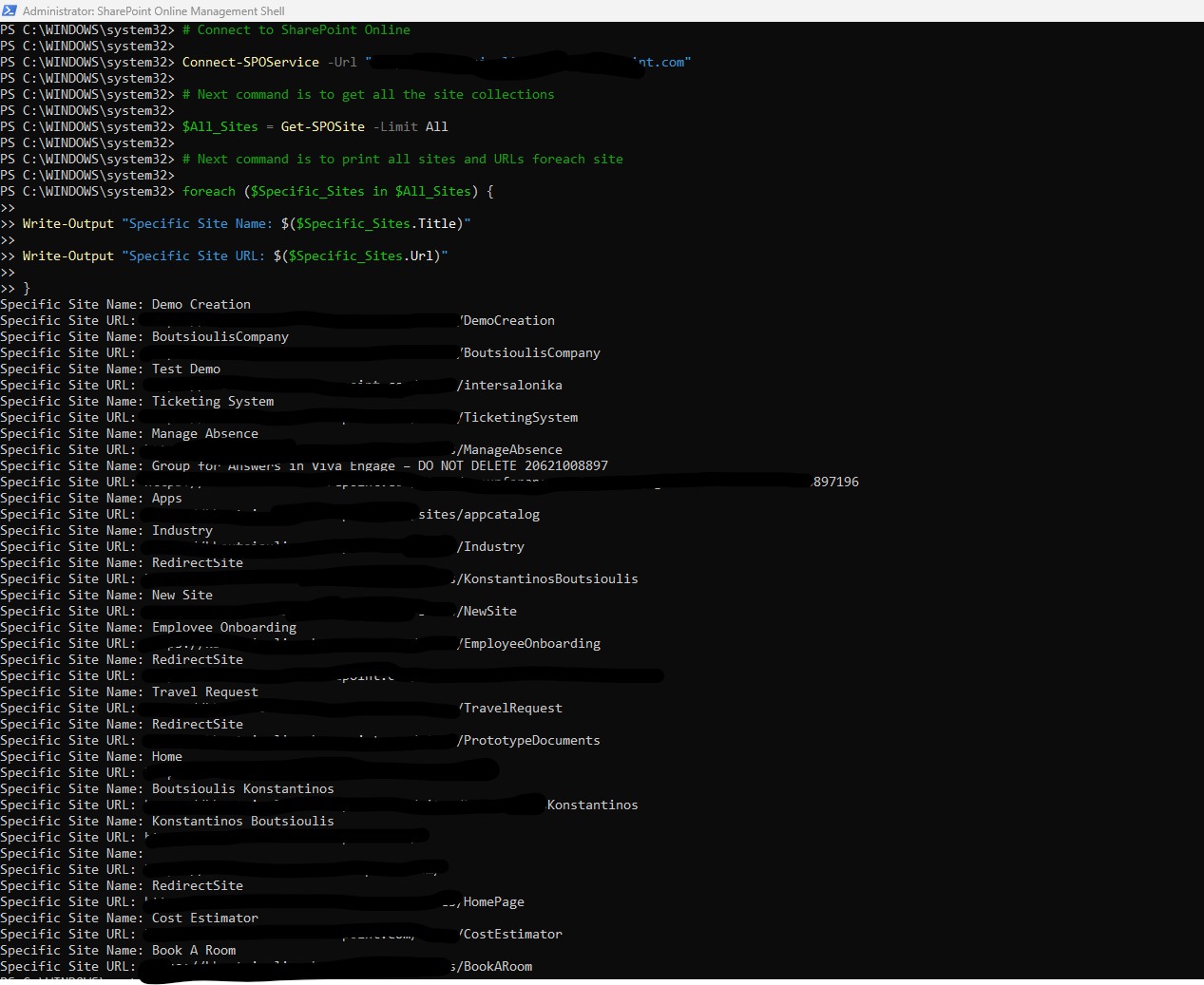
After a successfully execution of PnP i got the results that you can see in the image below . I have a result set of URL and names for each site in my tenant . But i cannot print them
it should be noted that in order to view all the sites we have created in sharepoint we can also view them from the sharepoint admin center under the link Active Sites
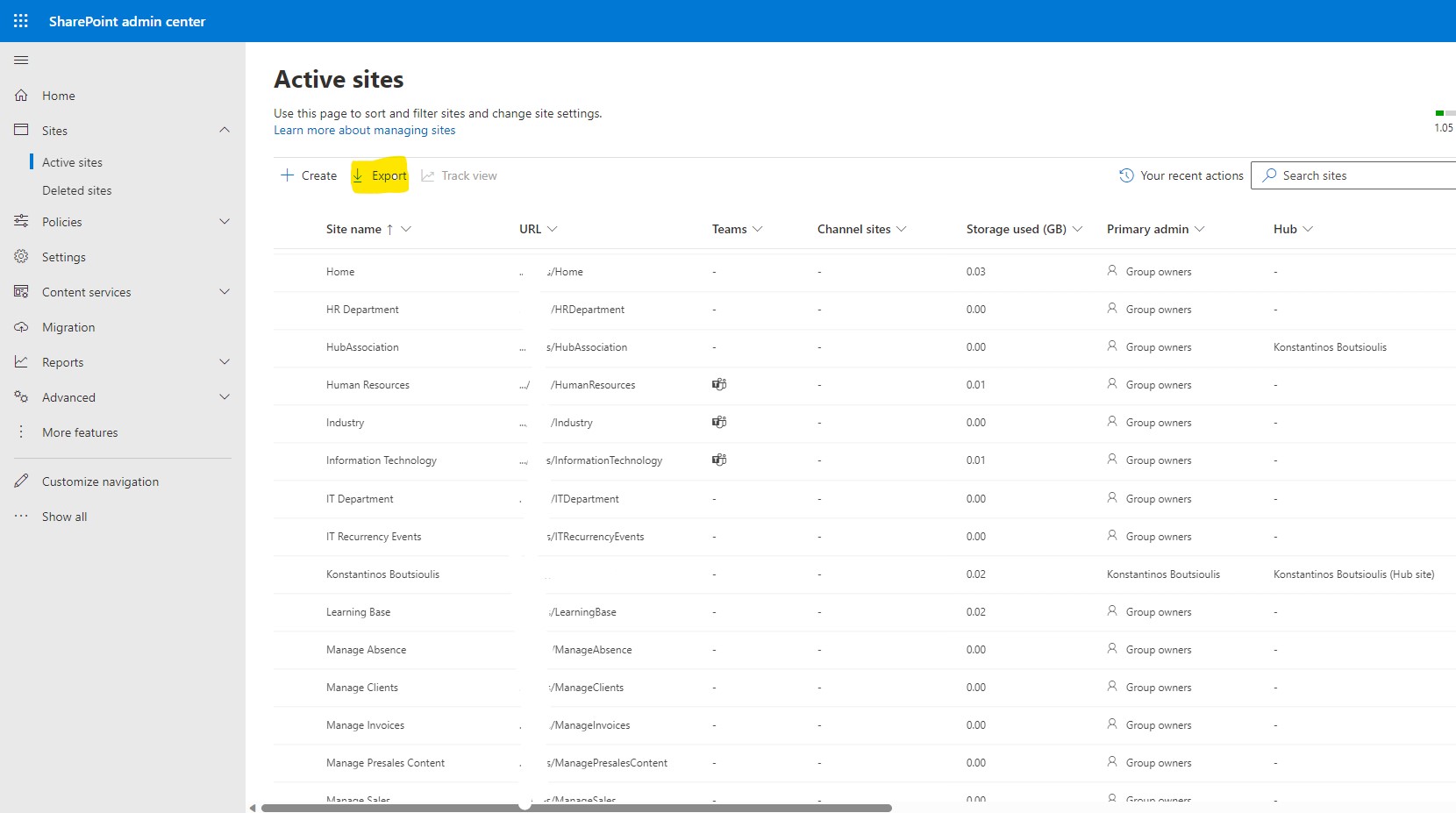

But we have another way to export from the sharepoint admin center a csv that will contain information for all our active SharePoint sites
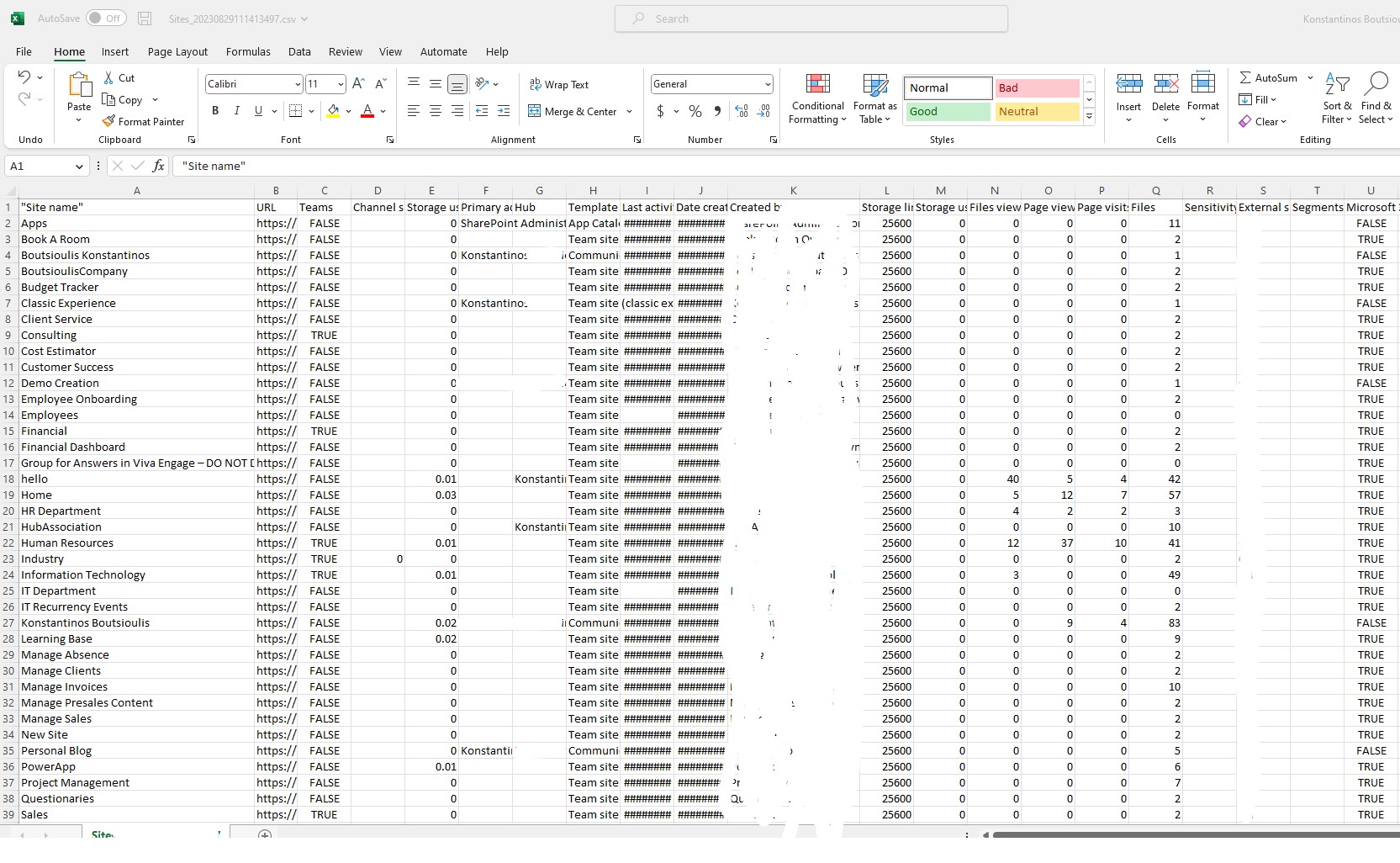
And as you can see we can see different details per site not oly namew and urls . In this export i have the full access to any information about every site in my tenant
#SharePoint #technology #microsoft #PowerShell #PnP #digitaltransformation #cloud #mvpbuzz #m365Visit Archives below to find more articles about Microsoft technologies on Modern Workplace