
Free Material
Find hereMore than 150 Articles about Microsoft Technologies on Modern Workplace
Official Site
Microsoft Most Valuable Professional M365 Apps & Services
Microsoft Most Valuable Professional Business Applications
Consultant & Sr Cloud Solution Architect Modern Wokrplace
Find hereMore than 150 Articles about Microsoft Technologies on Modern Workplace
06 March 2024
In today's post I will show you how to easily move items from a SharePoint Library to another in the same site. First of all, note that this action can be done either by selecting from the front end and using the move items action or by using PowerShell Here I should note that if we choose to move archives from one library to another all the original data will be transferred such as the original creator, the first time the document was uploaded, if it has been modified by a user, the versioning, the metadata all will be transferred along with the document With an active M365 subscription we can access the main page
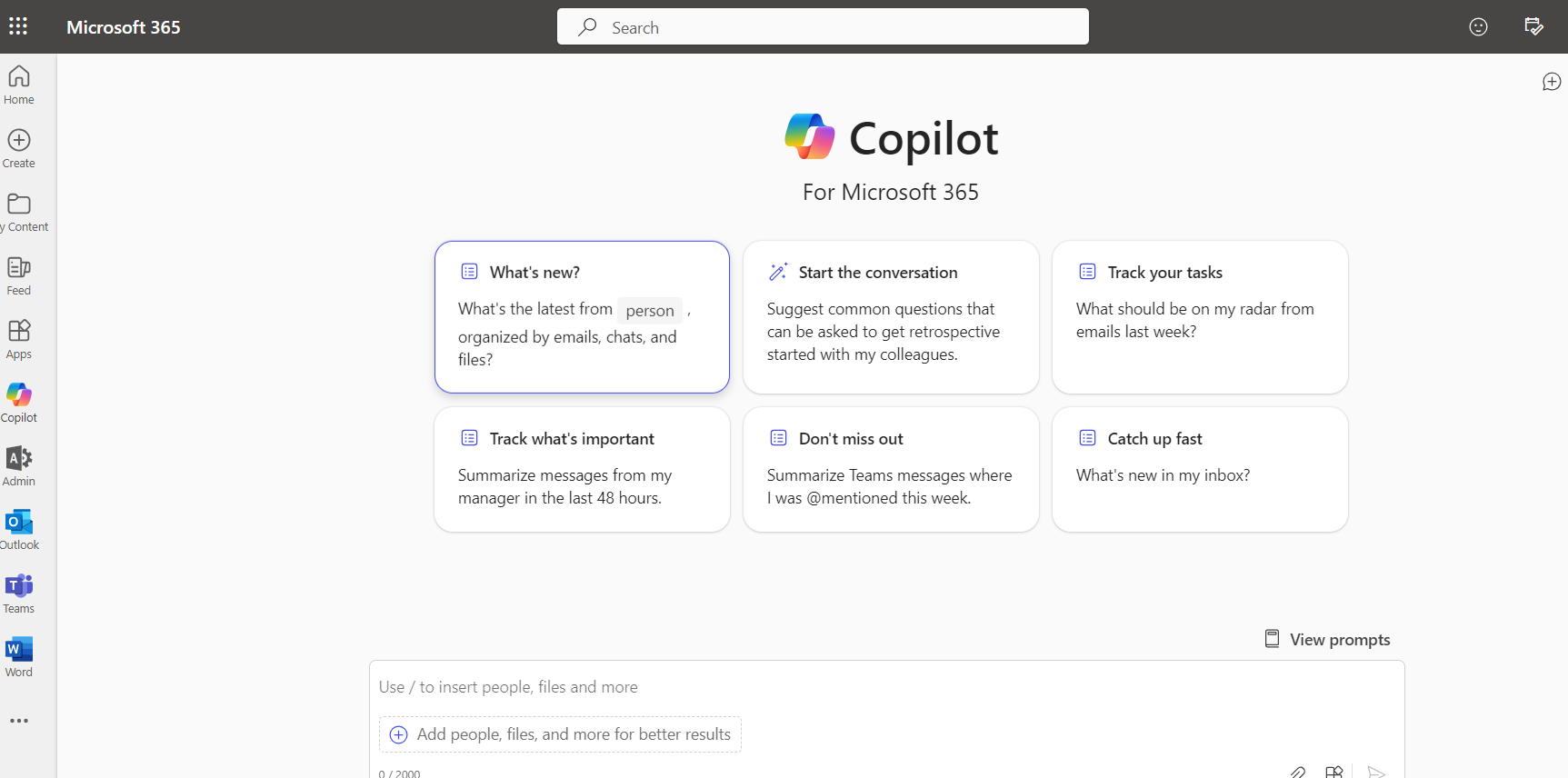
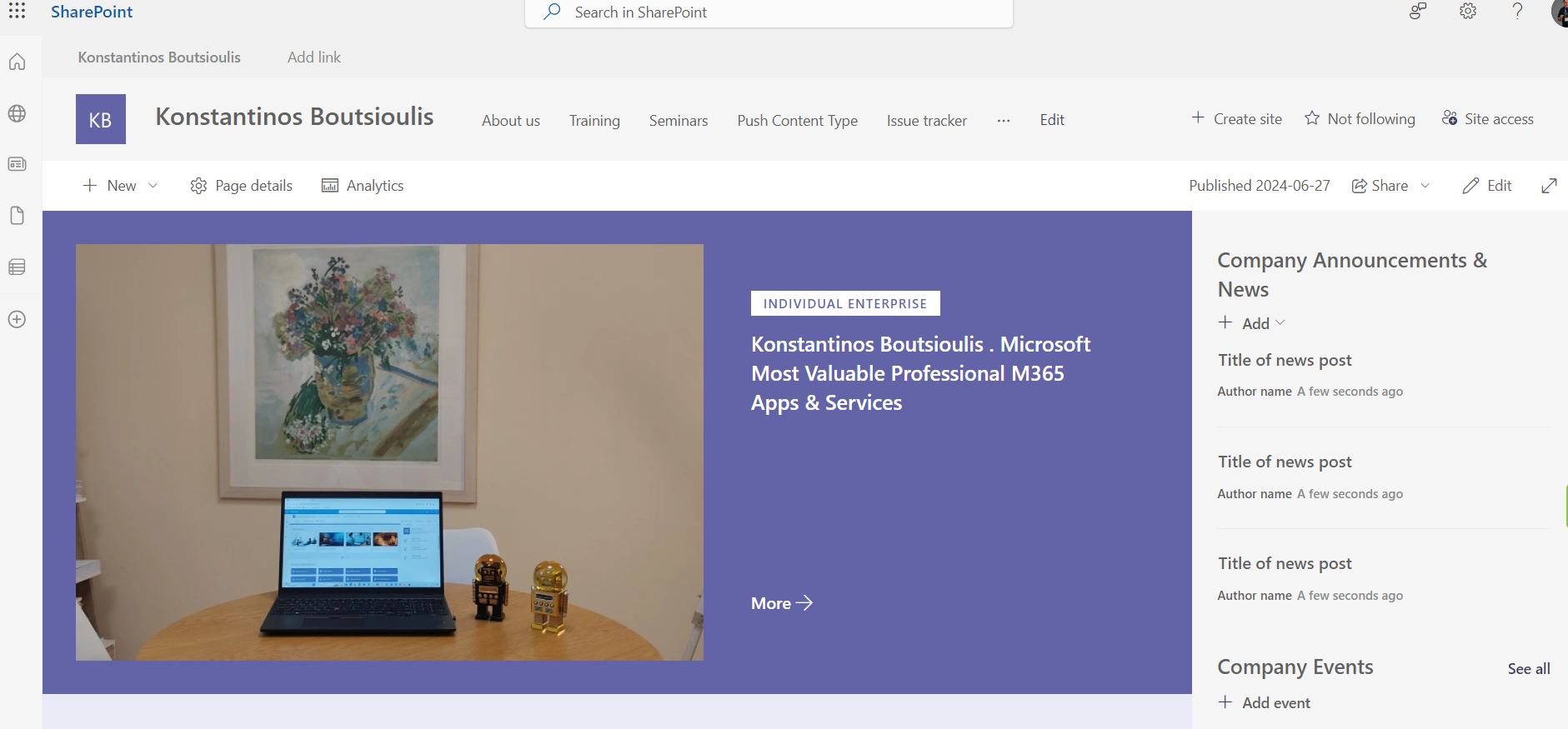
Then we select the site in SharePoint and then the library of our choice
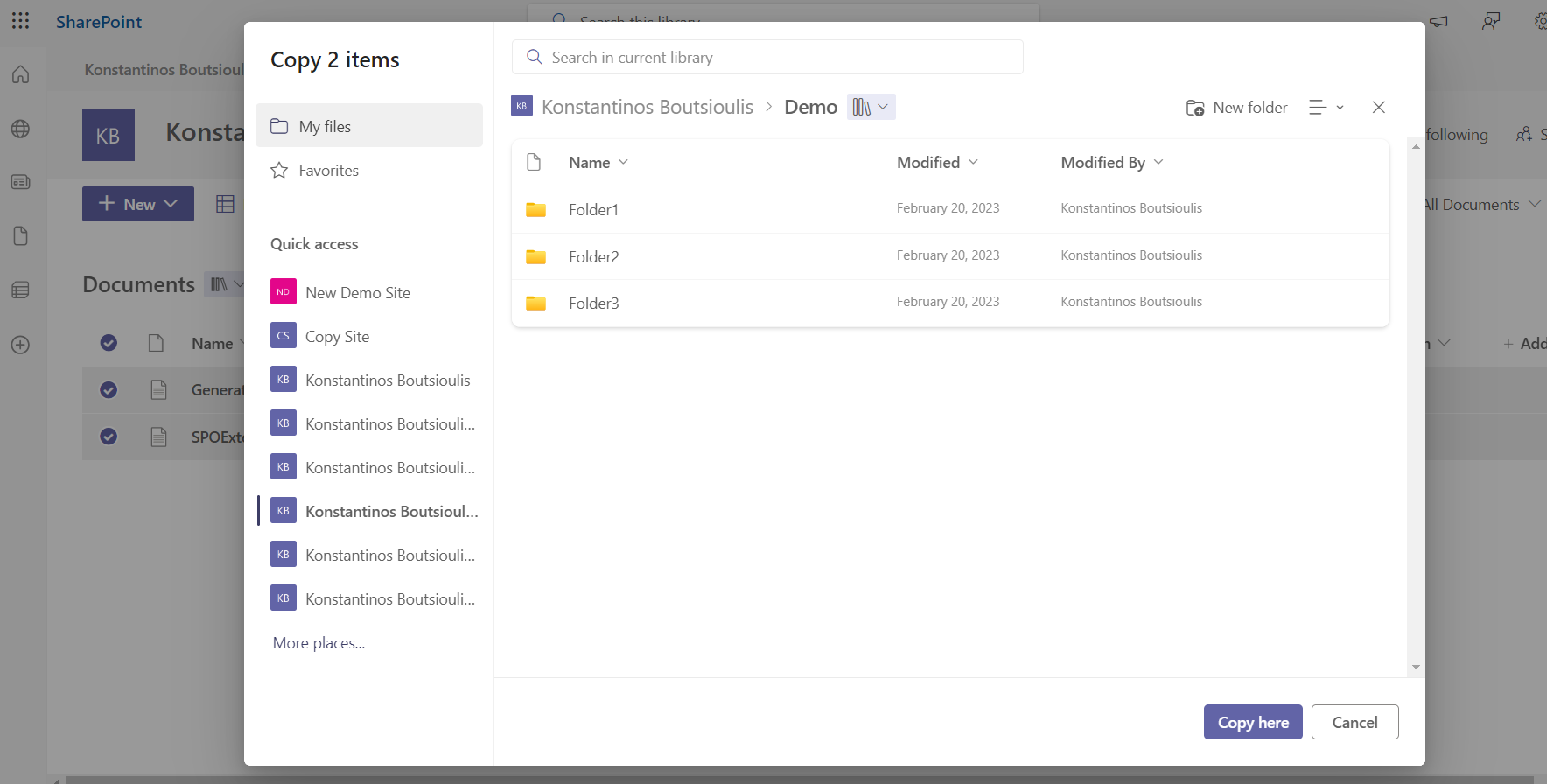
Then we select all the archives we wish to move and click on move to in the options menu
I select the new library I want to move and press move here
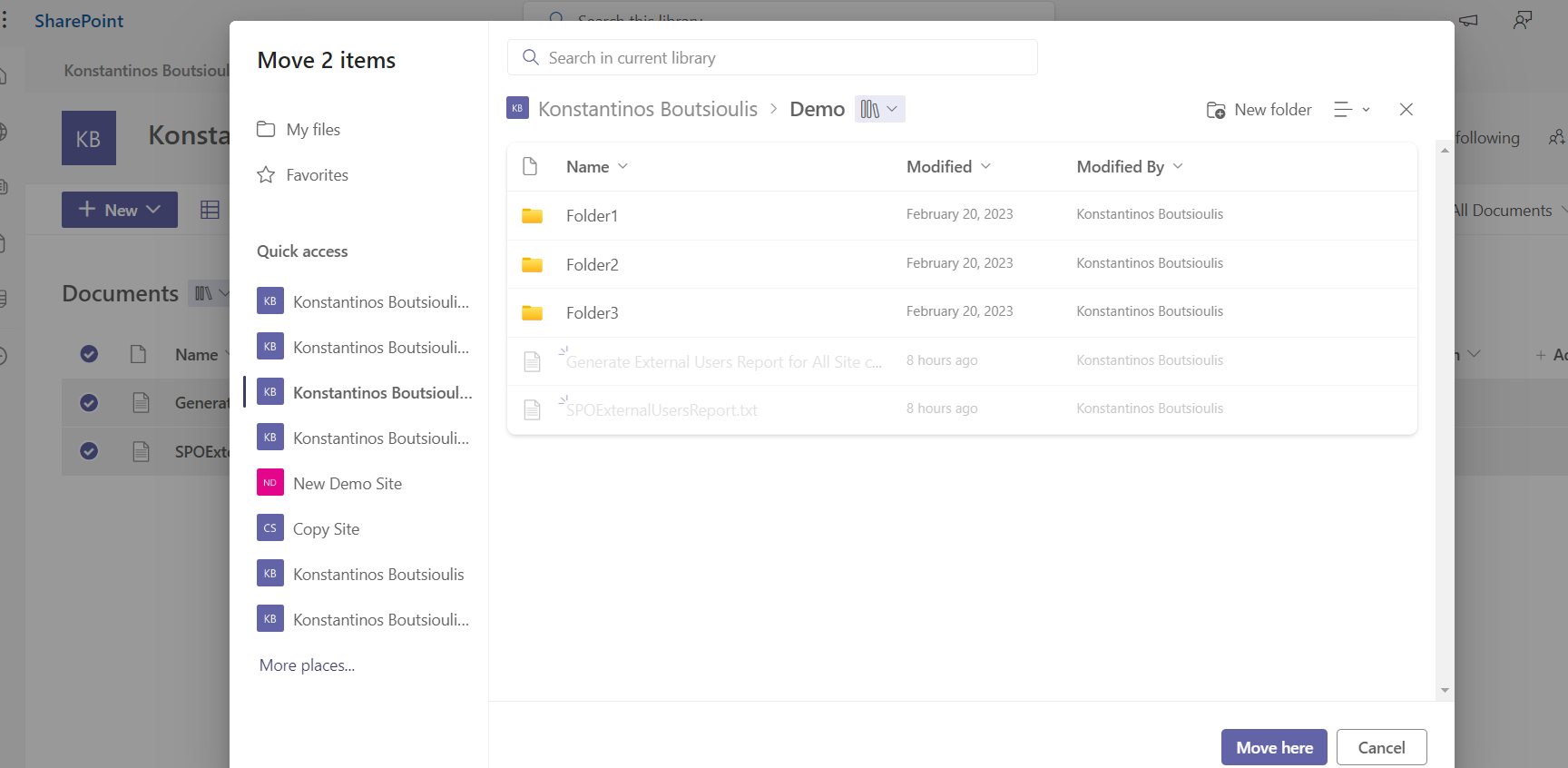
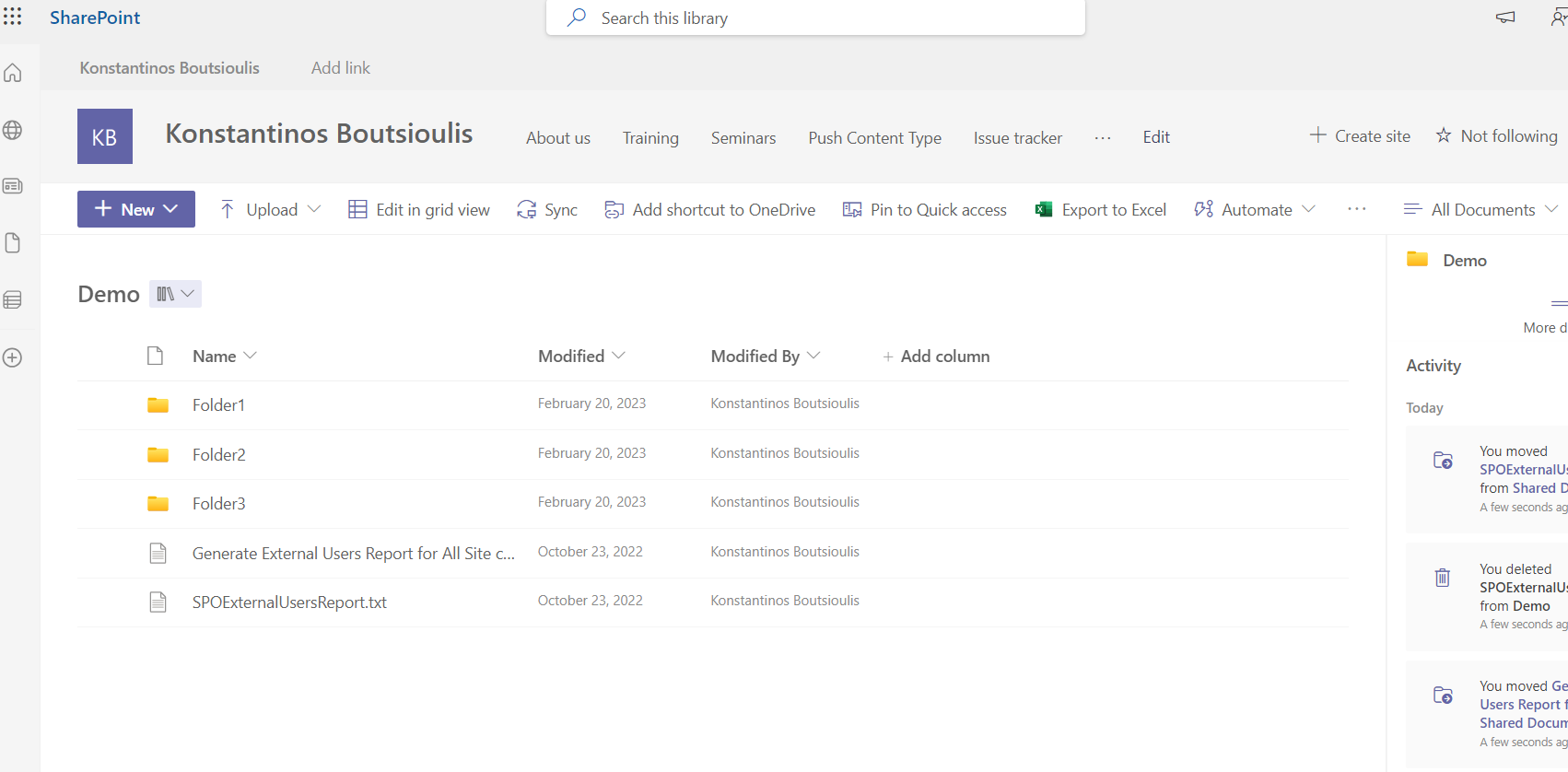
As you can see the transfer has been completed but as I said the modified by and creator data has not been passed to the archives
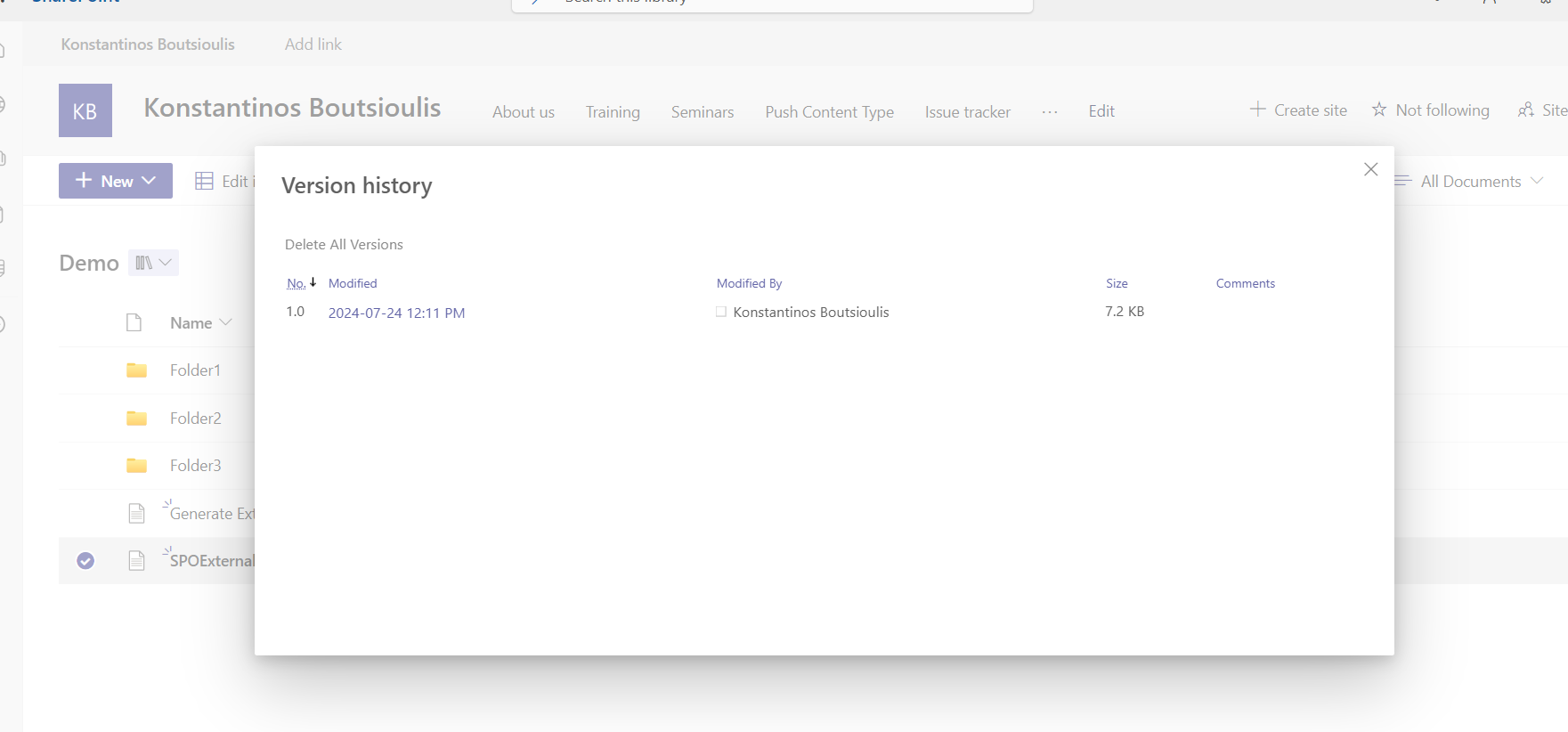
And of course as I said before the versions of the items have been passed
This process could also be completed using the following powershell
#Declare variable of site url
$Site_URL = "https://mysite.sharepoint.com"
#Connect with SharePoint Online site 01
Connect-PnPOnline -Url $Site_URL -Interactive
# Move Items Between Libraries in the same site
$allItems = Get-PnPListItem -List Documents
foreach ($item in $allItems) {
if ($item.FileSystemObjectType -eq "File"){
Move-PnPFile -SourceUrl "$($item.FieldValues.FileRef)" -TargetUrl "/Demo" -Force
}
}
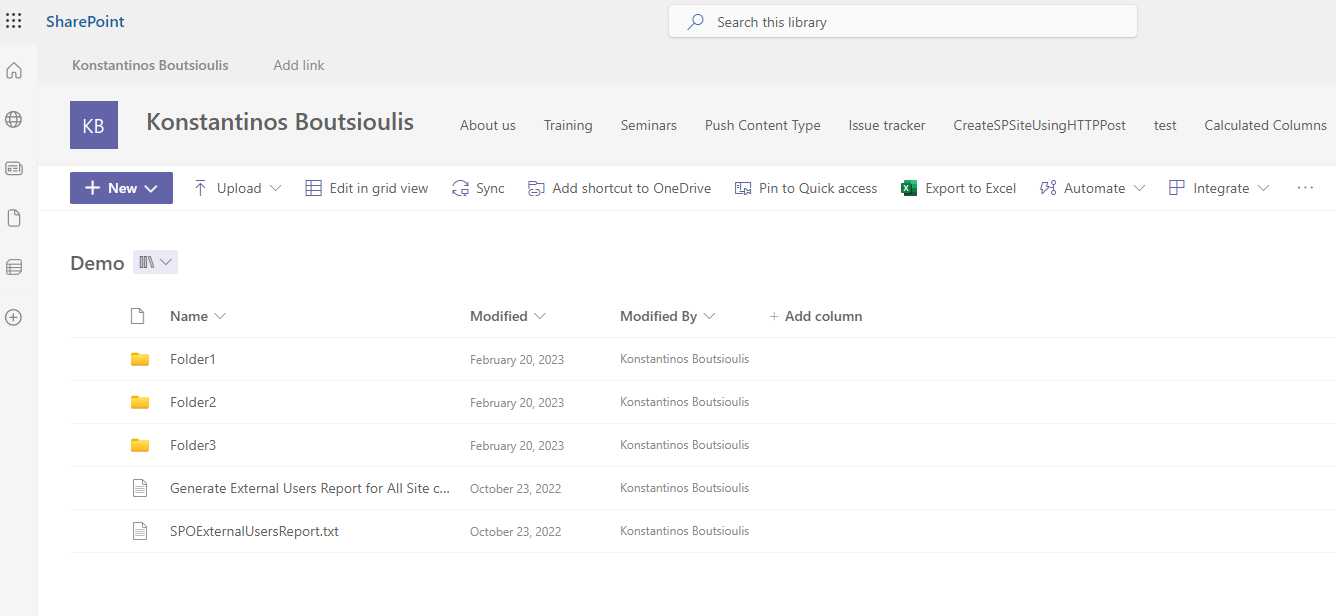
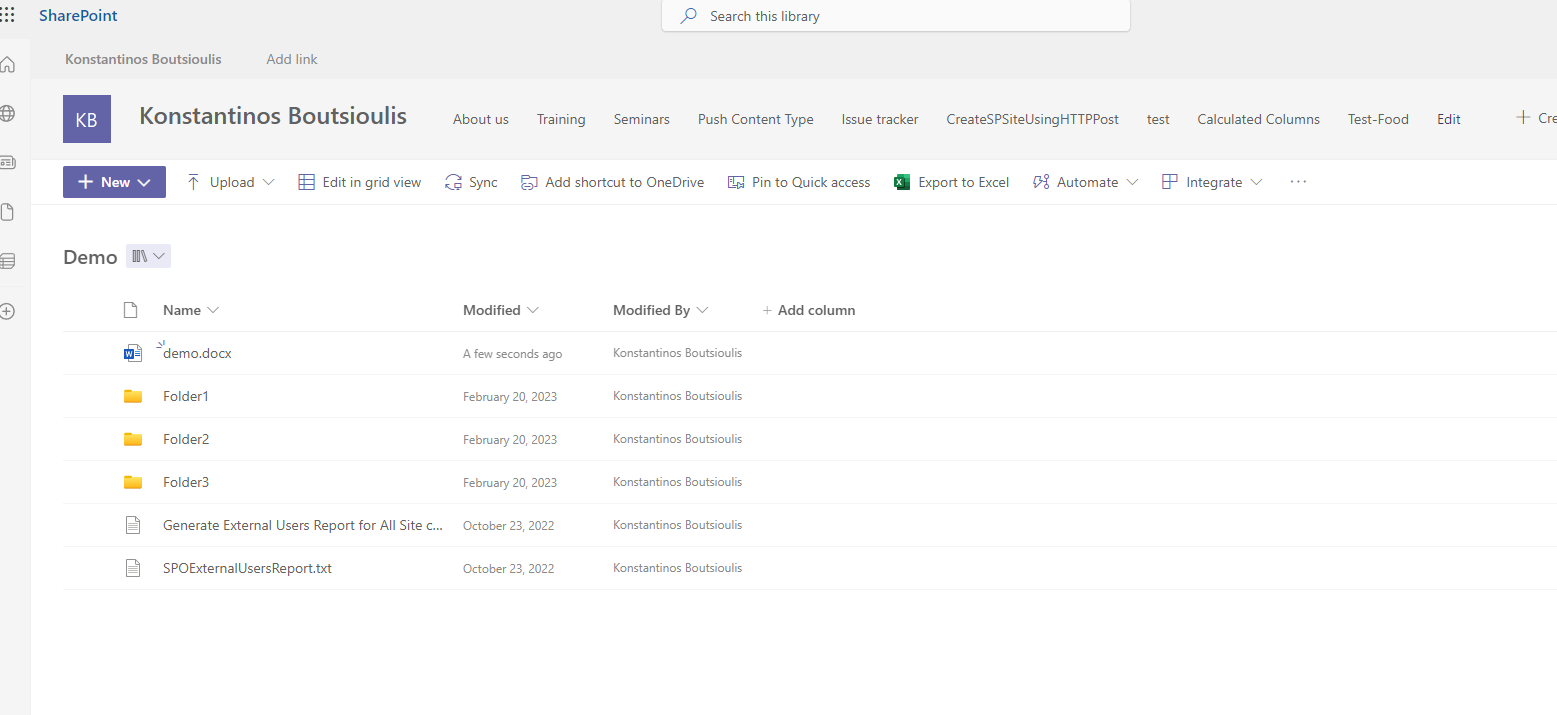
As you can finally see the execution of the above command does exactly the same action as move to
 #PnP
#ModerWork
#M365_Apps_Services
#BusinessApps
#SharePoint
#technology
#microsoft
#digitaltransformation
#cloud
#mvpbuzz
#m365
#PnP
#ModerWork
#M365_Apps_Services
#BusinessApps
#SharePoint
#technology
#microsoft
#digitaltransformation
#cloud
#mvpbuzz
#m365
Visit Archives below to find more articles about Microsoft technologies on Modern Workplace