
Free Material
Find hereMore than 150 Articles about Microsoft Technologies on Modern Workplace
Official Site
Microsoft Most Valuable Professional M365 Apps & Services
Microsoft Most Valuable Professional Business Applications
Consultant & Sr Cloud Solution Architect Modern Wokrplace
Find hereMore than 150 Articles about Microsoft Technologies on Modern Workplace
In today’s article we will see how to transfer files from one sharepoint library folder to another sharepoint library folder using powerautomate from the available templates First we select the folder in the library that we want to upload an archive to be moved to another folder and at the same time delete it from the folder where we originally chose to upload the archive
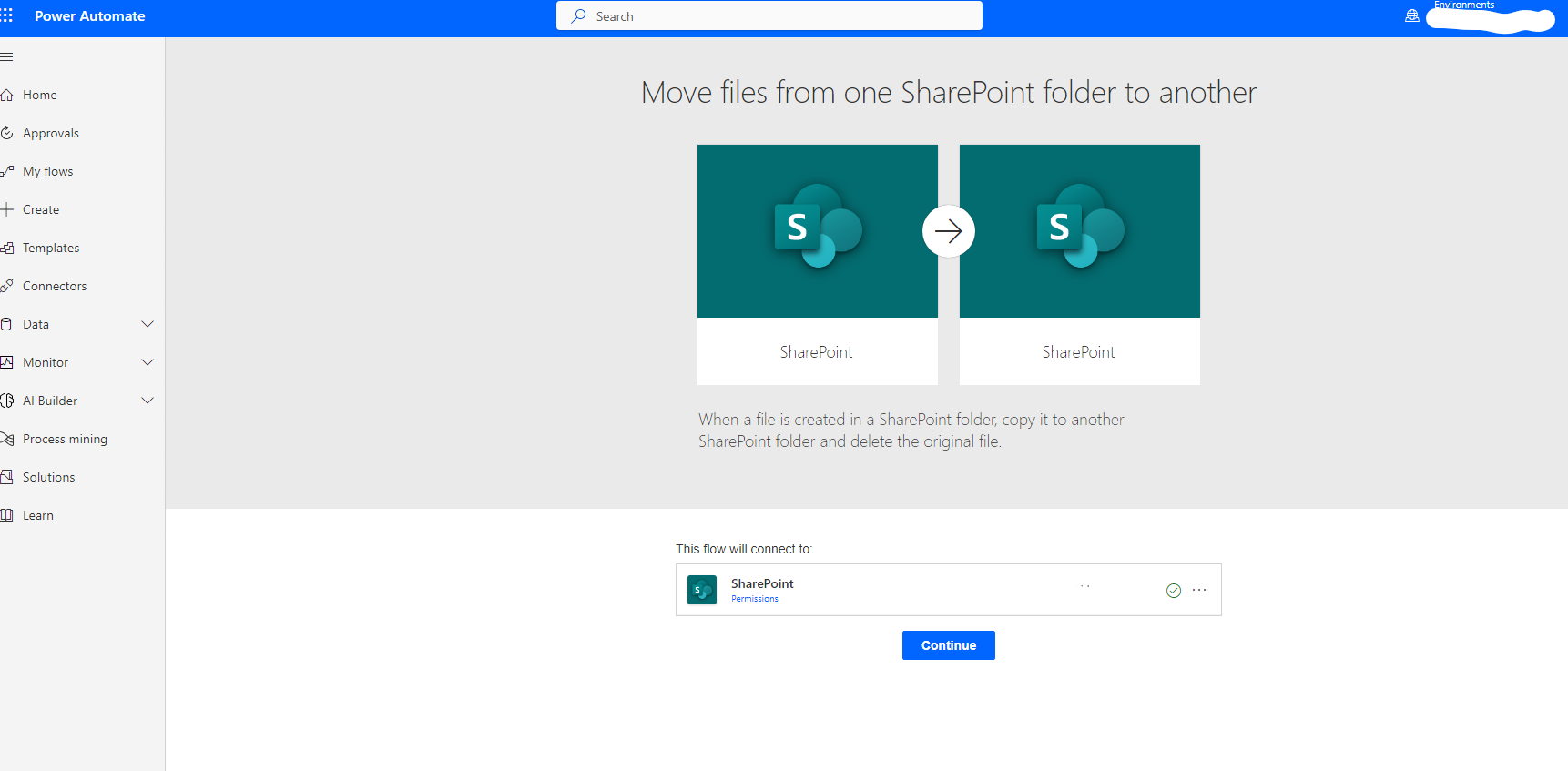
Select from the available power automate the one that has the title “When a file is created in SharePoint folder ,copy it in another SharePoint folder and delete the original file” And in the next step we have to select continue so that we can give the permissions Login to our automate
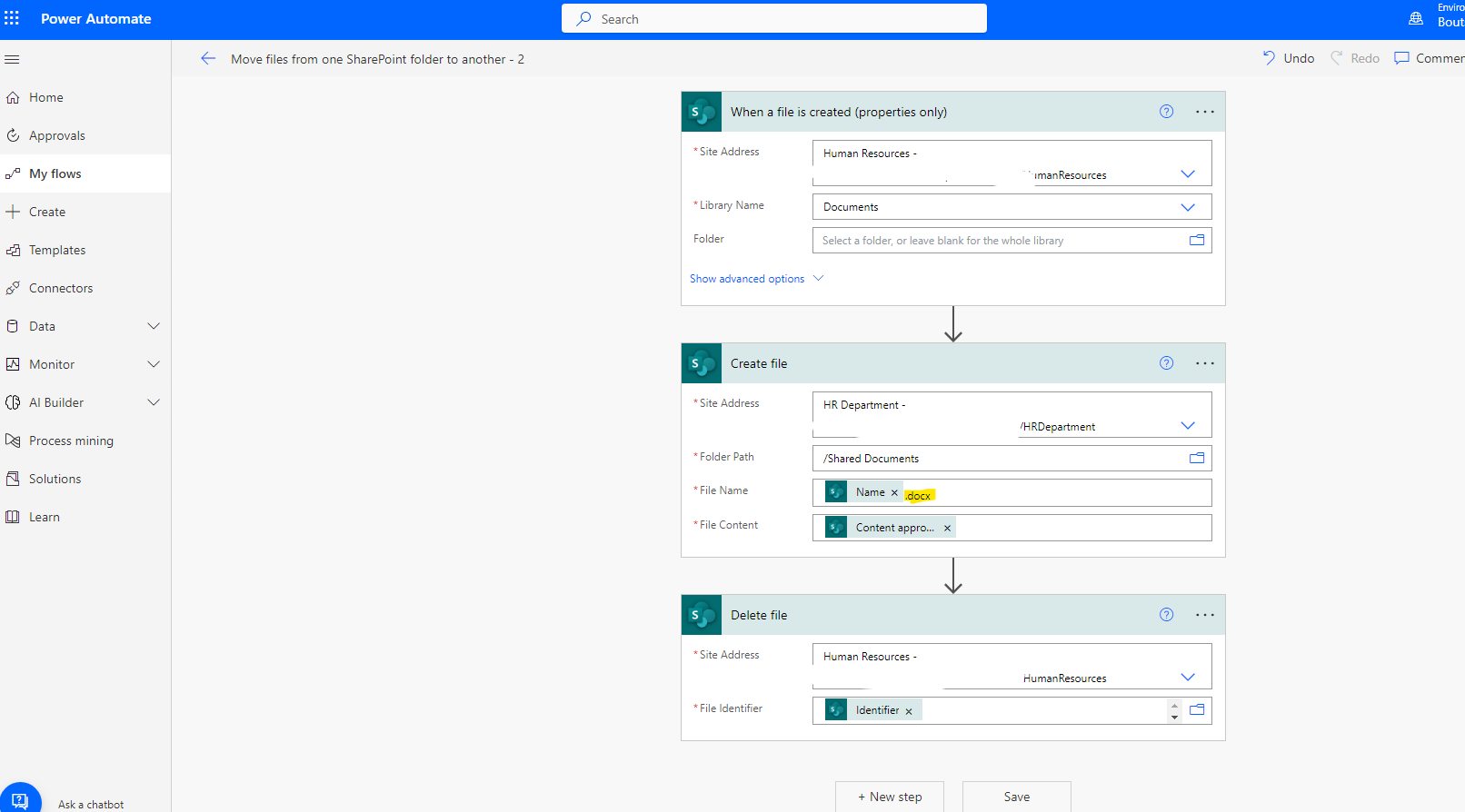
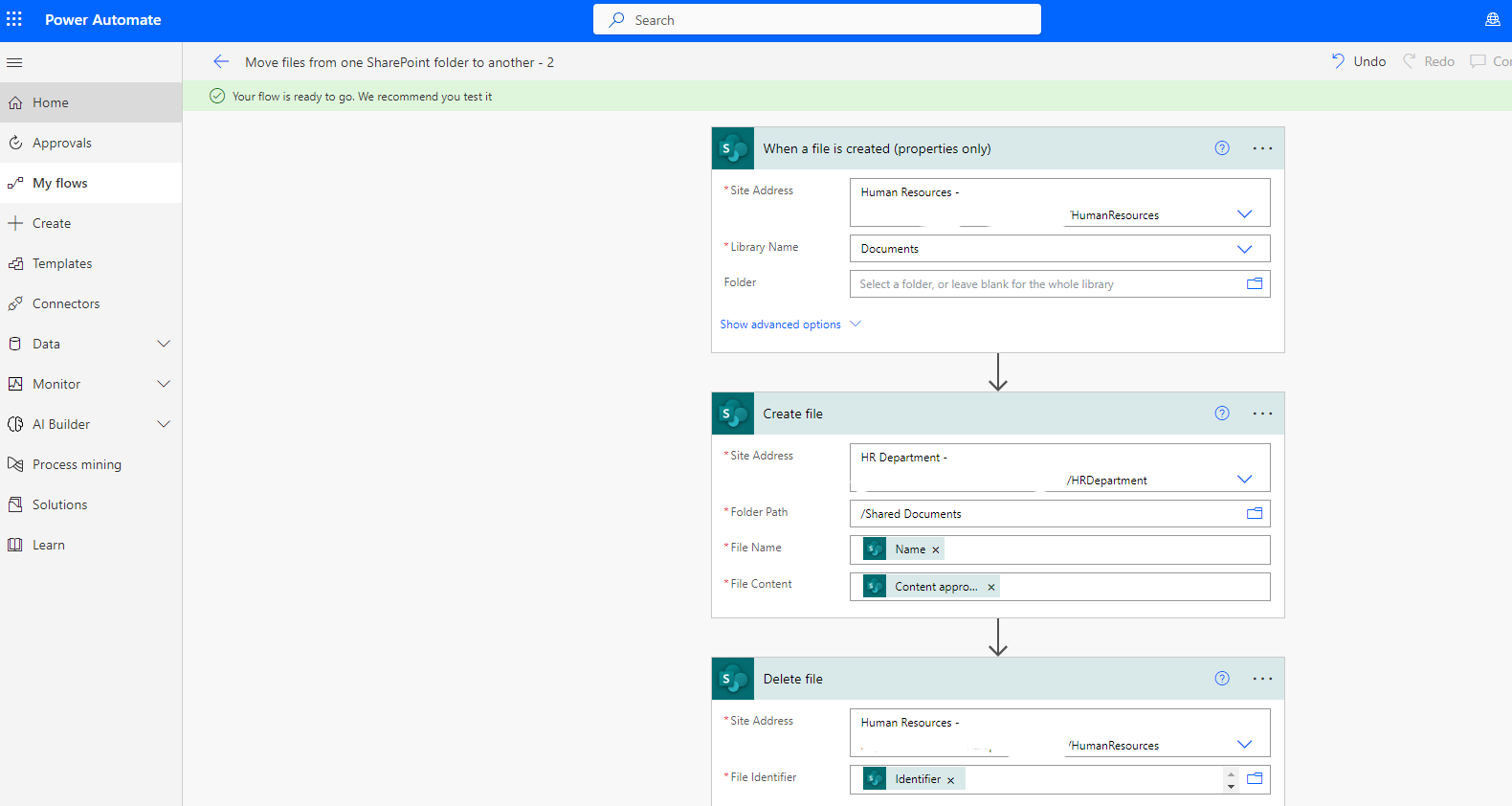
Choose site and document library for parent site and target site but PLEASE BE CAREFUL you need to add the filetype next to the name in the target site otherwise SharePoint will not regognise the file type of your item
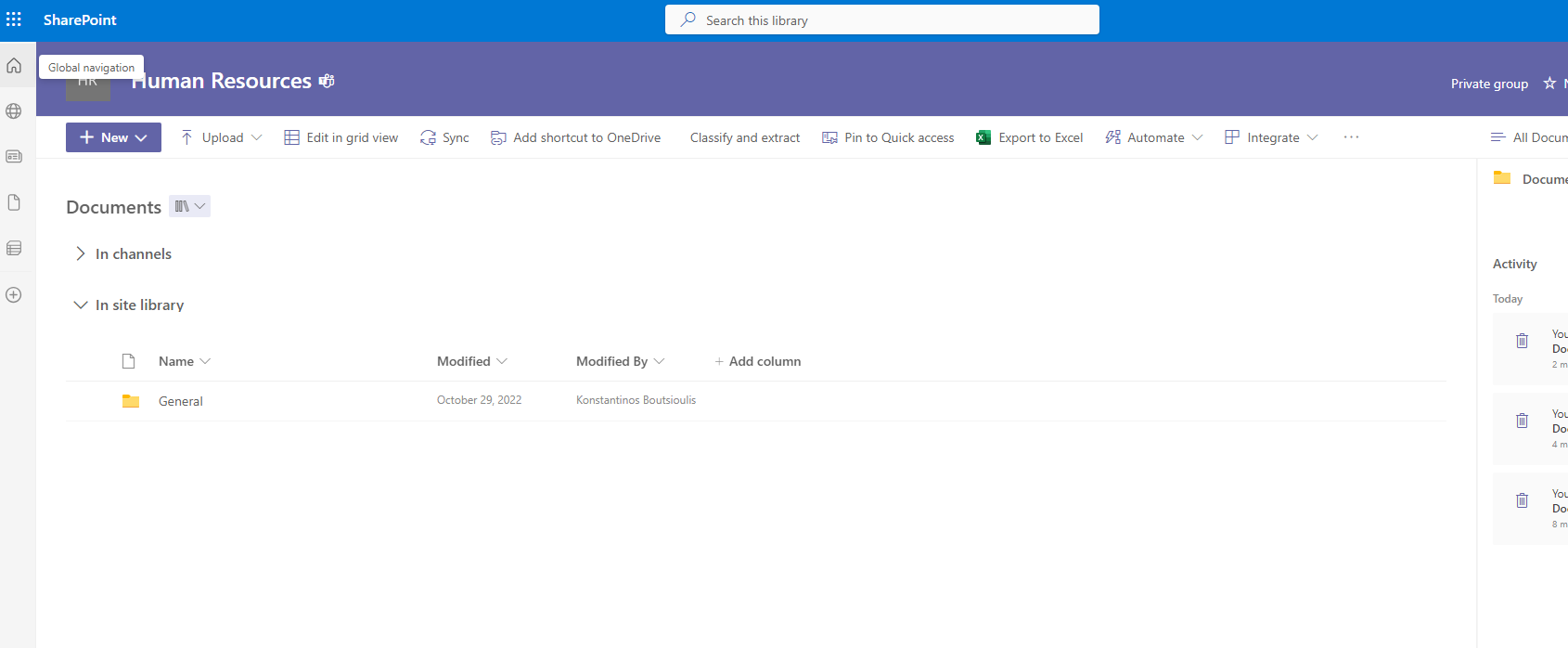
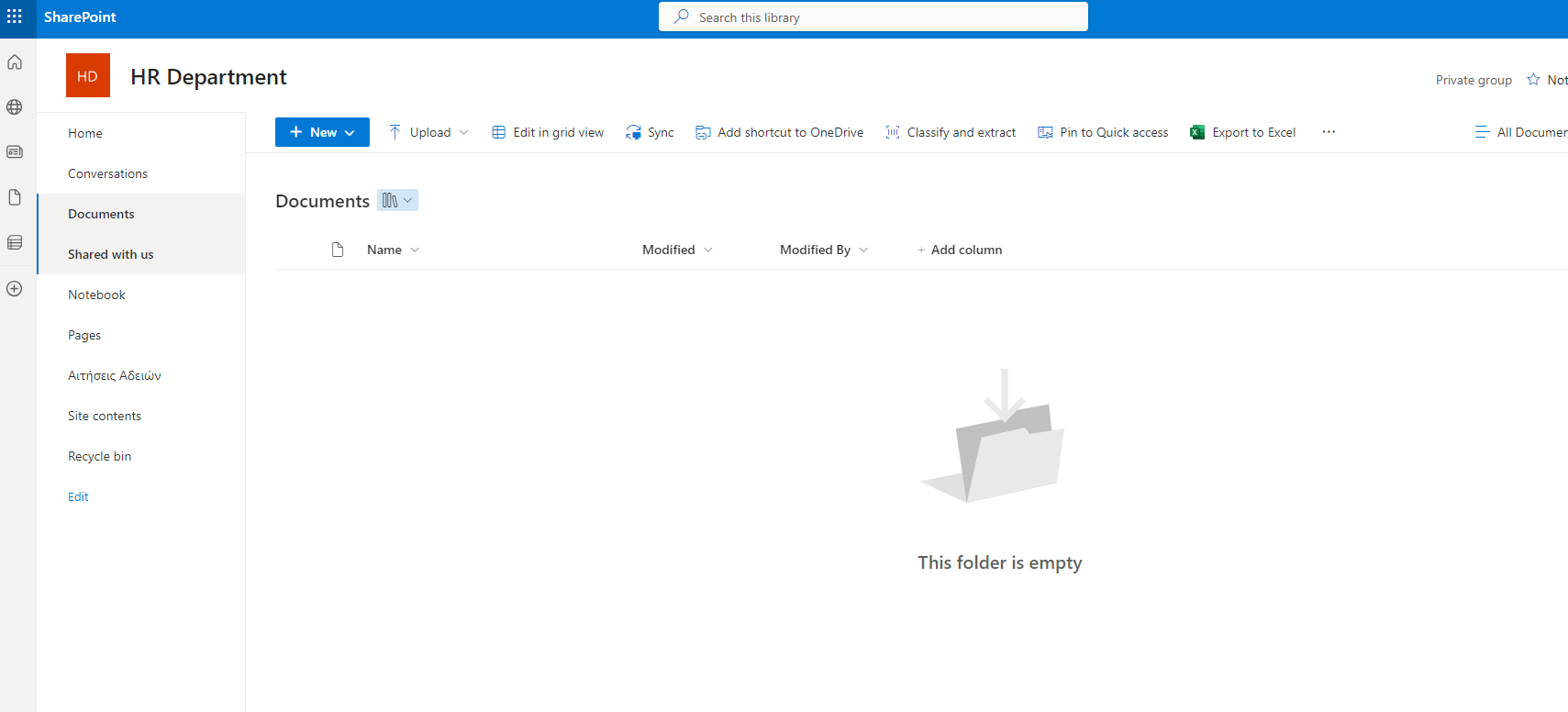
Then as you can see in folder 1 is empty
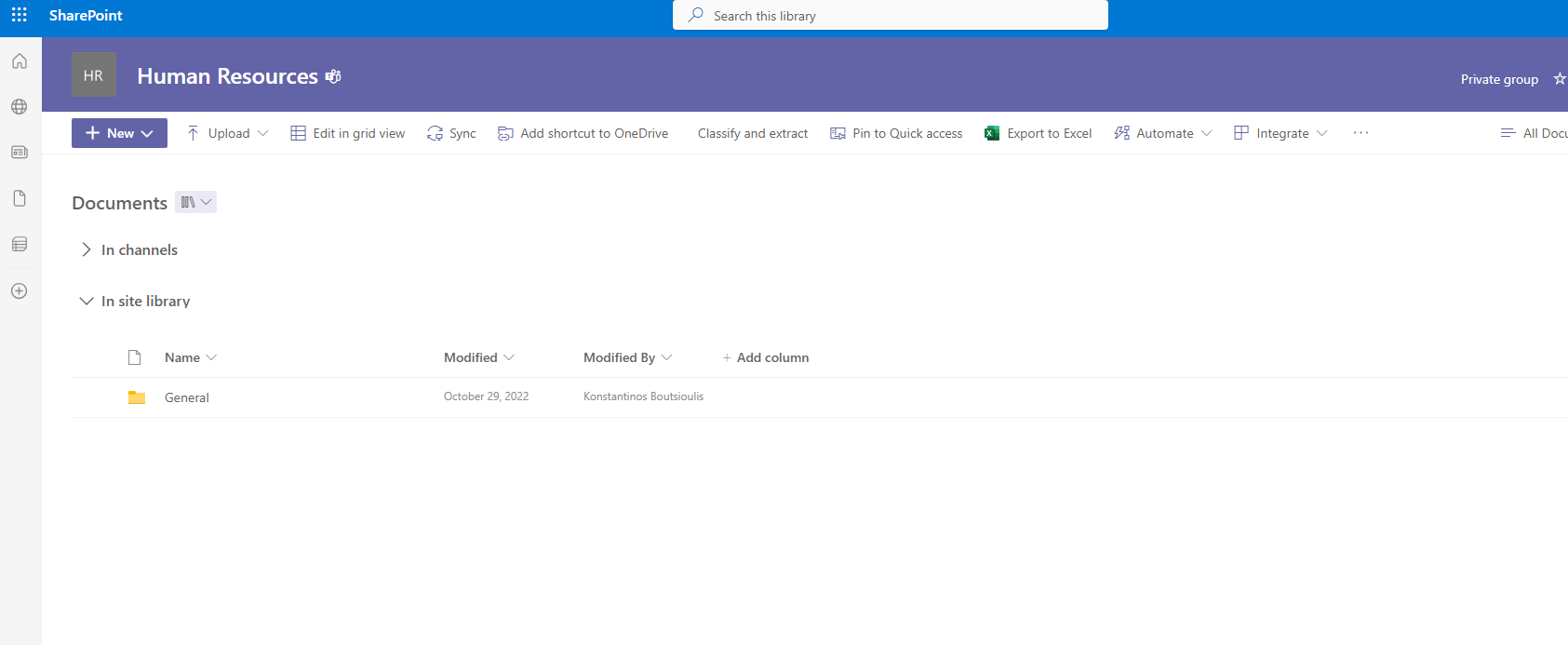
As well as folder 2
In the new automate We just created we select the site Where the library belongs and then the folder that will initially host our file for a while In the second step of the automate we select the folder in which we want to transfer the specific file. As you can see, we are creating a copy of the existing file In the next step as you can see our automate will delete the file we uploaded to the file folder We select the manual test of our automate and in the next step we have to upload a file to the original folder

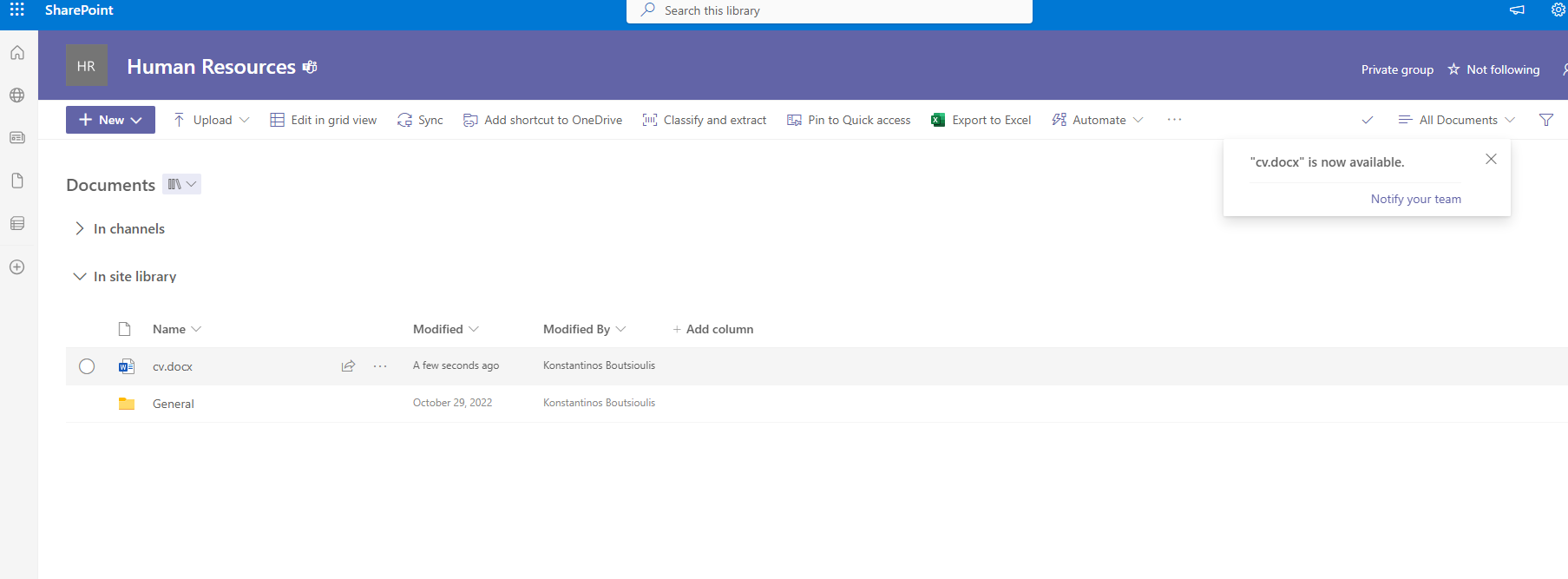
In the next step we upload a file e.g. a CV
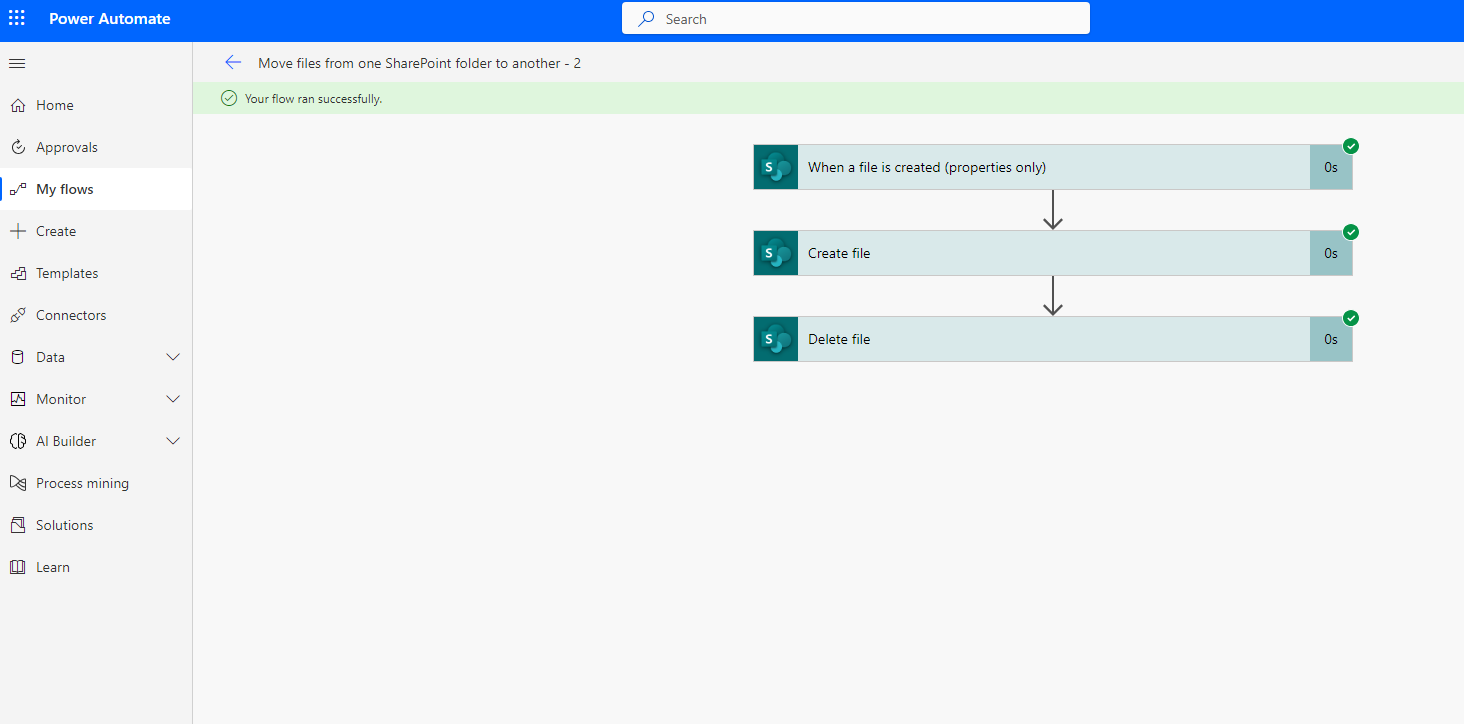
As you can see the automate ran without any error in the process
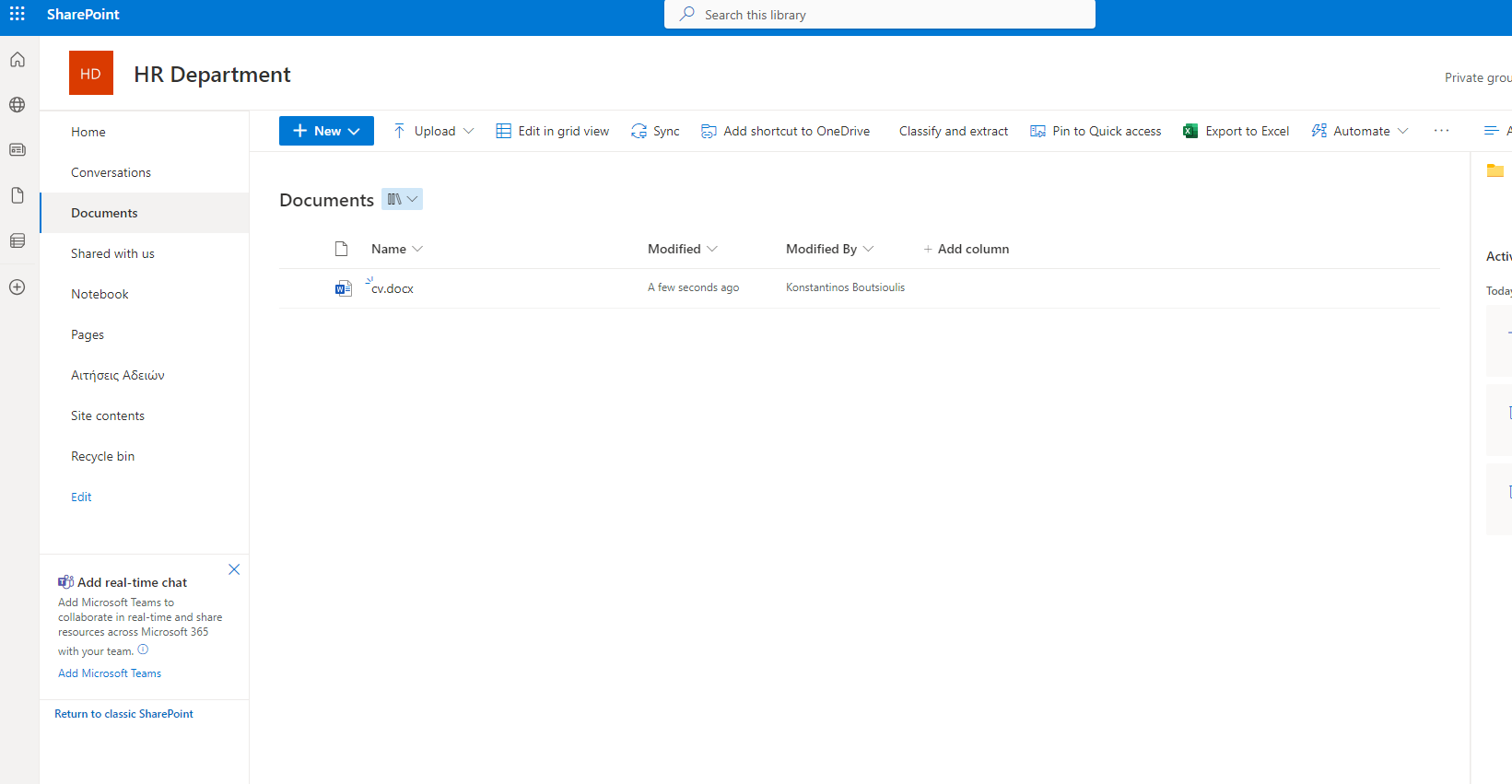
And as you’ll see below in the screemshots, it has created its own file in the folder I gave it and it’s folder 2
And of course as you can see the original file has been deleted from the file that was originally uploaded
Visit Archives below to find more articles about Microsoft technologies on Modern Workplace