
Free Material
Find hereMore than 150 Articles about Microsoft Technologies on Modern Workplace
Official Site
Microsoft Most Valuable Professional M365 Apps & Services
Microsoft Most Valuable Professional Business Applications
Consultant & Sr Cloud Solution Architect Modern Wokrplace
Find hereMore than 150 Articles about Microsoft Technologies on Modern Workplace
14 June 2023
In today's article we will see how we can create a Push notification every time we add a file to Onedrive For Business using Power Automate . First from our active M365 subscription we select Power Automate
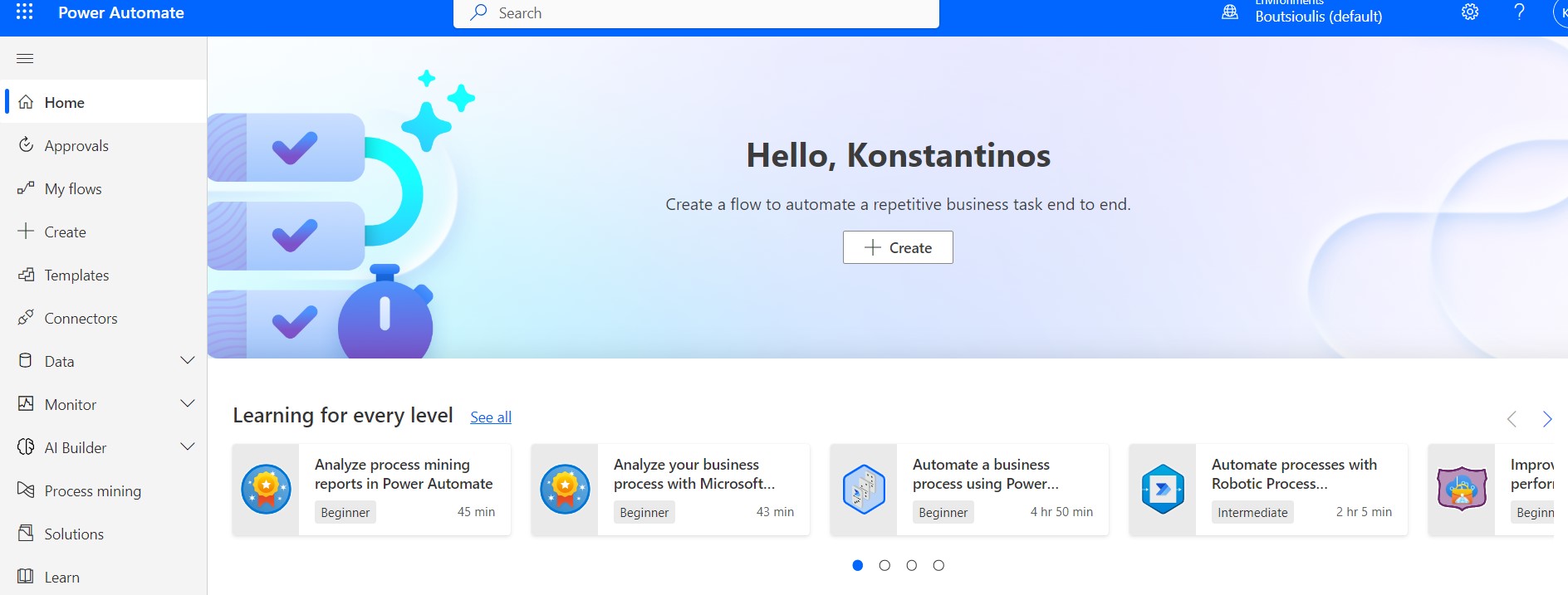
Then in the left column we select Templates
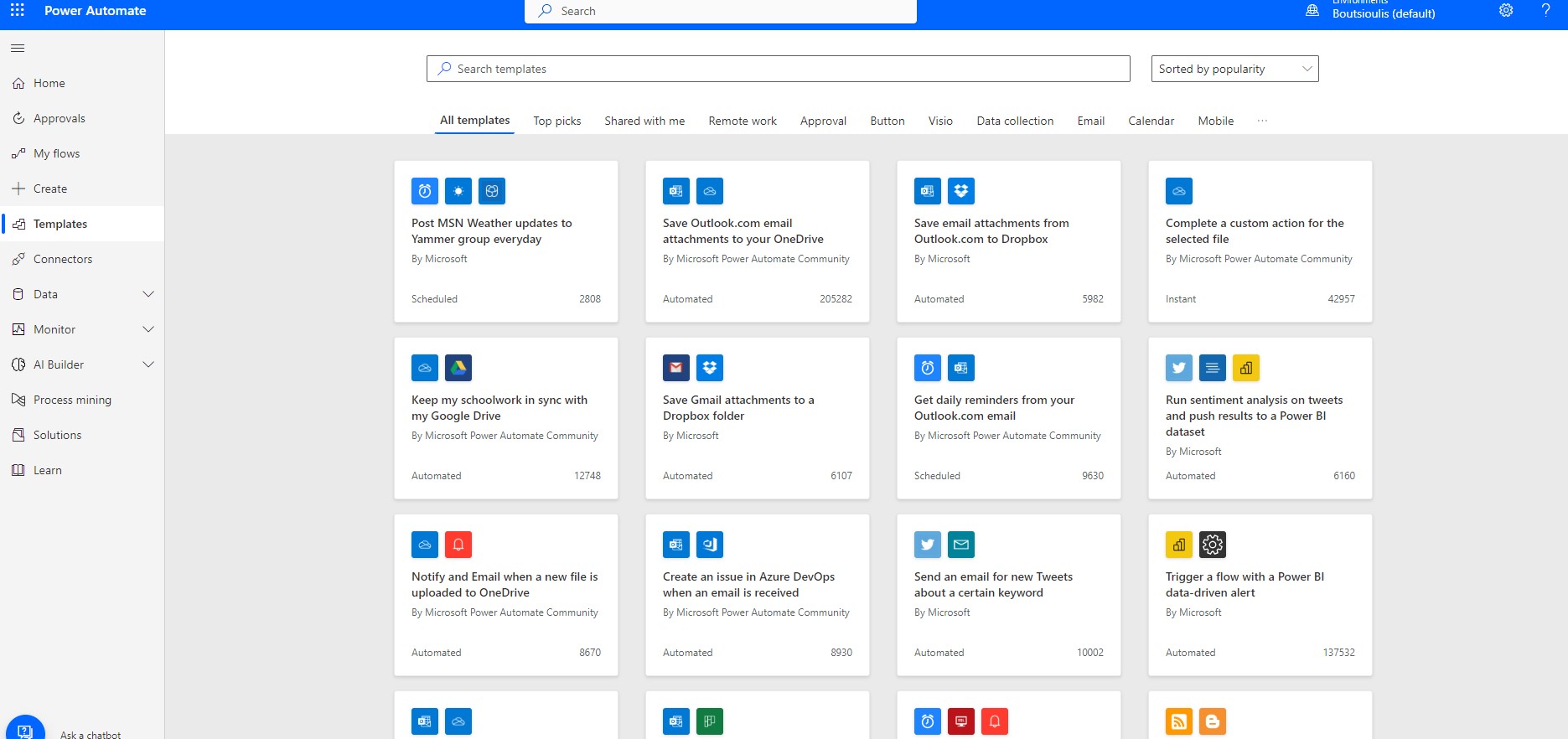
and in the next step we select Get a push notification when a new file is added in OneDrive for Business
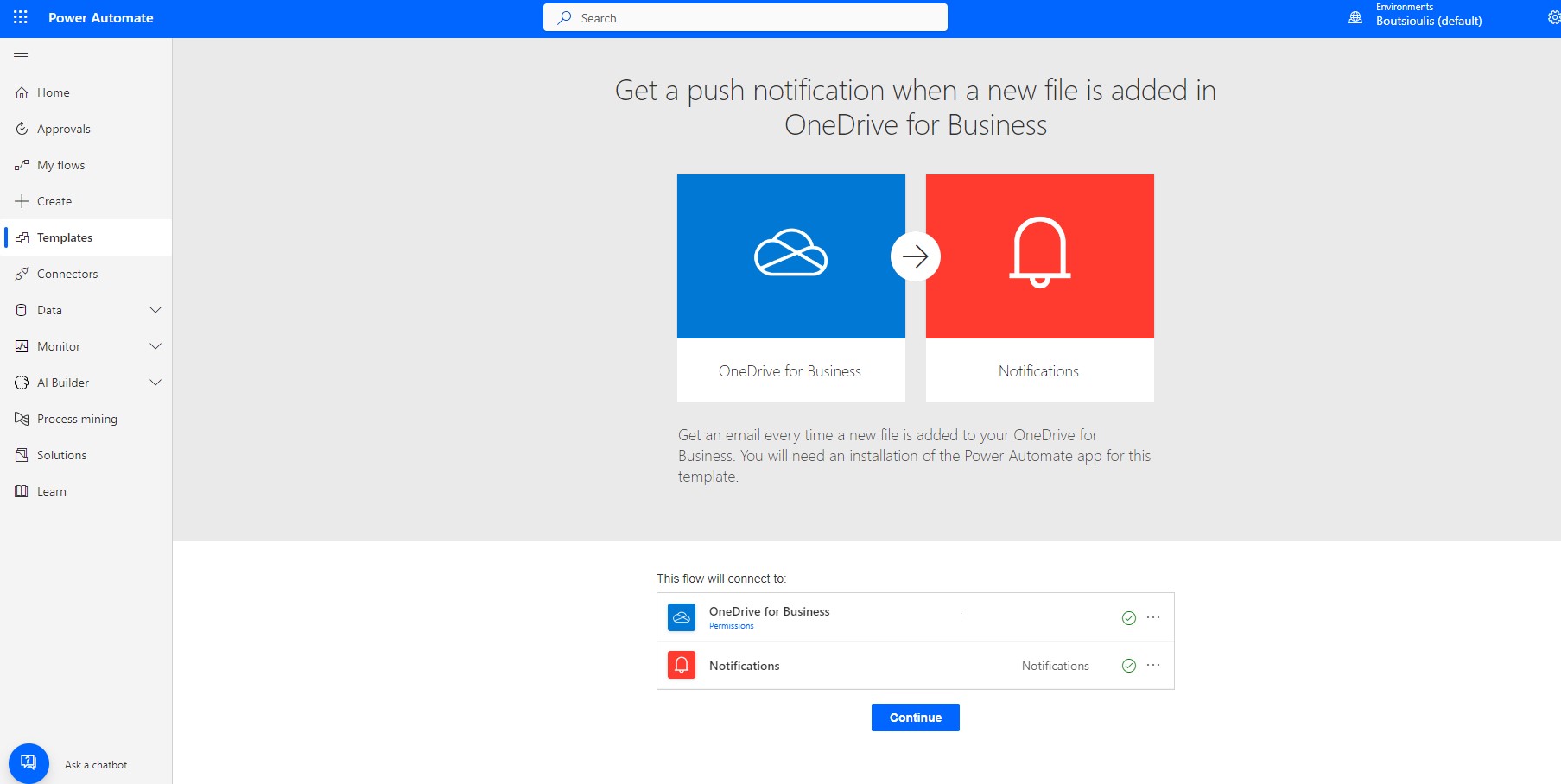
Allow the necessary link connections
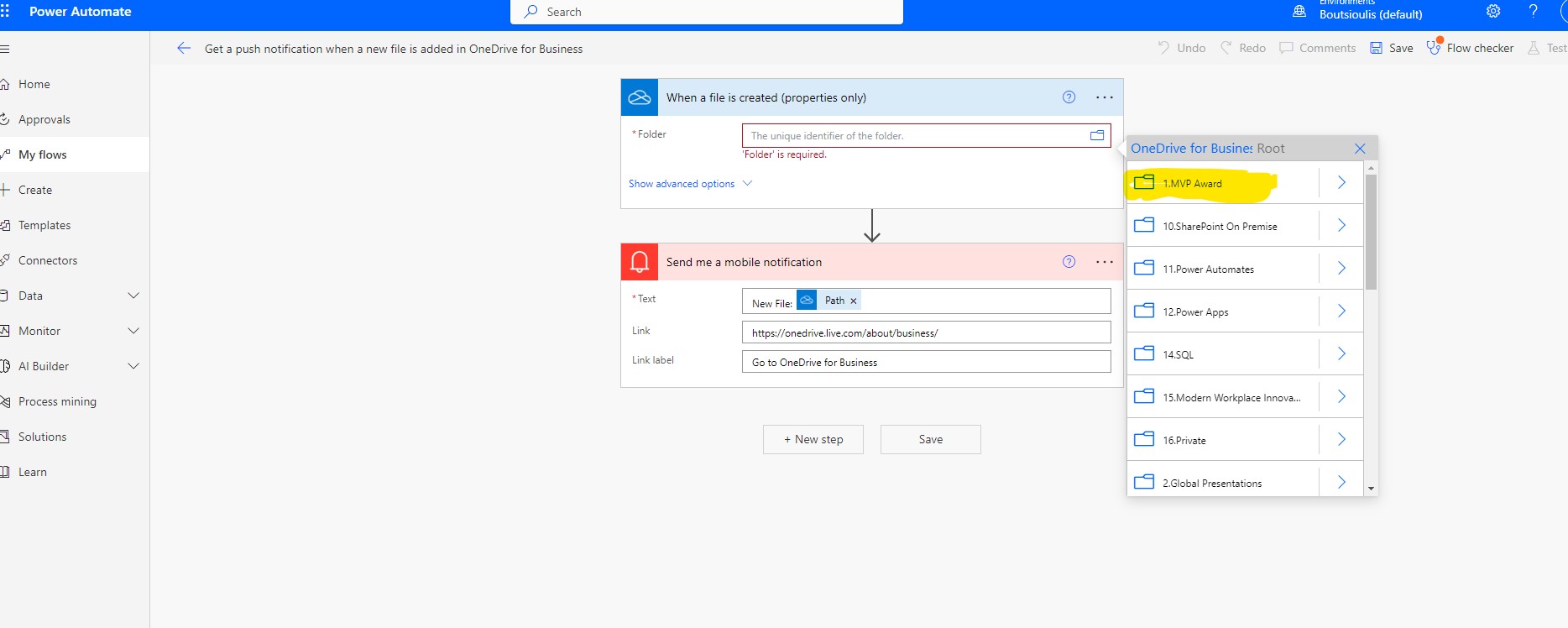
As seen in automate we have only 2 steps In the first we select the OneDrive folder
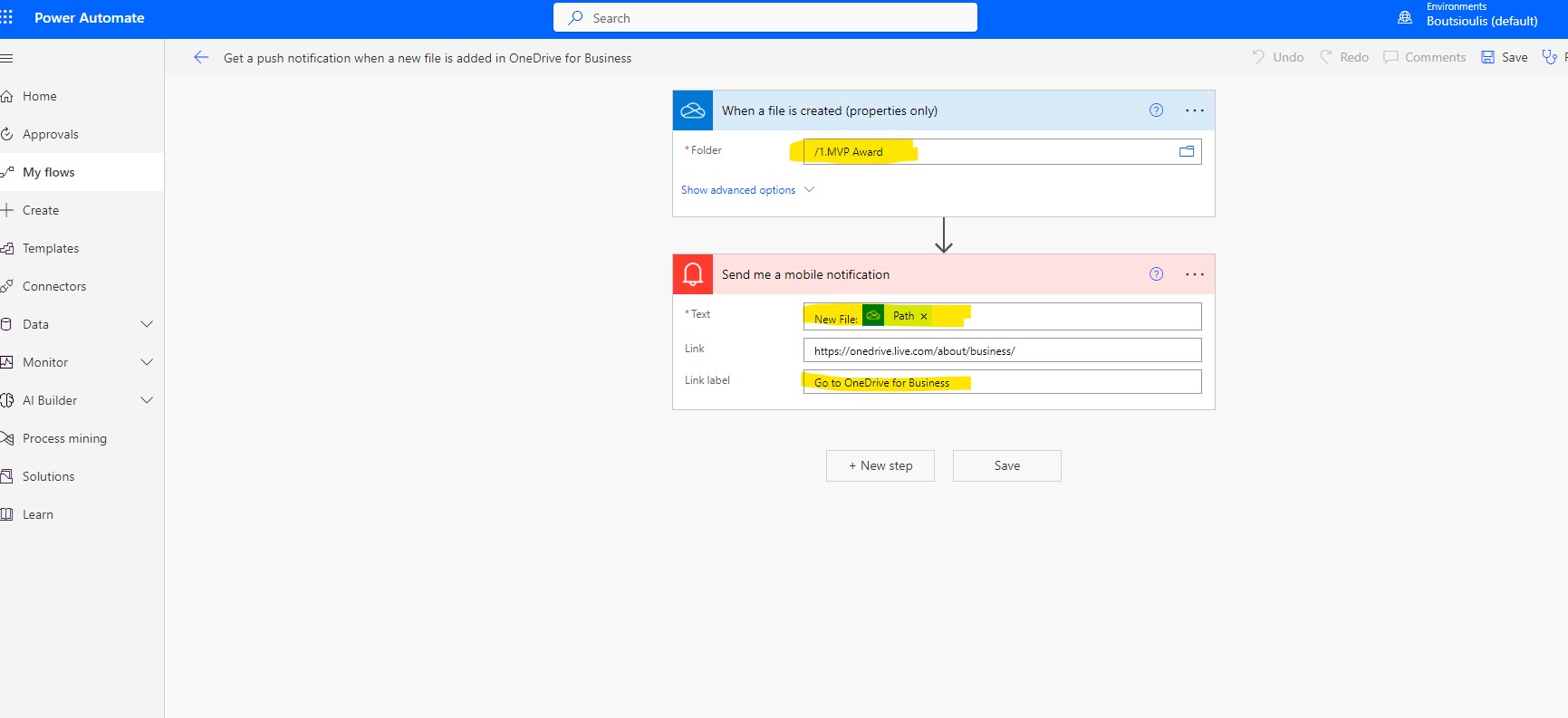
and in the second one we don't need to make any changes. We can simply change the link lanel and the text in the Text field (e.g. apply a word template)
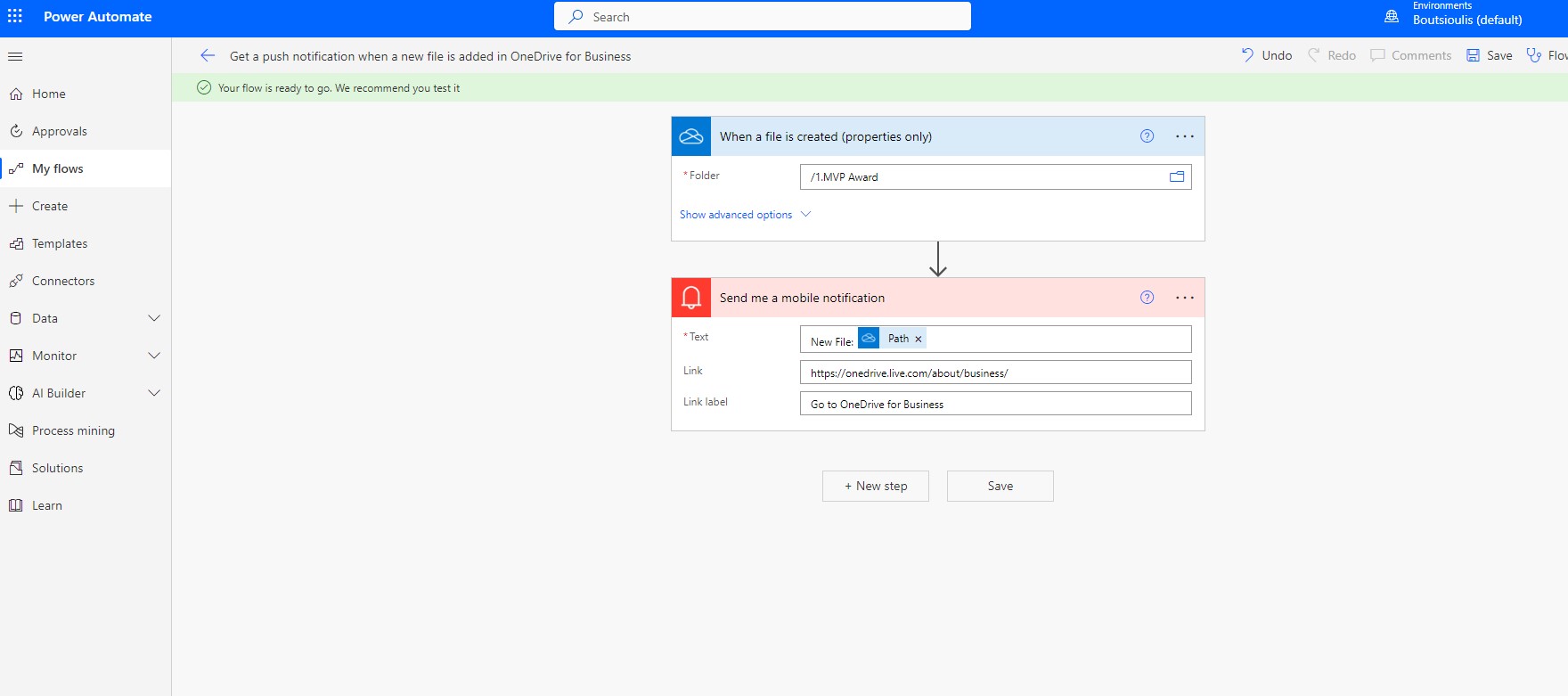
In the next step we will click save to save the changes in our automate.
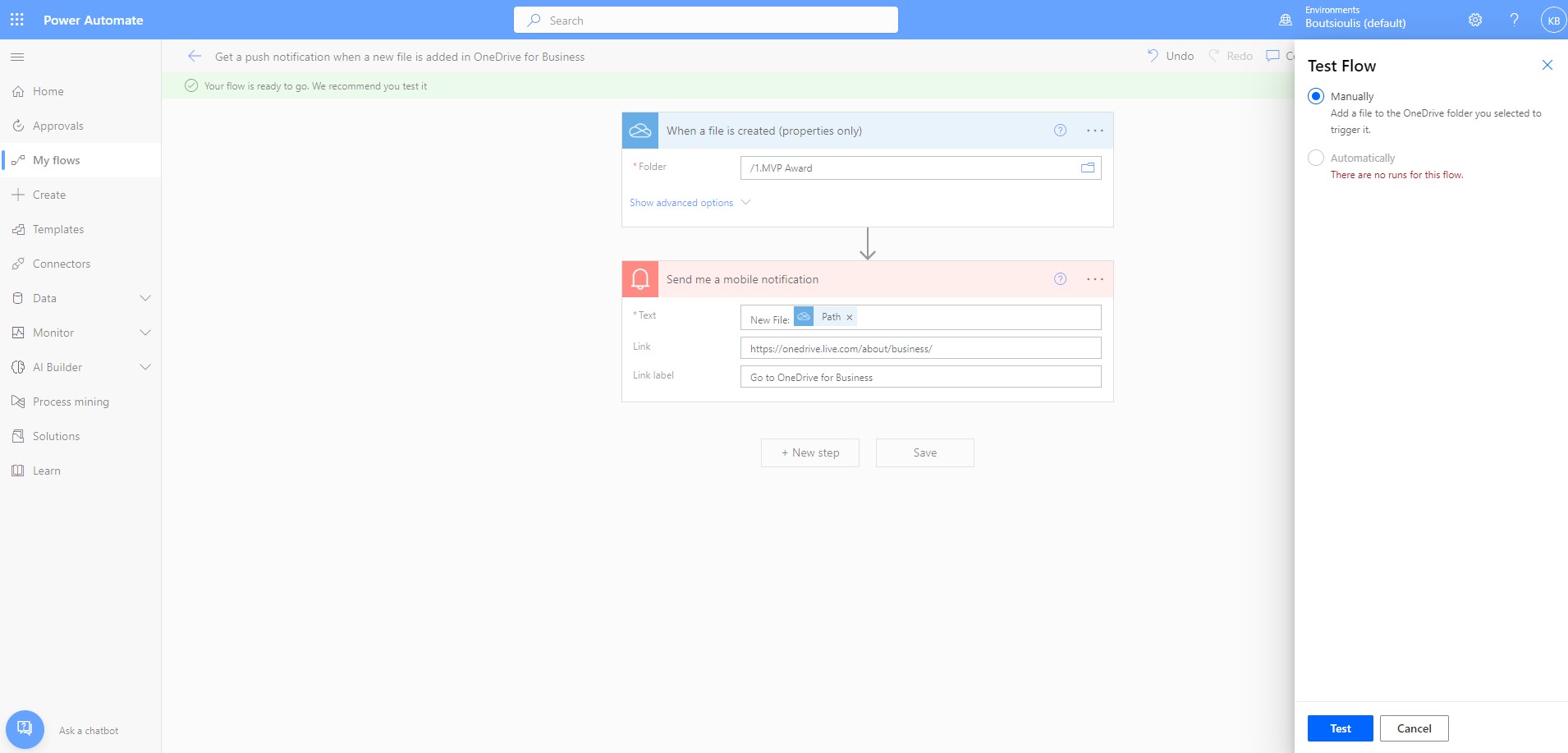
Now we have to select test and then select manually so that we can test the proper functioning of our power automate
We go to the OneDrive page and navigate to our folders
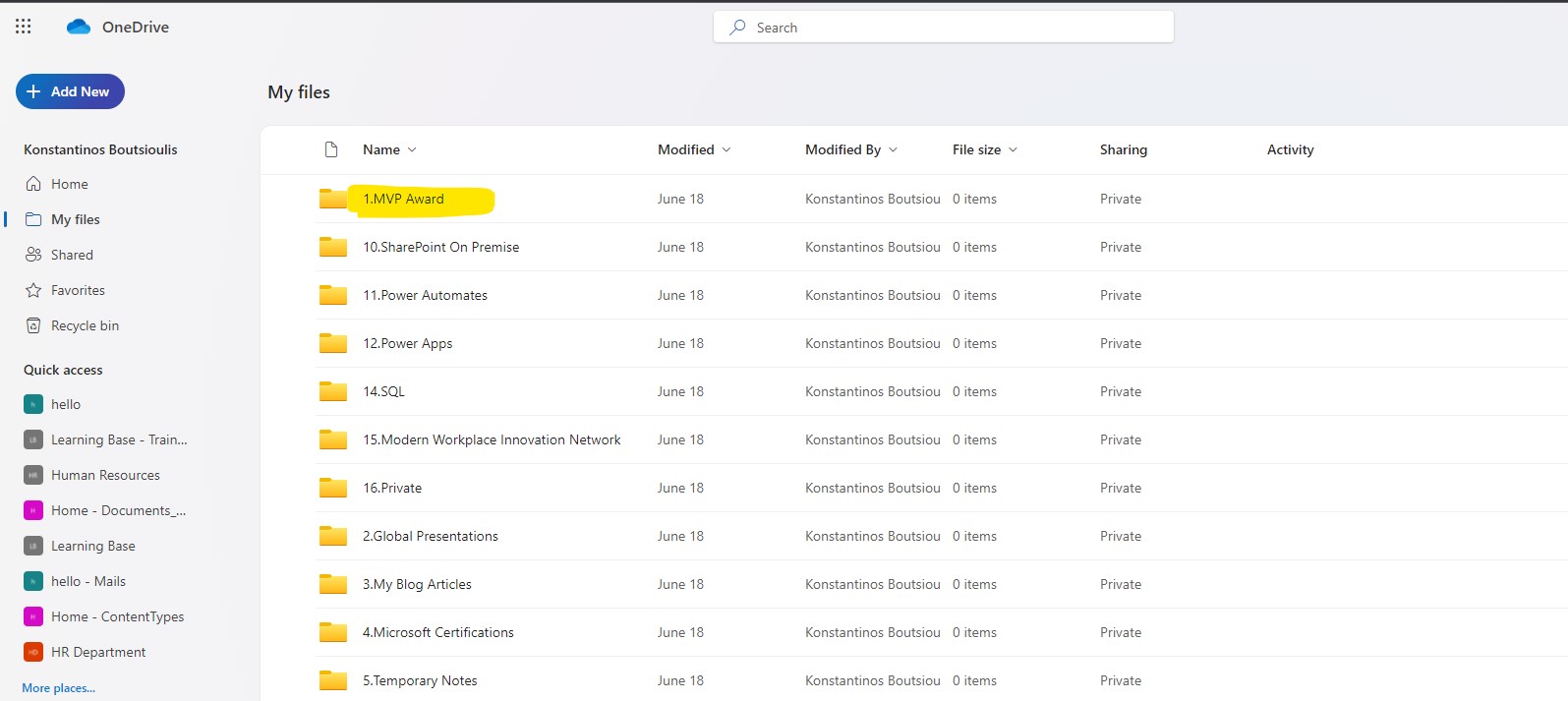
Select the folder we are interested in and insert into this folder and upload a test file for example a simple word file
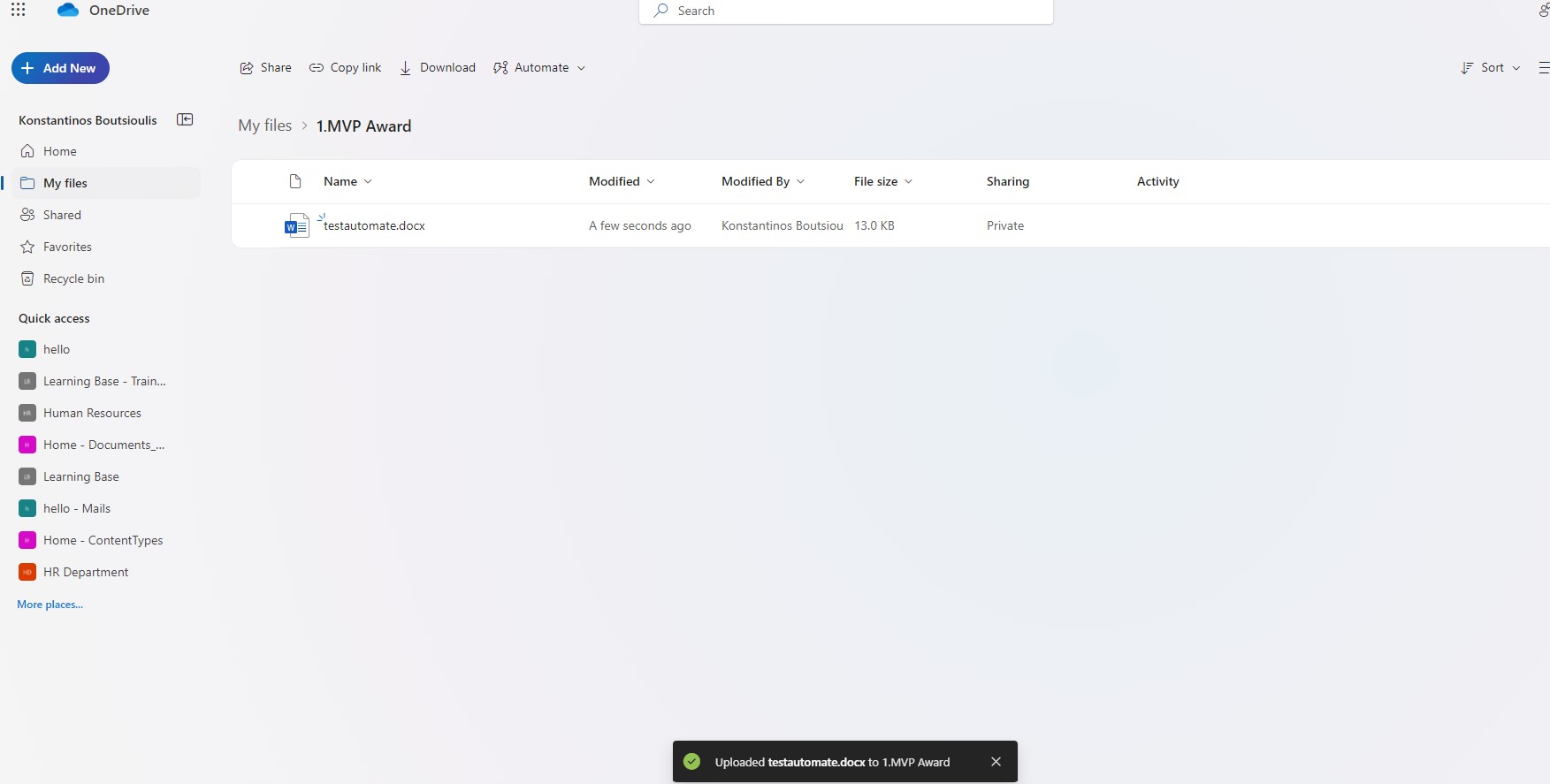
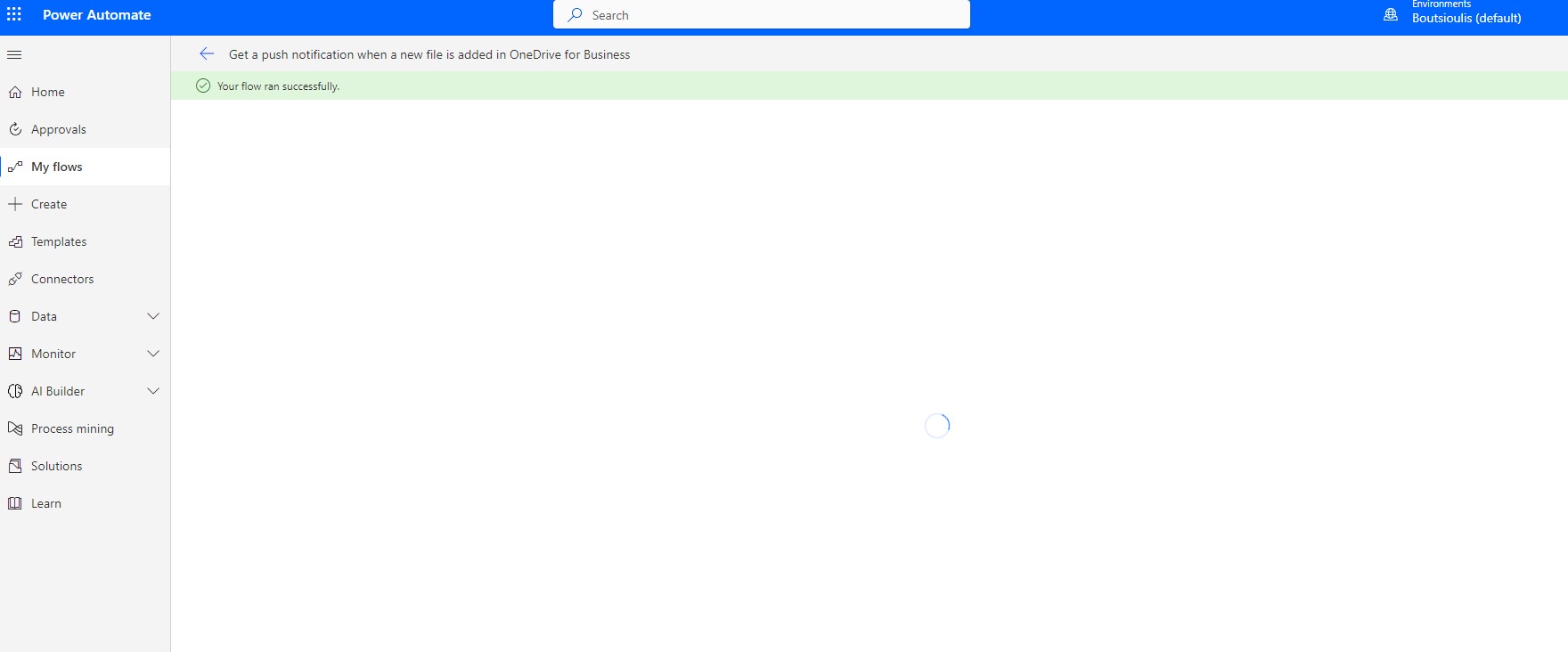
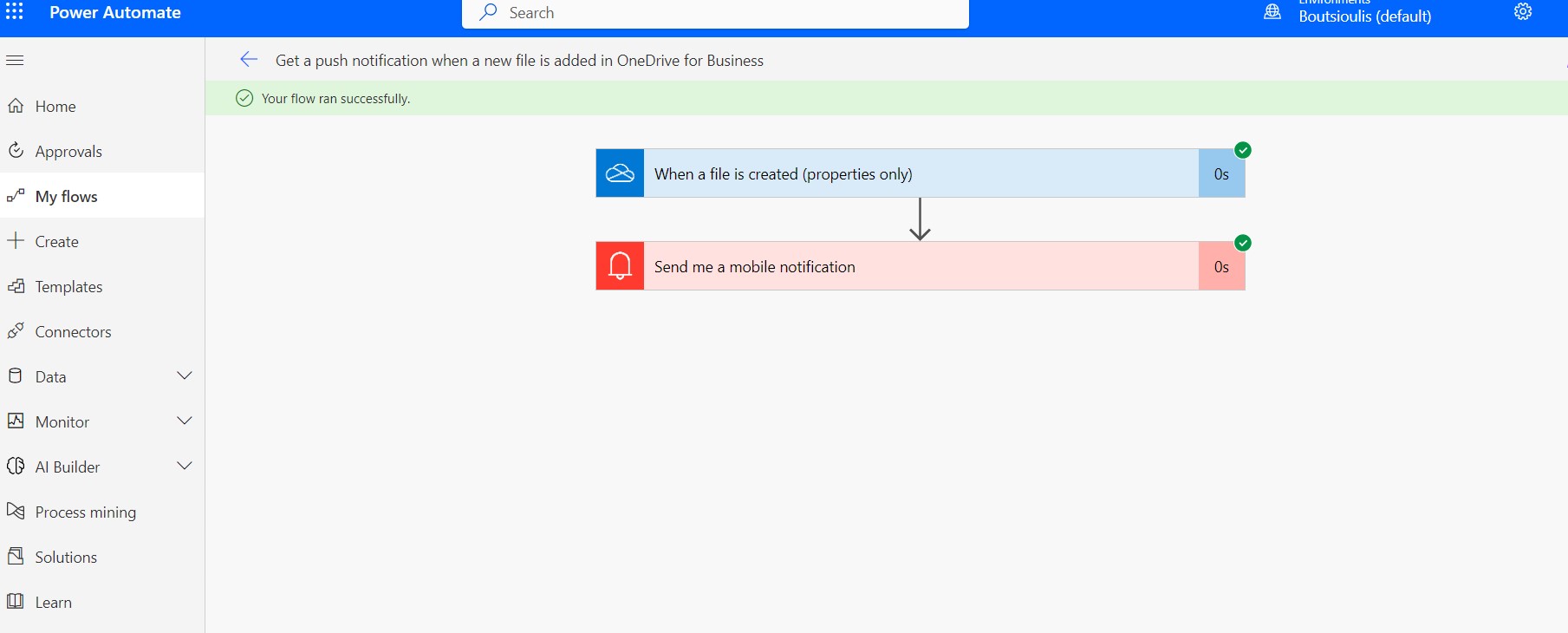
The automate ran successfully and finally the push notification came to the mobile phone . You need to set up your OneDrive in your Mobile and also you need to check the execution of power automate as the images below
 #SharePoint
#Technology
#Microsoft
#PowerAutomates
#PowerApps
#DigitalTransformation
#Cloud
#mvpbuzz
#M365
#SharePoint
#Technology
#Microsoft
#PowerAutomates
#PowerApps
#DigitalTransformation
#Cloud
#mvpbuzz
#M365
Visit Archives below to find more articles about Microsoft technologies on Modern Workplace