
Free Material
Find hereMore than 150 Articles about Microsoft Technologies on Modern Workplace
Official Site
Microsoft Most Valuable Professional M365 Apps & Services
Microsoft Most Valuable Professional Business Applications
Consultant & Sr Cloud Solution Architect Modern Wokrplace
Find hereMore than 150 Articles about Microsoft Technologies on Modern Workplace
25 June 2023
In today's article I will show you how easily and using a power automate we can send a mail to a team's channel. It is very important sometimes to be able to immediately inform our team members with an adaptive card or a message to the teams about an email that concerns the whole team Starting from our active M365 subscription we select Power automate on the home page in the left pop-up column In the next step we locate from the available automates the one called forward emails to a channel
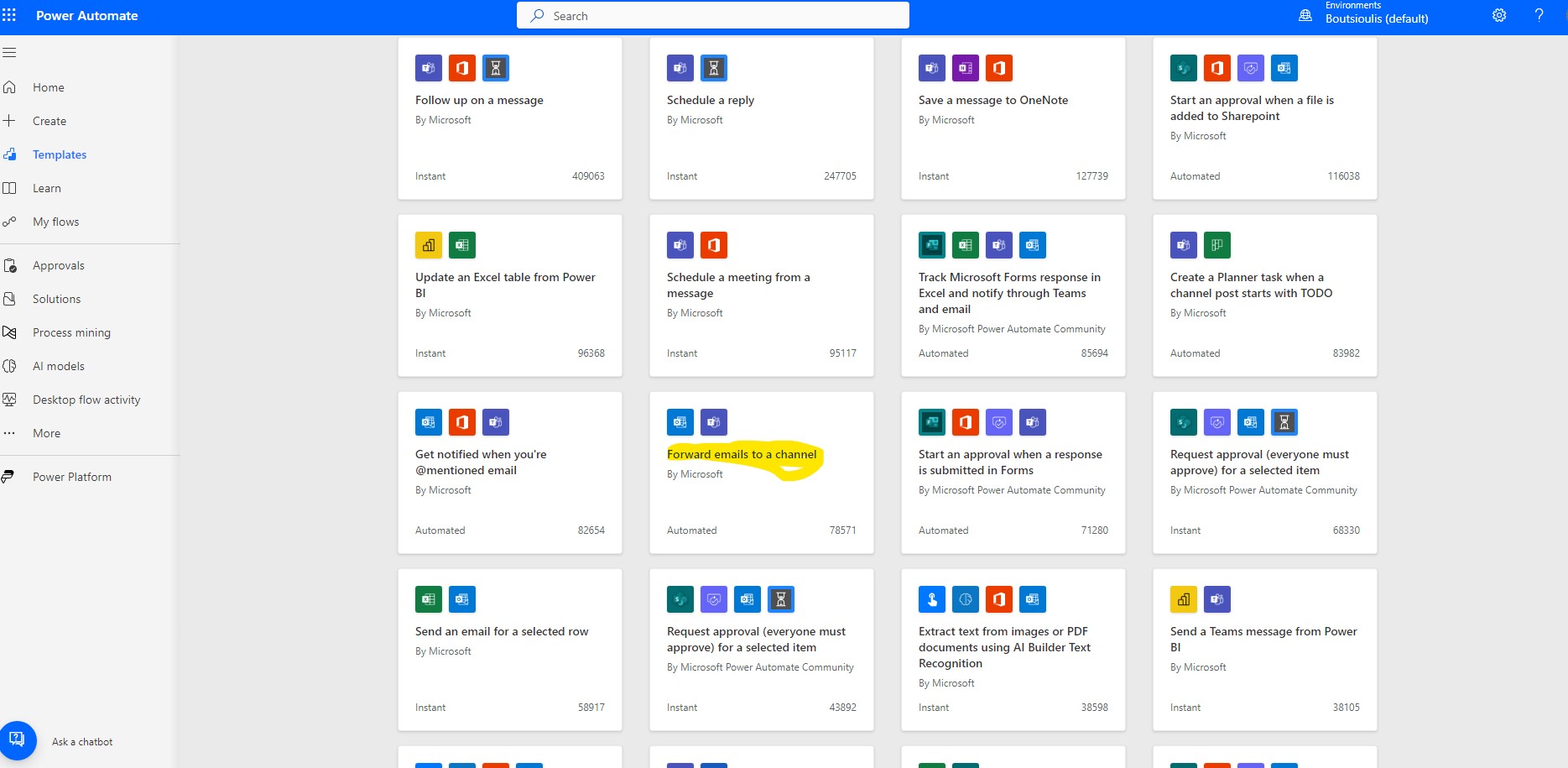
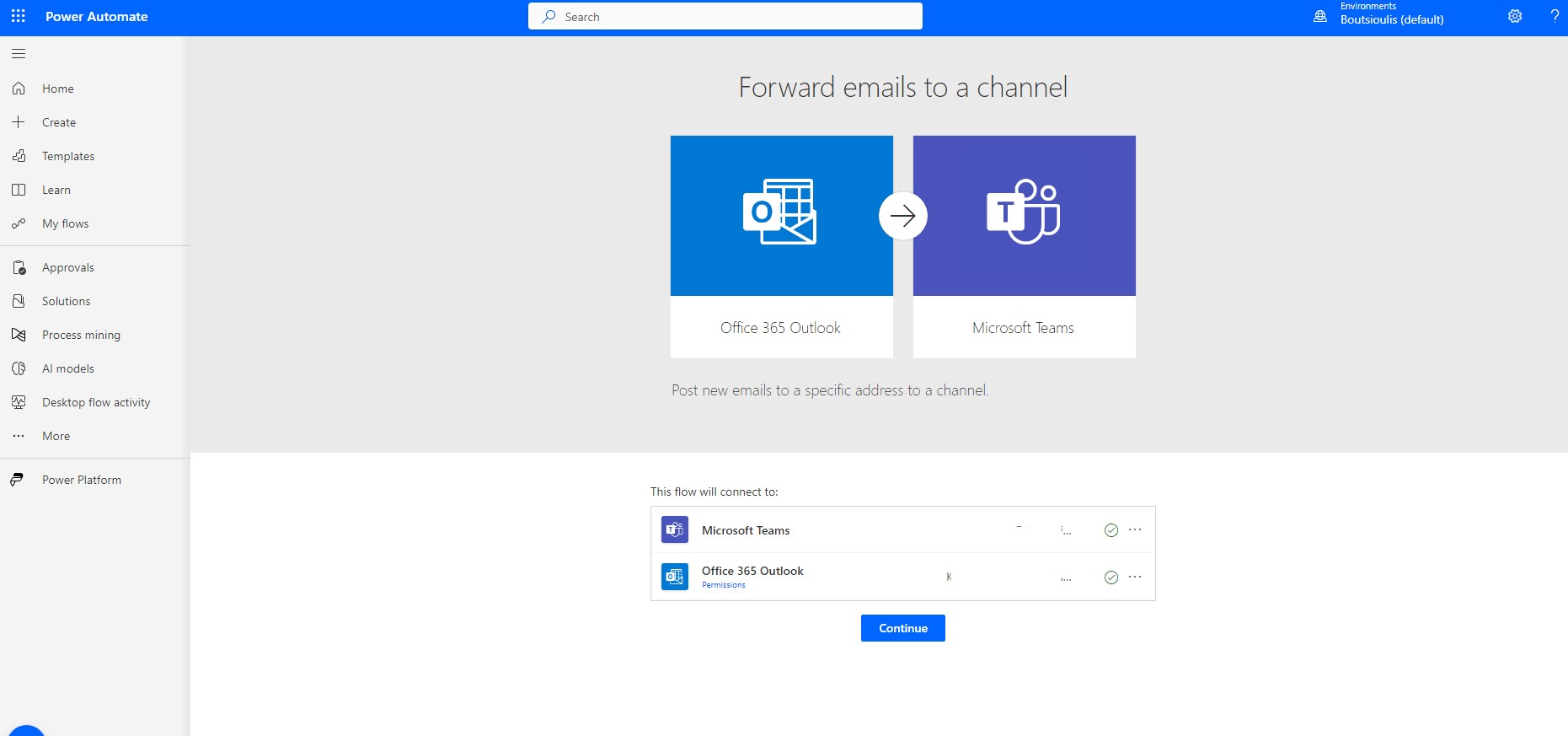
and in the next step allow all connections and click continue
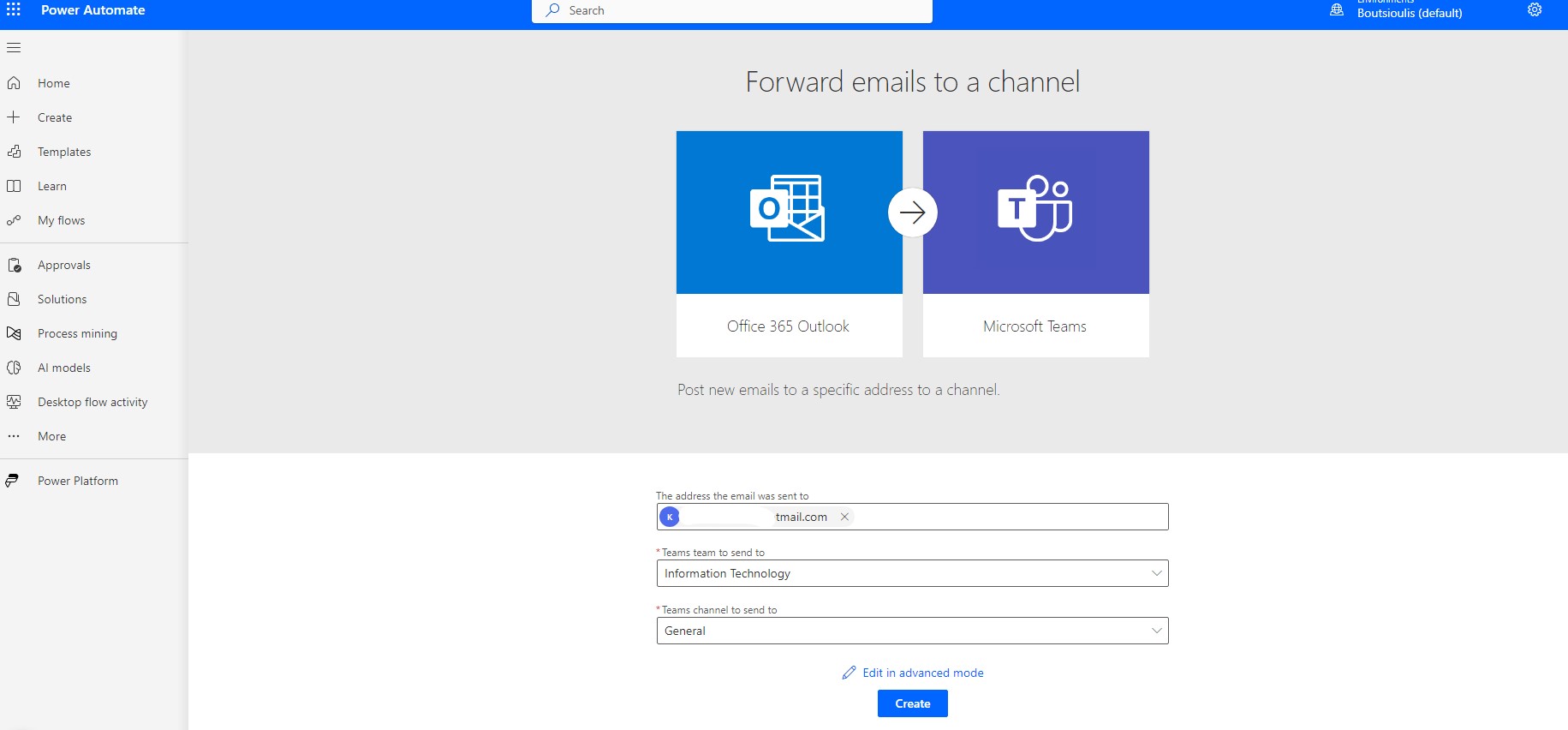
In the next step we have to add our email and group as well as the channel on which the mail will finally be posted
As you can see in the body of automate I have the possibility to choose both the folder in the mailbox (e.g. inbox) and the adaptive card which will be created
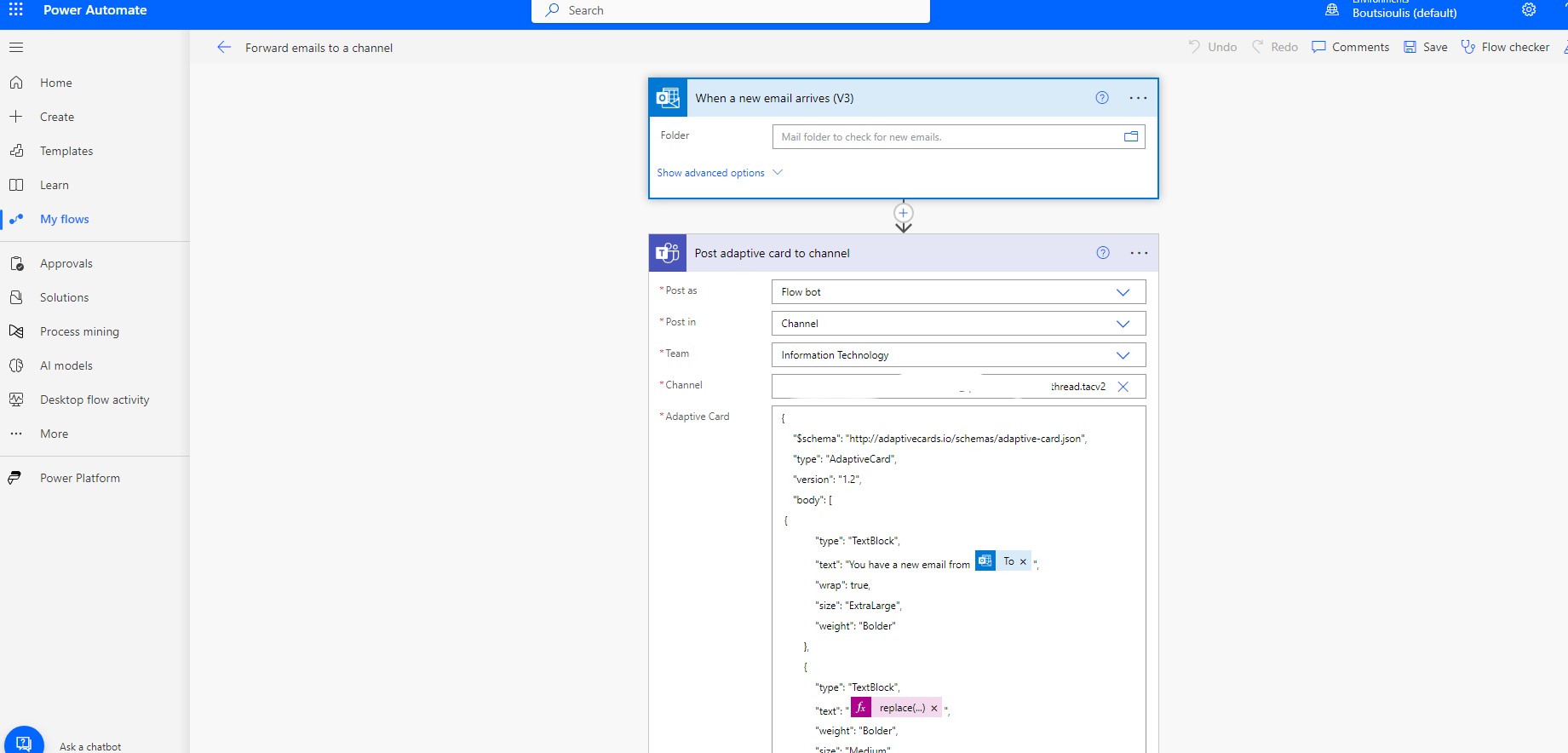
and you can edit the adaptive card which will be created
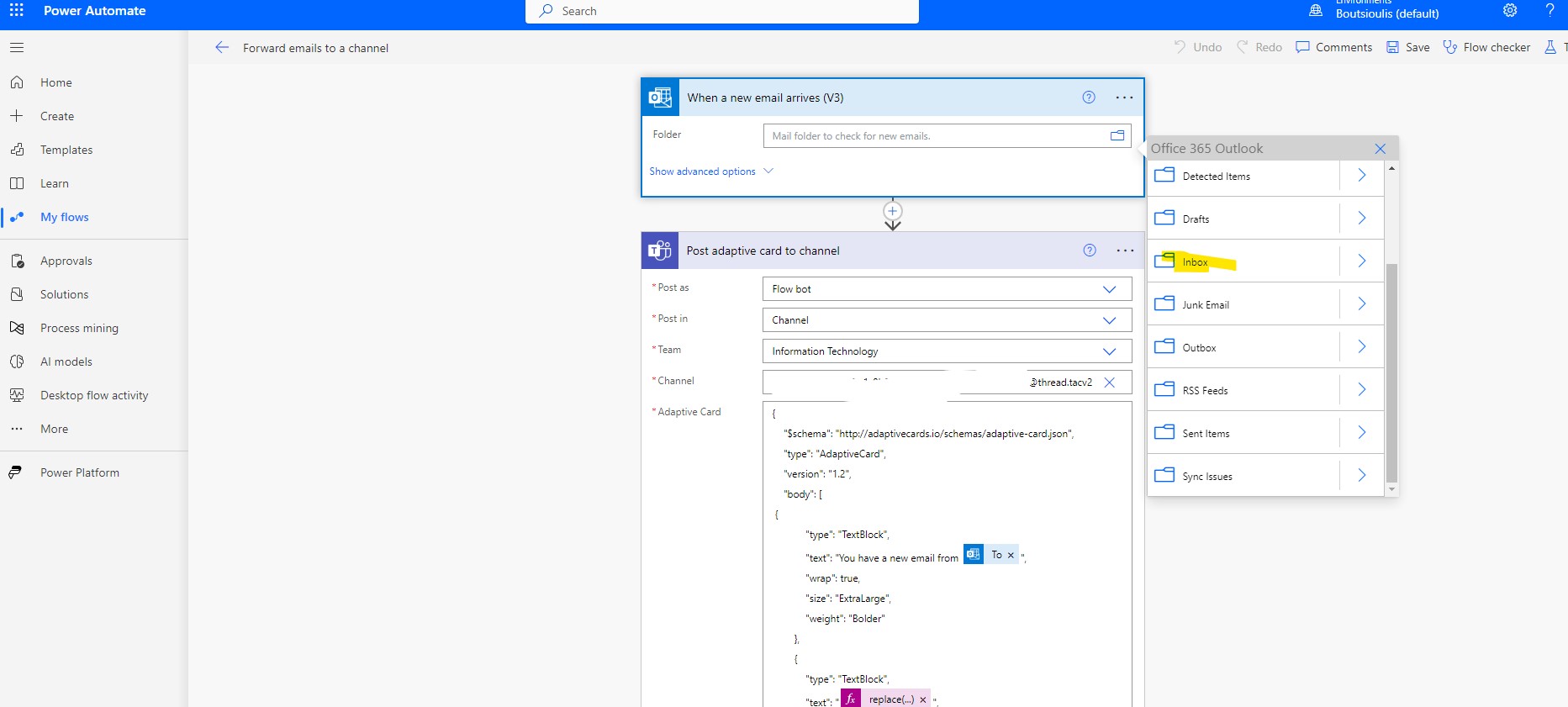
Next step is to save My automaton
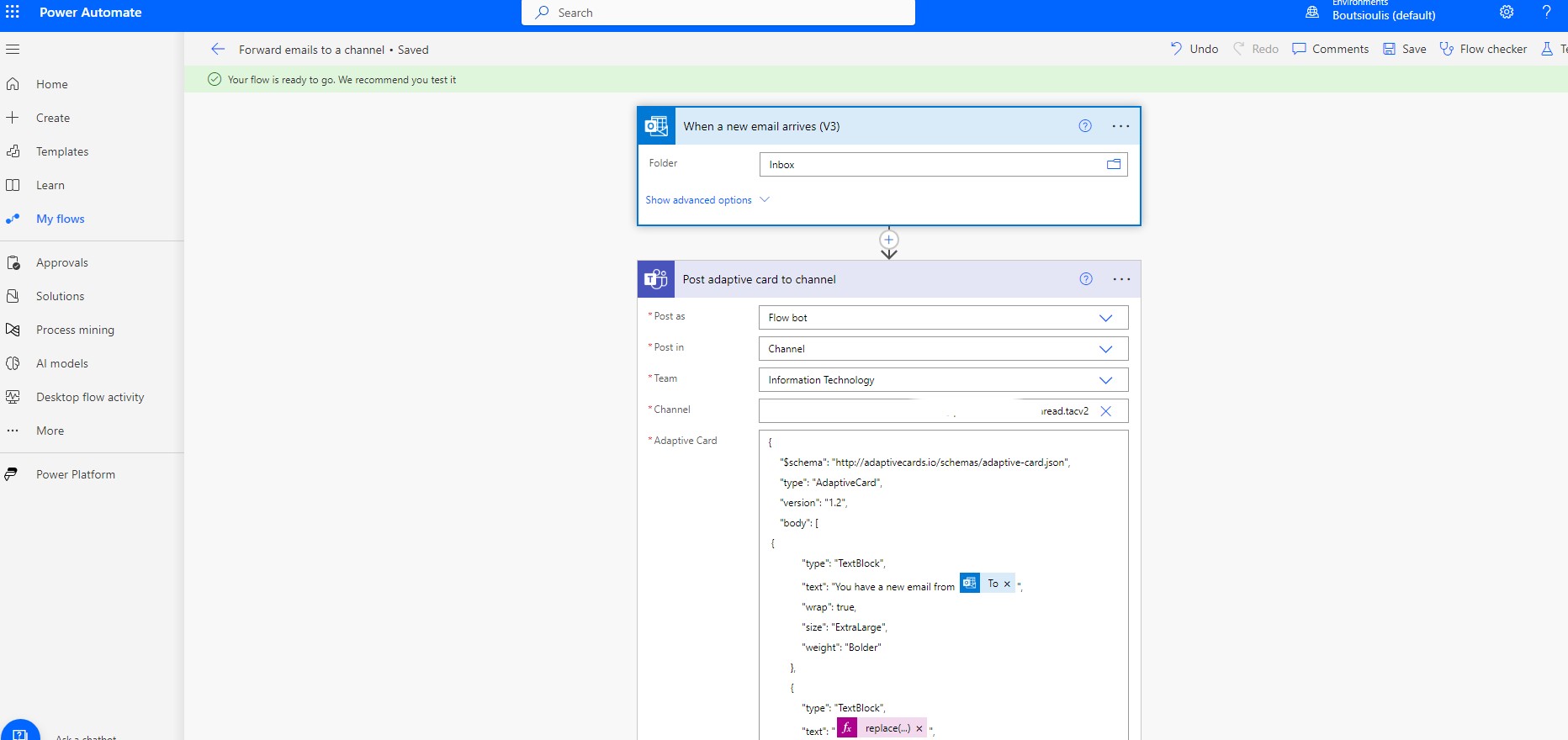
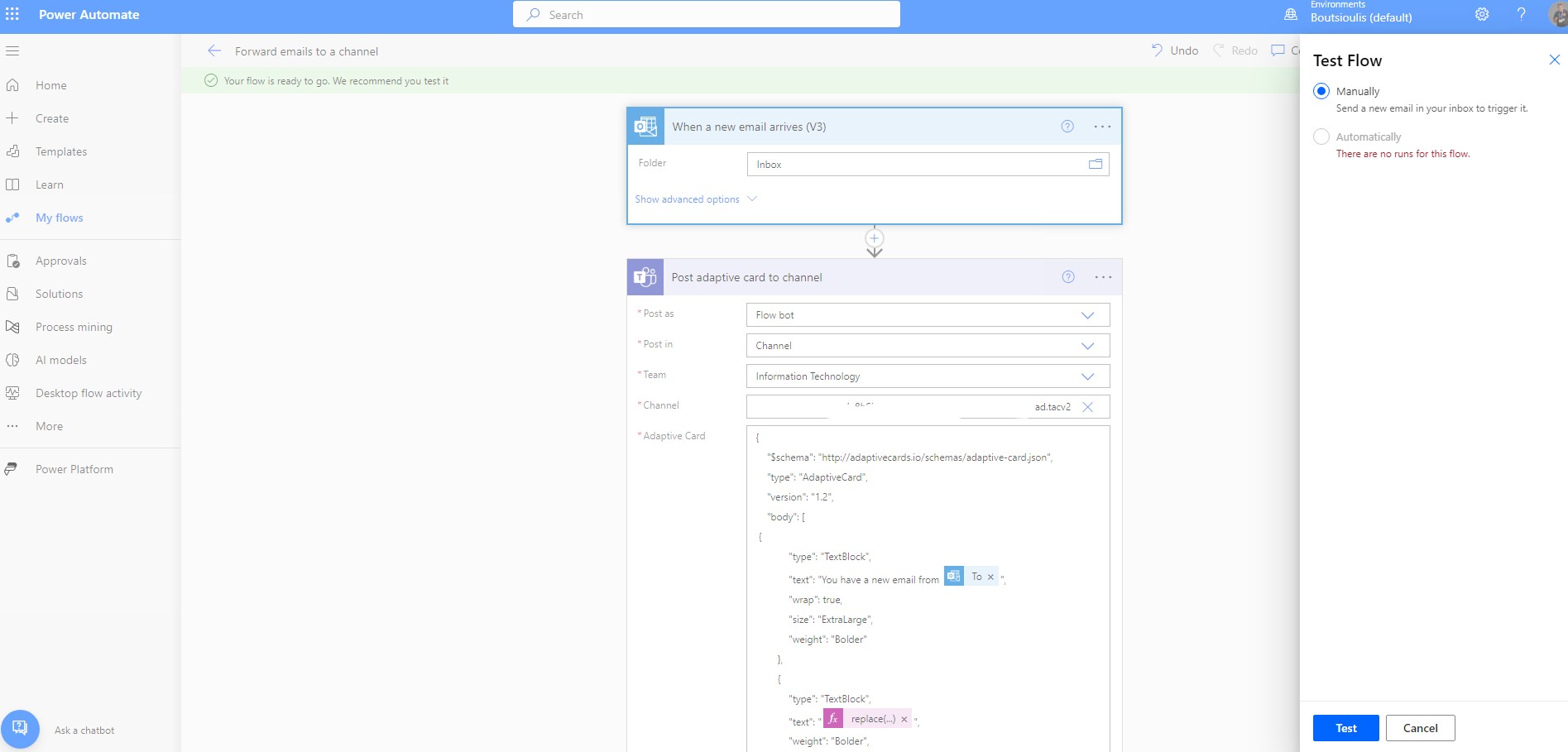
and insisted on doing a manually check of the correct operation of my automation
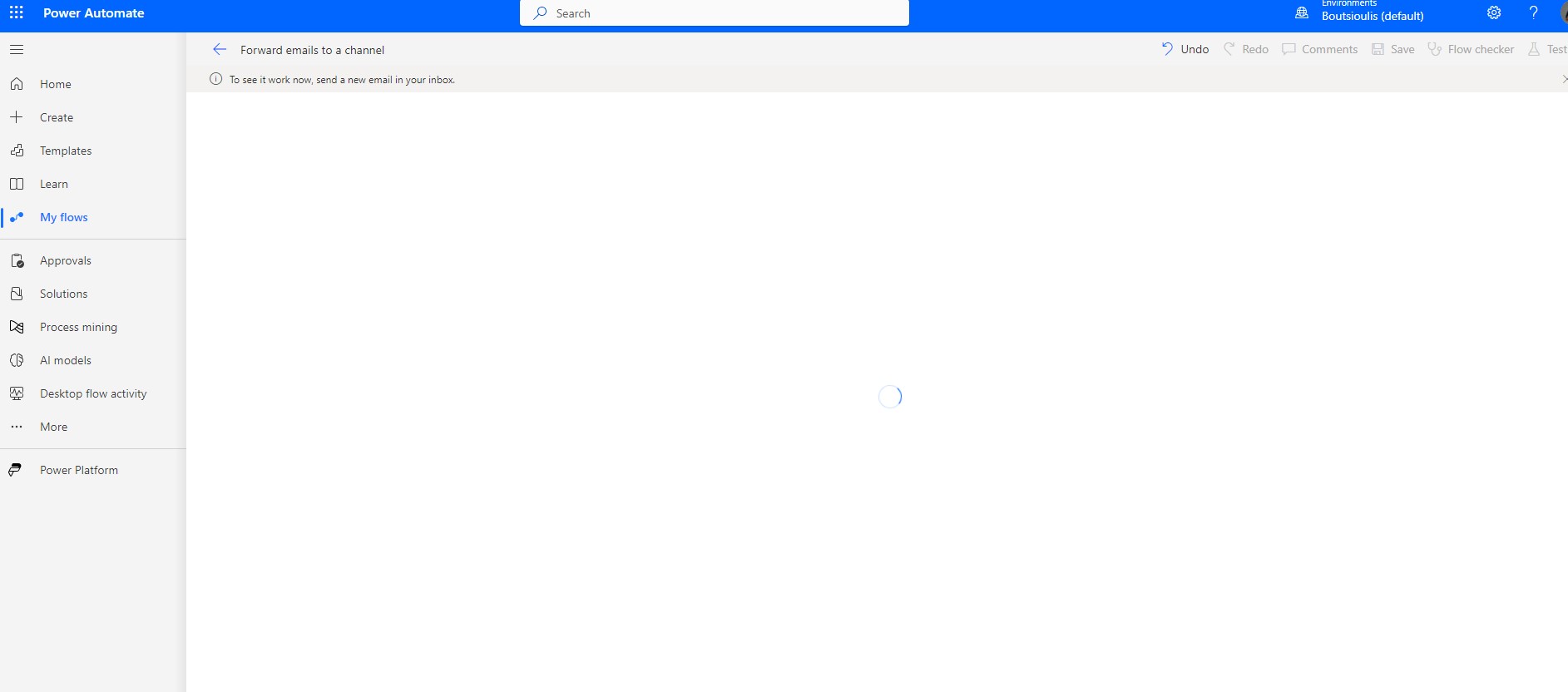
The automate Waits until some mail arrives
I create an email from my other account and send it to the account we have specified in the automat
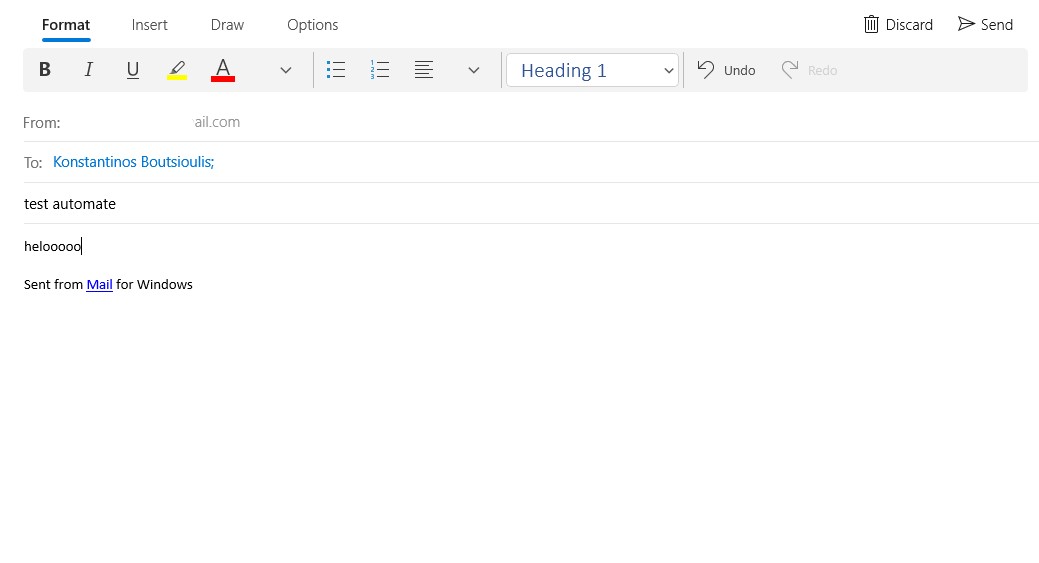
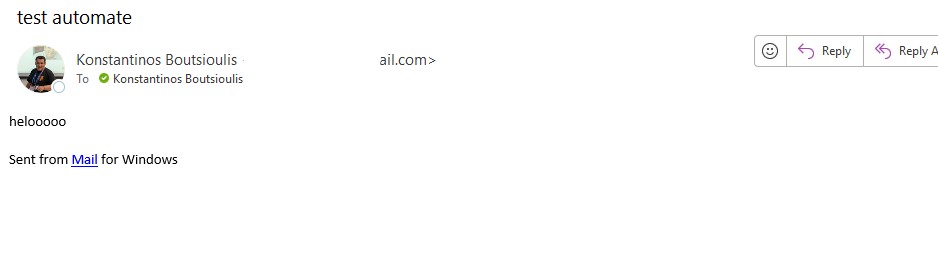
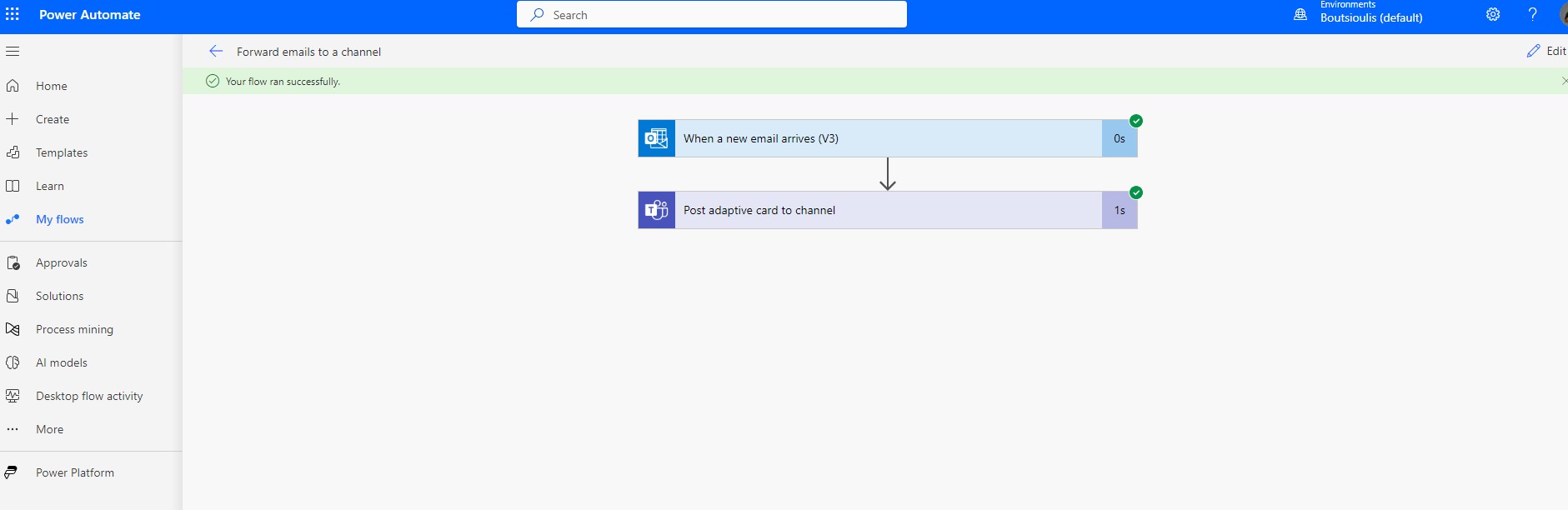
As you can see with the one that arrived in the Inbox, the automaton was executed without any problem
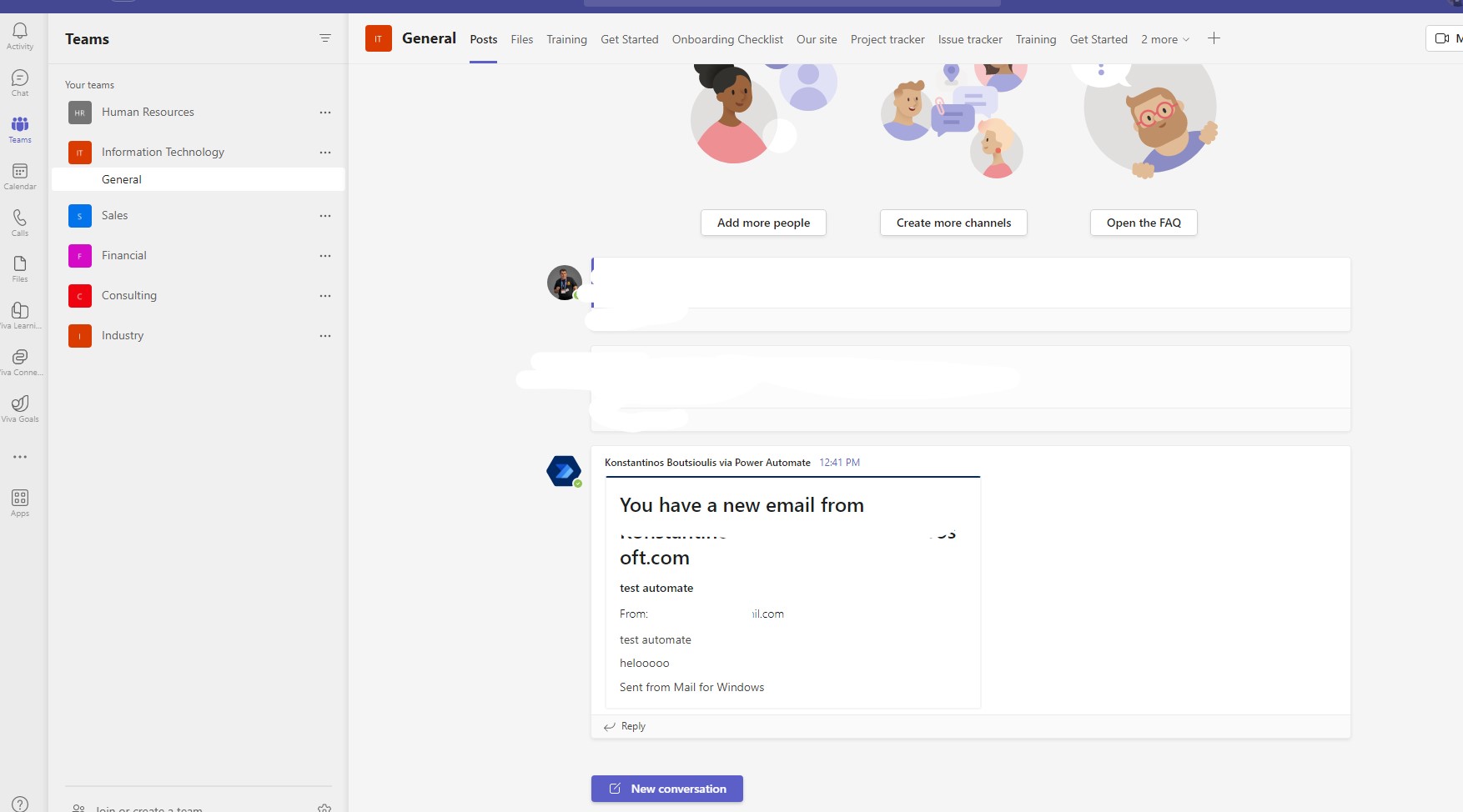
and if we move to Teams we find that in the general channel below the it section the adaptive card has already been posted
 #technology
#microsoft
#PowerApps
#PowerAutomates
#digitaltransformation
#cloud
#mvpbuzz
#m365
#technology
#microsoft
#PowerApps
#PowerAutomates
#digitaltransformation
#cloud
#mvpbuzz
#m365
Visit Archives below to find more articles about Microsoft technologies on Modern Workplace