
Free Material
Find hereMore than 150 Articles about Microsoft Technologies on Modern Workplace
Official Site
Microsoft Most Valuable Professional M365 Apps & Services
Microsoft Most Valuable Professional Business Applications
Consultant & Sr Cloud Solution Architect Modern Wokrplace
Find hereMore than 150 Articles about Microsoft Technologies on Modern Workplace
23 June 2023
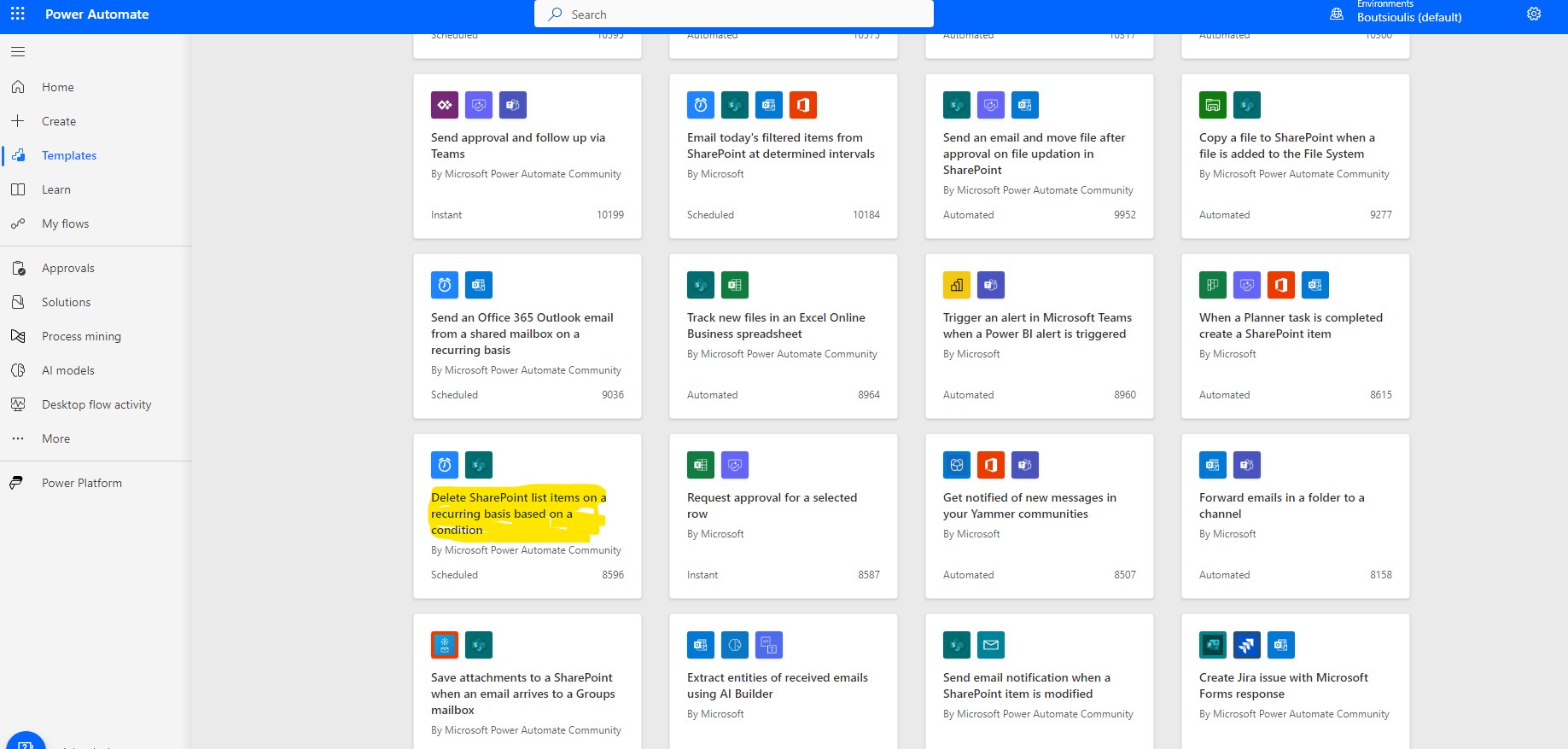
In today's article we will see how we can create an automaton that will delete their SharePoint list items based on a convention ( for example to delete all items that have a date less than today's date ) First and again from our active M365 subscription on the home page in the left side popup menu select power automate From the available templates we select the one called Delete SharePoint List items on a recurring basis based on a condition
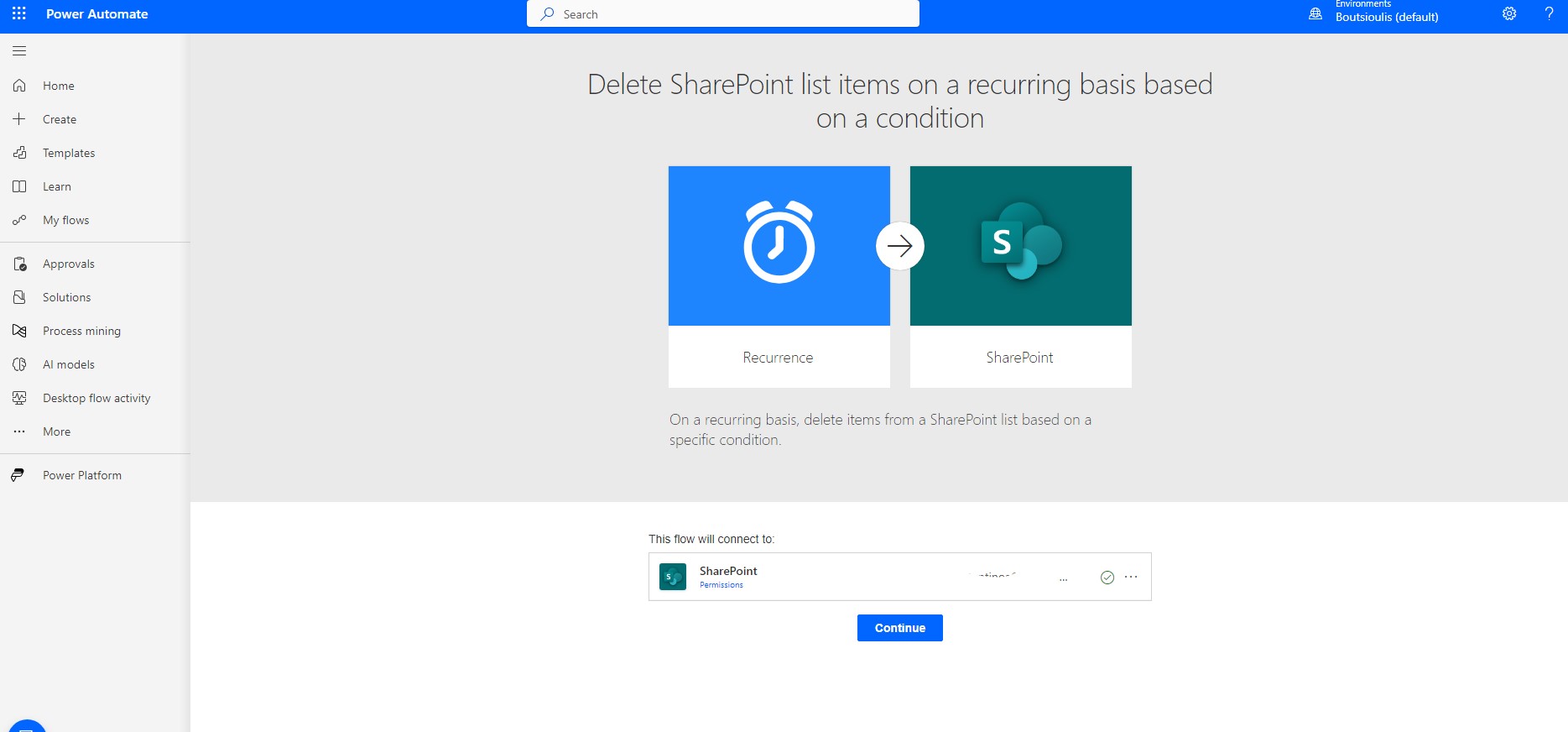
In the next step we allow all the necessary connections
and once we are in the body of the automate we select each time the specific action is to be performed
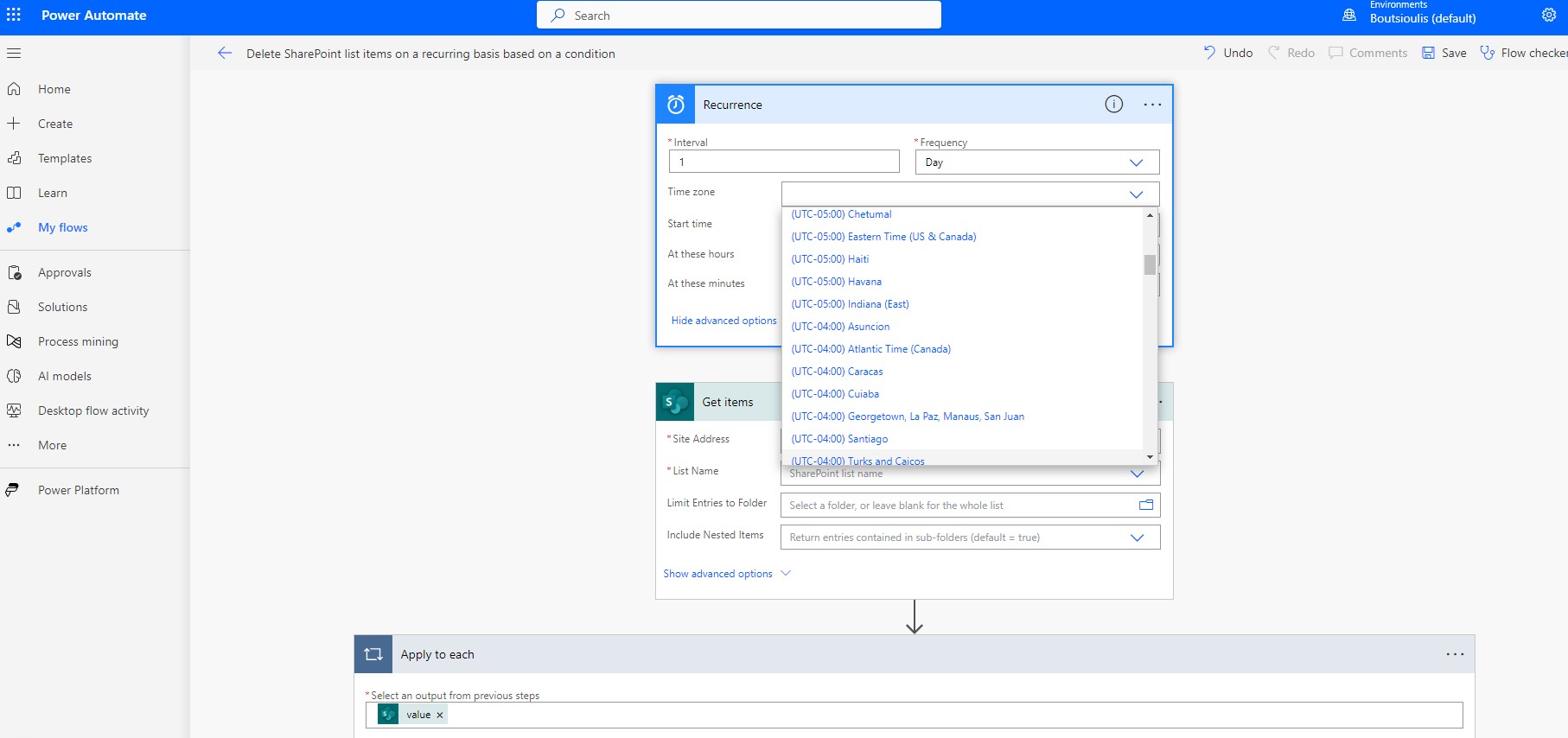
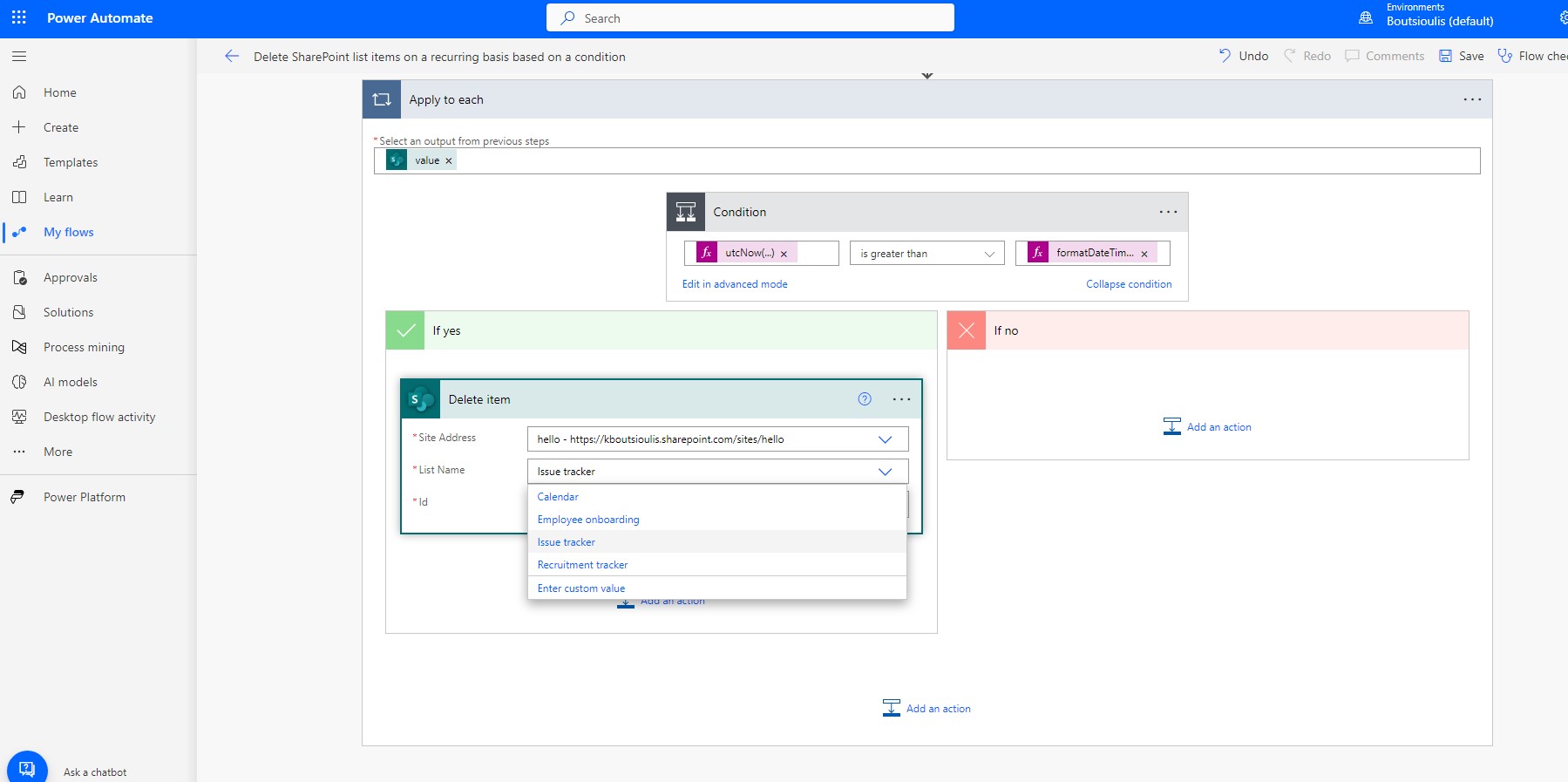
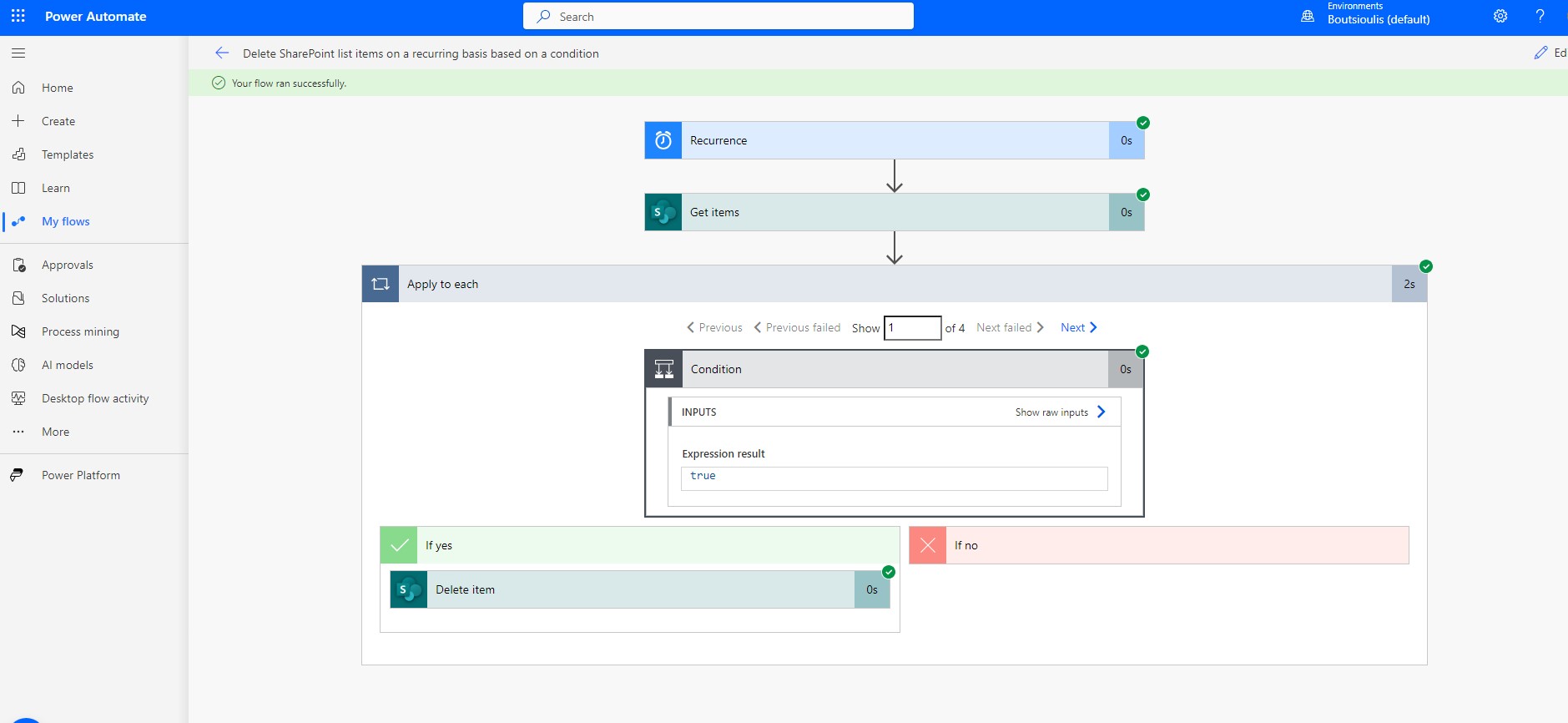
In our case we select each day. Such an action would be reminiscent of the retention policy in terms of deletions. We also specify our timezone. and in the second box we select the site and the list where we wish to apply the specific recurring execution. In apply to each which is applied to each of the items in the library, we compare if the utc now is older than the creation date of each item.
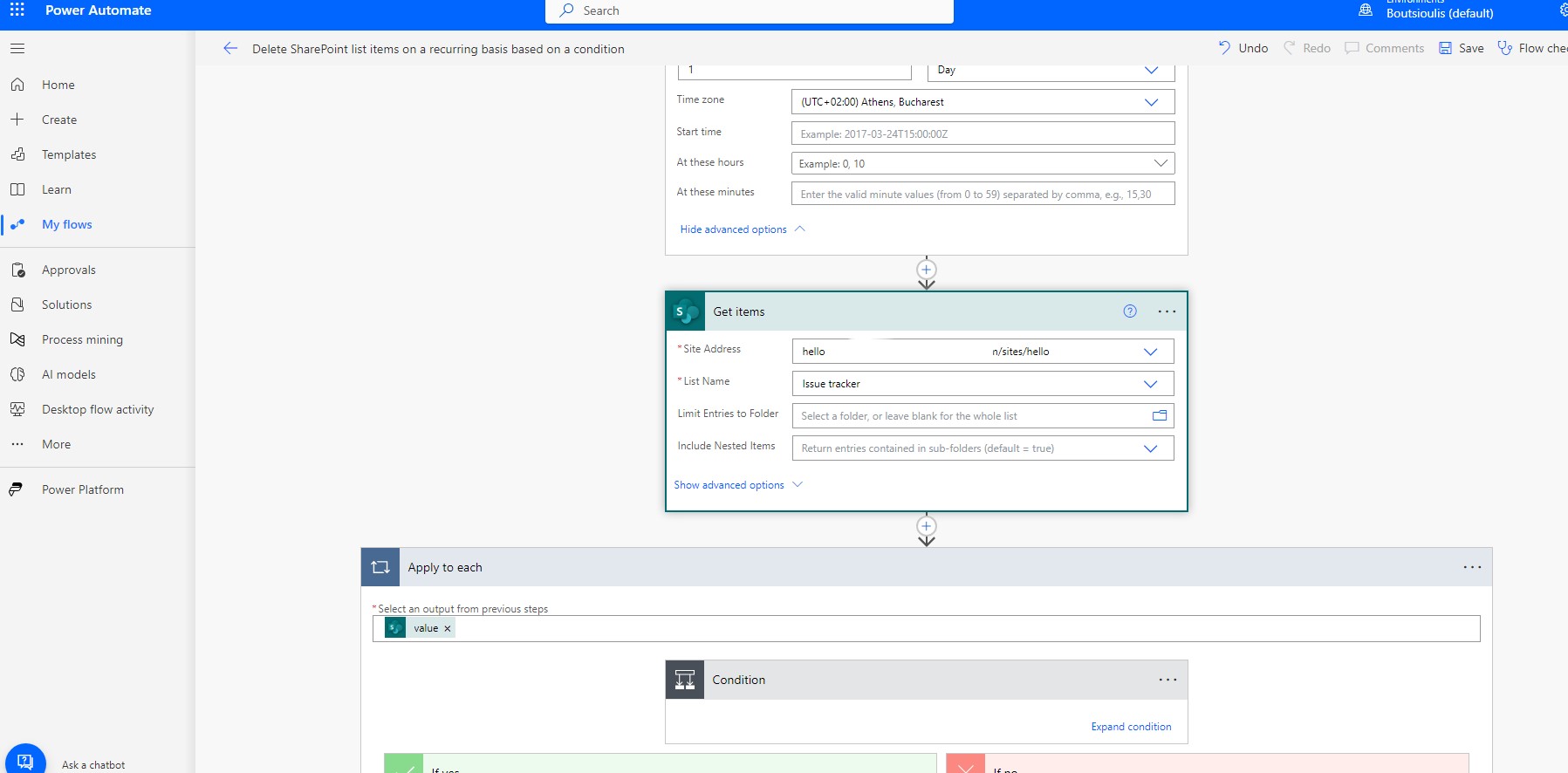
In our case we select each day. Such an action would be reminiscent of the retention policy in terms of deletions. We also specify our timezone. and in the second box we select the site and the list where we wish to apply the specific recurring execution. In apply to each which is applied to each of the items in the library, we compare if the utc now is older than the creation date of each item.
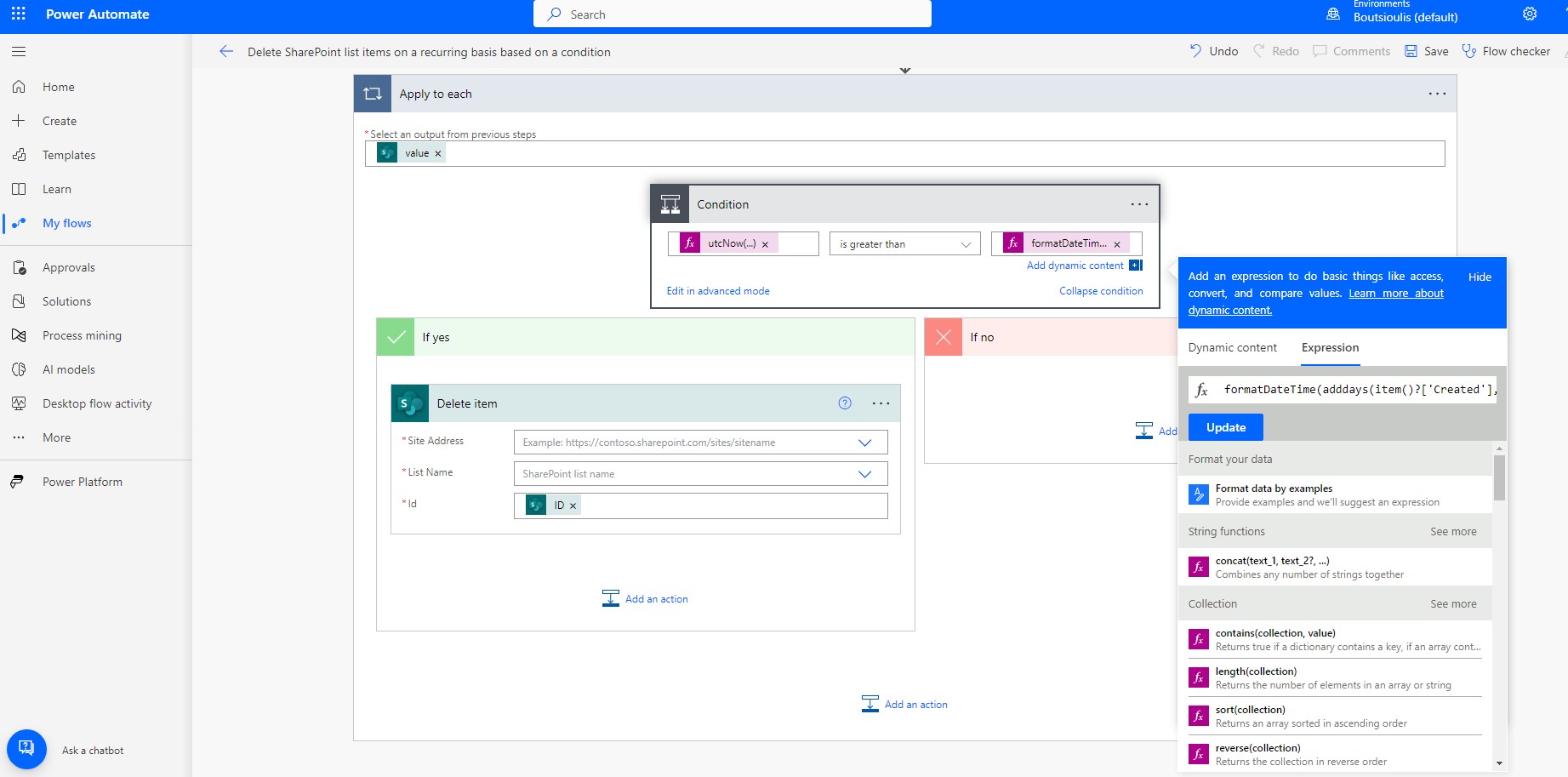
And finally, if the condition is yes, it selects the specific item and deletes it.
We should now save the automate.
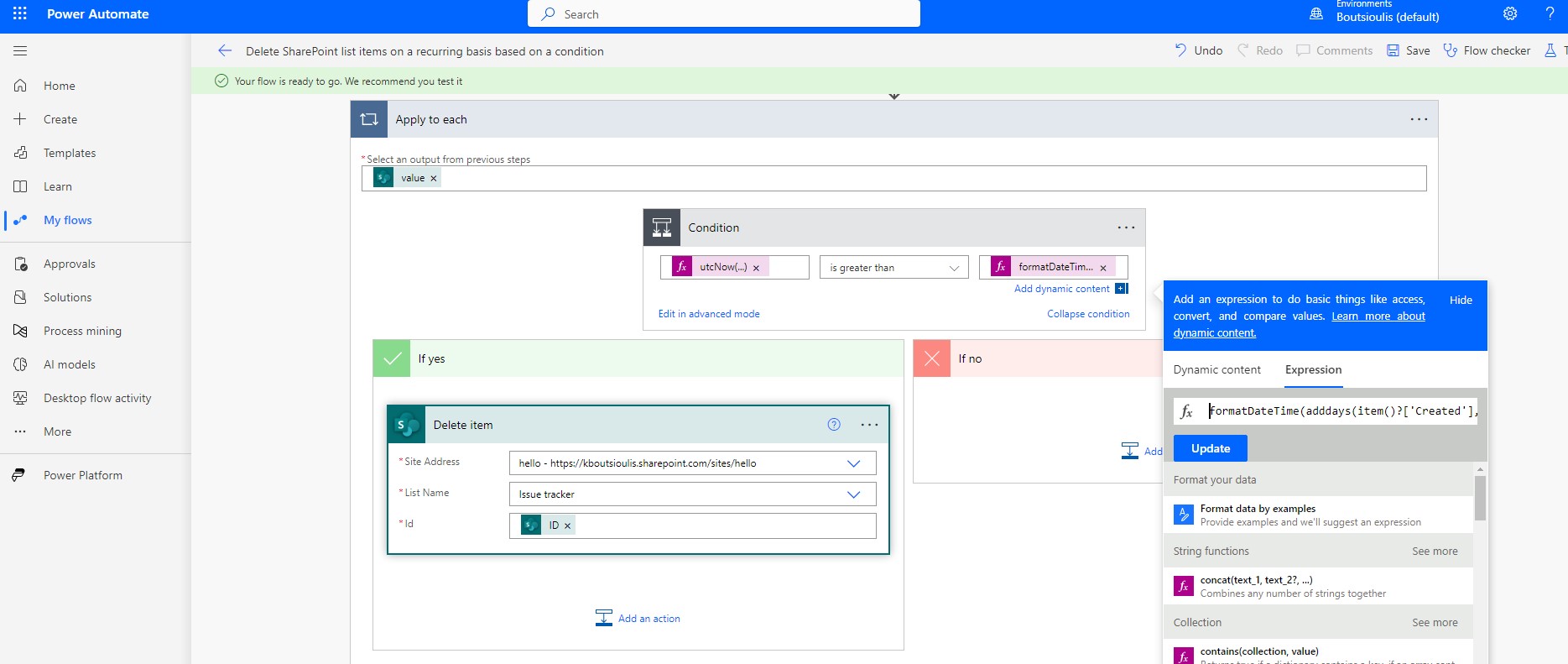
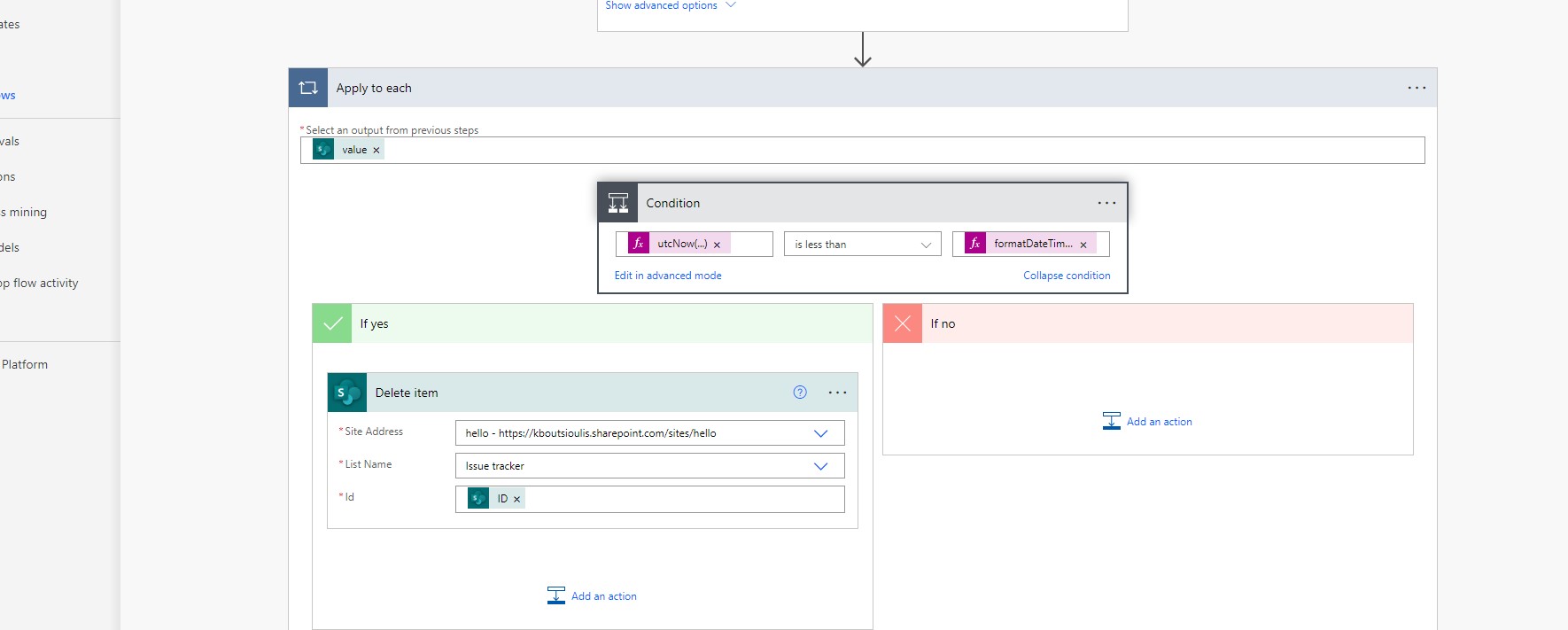
and of course perform a manual test to check that our automate is working properly.
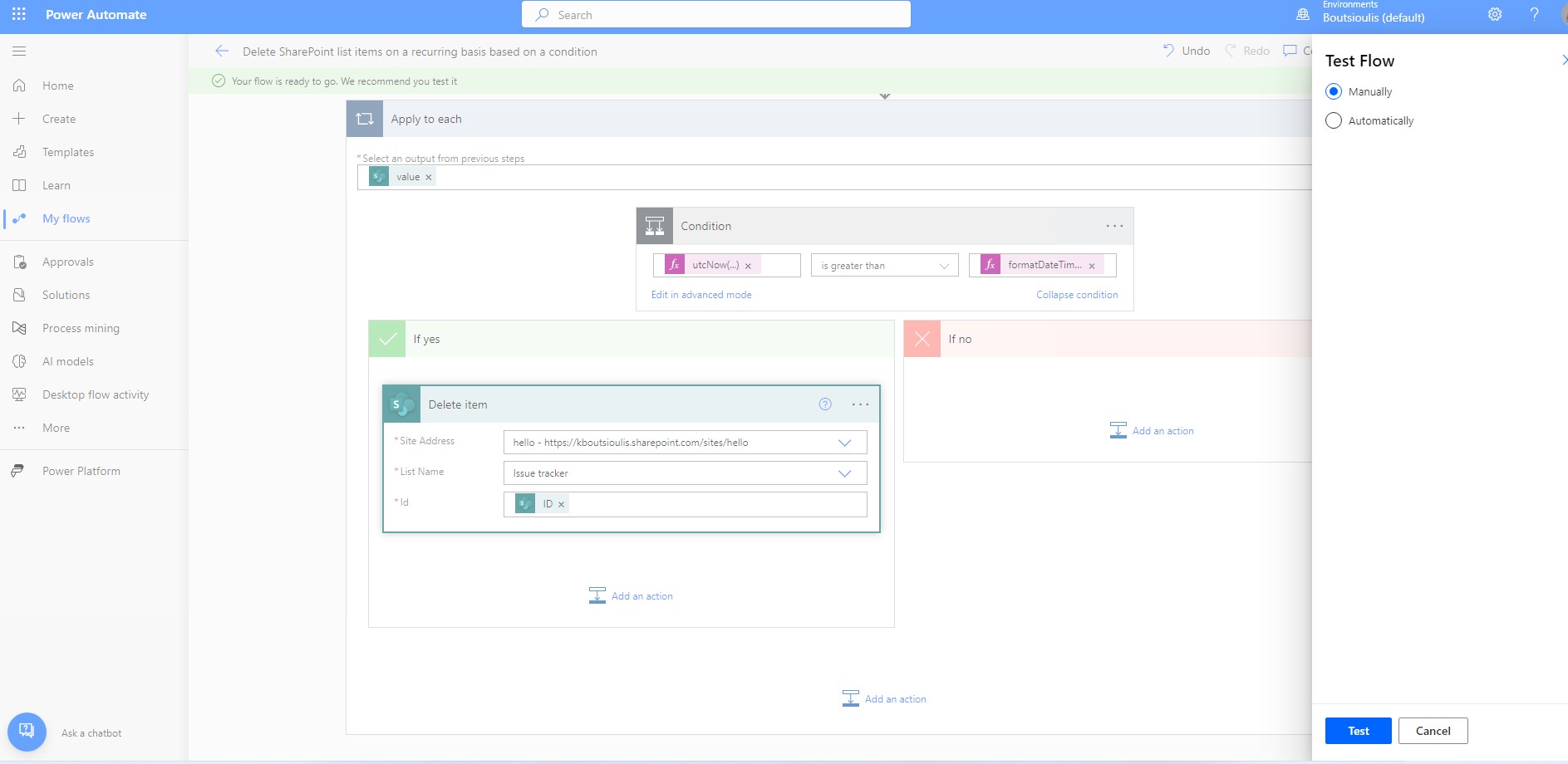
In this case we pressed run flow and the next step done.
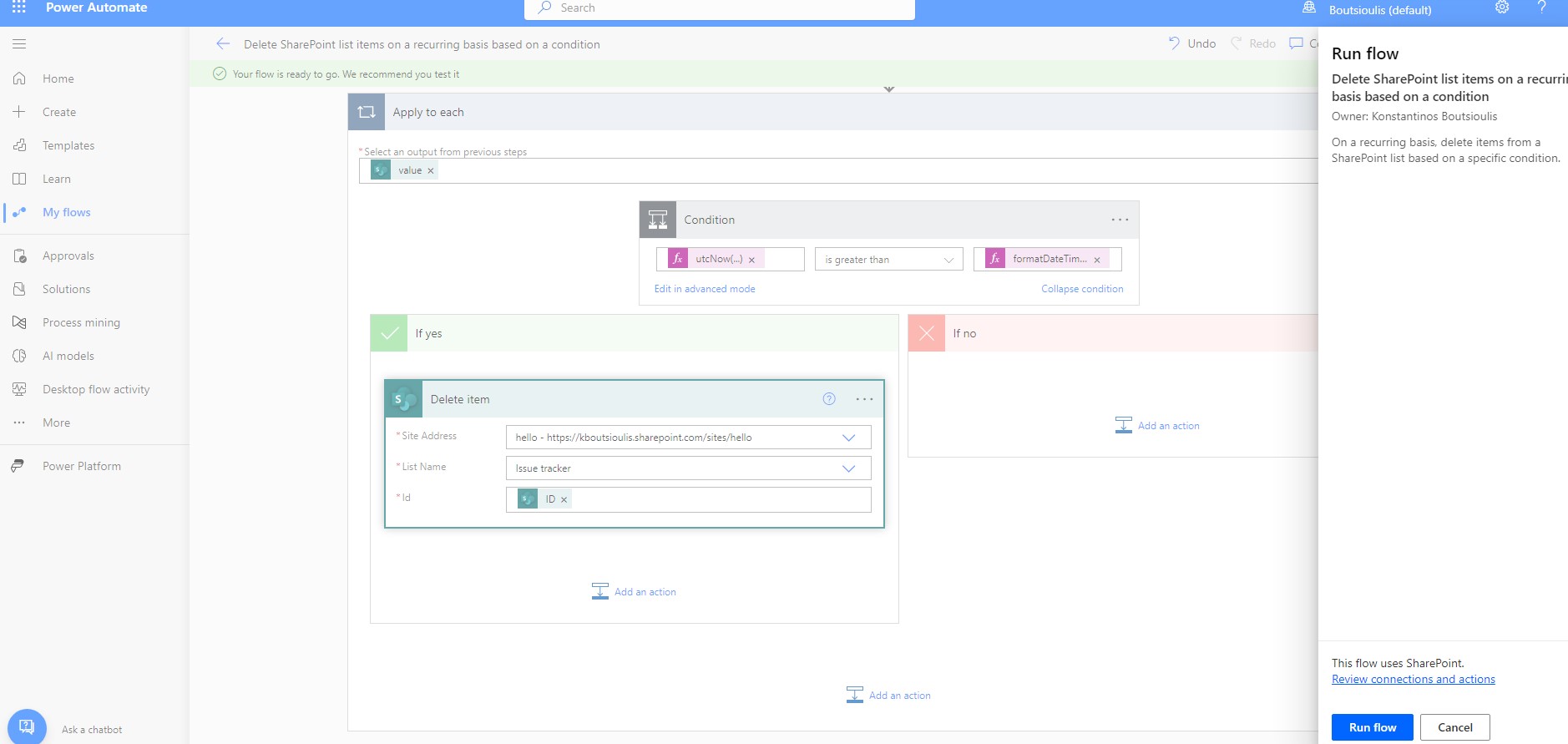
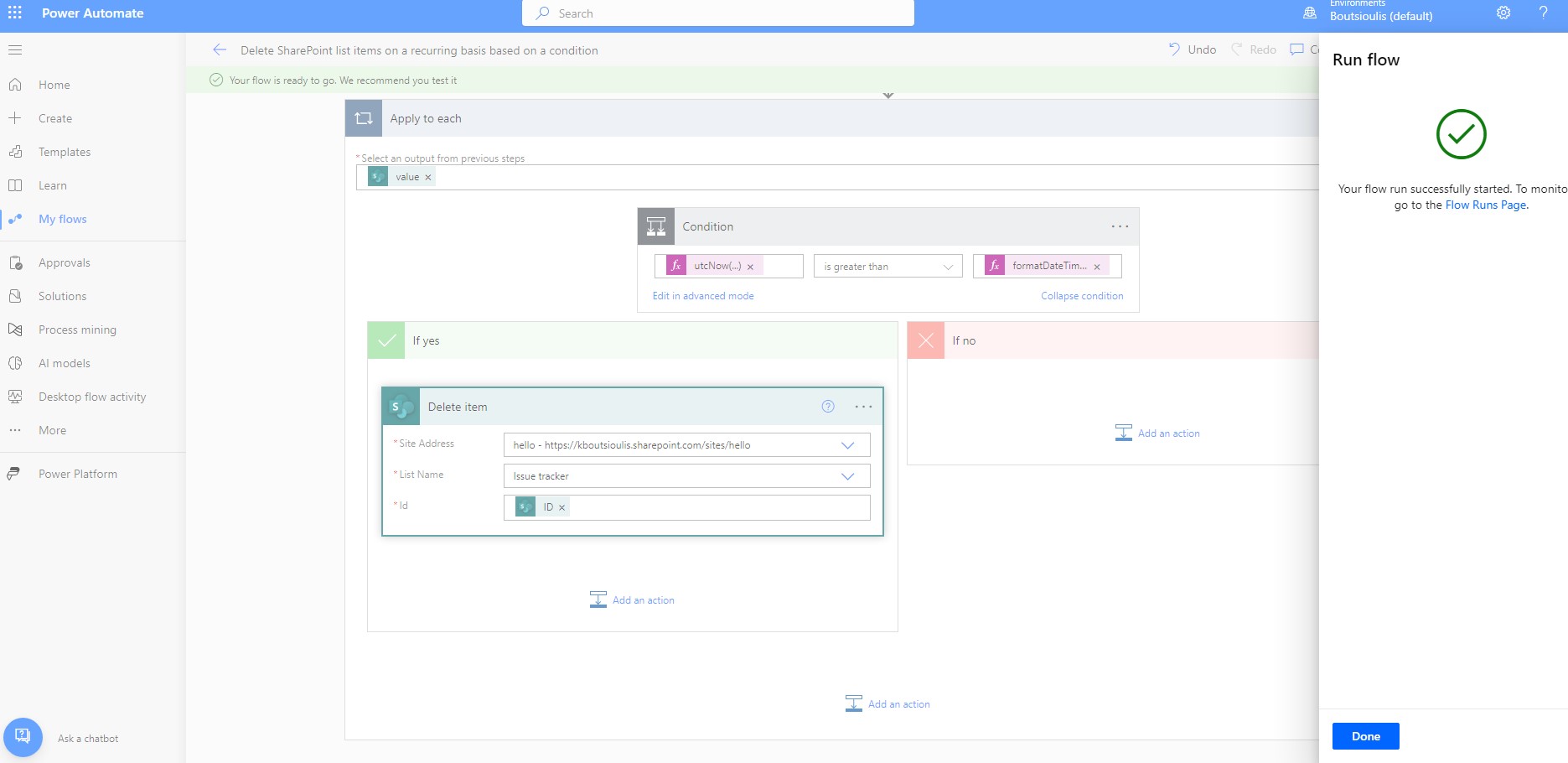
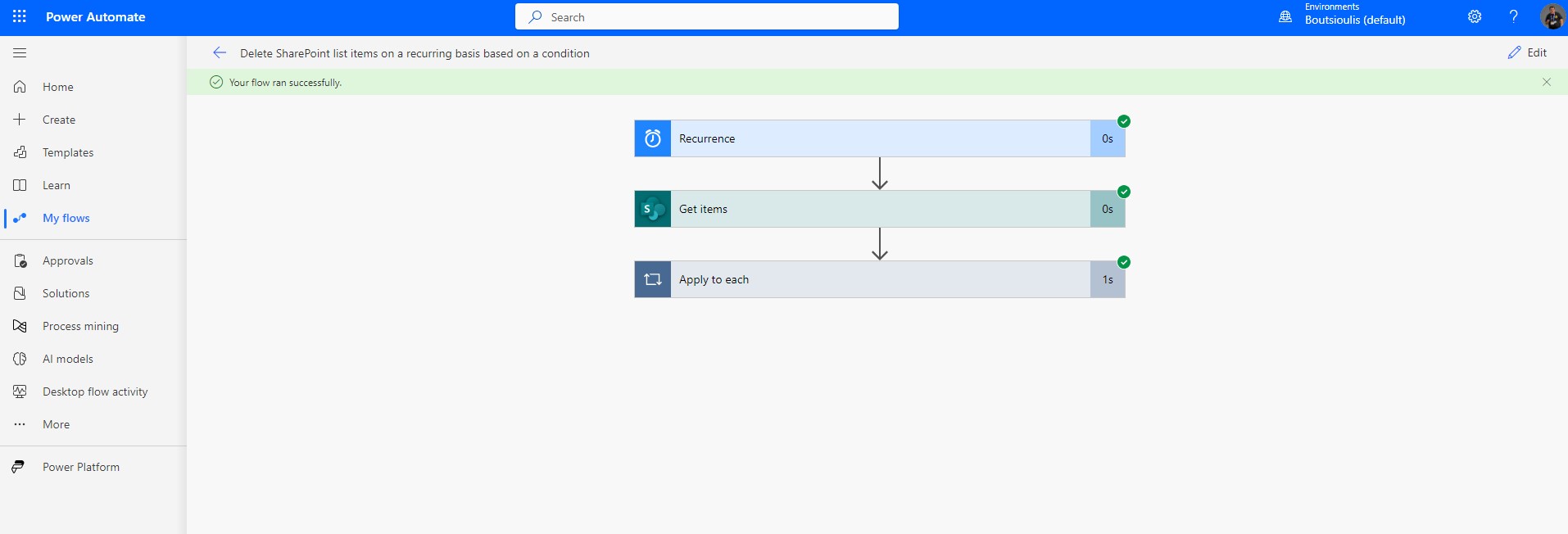
As you can see, the automaton executed normally without any problems.
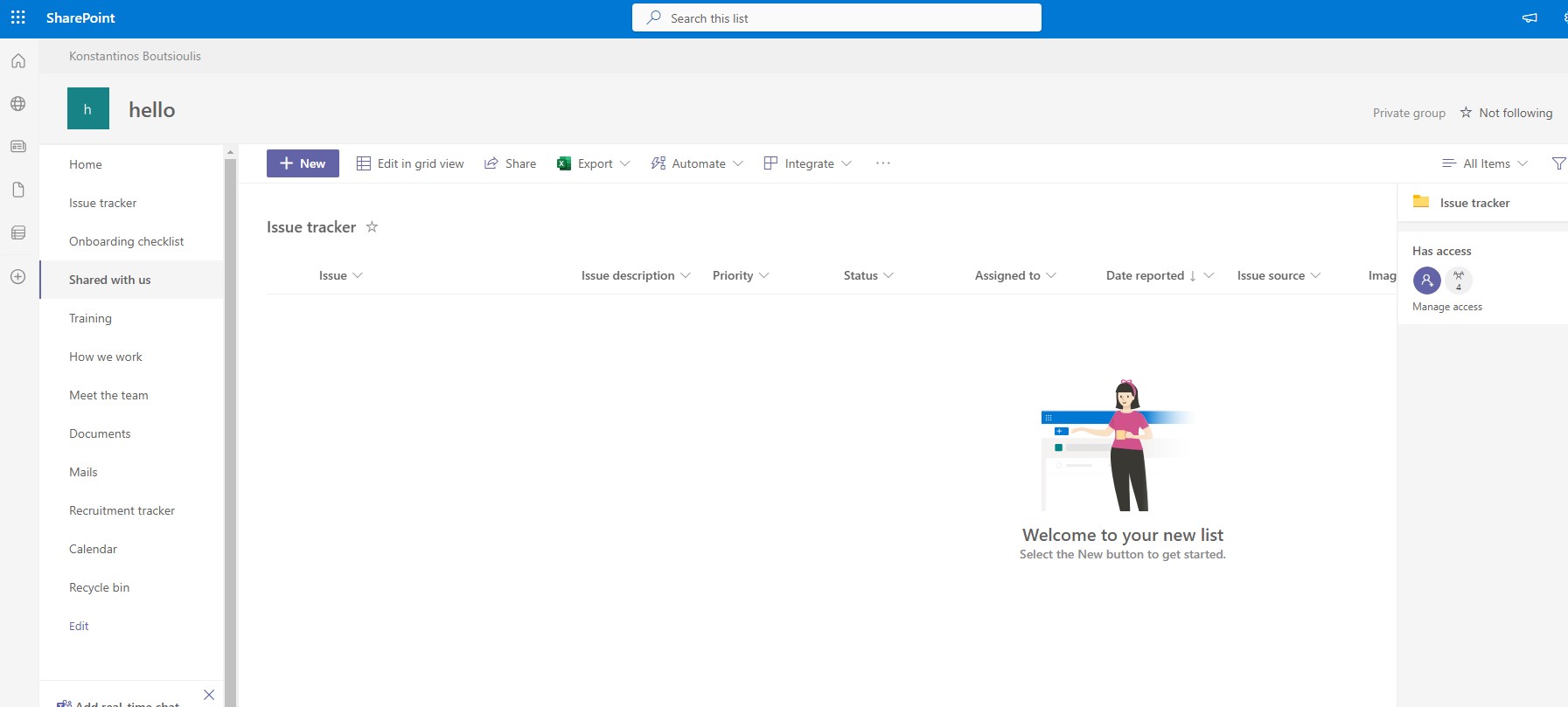
And if we finally go to the list, we'll see that it has deleted all the items that were created up to that point.
 #technology
#microsoft
#PowerApps
#PowerAutomates
#digitaltransformation
#cloud
#mvpbuzz
#m365
#technology
#microsoft
#PowerApps
#PowerAutomates
#digitaltransformation
#cloud
#mvpbuzz
#m365
Visit Archives below to find more articles about Microsoft technologies on Modern Workplace