
Free Material
Find hereMore than 150 Articles about Microsoft Technologies on Modern Workplace
Official Site
Microsoft Most Valuable Professional M365 Apps & Services
Microsoft Most Valuable Professional Business Applications
Consultant & Sr Cloud Solution Architect Modern Wokrplace
Find hereMore than 150 Articles about Microsoft Technologies on Modern Workplace
10 June 2023
In today's post we will see how we can apply a ready-made theme from Microsoft SharePoint Look Book .
Initially using the official webpage for SharePoint Provisioning - SharePoint Look Book which is below if you press on Button and go to the look book page
SharePoint Provisioning - SharePoint Look Book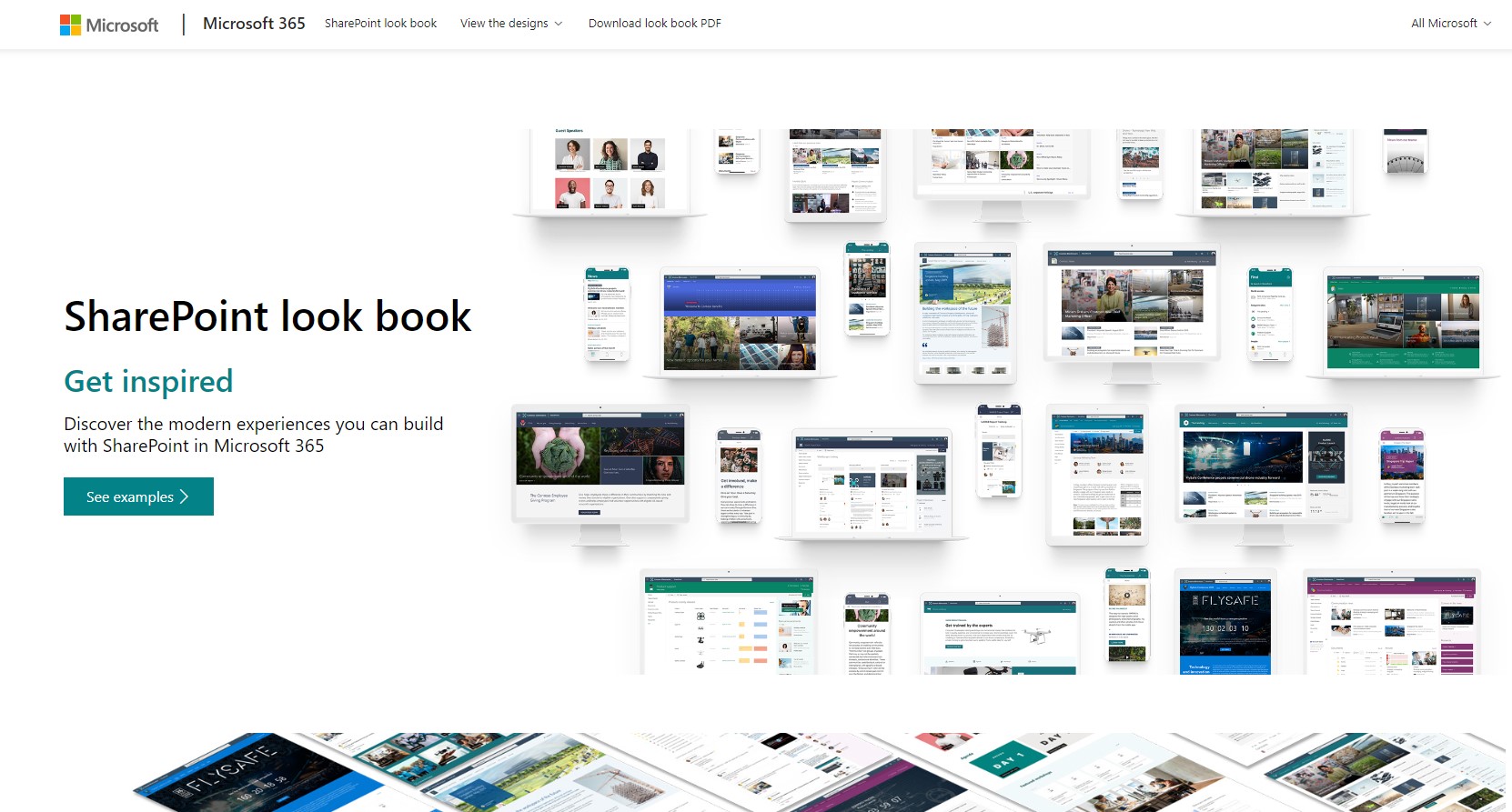
from the menu at the top select View the designs and then locate the theme of your choice among the many available themes by category
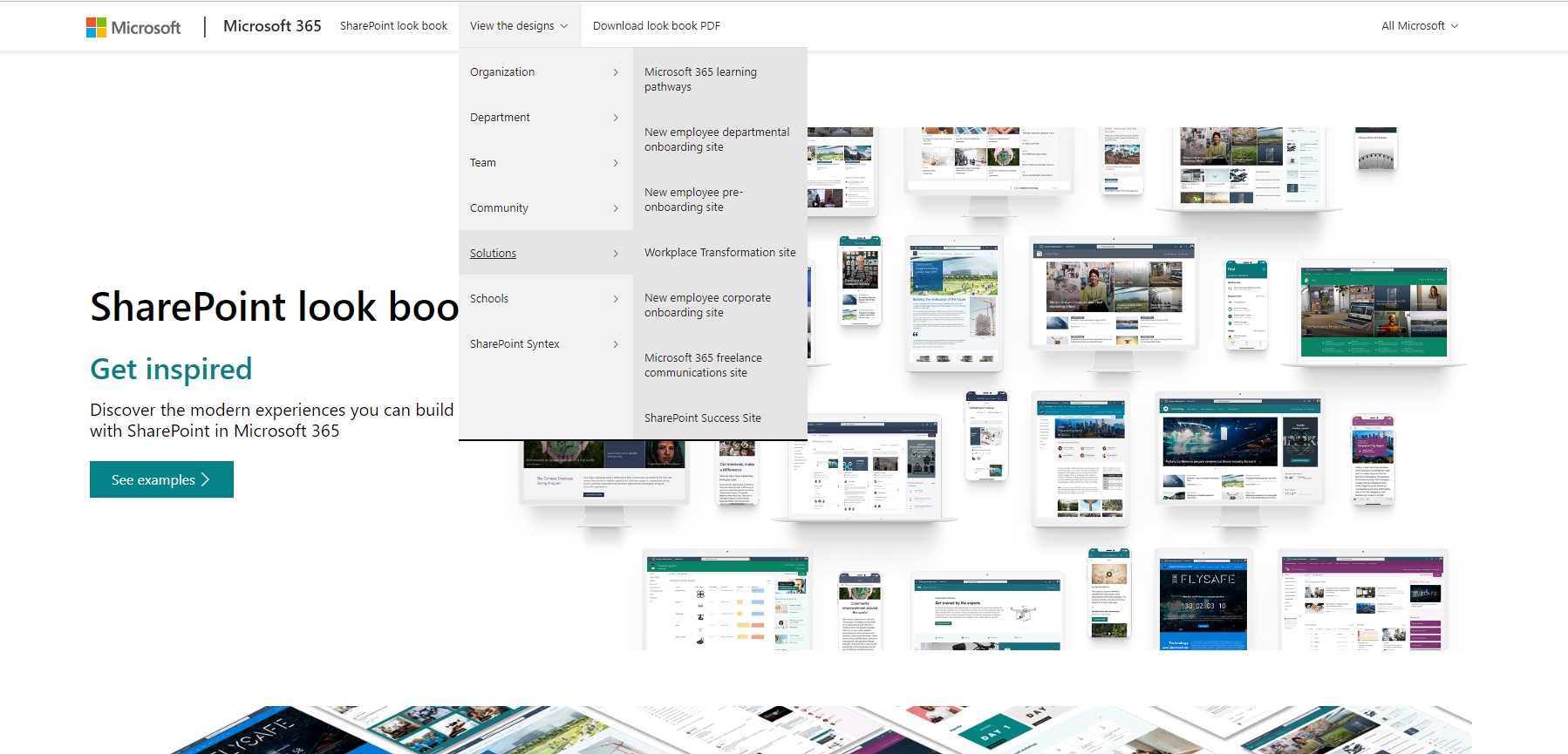
Select the theme and click apply to your tenant . I will use for this demo The Perspective theme under 0rganization
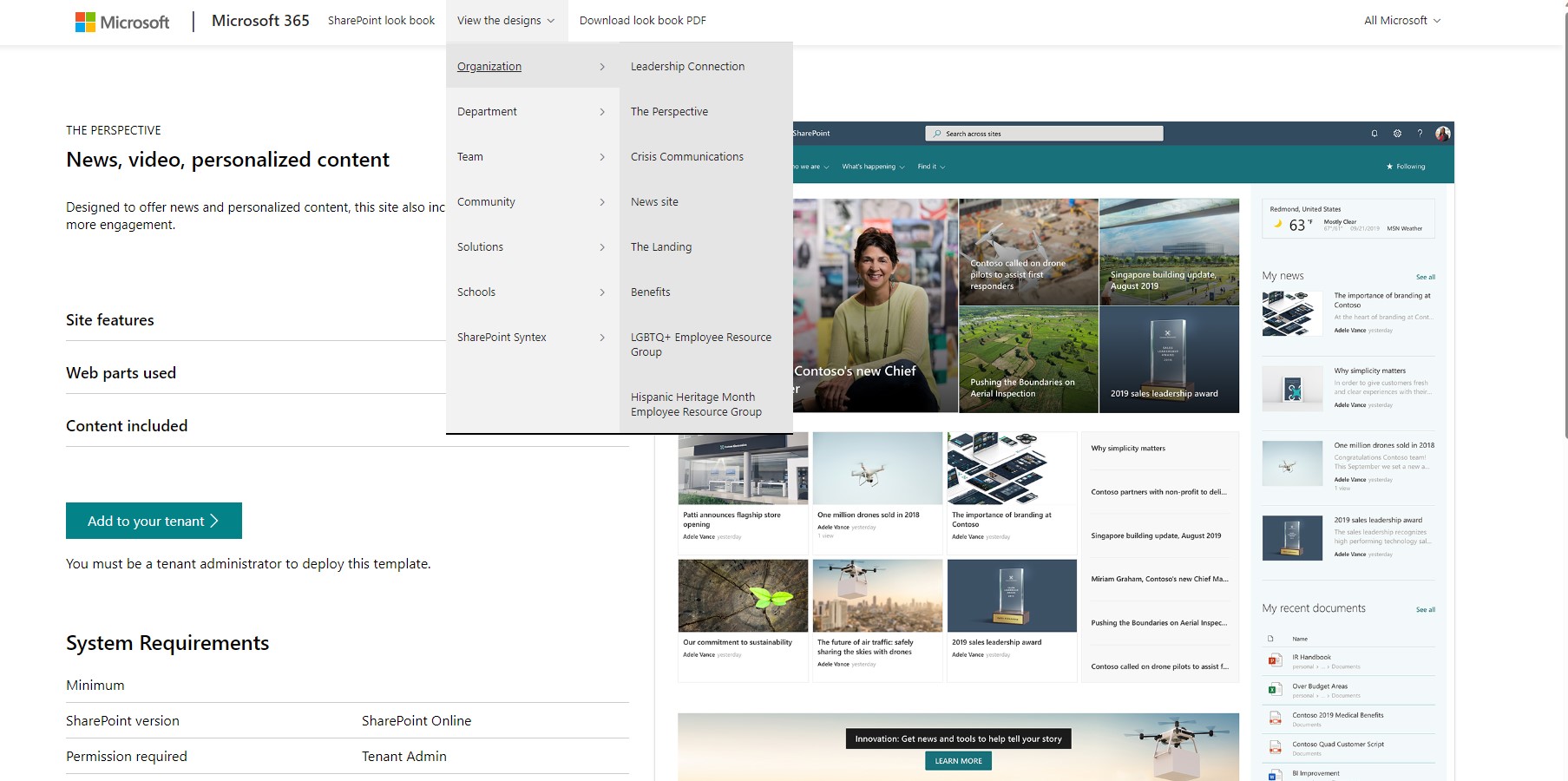
Then on the screen that appears we enter the title and url for the new site and click commission
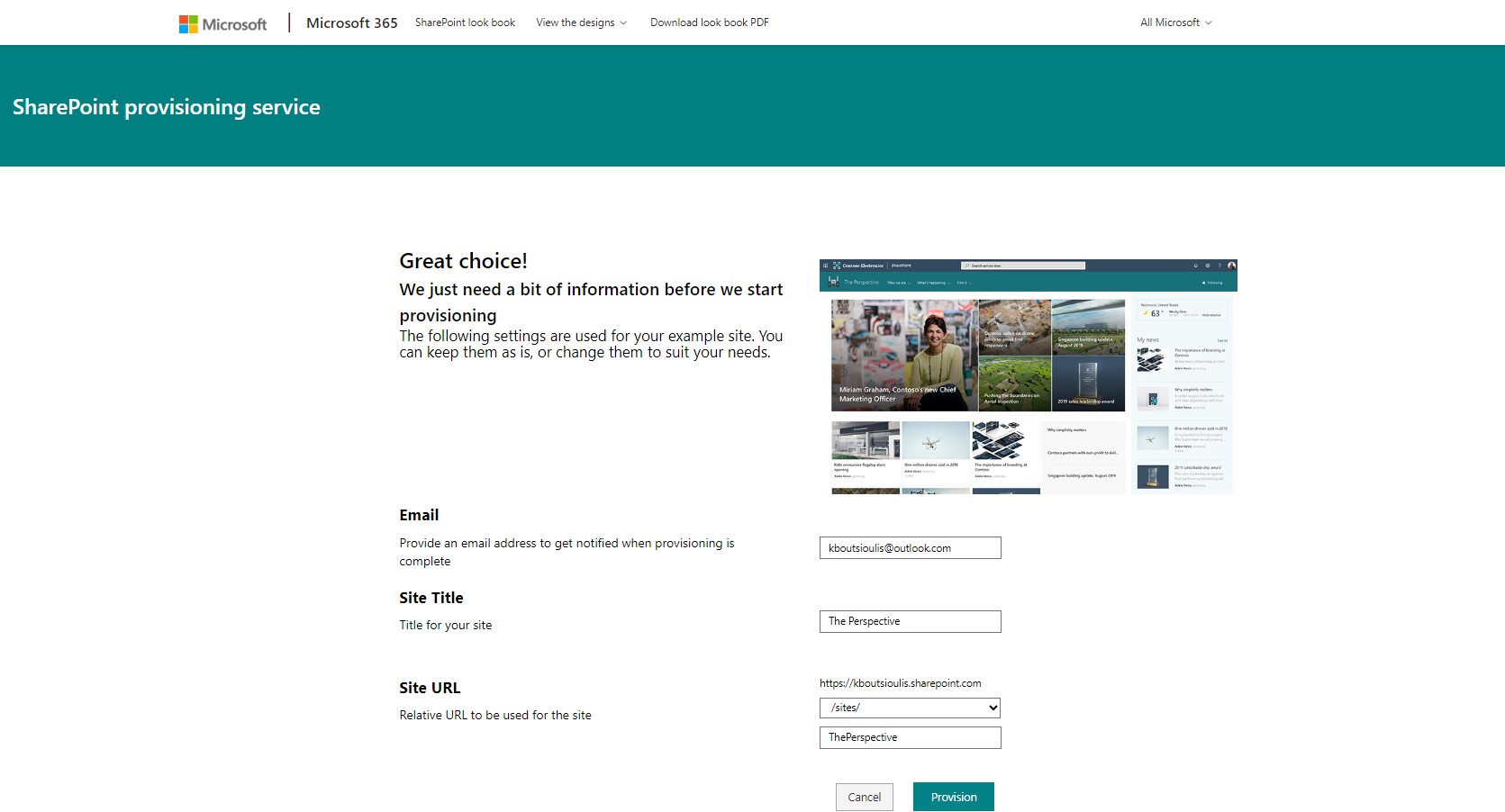
And click confirm
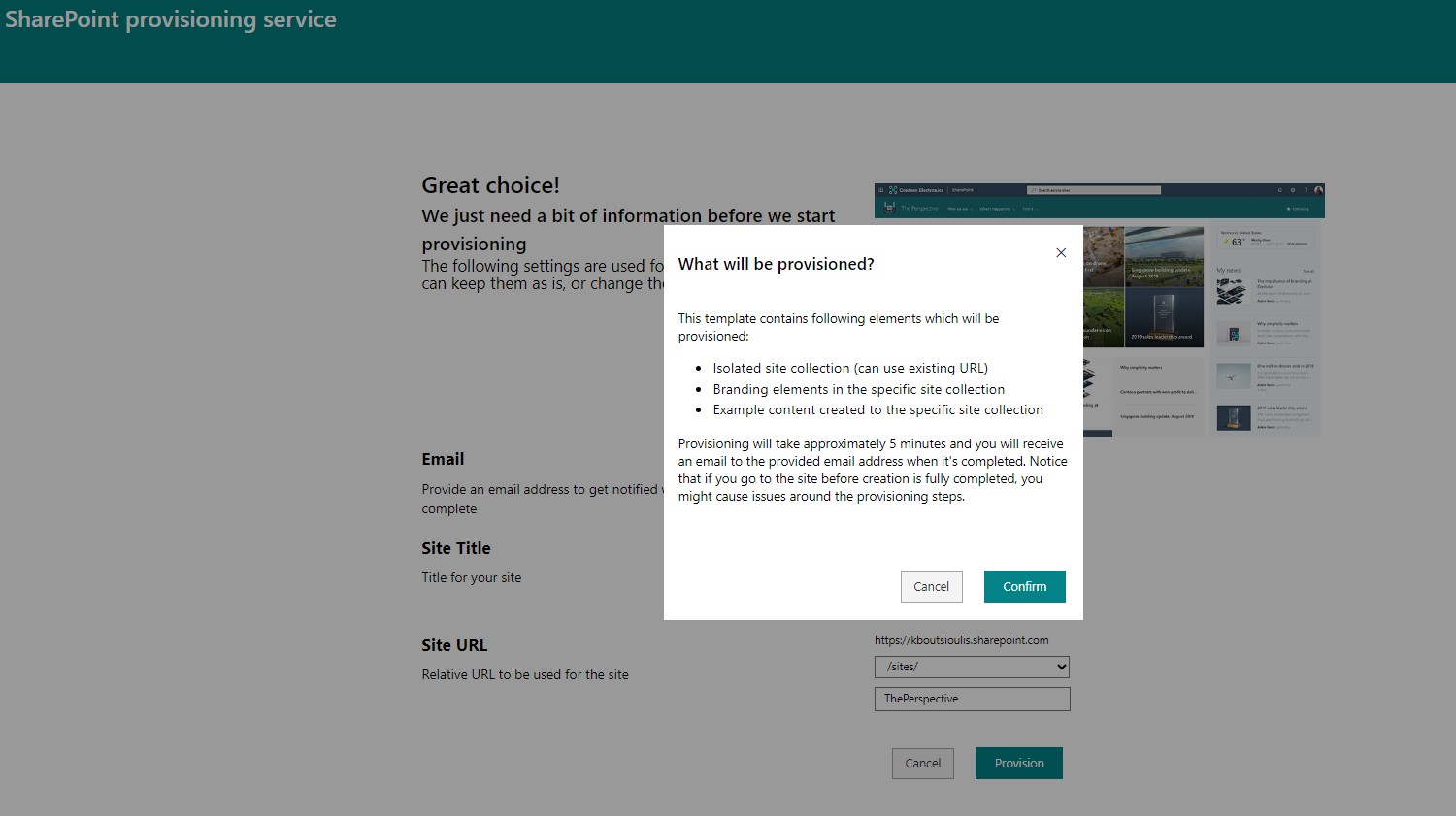
And we wait for the process to complete
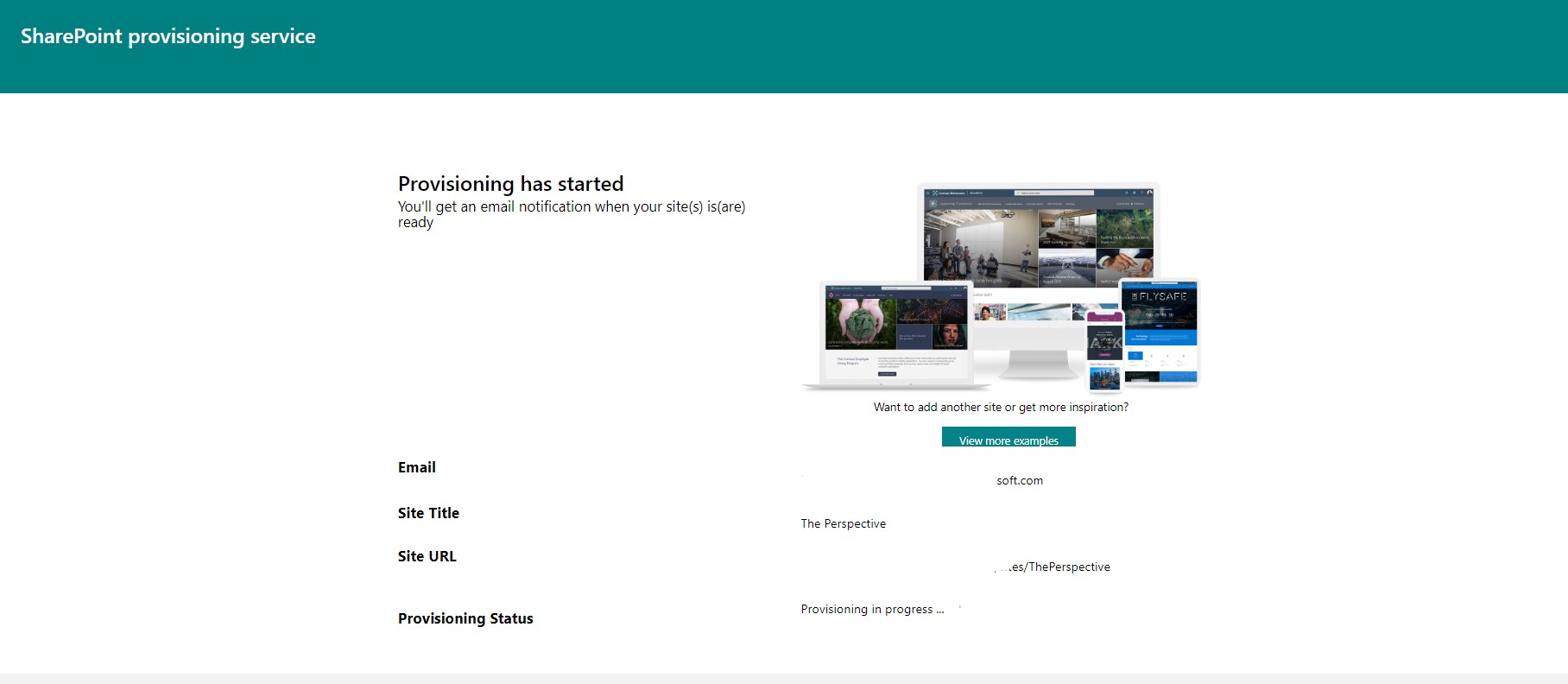
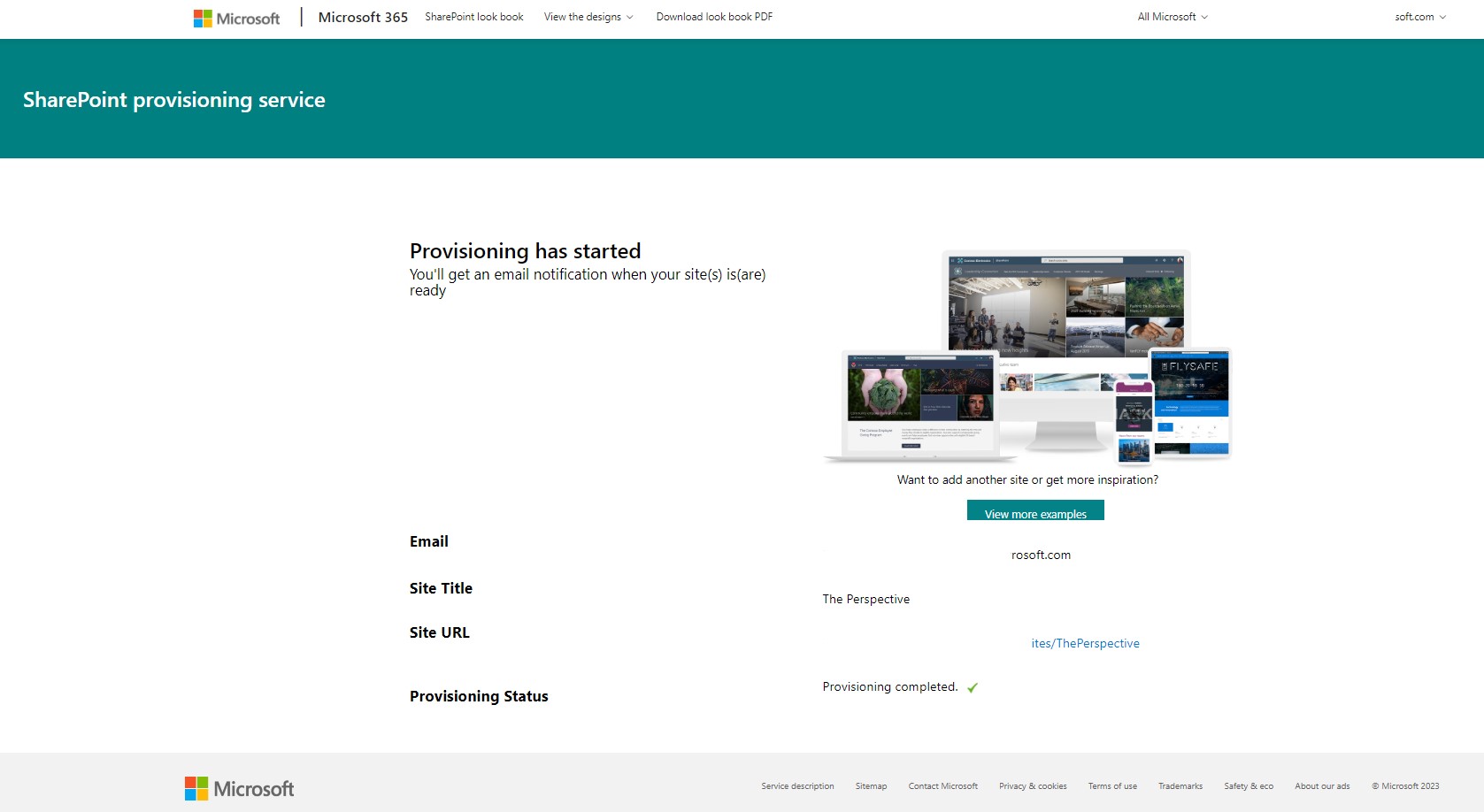
After the process is complete we see a tick in the provisioning status
And finally the site we have chosen has been created and it is a Communication type site
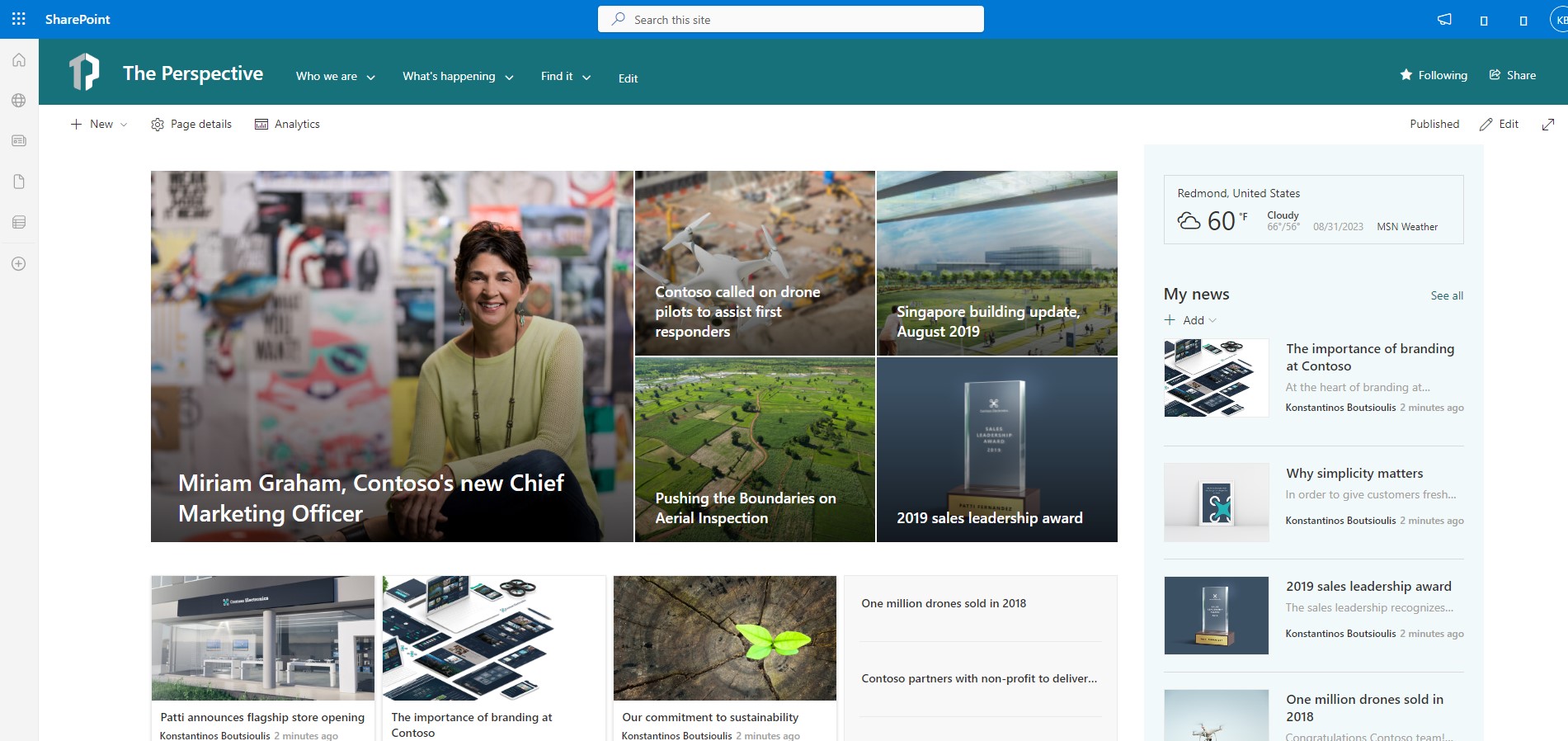
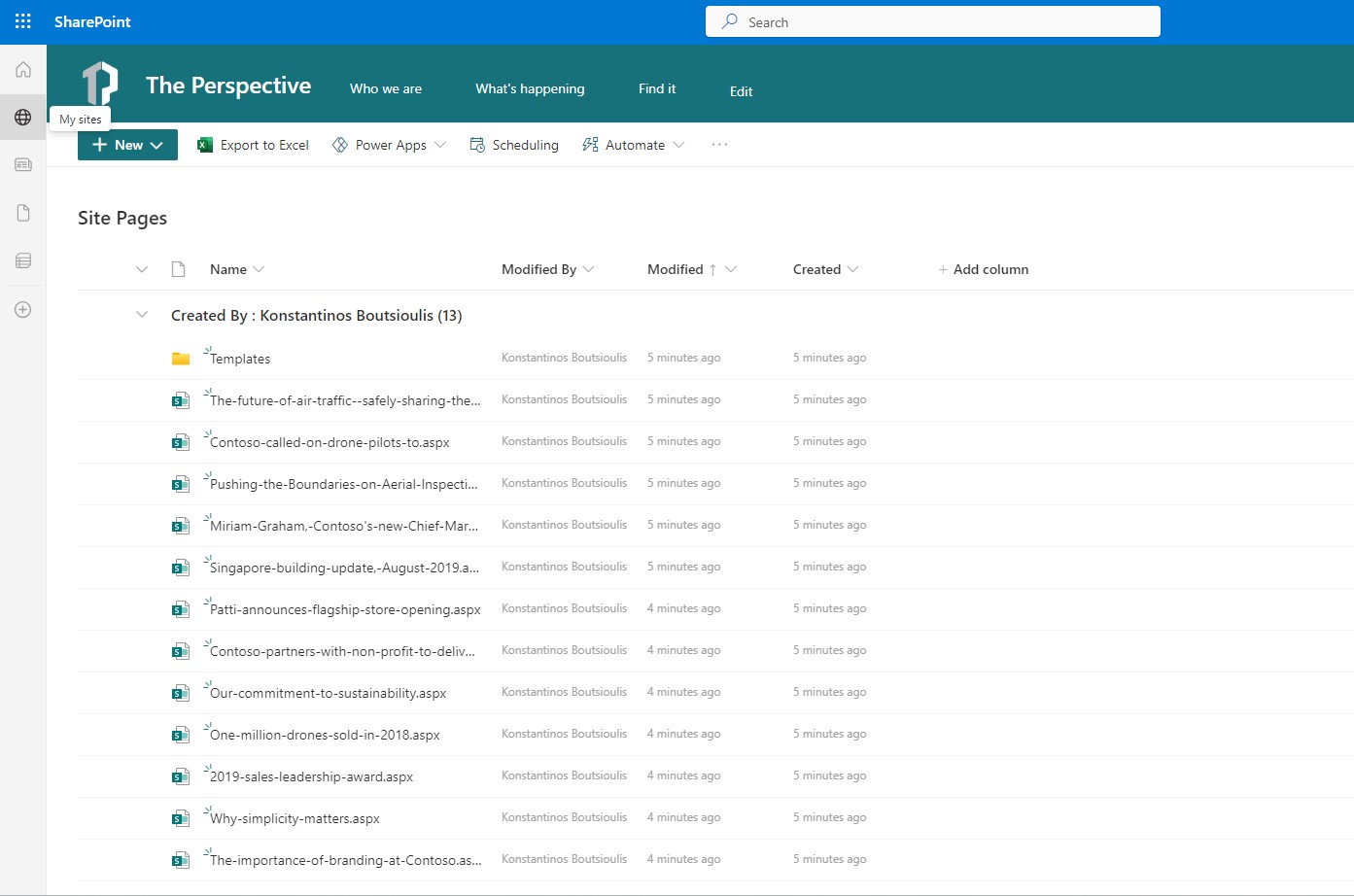
So use this simple procedure to deplaoy new and beautiful themes across your SharePoint . Also let me inform you that this is the same procedure as to create a simple page and then apply a theme from available themes in SharePoint If you see under site pages you will find all the neccessary files that provisioning service create for you to apply the theme that you choose from the SharePoint Look Book
 #SharePoint
#technology
#microsoft
#digitaltransformation
#cloud
#mvpbuzz
#m365
#SharePoint
#technology
#microsoft
#digitaltransformation
#cloud
#mvpbuzz
#m365
Visit Archives below to find more articles about Microsoft technologies on Modern Workplace