
Free Material
Find hereMore than 150 Articles about Microsoft Technologies on Modern Workplace
Official Site
Microsoft Most Valuable Professional M365 Apps & Services
Microsoft Most Valuable Professional Business Applications
Consultant & Sr Cloud Solution Architect Modern Wokrplace
Find hereMore than 150 Articles about Microsoft Technologies on Modern Workplace
17 June 2023
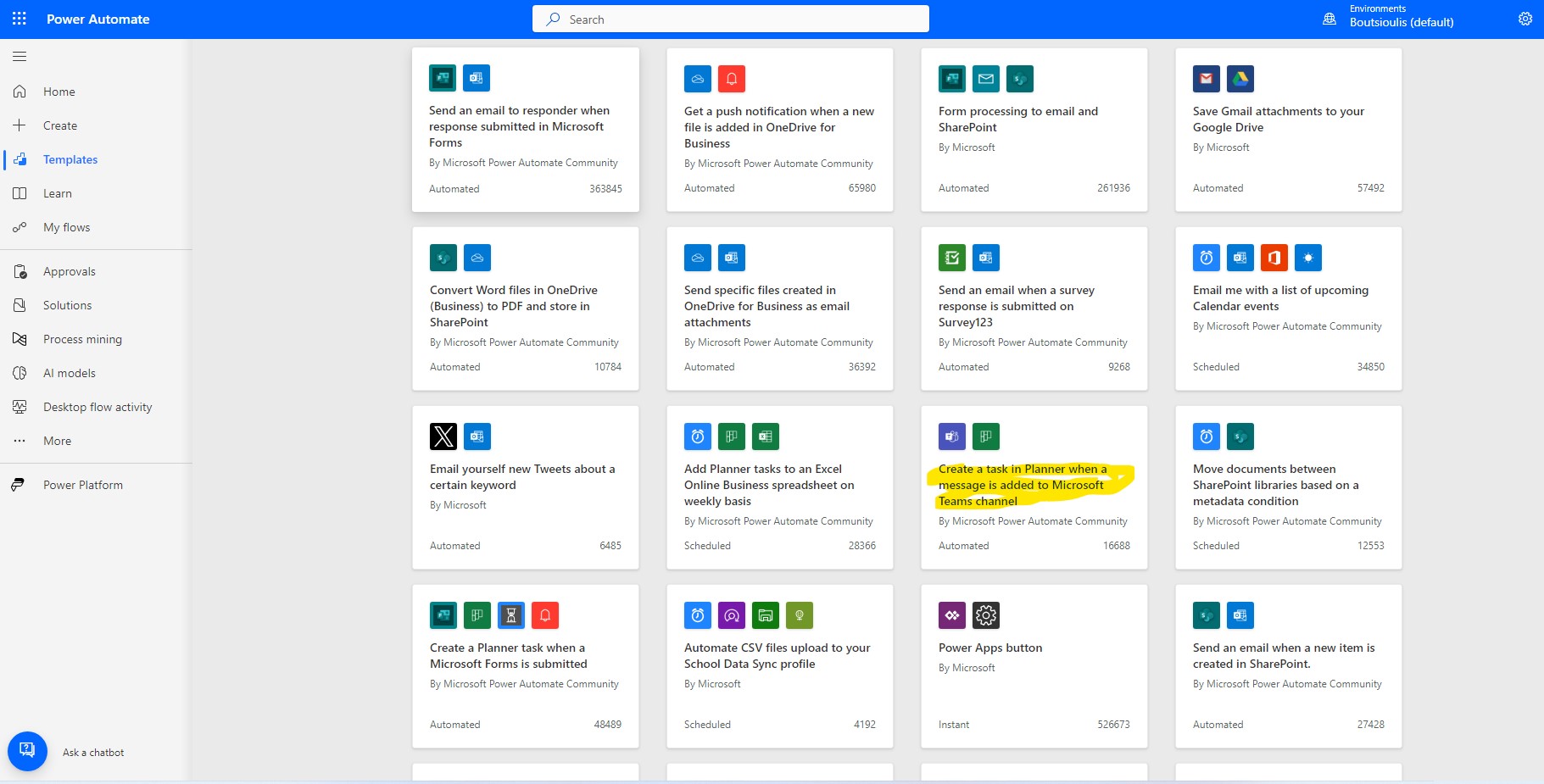
In today's article we will see how we can create an automaton that every time a message is added to a channel in teams to create a task within a certain bucket of the planner Starting from the active Microsoft 365 subscription, we go to the main page and then select Power automate. In the next step from the available templates we select the one called Create a task in Planner when a message is added to Microsoft Teams channel
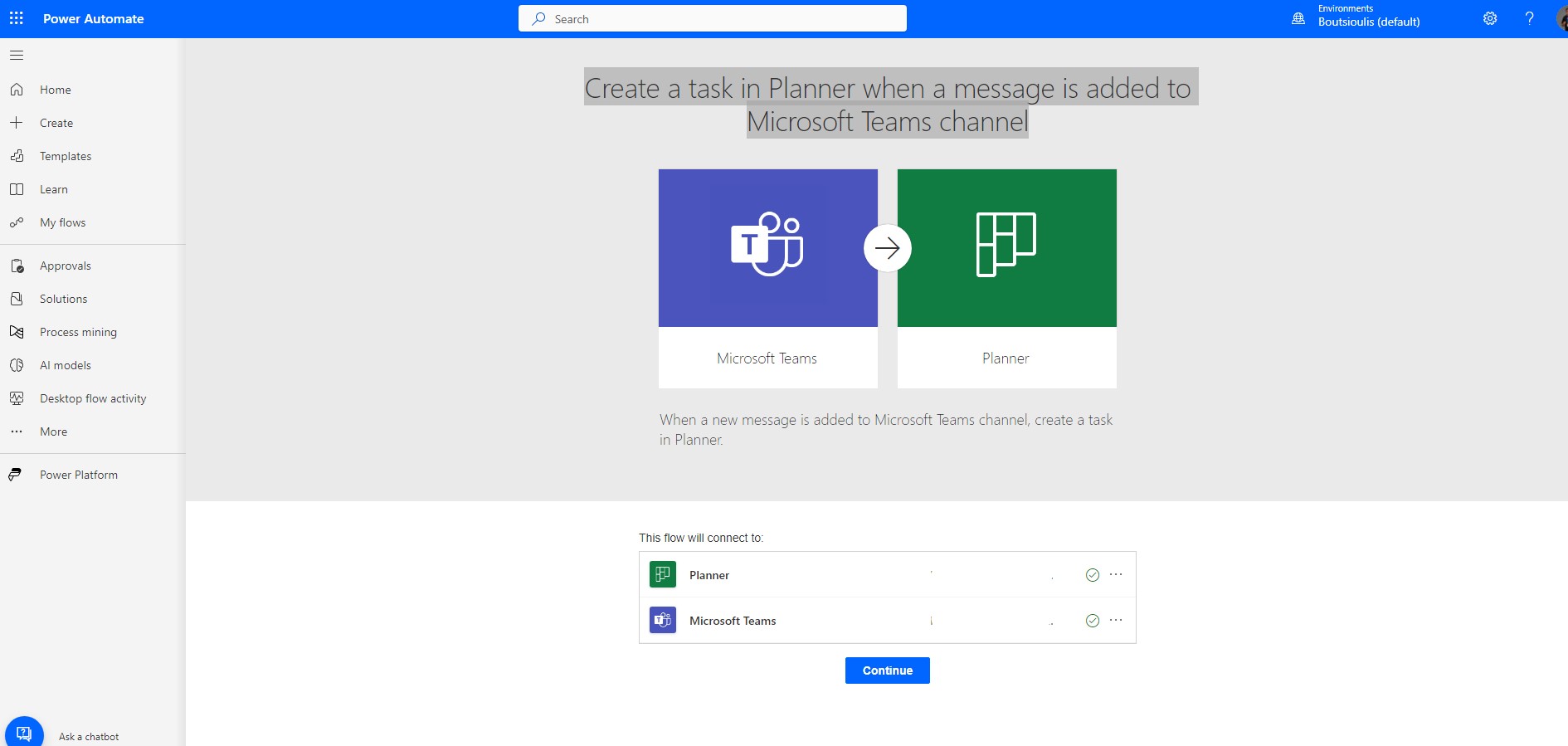
Enable all the necessary connections and click continue
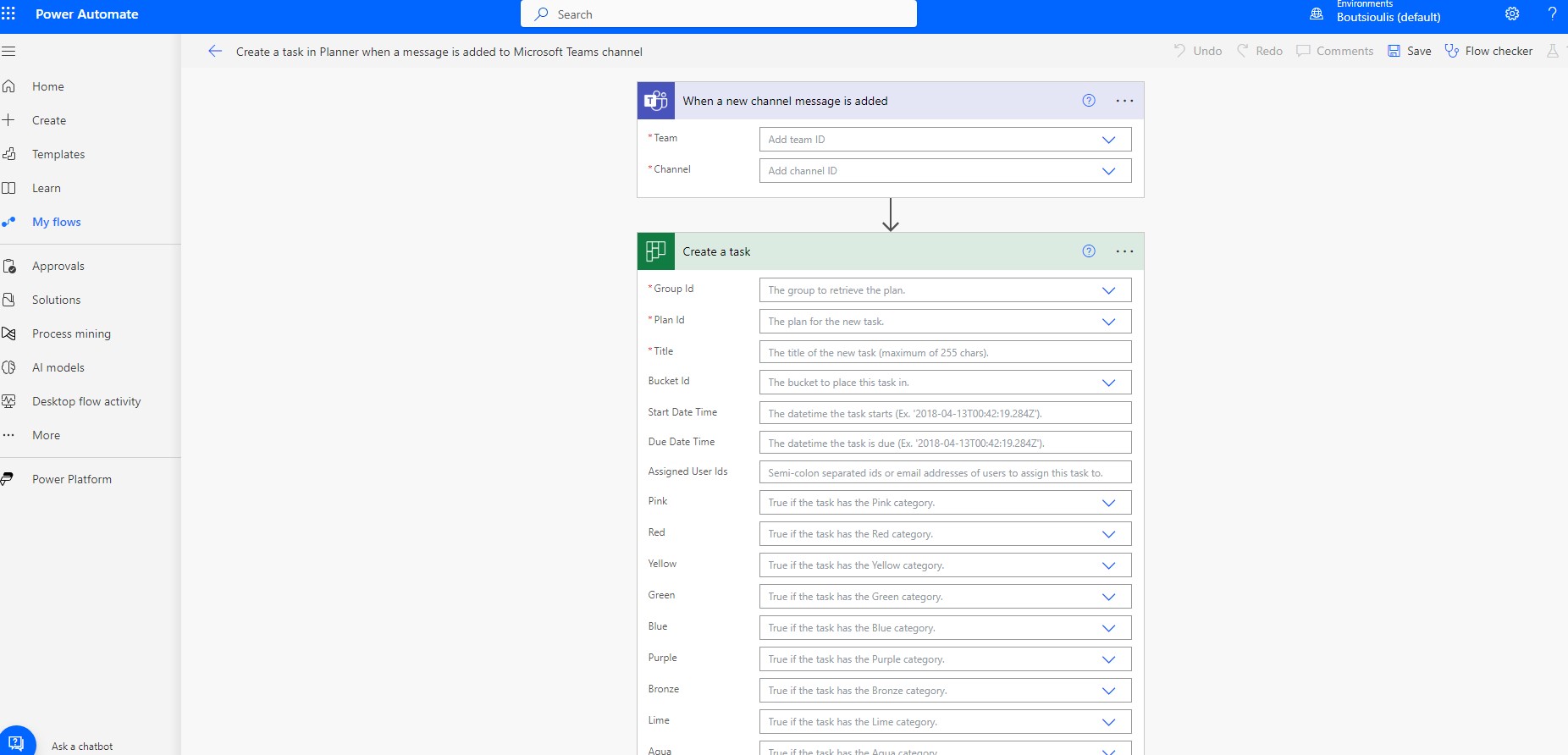
We are now in the body of automate
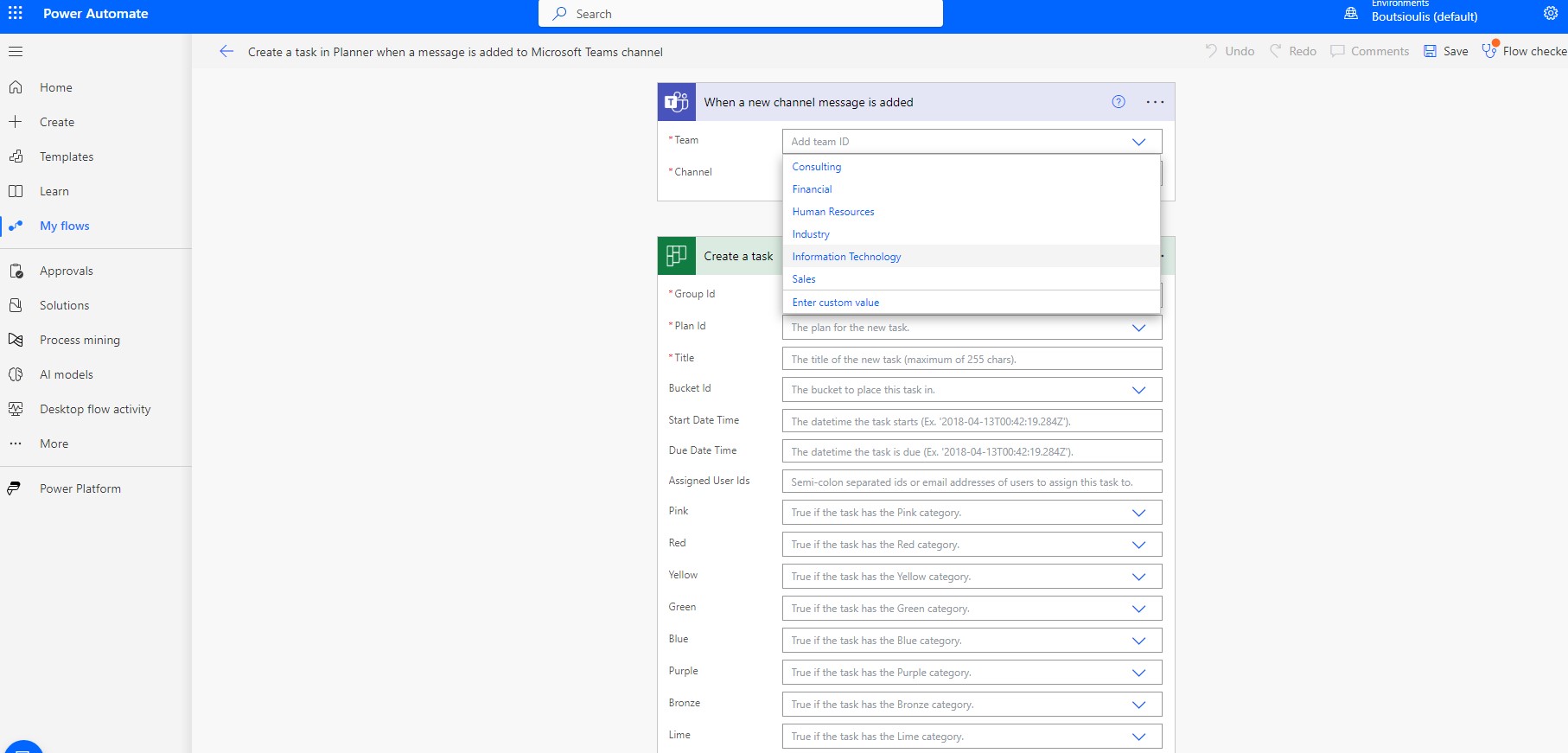
We select the team (of which we only have access to) from the pop-up menu and then the channel
In the next step we have to choose the plan id as well as the title and the bucket in which our new task will be created We choose as title the same message that was uploaded to the teams
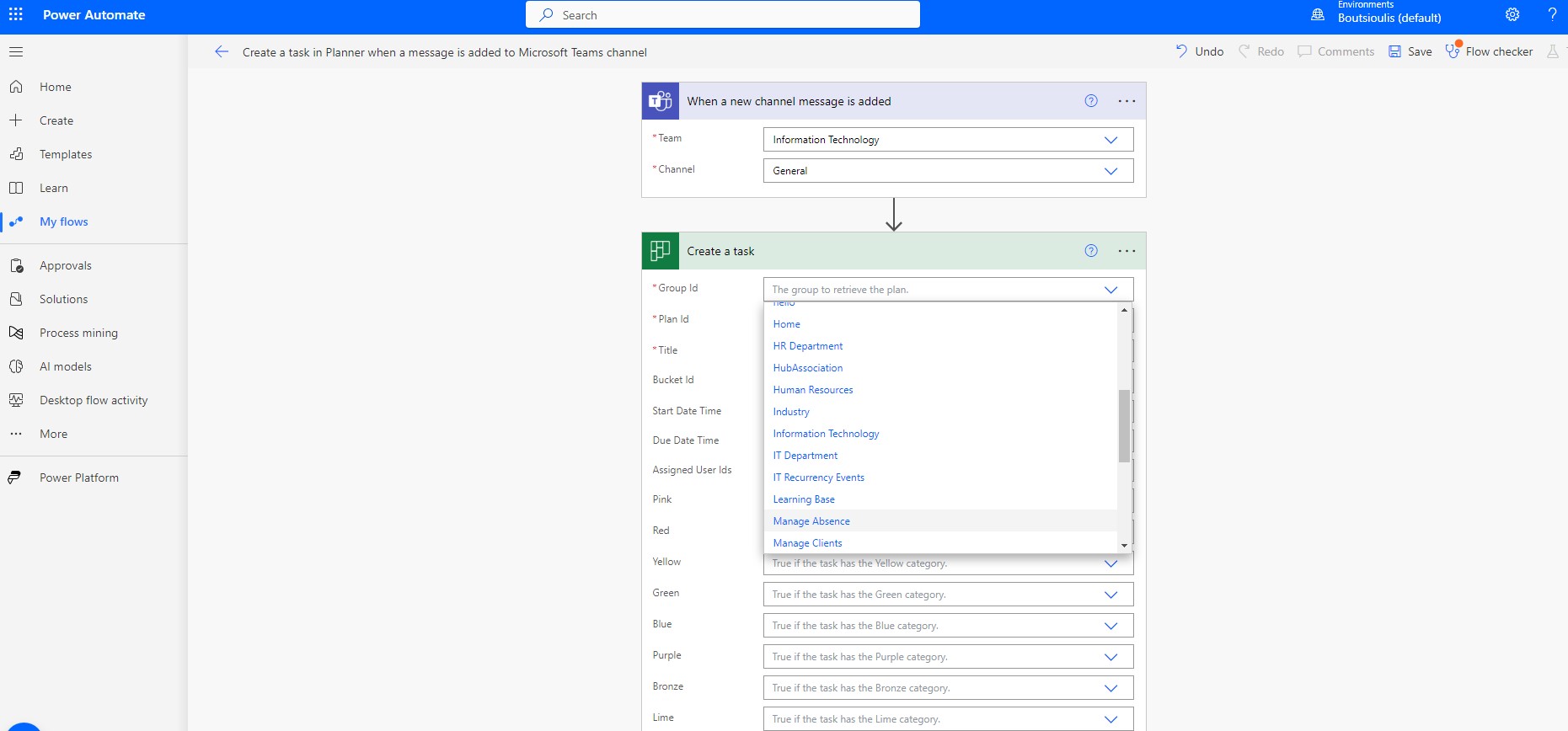
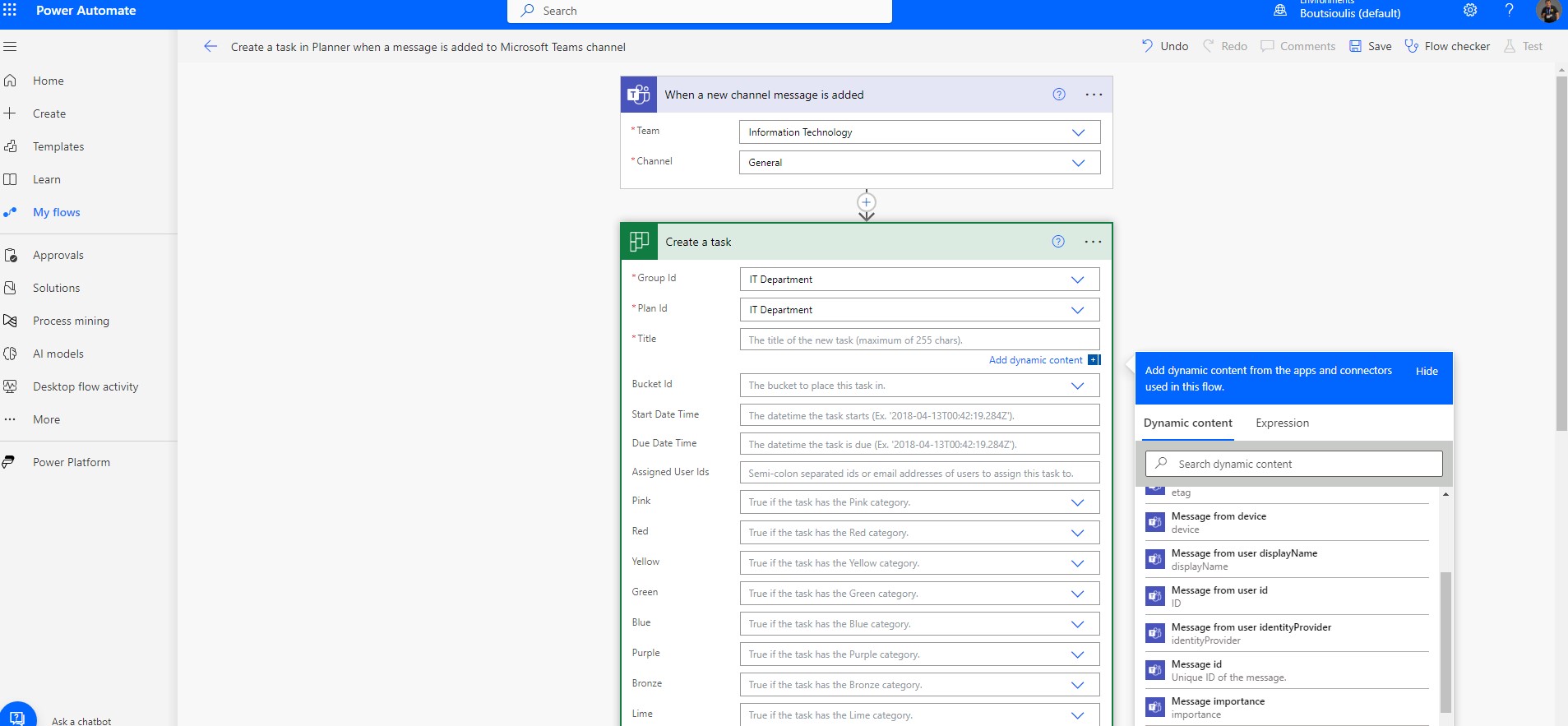
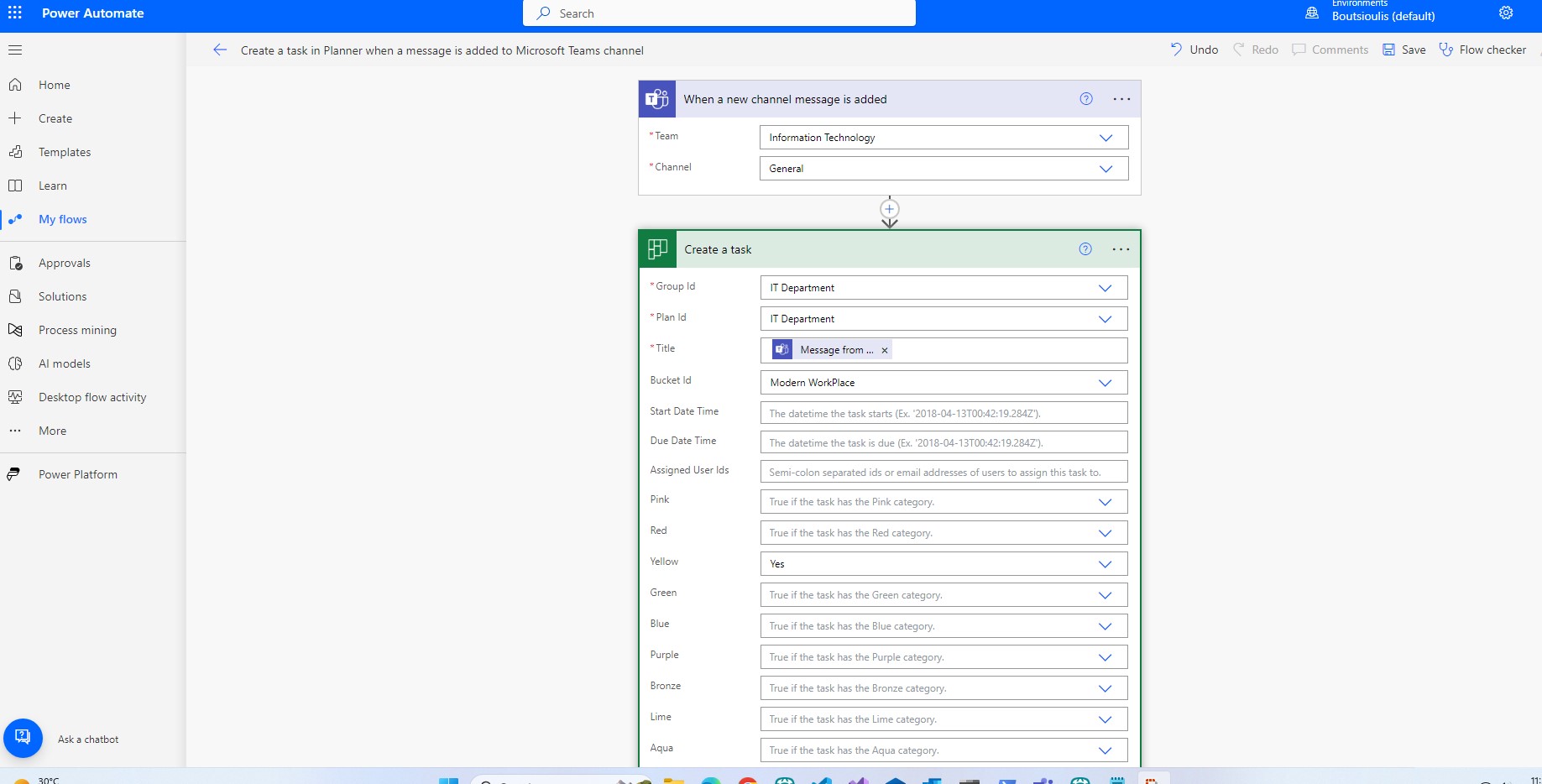
In the next step we have to save the automate
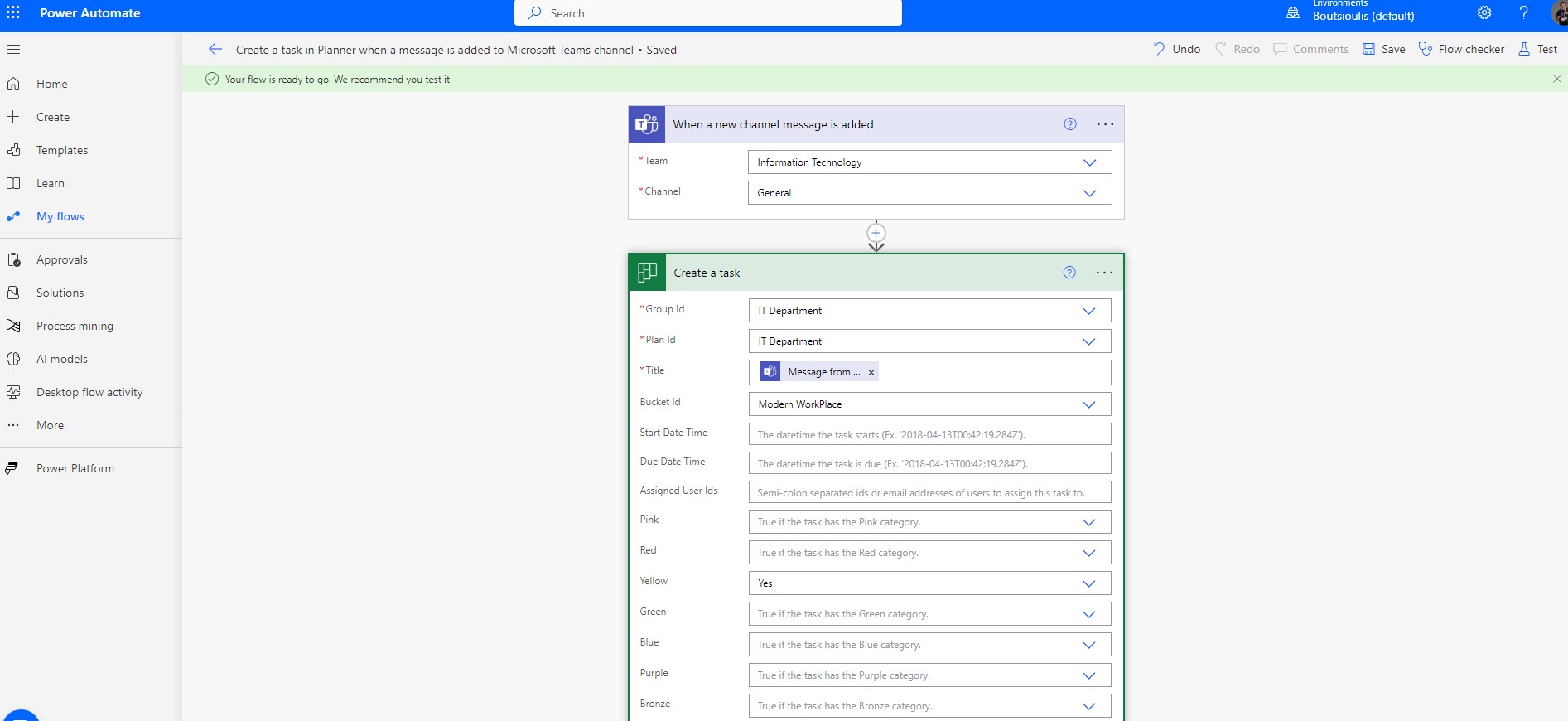
And we also need to do manual testing for the proper functioning of our automate.
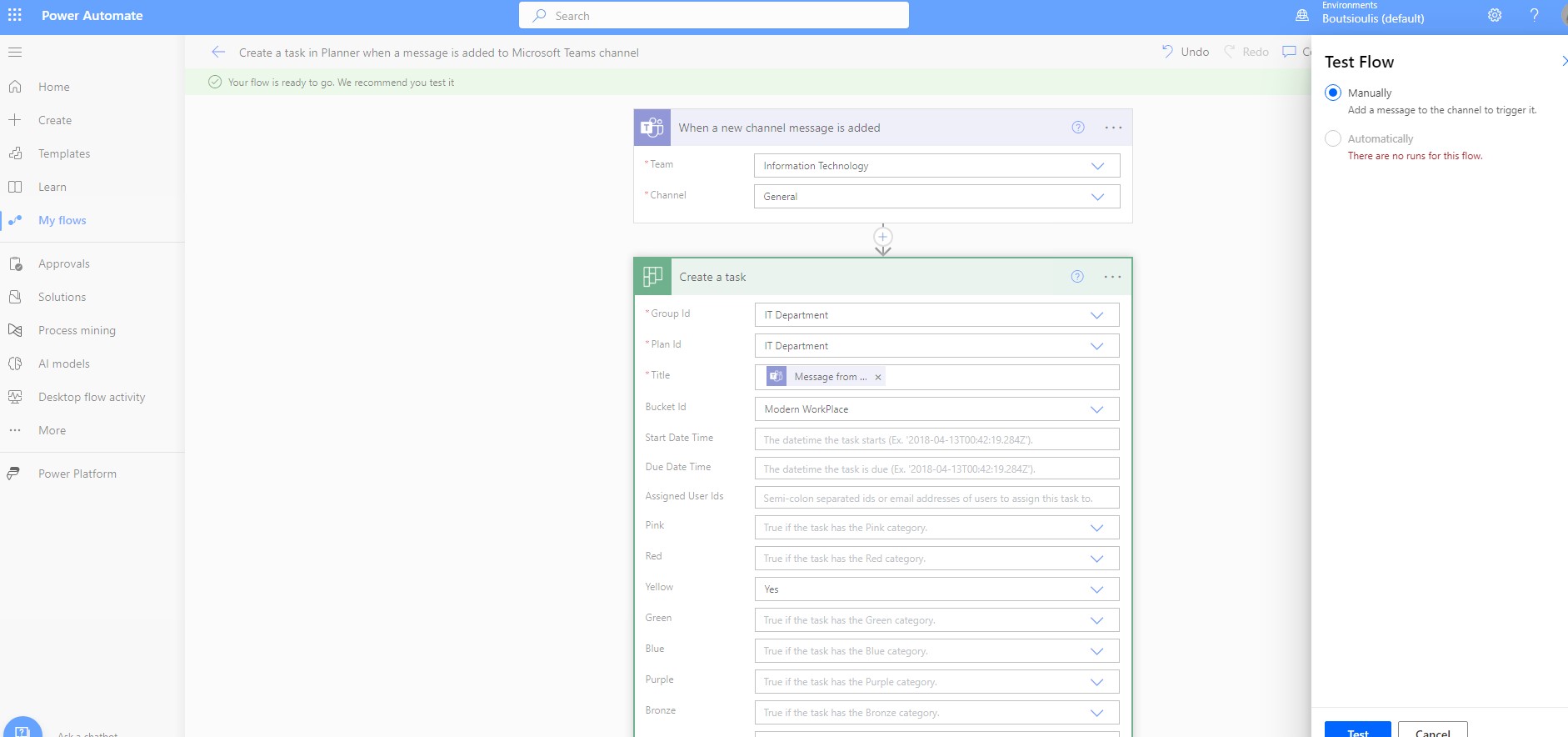
The automaton is waiting for a post to be made on the specific channel of the team we have selected in Teams
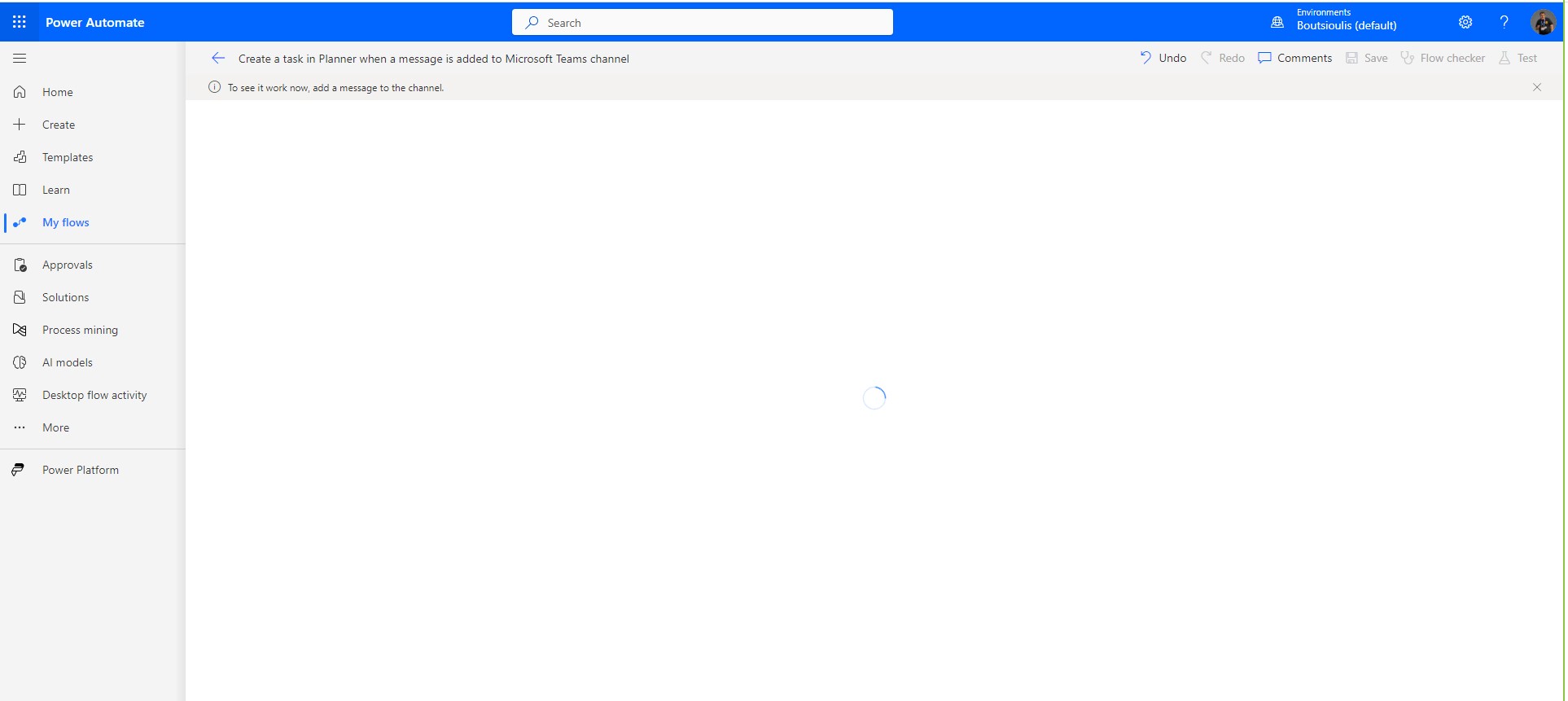
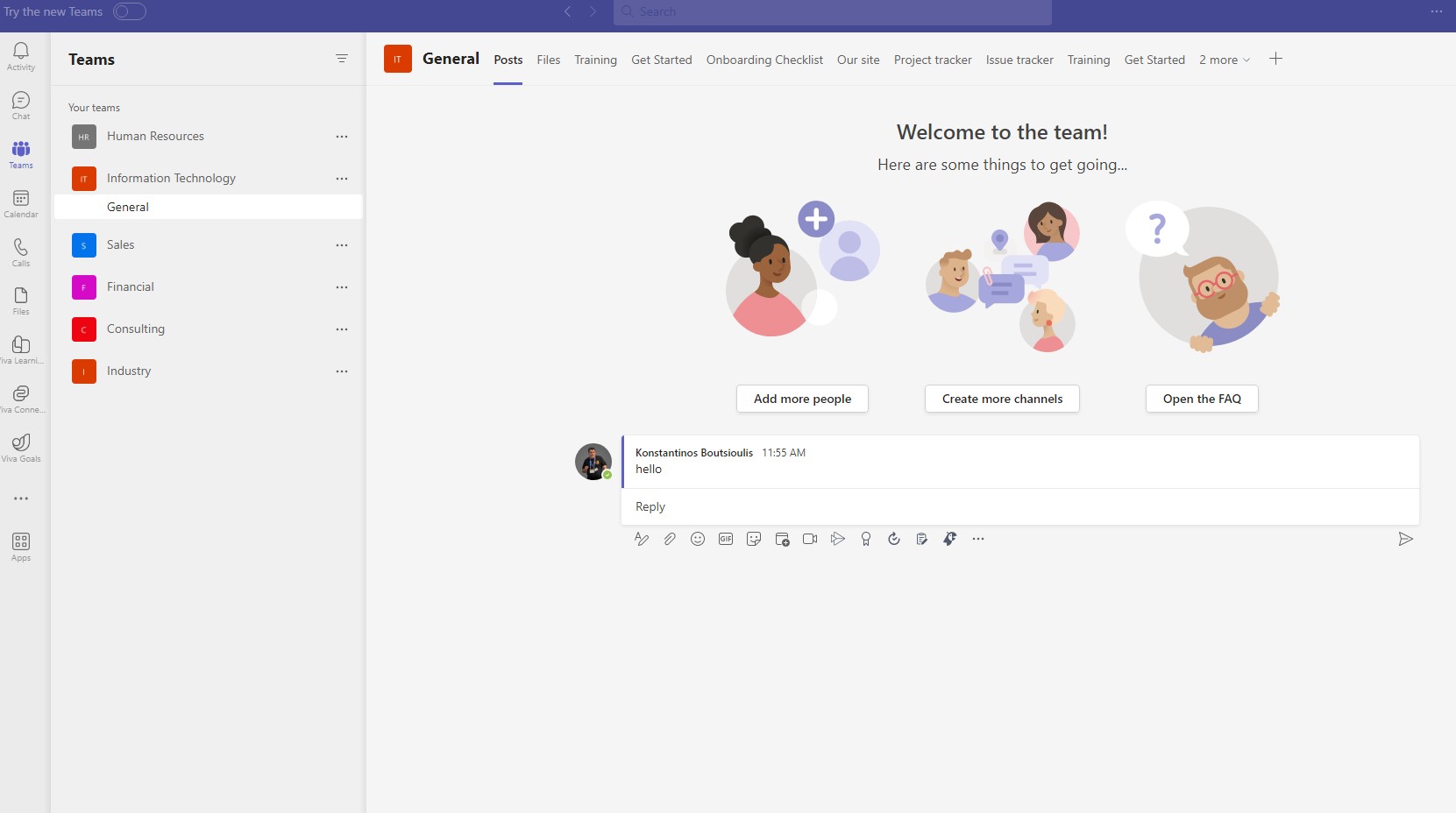
Actually after we post, the automaton runs.
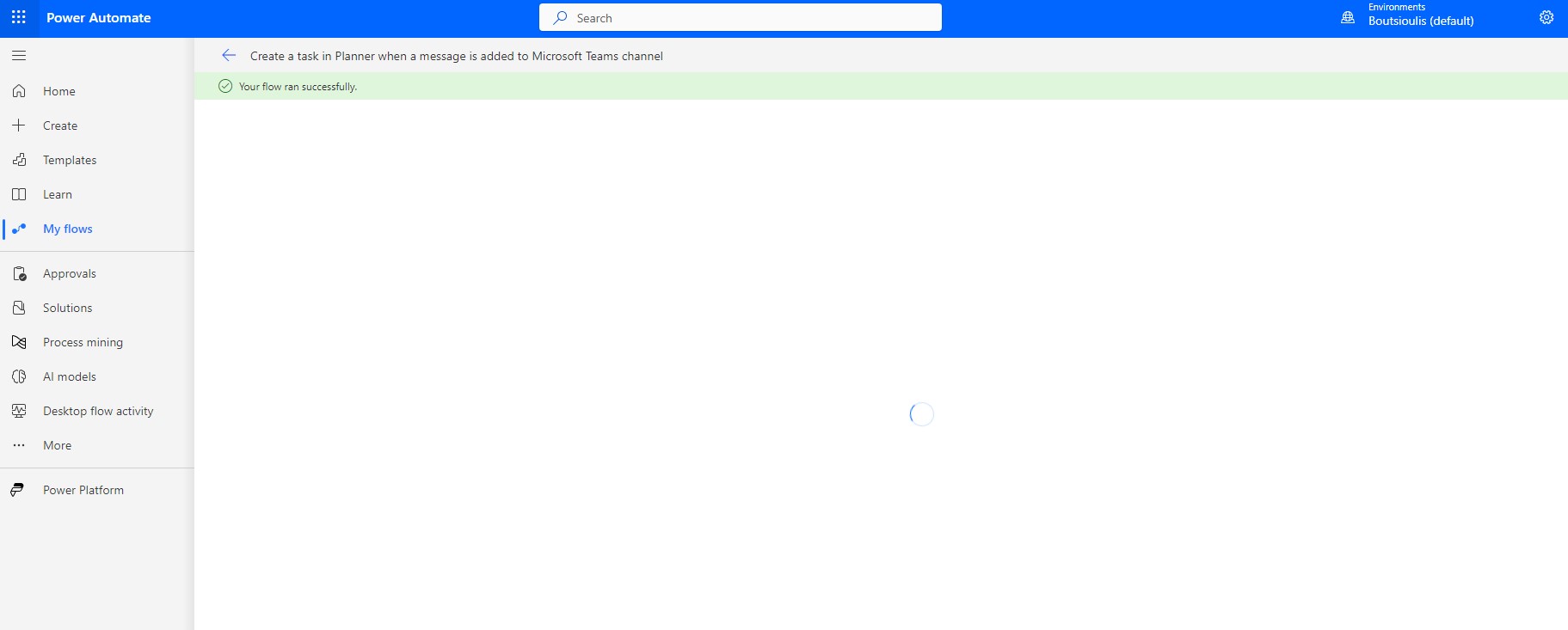
and as you can see, there was no problem with our automate.
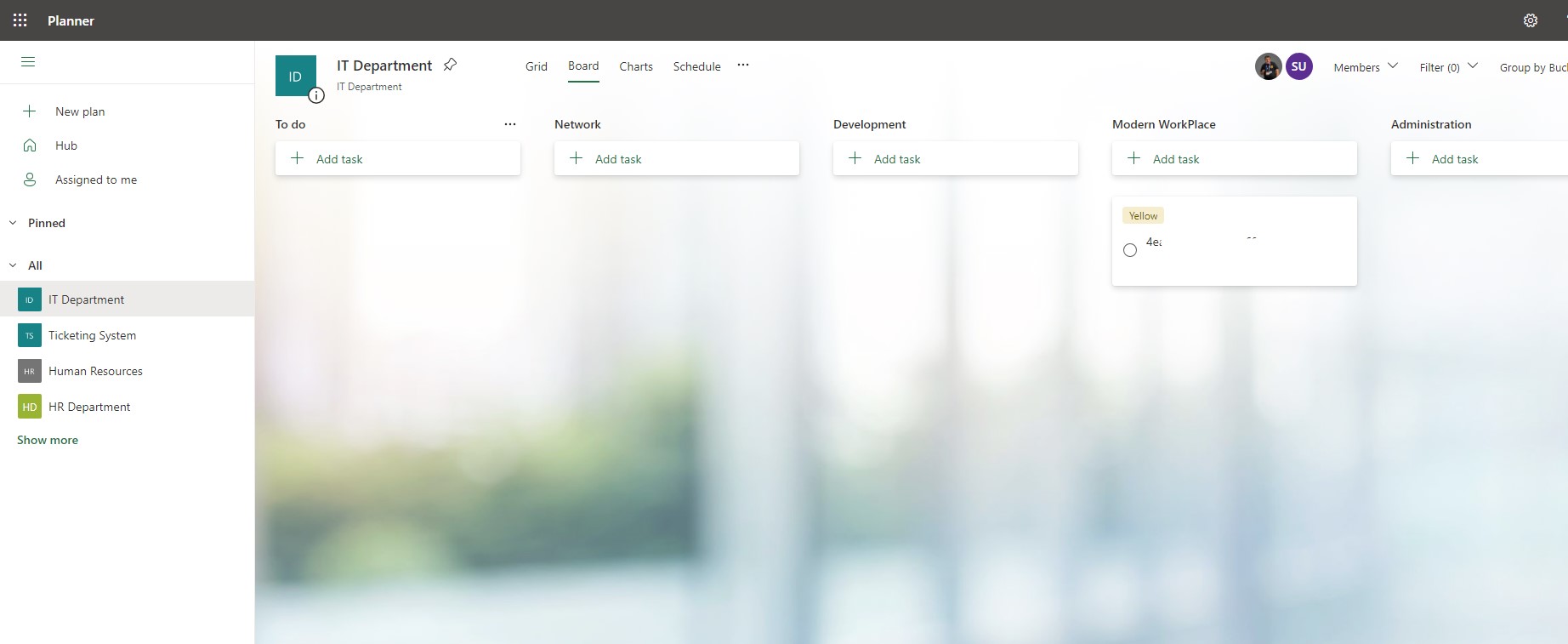
If we now check the Modern Workplace bucket in the planner we see that a new task has been created
If we now check the Modern Workplace bucket in the planner we see that a new task has been created
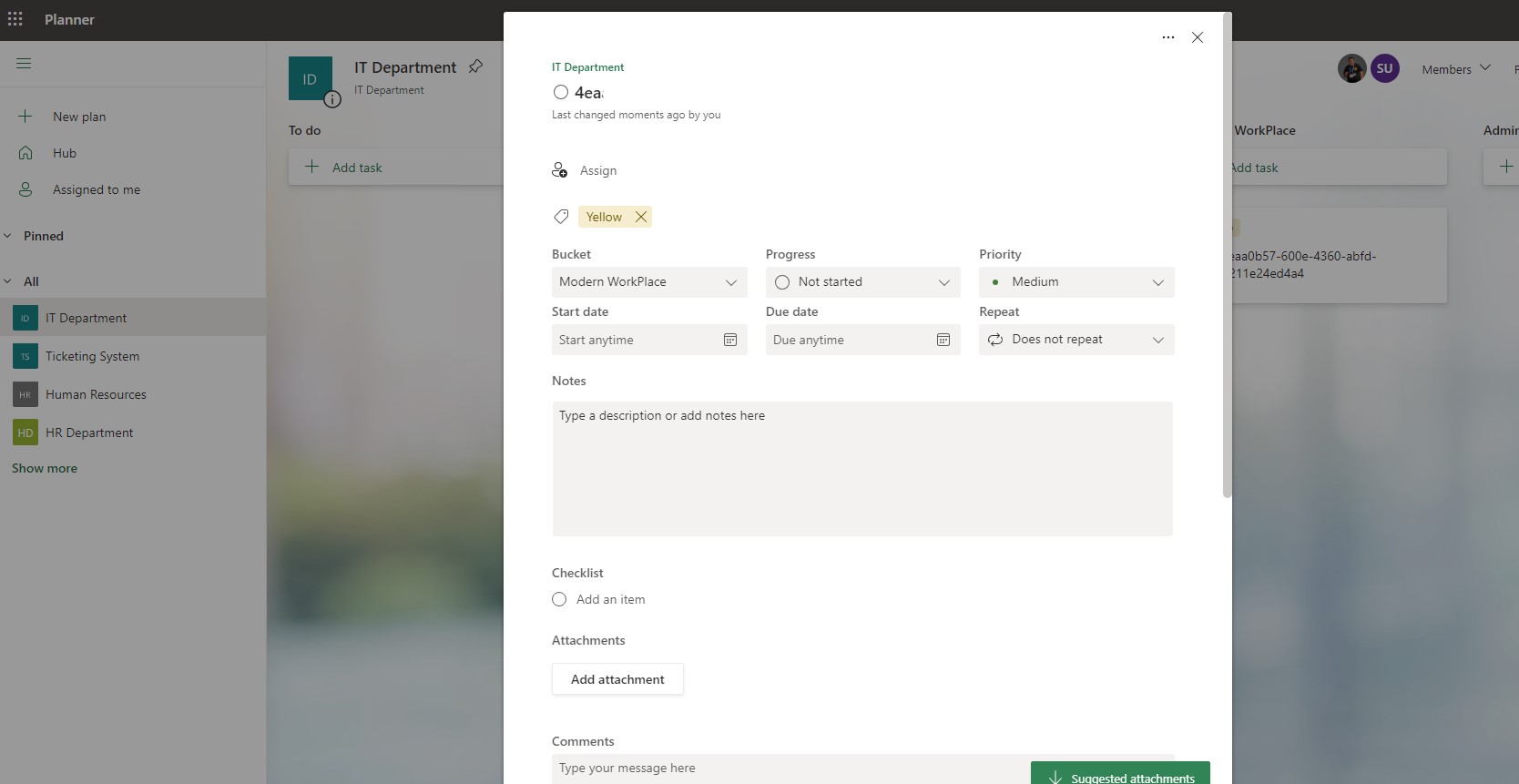
Now you can see the body of ticket with yellow tag
 #technology
#microsoft
#PowerApps
#PowerAutomates
#digitaltransformation
#cloud
#mvpbuzz
#m365
#technology
#microsoft
#PowerApps
#PowerAutomates
#digitaltransformation
#cloud
#mvpbuzz
#m365
Visit Archives below to find more articles about Microsoft technologies on Modern Workplace