
Free Material
Find hereMore than 150 Articles about Microsoft Technologies on Modern Workplace
Official Site
Microsoft Most Valuable Professional M365 Apps & Services
Microsoft Most Valuable Professional Business Applications
Consultant & Sr Cloud Solution Architect Modern Wokrplace
Find hereMore than 150 Articles about Microsoft Technologies on Modern Workplace
29 June 2023
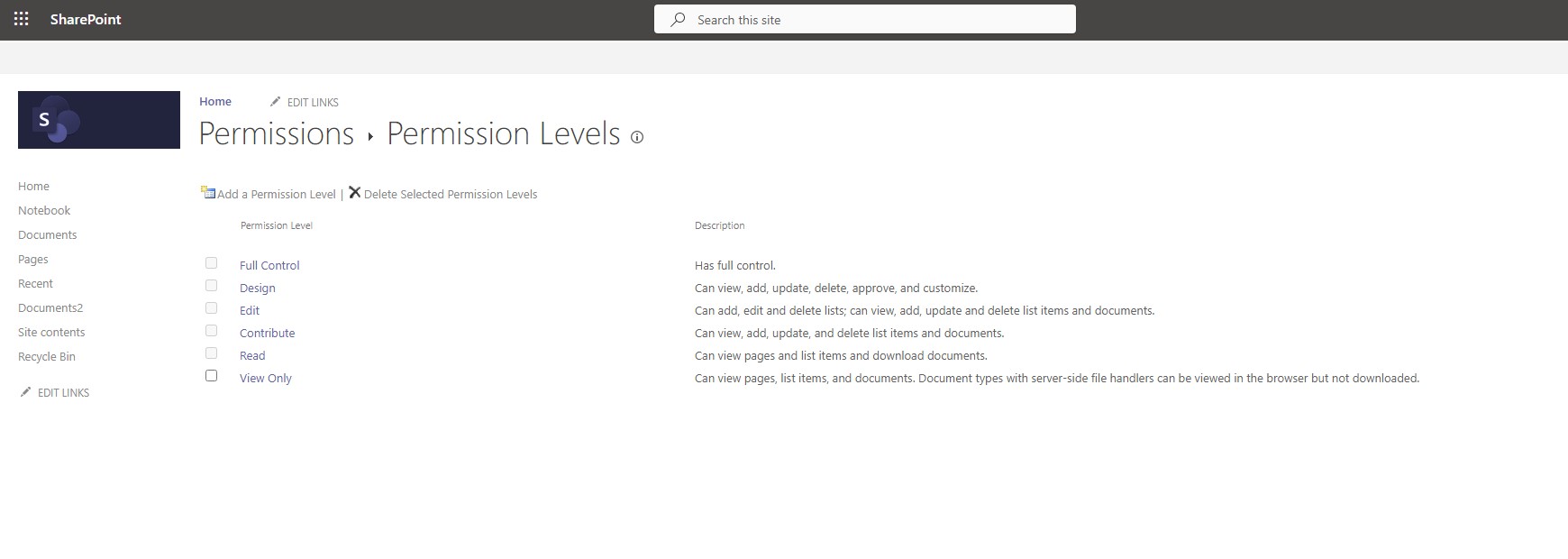
In today's article I will show you how using PowerShell we can create a permission level for SharePoint on one of our organization's sites Then using the same method we will delete the corresponding Permission level At the top of our page you can see the existing permission levels that exist by default from SharePoint
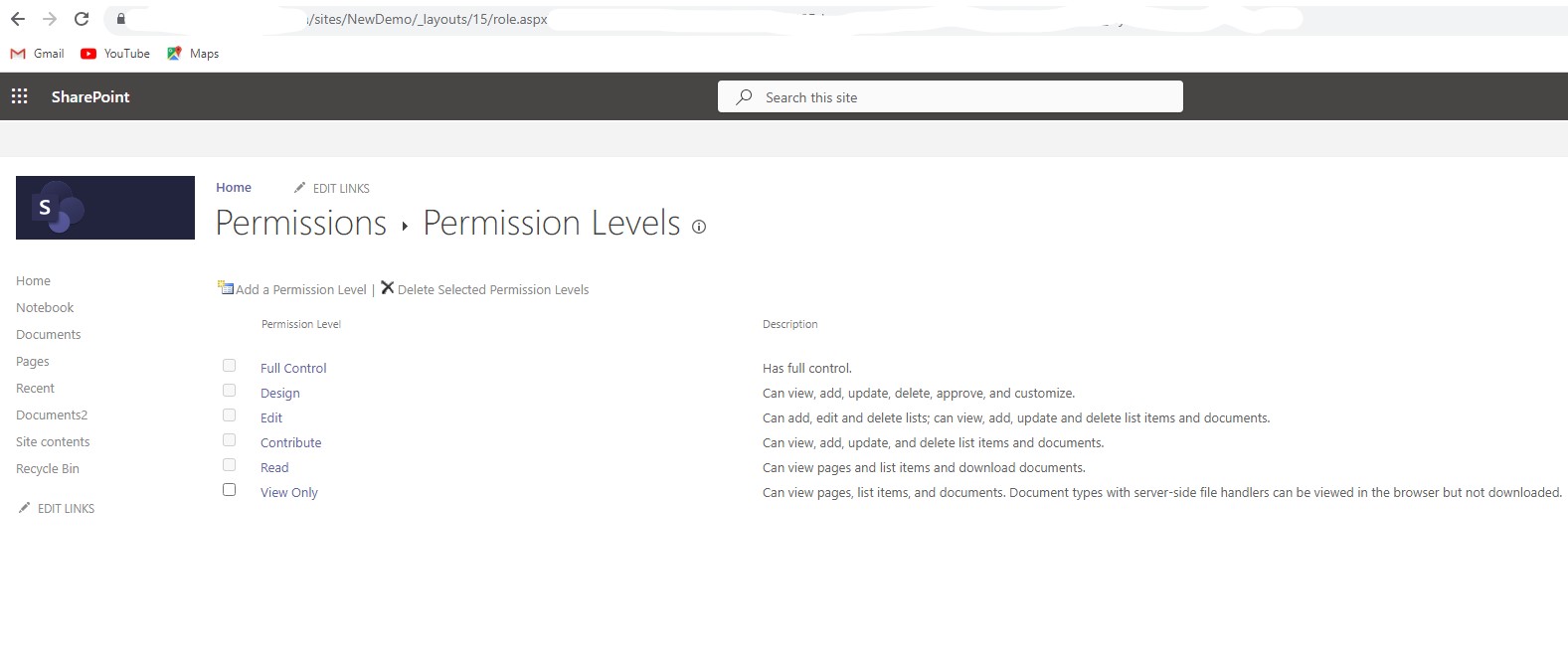
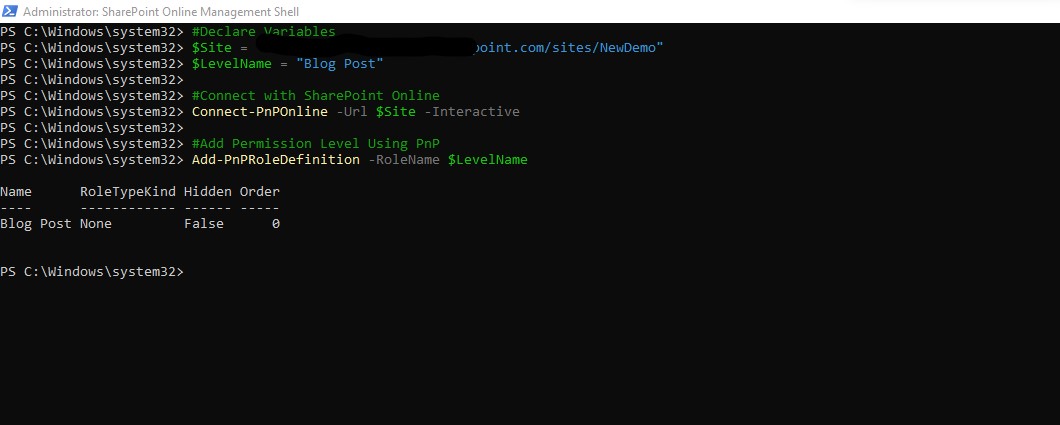
We open the SharePoint Online Management Shell with administrator privileges and send the following PowerShell
# Declare Variables
$Site="https://mytenant-admin.sharepoint.com/sites/NewDemo"
$LavelName="Blog Post"
#Connect with PnP Online /p>
Connect-PnPOnline -Url $Teanant -Interactive
#Execute Add Permission Level
Add-PnPRoleDefinition -RoleName $LevelName
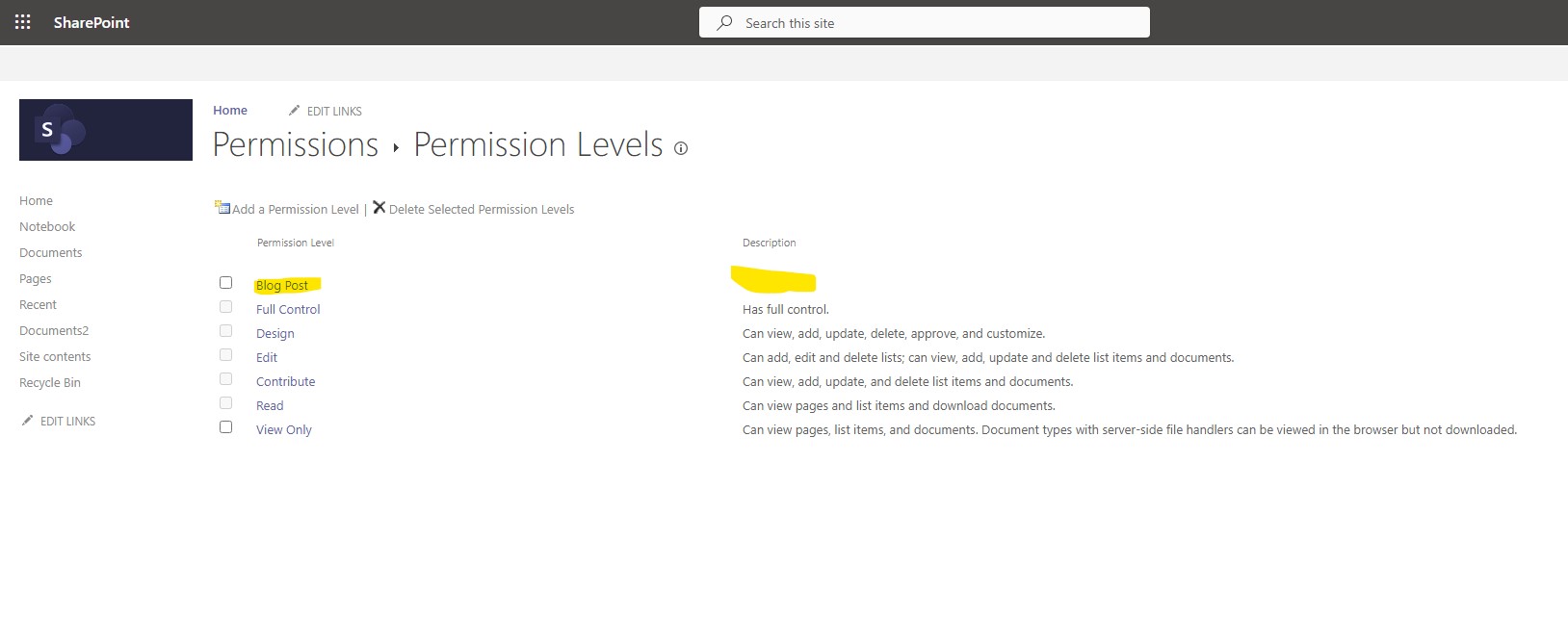
As you can see our new permission level is created
In case we want to delete a permission level with a similar procedure we can use the PowerShell below to delete the permission level
# Declare Variables
$Site="https://mytenant-admin.sharepoint.com/sites/NewDemo"
$LavelName="Blog Post"
#Connect with PnP Online /p>
Connect-PnPOnline -Url $Teanant -Interactive
#Execute Delete Permission Level
Remove-PnPRoleDefinition -RoleName $LevelName
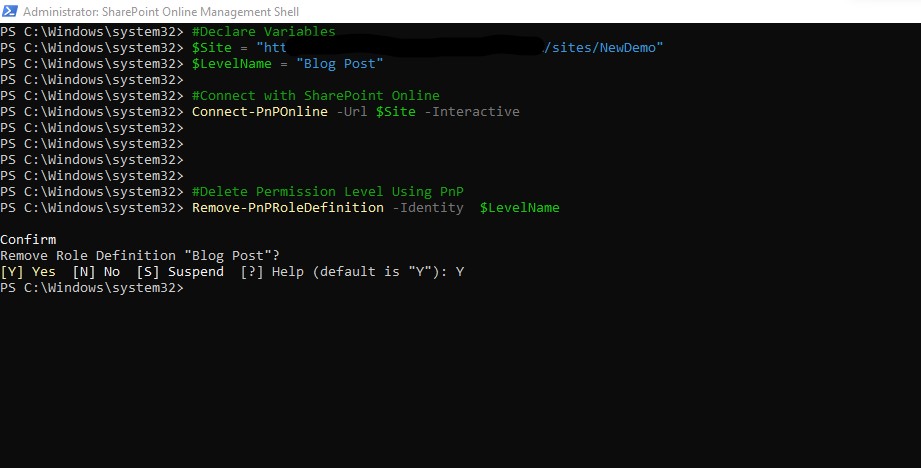
Indeed, as you can see, the deletion of the level I selected earlier when running PowerShell
 #SharePoint
#technology
#microsoft
#PowerShell
#PnP
#digitaltransformation
#cloud
#mvpbuzz
#m365
#SharePoint
#technology
#microsoft
#PowerShell
#PnP
#digitaltransformation
#cloud
#mvpbuzz
#m365
Visit Archives below to find more articles about Microsoft technologies on Modern Workplace