
Free Material
Find hereMore than 150 Articles about Microsoft Technologies on Modern Workplace
Official Site
Microsoft Most Valuable Professional M365 Apps & Services
Microsoft Most Valuable Professional Business Applications
Consultant & Sr Cloud Solution Architect Modern Wokrplace
Find hereMore than 150 Articles about Microsoft Technologies on Modern Workplace
03 June 2023
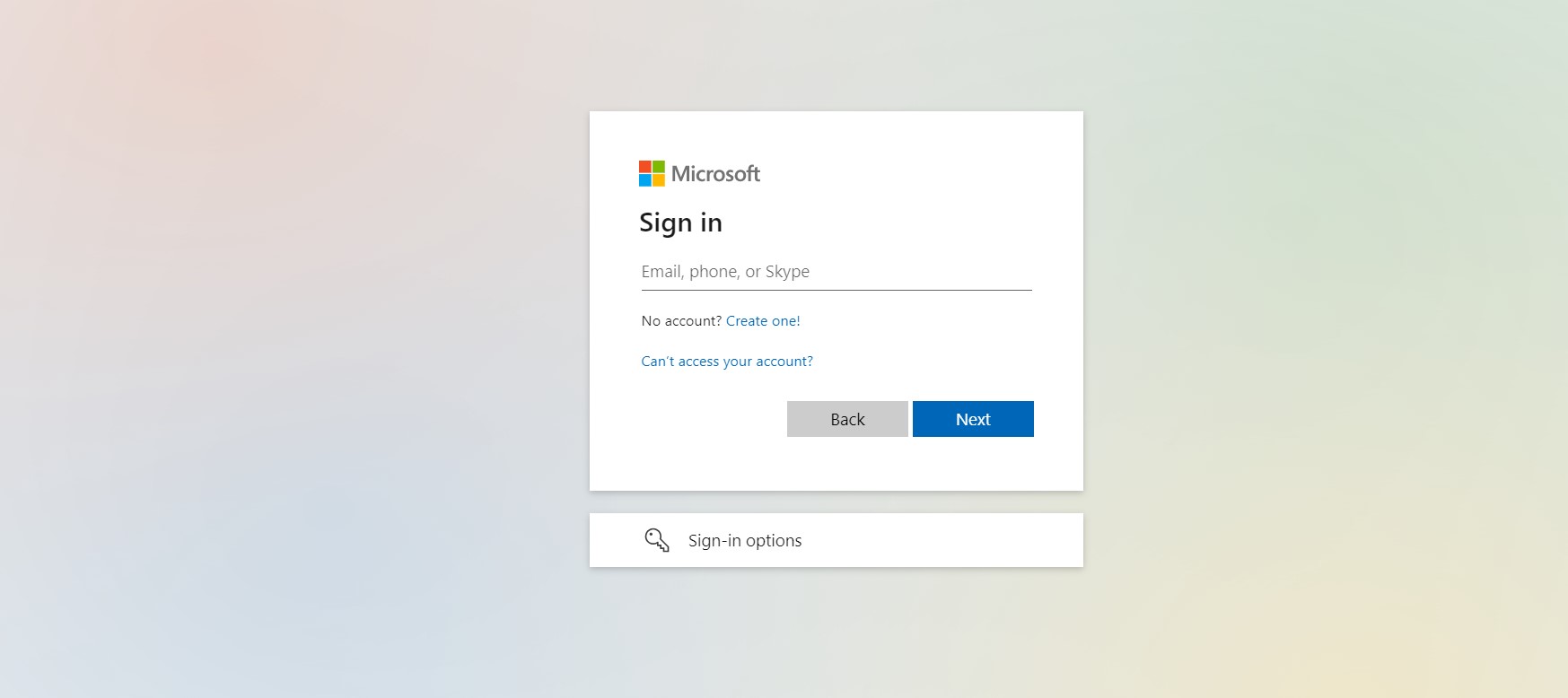
In today's article I will show you how we can use Azure Active Directory to assign admin rights for SharePoint and Microsoft Teams to one of our organization's users First we type in the email address office.com and enter our username and password
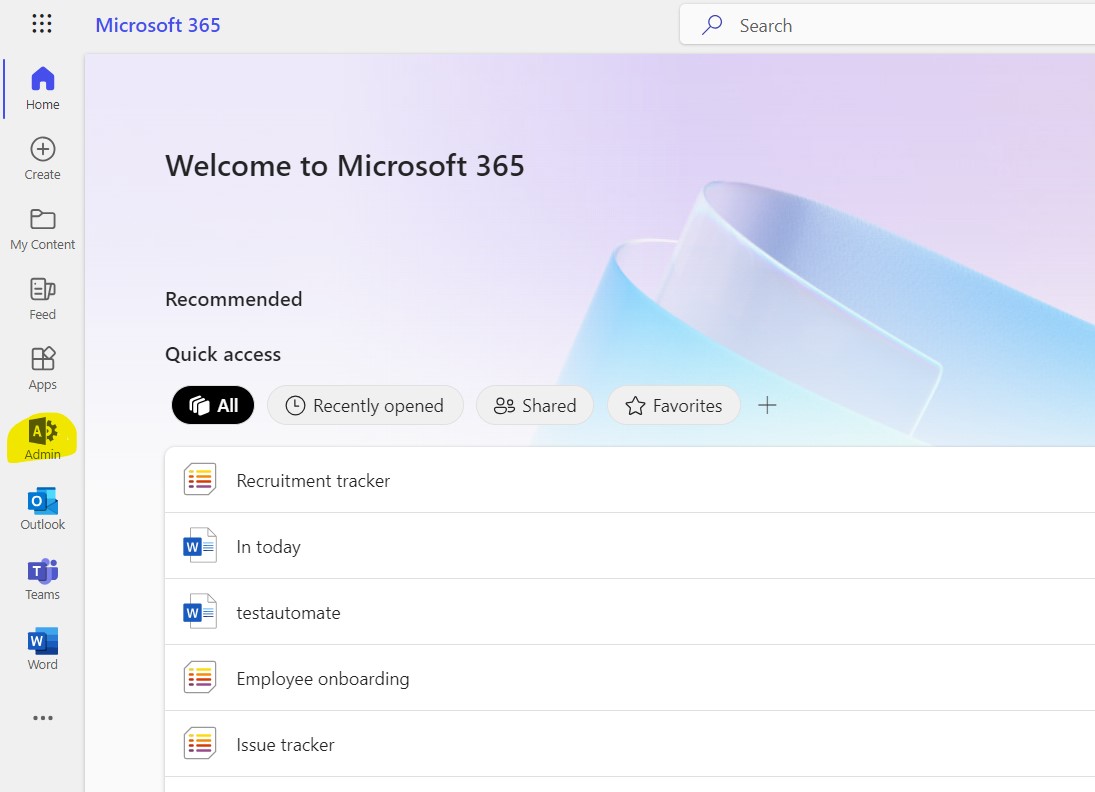
Once we have entered them correctly we need to redirect to the main office page where we need to select the admin icon
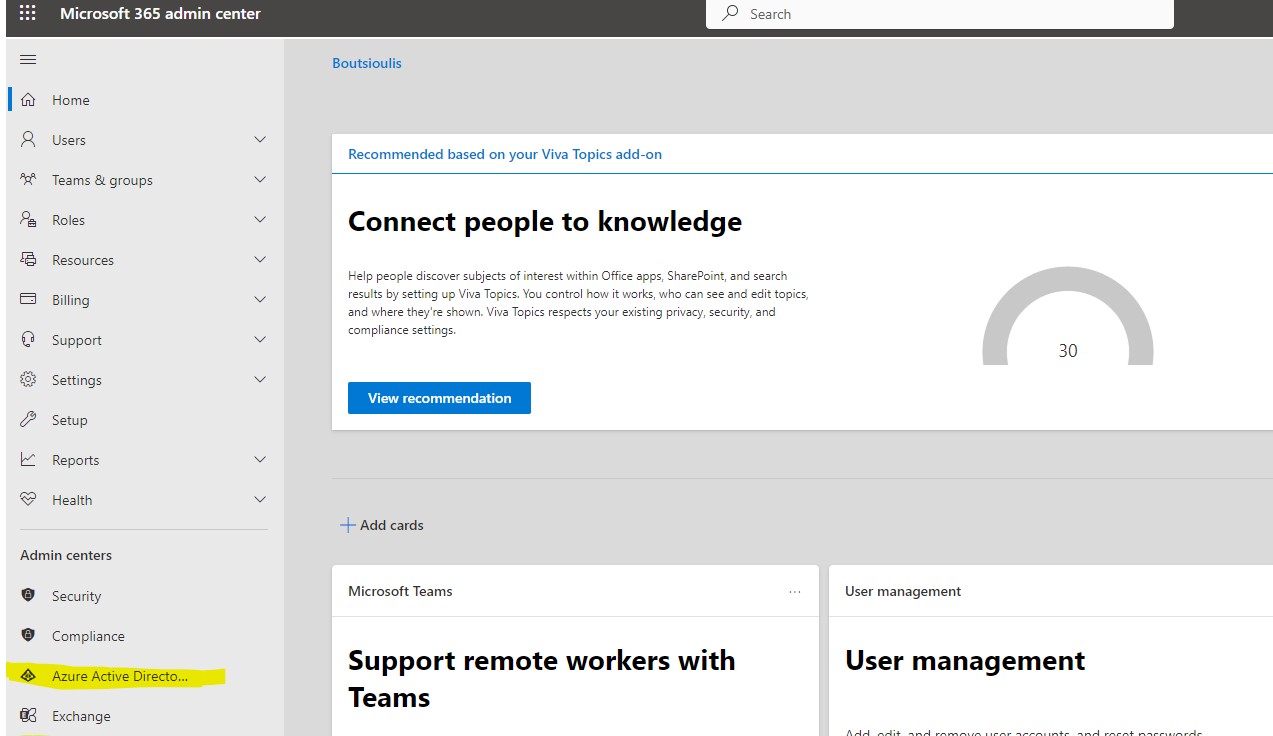
Once we are redirected to the admin main page we select from the left column Azure Active Directory
and this way we go to the Microsoft Azure Active Directory Admin Center
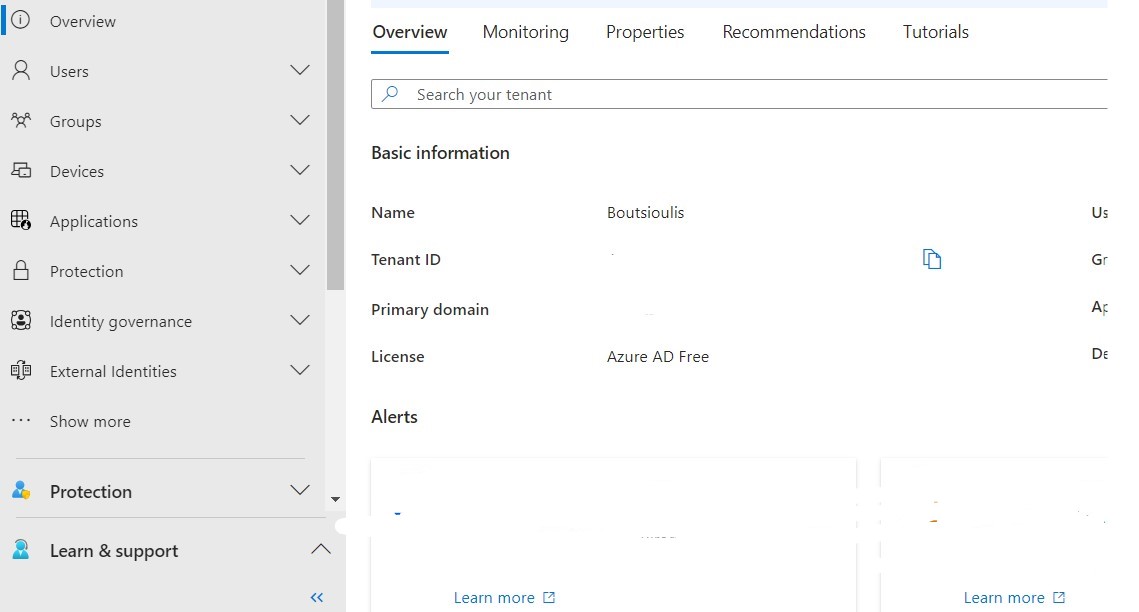
On this page we need to select Users on the left Menu
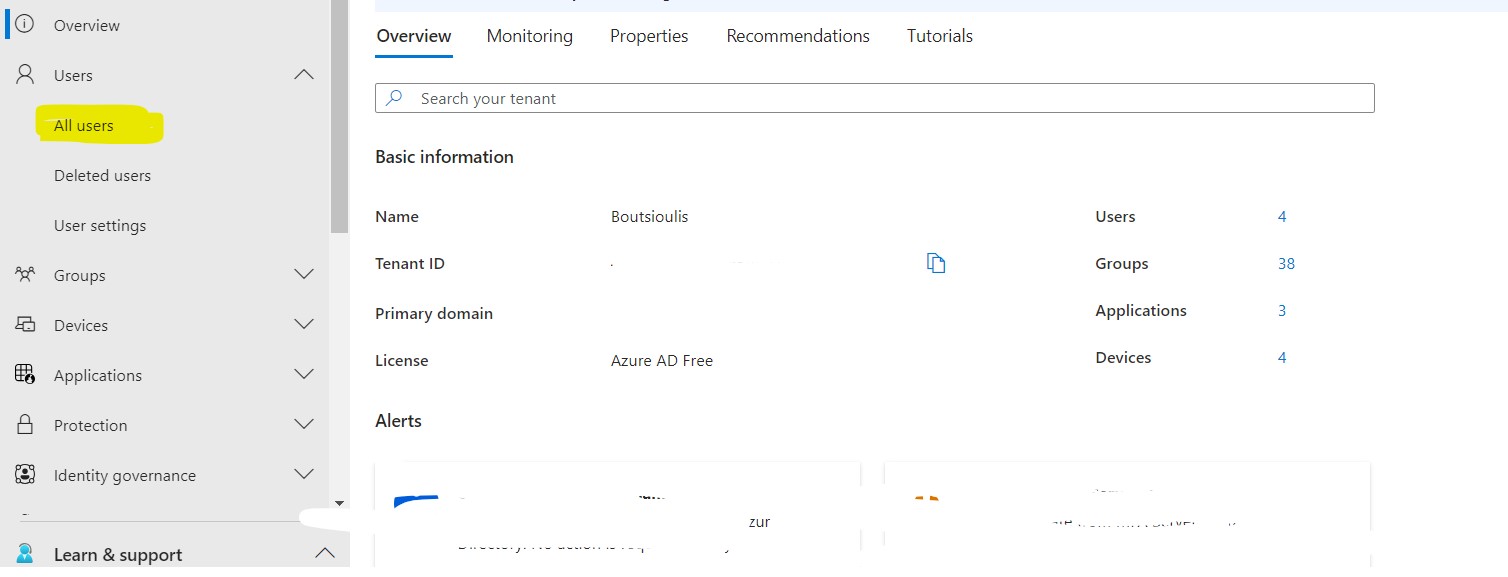
As you can see all the users of our organization are displayed
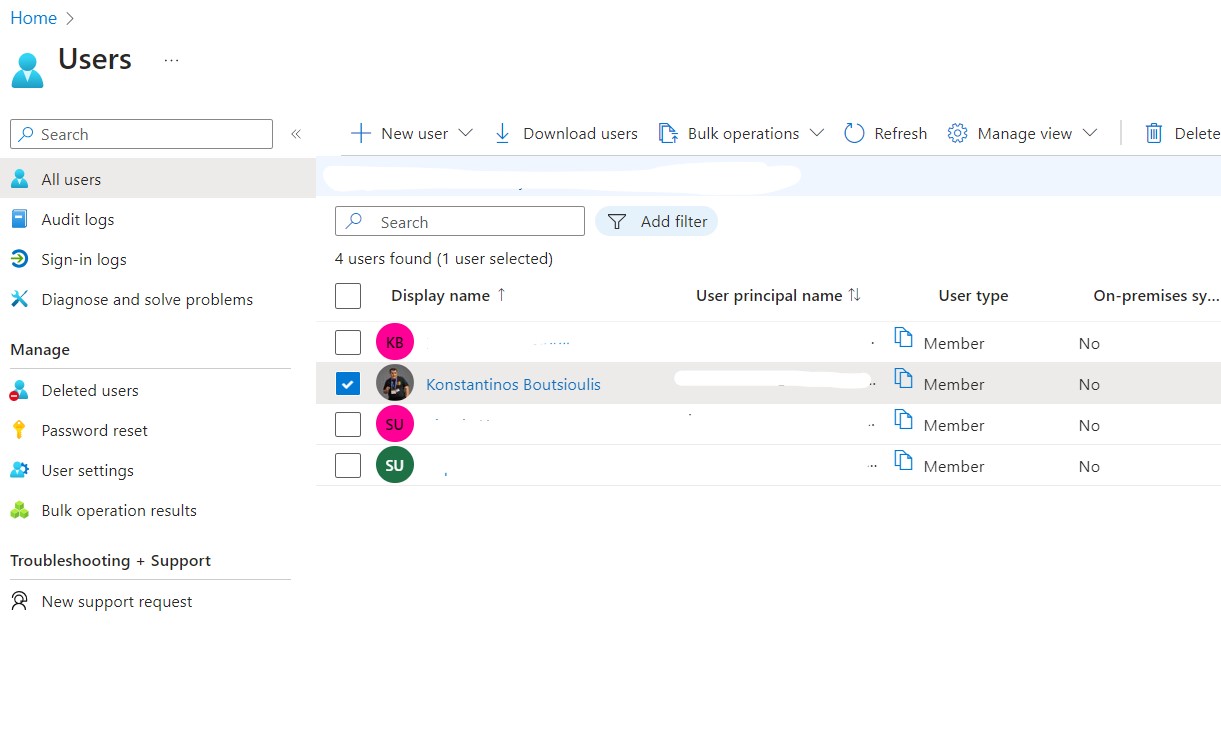
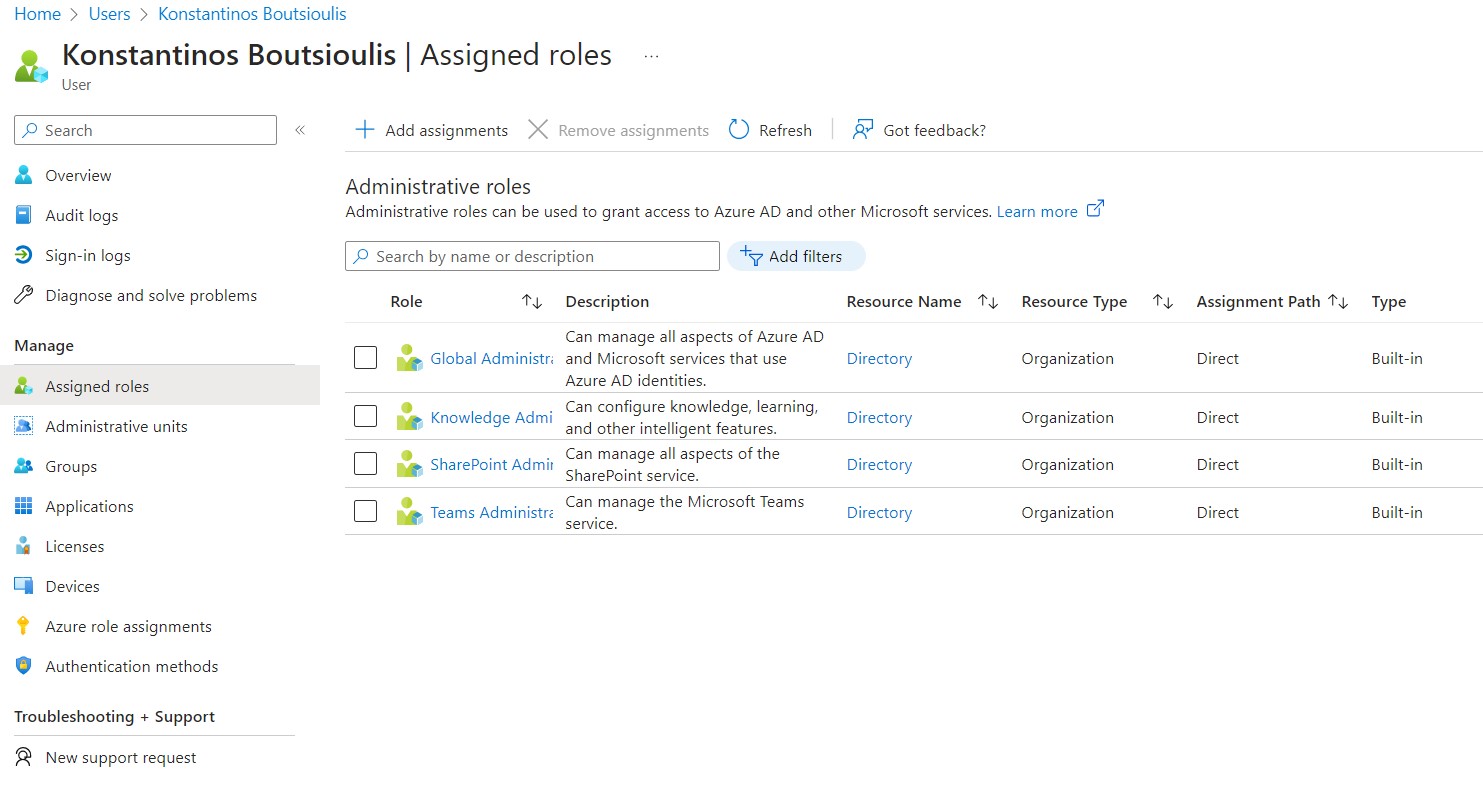
I select the user of my choice and then in the left column I select Assigned Roles
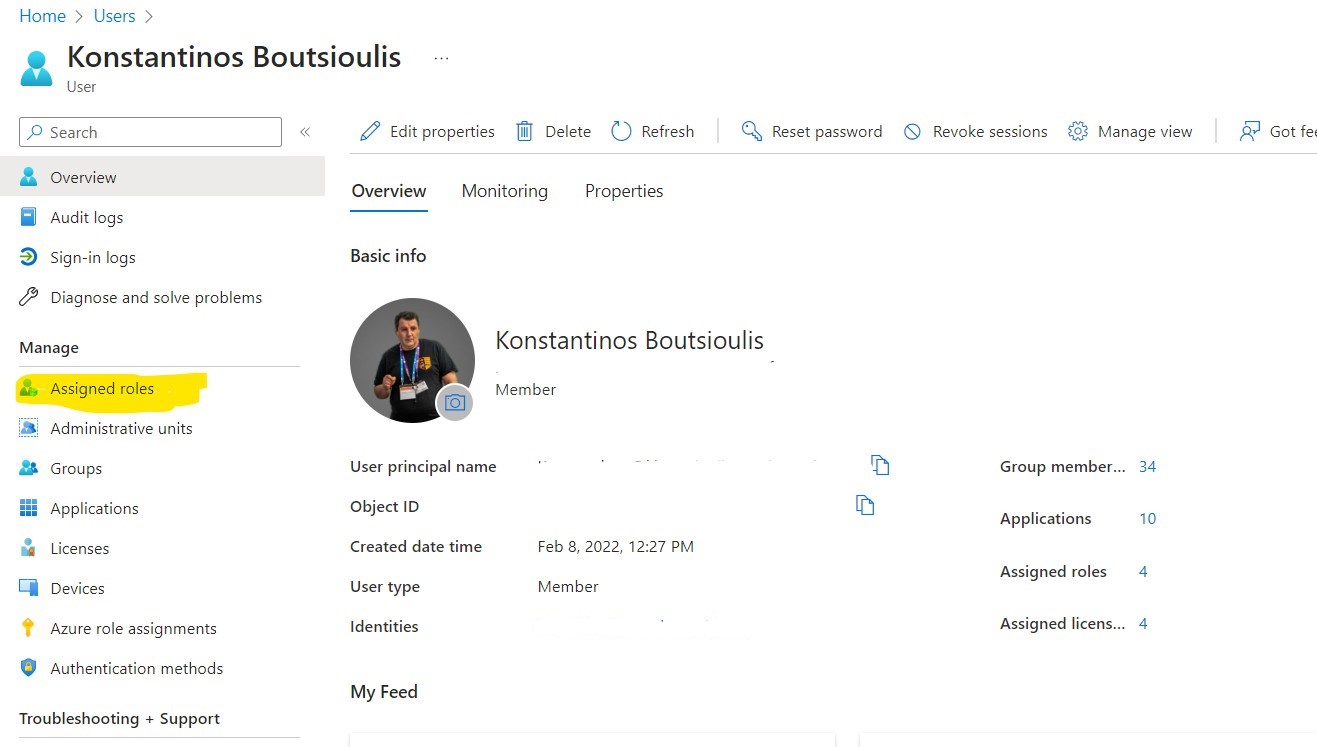
I select Add Assignments and there I select the roles I wish to assign to the user
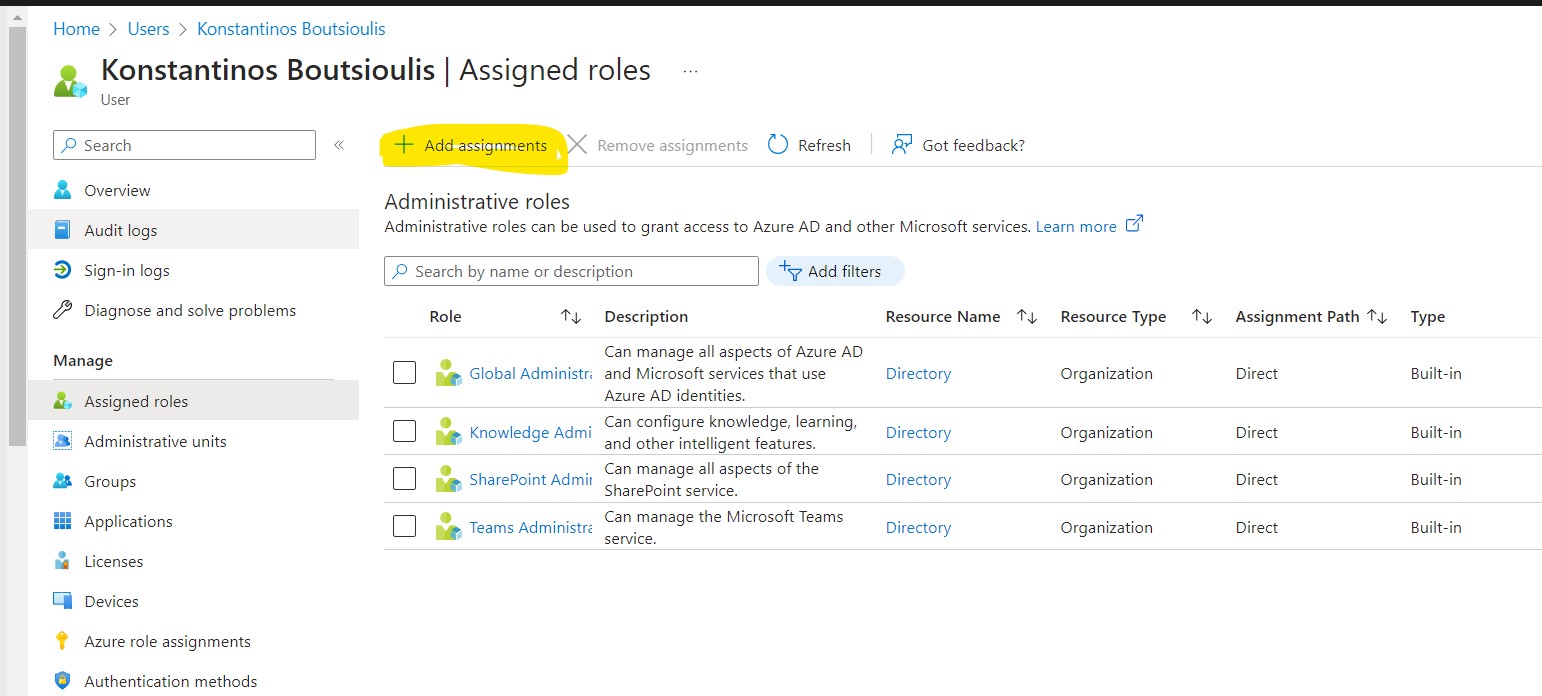
I select SharePoint Administrator and Teams Administrator
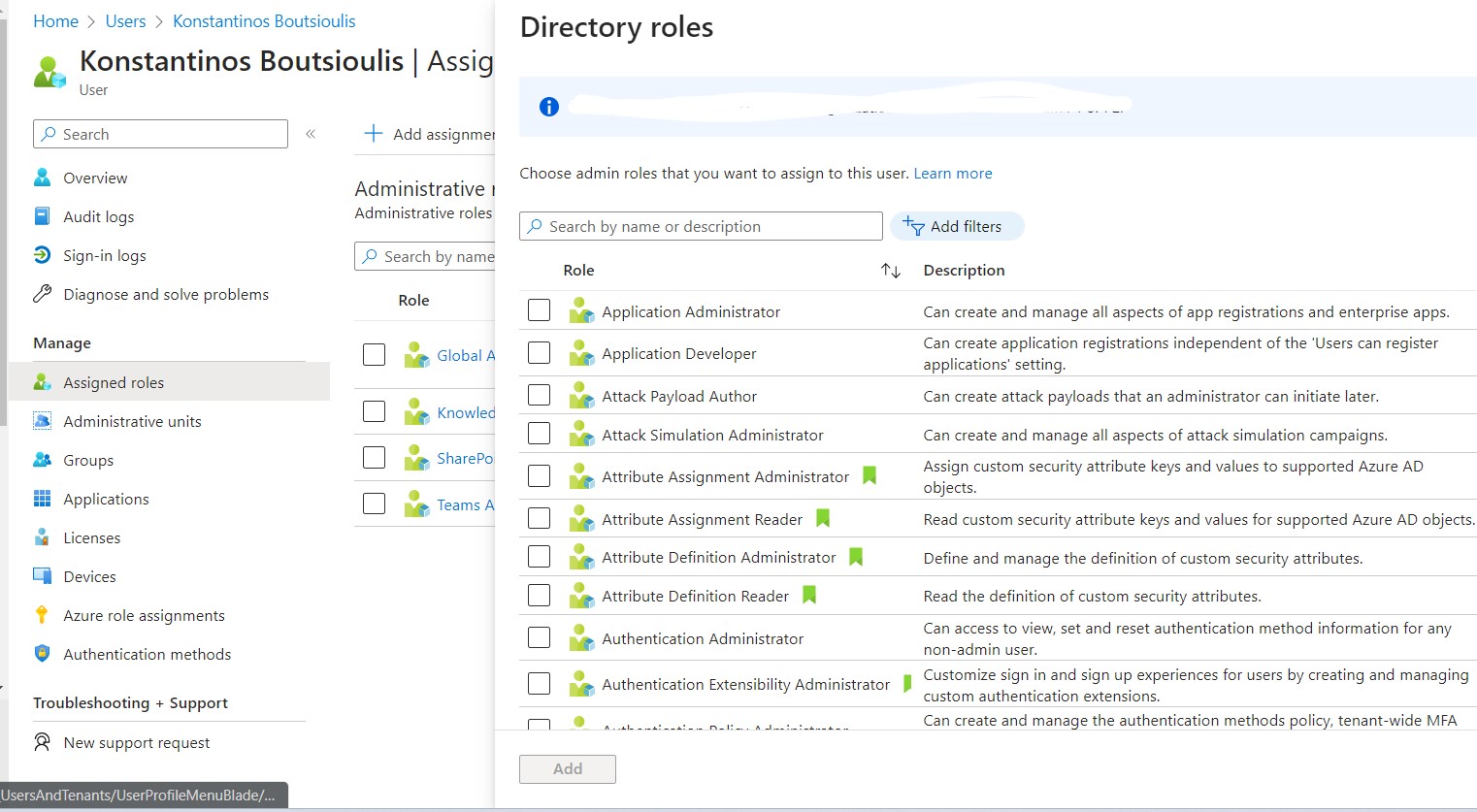
and click add .I wait for a few seconds and finally the assignment has been successfully done
 #SharePoint
#technology
#microsoft
#Azure
#Teams
#digitaltransformation
#cloud
#mvpbuzz
#m365
#SharePoint
#technology
#microsoft
#Azure
#Teams
#digitaltransformation
#cloud
#mvpbuzz
#m365
Visit Archives below to find more articles about Microsoft technologies on Modern Workplace