
Free Material
Find hereMore than 150 Articles about Microsoft Technologies on Modern Workplace
Official Site
Microsoft Most Valuable Professional M365 Apps & Services
Microsoft Most Valuable Professional Business Applications
Consultant & Sr Cloud Solution Architect Modern Wokrplace
Find hereMore than 150 Articles about Microsoft Technologies on Modern Workplace
01 July 2024
In today's article we will see how we can get information about storage in SharePoint for each site separately and for each page or library. First we have to select the site we want to get statistics about the available capacity and the space we have reserved
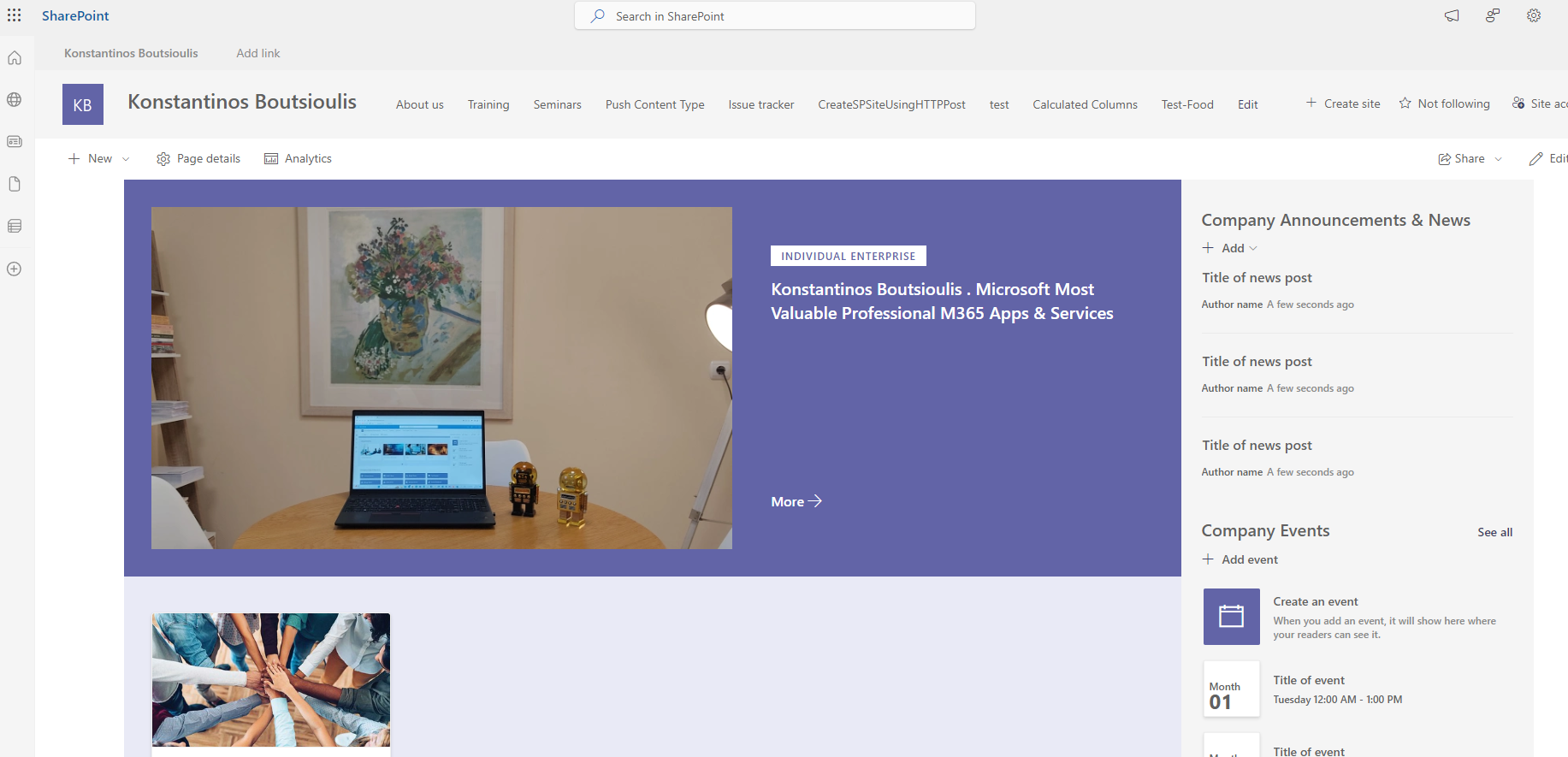
I select the gear on the top right and in the pop-up menu I select Site Information
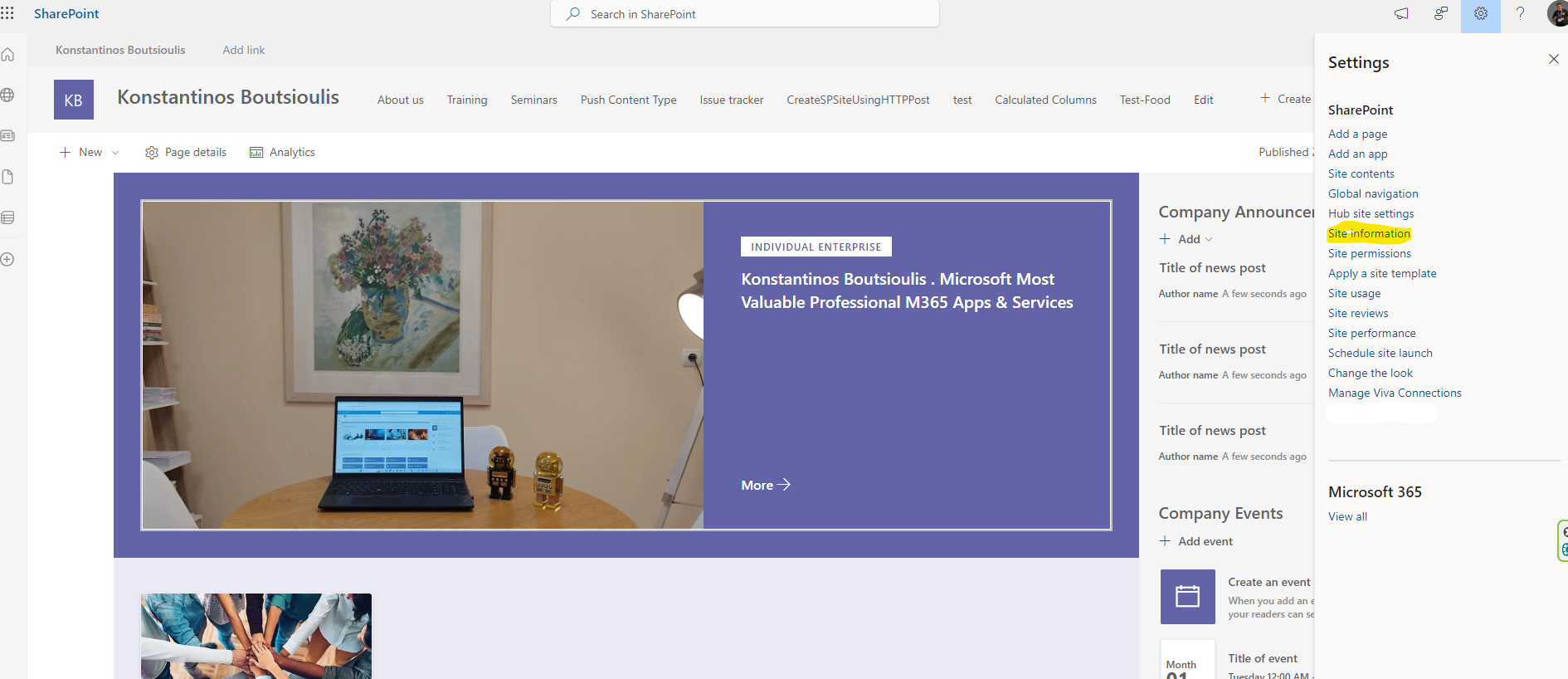
Select View all Site Settings in the next menu
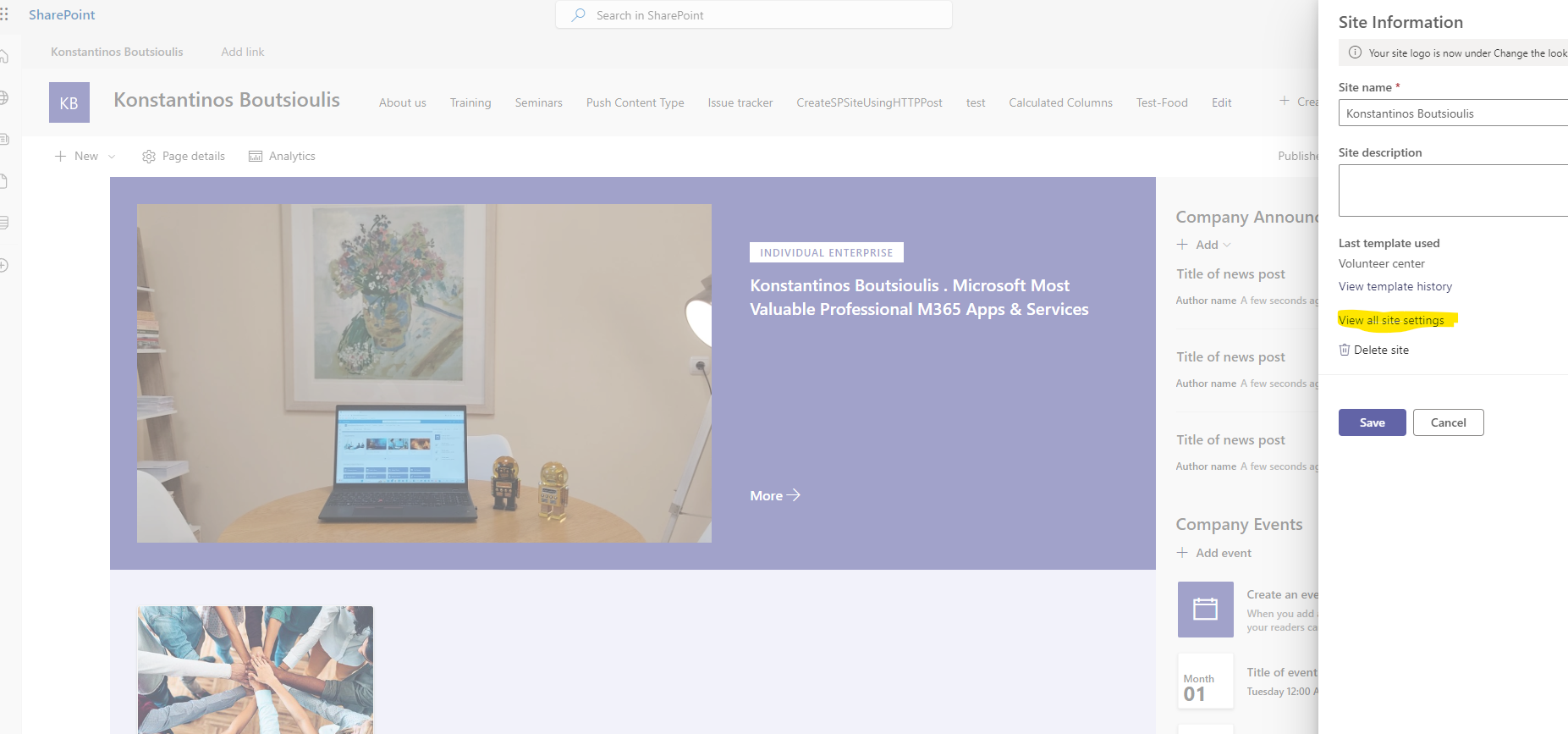
And this way I go to the site management page . There in the second column I select Storage Metrics
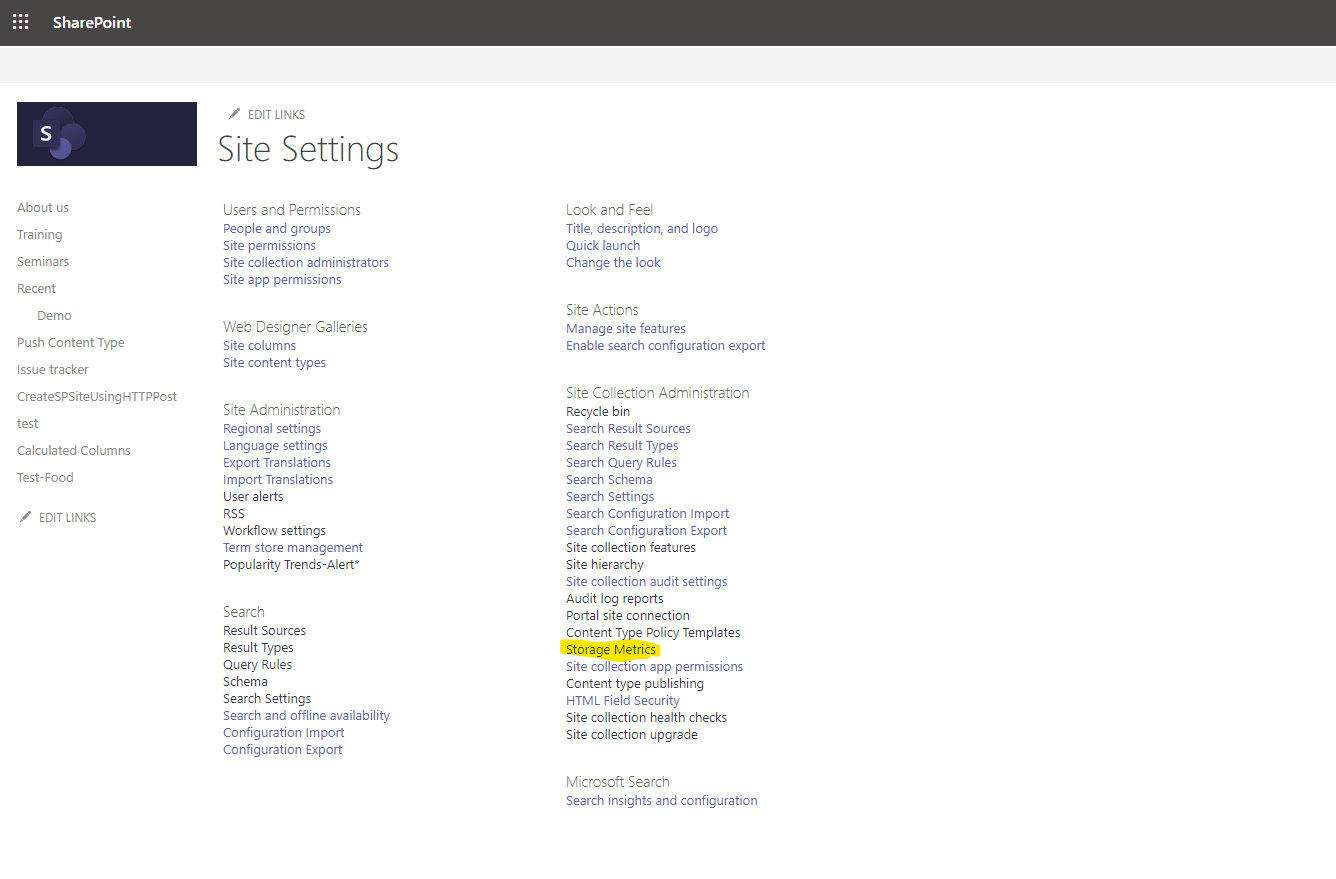
This opens a new page containing all the details of the library sites and lists in terms of storage space
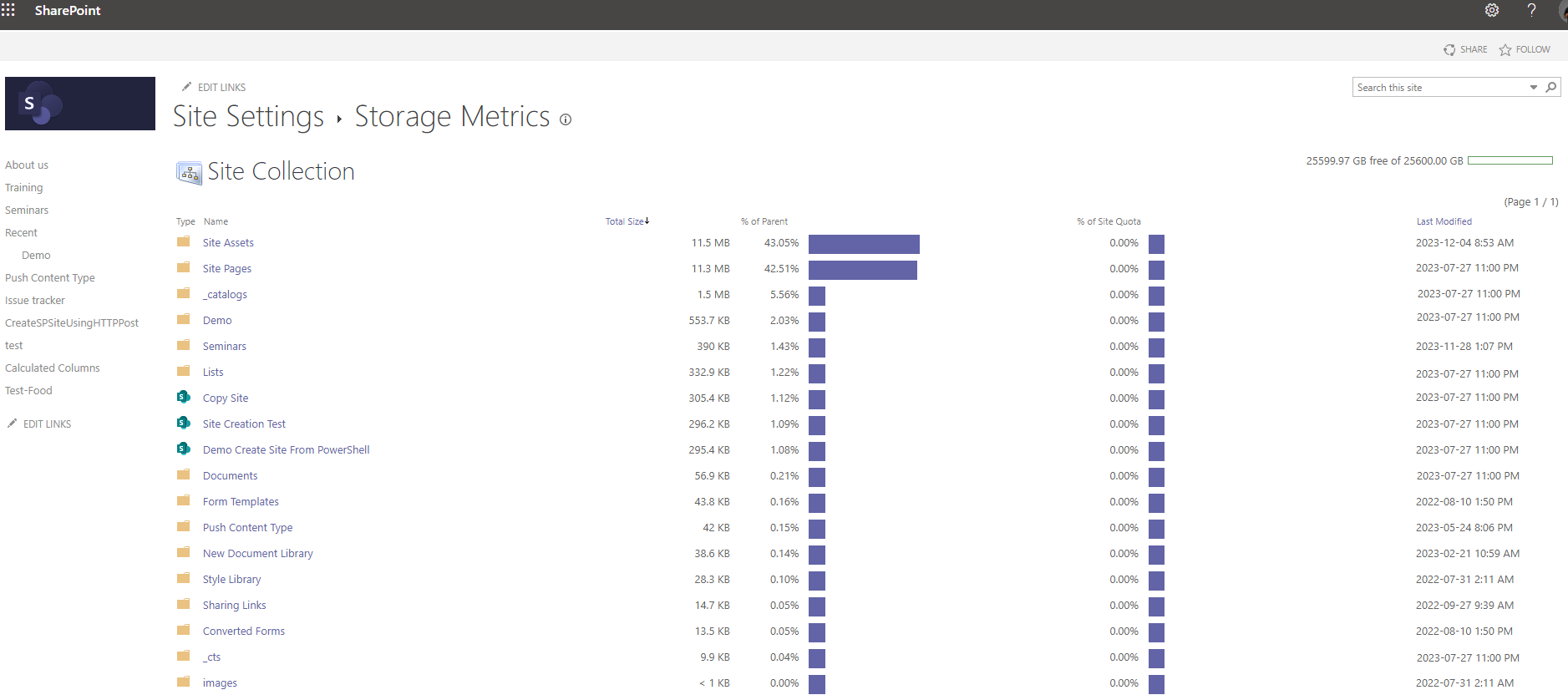
If I select one of the folders I will see the material inside and the analysis at the storage space level
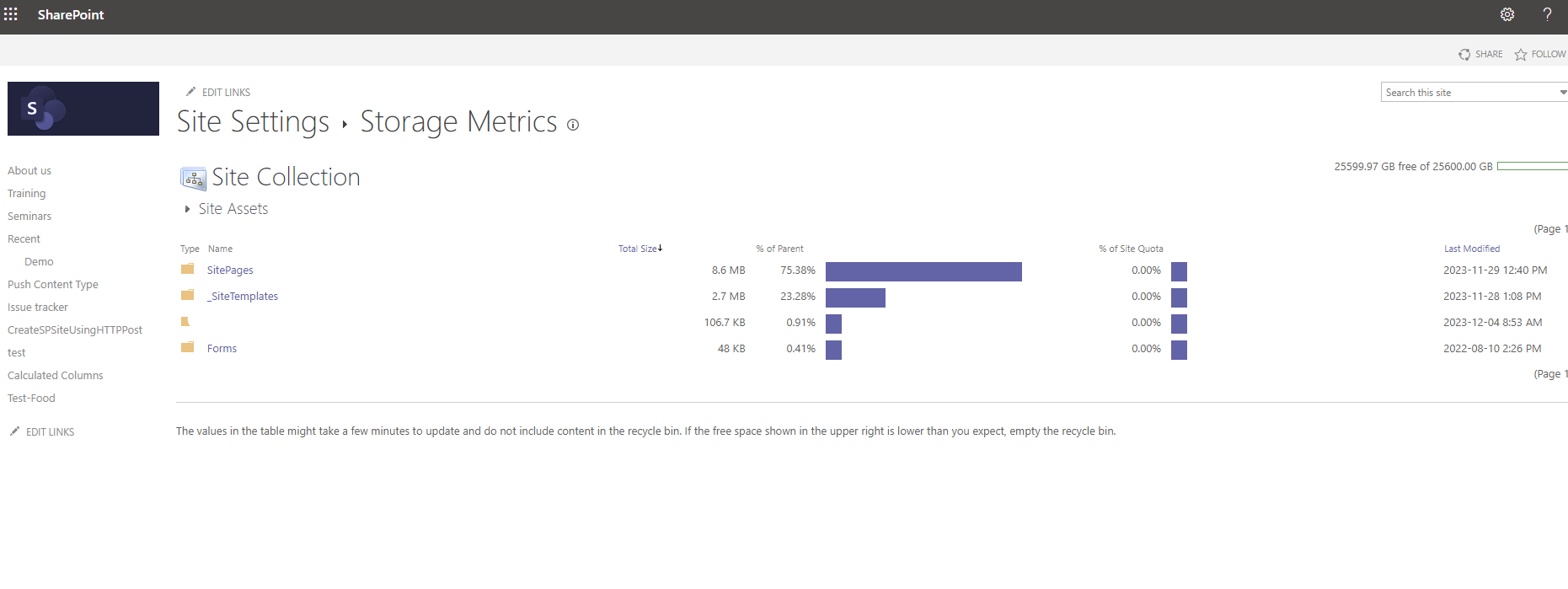
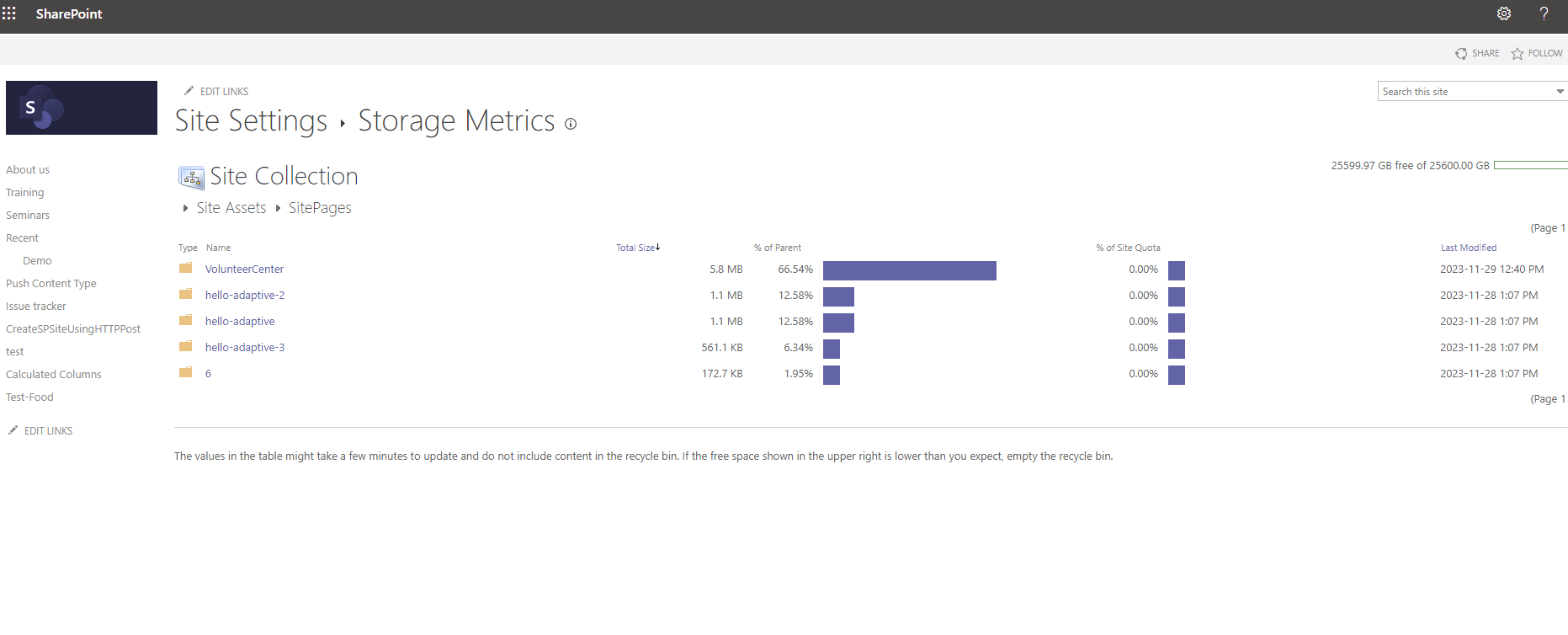
And I continue to enter envelopes and their children which also contain information about the space they have consumed from the available
I can get all the way down to the file level where I have exactly the same information.
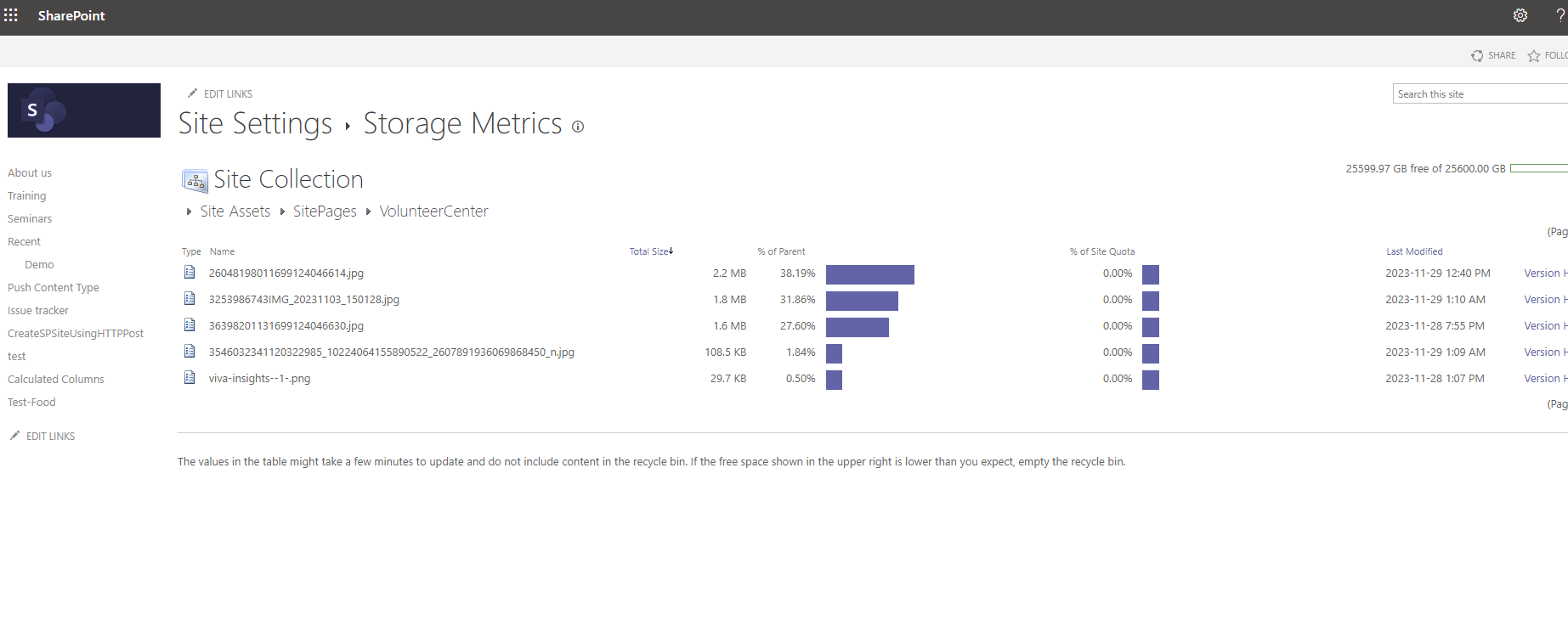
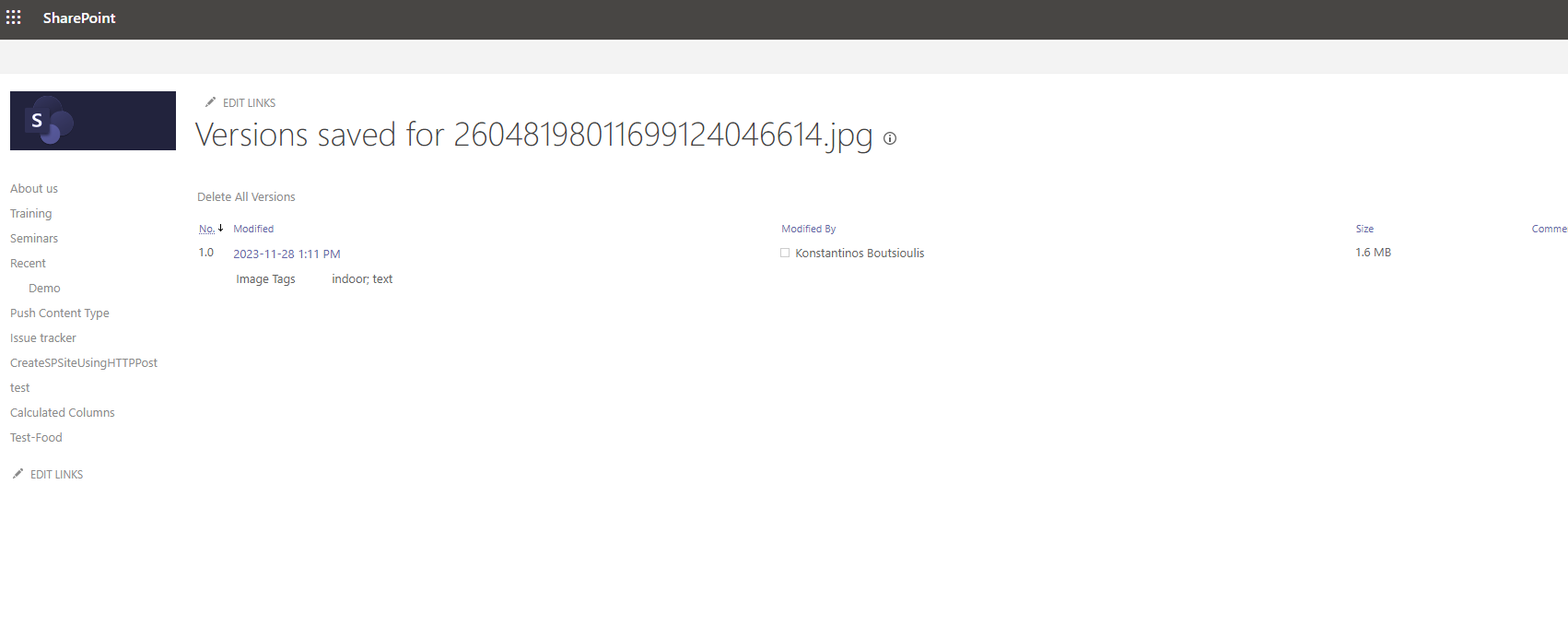
As you can see on each of the pages to the right of each record or folder there is a Version History link which takes us to a page showing the different versions of the record or folder during its lifetime in the system
 #ModerWork
#M365_Apps_Services
#BusinessApps
#SharePoint
#technology
#microsoft
#digitaltransformation
#cloud
#mvpbuzz
#m365
#ModerWork
#M365_Apps_Services
#BusinessApps
#SharePoint
#technology
#microsoft
#digitaltransformation
#cloud
#mvpbuzz
#m365
Visit Archives below to find more articles about Microsoft technologies on Modern Workplace