
Free Material
Find hereMore than 150 Articles about Microsoft Technologies on Modern Workplace
Official Site
Microsoft Most Valuable Professional M365 Apps & Services
Microsoft Most Valuable Professional Business Applications
Consultant & Sr Cloud Solution Architect Modern Wokrplace
Find hereMore than 150 Articles about Microsoft Technologies on Modern Workplace
08 July 2023
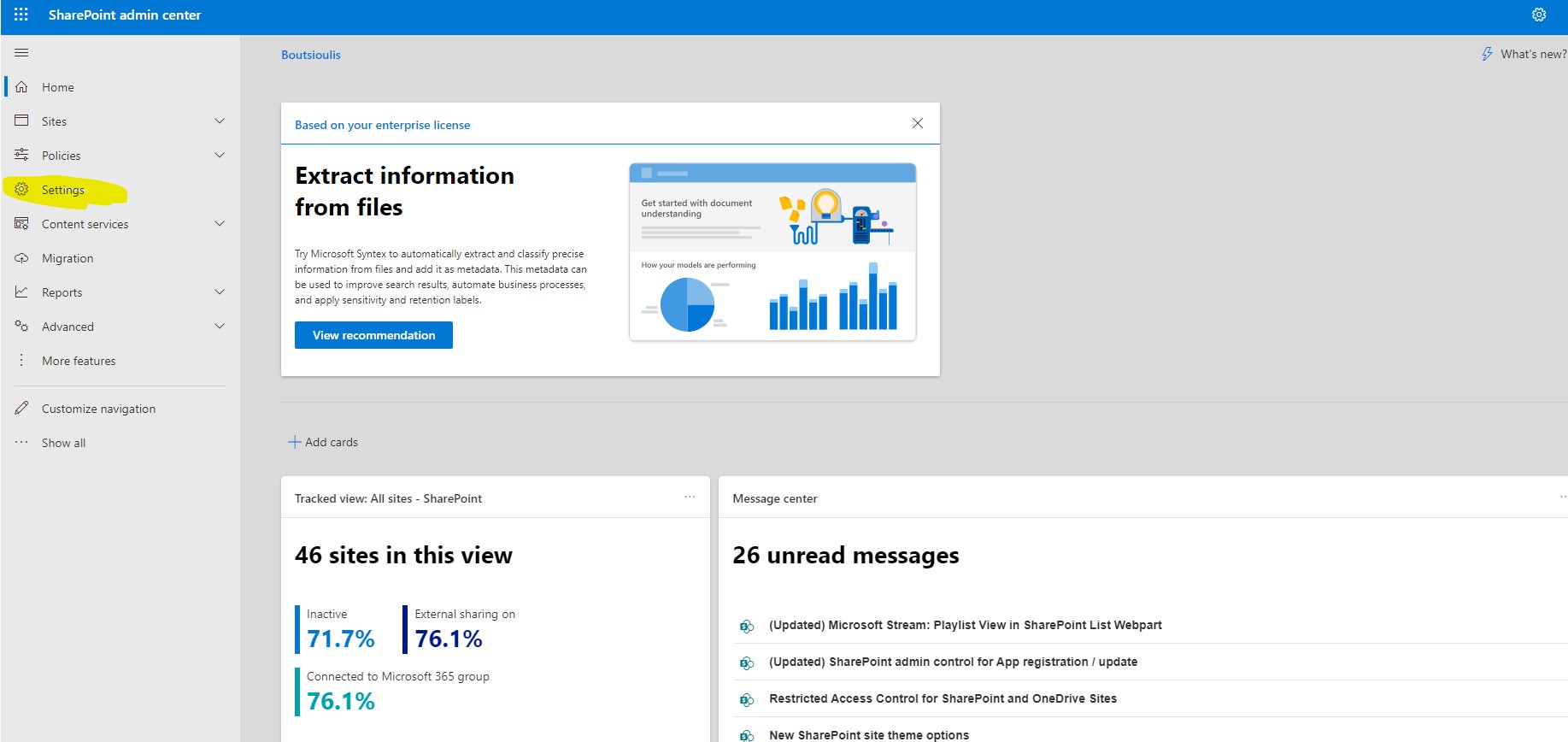
In today's article we will mainly focus on the tab settings feature from the SharePoint admin center First from the active subscription to M365 we login to the home page and then from the left side pop-up column we select admin There we have to select SharePoint again from the left column As I have mentioned in other articles in the past in order for all this to be visible to us we will need to have SharePoint administrator privileges There in the left column we locate settings In the second group of options concerning Onedrive and a Microsoft Stream .For these we have the following options
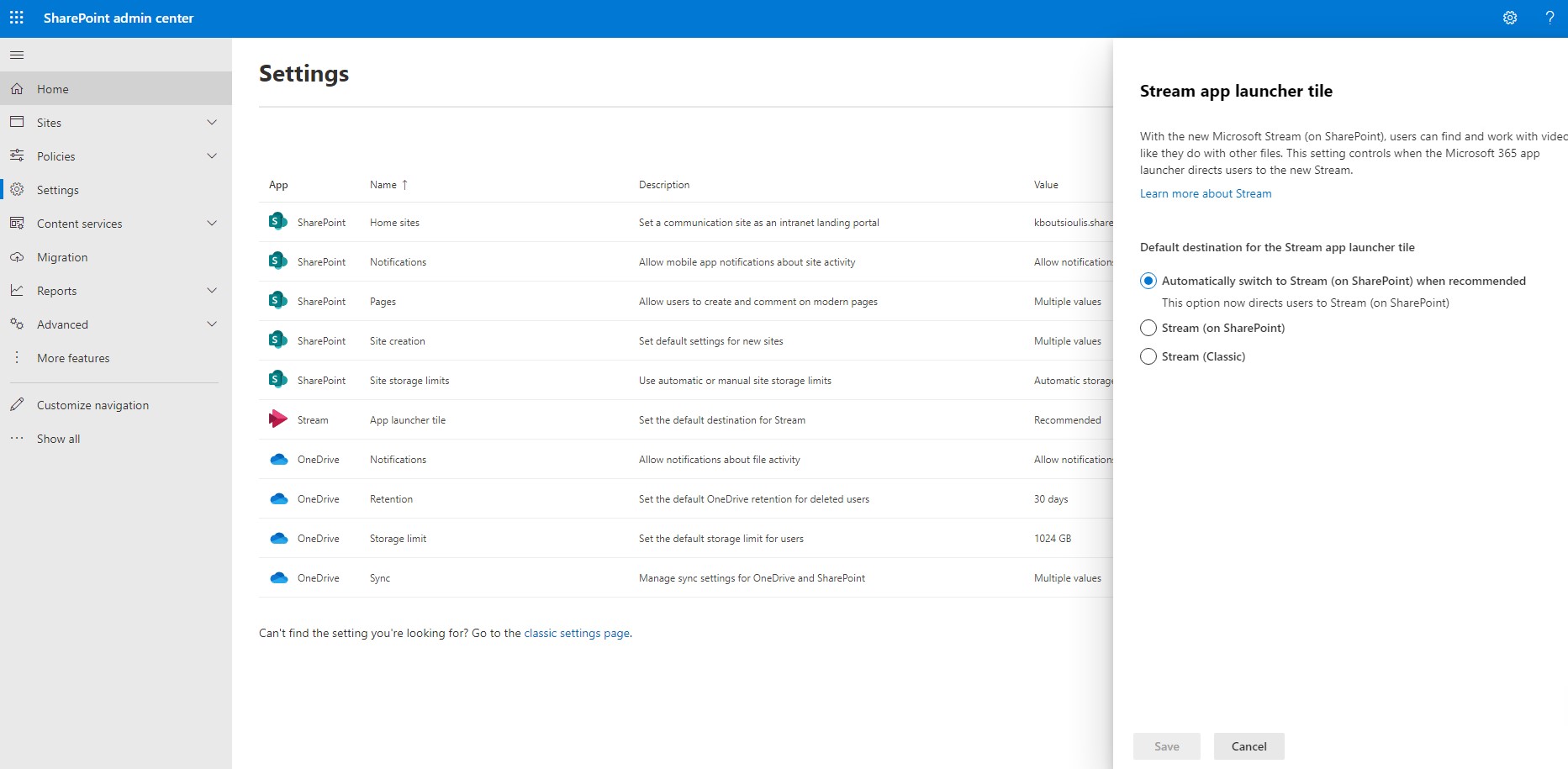
For the Stream app launcher tile we are given the default option that every time someone wants to have access to one of the videos in the stream just get redirected to the stream .There is also the alternative option to view this video via SharePoint or Stream Classic
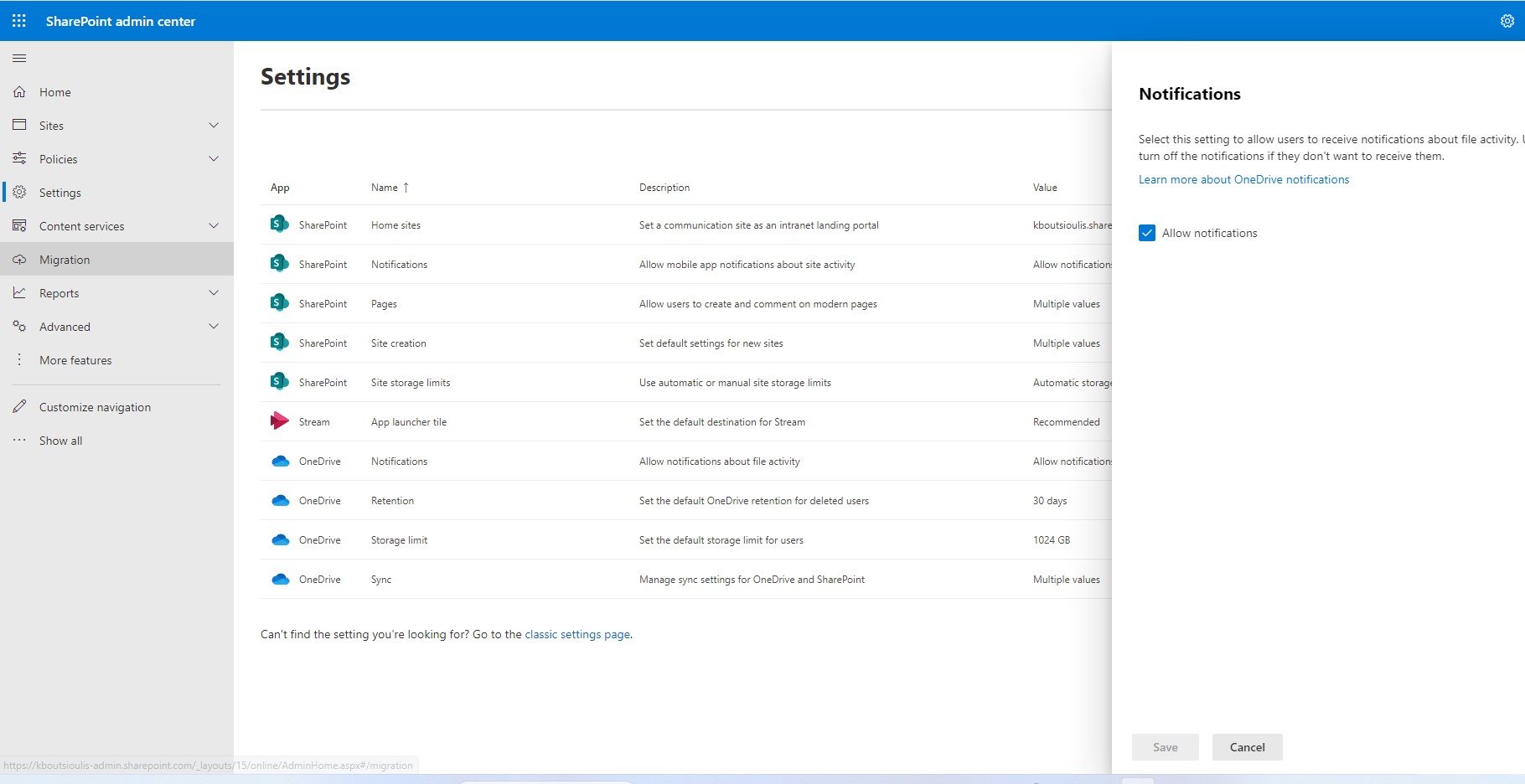
Next option is the use of notification or not by users depending on whether the organization wants to allow Notifications
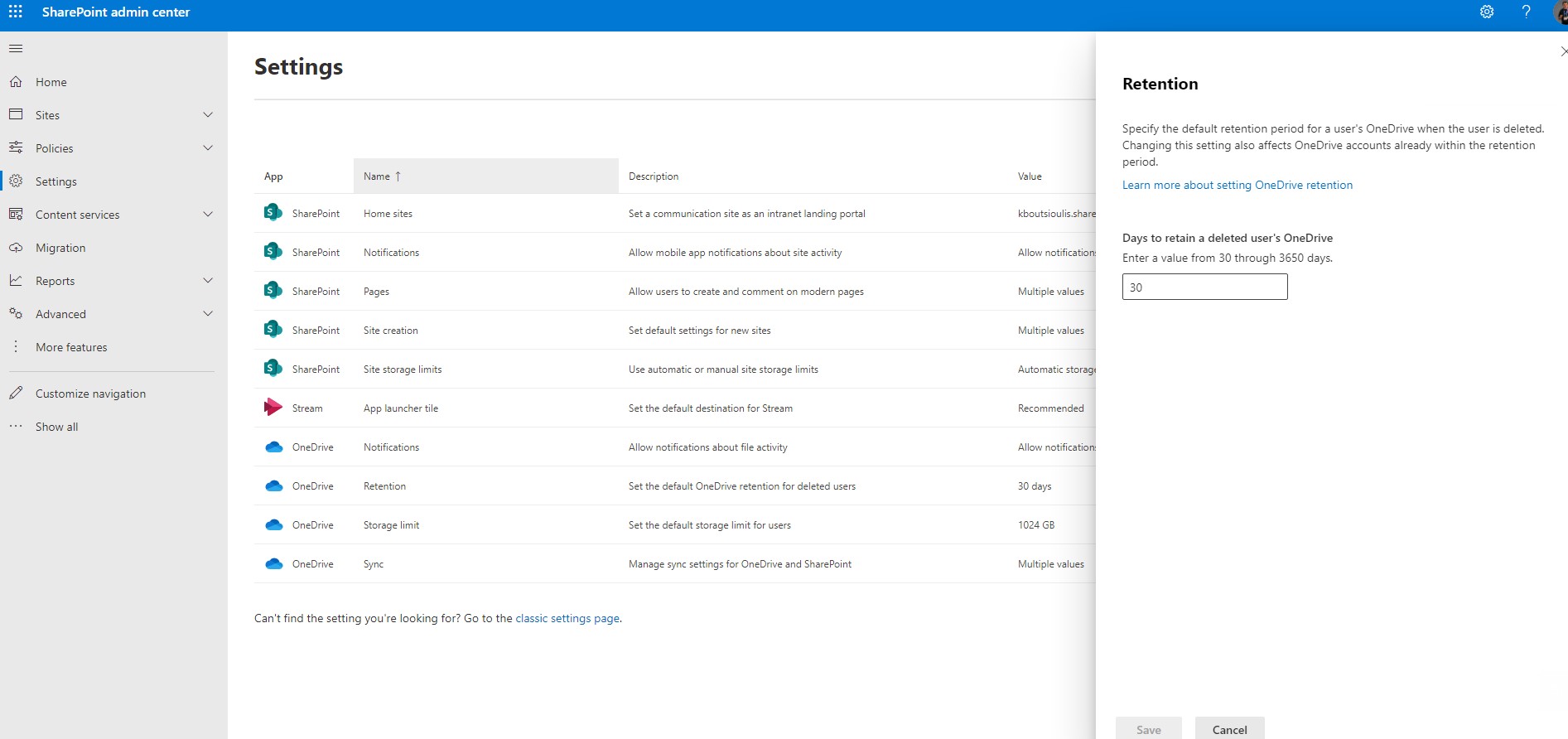
The next option is retention policy for how long an archive can remain in the deleted files in the OneDrive and default value is 30 days
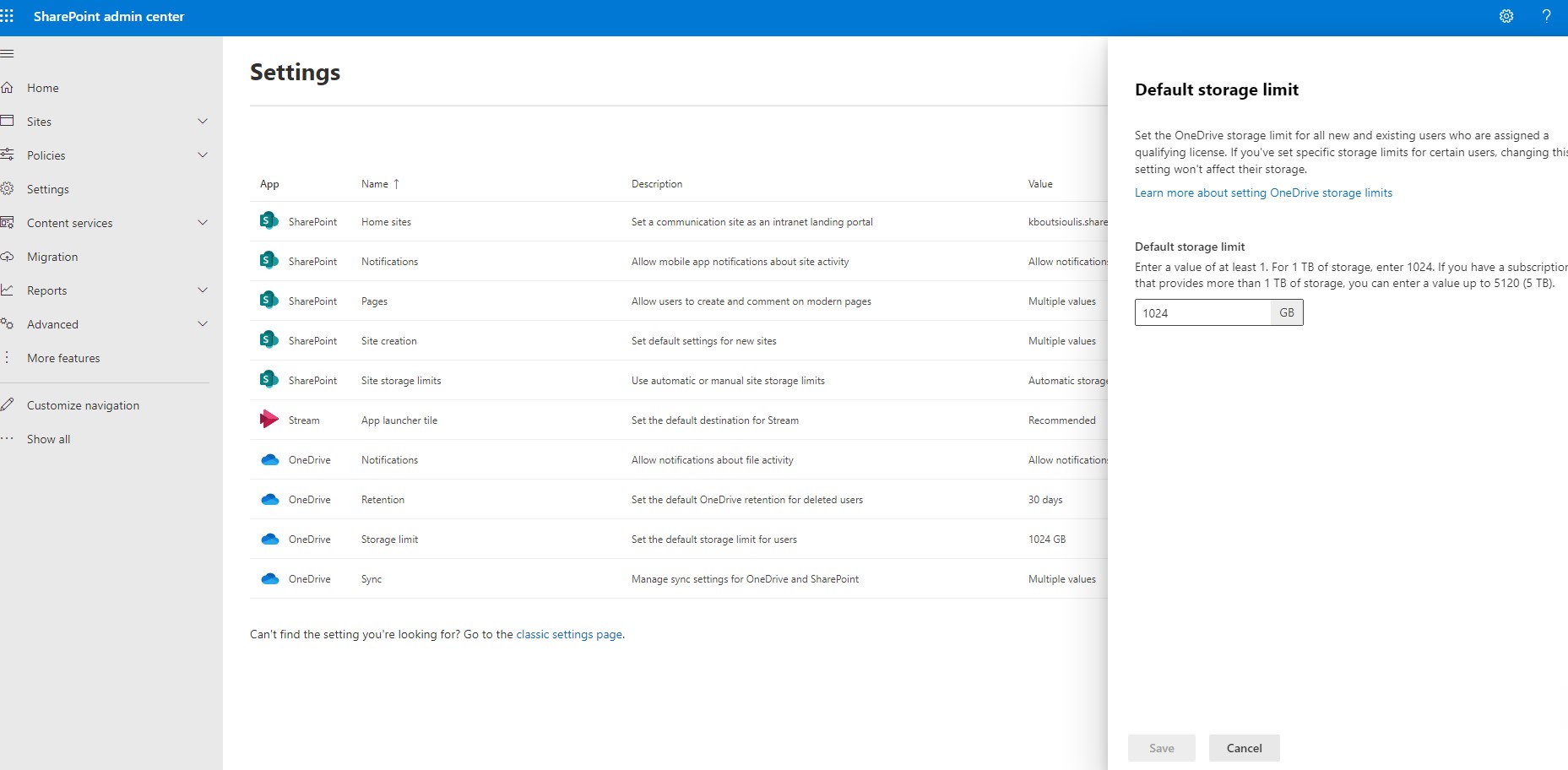
The next option is the default storage limit we wish to assign to each user .Default value is 1024 GB
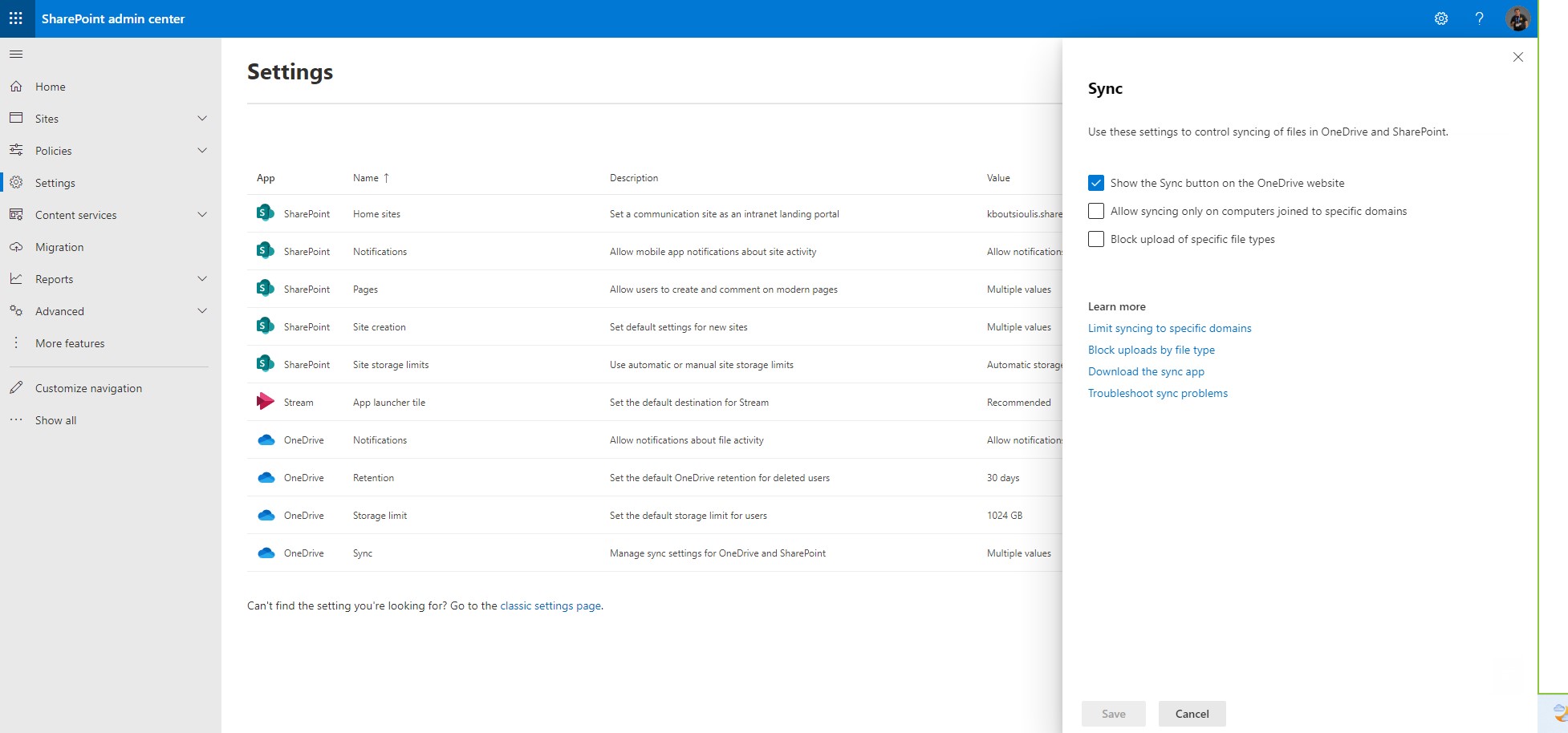
Last and very important option is Sync . Here we have options like whether to display the sync button on the onedrive website and whether to allow synchronization only to domain joined devices . Finally we have the ability to block the upload of files of a specific type . In this section there are also references to Microsoft Learn for each process separately
 #SharePoint
#technology
#microsoft
#m365
#Onedrive
#digitaltransformation
#cloud
#mvpbuzz
#m365
#SharePoint
#technology
#microsoft
#m365
#Onedrive
#digitaltransformation
#cloud
#mvpbuzz
#m365
Visit Archives below to find more articles about Microsoft technologies on Modern Workplace