
Free Material
Find hereMore than 150 Articles about Microsoft Technologies on Modern Workplace
Official Site
Microsoft Most Valuable Professional M365 Apps & Services
Microsoft Most Valuable Professional Business Applications
Consultant & Sr Cloud Solution Architect Modern Wokrplace
Find hereMore than 150 Articles about Microsoft Technologies on Modern Workplace
05 July 2023
In today's article we will mainly focus on the tab settings feature from the SharePoint admin center First from the active subscription to M365 we login to the home page and then from the left side pop-up column we select admin There we have to select SharePoint again from the left column As I have mentioned in other articles in the past in order for all this to be visible to us we will need to have SharePoint administrator privileges There in the left column we locate settings
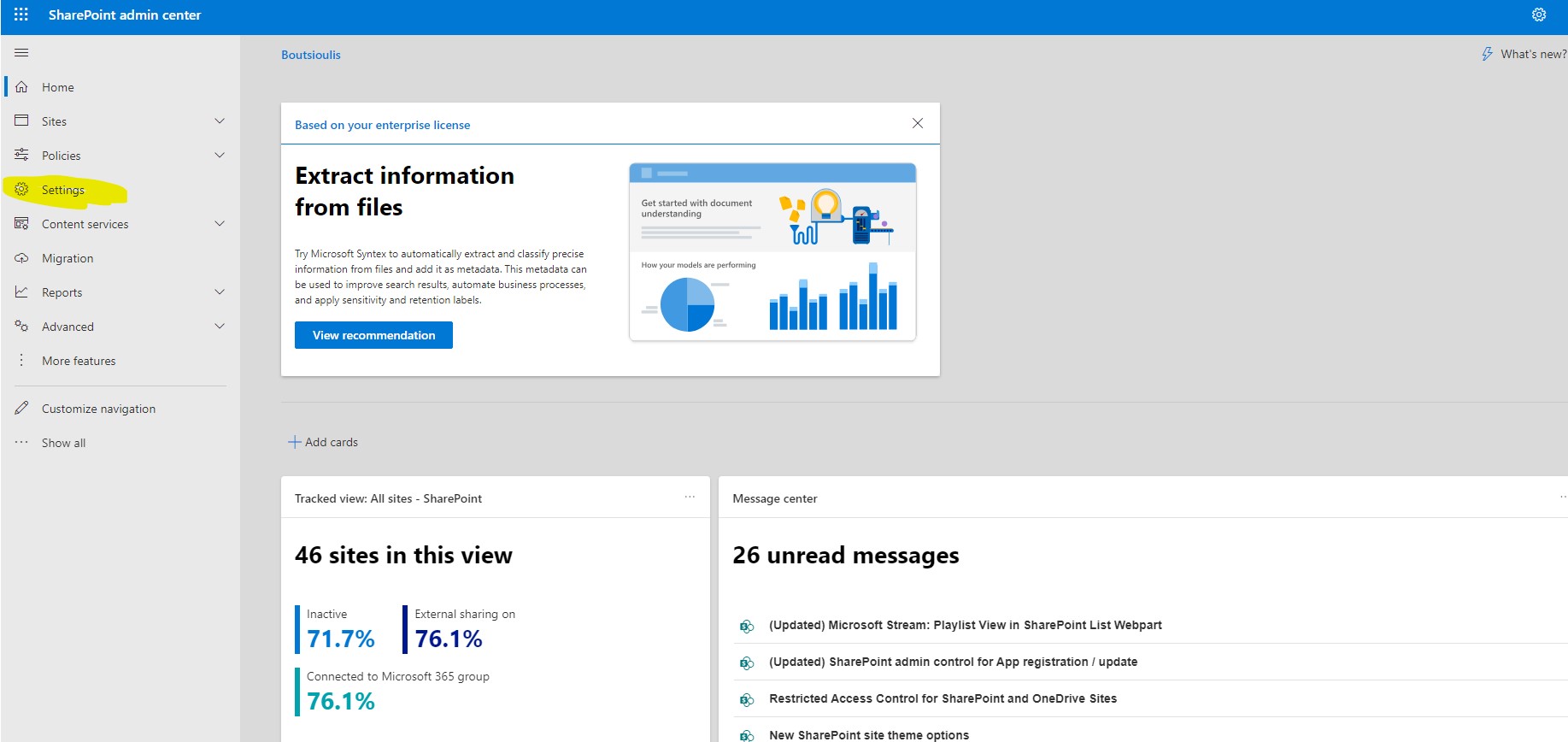
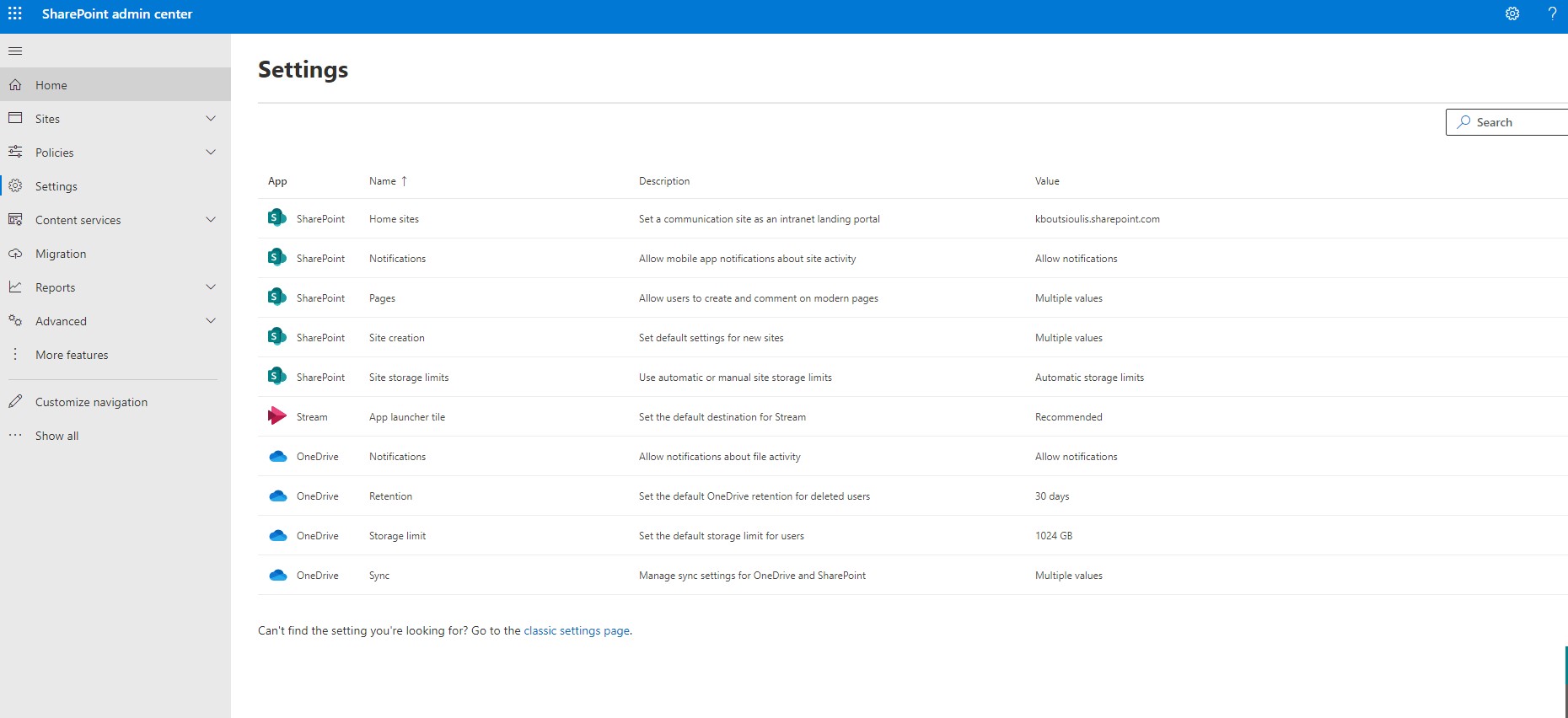
By moving to this page we find that we have a range of possibilities.
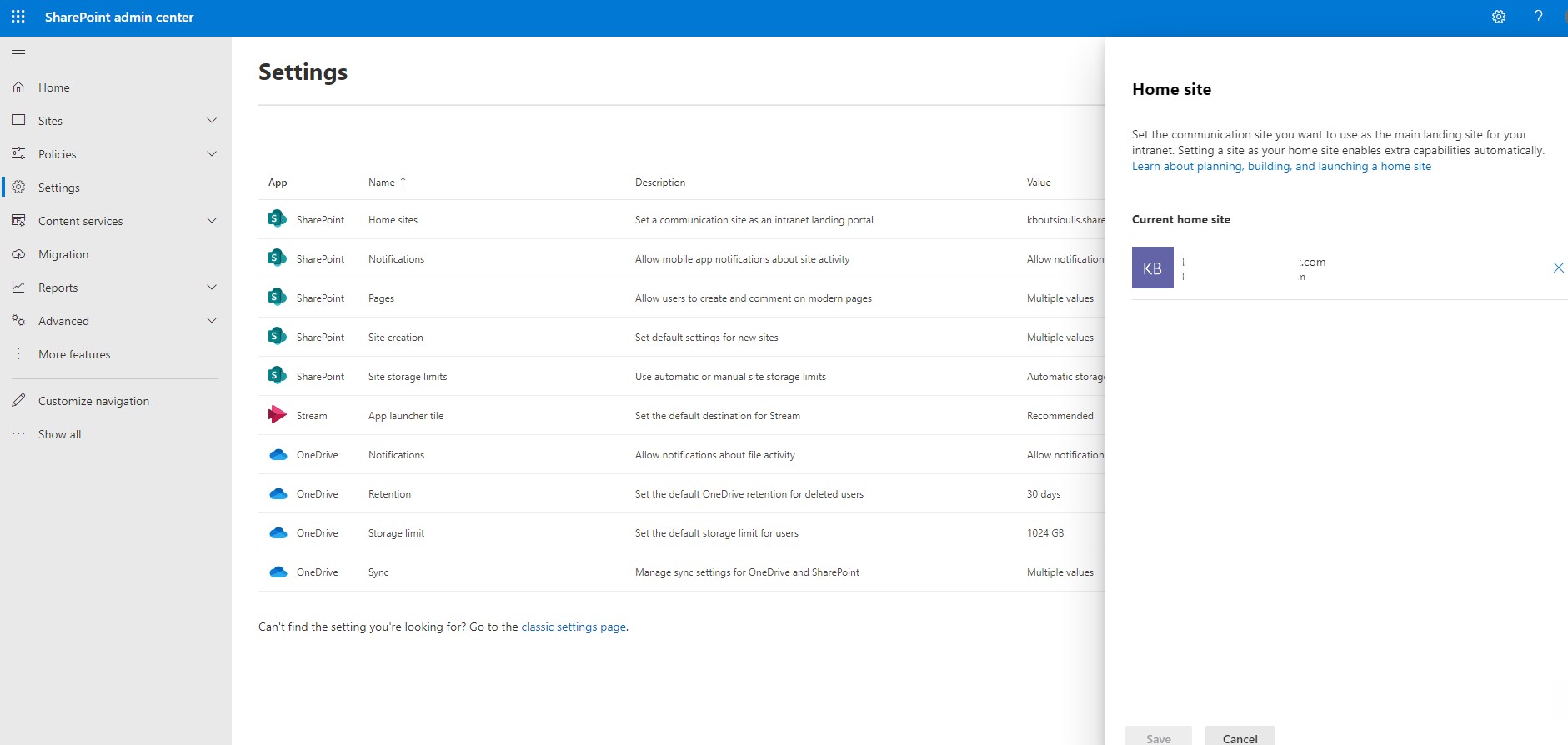
In our first option we can see which is the current Home page a feature that we can change from the active sites of the SharePoint admin center
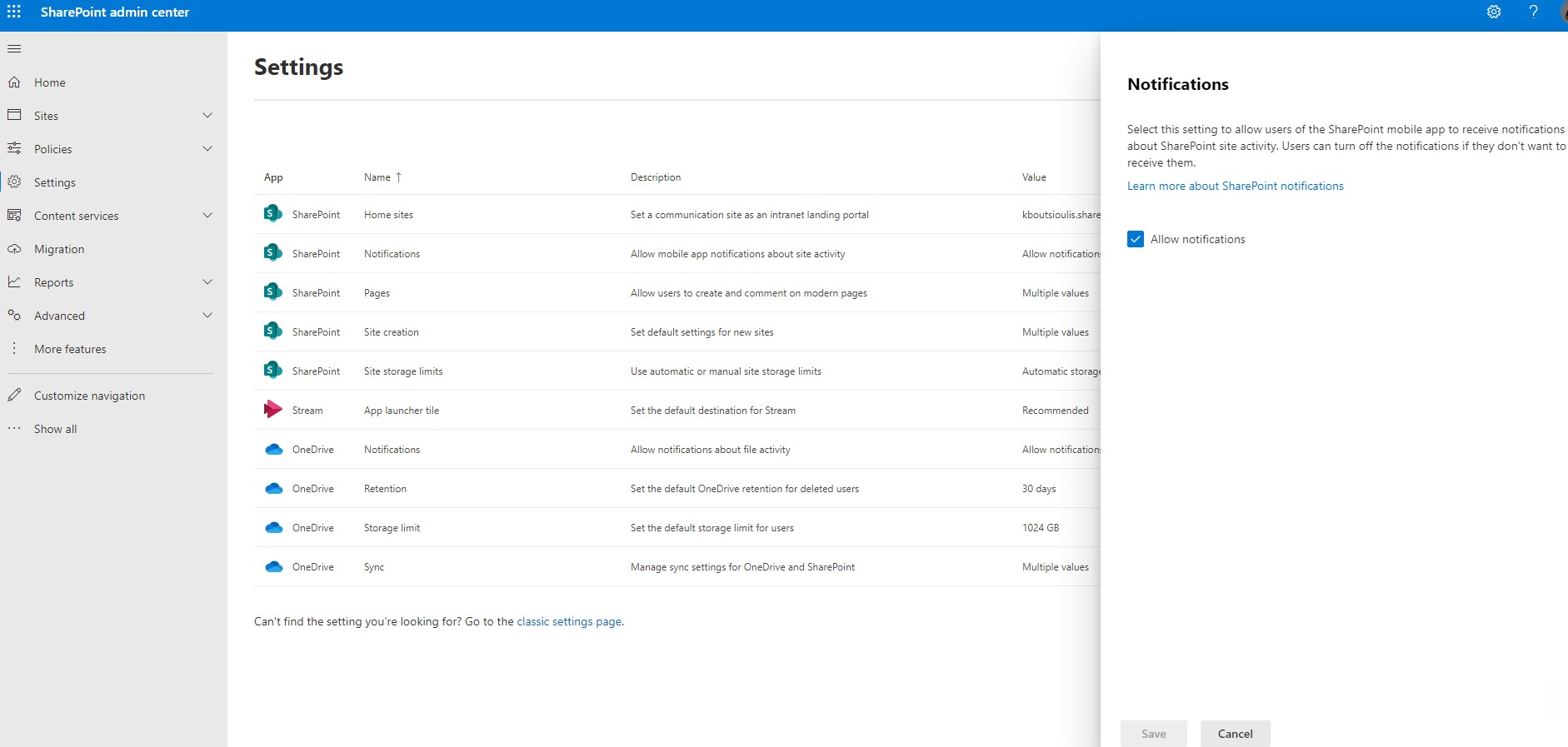
Next option is to enable or disable Notifications from the sharepoint activity site
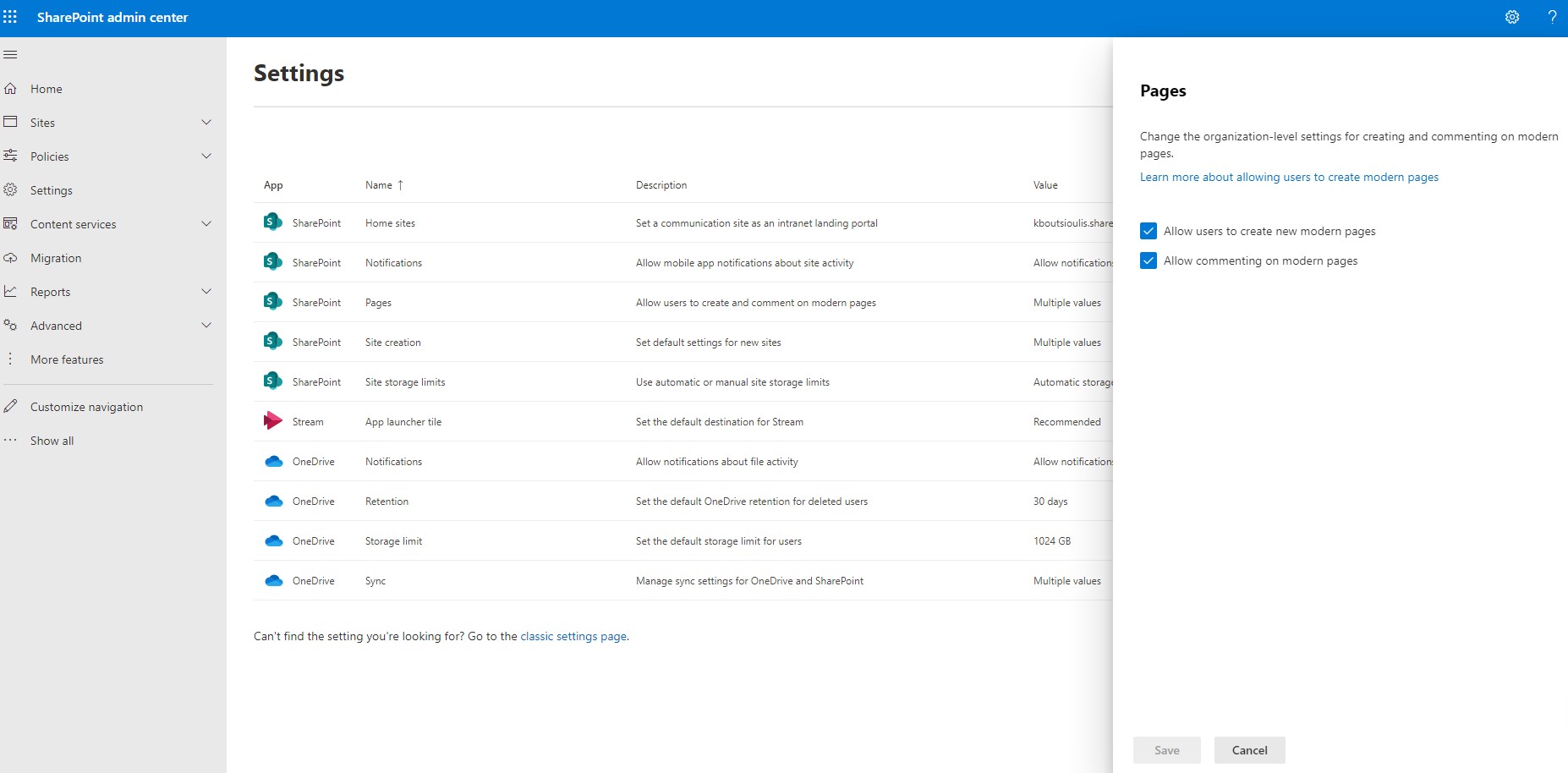
Next option is related to SharePoint pages and gives us the ability to allow users to create new pages like Modern pages and if we allow users to comment below the modern pages
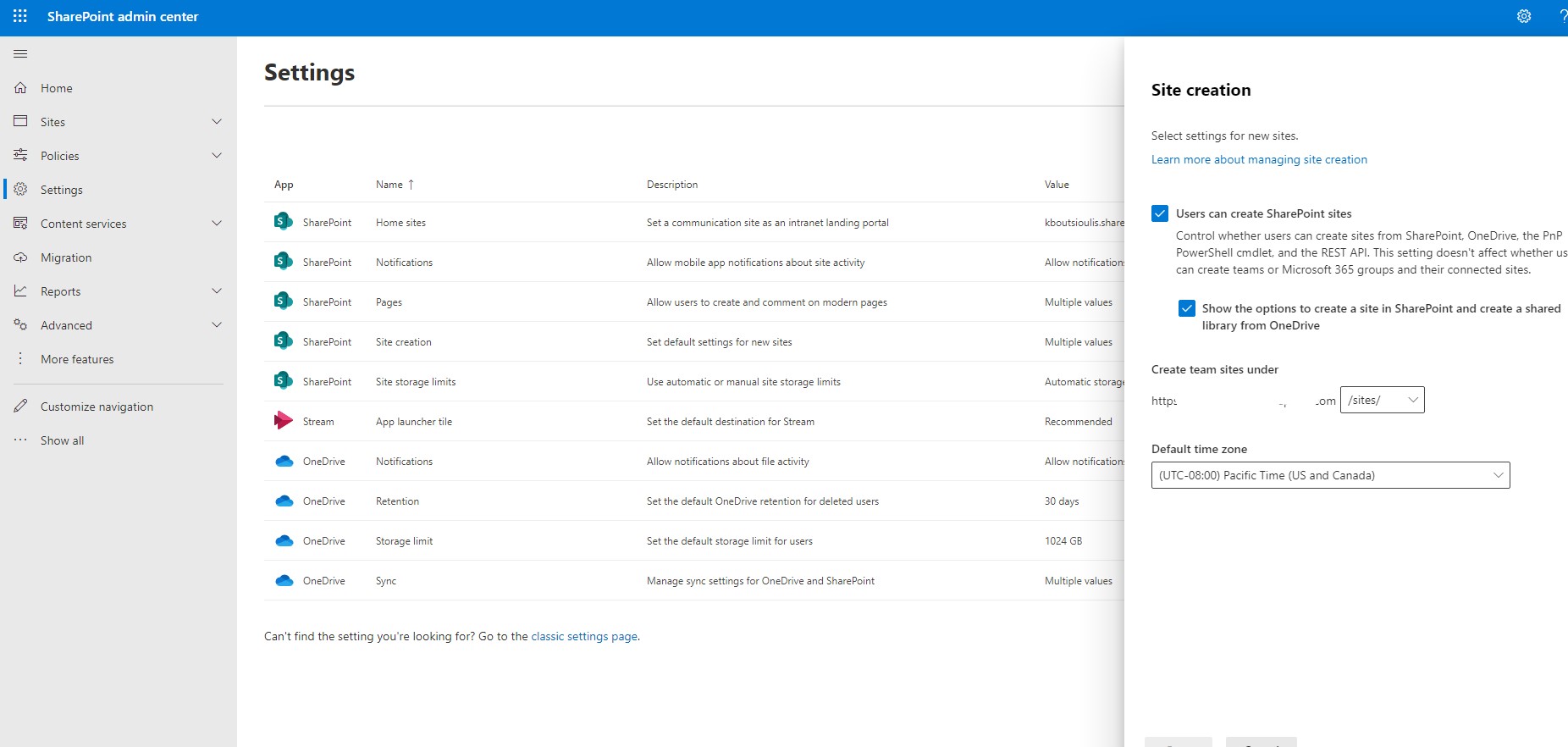
The next option concerns the possibility that we have when creating a new site to set the default time zone and it shows us under which address the new sites are created for example the most common is to be created under /sites/ or we may also encounter /teams/ when in our tenant we only work with teams from sites created by Teams. Here we should also stress again that it is a matter of implementation architecture and could for example the sites associated with teams have an address under /teams/ while sharepoint sites have an address under /sites/
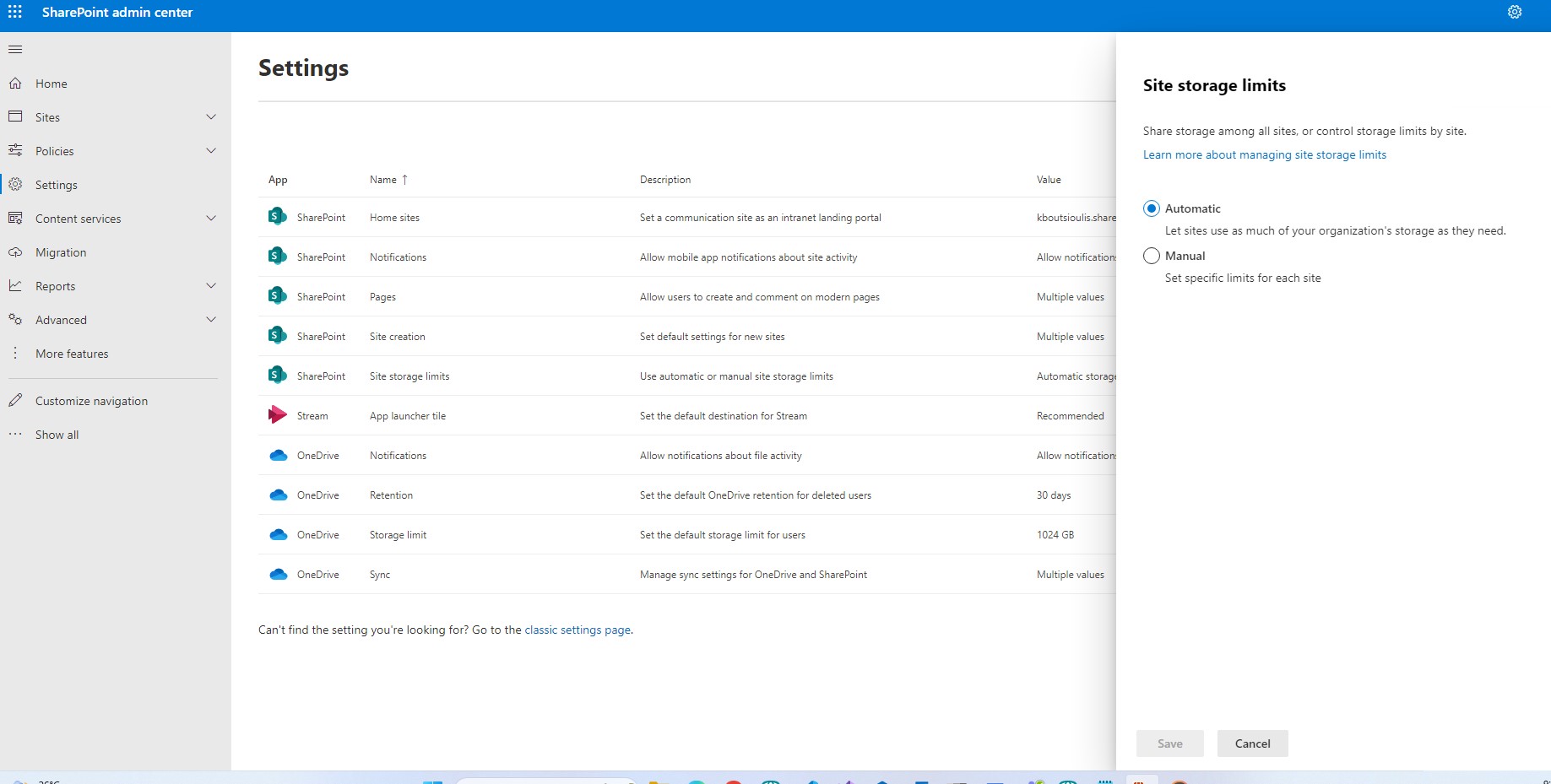
Finally we have the option in Storage Limits to specify if we want to automatically assign a storage limit to the sites or if we want to intervene by assigning a specific storage space for each site
 #SharePoint
#technology
#microsoft
#m365
#Onedrive
#digitaltransformation
#cloud
#mvpbuzz
#m365
#SharePoint
#technology
#microsoft
#m365
#Onedrive
#digitaltransformation
#cloud
#mvpbuzz
#m365
Visit Archives below to find more articles about Microsoft technologies on Modern Workplace