
Free Material
Find hereMore than 150 Articles about Microsoft Technologies on Modern Workplace
Official Site
Microsoft Most Valuable Professional M365 Apps & Services
Microsoft Most Valuable Professional Business Applications
Consultant & Sr Cloud Solution Architect Modern Wokrplace
Find hereMore than 150 Articles about Microsoft Technologies on Modern Workplace
12 July 2023
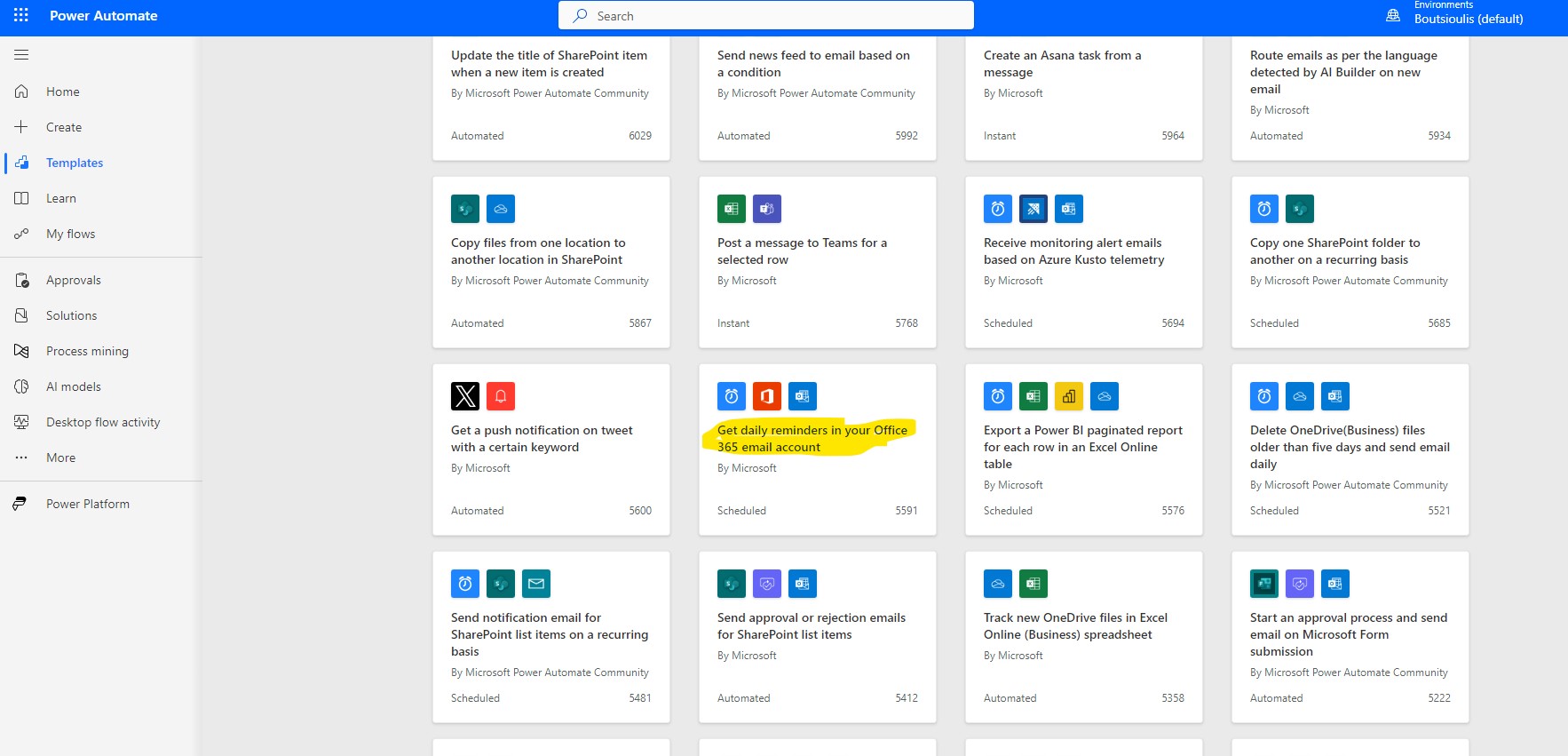
In today's article we will see how we can create daily reminders in the M365 email account First you need to have an active M365 subscription where from the main page select power automate in the left popup column In the next step from the available template automates select the one called get daily reminders in your Office 265 email account
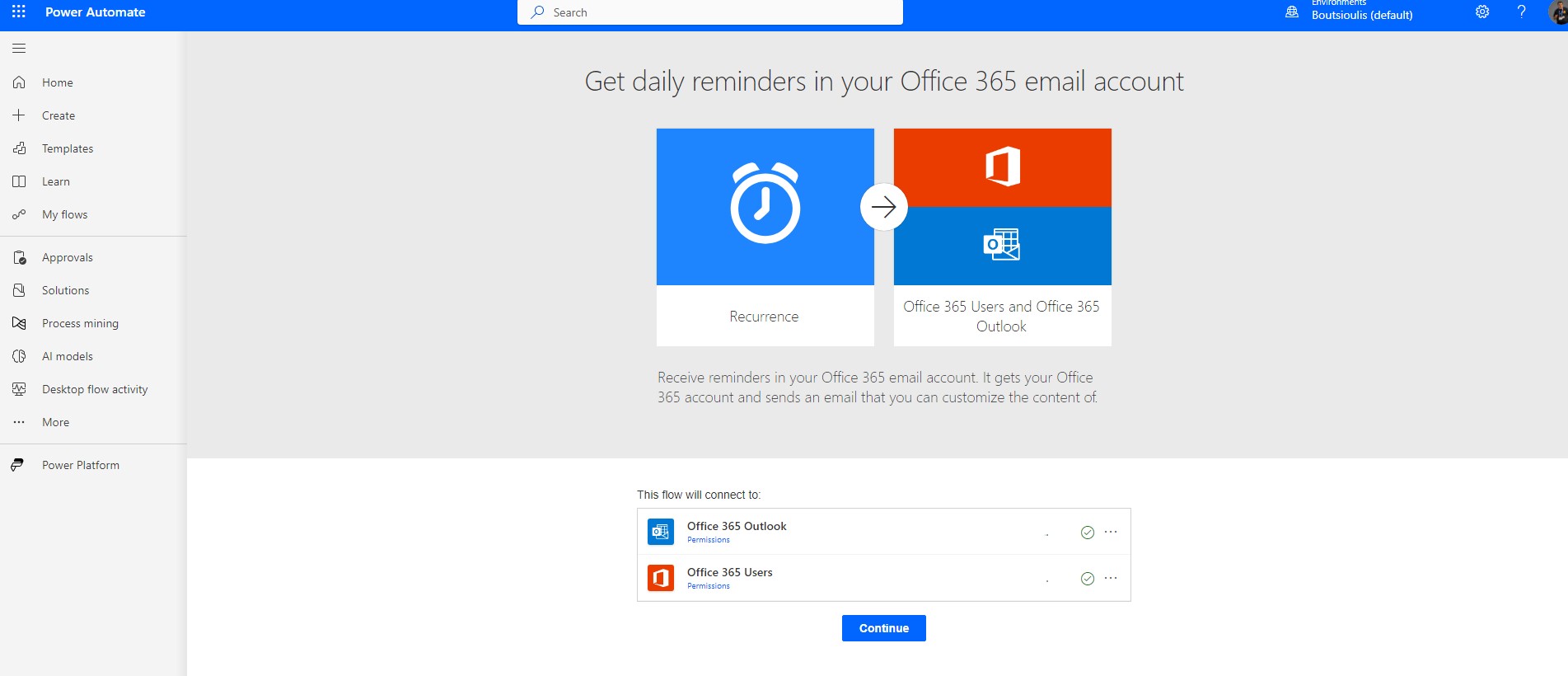
In the next step we have to allow all the necessary connections
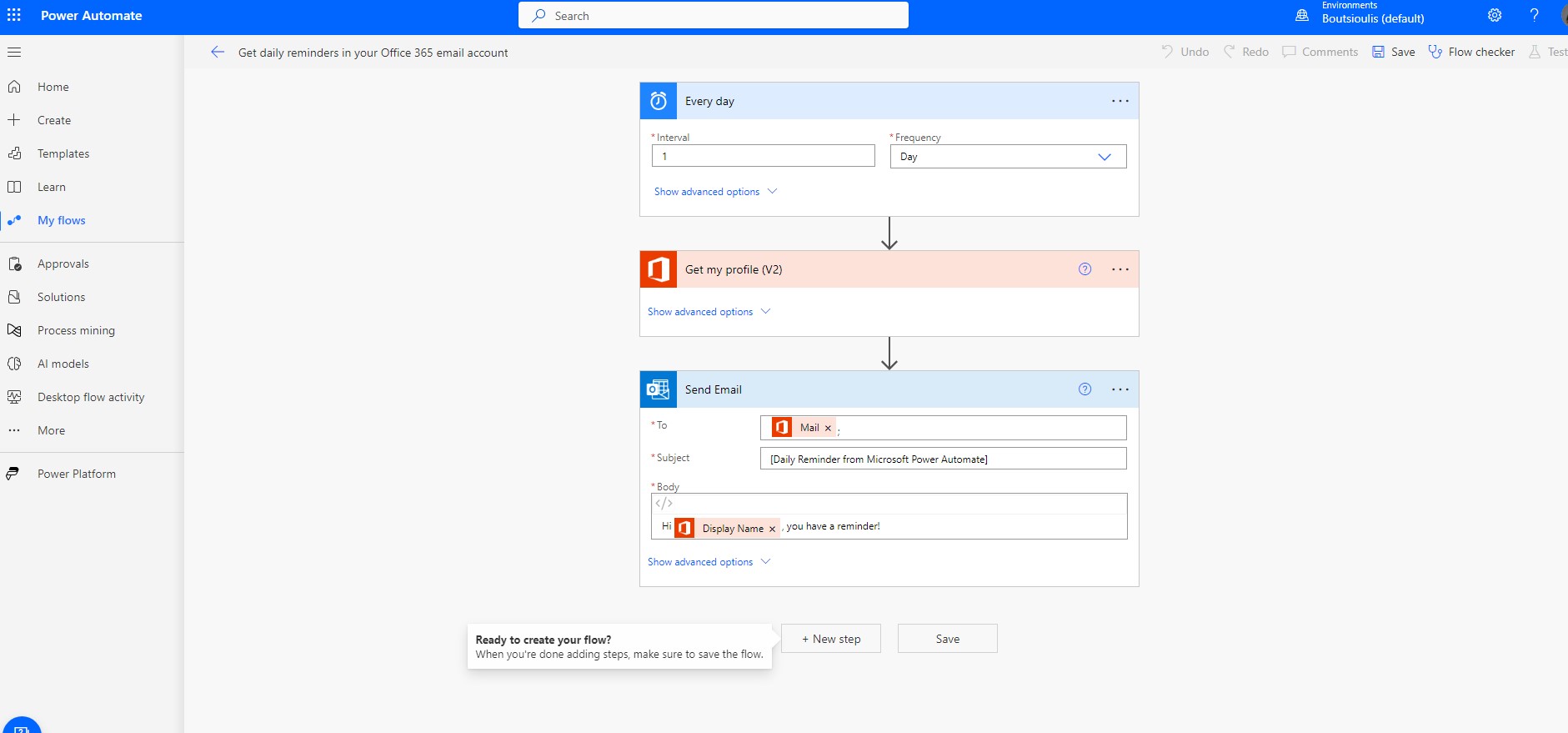
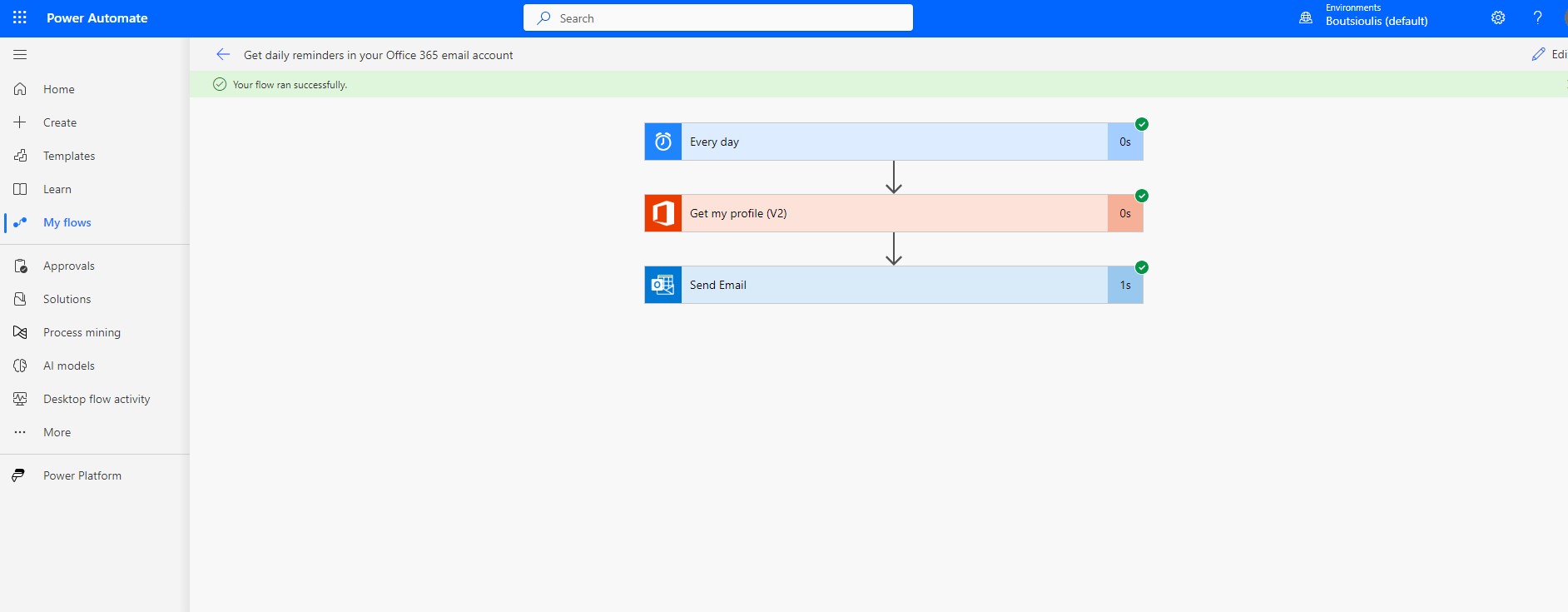
And finally in the body of the automate As you can see in the first box we have to specify the frequency of receiving the reminders . We for this example have selected every day In the second checkbox we ask automate to understand which user I am and from there onwards to read my properties in Azure AD and so in the next checkbox of send email there now as long as it knows my mail it will send me the reminder with daily reminder theme and body which I can edit and configure based on what I want each reminder to say
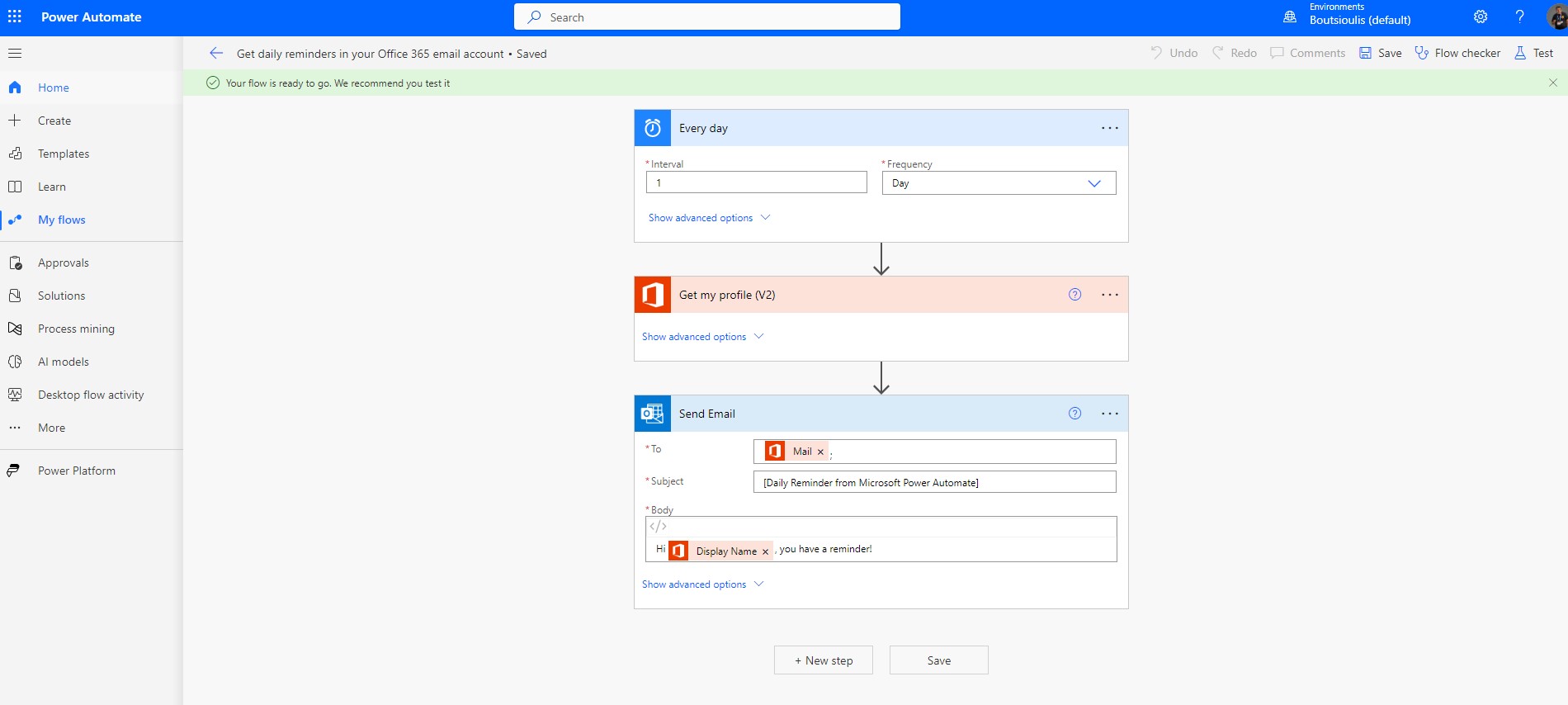
Next step is to save the automate and then

manually select its execution to see if it works properly.
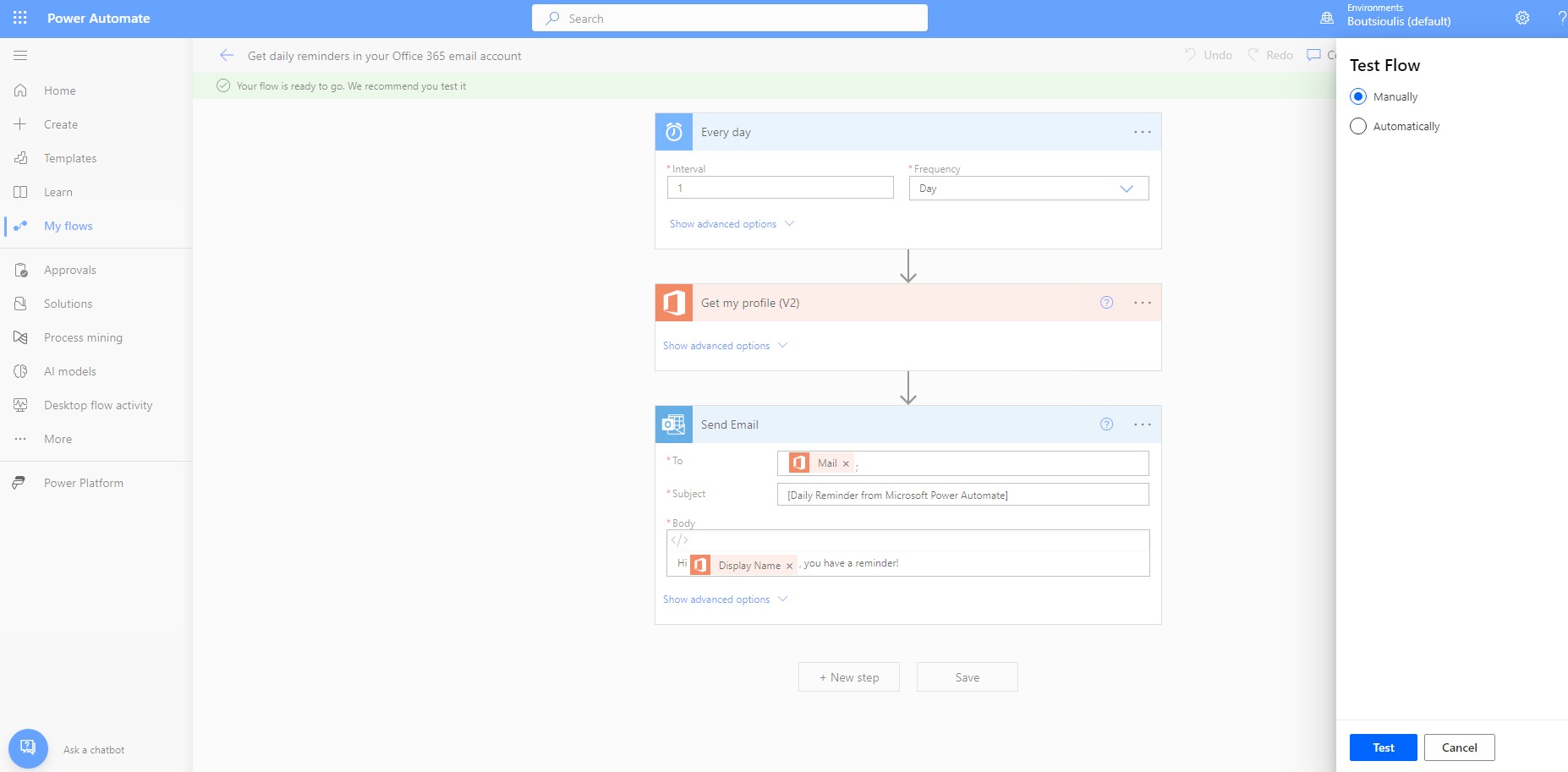
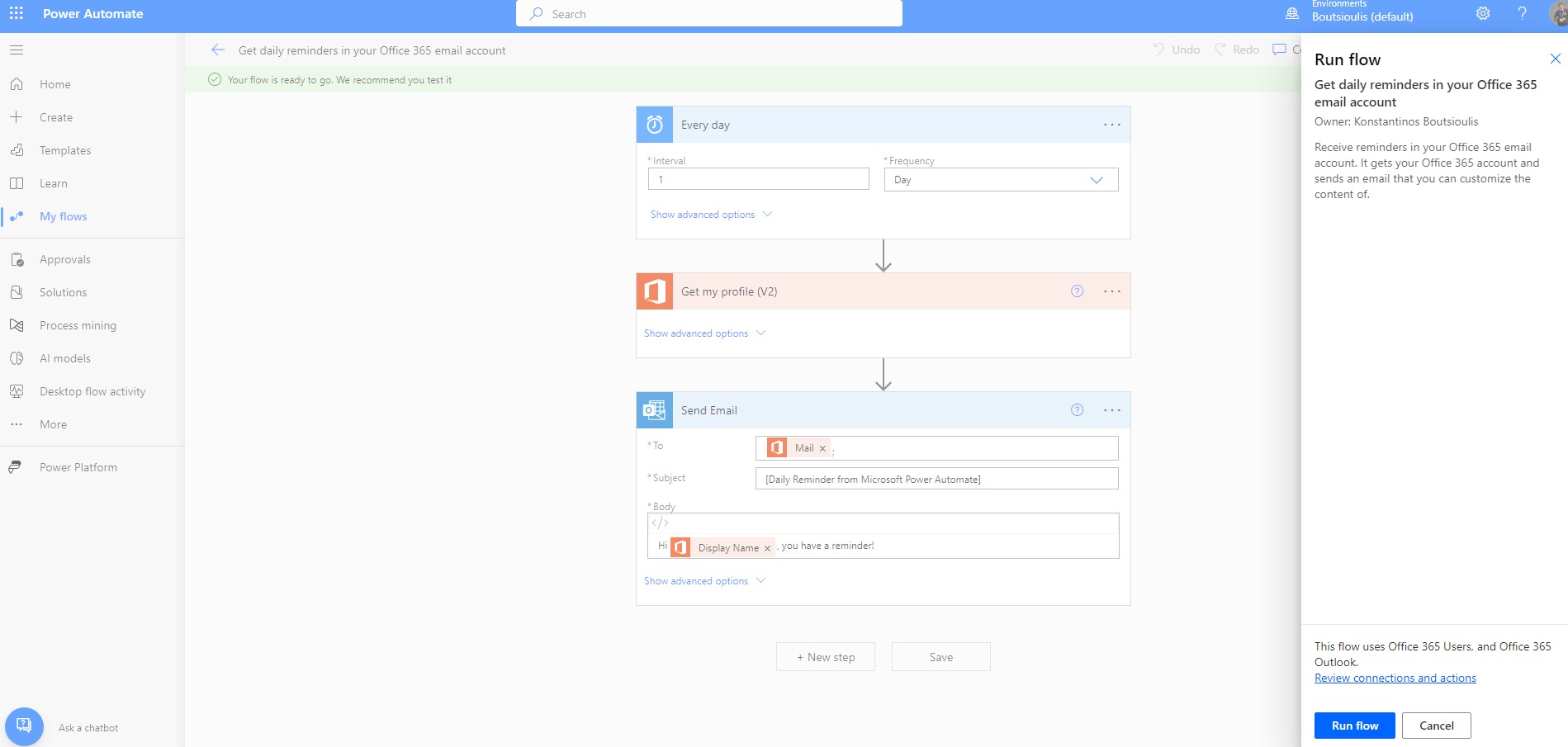
Next step is to select run flow.
And then done.
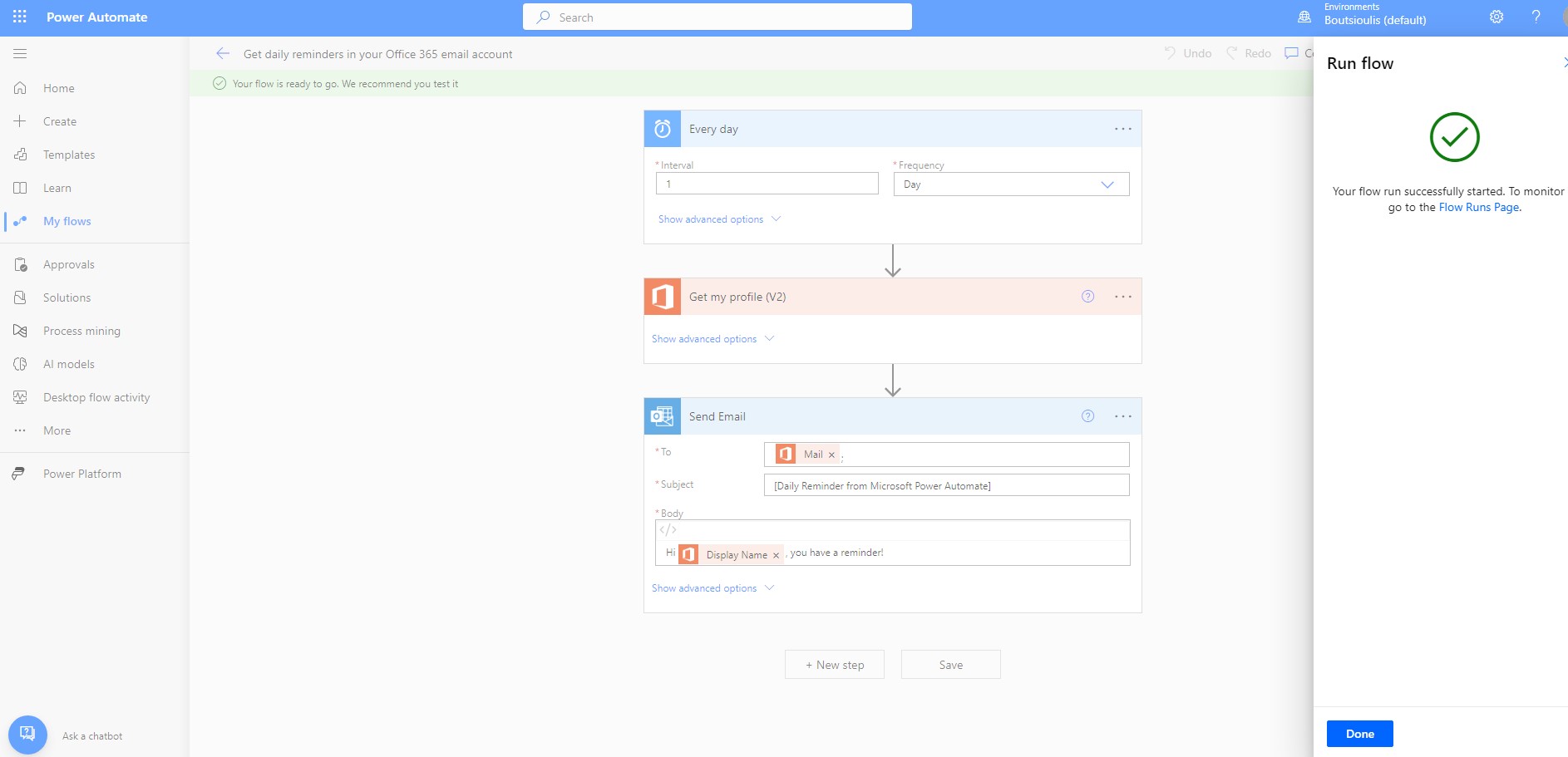
I find that automate works without any problems at all.
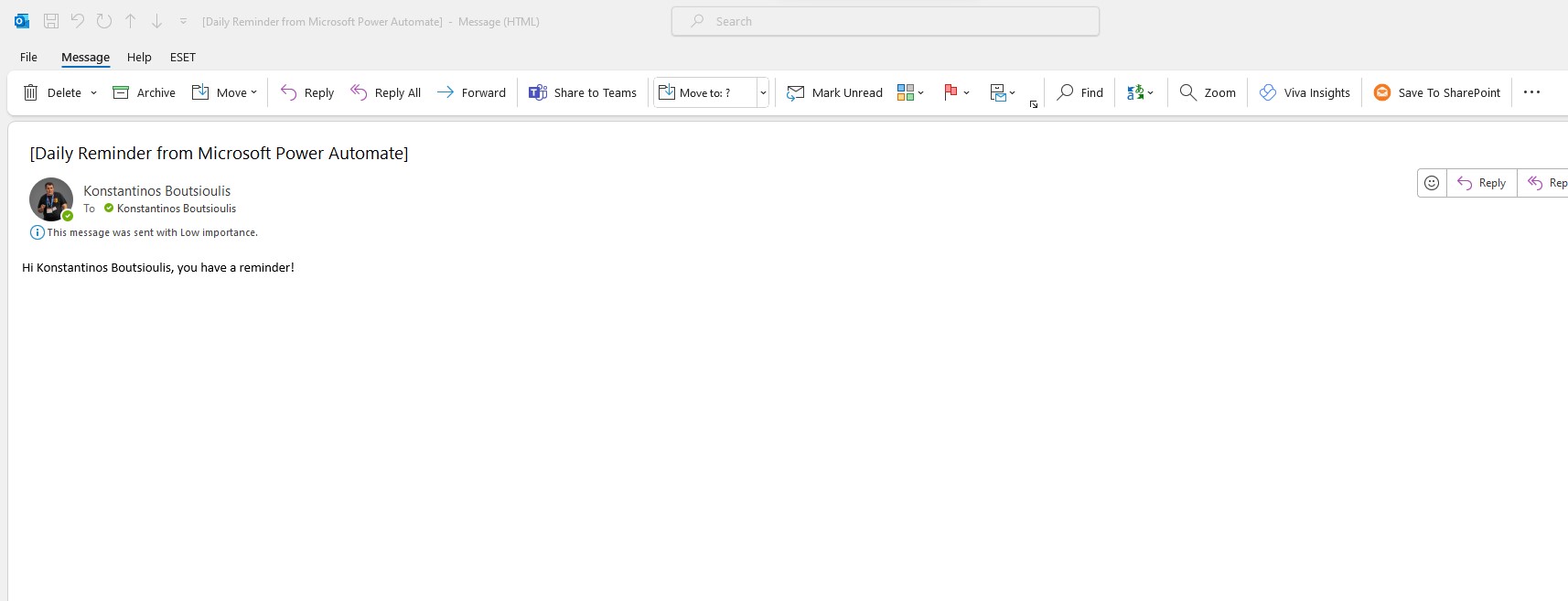
And finally, as you can see, the reminder has been sent to my account and the reminder has arrived exactly as I had chosen to compose it.
 #technology
#microsoft
#PowerApps
#PowerAutomates
#digitaltransformation
#cloud
#mvpbuzz
#m365
#SharePoint
#technology
#microsoft
#PowerApps
#PowerAutomates
#digitaltransformation
#cloud
#mvpbuzz
#m365
#SharePoint
Visit Archives below to find more articles about Microsoft technologies on Modern Workplace