
Free Material
Find hereMore than 150 Articles about Microsoft Technologies on Modern Workplace
Official Site
Microsoft Most Valuable Professional M365 Apps & Services
Microsoft Most Valuable Professional Business Applications
Consultant & Sr Cloud Solution Architect Modern Wokrplace
Find hereMore than 150 Articles about Microsoft Technologies on Modern Workplace
22 July 2023
In today's article we will see how using PowerShell we can enable the ability to open a library with windows explorer . This process was available in older versions of SharePoint but with evolution it has become disabled It has not been removed as a procedure but it still exists but will need to be enabled for teanant As you can see I can no longer even map network drive of a library director to a local disk
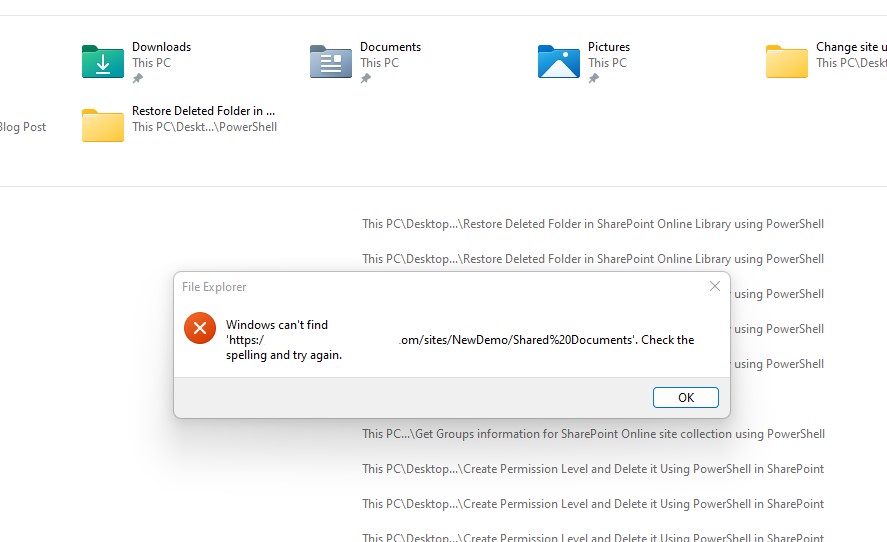
and I also don't have the file explorer as an option in any of the SharePoint Online menus
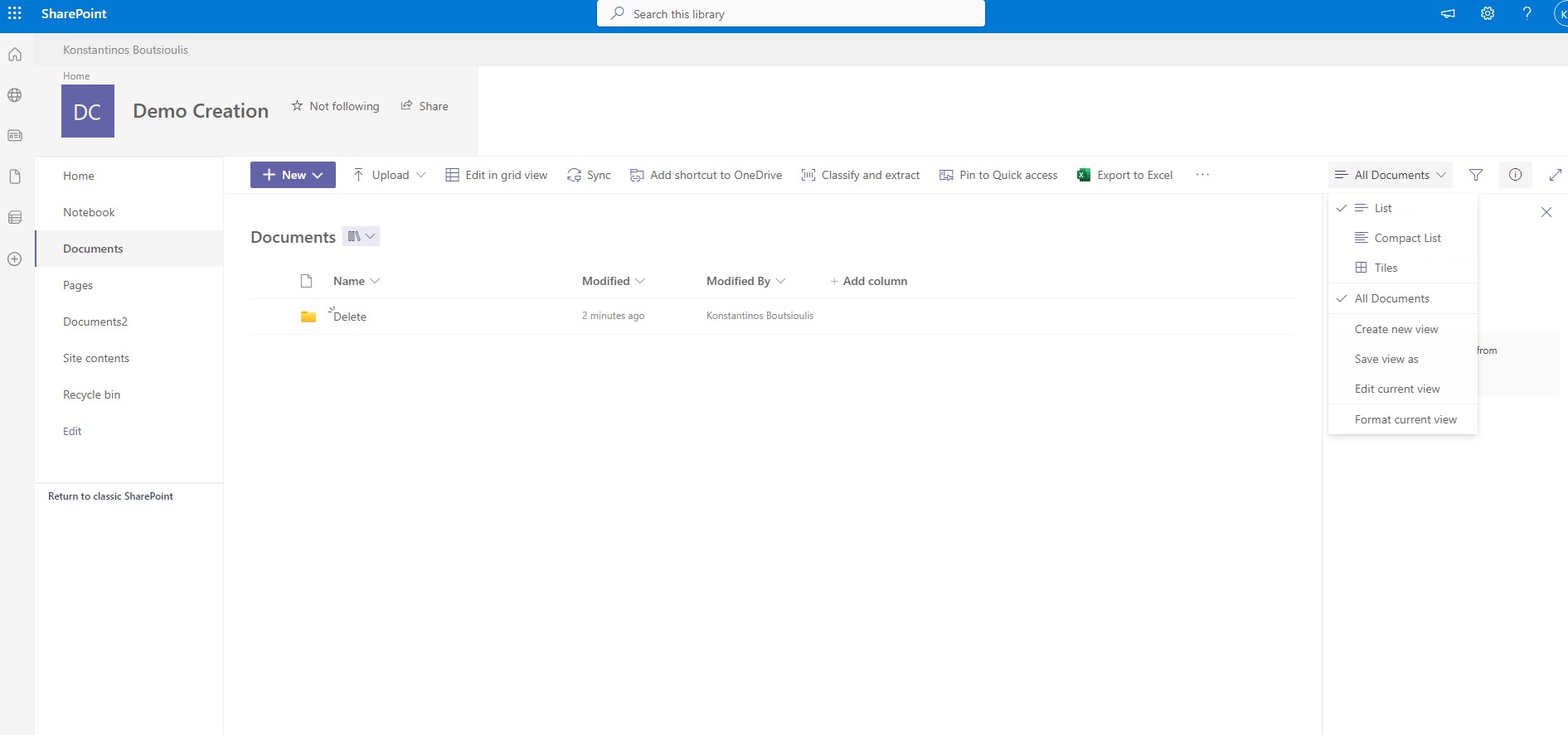
To enable this requires running the following PowerShell with administrator privileges in the SharePoint Online Management Shell
# Declare Variables
$Site="https://mytenant-admin.sharepoint.com"
#Connect with SharePoint Online to your tenant
Connect-SPOService -Url $Site
#Execute enable file explorer in your tenant
Set-SPOTenant -ViewInFileExplorerEnabled $true
 #SharePoint
#technology
#microsoft
#PowerShell
#PnP
#digitaltransformation
#cloud
#mvpbuzz
#m365
#SharePoint
#technology
#microsoft
#PowerShell
#PnP
#digitaltransformation
#cloud
#mvpbuzz
#m365
Visit Archives below to find more articles about Microsoft technologies on Modern Workplace