
Free Material
Find hereMore than 150 Articles about Microsoft Technologies on Modern Workplace
Official Site
Microsoft Most Valuable Professional M365 Apps & Services
Microsoft Most Valuable Professional Business Applications
Consultant & Sr Cloud Solution Architect Modern Wokrplace
Find hereMore than 150 Articles about Microsoft Technologies on Modern Workplace
11 January 2024
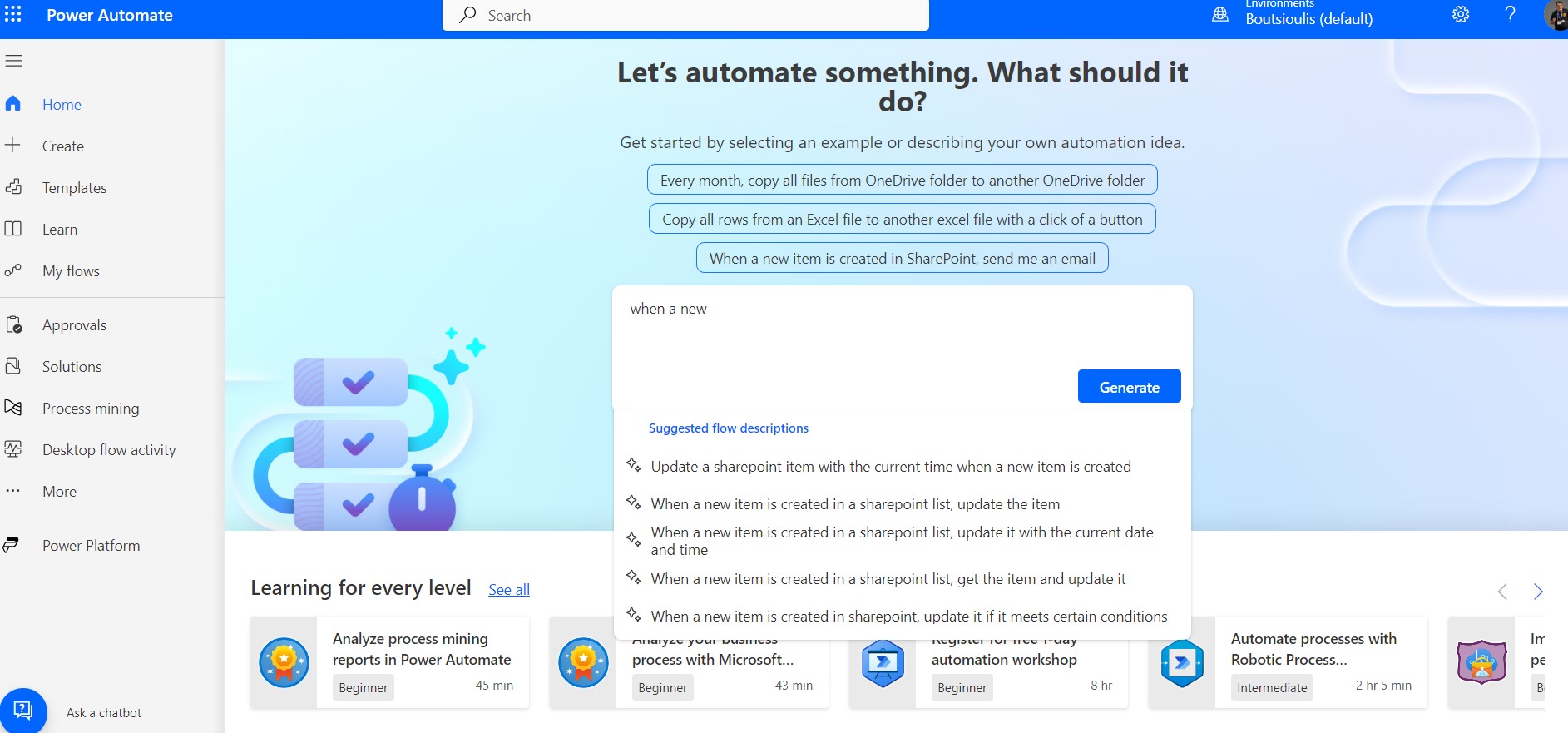
In today's article we will see how we can rename each new item to a specific name format we want using power automate and copilot . The copilot further gives us the ability to describe what we want to implement and from there it opens up a series of options as well as a suggestion for implementing the specific automate we want. First with our active subscription from the main page of power automate in copilot we click on when a new item is created ,so copilot gives us a series of options and we select the second one which is when a new item is created in SharePoint list ,update it
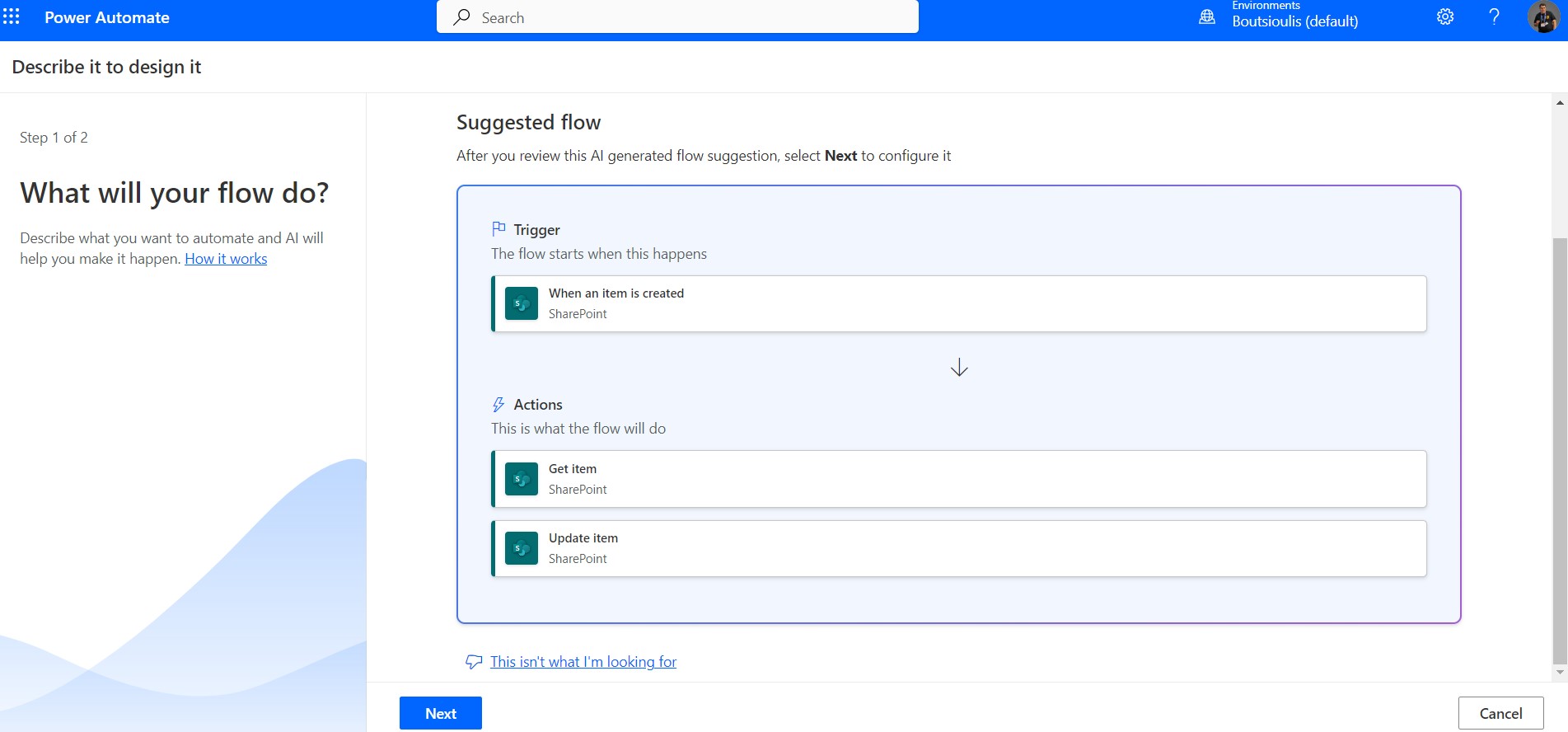
In the next step the copilot gives us a series of information about our flow its structured with Trigger and actions and there we select next
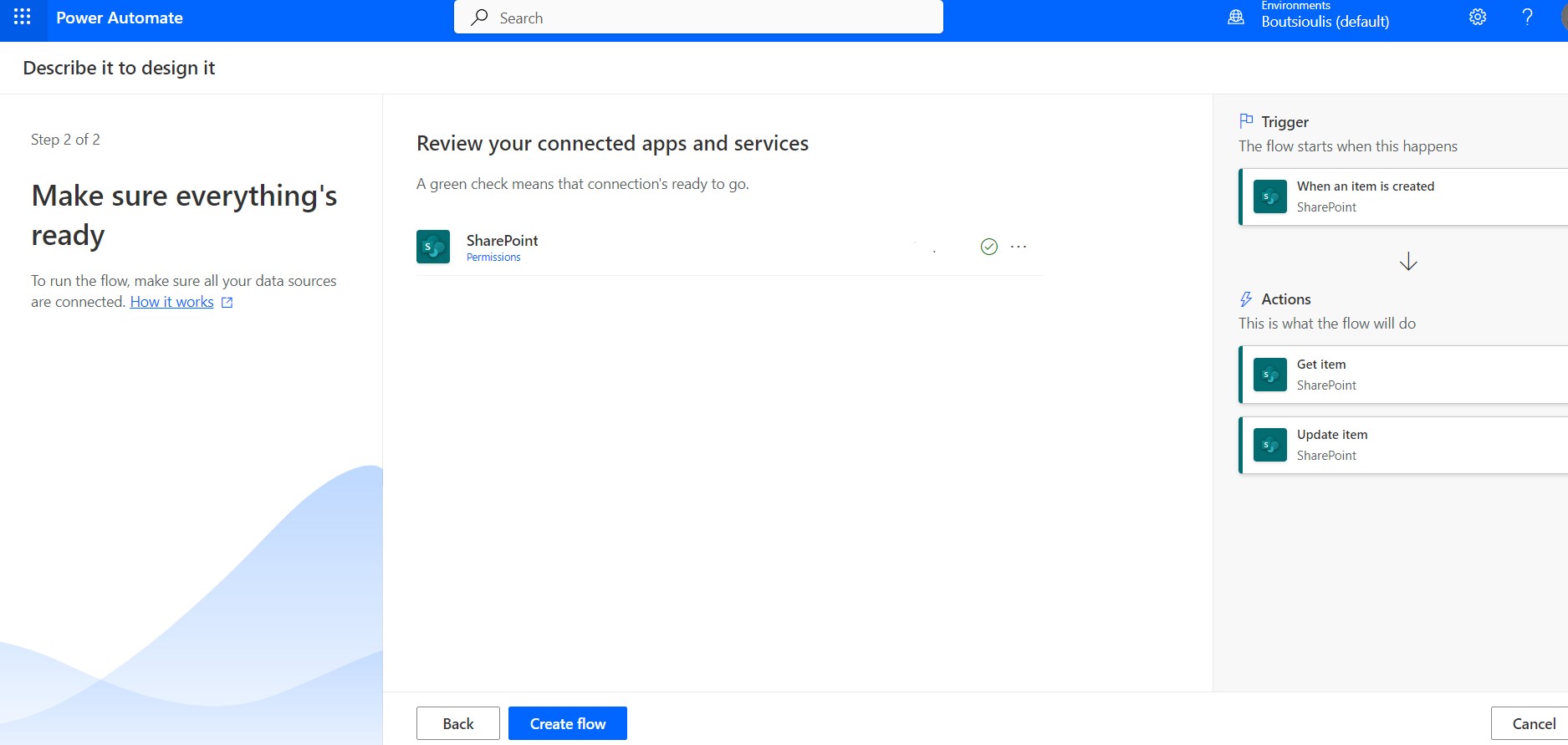
In the next step we allow the connections and control our flow
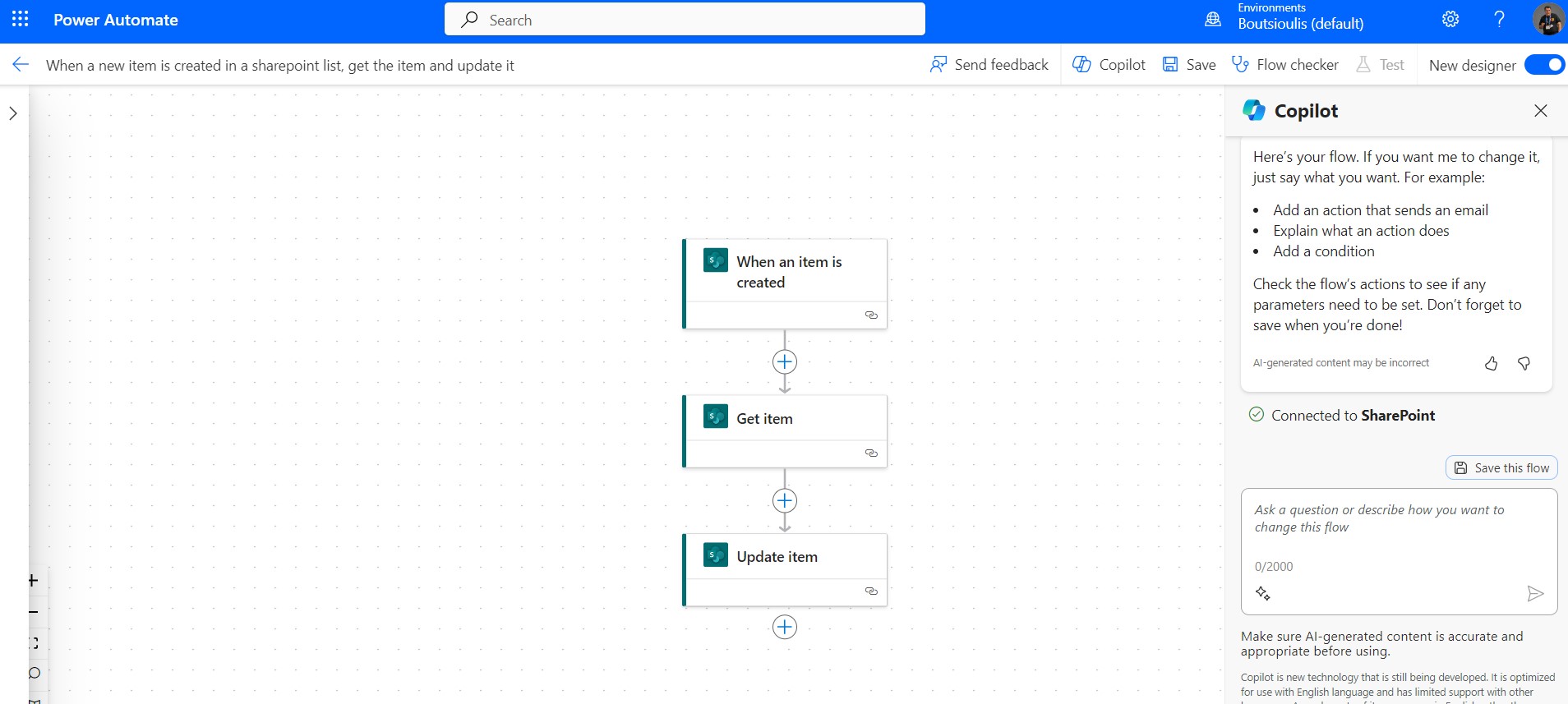
So we go to the new designer and see our flow and on the right side the copilot which we can consult and we will see how in a next article
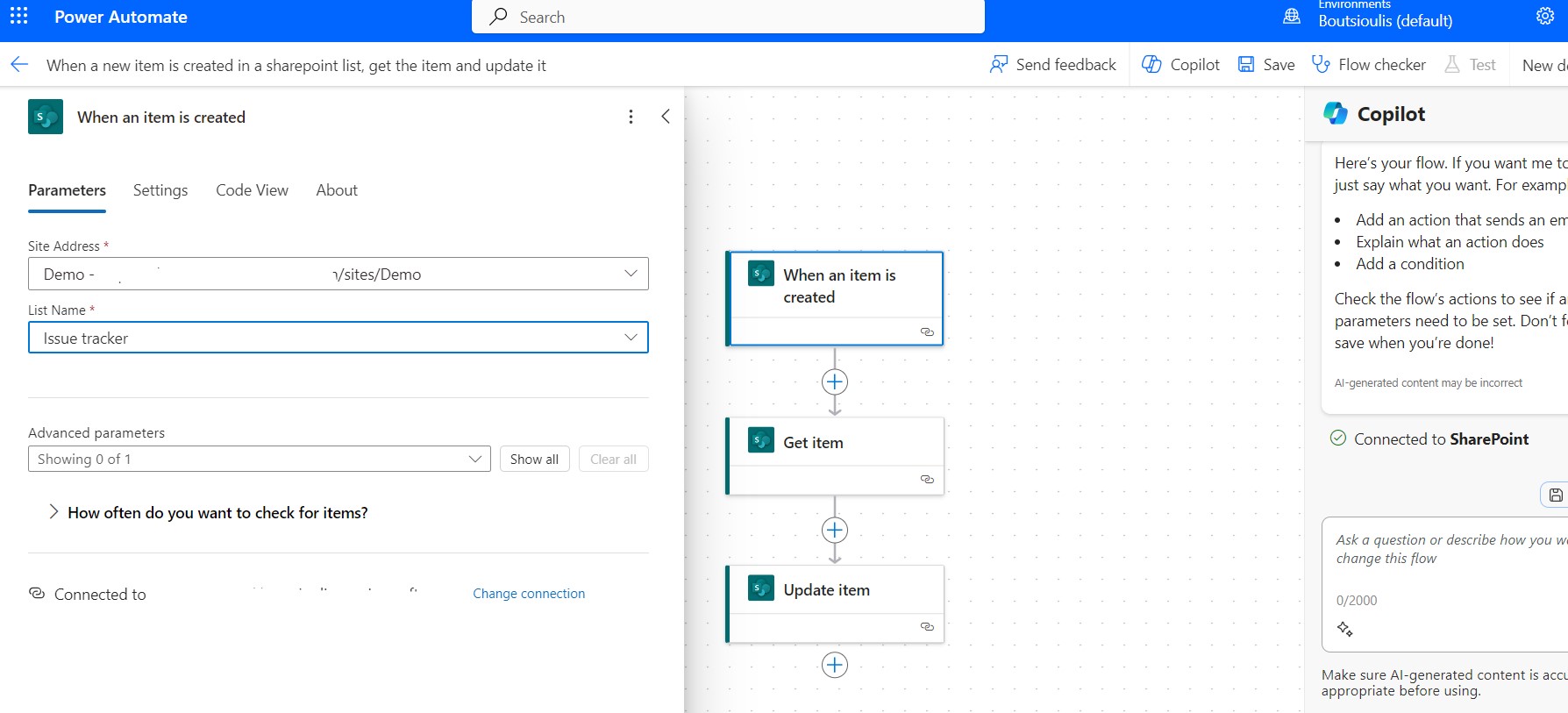
In the trigger of the flow we select the site and the list when a new item is created it will trigger our flow
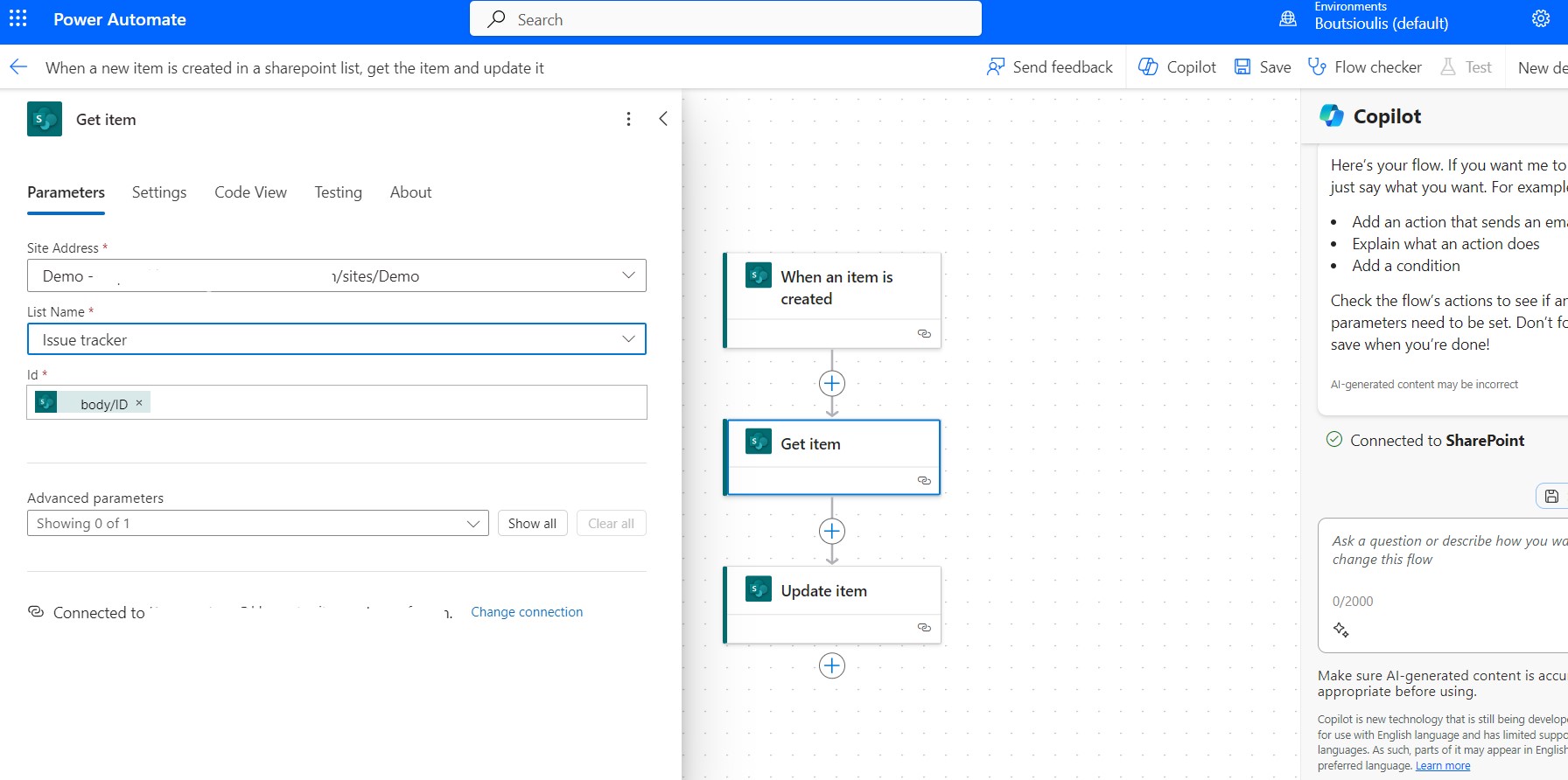
In the next action get items from the list we set selects the Items and mashes with the item we created to select it
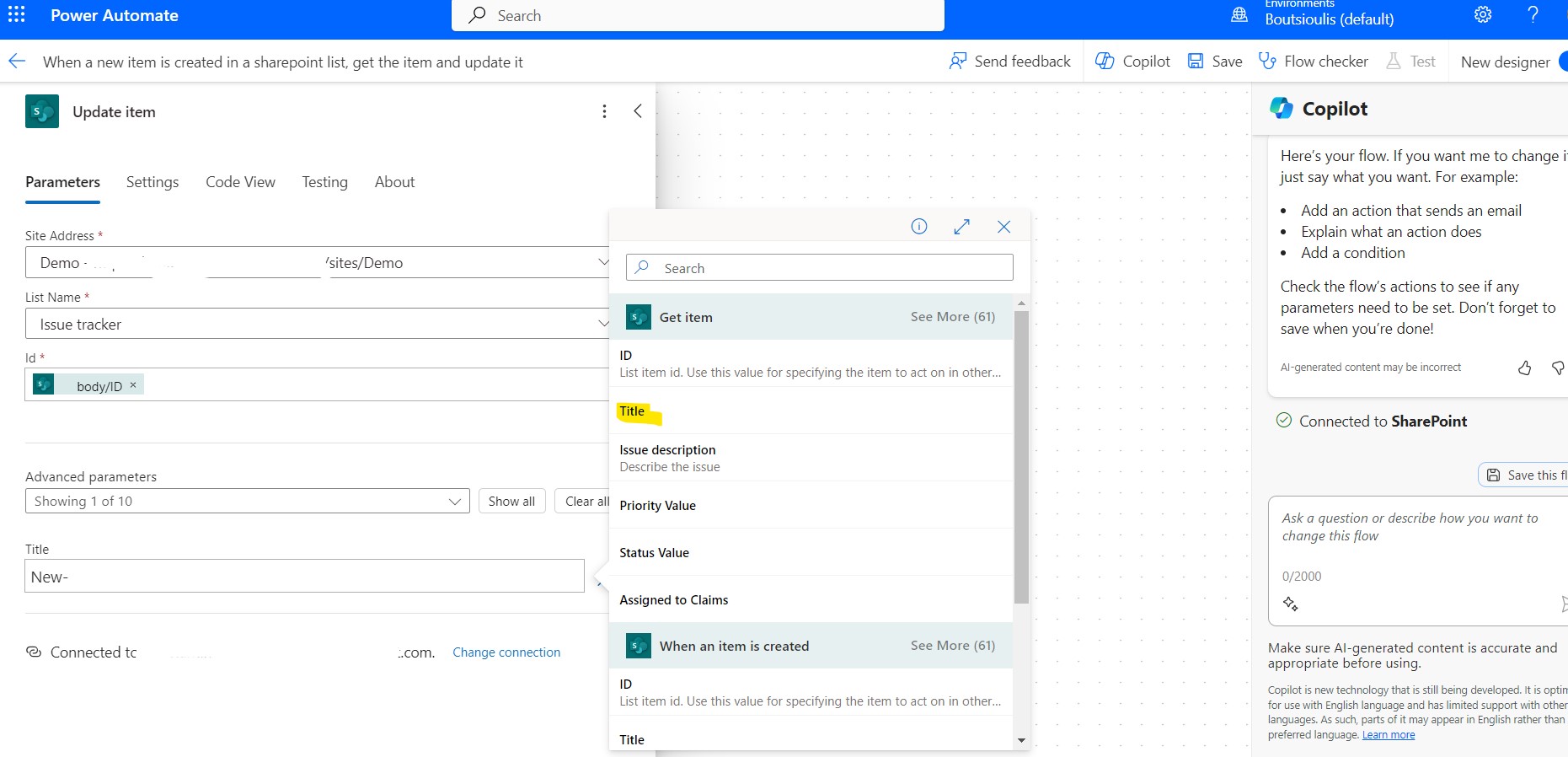
In the next action it updates the details of the new Item where we can give the new naming format of the item based on some template
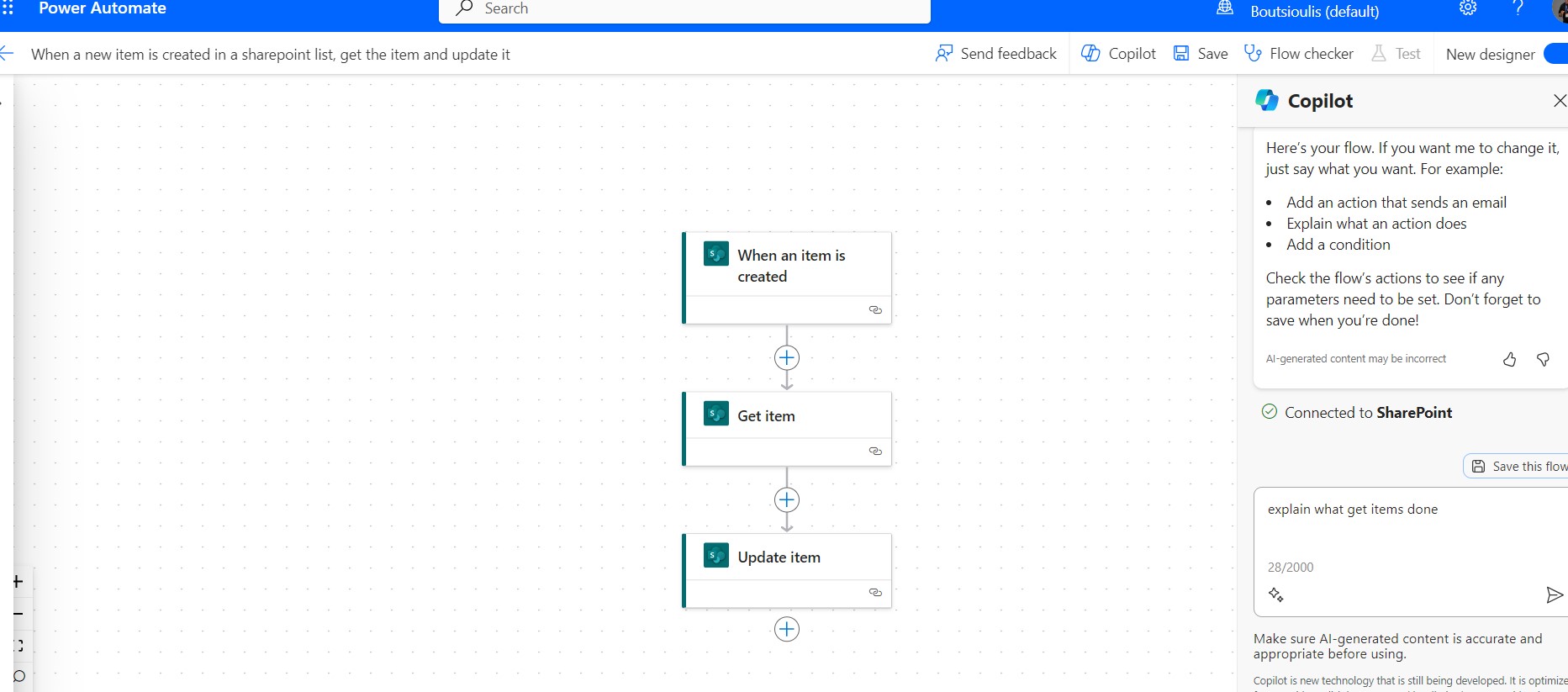
As you can see if I in the copilot write explain what get items does the copilot explains the function of the action
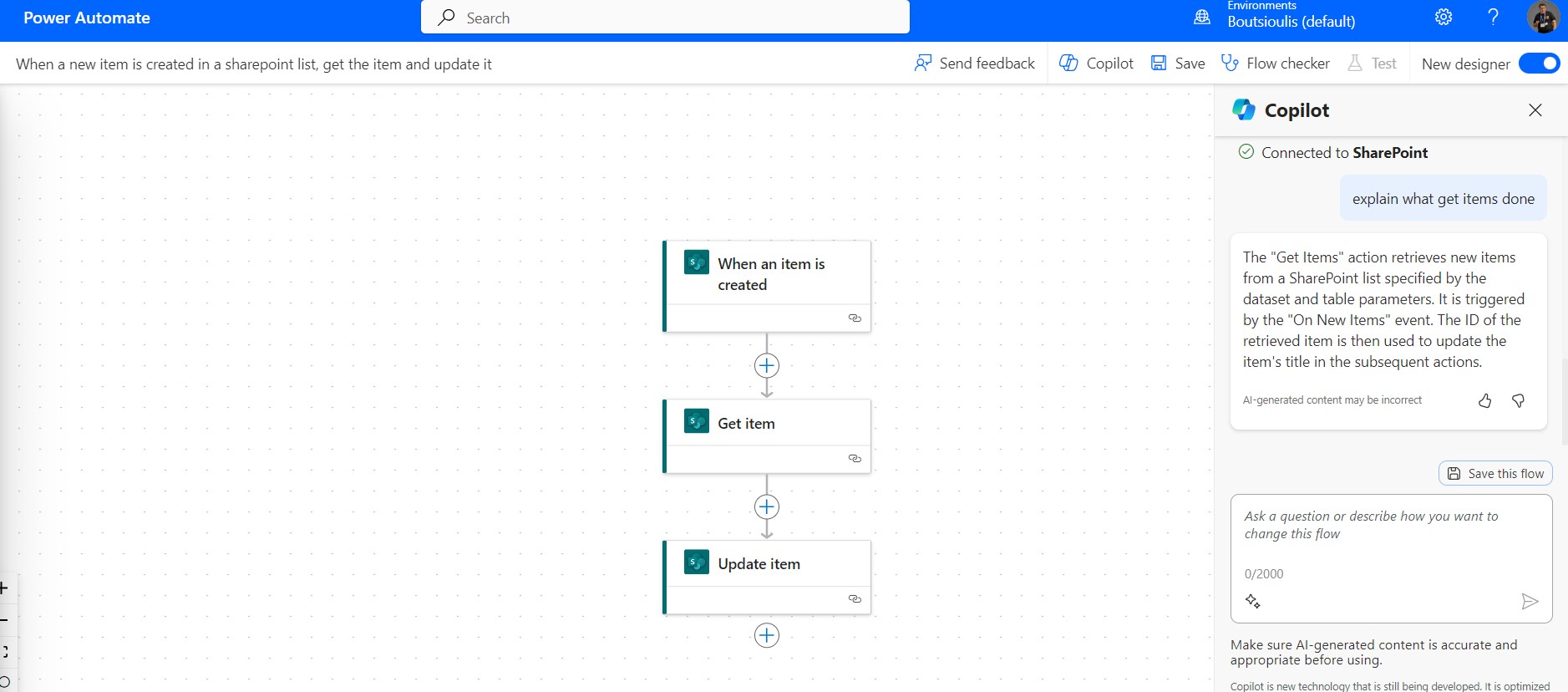
I save the changes in my flow
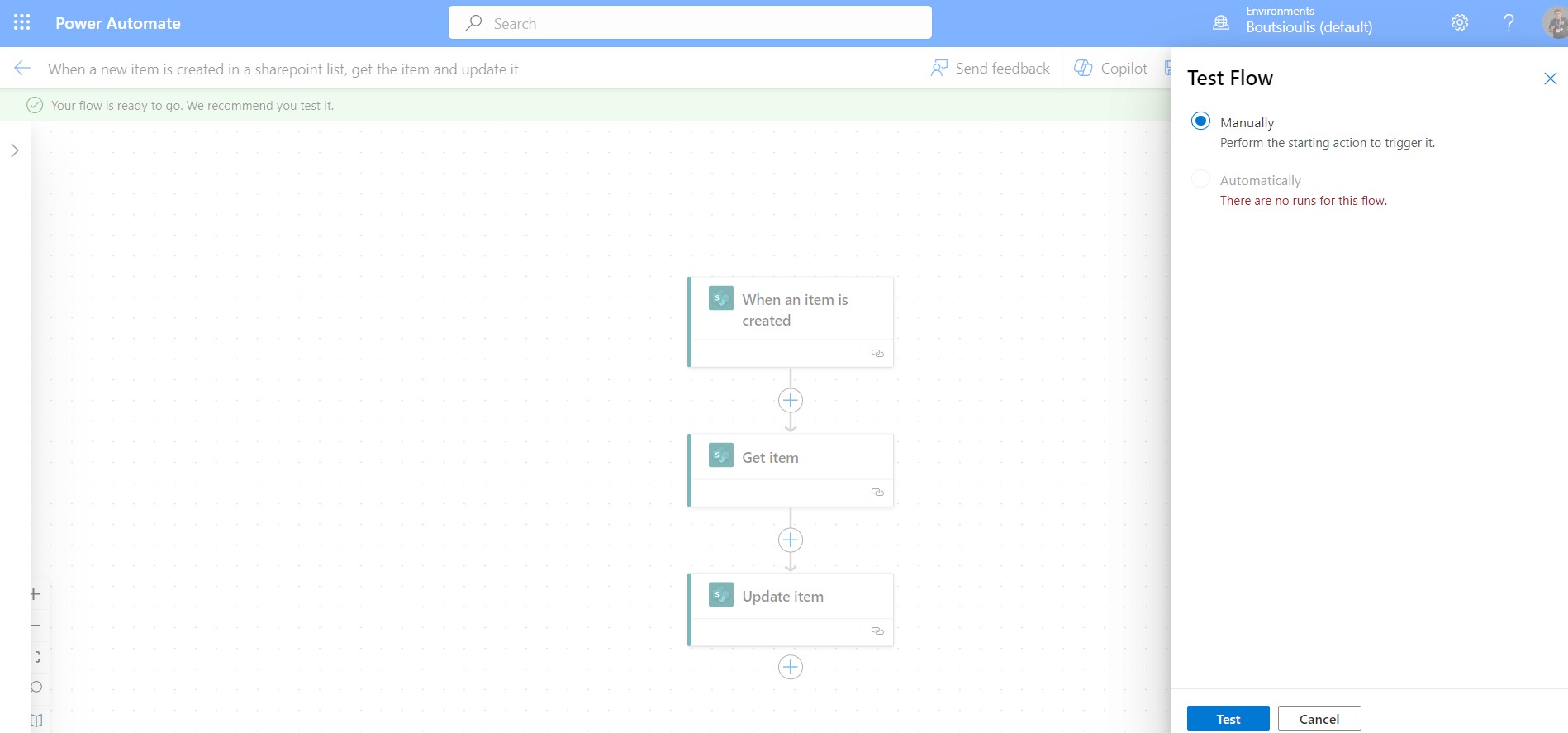
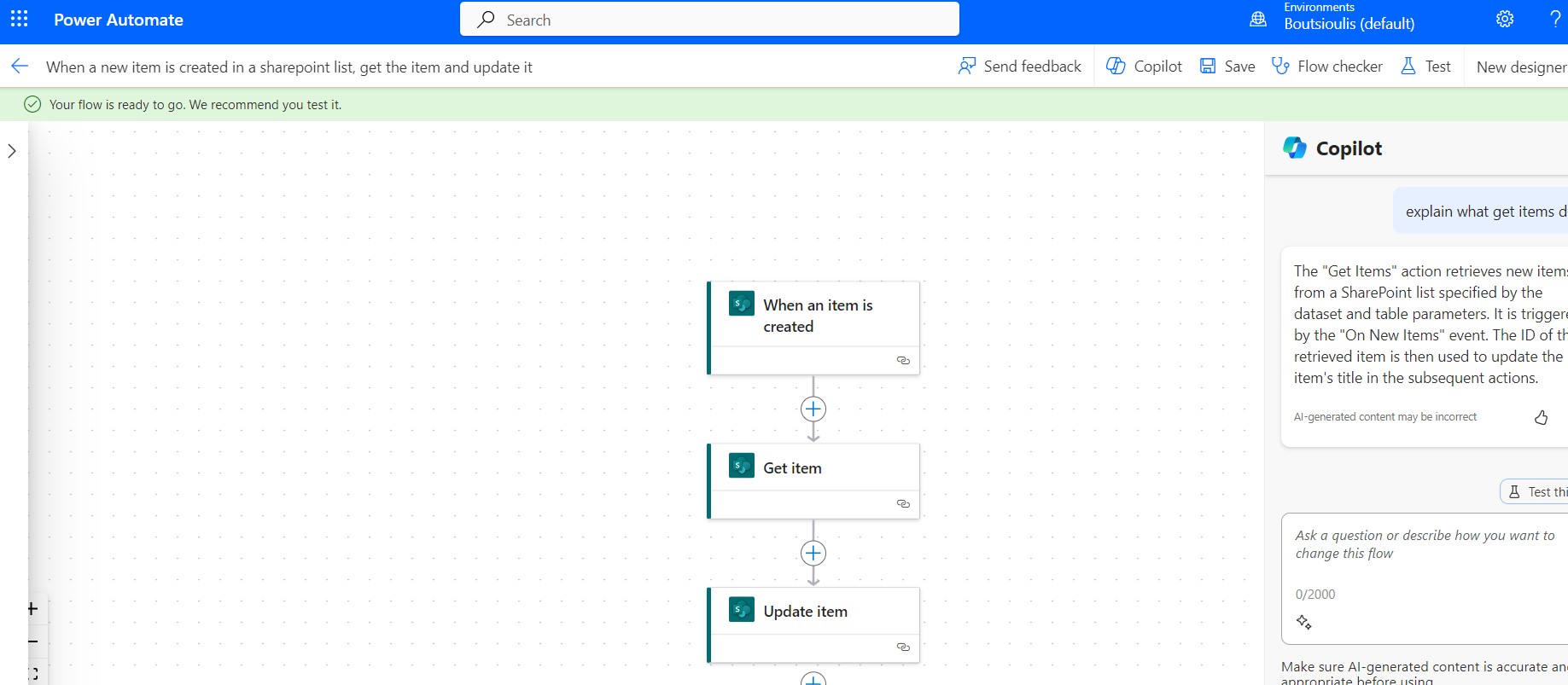 And I select test flow manually
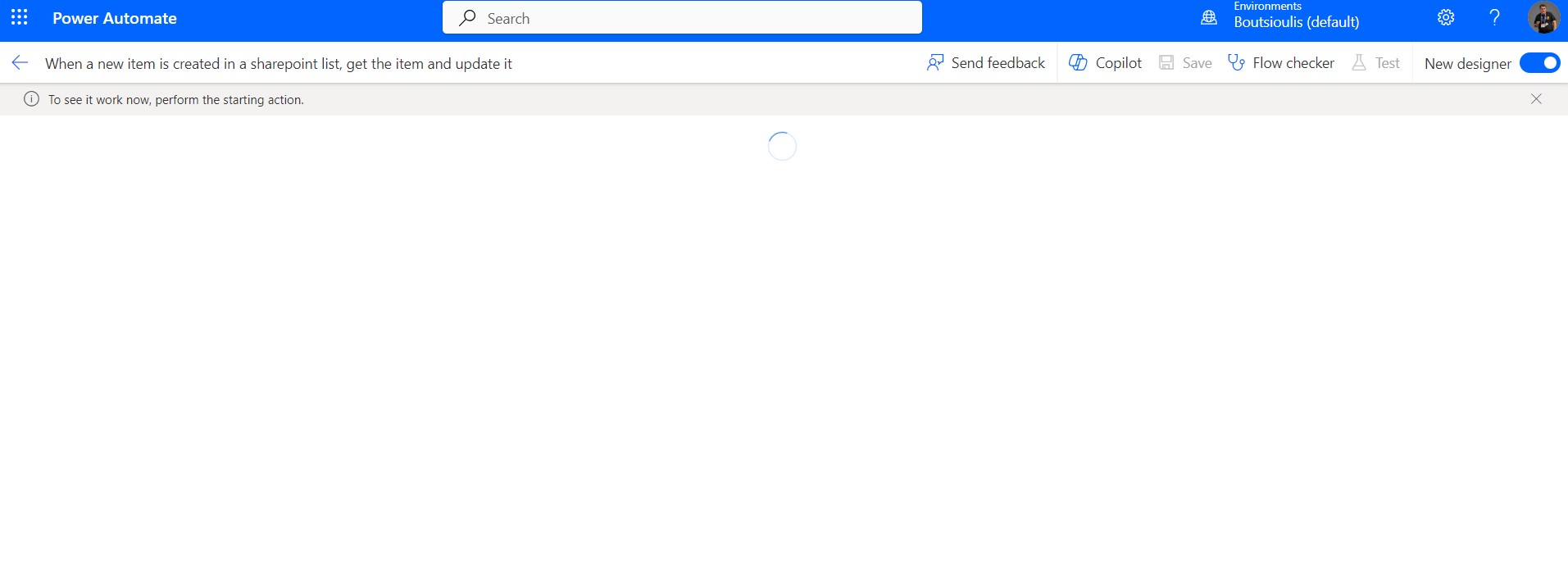
As you can see he has started the process and is waiting for a new item to be added to the list
Going to the list
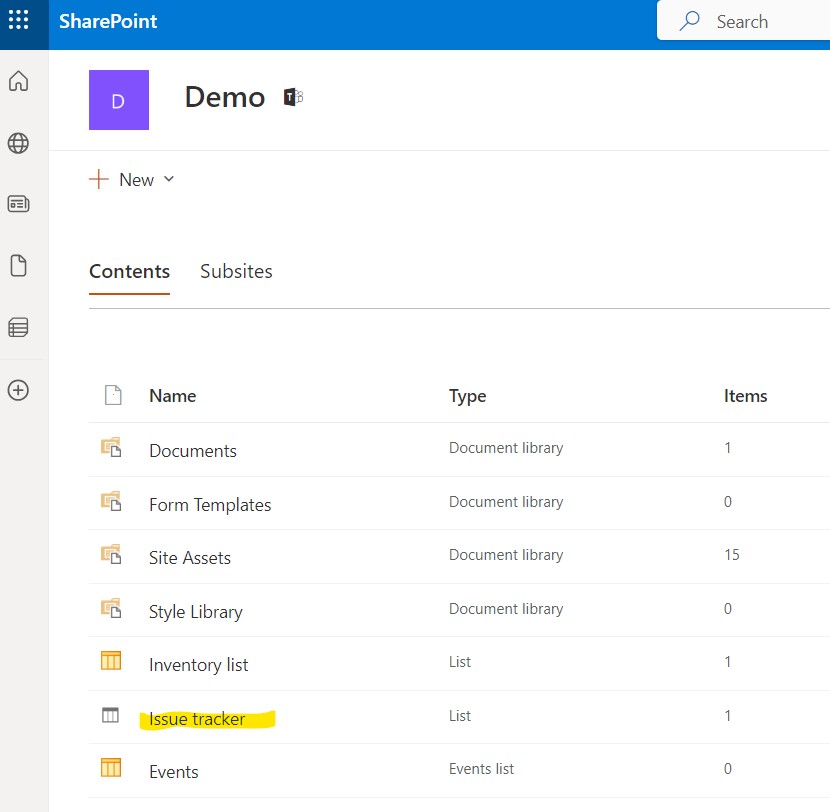
And I create a new item with the title hello
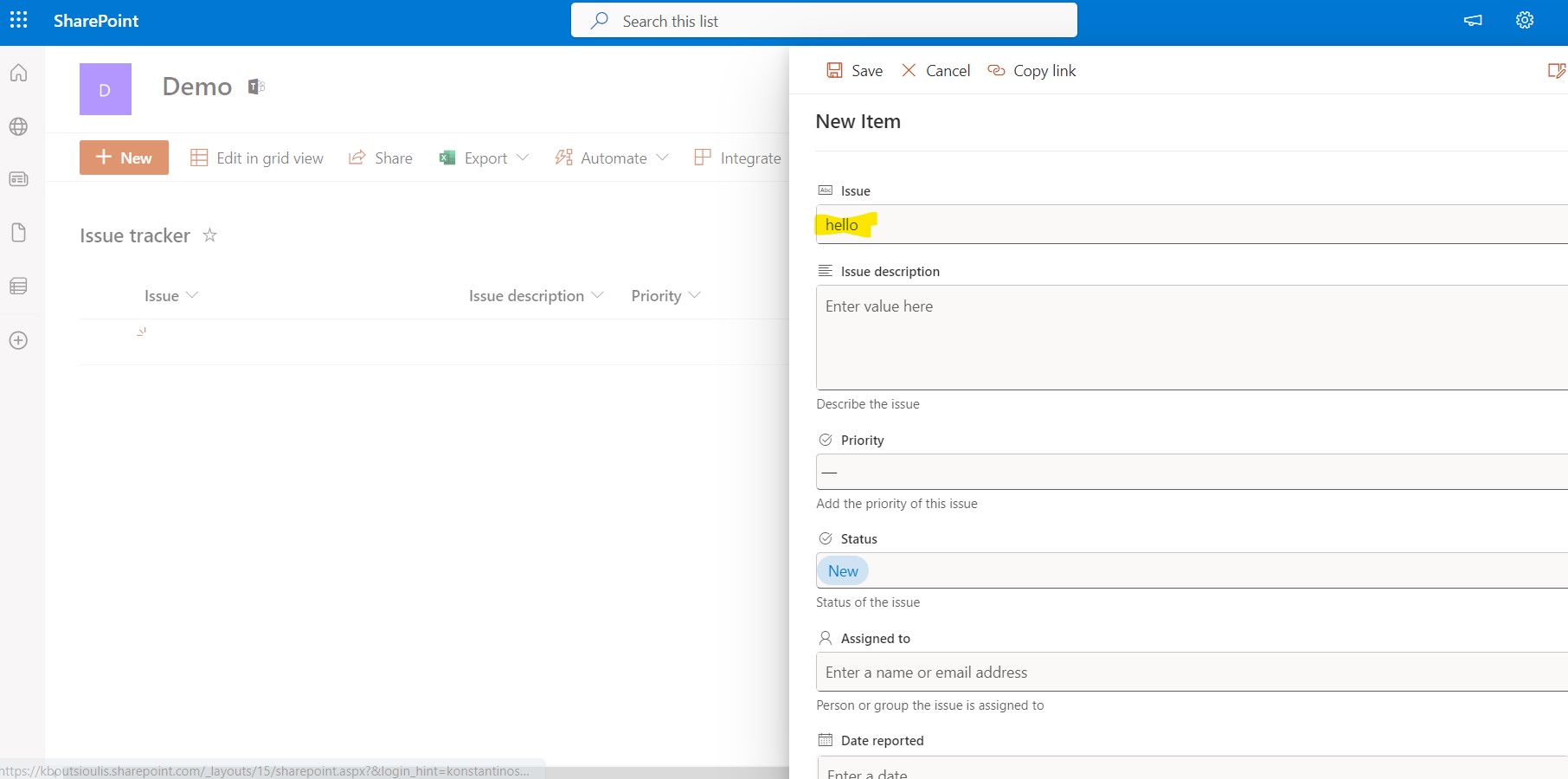
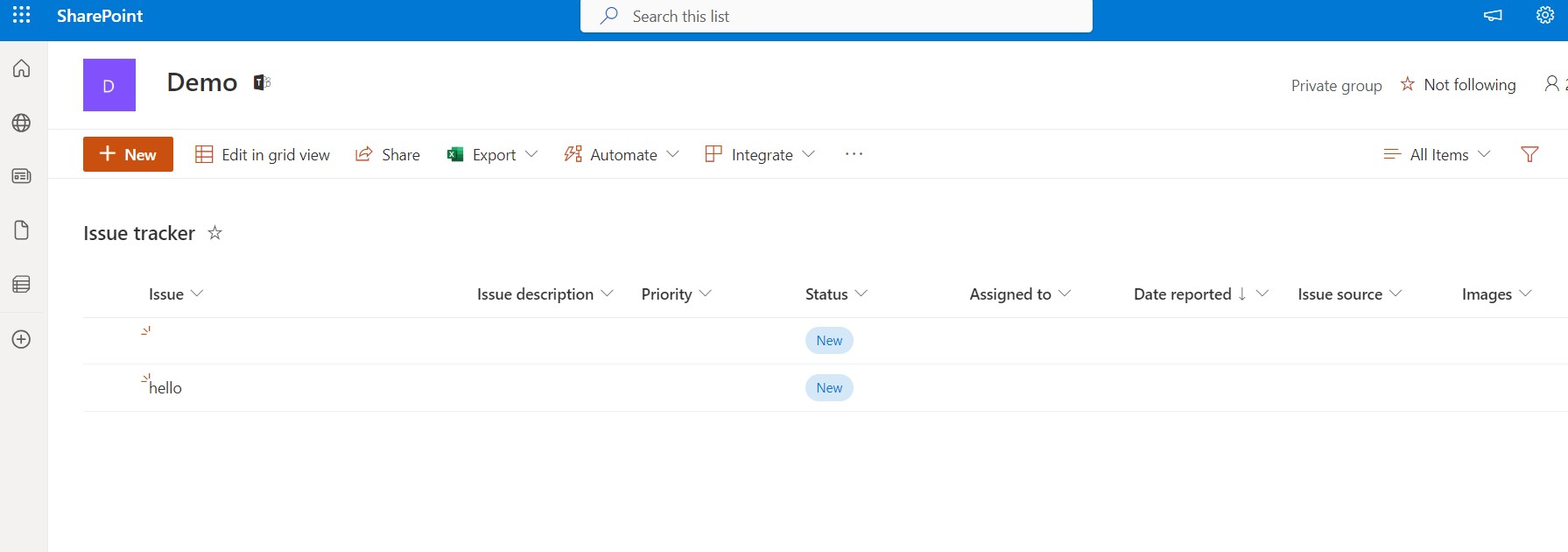
As you can see the new item has been created in the list
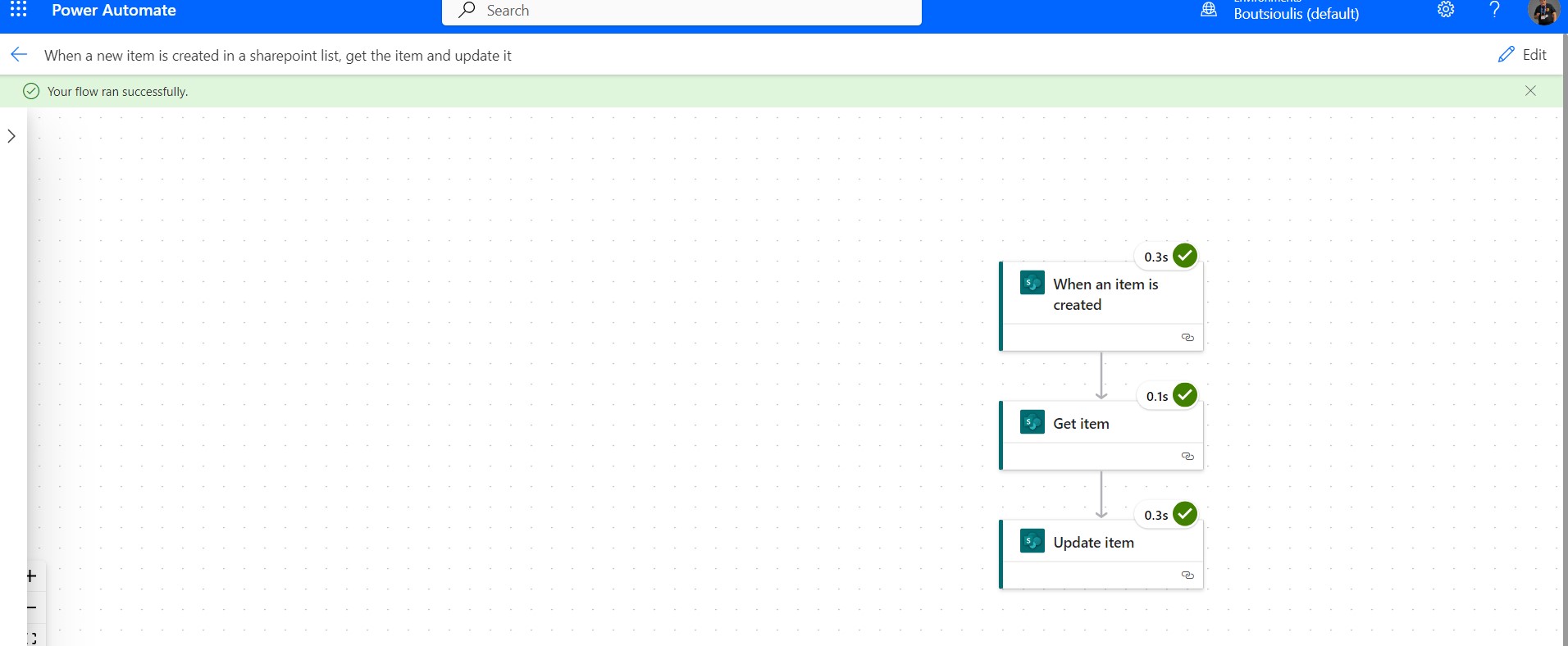
I go back and check the automate, which ran normally without any errors.
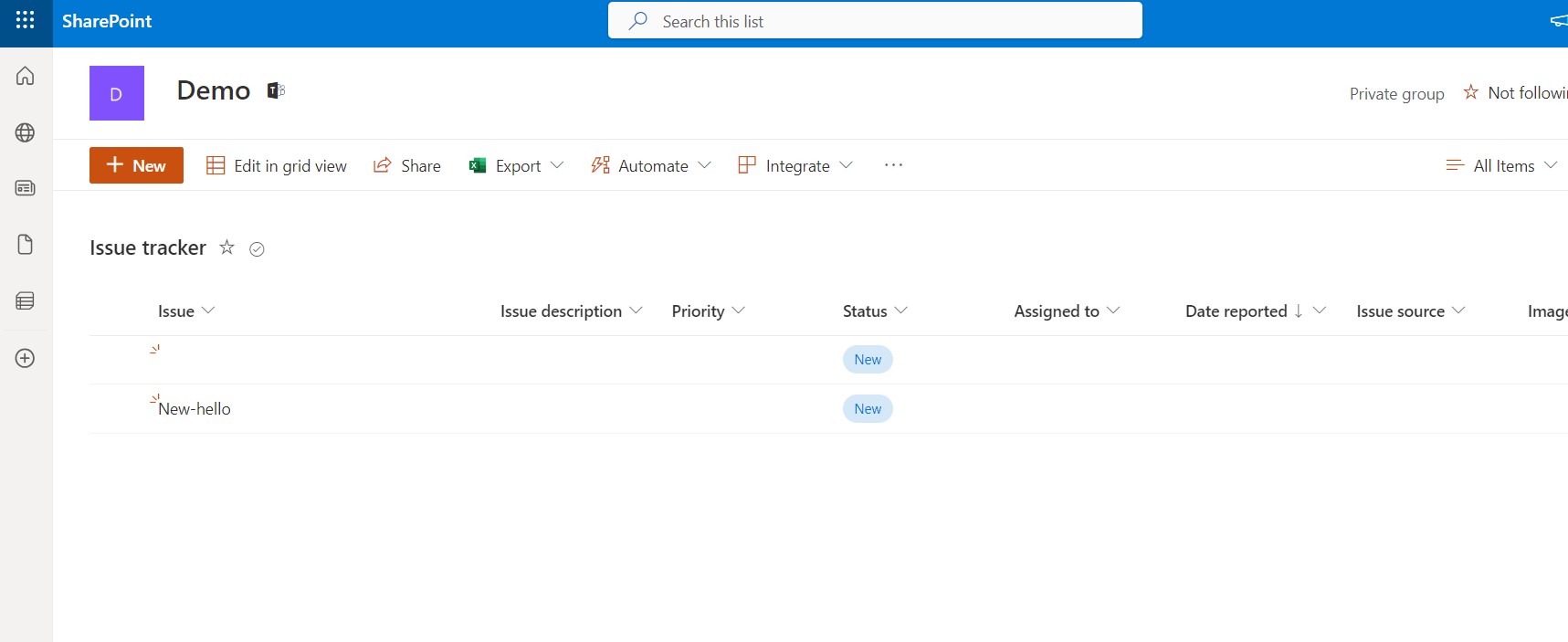
And as expected, if I return to the list I see that the new item has been renamed based on the template I set for it.
 #Copilot
#PowerApps
#PowerAutomate
#SharePoint
#technology
#microsoft
#digitaltransformation
#cloud
#mvpbuzz
#m365
#Copilot
#PowerApps
#PowerAutomate
#SharePoint
#technology
#microsoft
#digitaltransformation
#cloud
#mvpbuzz
#m365
Visit Archives below to find more articles about Microsoft technologies on Modern Workplace