
Free Material
Find hereMore than 150 Articles about Microsoft Technologies on Modern Workplace
Official Site
Microsoft Most Valuable Professional M365 Apps & Services
Microsoft Most Valuable Professional Business Applications
Consultant & Sr Cloud Solution Architect Modern Wokrplace
Find hereMore than 150 Articles about Microsoft Technologies on Modern Workplace
06 January 2024
In today's article I will show you how easy it is to create a scheduled post in SharePoint. This is a relatively new process introduced by Microsoft. First we need to have an active subscription to M365 . From there we go to the main M365 page and from the left drop down column select SharePoint.
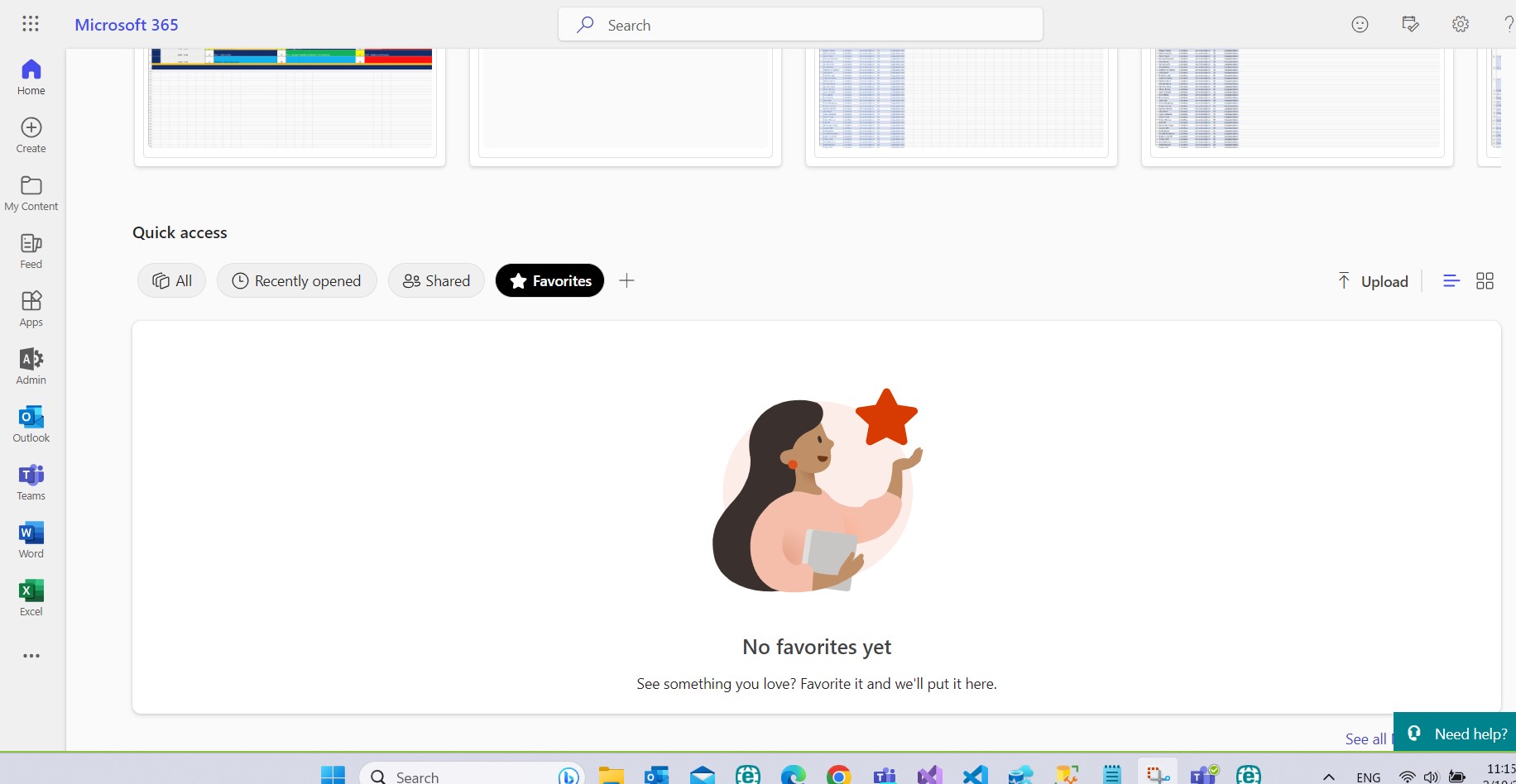
Select the site where we will activate this process
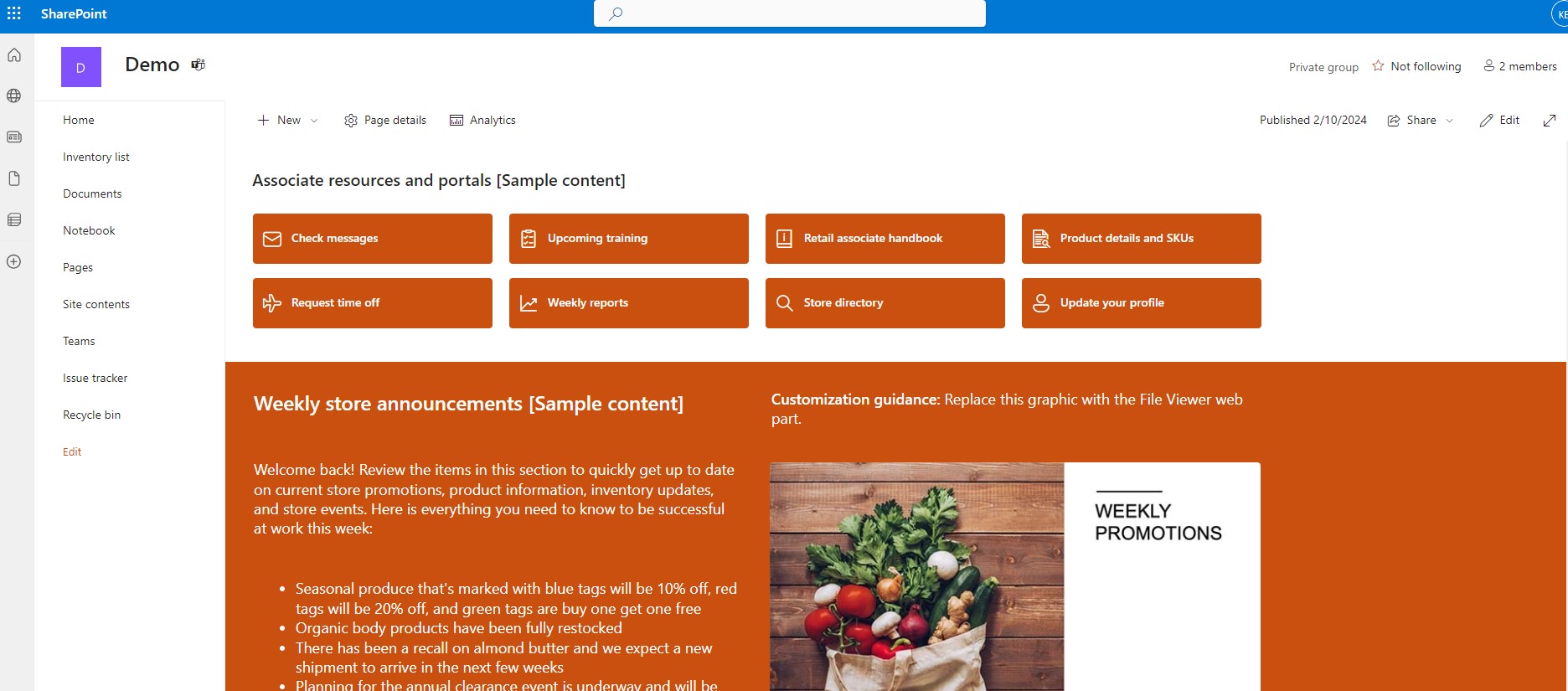
And from the site contents and then to the site pages . Note here that this is done on the site pages because every time we create a new post we actually create a page below the site pages
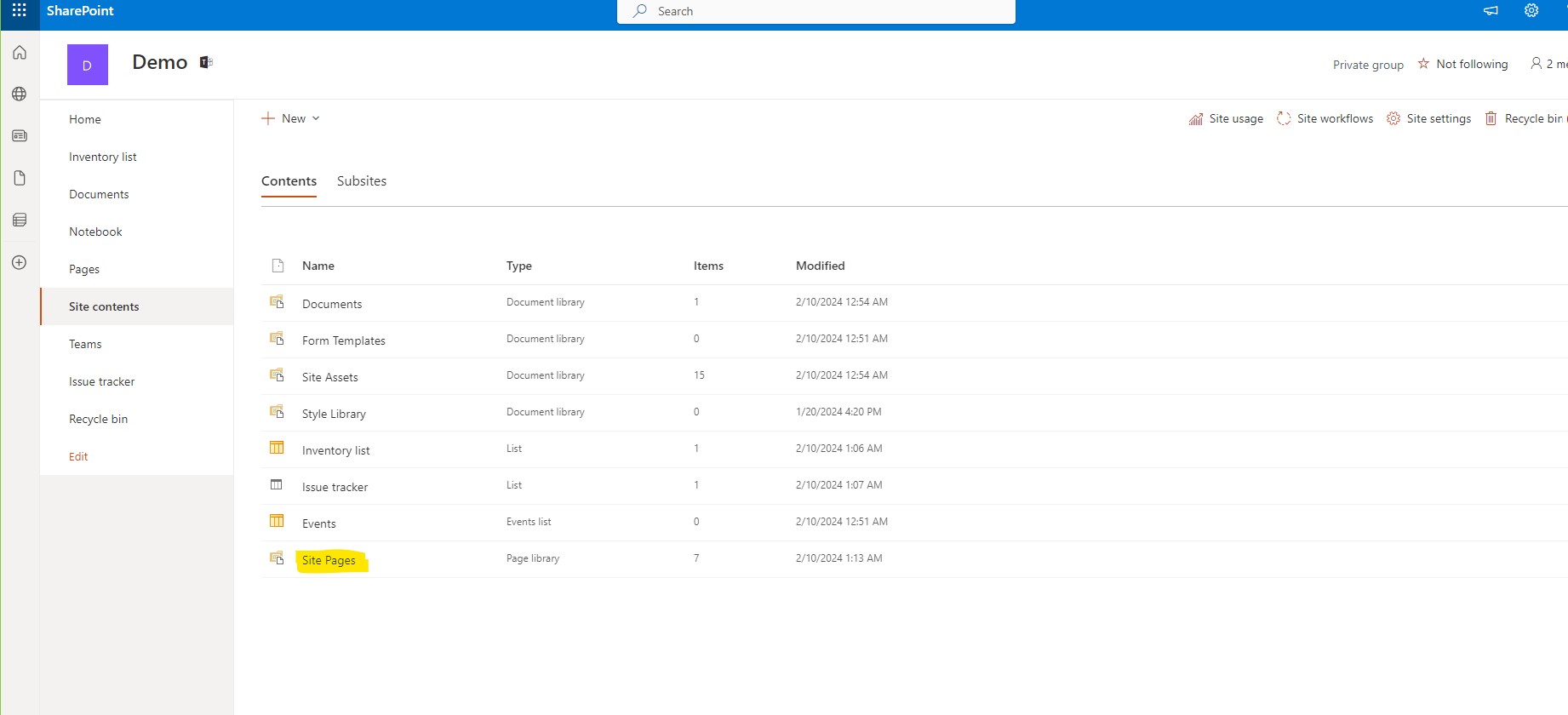
At the top of the page we find the scheduling option
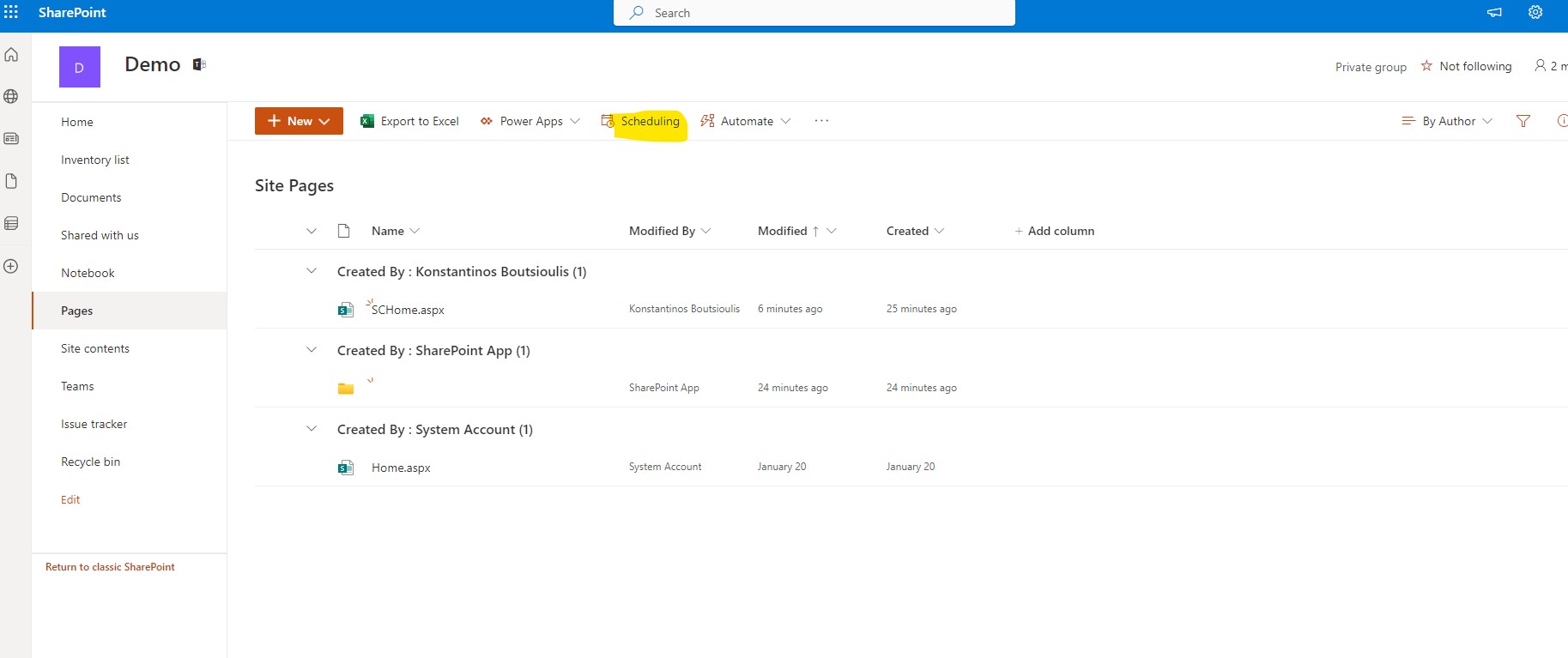
And then in the right side column we select enable scheduling
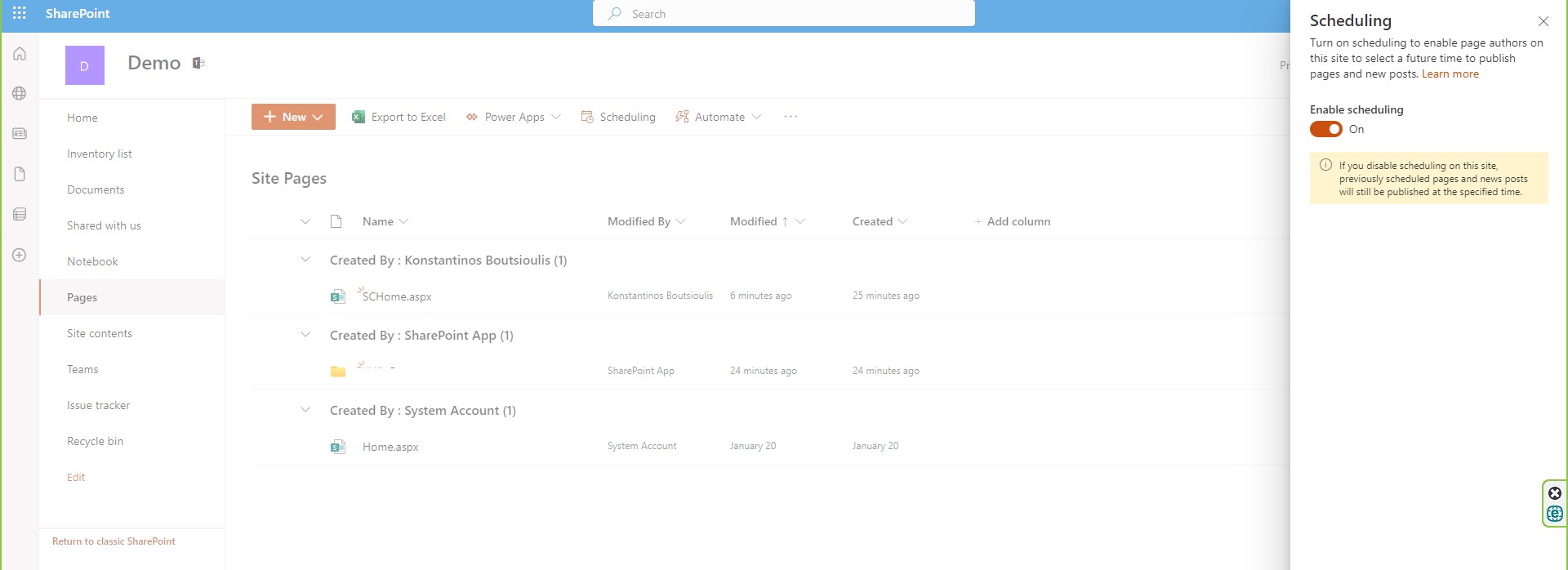
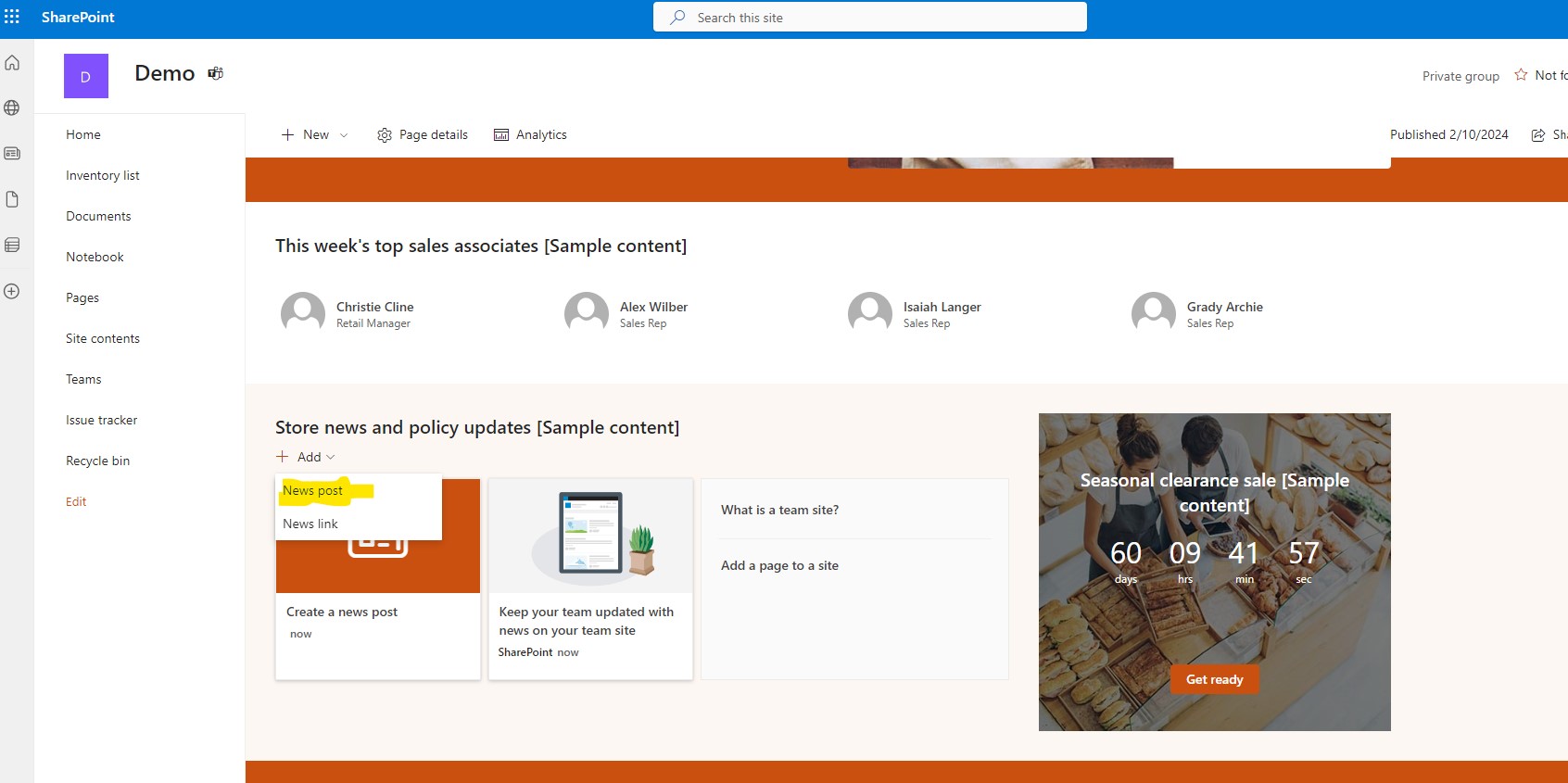
In the next step we go to our page and select from the webpart news to create a new post
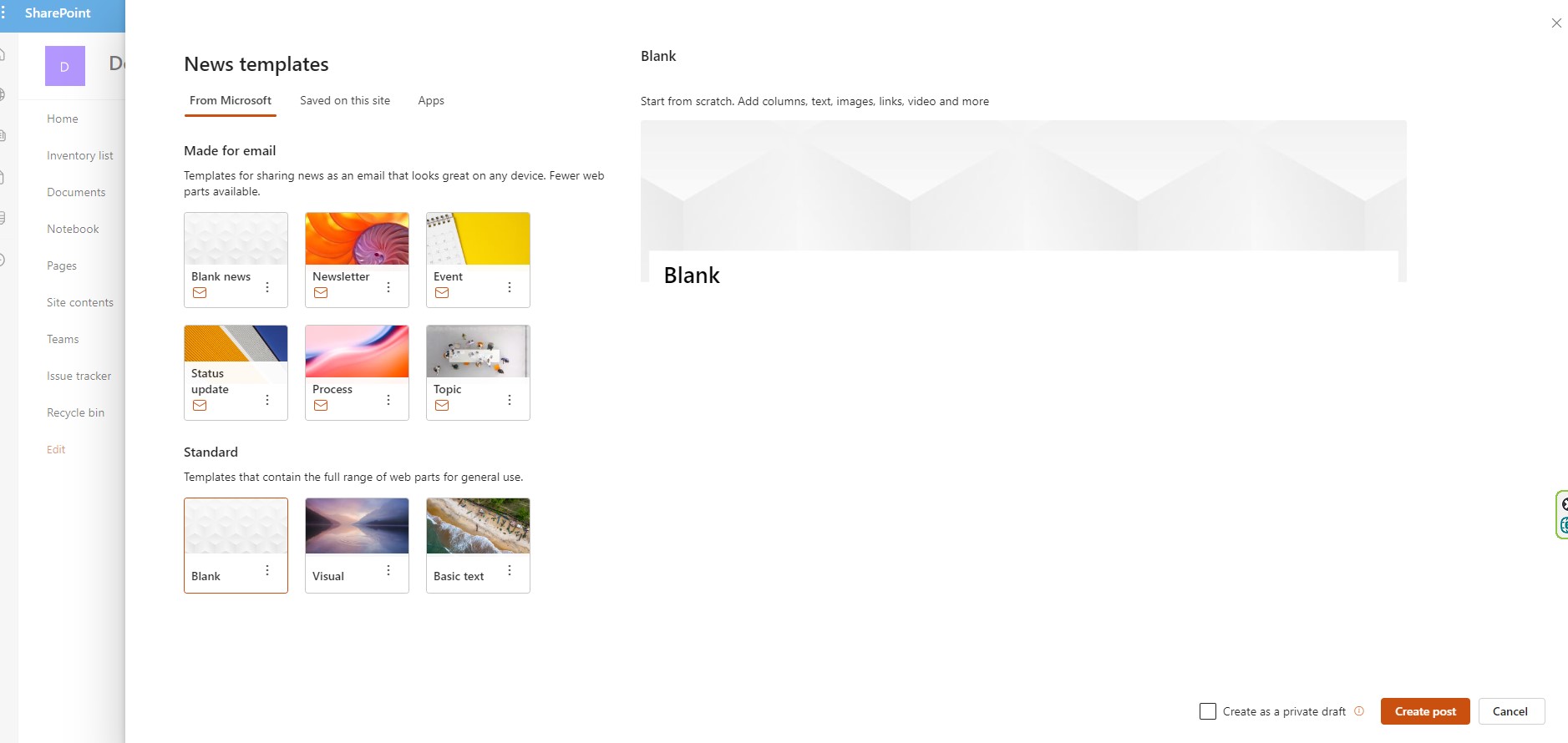
Choose one of the available templates And click create post
Now we have to select Page details in the menu at the top of the post
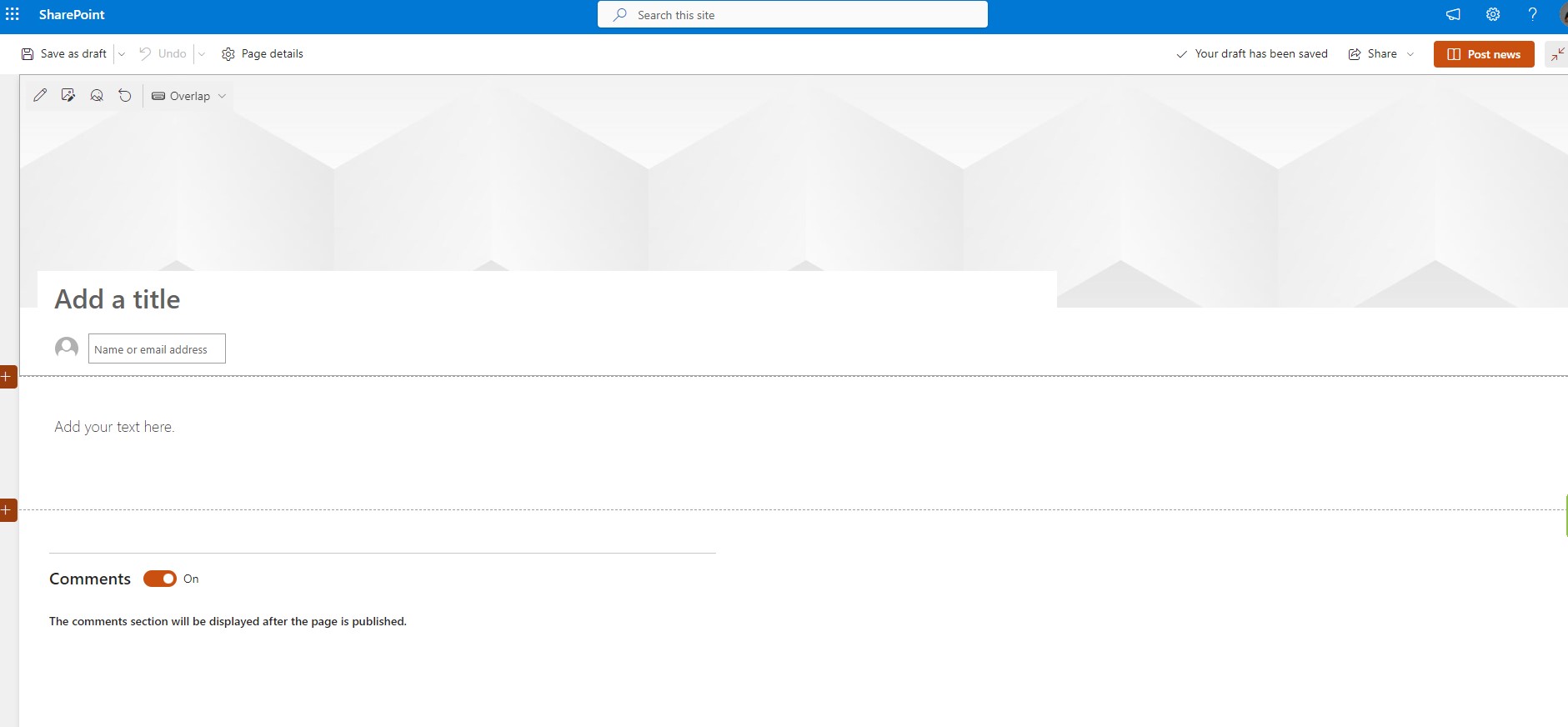
And there we have to activate scheduling and finally add the date and time we want the post to run
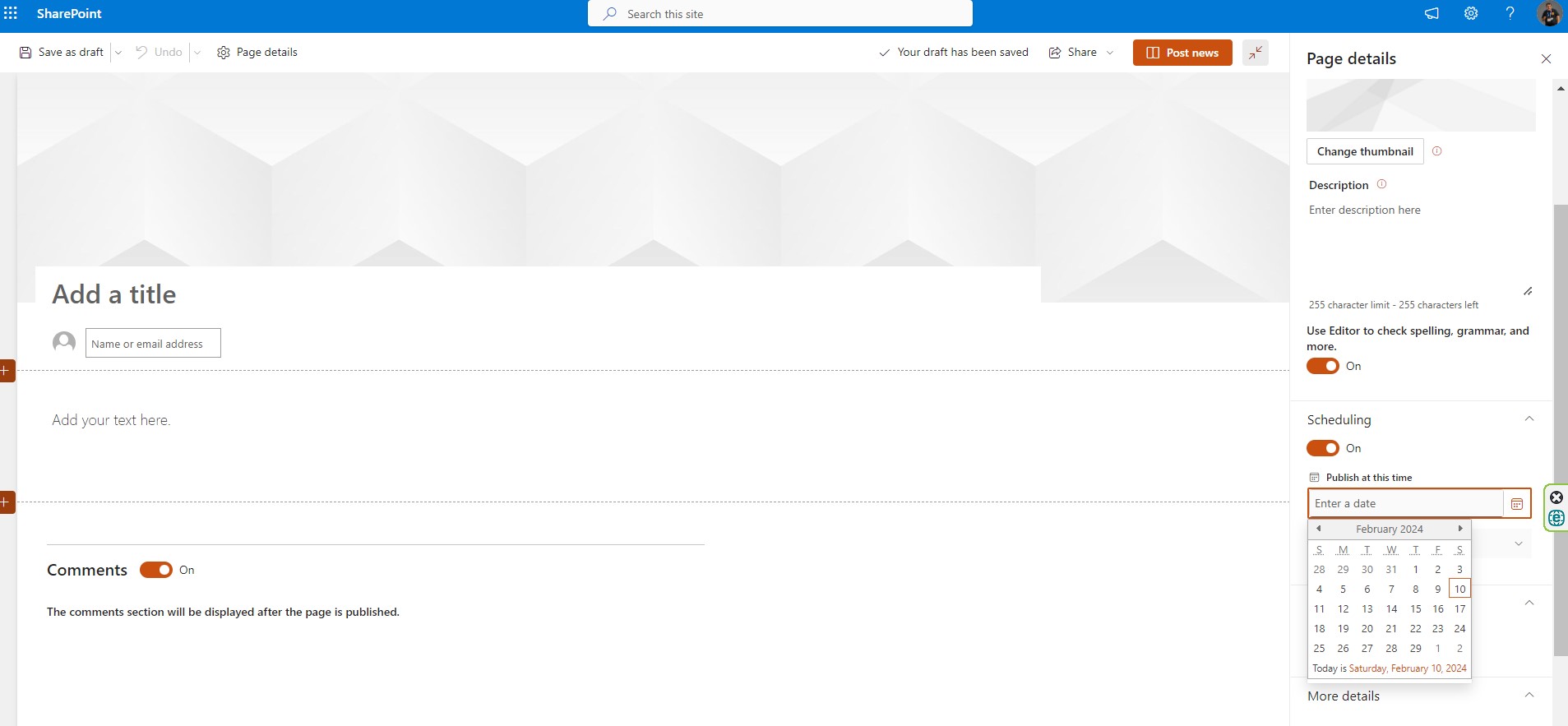
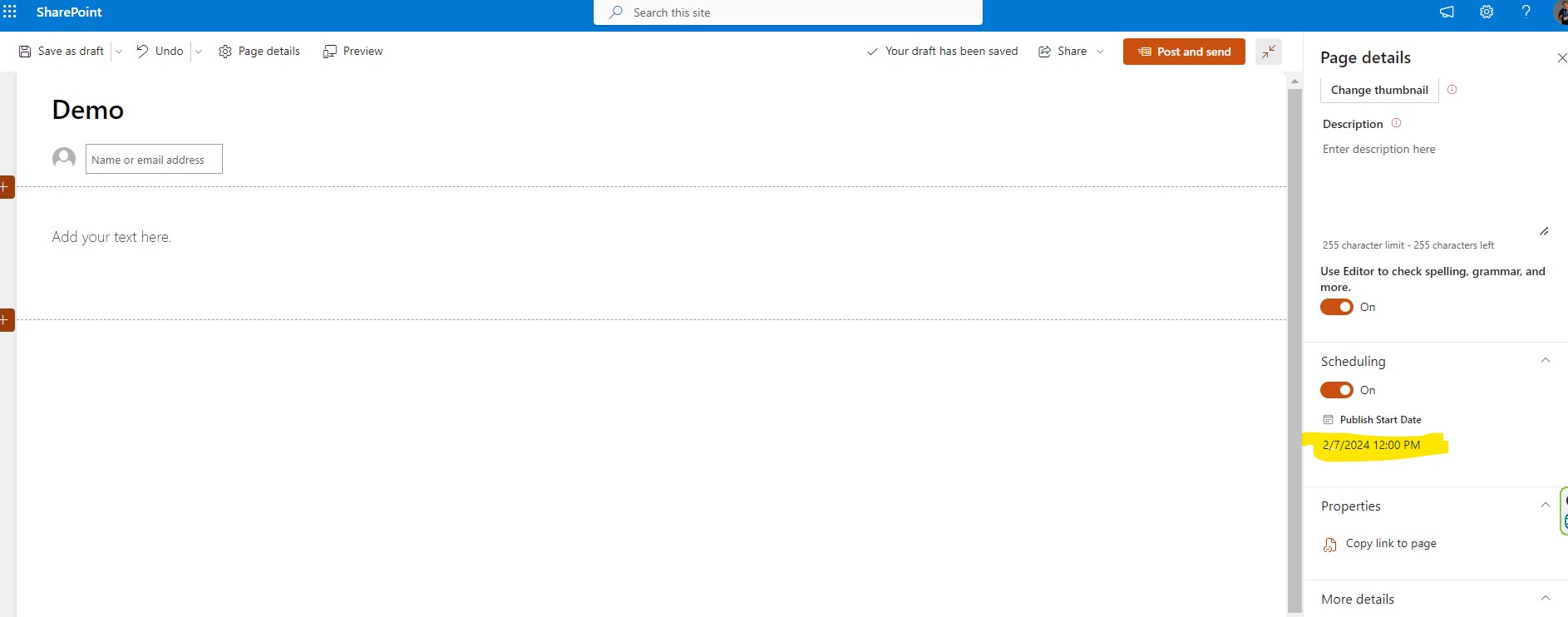
Finally, as you can see, the process is complete and at the same time I now have the possibility to notify by mail the posting of this post to some users of my blog
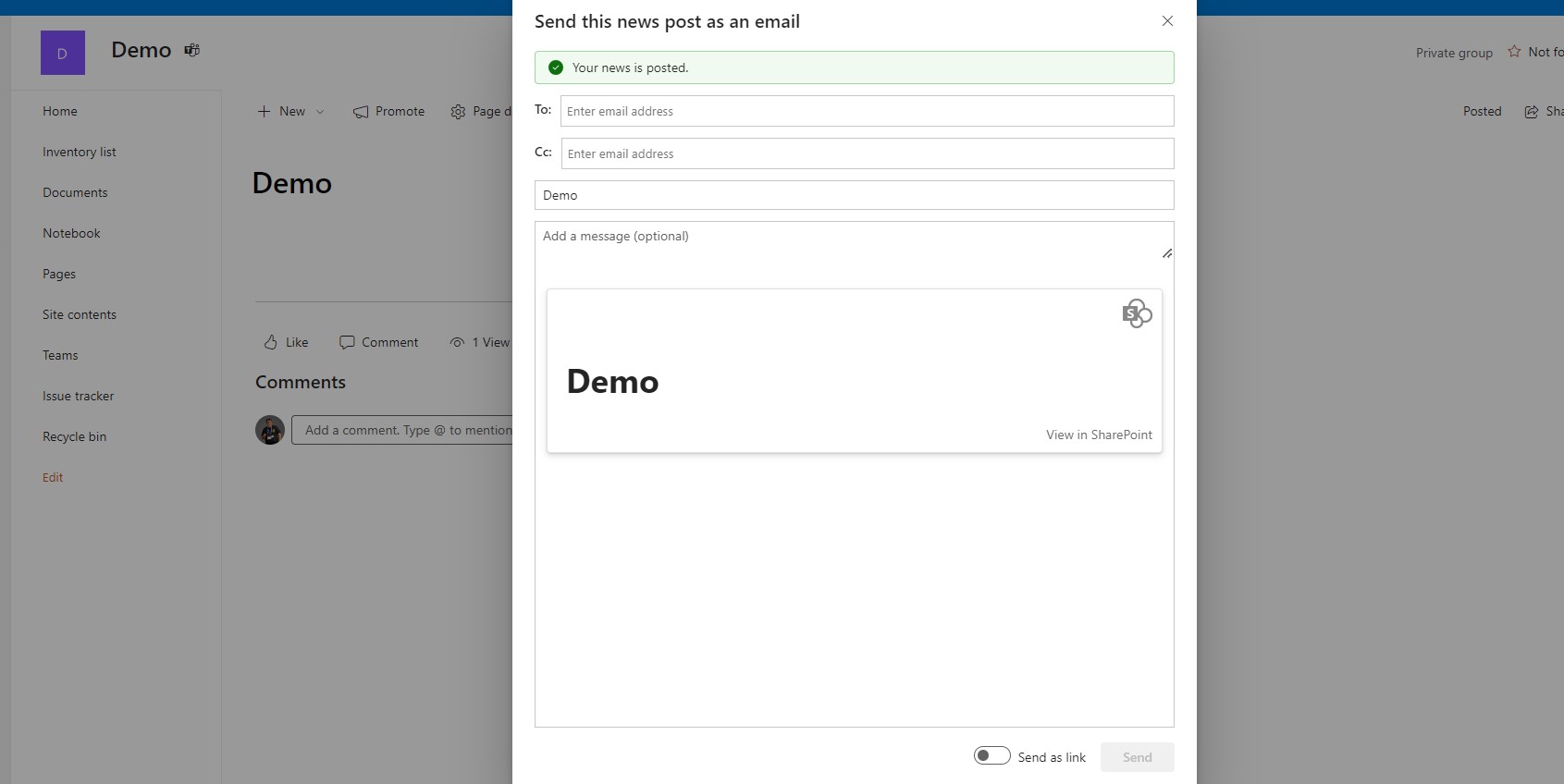
A relatively very difficult process but ultimately allows us to better manage our time for upcoming work we have to do In this way we can create in available time known posts and simply set the date which will be posted in common view with other users of our organization
#Copilot #Teams #SharePoint #technology #microsoft #digitaltransformation #cloud #mvpbuzz #m365Visit Archives below to find more articles about Microsoft technologies on Modern Workplace