
Free Material
Find hereMore than 150 Articles about Microsoft Technologies on Modern Workplace
Official Site
Microsoft Most Valuable Professional M365 Apps & Services
Microsoft Most Valuable Professional Business Applications
Consultant & Sr Cloud Solution Architect Modern Wokrplace
Find hereMore than 150 Articles about Microsoft Technologies on Modern Workplace
13 January 2024
In today's article we will see again how using copilot we will create a new automate that will give us the ability to copy the files of a SharePoint library to another one. You can finally see that very difficult procedures in the past that required scripting and other complex procedures have now, with the use of automates and copilot, been turned into very simple, relatively simple procedures. First with our active M365 subscription we go to the main page of automates and there we type in the word copy in copilot. Copilot brings back different options and the first one is Every day, copy a file from one SharePoint site to another which we select
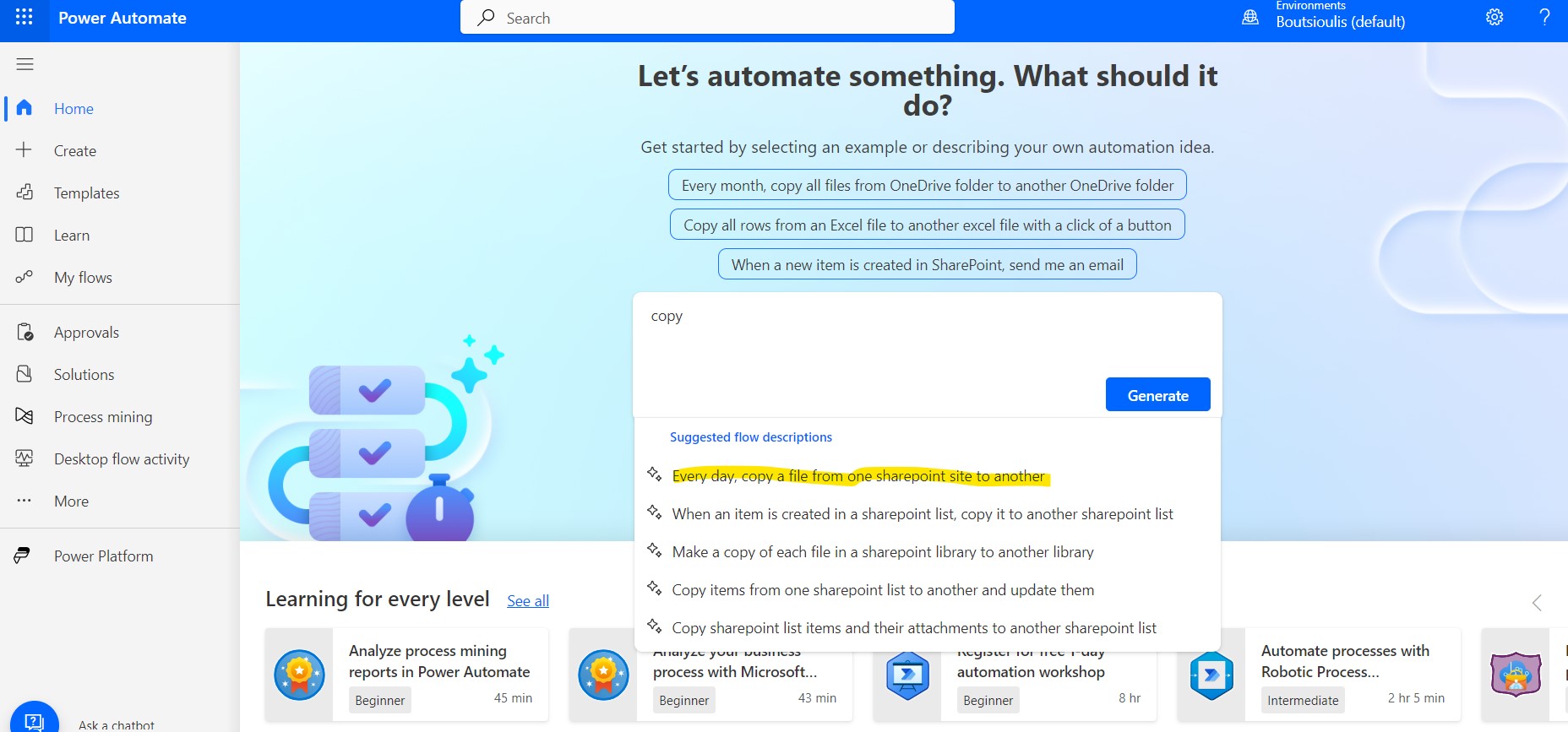
The copilot then processes the flow, i.e. which is the trigger and which are the actions of our new flow.
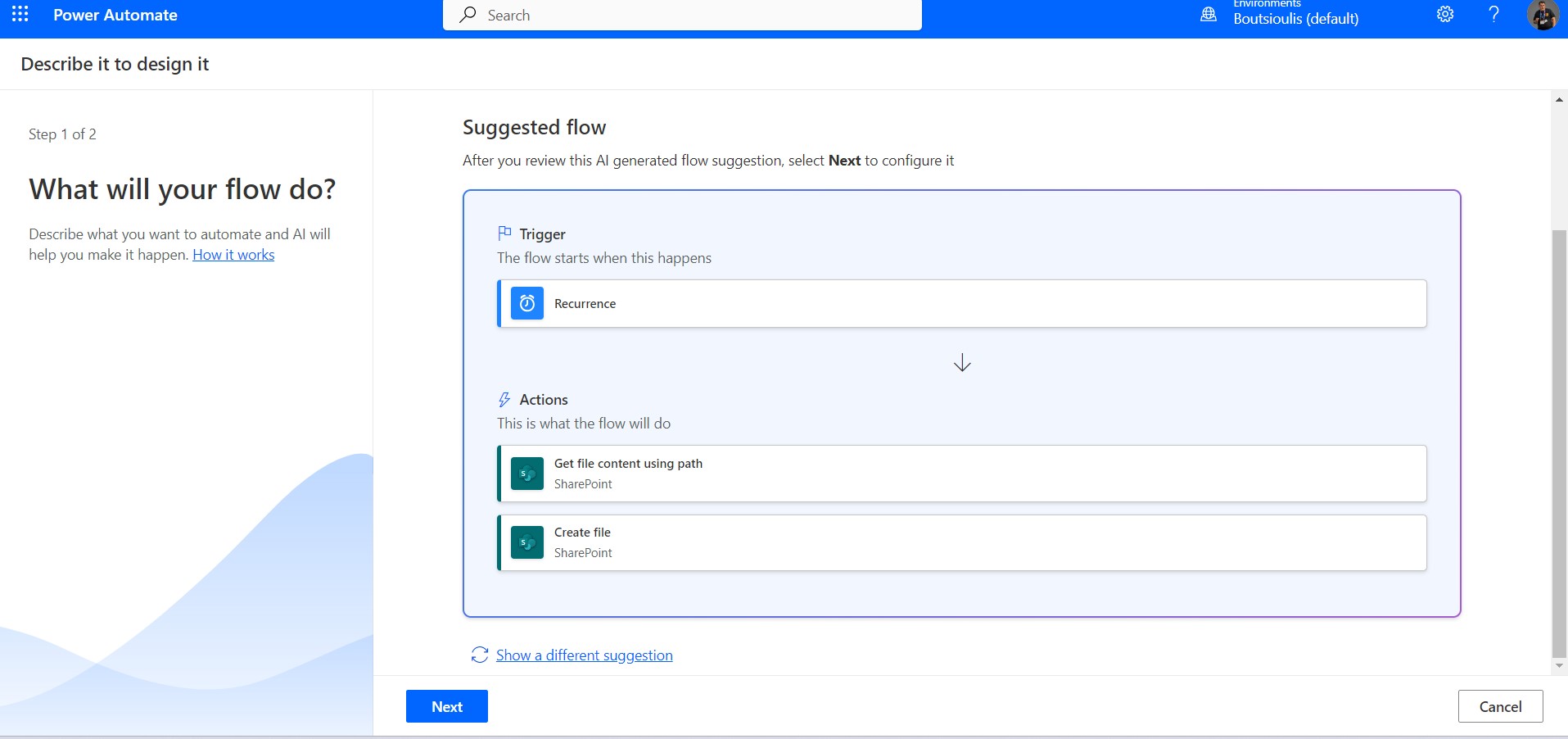
And in the next step we allow all the necessary connections to run automate
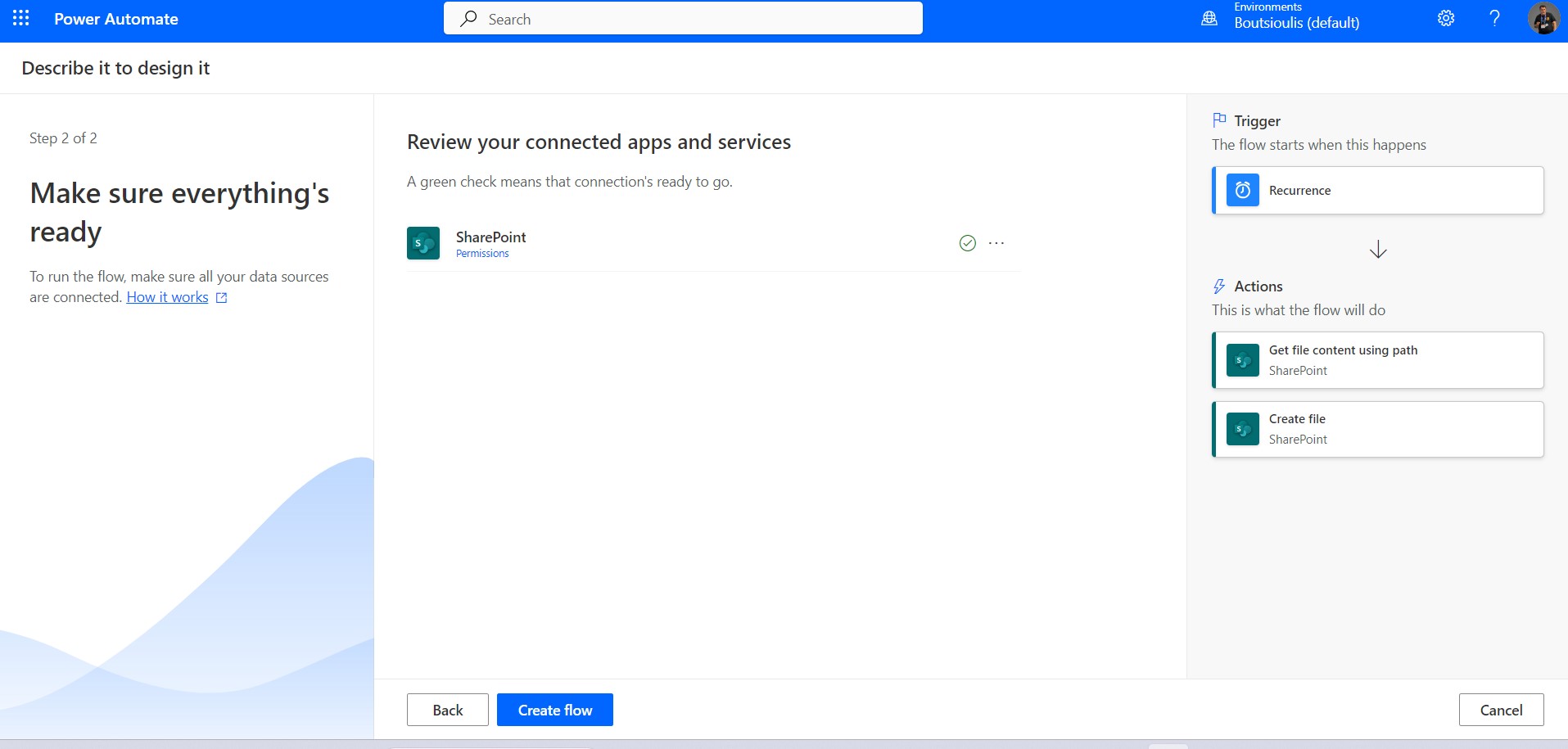
In the new designer as you can see again I remind you that on the right there is the copilot for advice but also to help us build our new flow. Also you can see all the actions and triggers.
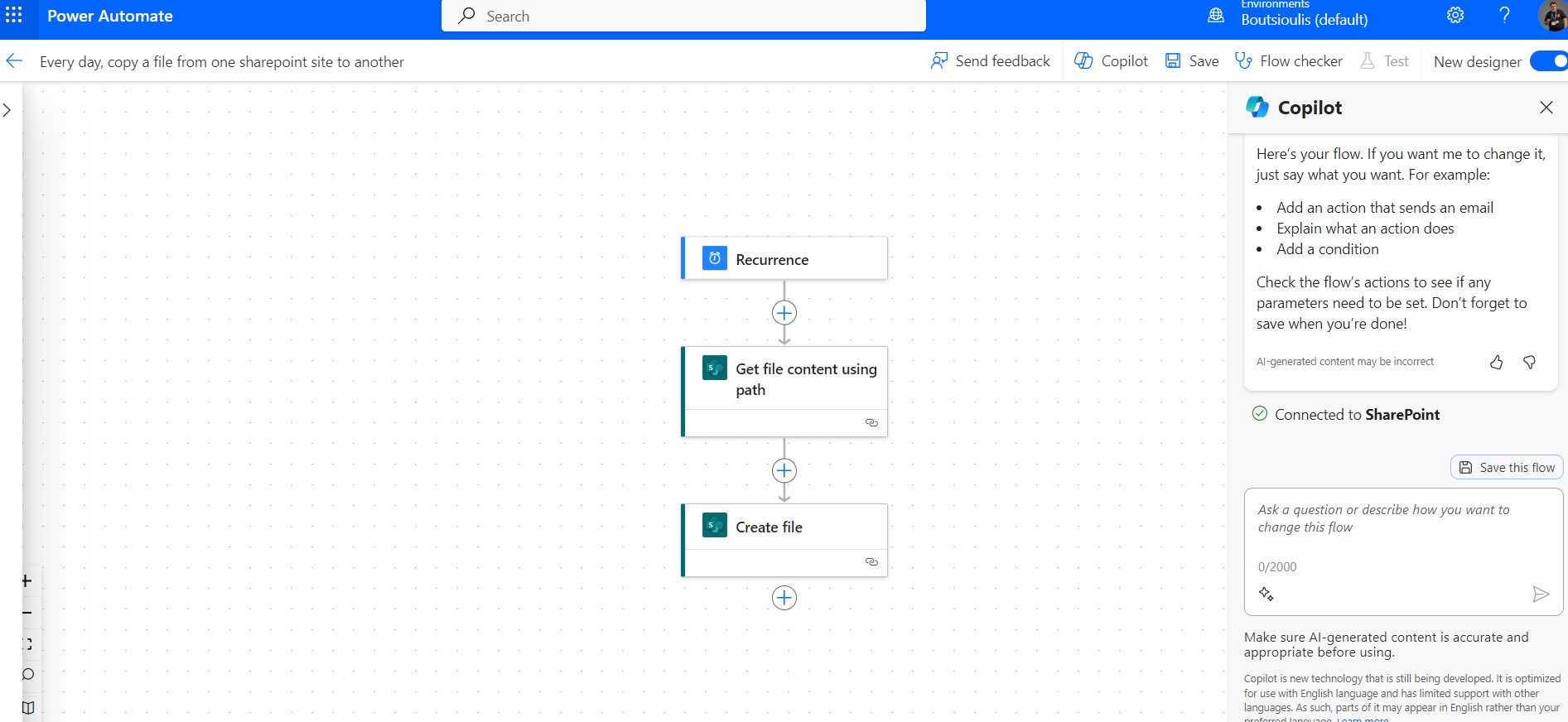
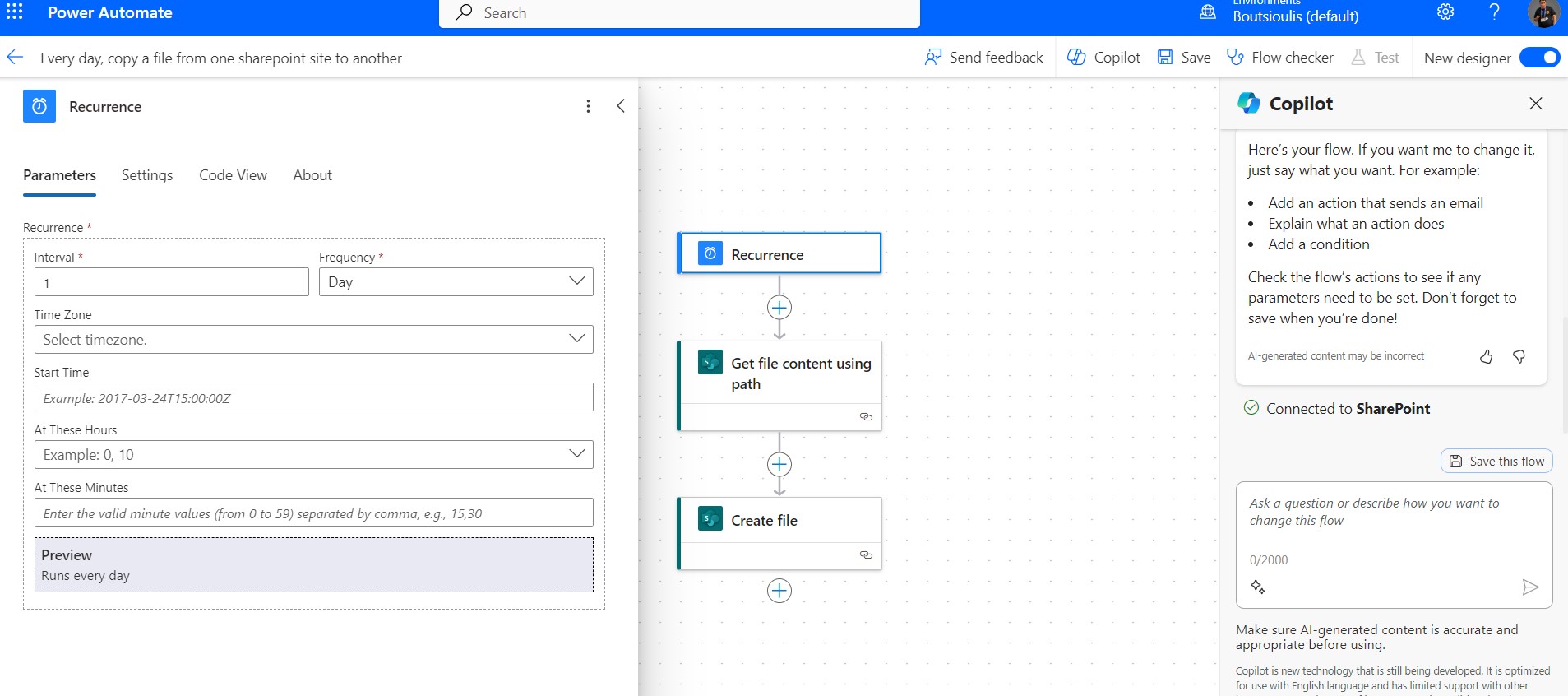
In the next step we check and set our trigger, i.e. whenever we want this procedure to be executed
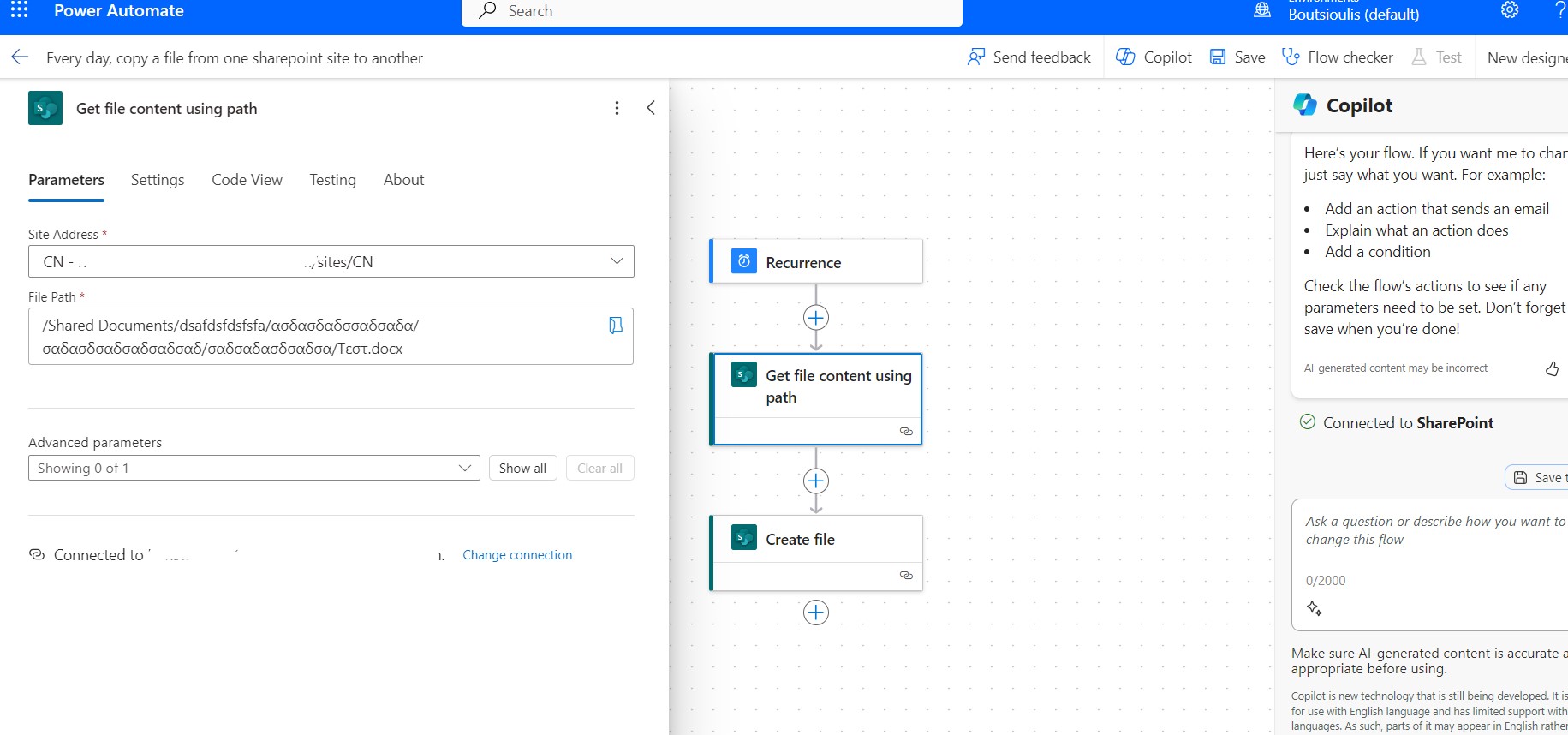
And in the next step we select the archive from the library of a site that we want to be copied every day to another site
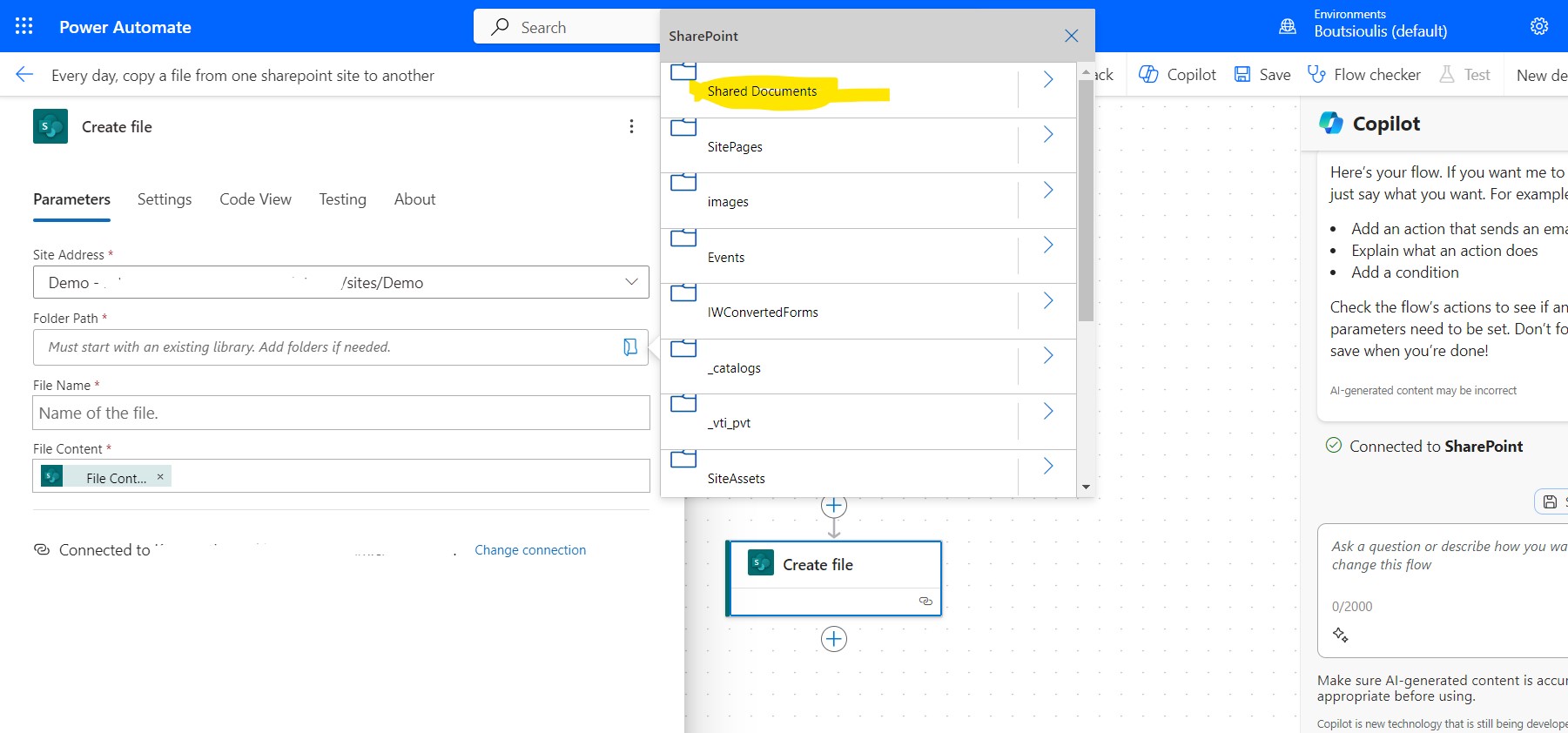
In the next action create file we select the new site that contains the library that will create the archive. In addition to the site we also select the library that will be created
We need to save the changes in our flow
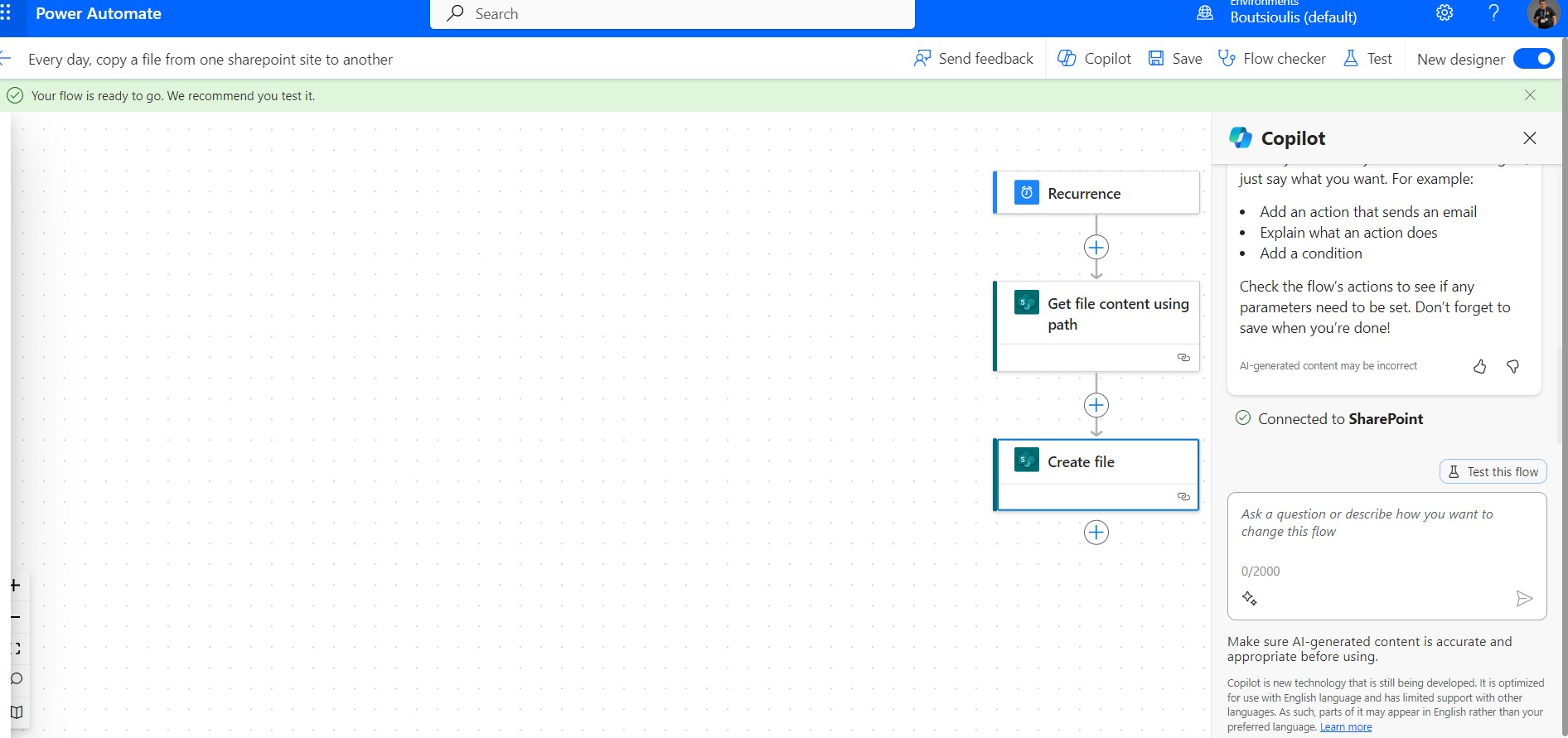
And it's time to test manually in our flow.
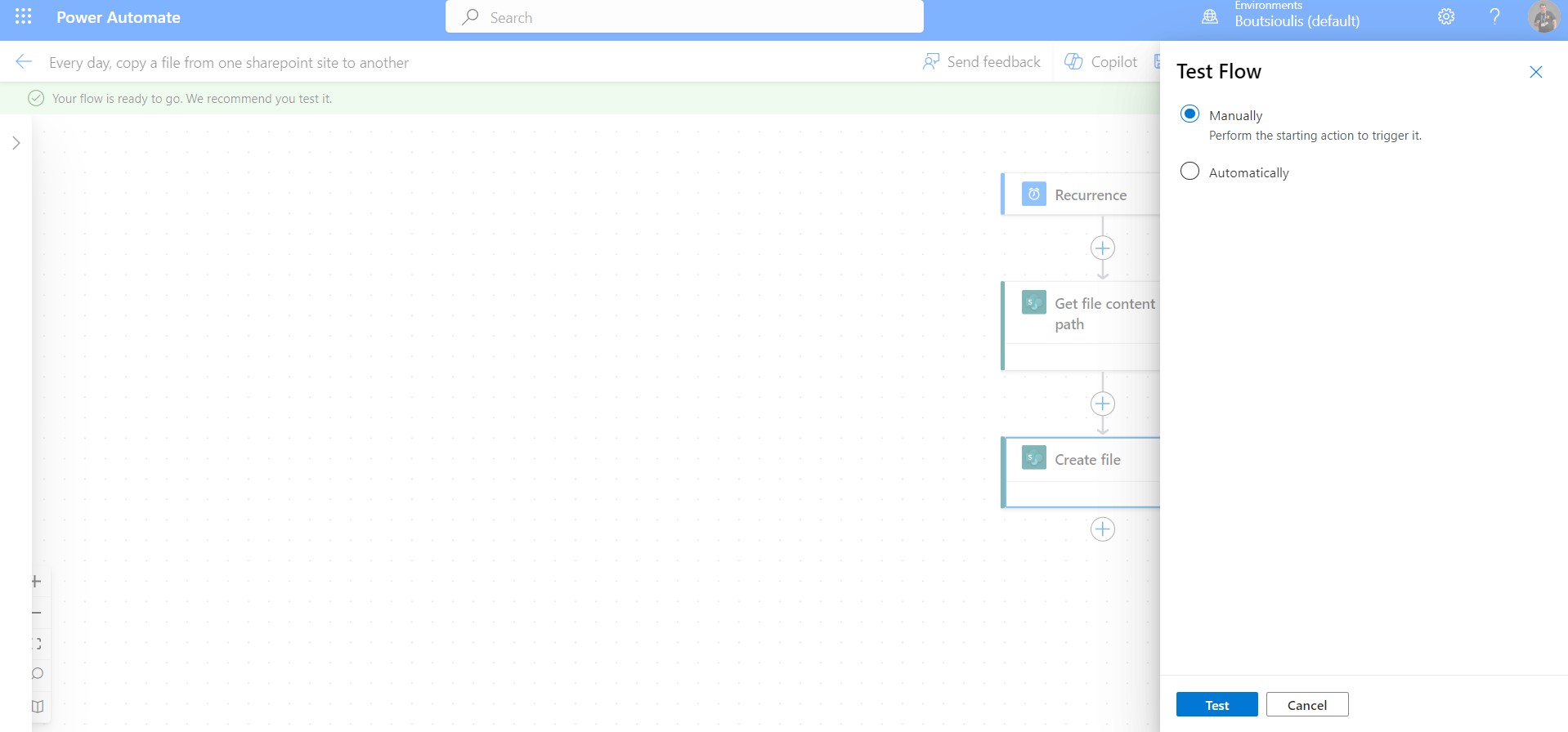
We push over to the run flow to do an activation and see if it works properly
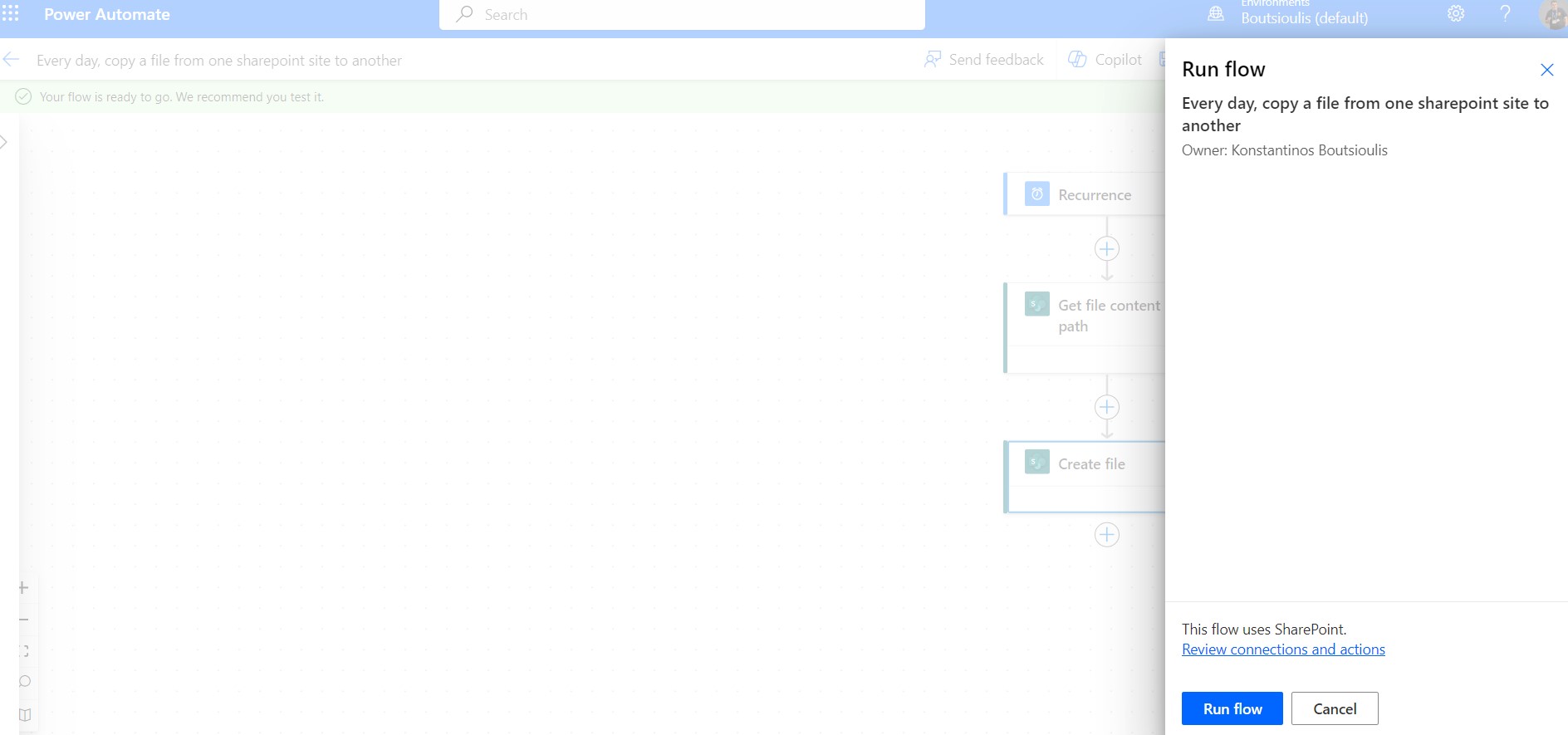
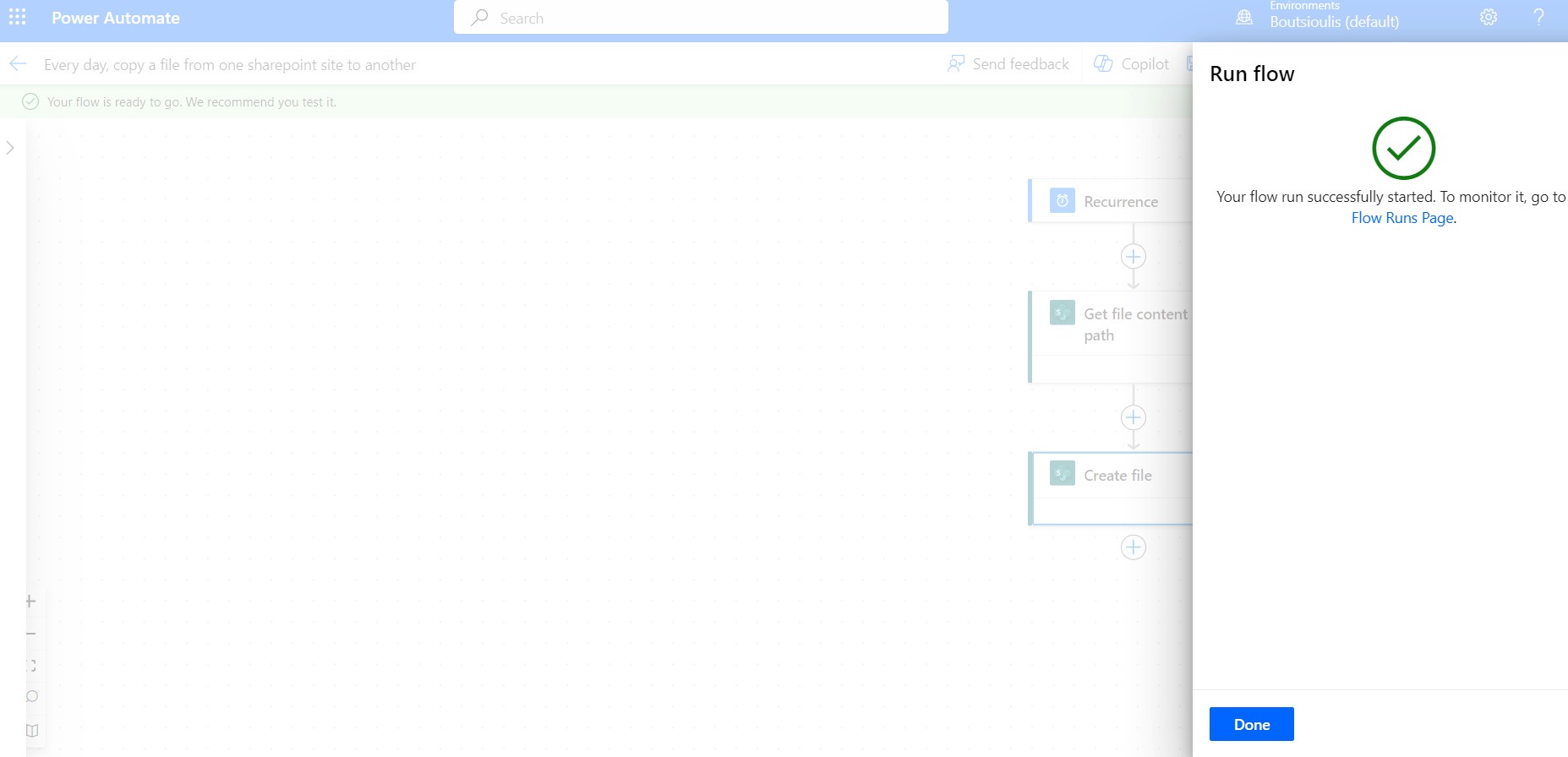
And the flow runs without any problems
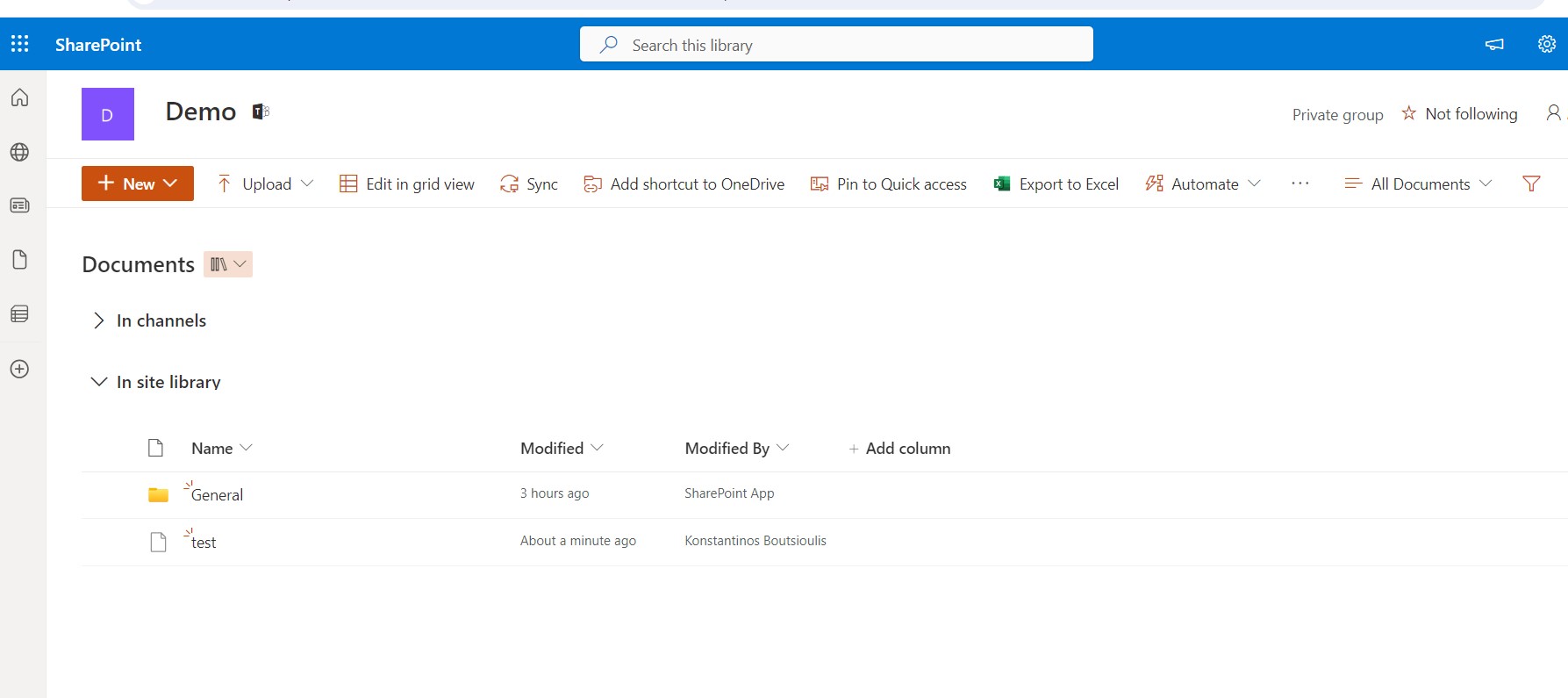
We go to the library of the new site
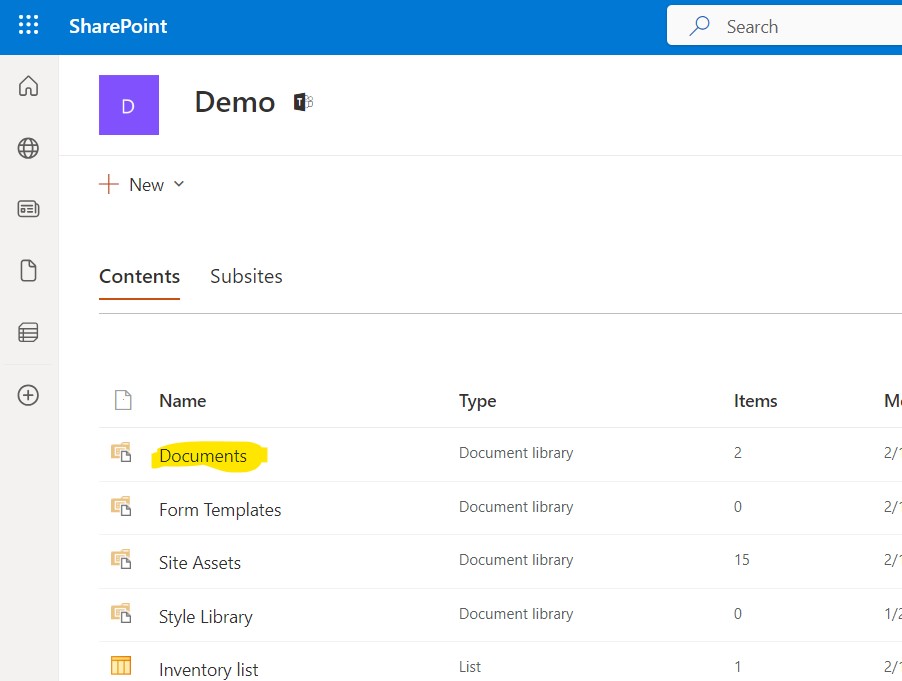
And finally there we locate the archive we had requested to be copied from the existing library.
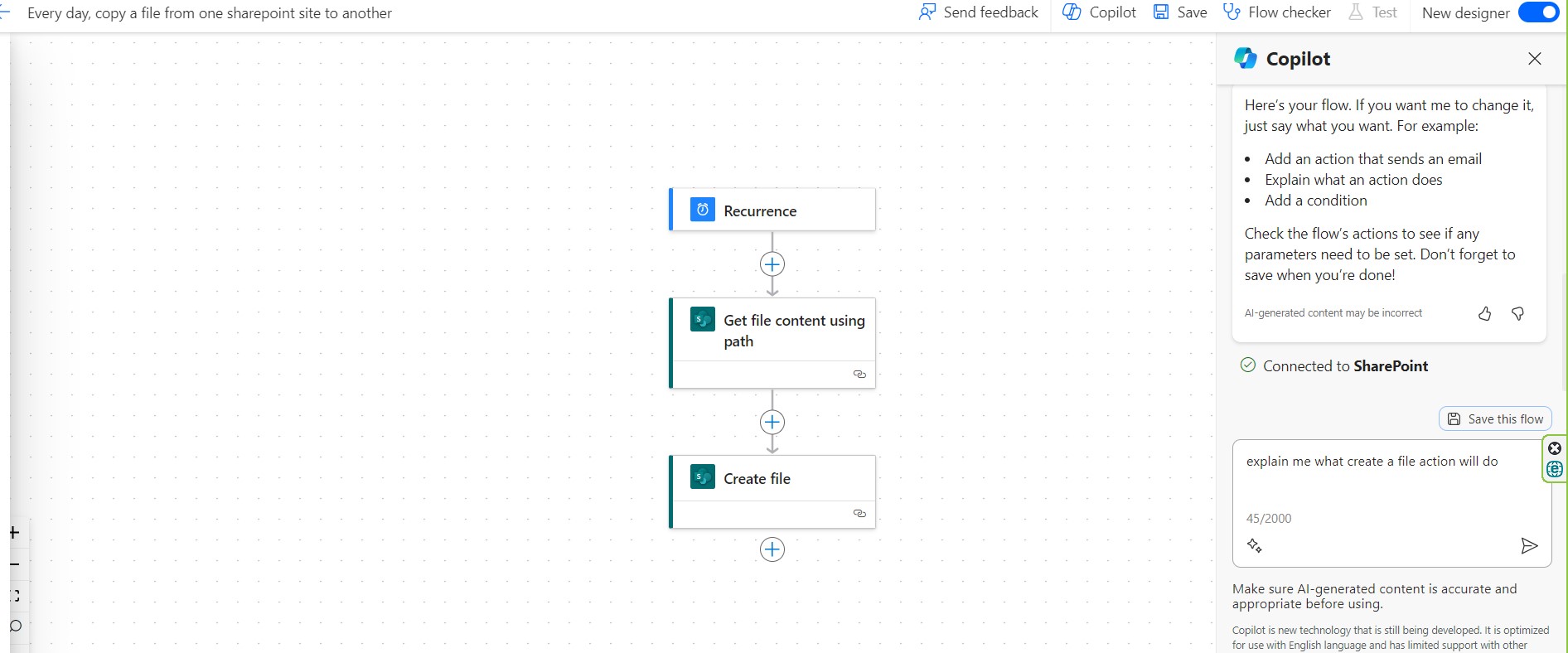
I must remind you again that we have the copilot who can advise us and explain the operation of an action. Here I ask copilot to explain the function of create item
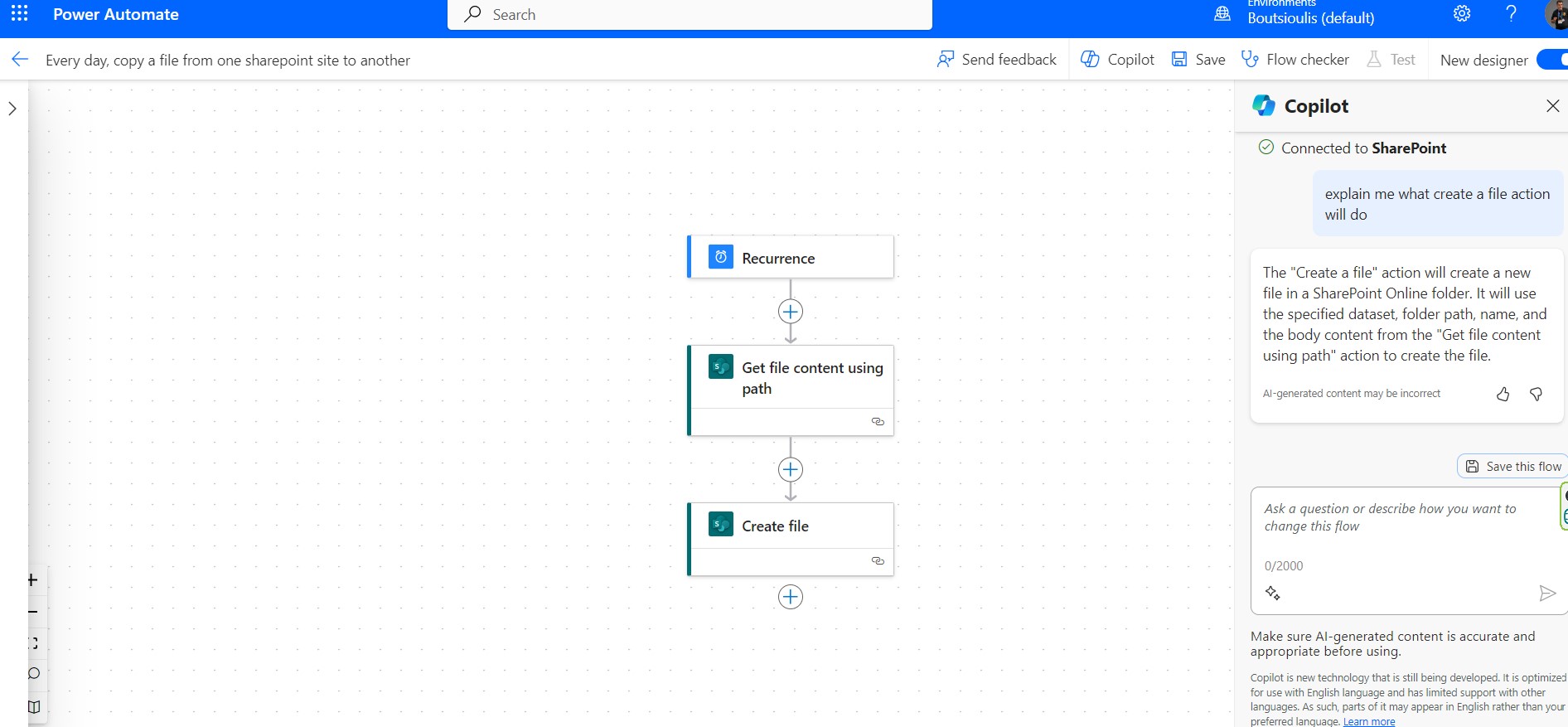
And as you can finally see the copilot answering what exactly you can do with this action
 #Copilot
#PowerApps
#PowerAutomate
#SharePoint
#technology
#microsoft
#digitaltransformation
#cloud
#mvpbuzz
#m365
#Copilot
#PowerApps
#PowerAutomate
#SharePoint
#technology
#microsoft
#digitaltransformation
#cloud
#mvpbuzz
#m365
Visit Archives below to find more articles about Microsoft technologies on Modern Workplace