
Free Material
Find hereMore than 150 Articles about Microsoft Technologies on Modern Workplace
Official Site
Microsoft Most Valuable Professional M365 Apps & Services
Microsoft Most Valuable Professional Business Applications
Consultant & Sr Cloud Solution Architect Modern Wokrplace
Find hereMore than 150 Articles about Microsoft Technologies on Modern Workplace
18 January 2024
In today's article I would like to show in simple steps how we can use and advise the copilot in power automates so that we can choose the right actions every time to create our flow. It is very important to have an assistant during the creation process and all of us who have been actively involved in this piece of technology realize how much easier such a service makes our lives easier. When creating an automate in the past we needed to search for information from learn and the web in order to understand the processes to successfully complete our own flow. Now with copilot we have an assistant next to the designer of the flow and we can draw information. So let's look at some simple questions and how to use it. First of all from our active subscription on the main page power automate we select a new flow which has no actions and no triggers
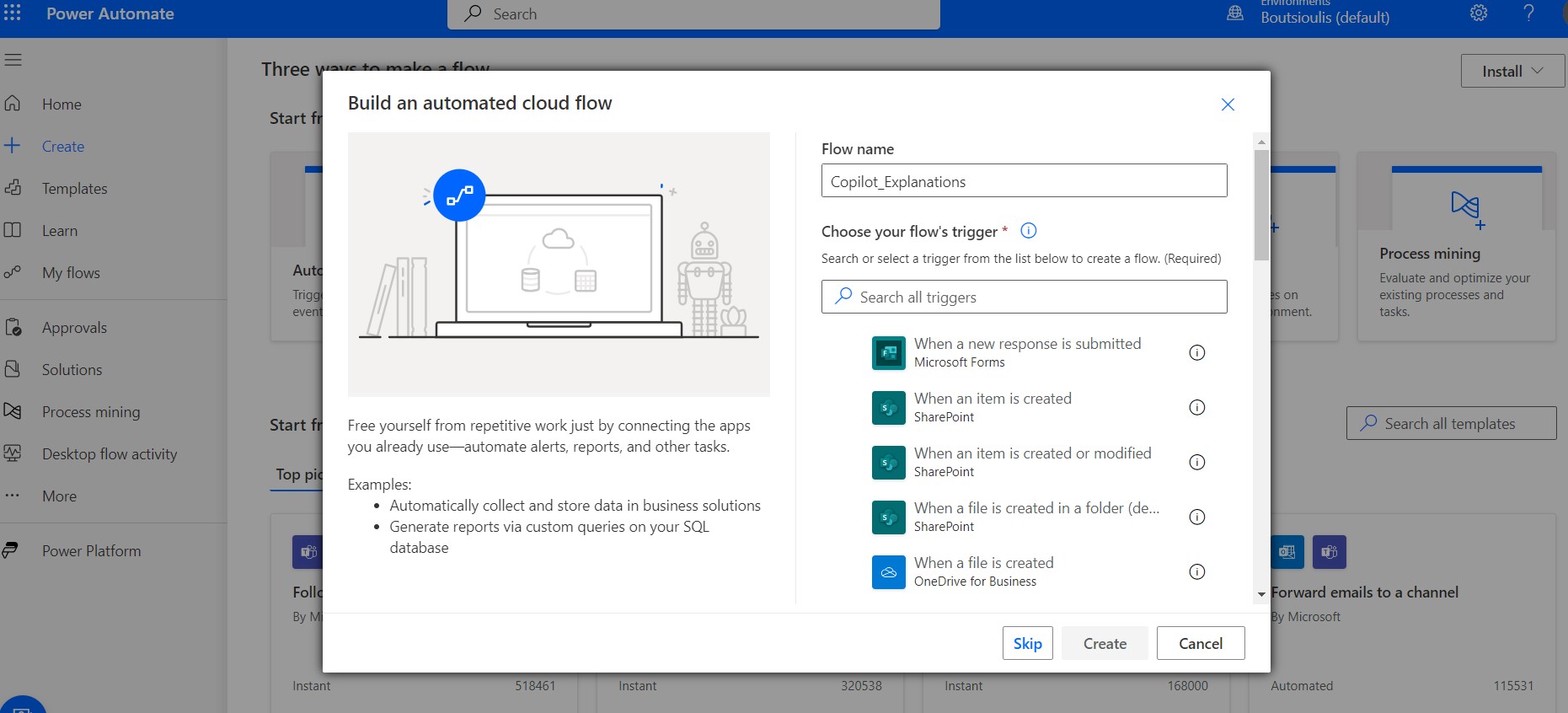
We go to the new designer page and there on the right we have the copilot .
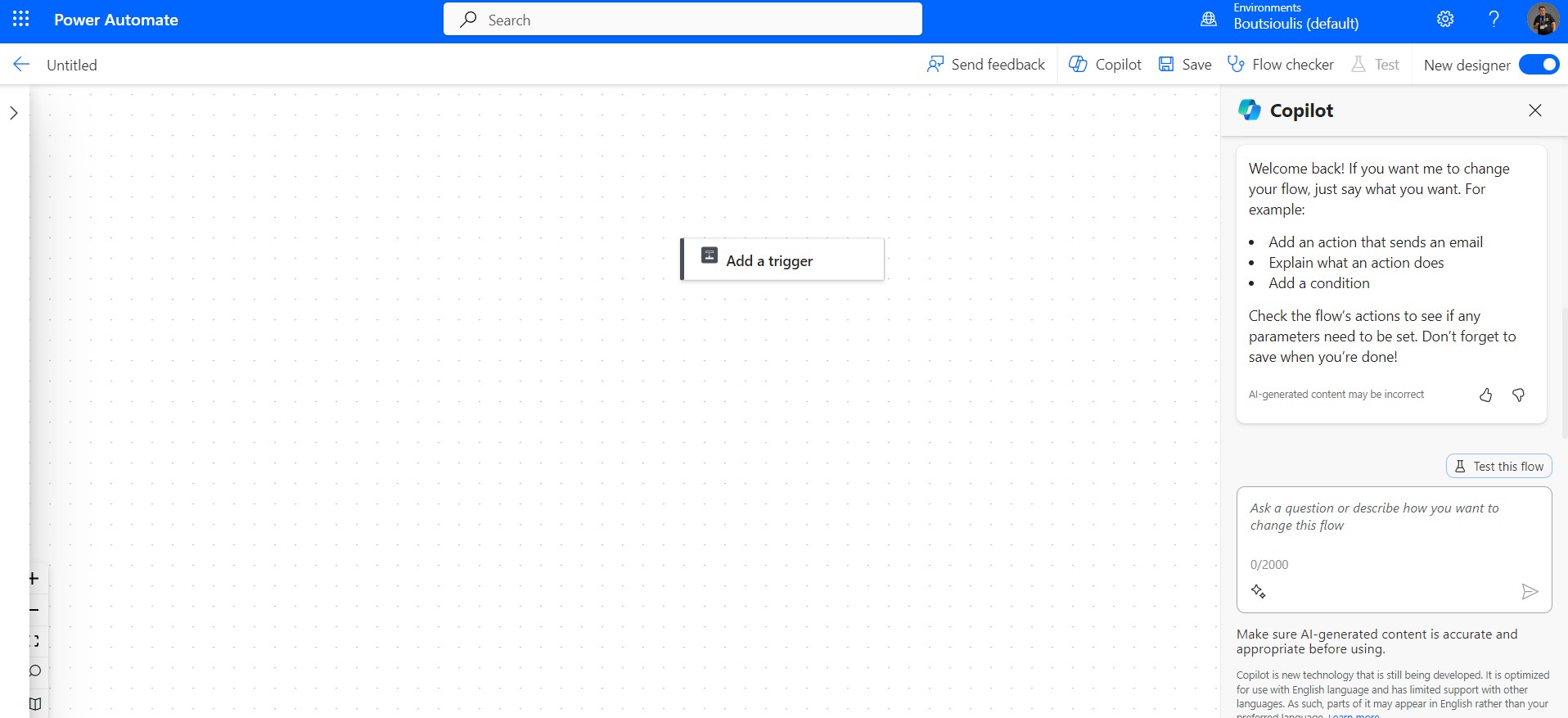
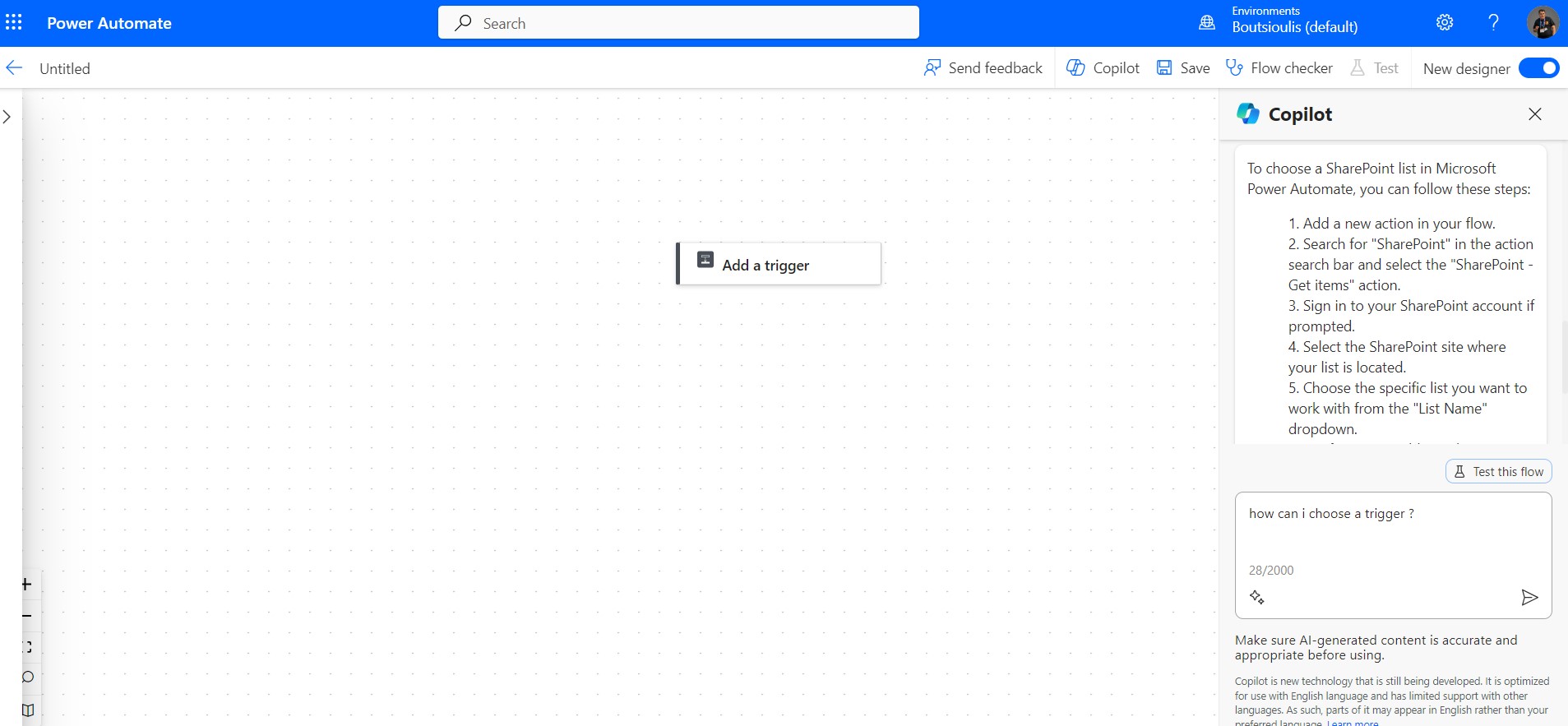
Suppose I don't know anything about automates and I want to choose a list . I type in copilot how can I choose a SharePoint list
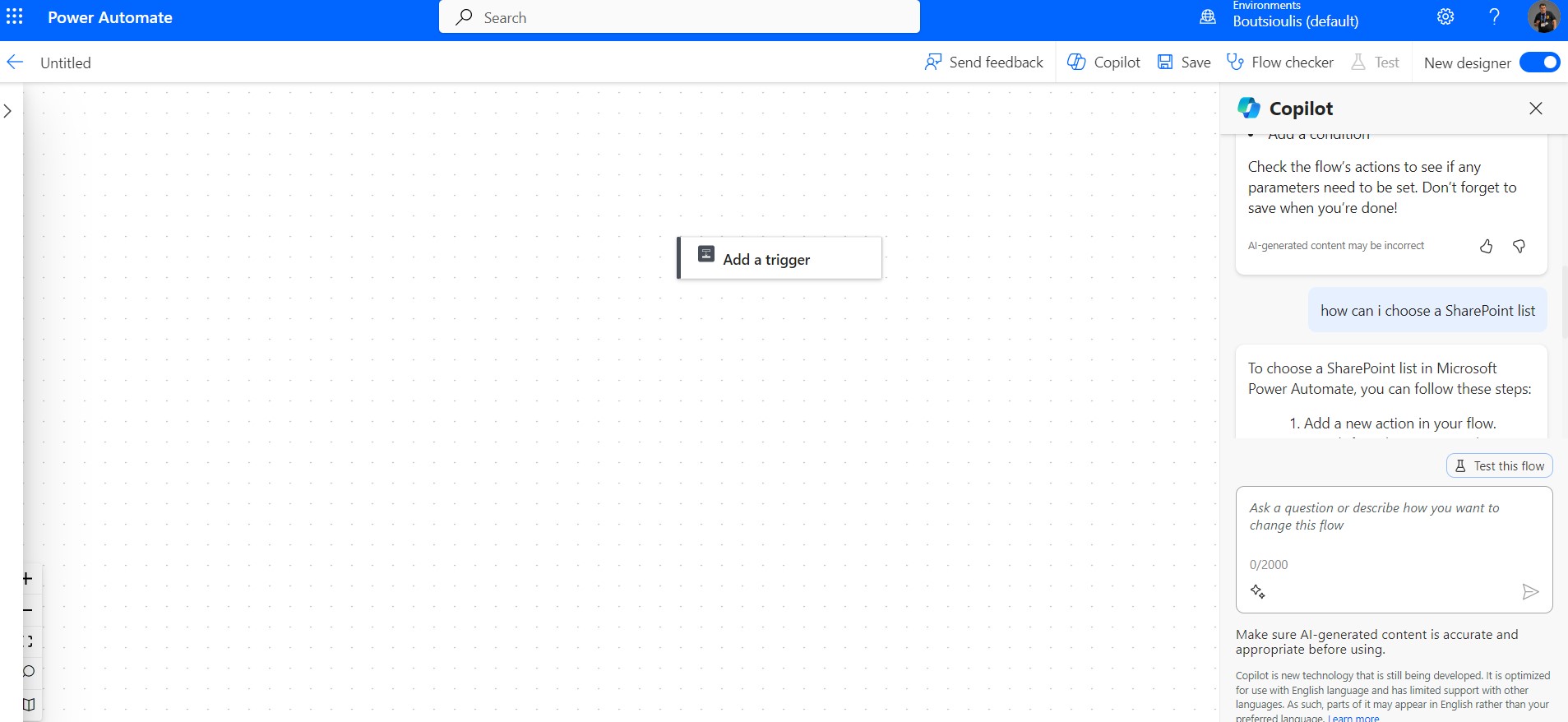
And copilot replies with the sequence of actions we need to take.
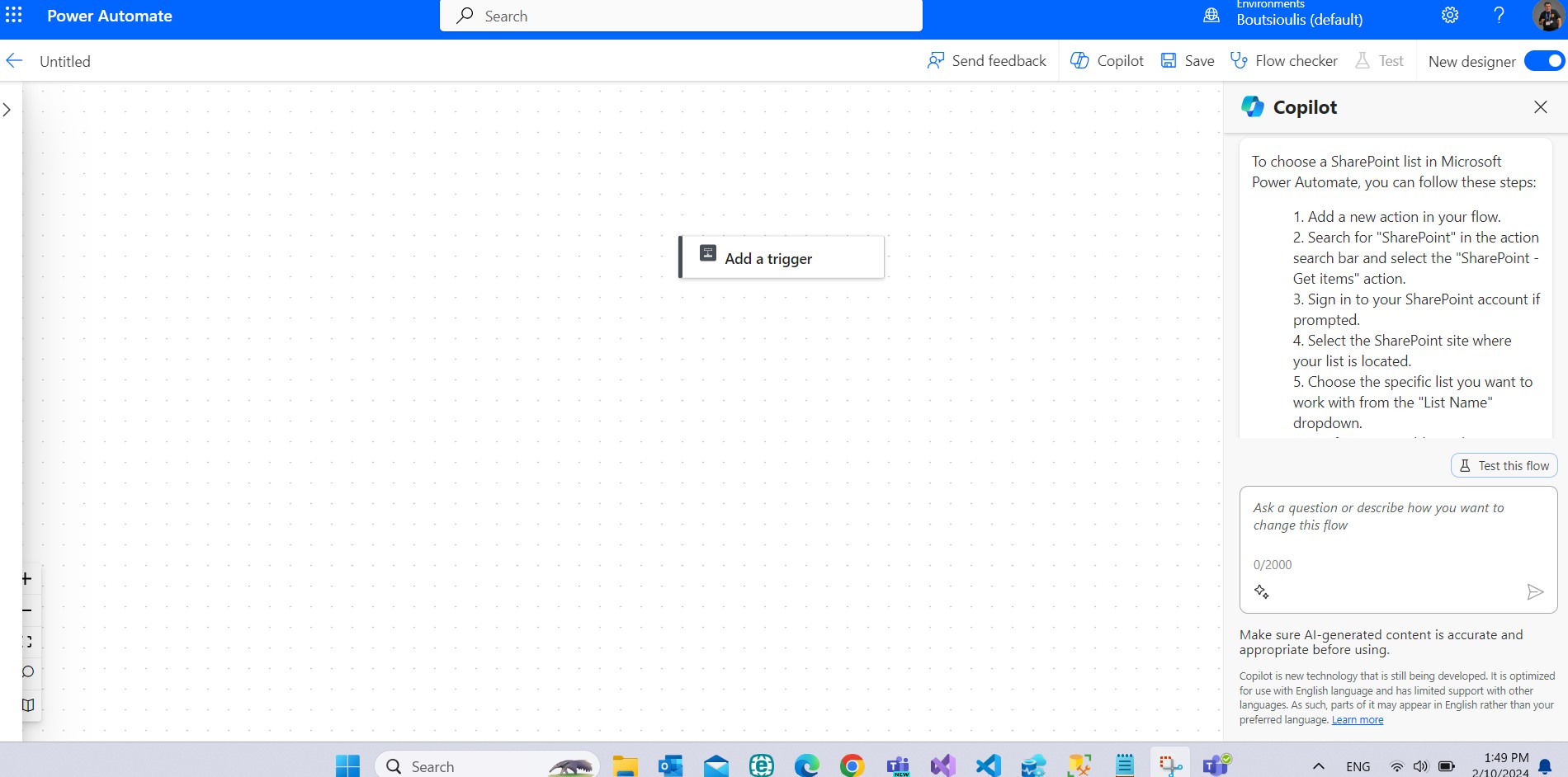
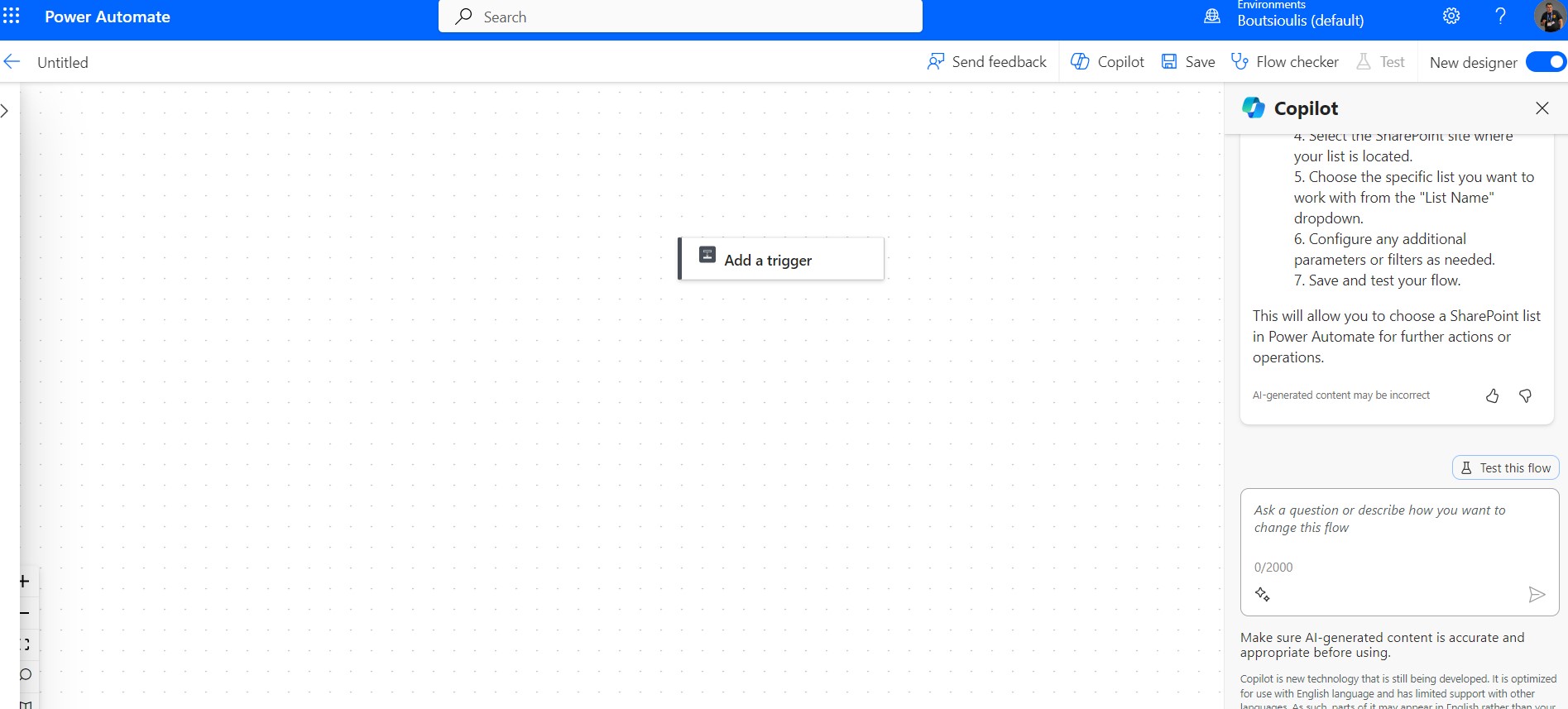
But I don't have any knowledge of any of the things he describes so I'm asking the copilot again how to create a trigger
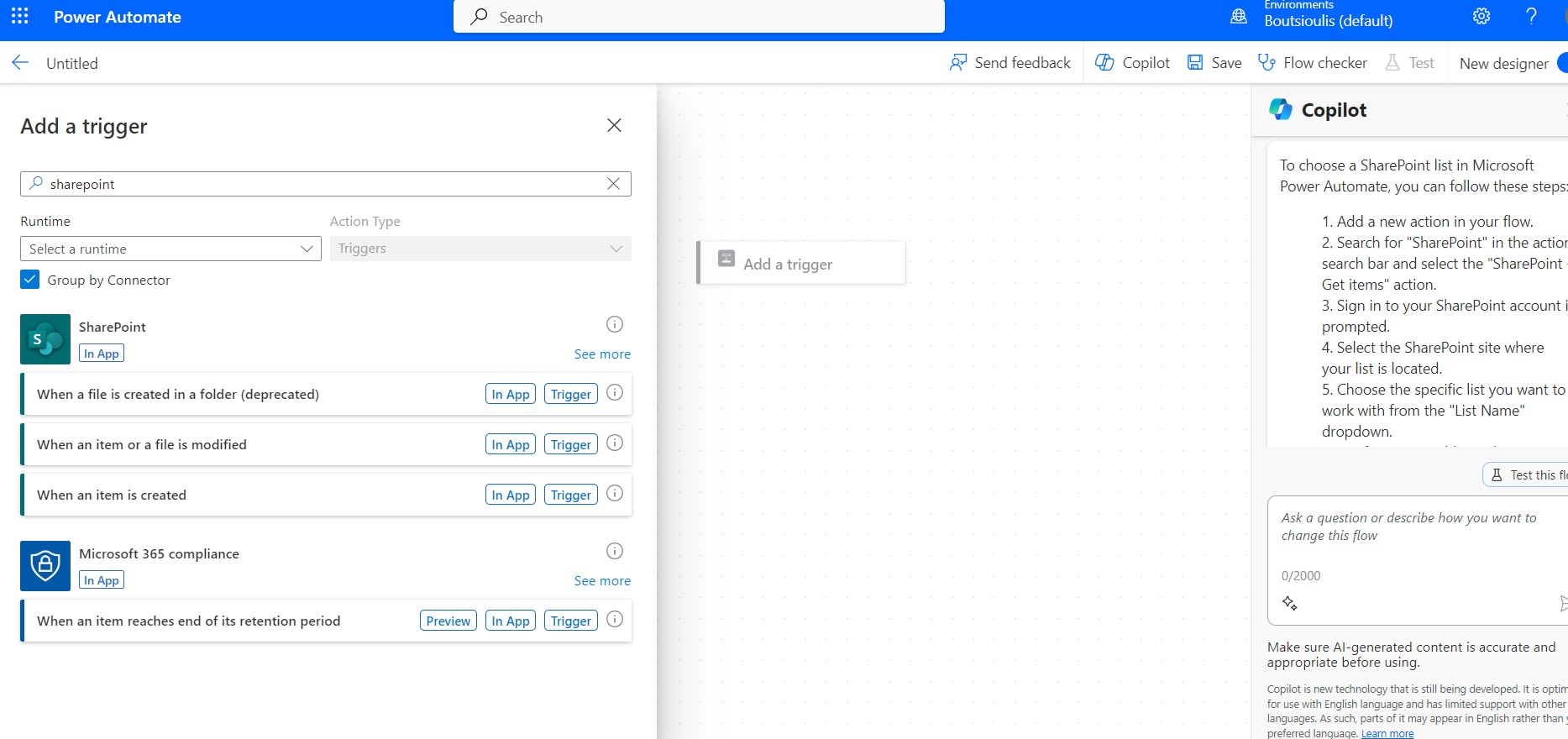
And as it turns out, copilot starts to explain to me what the trigger is and how to choose it from the available ones.
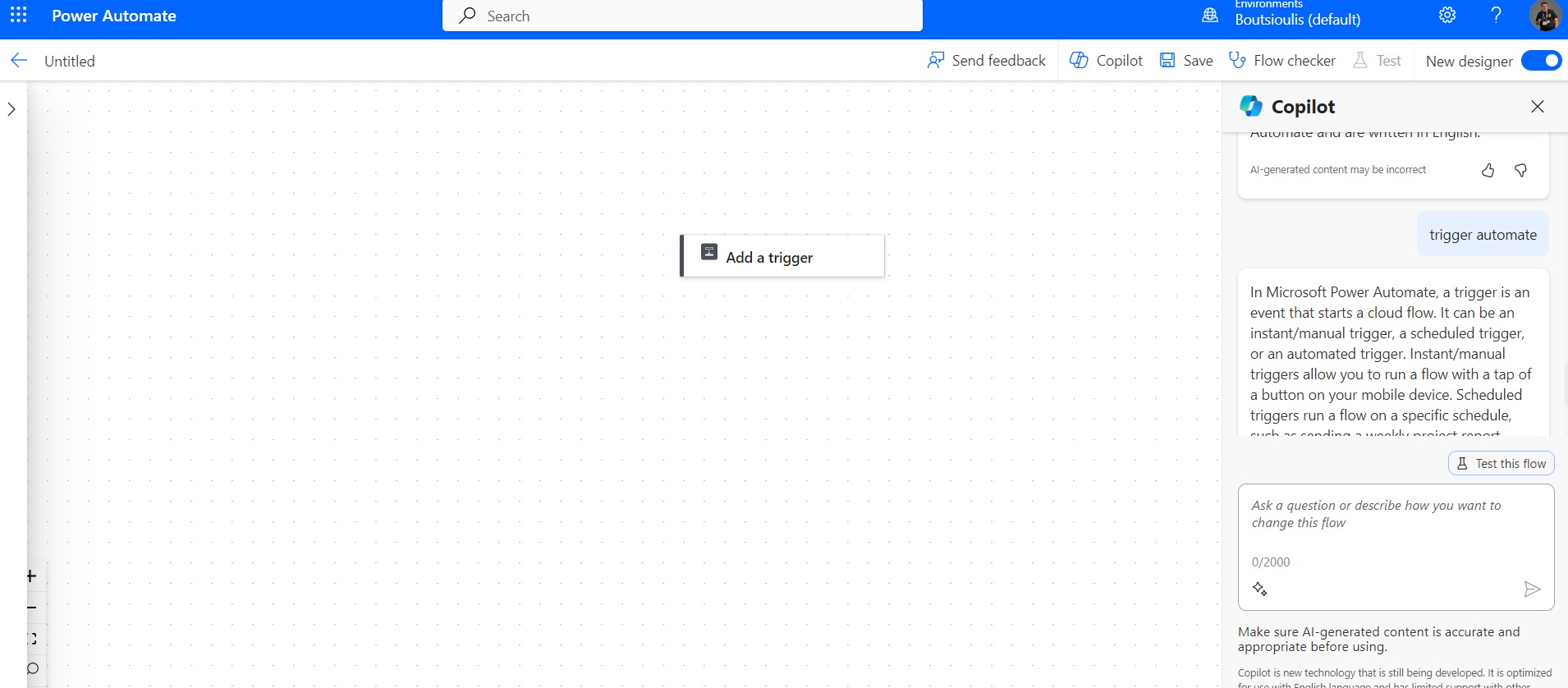
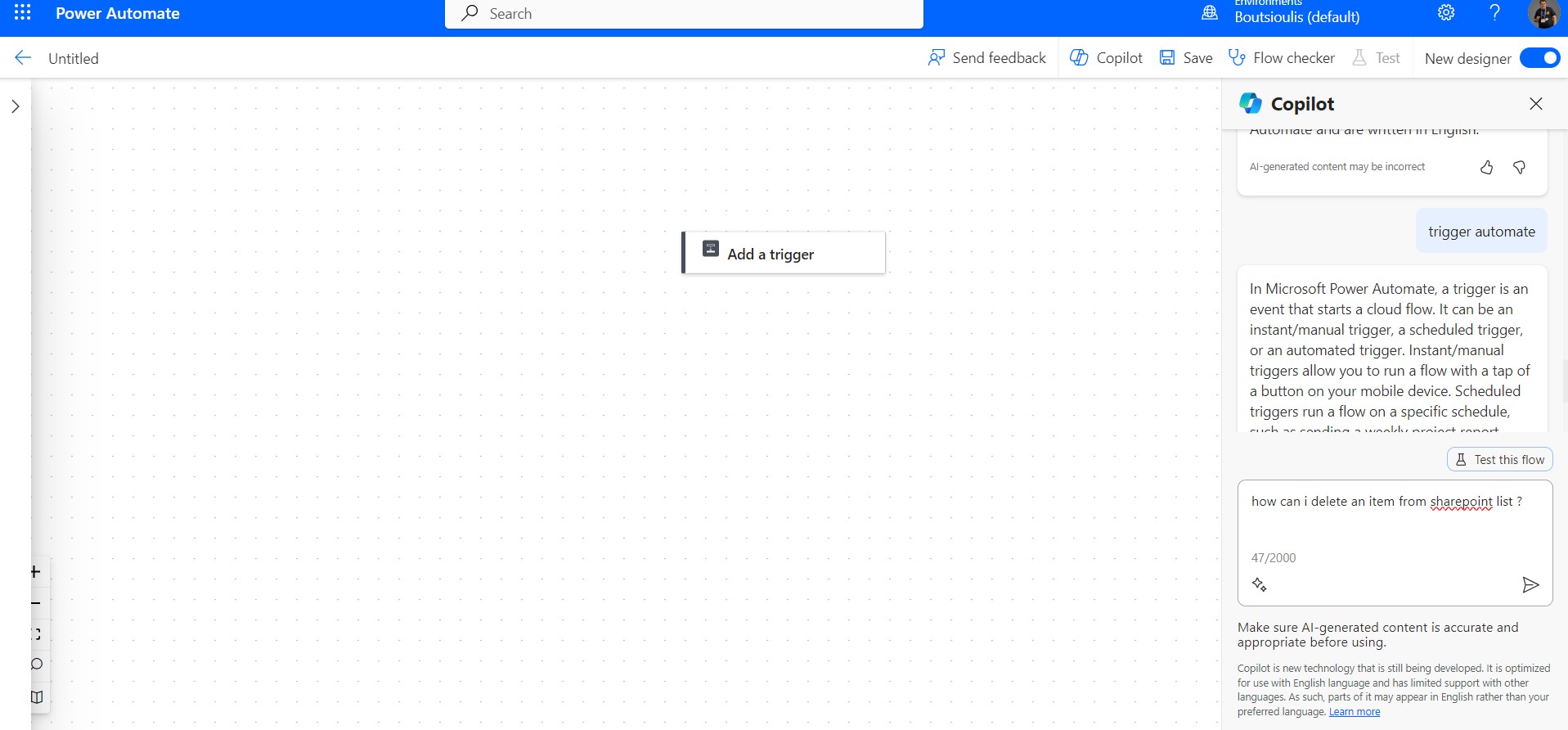
I keep asking copilot how I can delete an item from a sharepoint list that is one of the actions I want to do
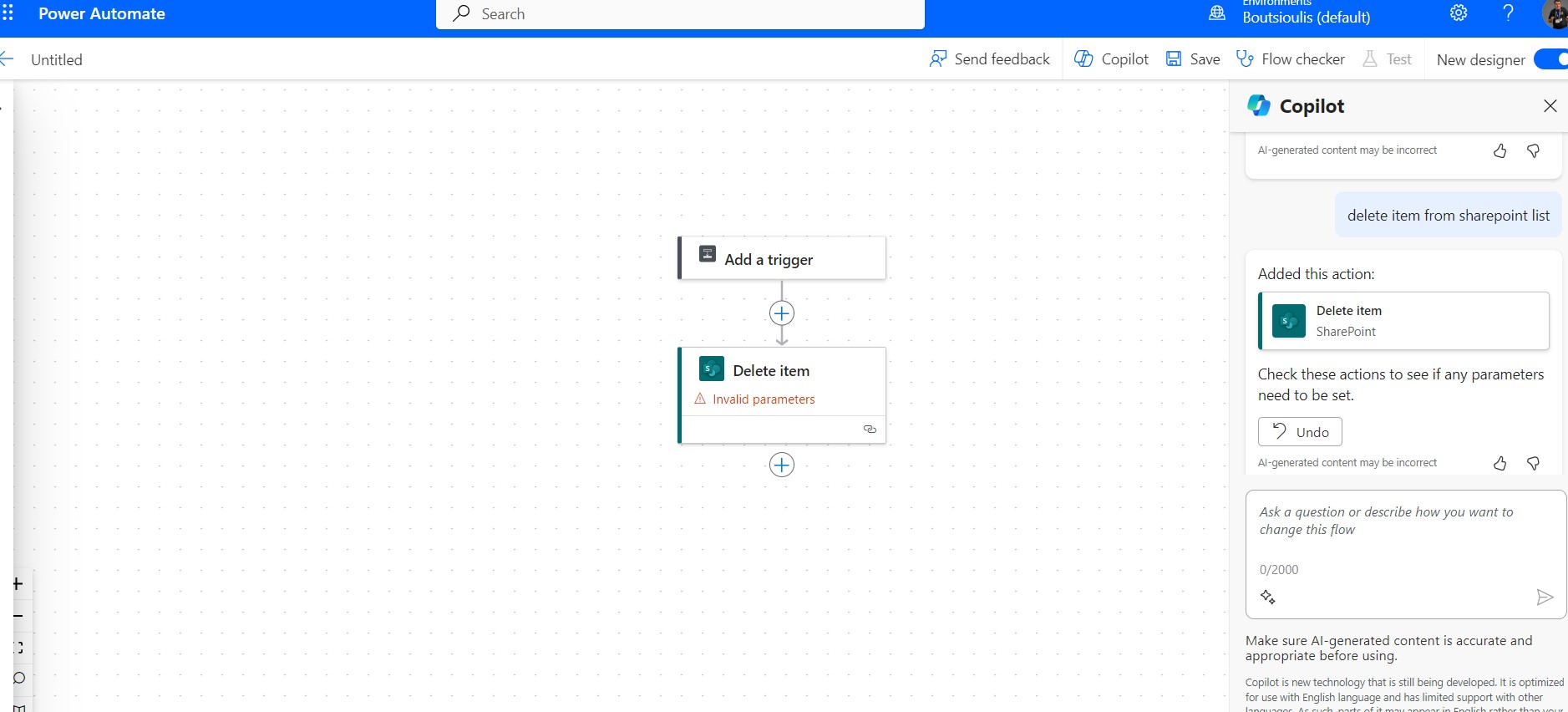
So the copilot shows me the action and I pass it into my flow. while at the same time reminding me that I need to set all the parameters
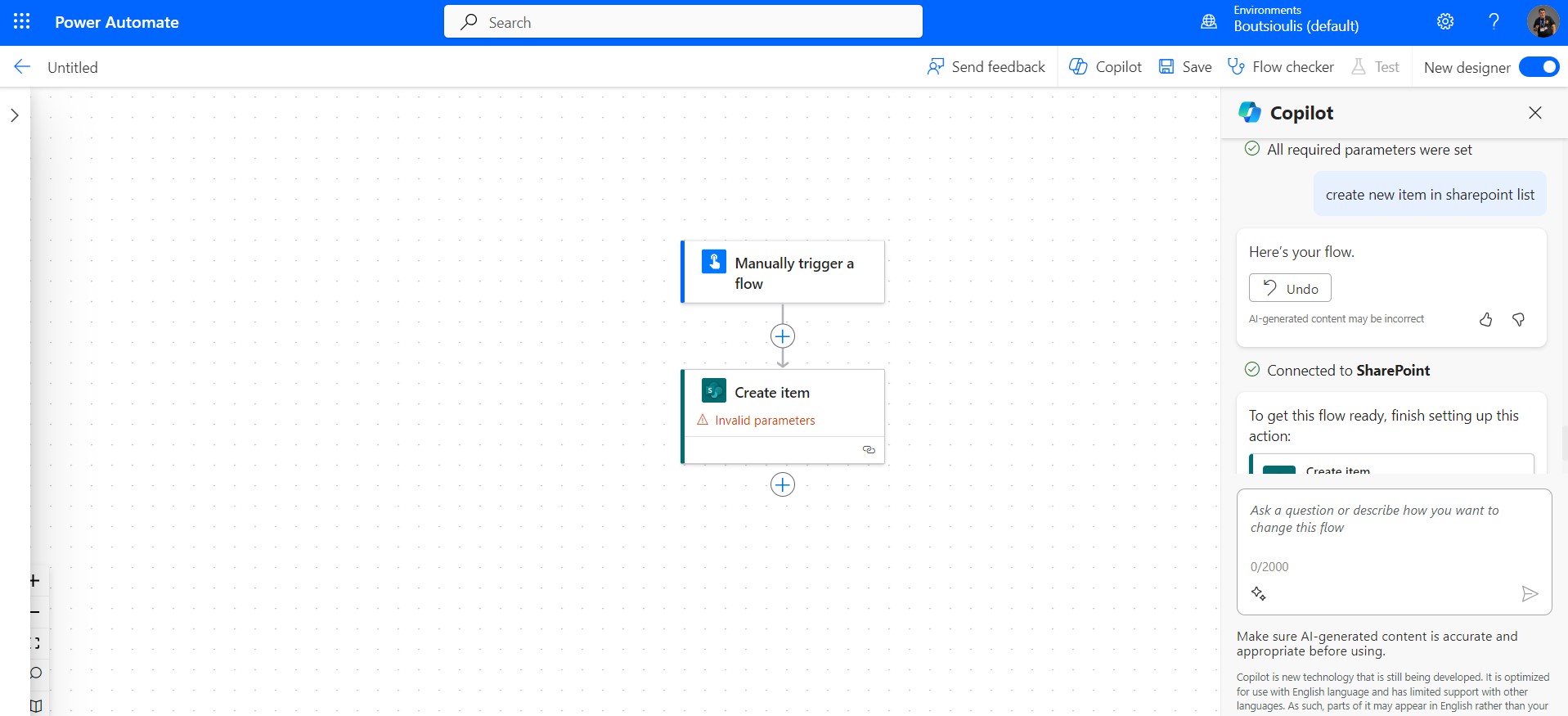
I ask copilot again how can I add a new item to a SharePoint list
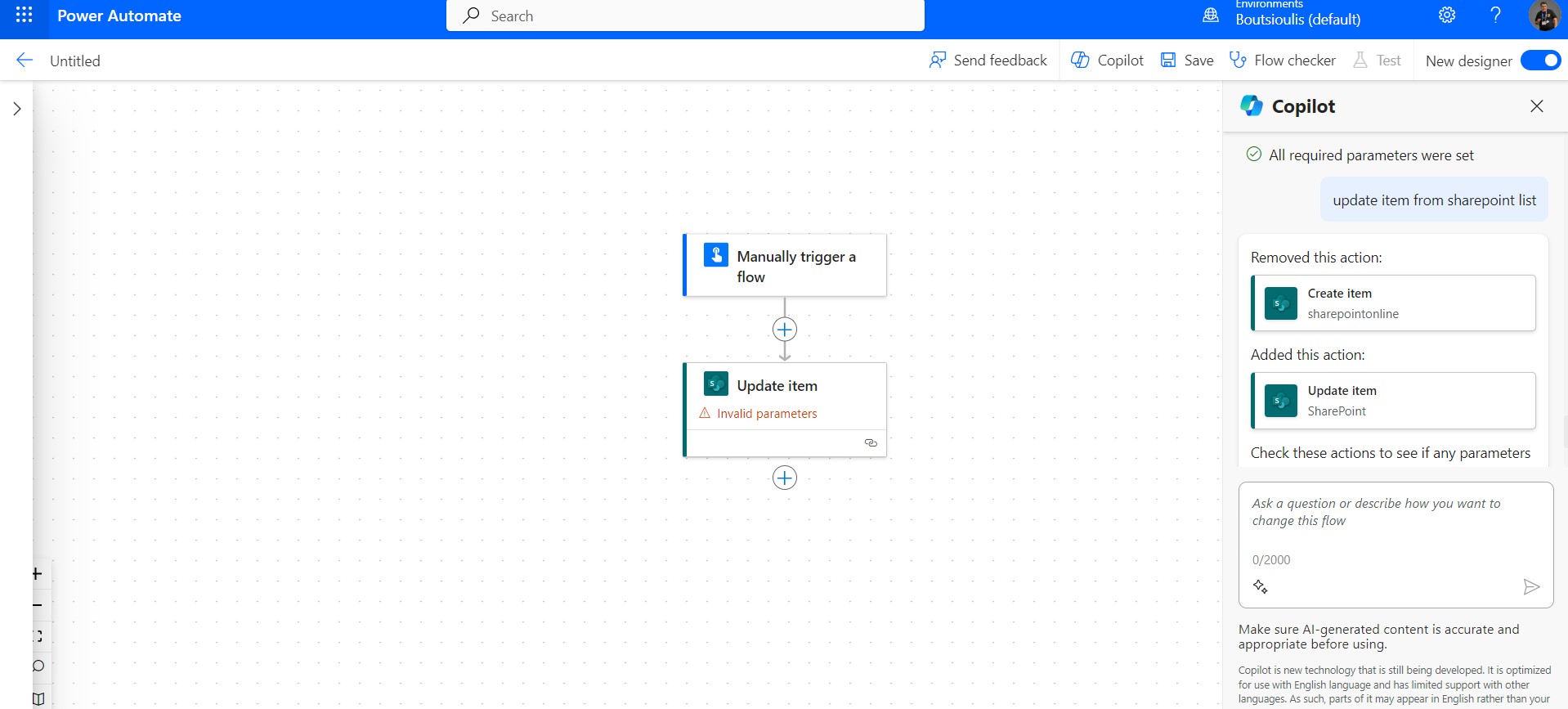
I'm asking copilot again how to update an item in a SharePoint list And copilot answers me again by showing me the available actions that give me the possibility to do this action
So you should find that once you have arrived at the process you wish to automate you have a very powerful tool as a service called copilot that can guide you step by step on how to create your flow while at the same time explaining the possibilities of each option
#Copilot #PowerApps #PowerAutomate #SharePoint #technology #microsoft #digitaltransformation #cloud #mvpbuzz #m365Visit Archives below to find more articles about Microsoft technologies on Modern Workplace