
Free Material
Find hereMore than 150 Articles about Microsoft Technologies on Modern Workplace
Official Site
Microsoft Most Valuable Professional M365 Apps & Services
Microsoft Most Valuable Professional Business Applications
Consultant & Sr Cloud Solution Architect Modern Wokrplace
Find hereMore than 150 Articles about Microsoft Technologies on Modern Workplace
17 January 2024
In today's article we will see how we can create an item in a SharePoint list using an automate and of course always with the help of copilot . First of all I have to emphasize that this is a very simple automated process but don't forget that if you have a recurring process you can create this flow and just call it every time you want to run this process. First from the active subscription we go to the Power Automate page and from there we type in the create copilot . So one of the options is create a new item in SharePoint list with a button which we select .
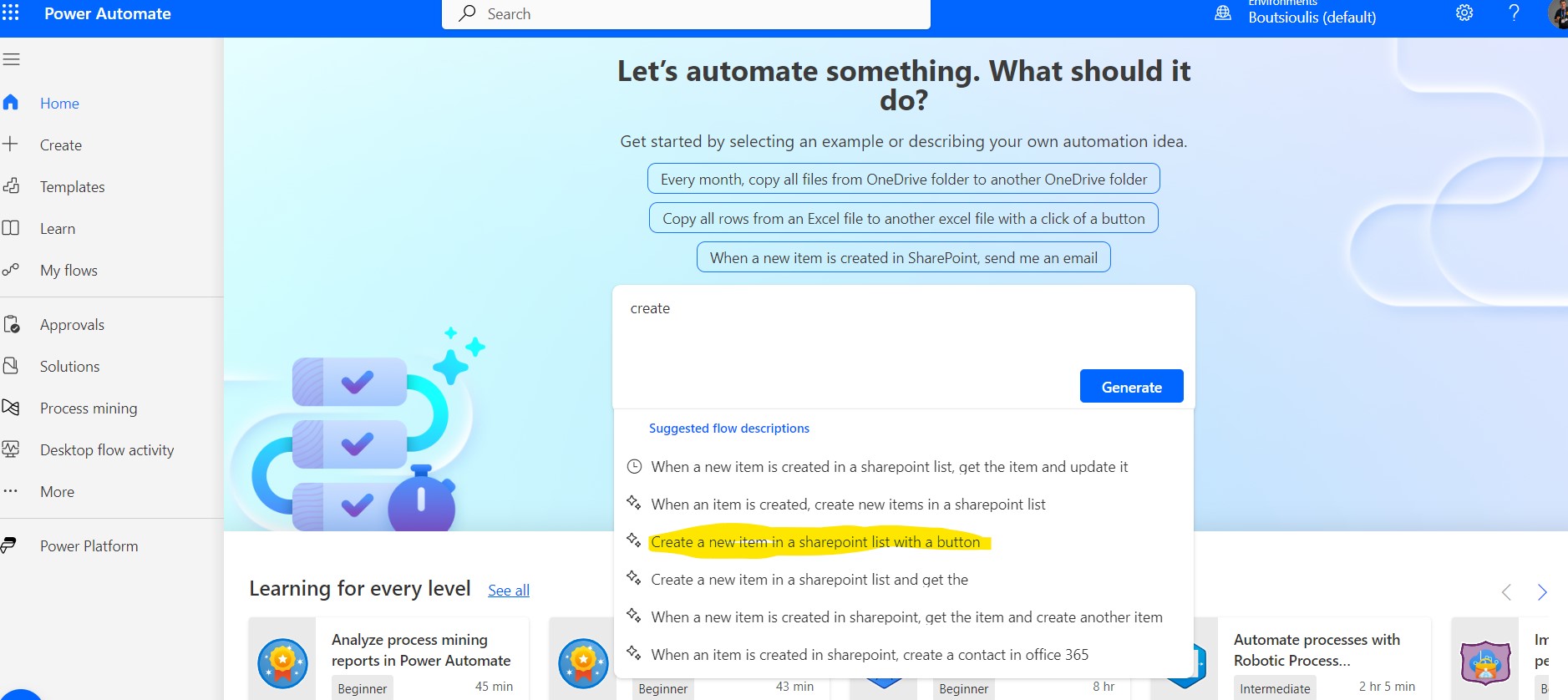
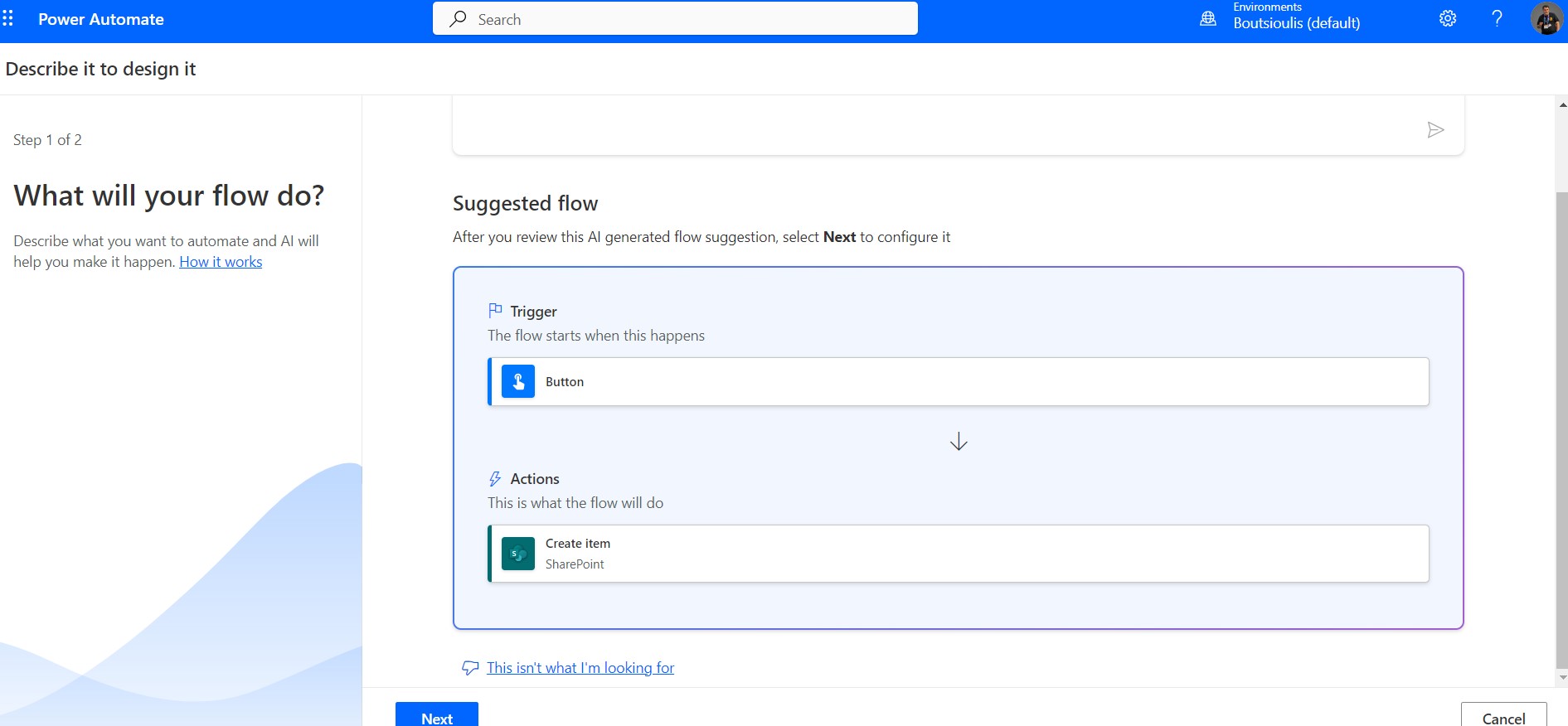
In the next step the copilot gives us some information about the flow which is the trigger and the actions of our flow
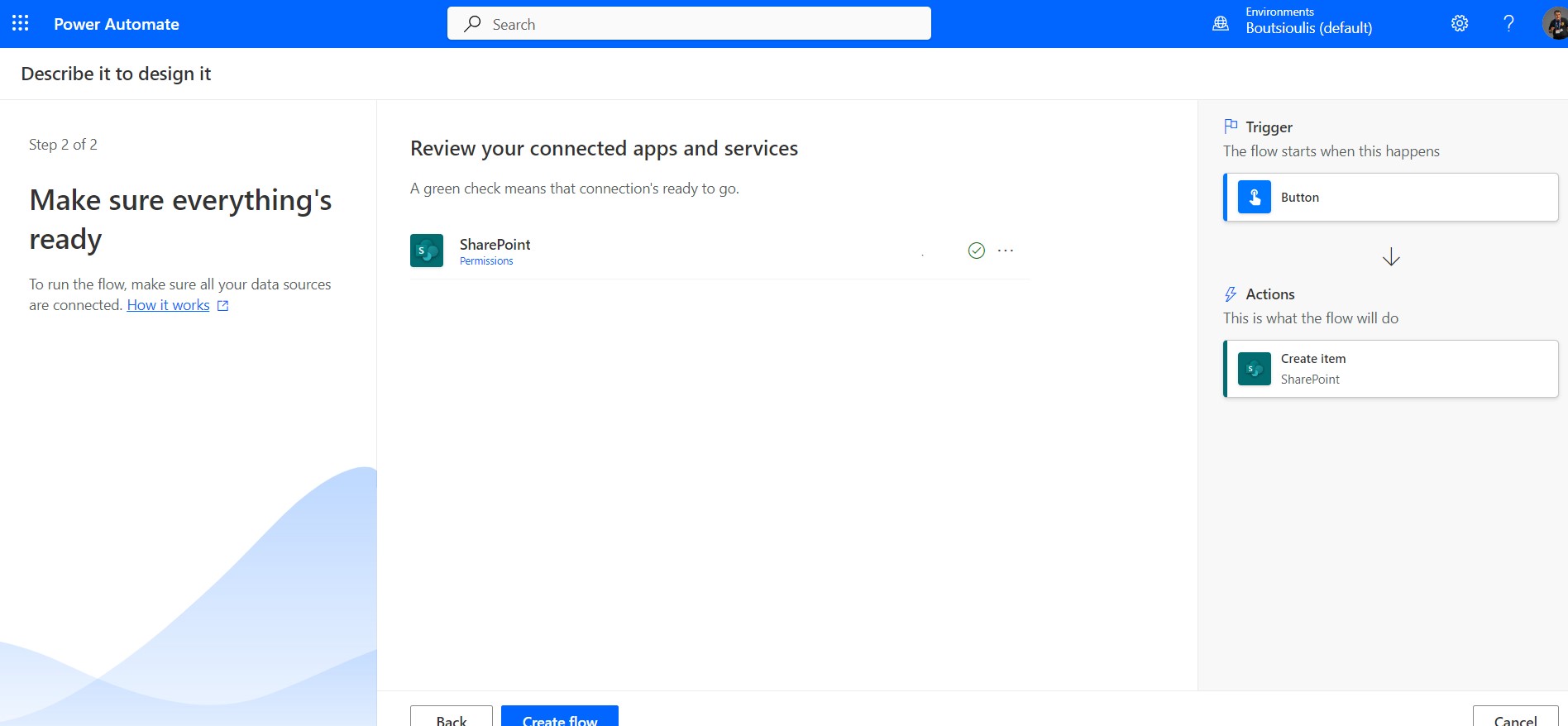
In the next step we allow all the necessary connections and check the flow diagram
In the new designer we select the trigger which has no input, just by pressing the button in the flow it will be activated
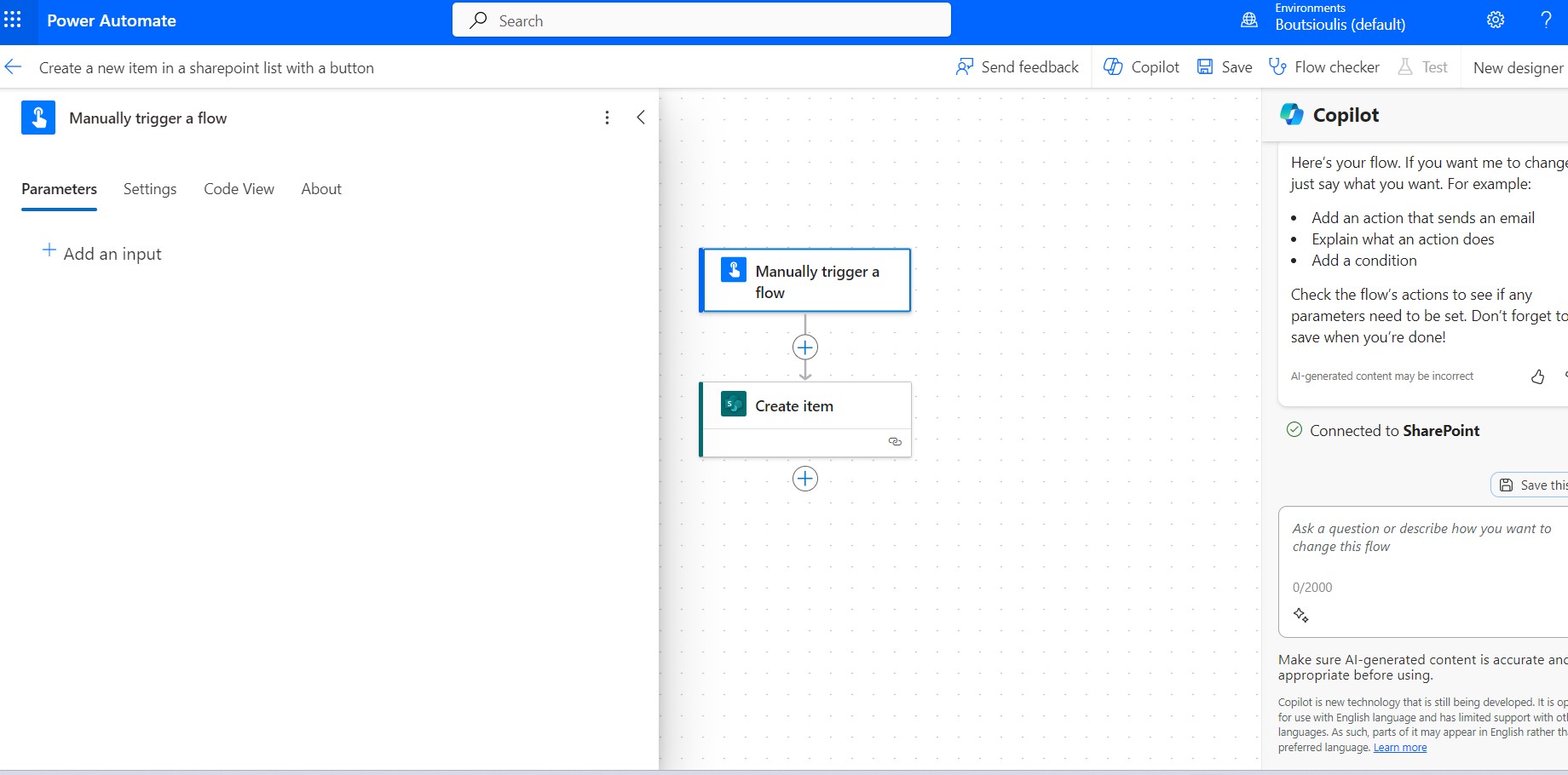
In the next action which is the create item we select the sharepoint site and then the list in which the new item will be created
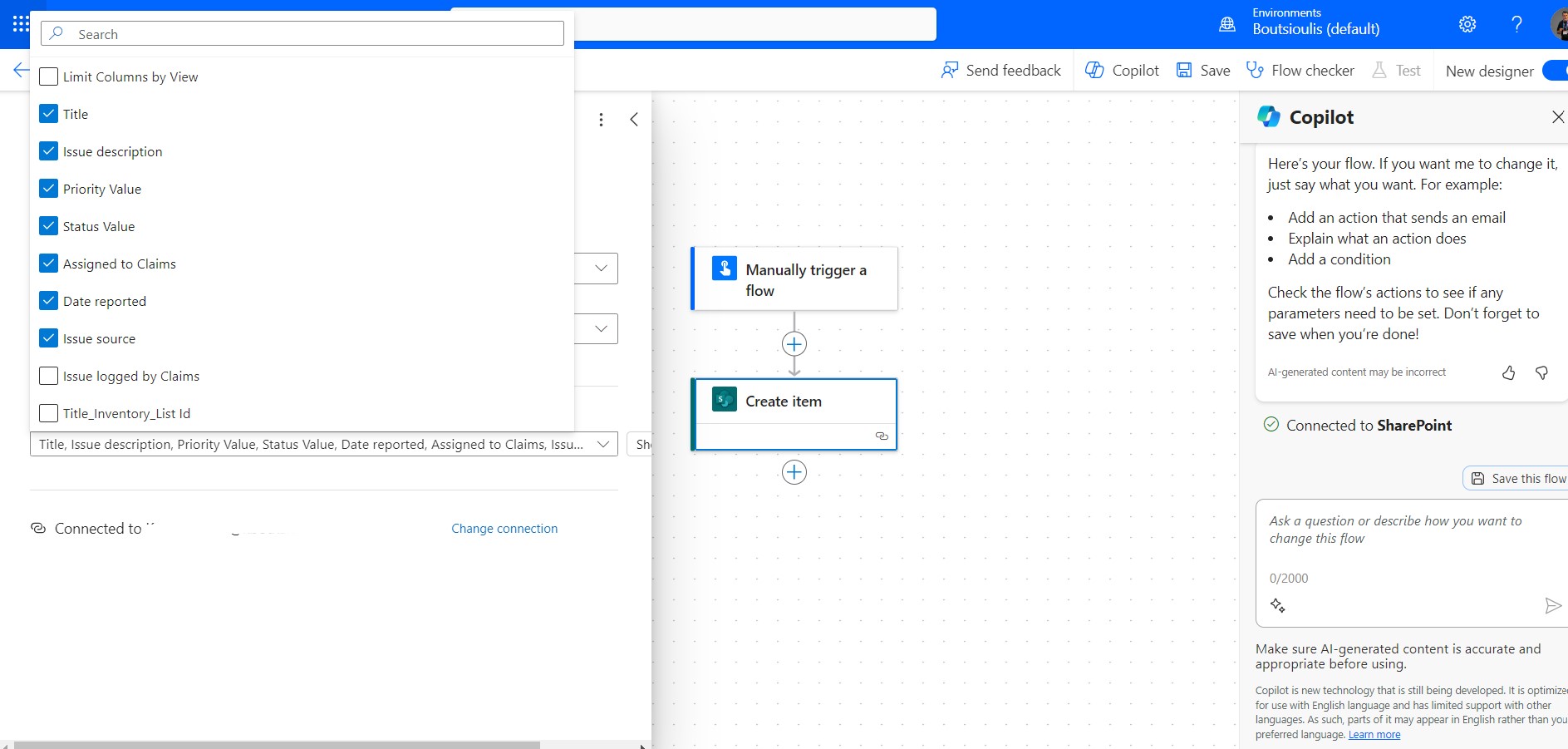
So here we have to enter some items in the list fields
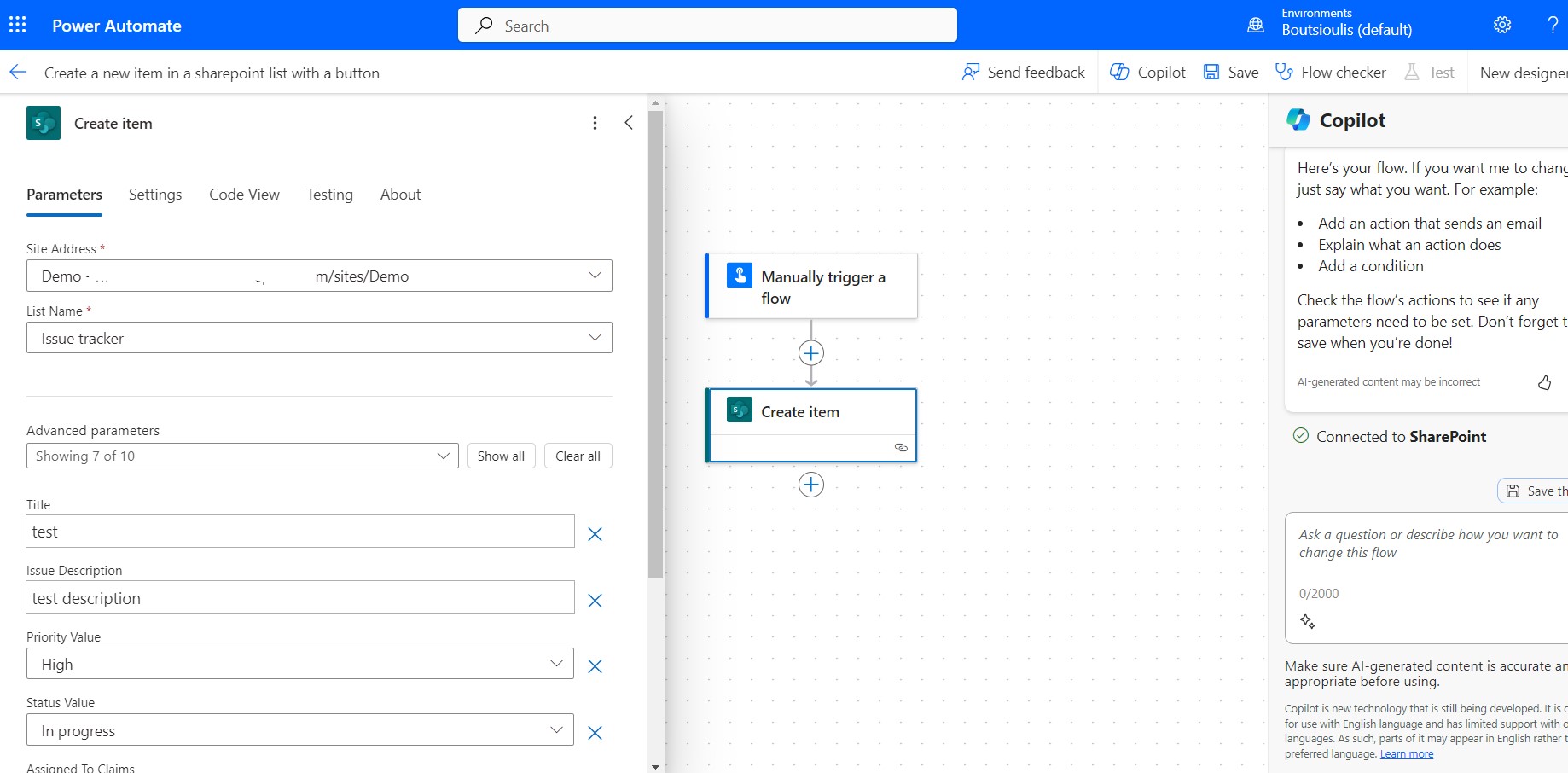
And now we have to save all the changes in the flow.
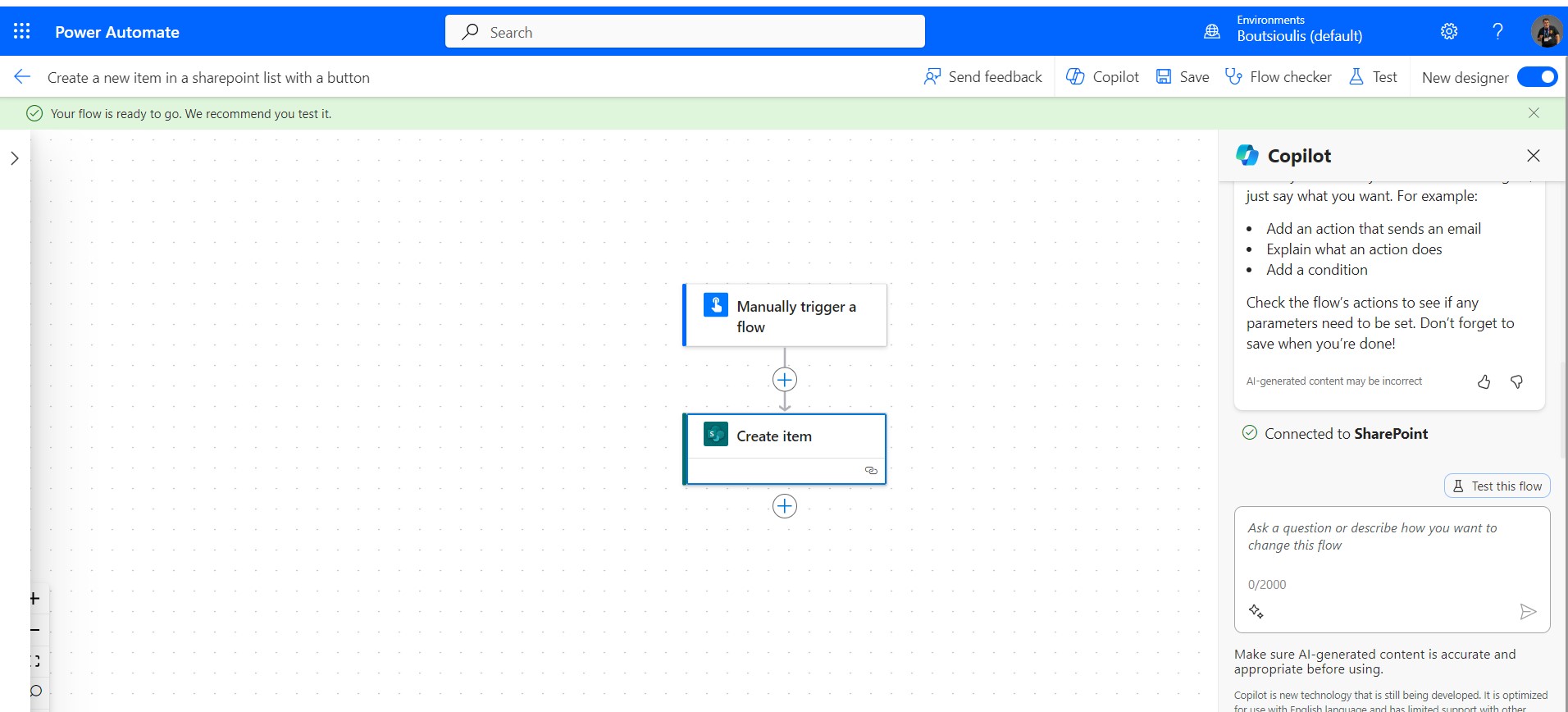
In the next step we have to manually test flow
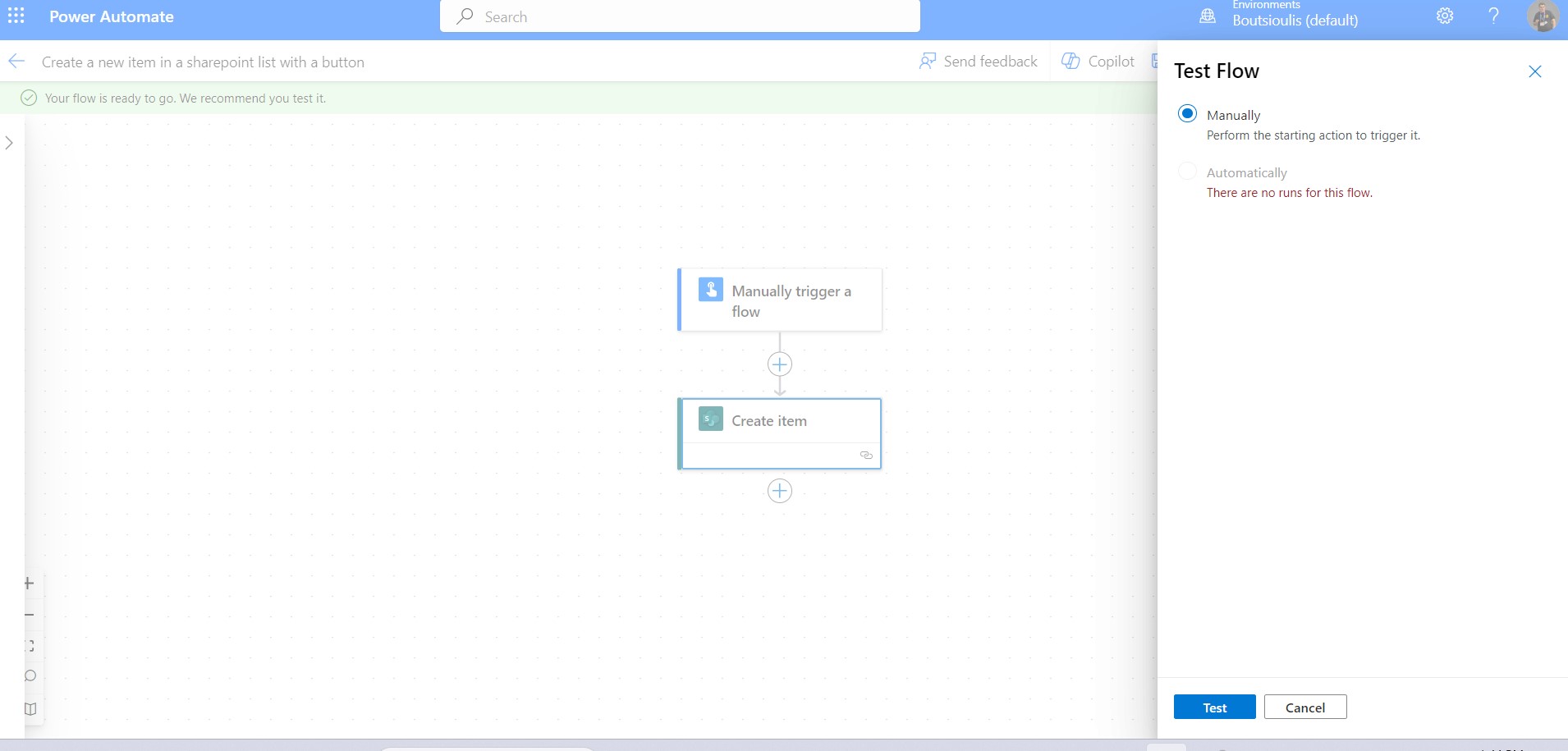
Select continue on the connection
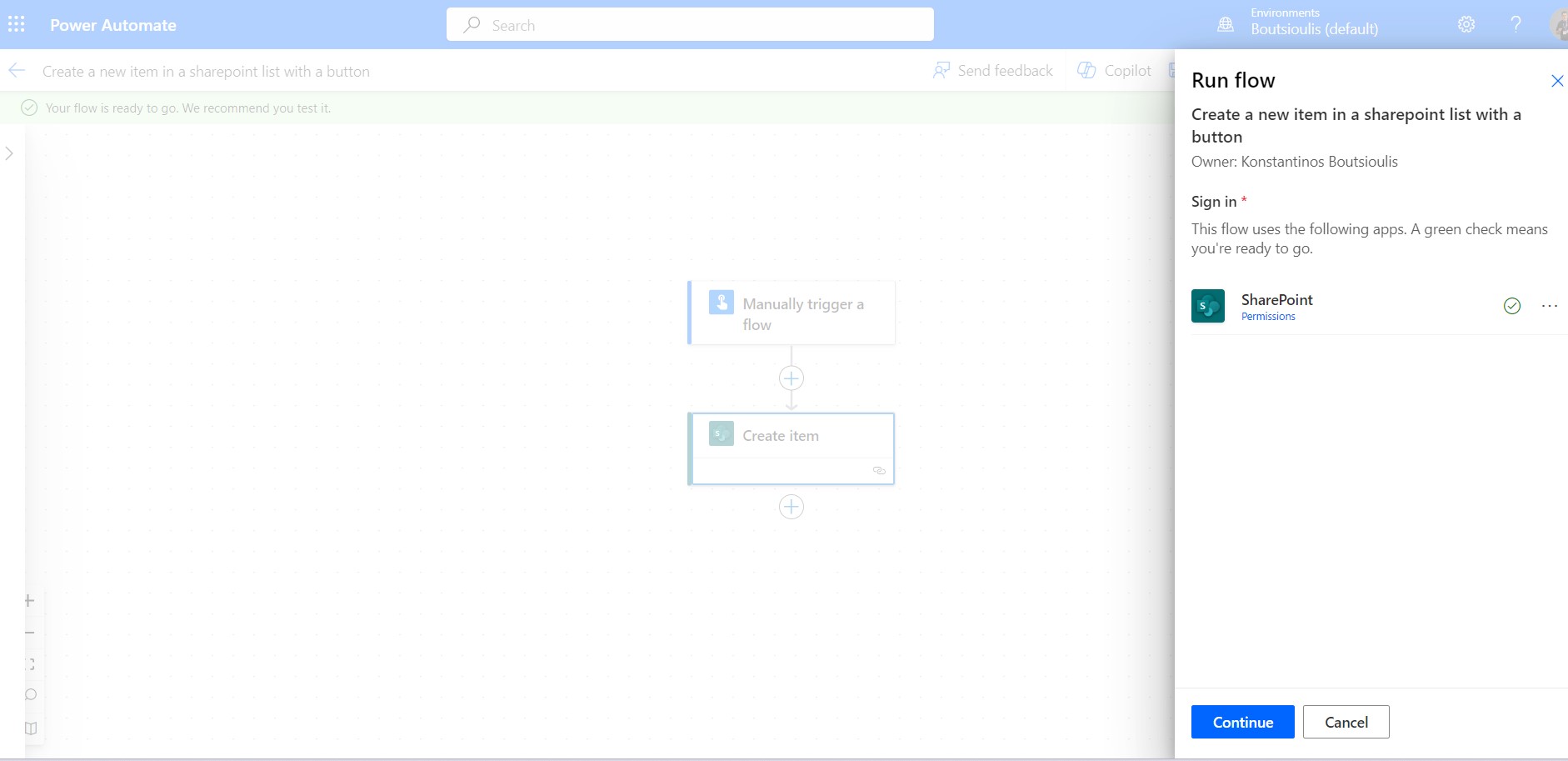
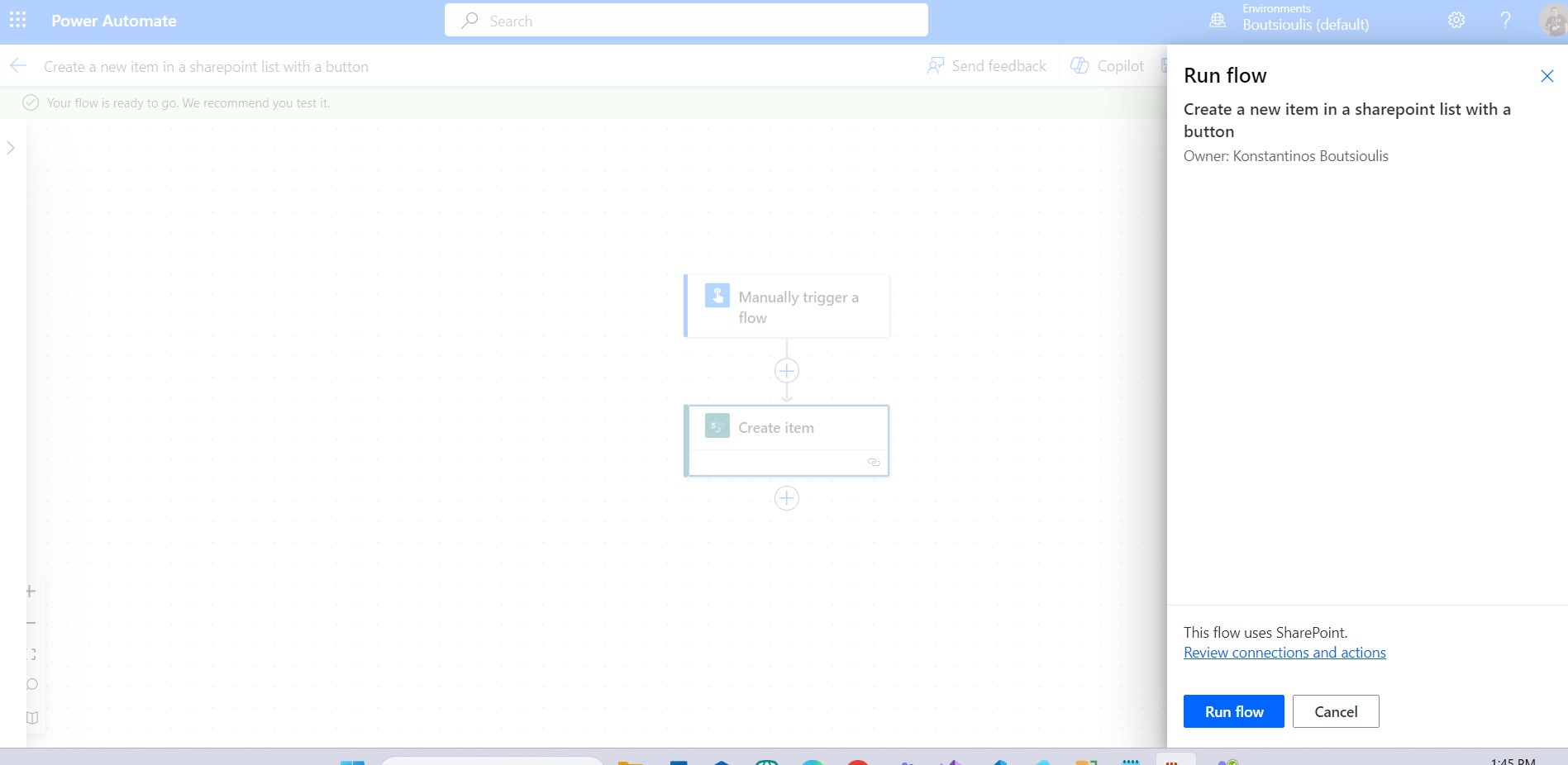
And click run flow to execute our action
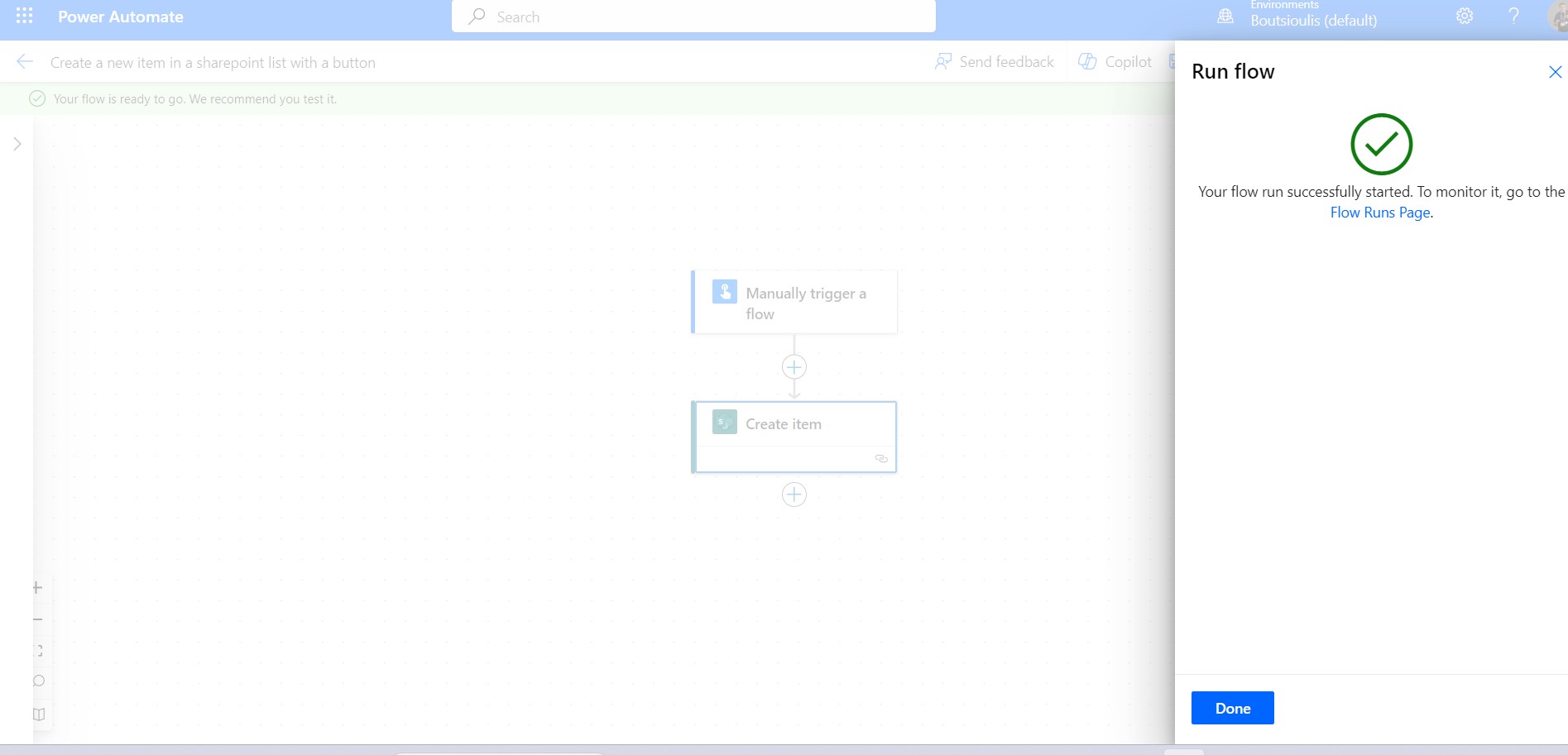
As you can see, the flow ran without error.
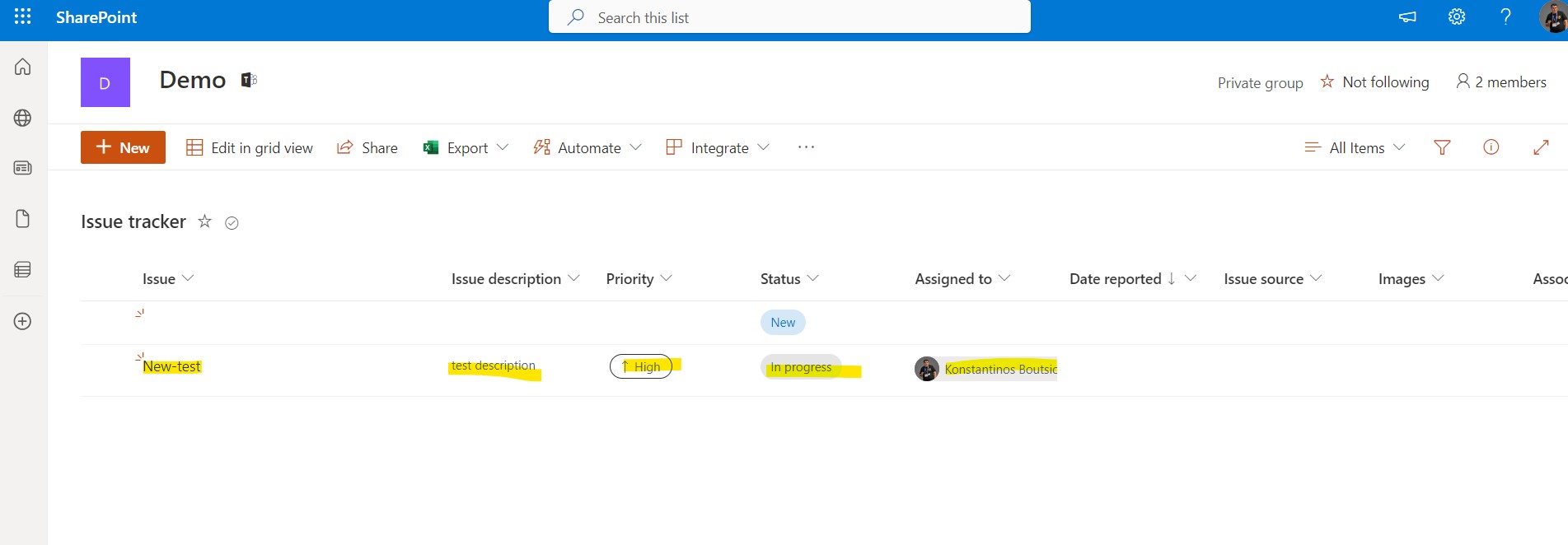
And if we go to the list we selected, we'll see that a new item has been created.
Here I should make it clear that we are not doing this procedure to replace the create item in a list which is much easier. The purpose of this article is to show you a number of possibilities that automates have and how you can create as many complex flows as you want as long as you know the procedures. It is clear that here I want to show the possibility to create an item using a command and if it is something fixed you do it once and create it for example every month .Also this could be combined with creating a type of backup in a list if you have initially added other actions to the flow . That is why I repeat that it is important to know all the procedures so that we can combine the information and form our flow according to our needs . In this of course the copilot will help us with his advice.
#Copilot #PowerApps #PowerAutomate #SharePoint #technology #microsoft #digitaltransformation #cloud #mvpbuzz #m365Visit Archives below to find more articles about Microsoft technologies on Modern Workplace