
Free Material
Find hereMore than 150 Articles about Microsoft Technologies on Modern Workplace
Official Site
Microsoft Most Valuable Professional M365 Apps & Services
Microsoft Most Valuable Professional Business Applications
Consultant & Sr Cloud Solution Architect Modern Wokrplace
Find hereMore than 150 Articles about Microsoft Technologies on Modern Workplace
22 January 2024
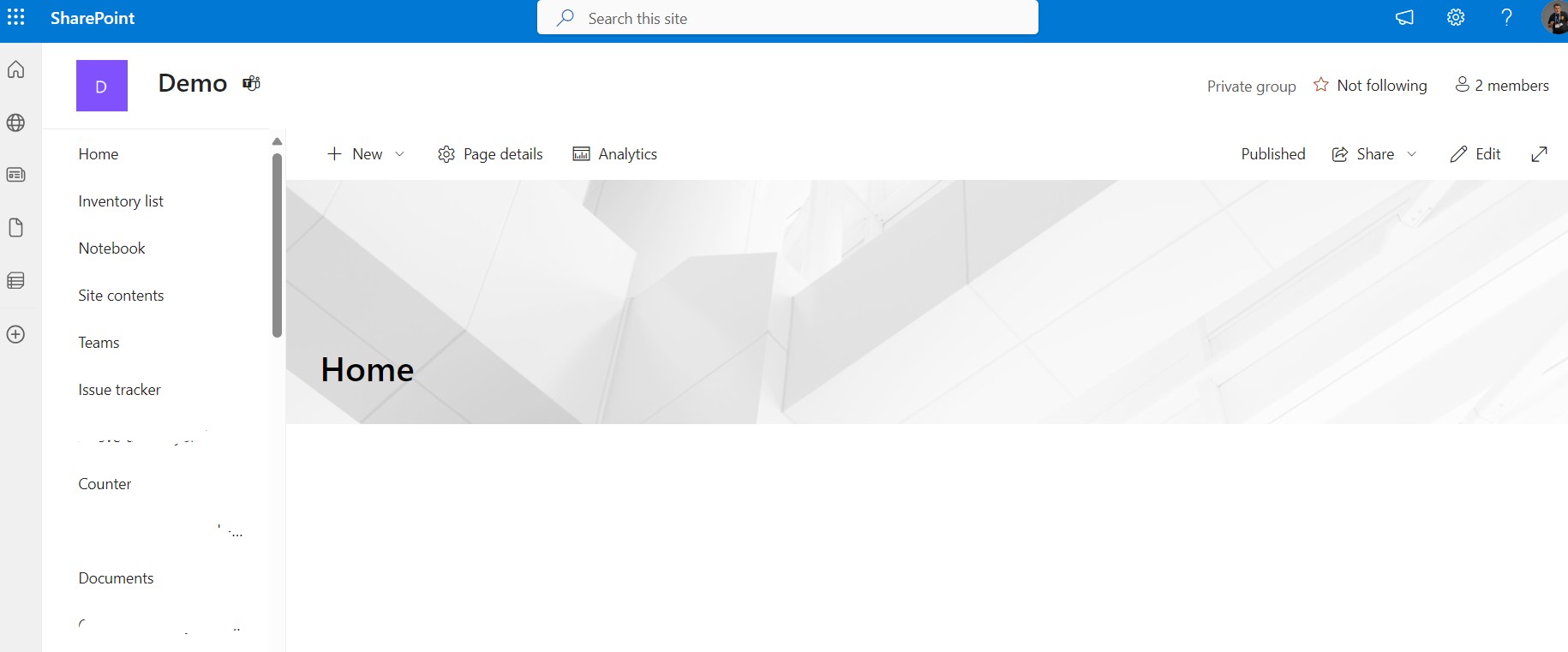
In today's post I will show you how easy it is to change the layout of the home page of a site in SharePoint. The change we will make will be done with PnP and SharePoint Online Management Shell. We will change the layout and make it article type like you would see the hompage if you created a page inside the site pages and it was article type Like every time we will have to have administrator permissions to run SharePoint Online Management Shell. We run the code below in PowerShell and we have
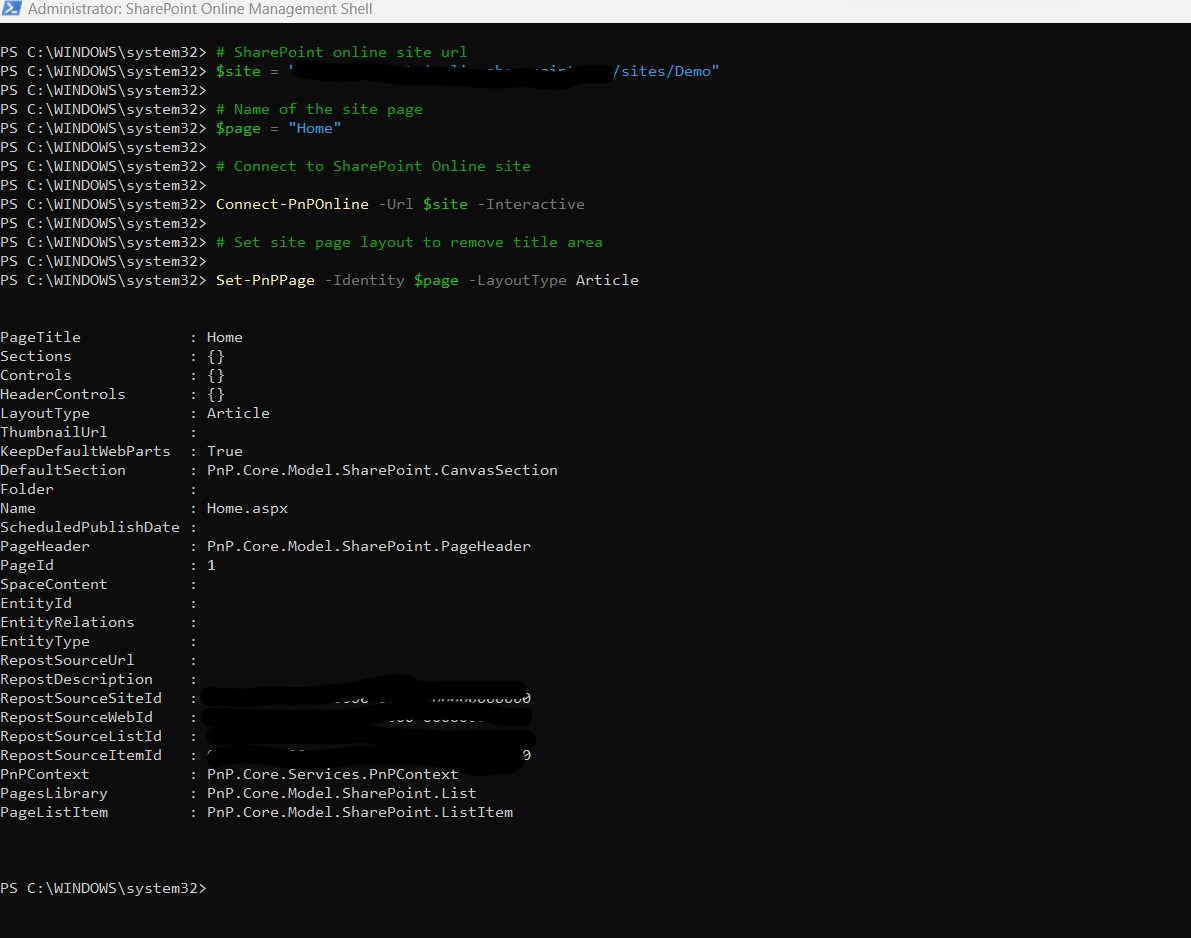
#Declare variable of site url
$site = "https://mytenant.sharepoint.com/sites/Demo"
#Connect with SharePoint Online
Connect-PnPOnline -Url $site -Interactiv
# Set site page layout to remove title area
Set-PnPPage -Identity $page -LayoutType Article
 #SharePoint
#technology
#microsoft
#PowerShell
#PnP
#digitaltransformation
#cloud
#mvpbuzz
#m365
#SharePoint
#technology
#microsoft
#PowerShell
#PnP
#digitaltransformation
#cloud
#mvpbuzz
#m365
Visit Archives below to find more articles about Microsoft technologies on Modern Workplace