
Free Material
Find hereMore than 150 Articles about Microsoft Technologies on Modern Workplace
Official Site
Microsoft Most Valuable Professional M365 Apps & Services
Microsoft Most Valuable Professional Business Applications
Consultant & Sr Cloud Solution Architect Modern Wokrplace
Find hereMore than 150 Articles about Microsoft Technologies on Modern Workplace
07 January 2024
In today's article we will see how we can add code and change the appearance of a page in SharePoint First we need to have administrator privileges to import a new app into SharePoint called Script editor web part for modern pages and for which you can find detailed installation instructions at the following address
link to GitHub Once the procedure mentioned above has been done we will enter our active M365 subscription and from the home page on the left side column select admin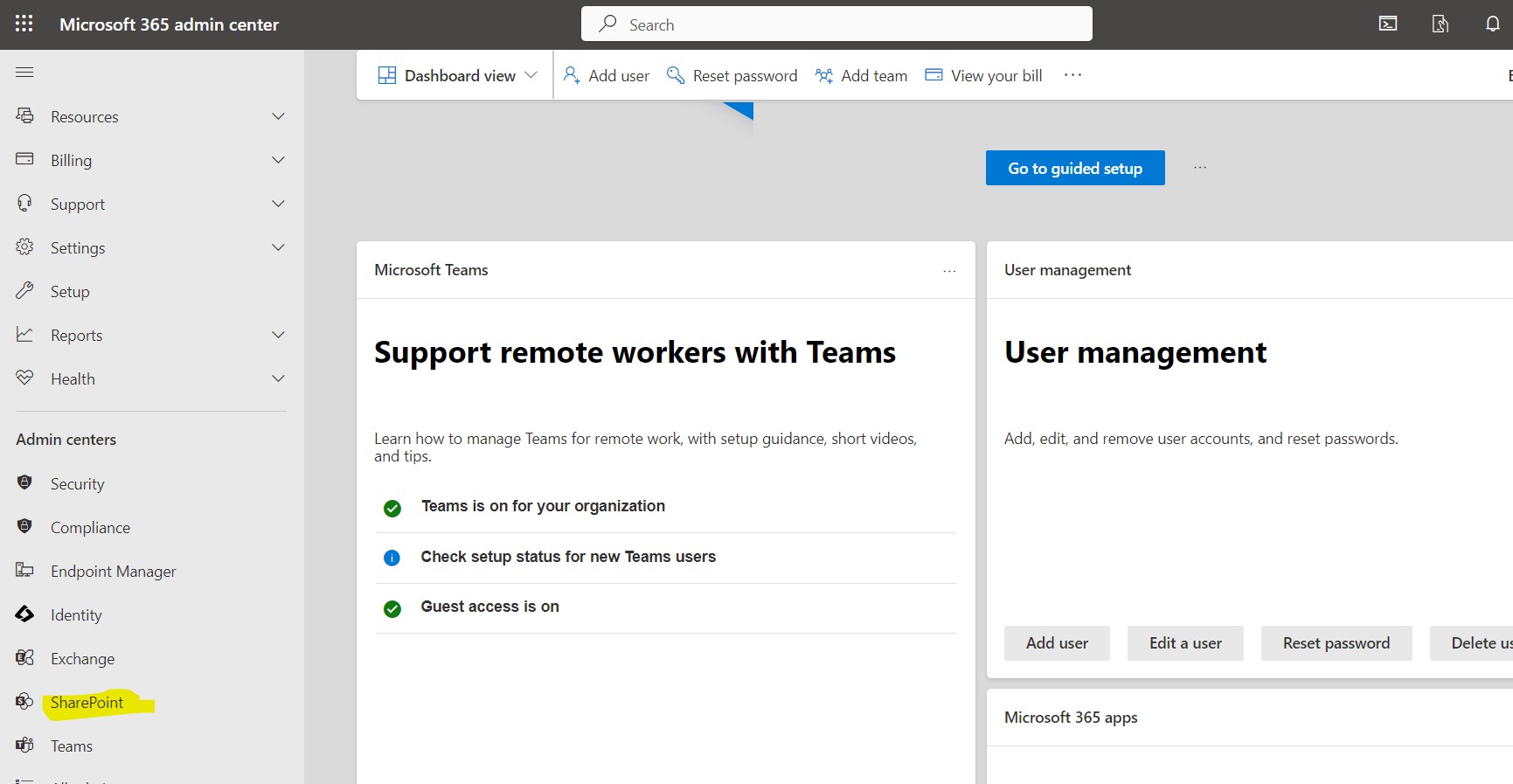
Then select SharePoint and from the left hand column select active sites select the apps site
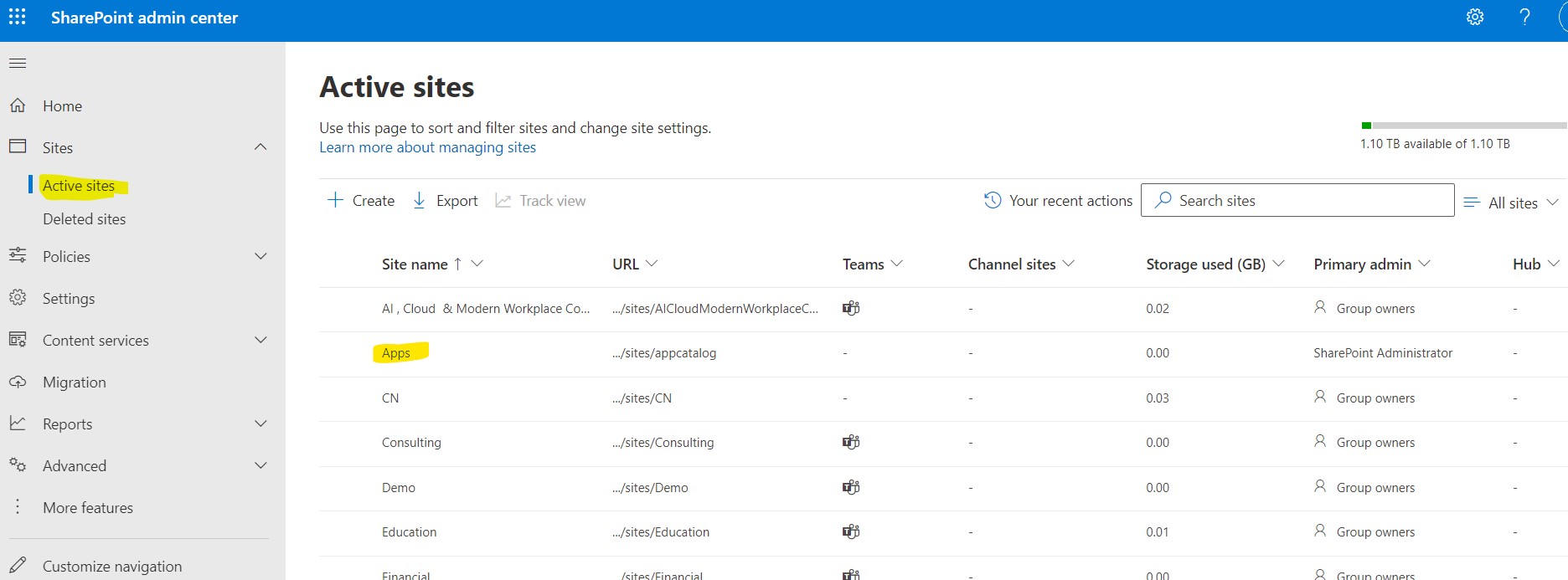
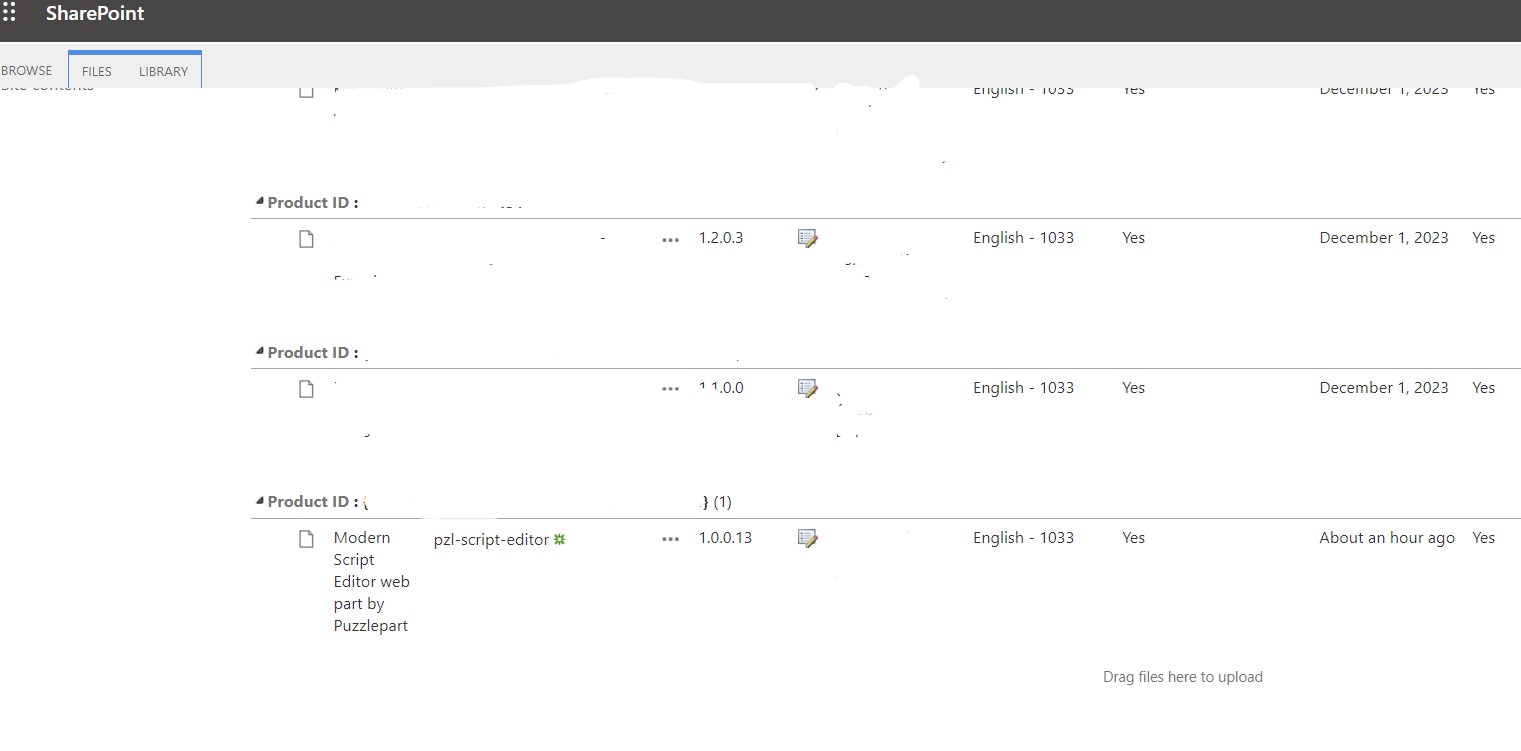
Once the above process has been done correctly we should detect in the available apps the Modern Script Editor web part by Puzzlepart which we should deploy to our tenant's pages
We go to the page we have created and we have removed all the webparts and from the ste contents
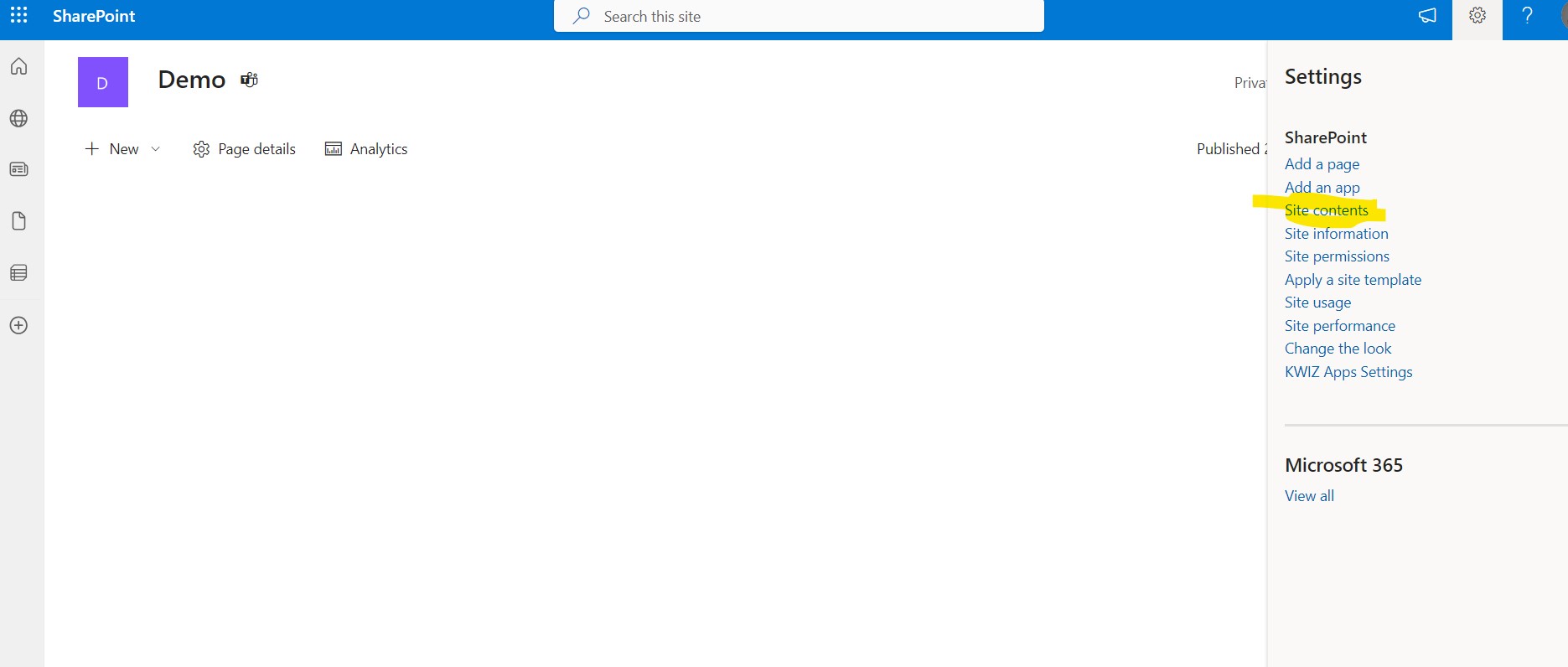
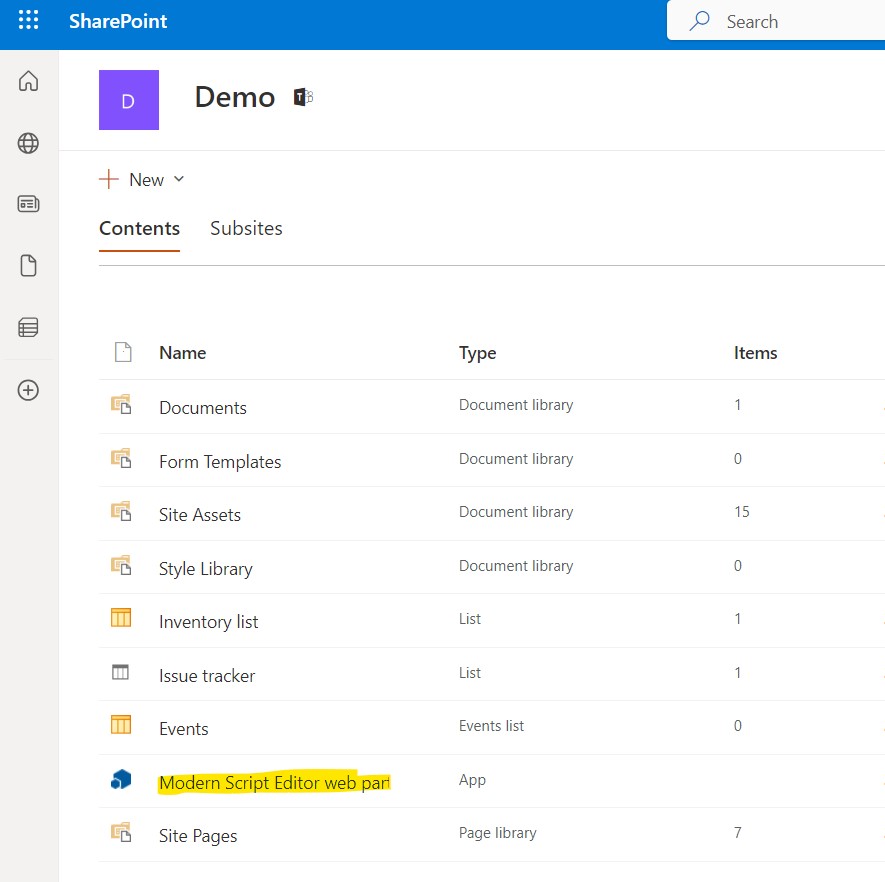
Choose the Modern Script Editor Web App
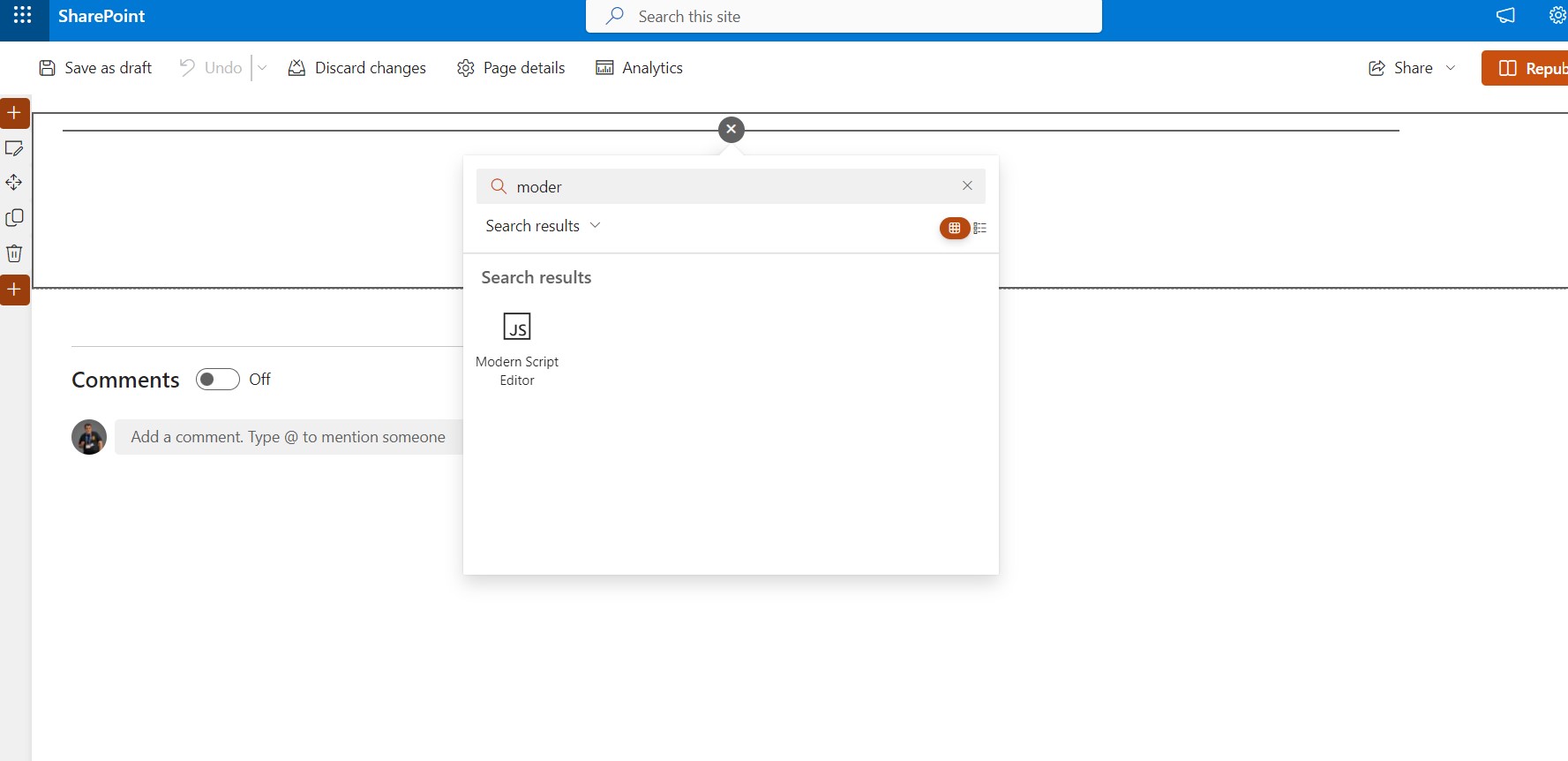
We go back to the home page and click edit on the top right . Then in the web part option with + and there in the menu that pops up we write Modern so that our new app appears which we finally select
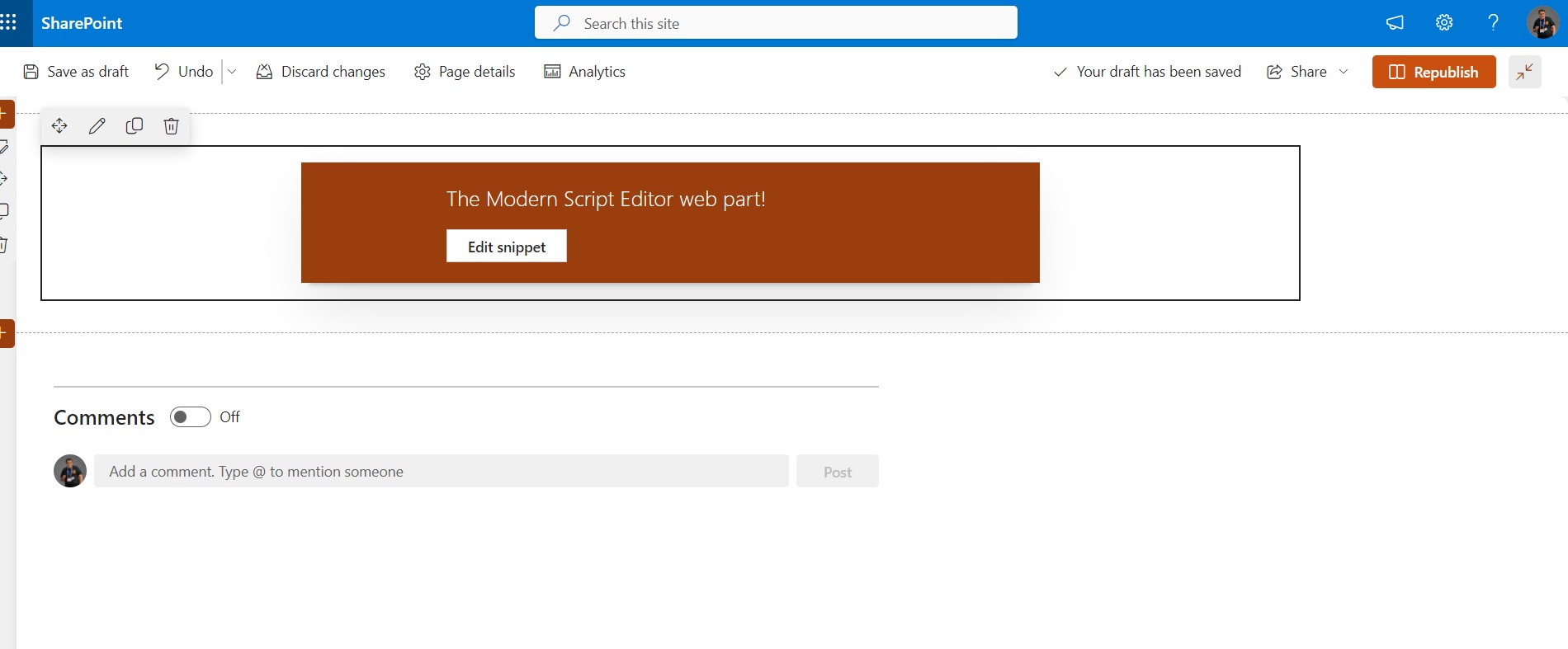
As you can see the new web part is passed and pressing edit snipset opens a new window
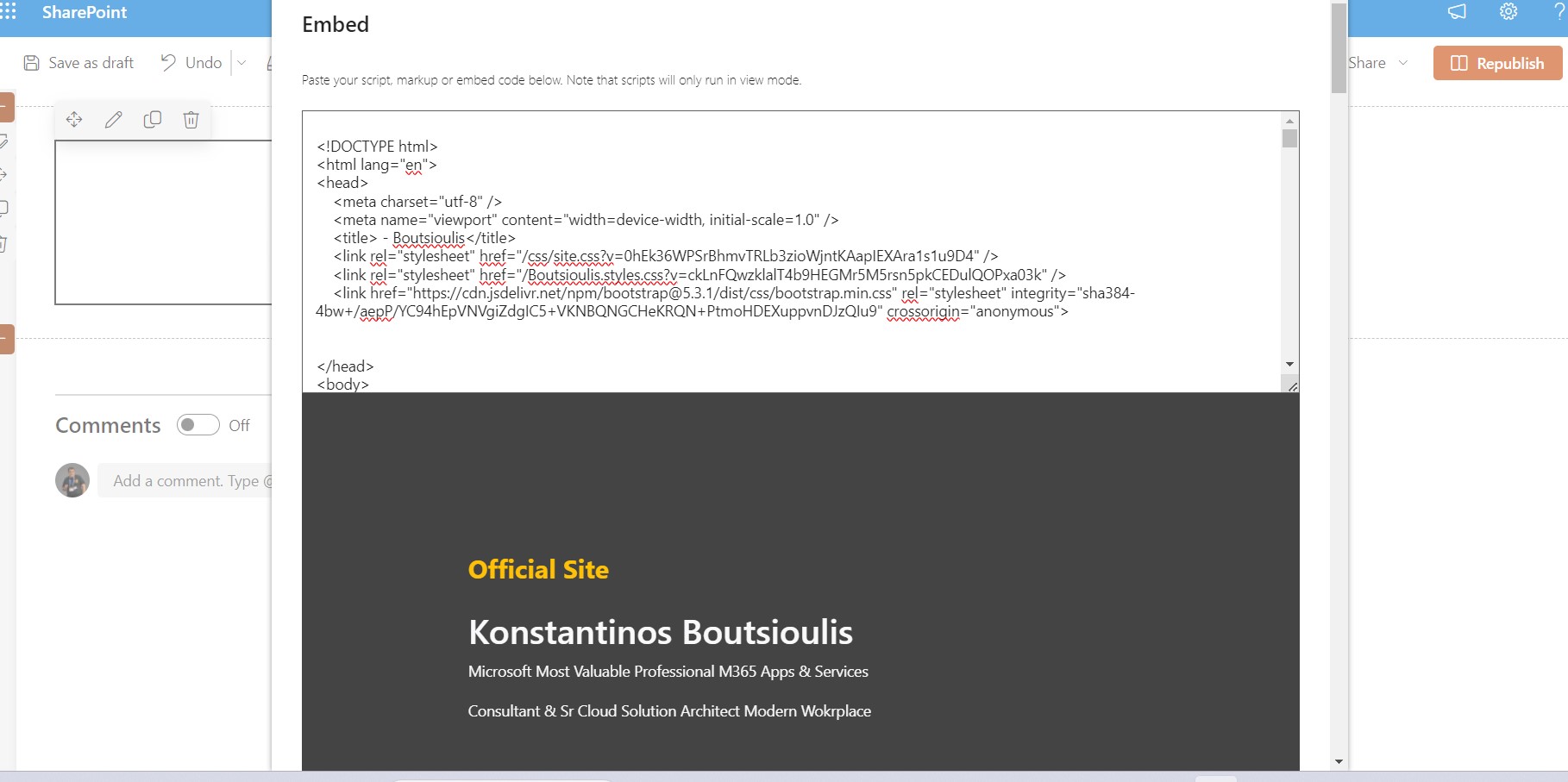
In which we can finally enter our code . In our case I have entered the code from my personal site and below the code a preview of the code that will eventually appear on our page
When I select save and publish I will see my new site has changed its appearance and contains within it my official site
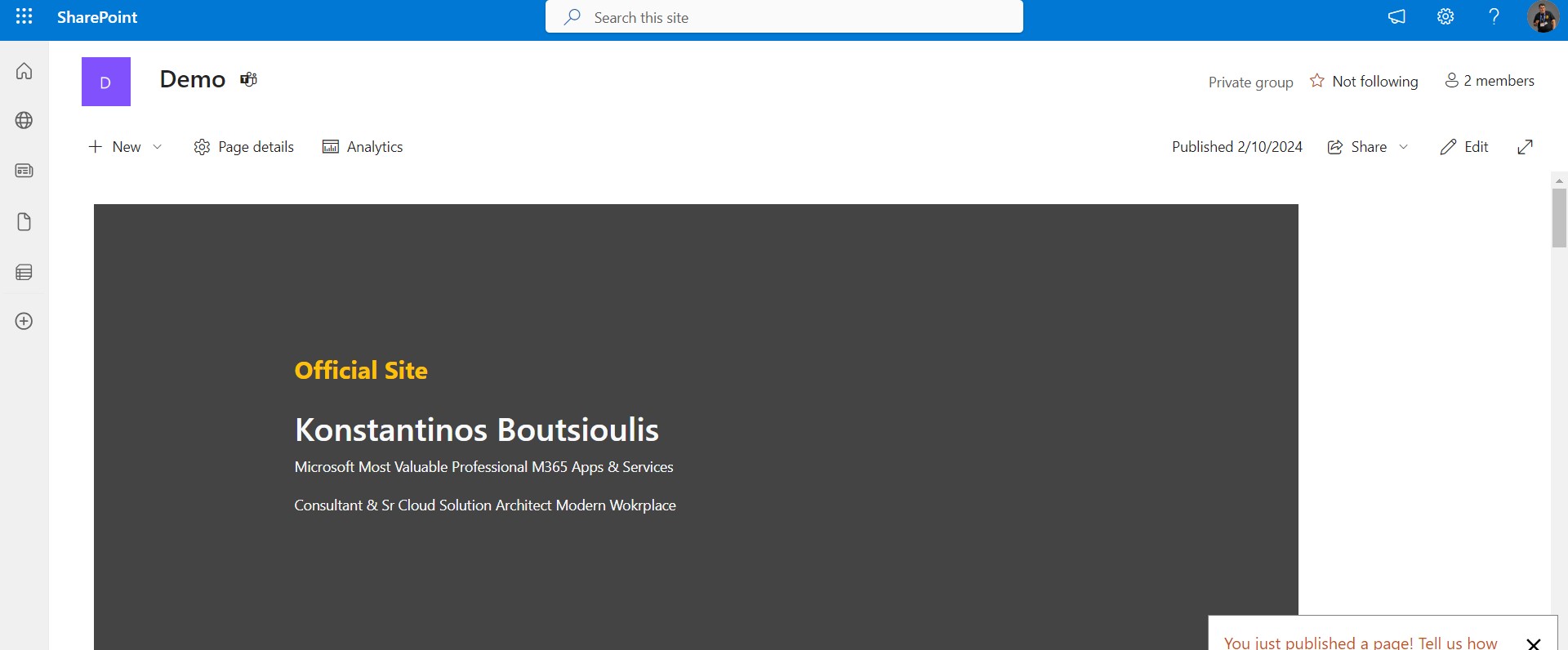
This process is pretty much familiar with the old content editor web part that we encountered in on premise implementations as well as in the case where we chose to create a new maste page and publish it to our respective pages and again in on premise implementations.
#Copilot #Teams #SharePoint #technology #microsoft #digitaltransformation #cloud #mvpbuzz #m365Visit Archives below to find more articles about Microsoft technologies on Modern Workplace