
Free Material
Find hereMore than 150 Articles about Microsoft Technologies on Modern Workplace
Official Site
Microsoft Most Valuable Professional M365 Apps & Services
Microsoft Most Valuable Professional Business Applications
Consultant & Sr Cloud Solution Architect Modern Wokrplace
Find hereMore than 150 Articles about Microsoft Technologies on Modern Workplace
06 December 2024
In today's article, I will show you how to create your own branding center on SharePoint for your organization. This is a new feature that was recently announced by Microsoft and rolled out at the end of November.
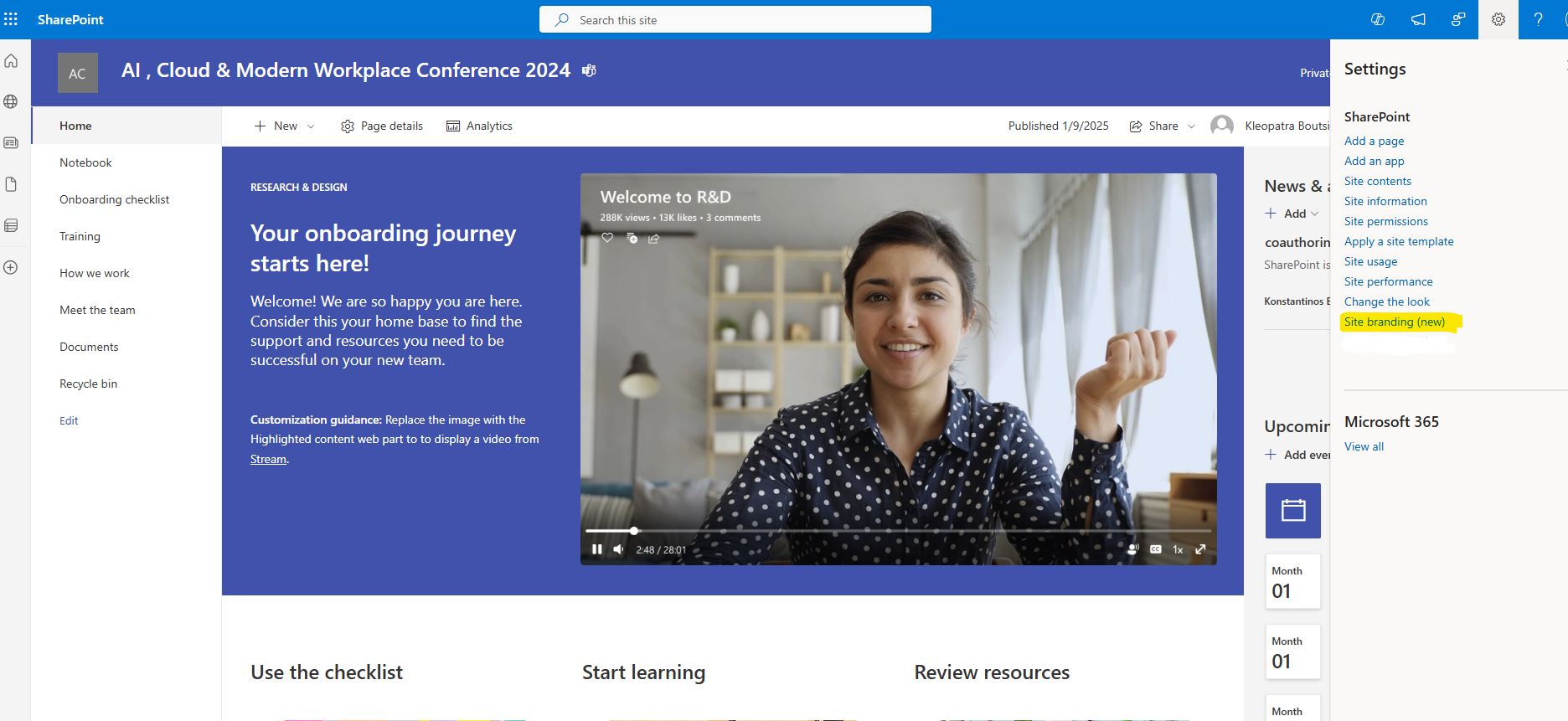
Let's see what Site Branding is and how we can create templates for our organization. First, we select the site collection we want and from the gear icon at the top right, we select Site Branding (New).
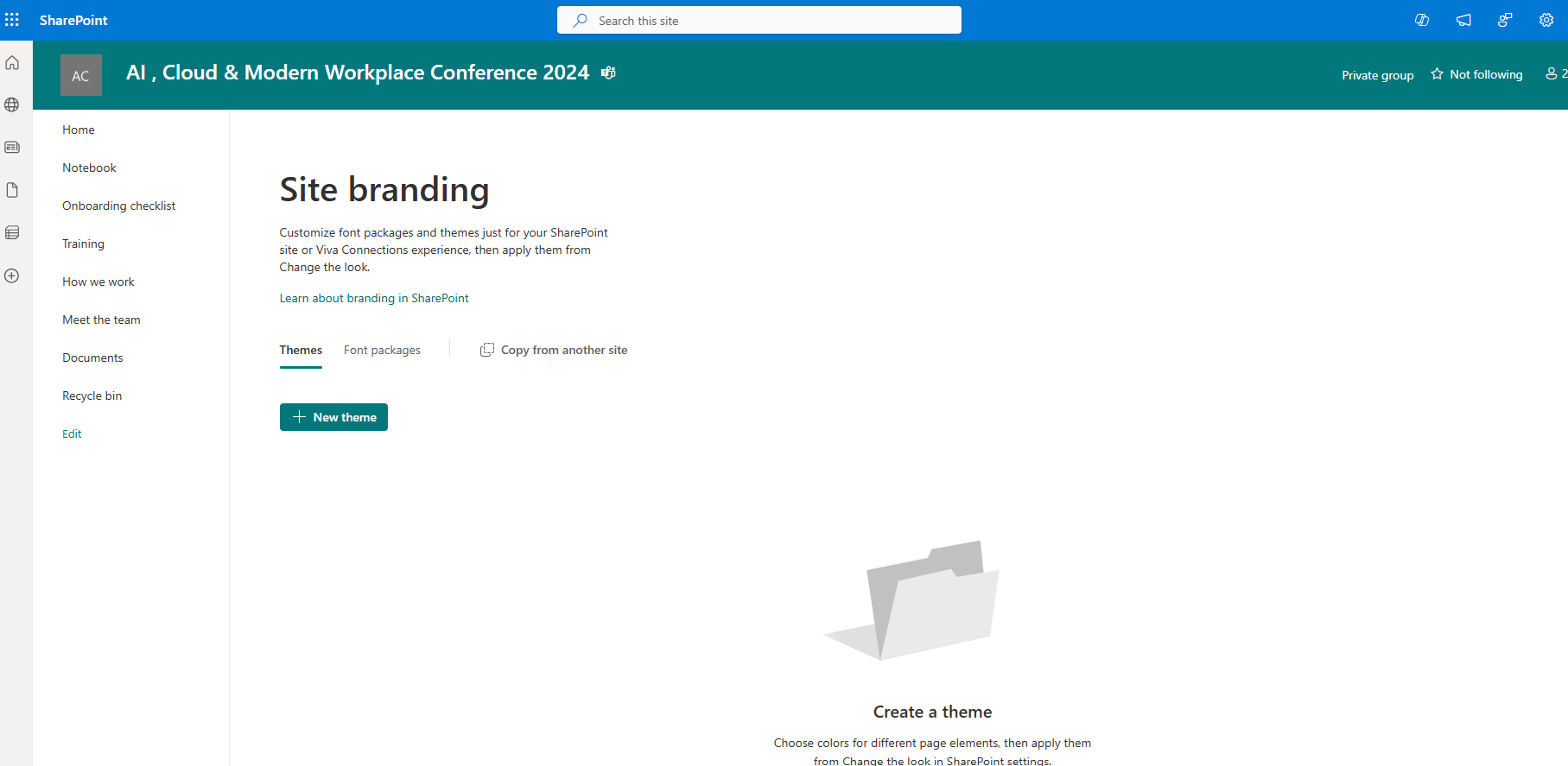
In the next step, as you can see on the transition page, I have various options. Initially, there are Themes.
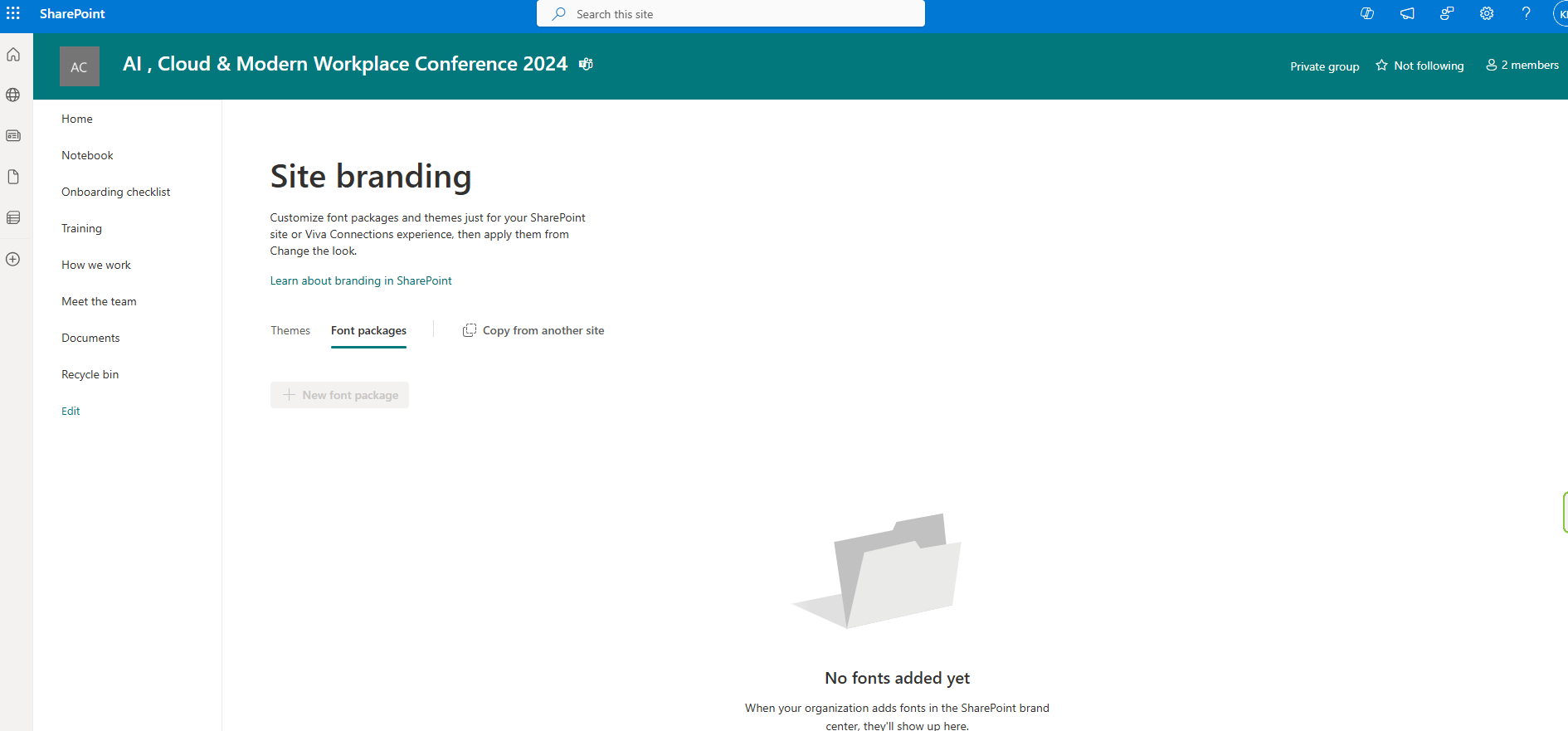
There are also Font Packages.
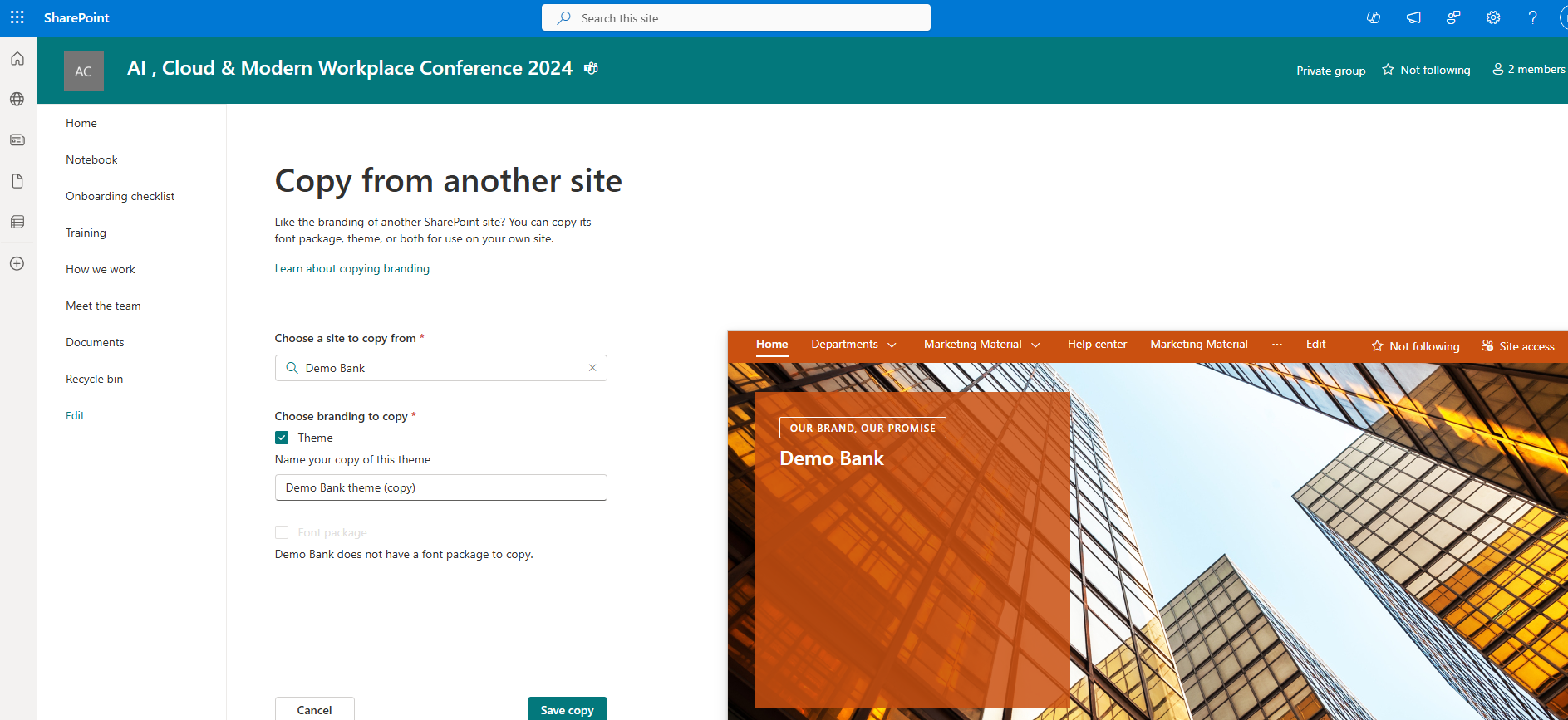
Additionally, there is the option to copy from another site.
Finally, we have the option to create a new theme. On the transition page, we select the primary color, text color, background color, and accent color, which are mandatory.
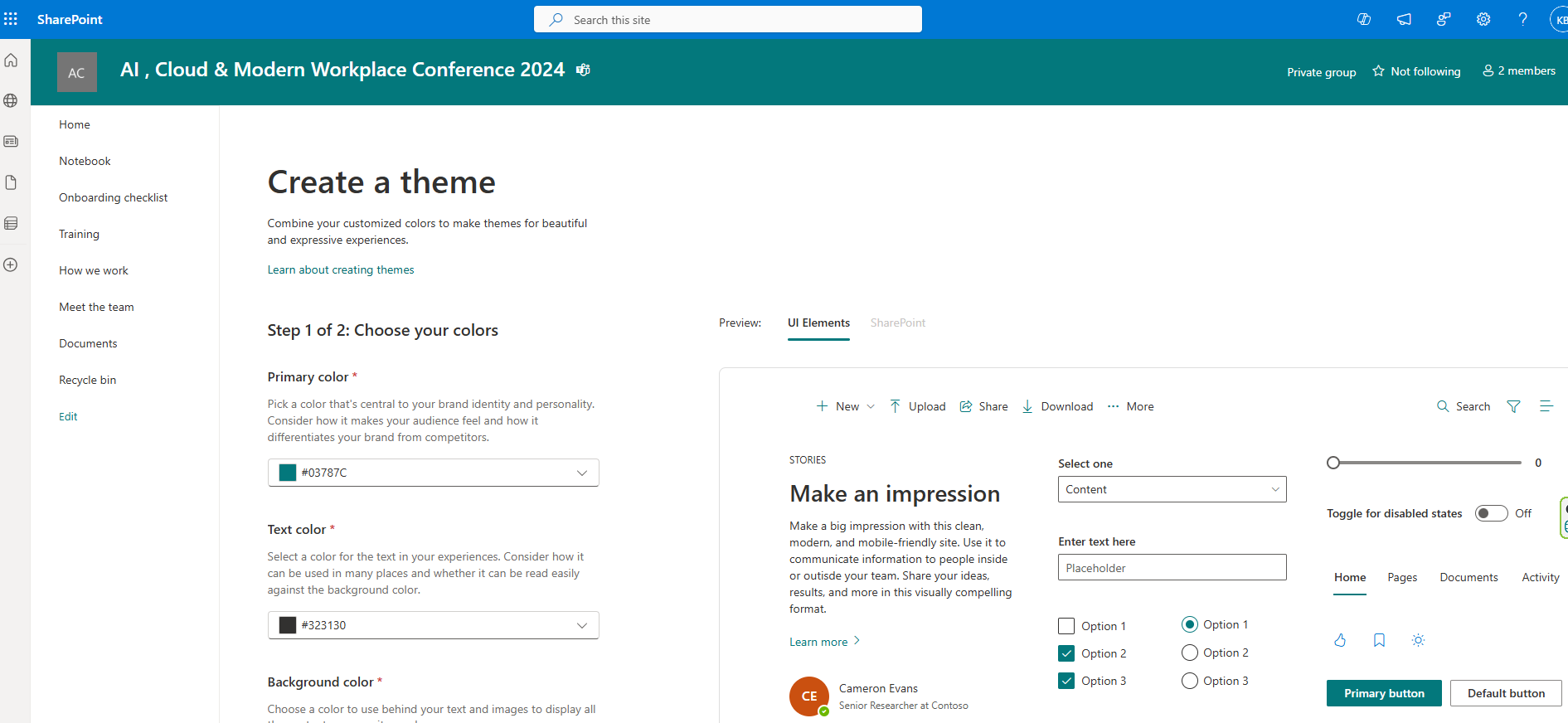
On the right side of our page, we have the ability to see how all the controls will appear based on our choices. This environment resembles the older version of the Fluent UI Theme Designer. We select next to continue.
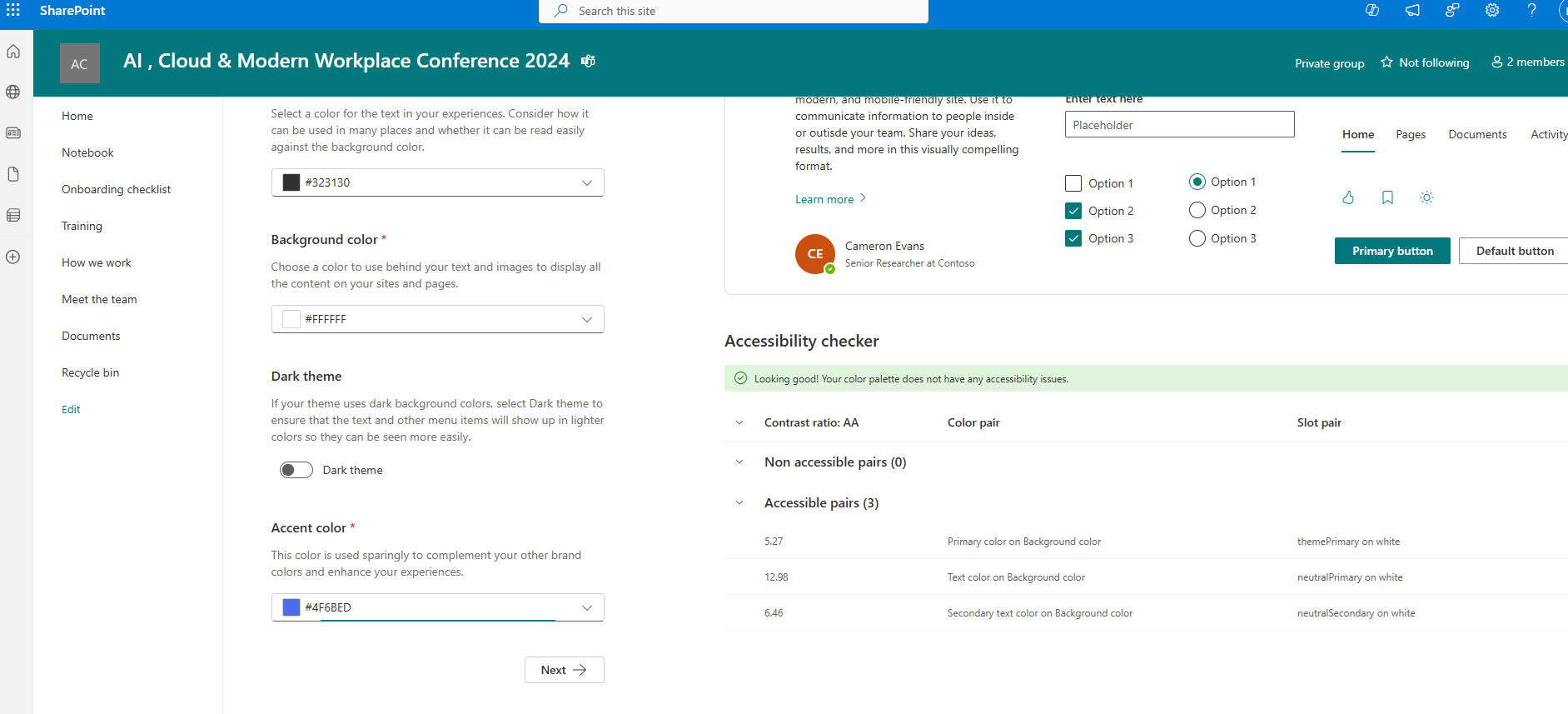
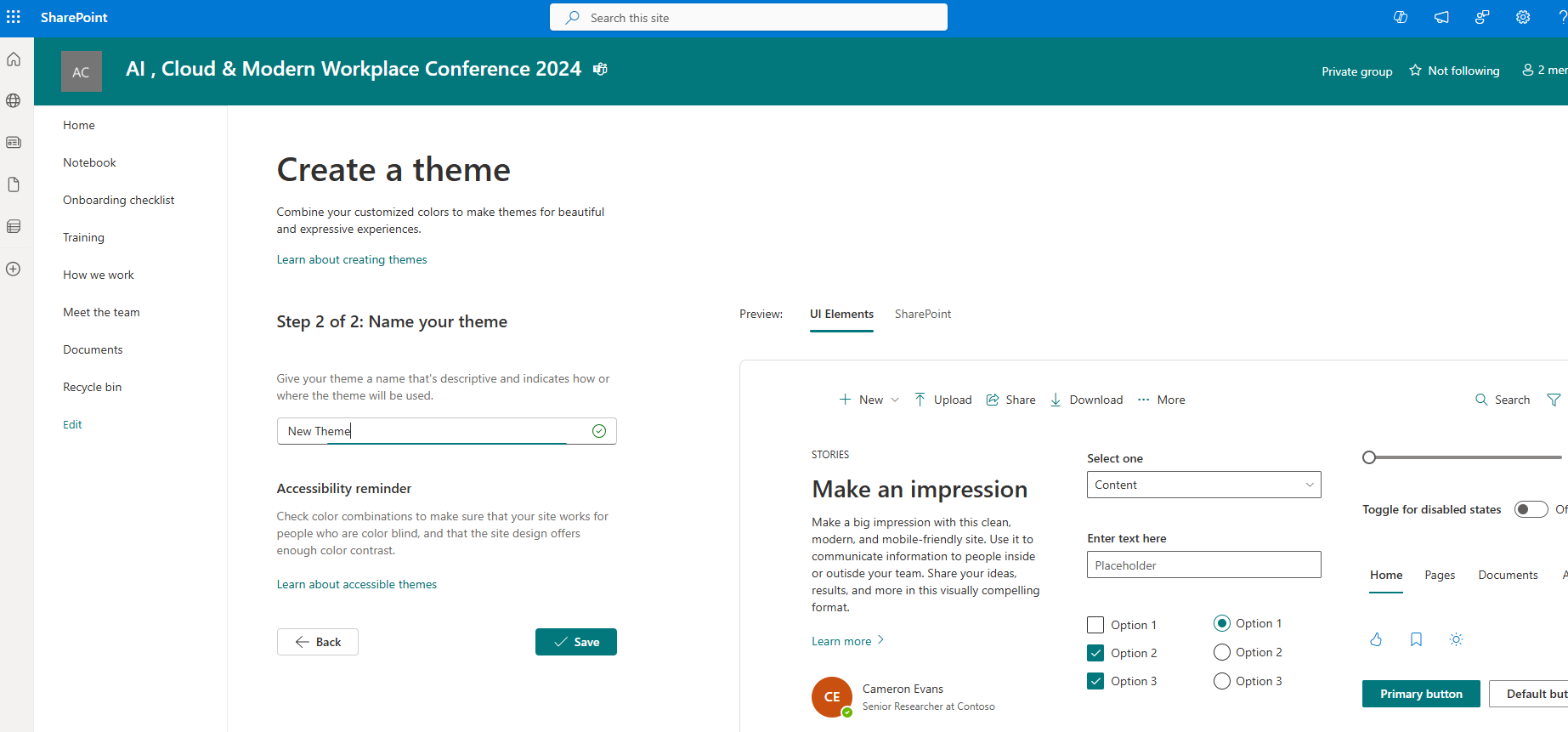
In the next step, we need to name our new theme and select save.
Our new theme has been successfully saved and is now available for use on our pages.
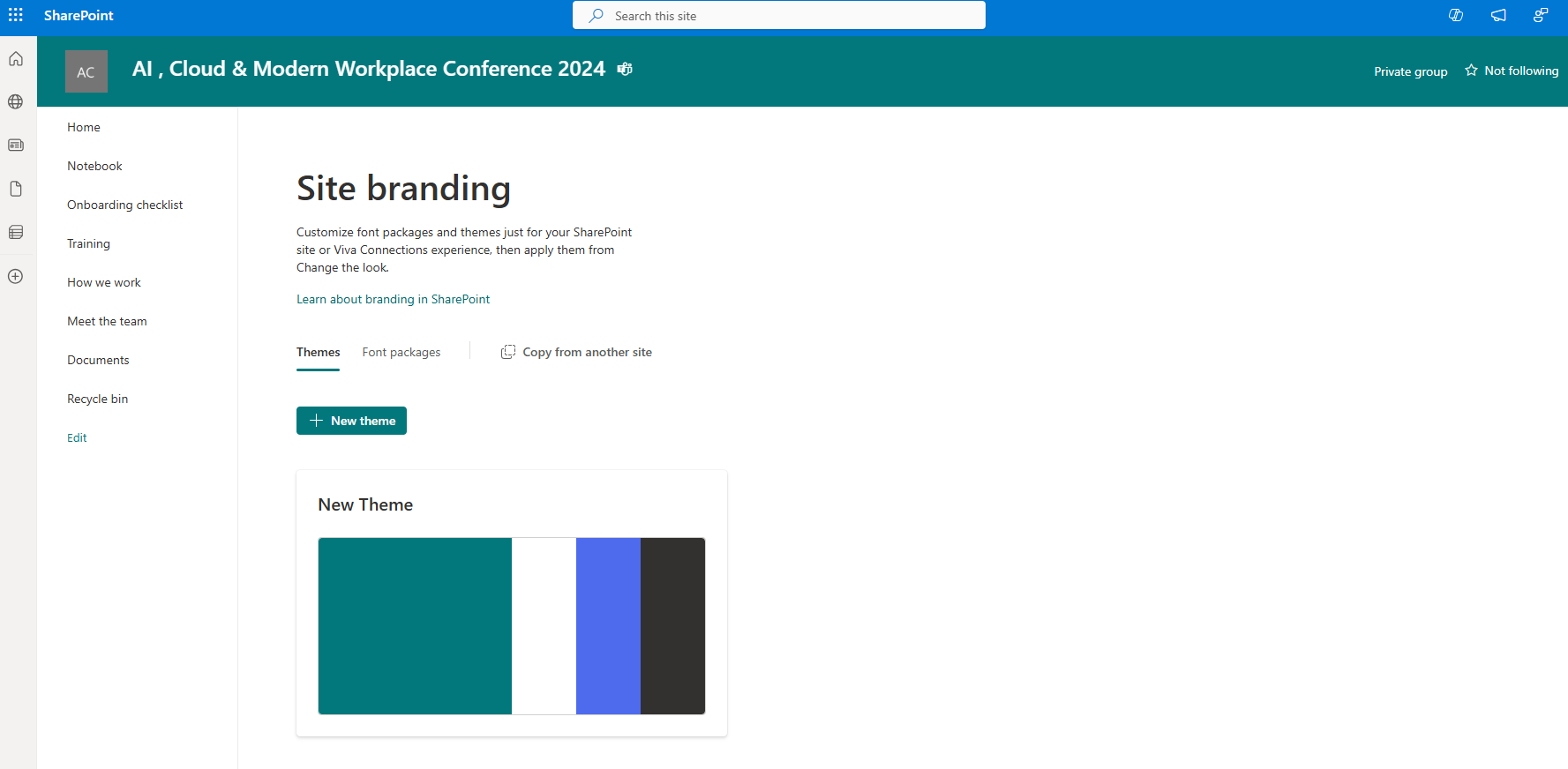
We navigate to the SharePoint page and from the gear icon at the top right, we select change the look and then the Theme section. There, we will be able to see our new theme. As you can see, there are all the available themes that I can either use at the page level, are available for the entire organization, or exist as templates from Microsoft.
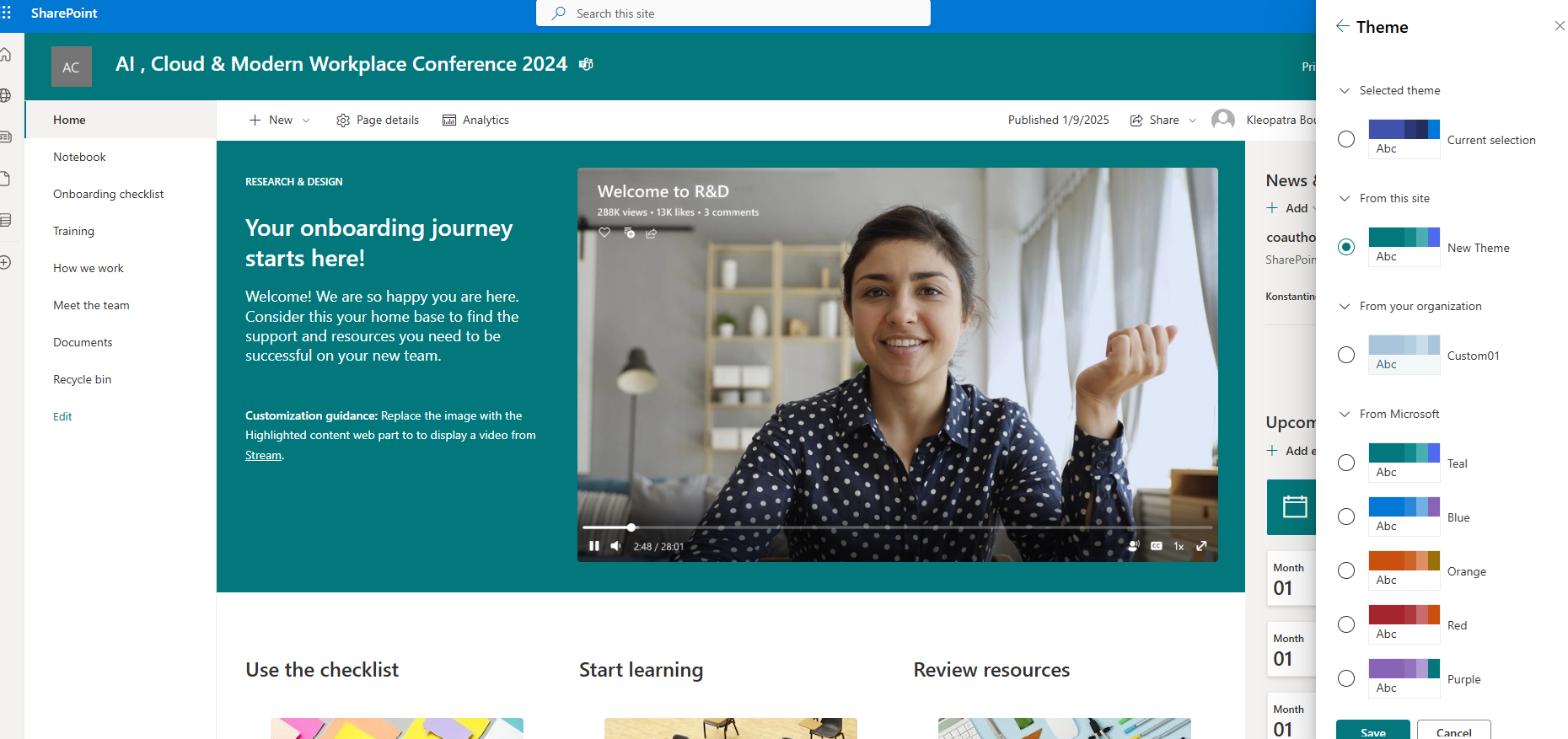
We then select our new theme and apply it to our page. As you will notice, the new theme is applied to our page.
#ModerWork #M365_Apps_Services #BusinessApps #SharePoint #PowerAutomate #technology #microsoft #digitaltransformation #cloud #mvpbuzz #m365Visit Archives below to find more articles about Microsoft technologies on Modern Workplace