
Free Material
Find hereMore than 150 Articles about Microsoft Technologies on Modern Workplace
Official Site
Microsoft Most Valuable Professional M365 Apps & Services
Microsoft Most Valuable Professional Business Applications
Consultant & Sr Cloud Solution Architect Modern Wokrplace
Find hereMore than 150 Articles about Microsoft Technologies on Modern Workplace
17 December 2024
In today's article, I will show you how to Get daily reminders in your Office 365 email account using Power Automate.
First, we need to have an active M365 subscription and from the home page, we select Power Automate from the apps. On the Power Automate home page, we select Templates from the left menu.
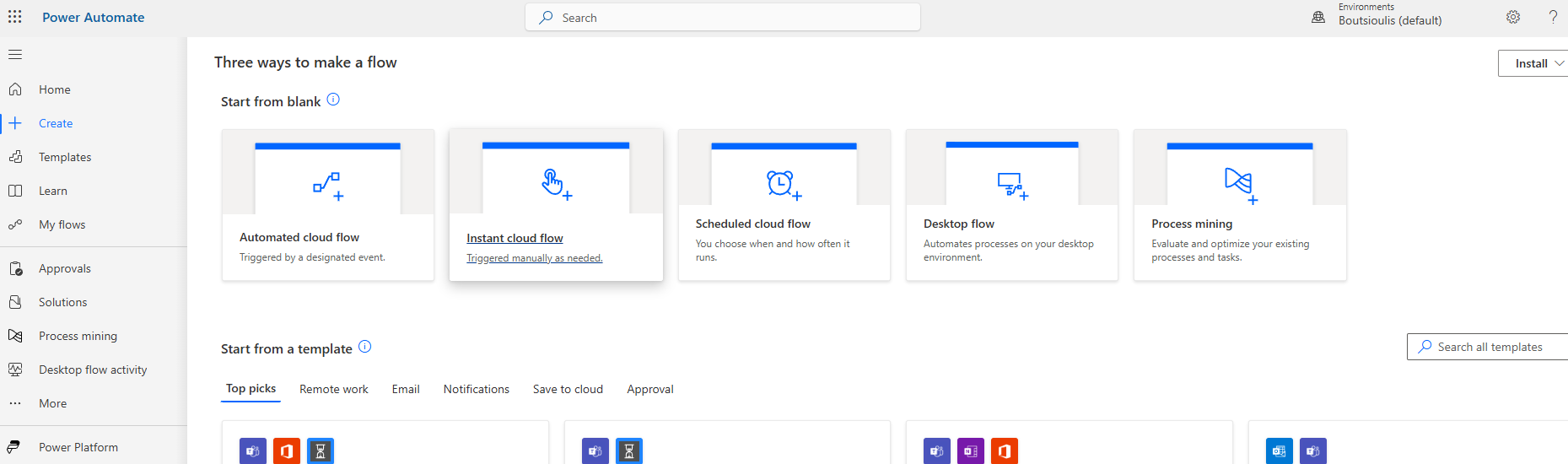
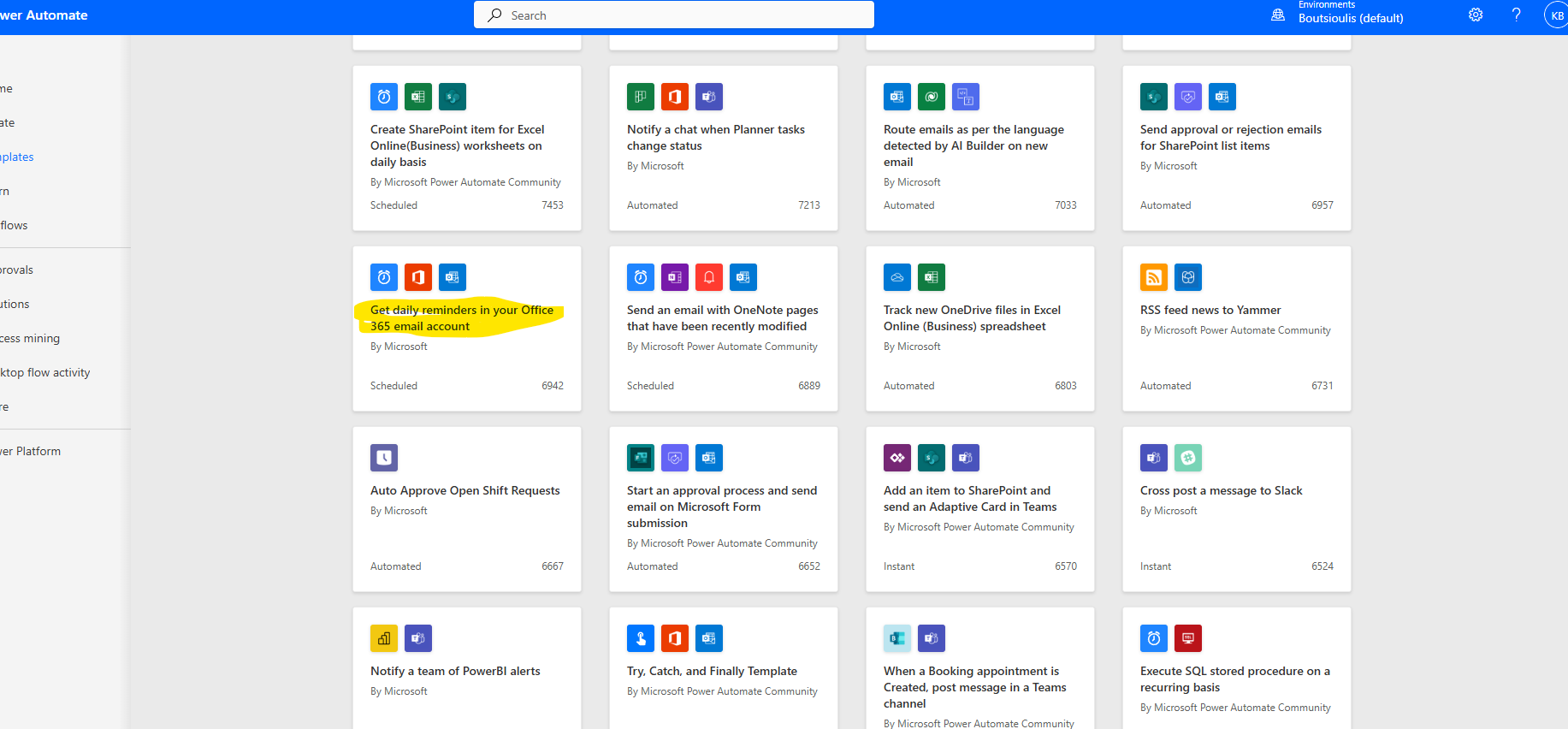
We locate the available template named "Get daily reminders in your Office 365 email account."
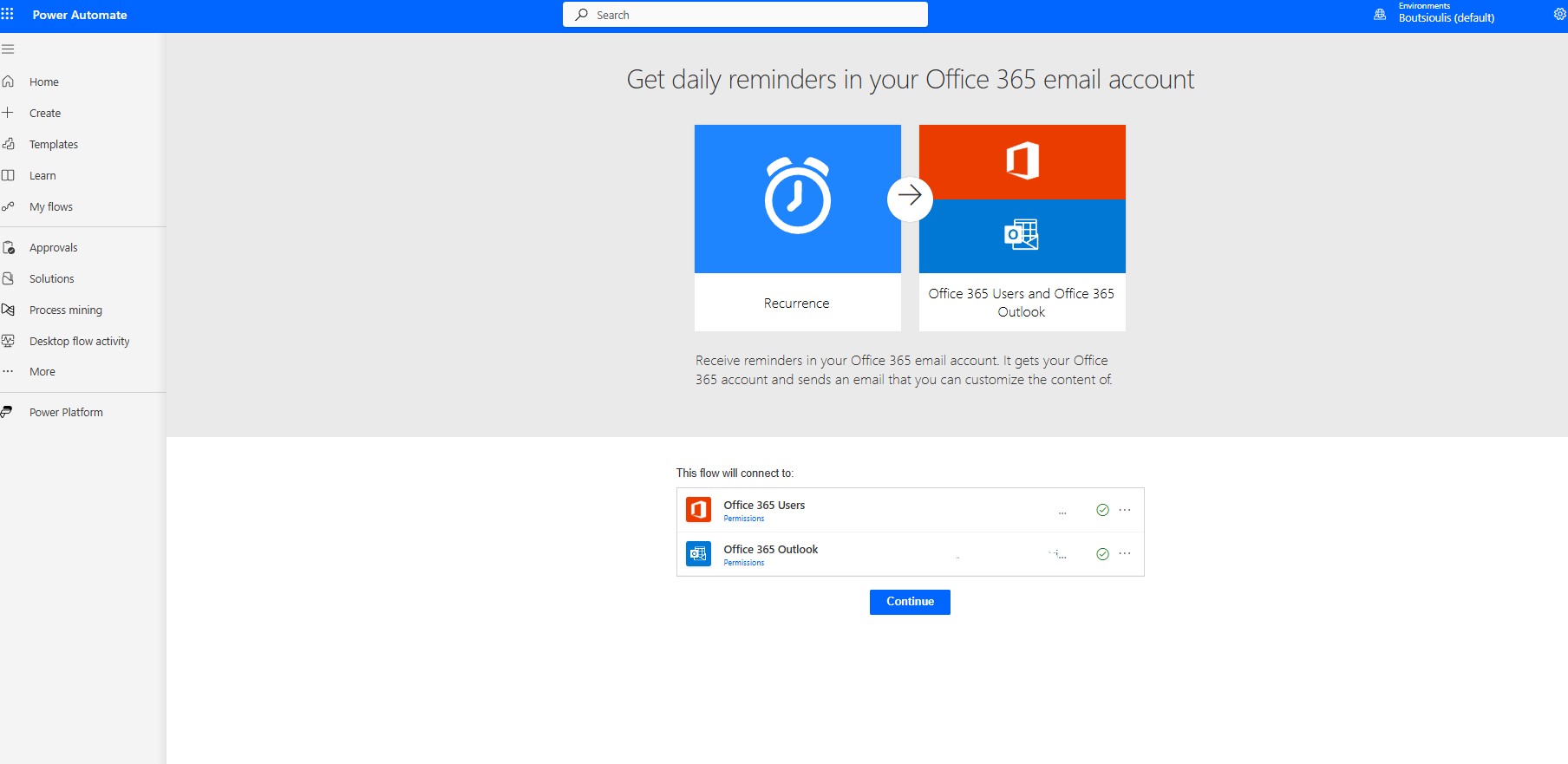
In the next screen, we allow all necessary connections and select continue.
On the automate management page, we encounter the first action of type recurrence every day, where we have specified the frequency of execution.
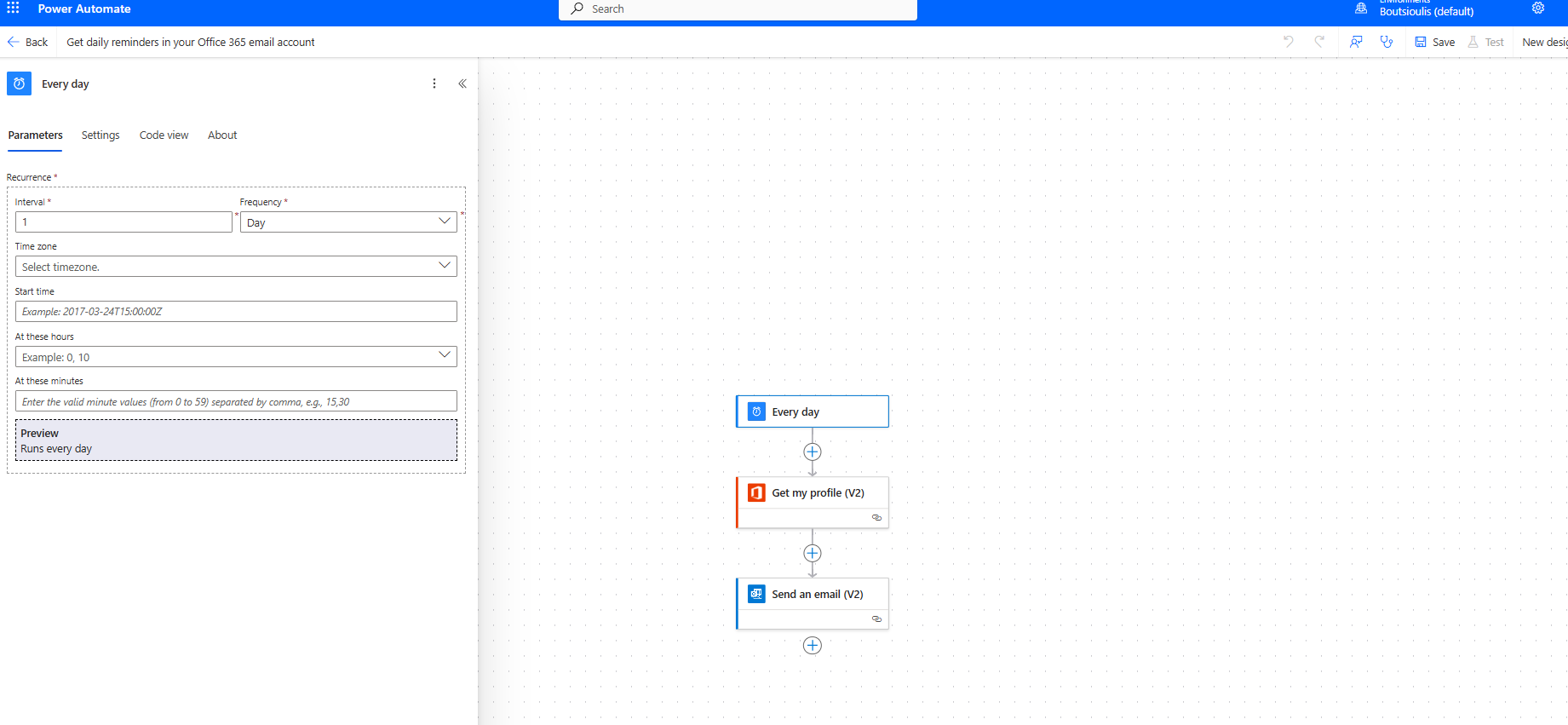
The next action is of type get my profile v2, where we essentially request to retrieve information about ourselves from our profile.
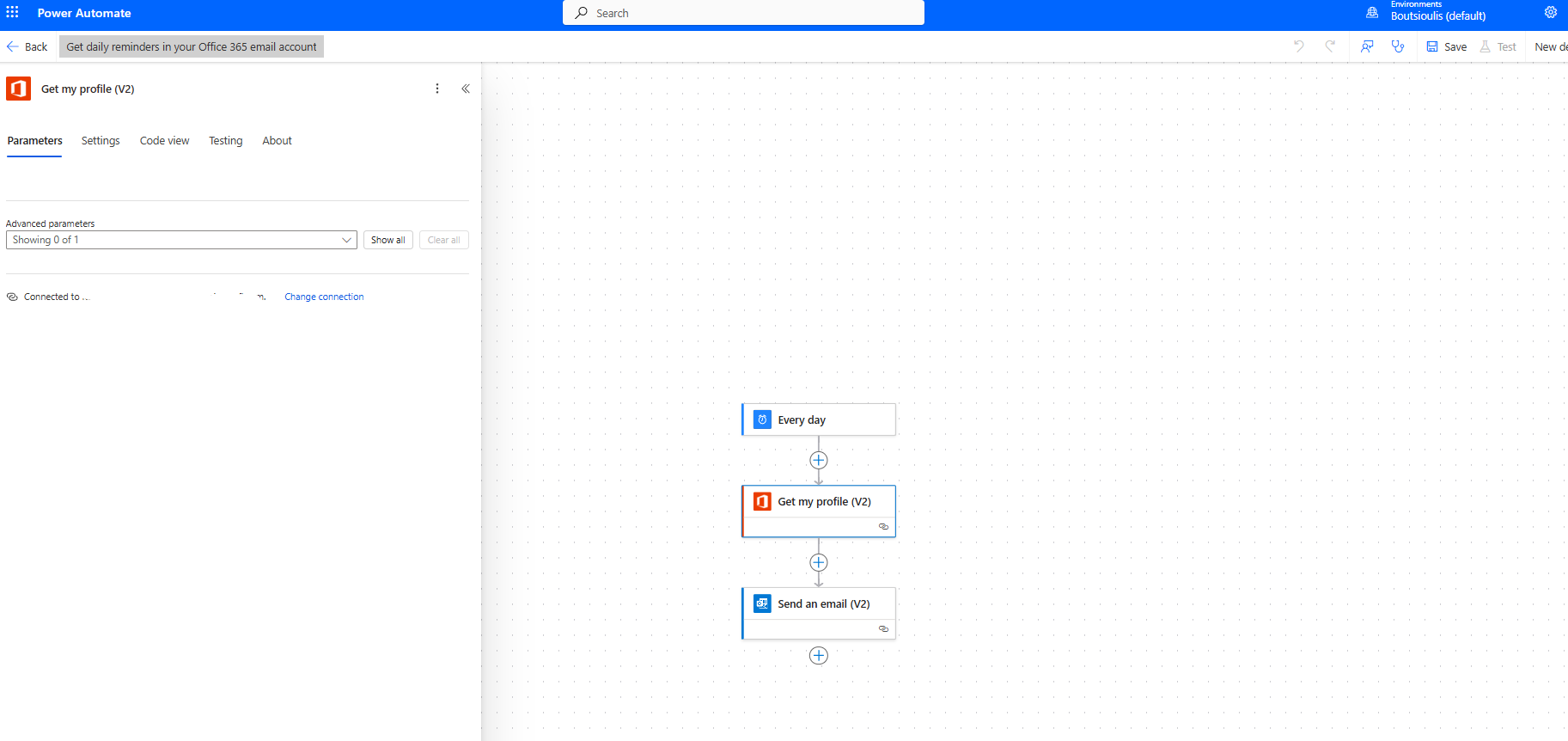
Finally, we have an action of type send email v2, where we set the sender to our email from the get profile. As the subject, we set "daily reminder." In the body of the email, we include some details and our display name from the get my profile property.
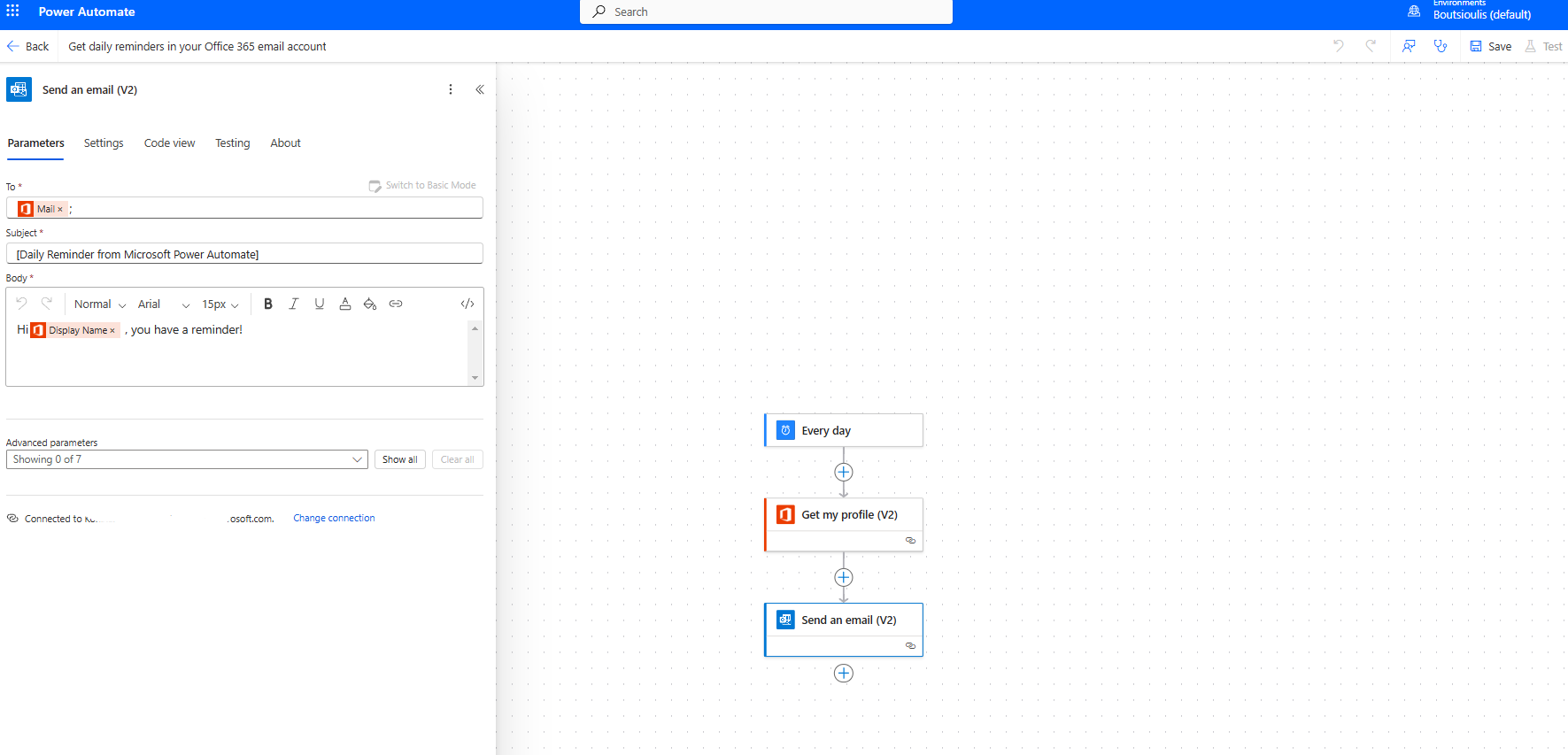
In the next step, we save our automate.
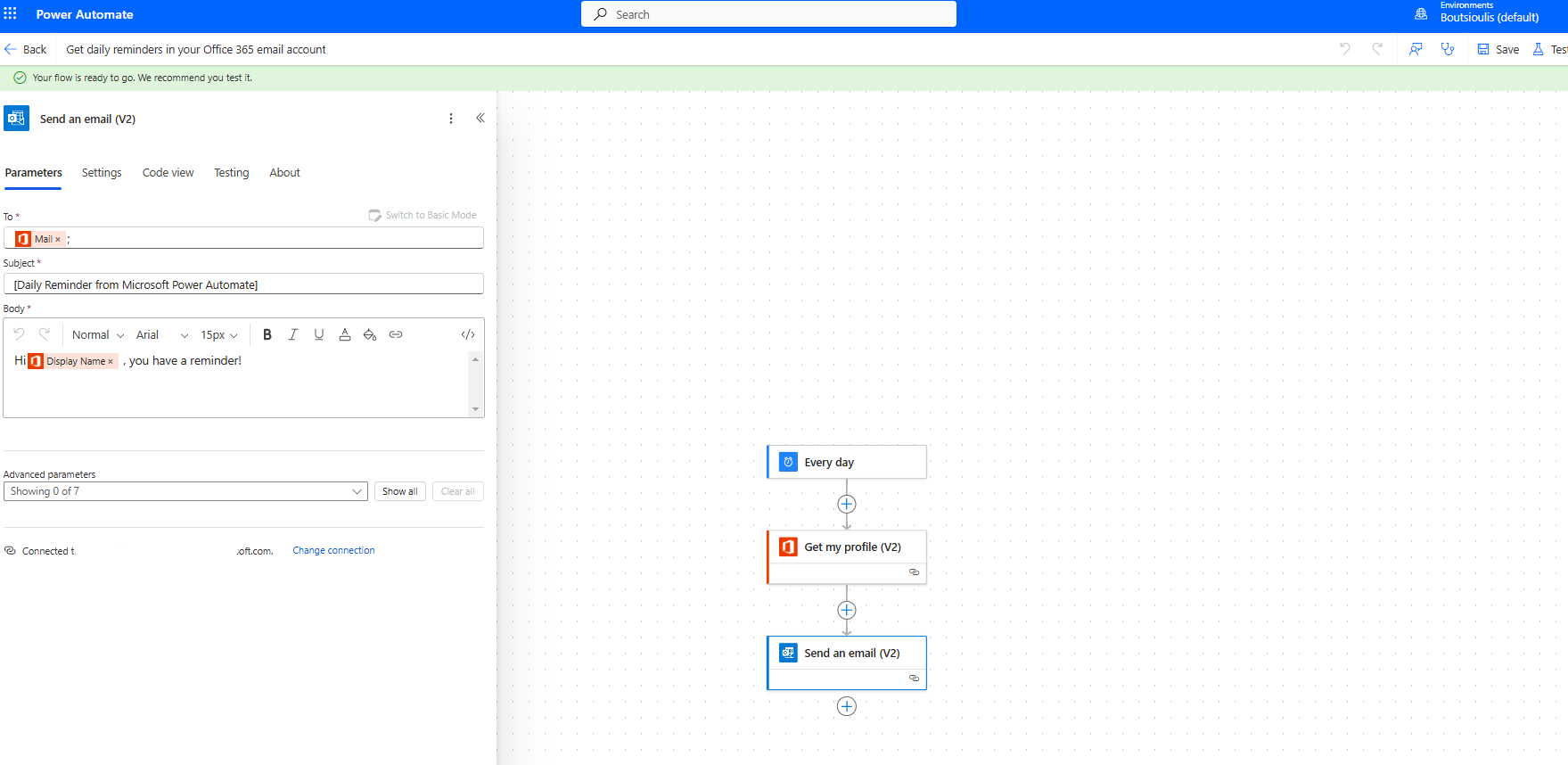
We perform a manually test flow.
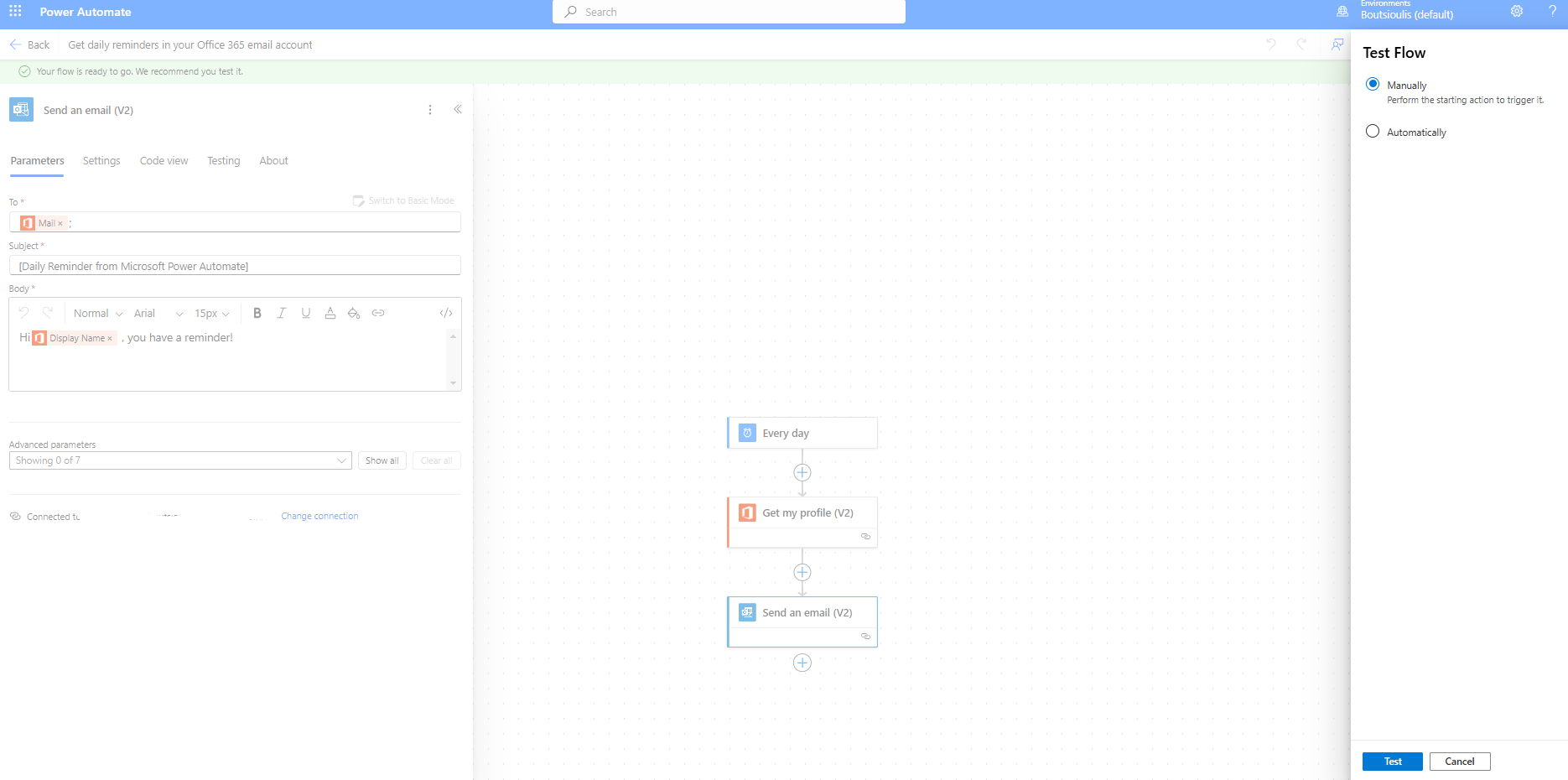
In the next sidebar menu, we select run flow.
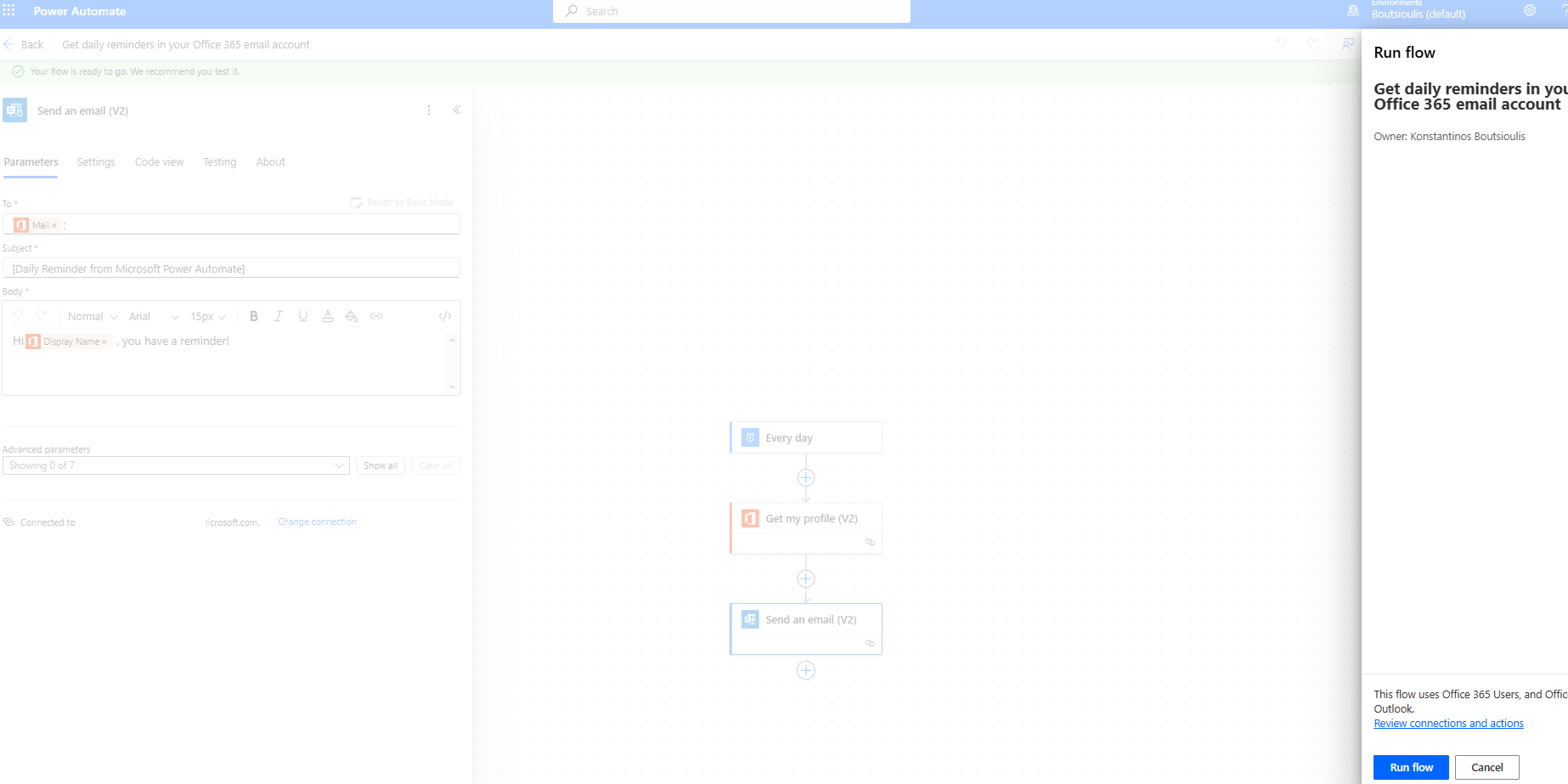
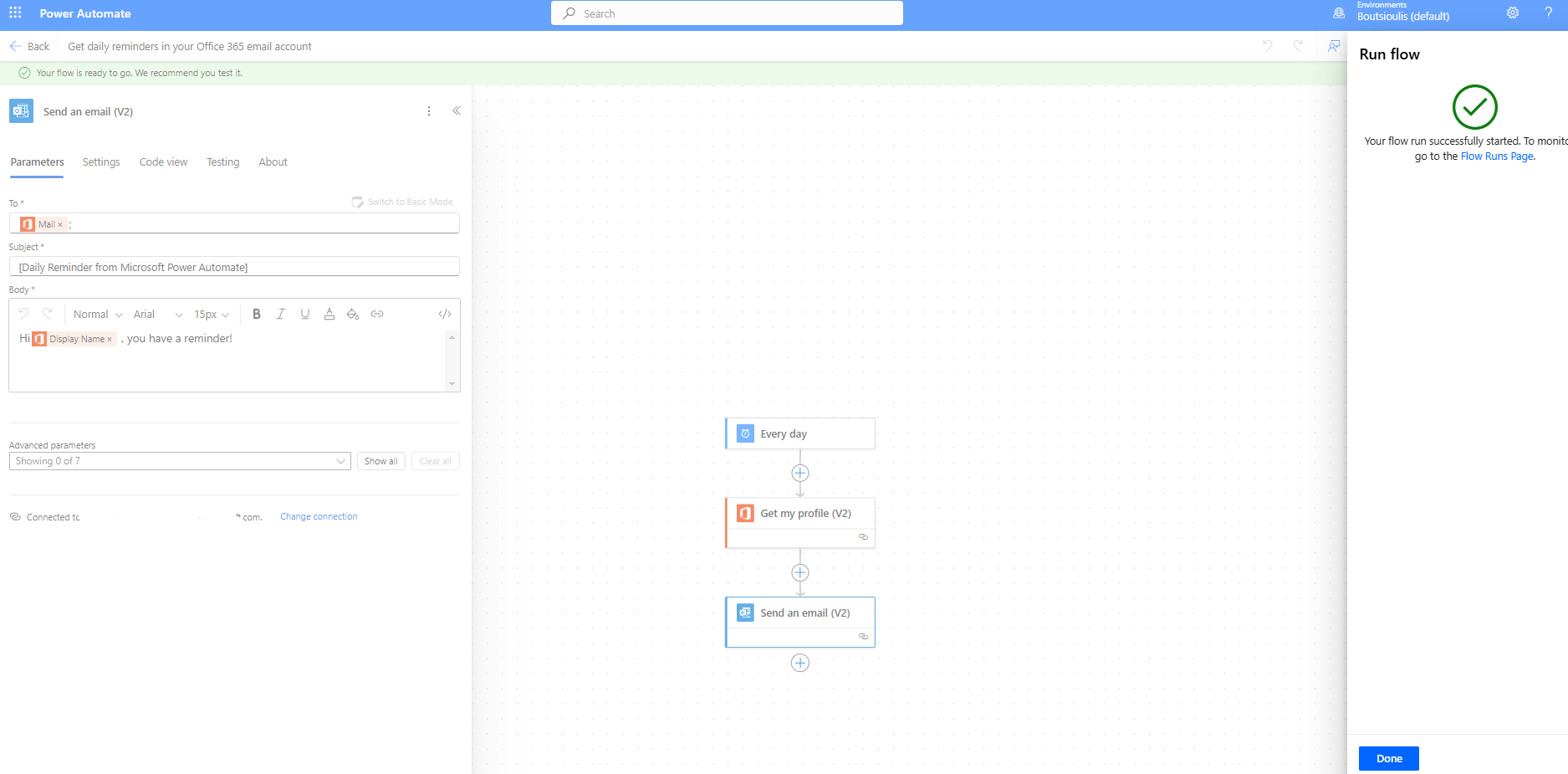
Our automate begins execution.
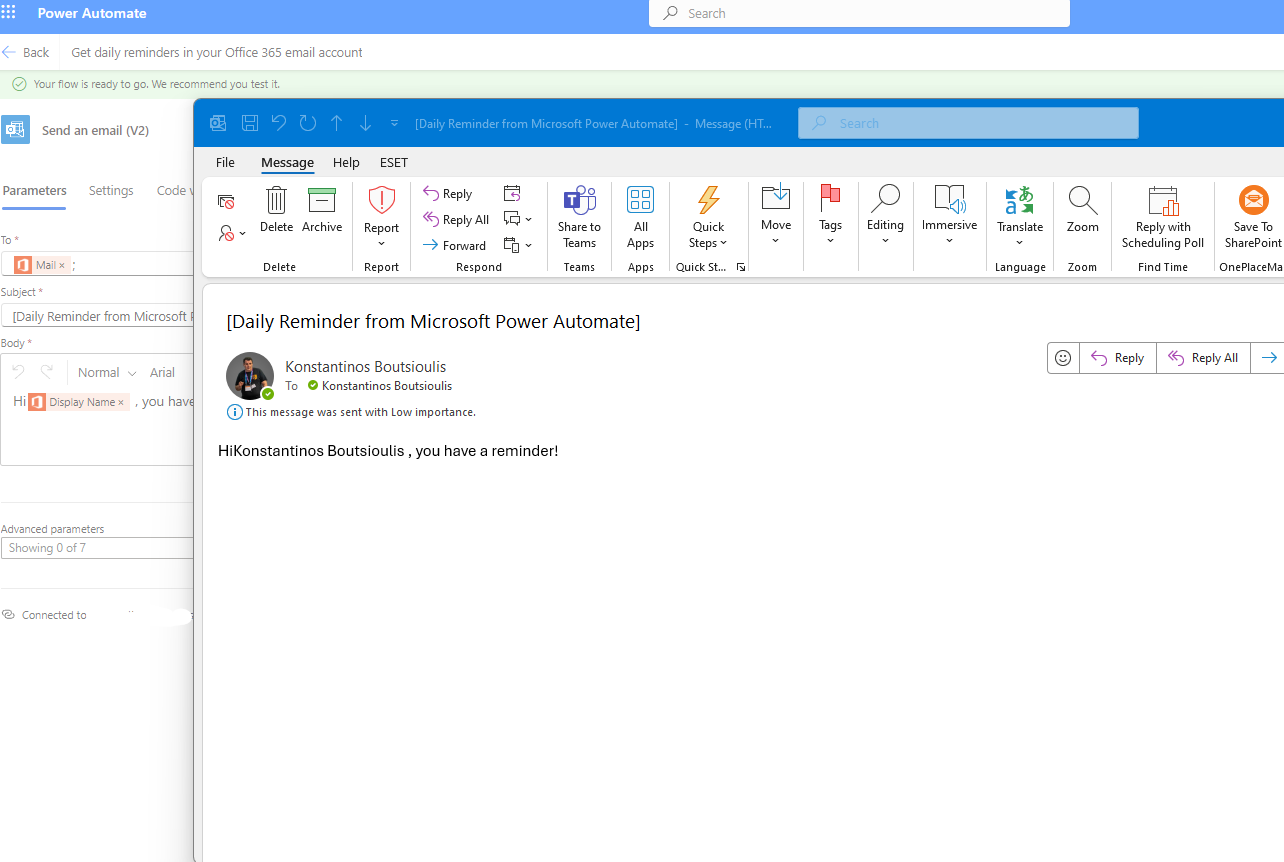
As you can see, I have received an email with the daily reminder as we created it in our automate.
 #ModerWork
#M365_Apps_Services
#BusinessApps
#SharePoint
#PowerAutomate
#technology
#microsoft
#digitaltransformation
#cloud
#mvpbuzz
#m365
#ModerWork
#M365_Apps_Services
#BusinessApps
#SharePoint
#PowerAutomate
#technology
#microsoft
#digitaltransformation
#cloud
#mvpbuzz
#m365
Visit Archives below to find more articles about Microsoft technologies on Modern Workplace