
Free Material
Find hereMore than 150 Articles about Microsoft Technologies on Modern Workplace
Official Site
Microsoft Most Valuable Professional M365 Apps & Services
Microsoft Most Valuable Professional Business Applications
Consultant & Sr Cloud Solution Architect Modern Wokrplace
Find hereMore than 150 Articles about Microsoft Technologies on Modern Workplace
05 December 2024
In today's article, we will extensively explore the text web part within a SharePoint page, as well as all the changes and additions Microsoft made to this web part in 2024.
First, we select the page where we want to add it and then choose "edit" at the top right.
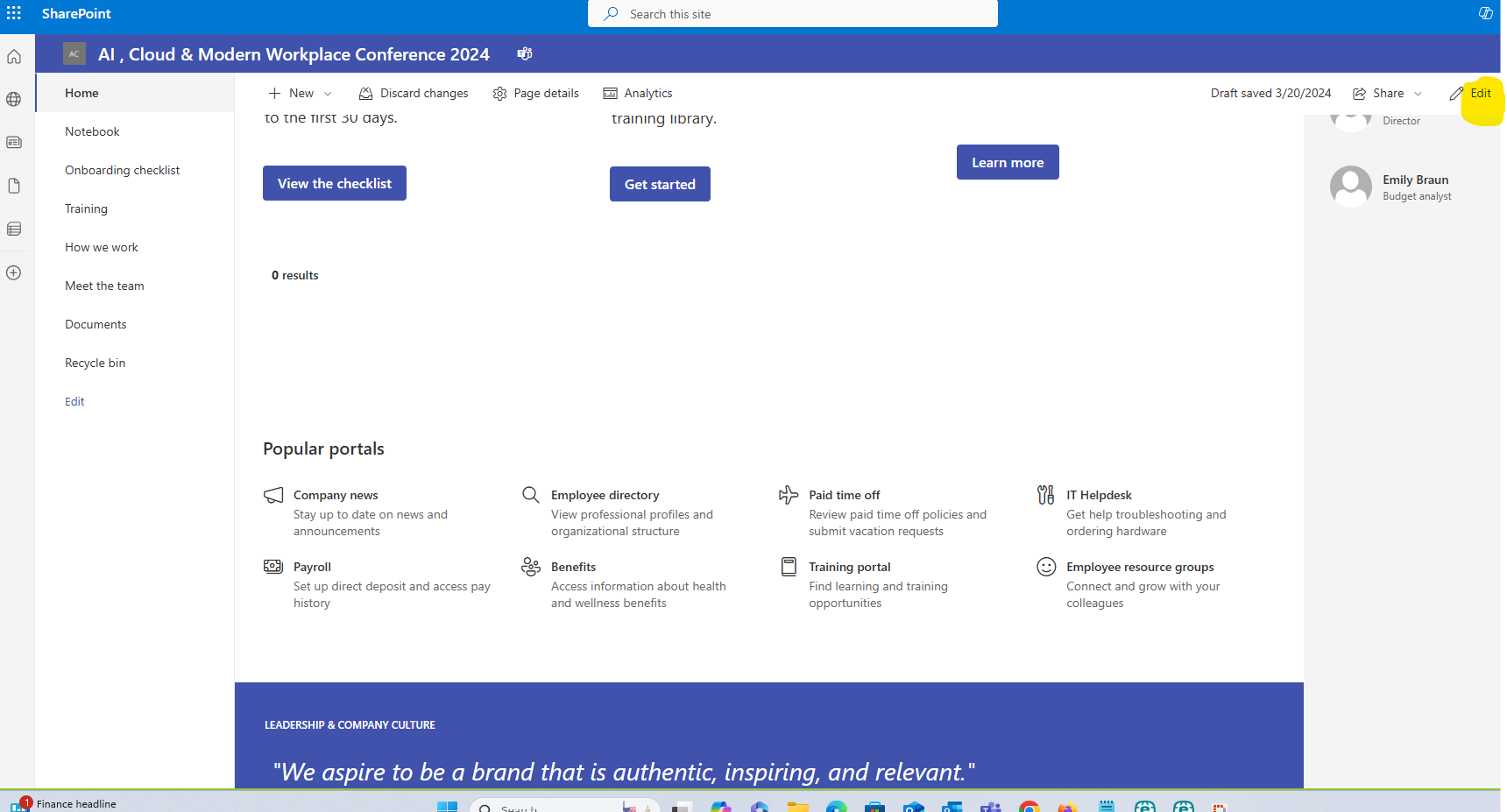
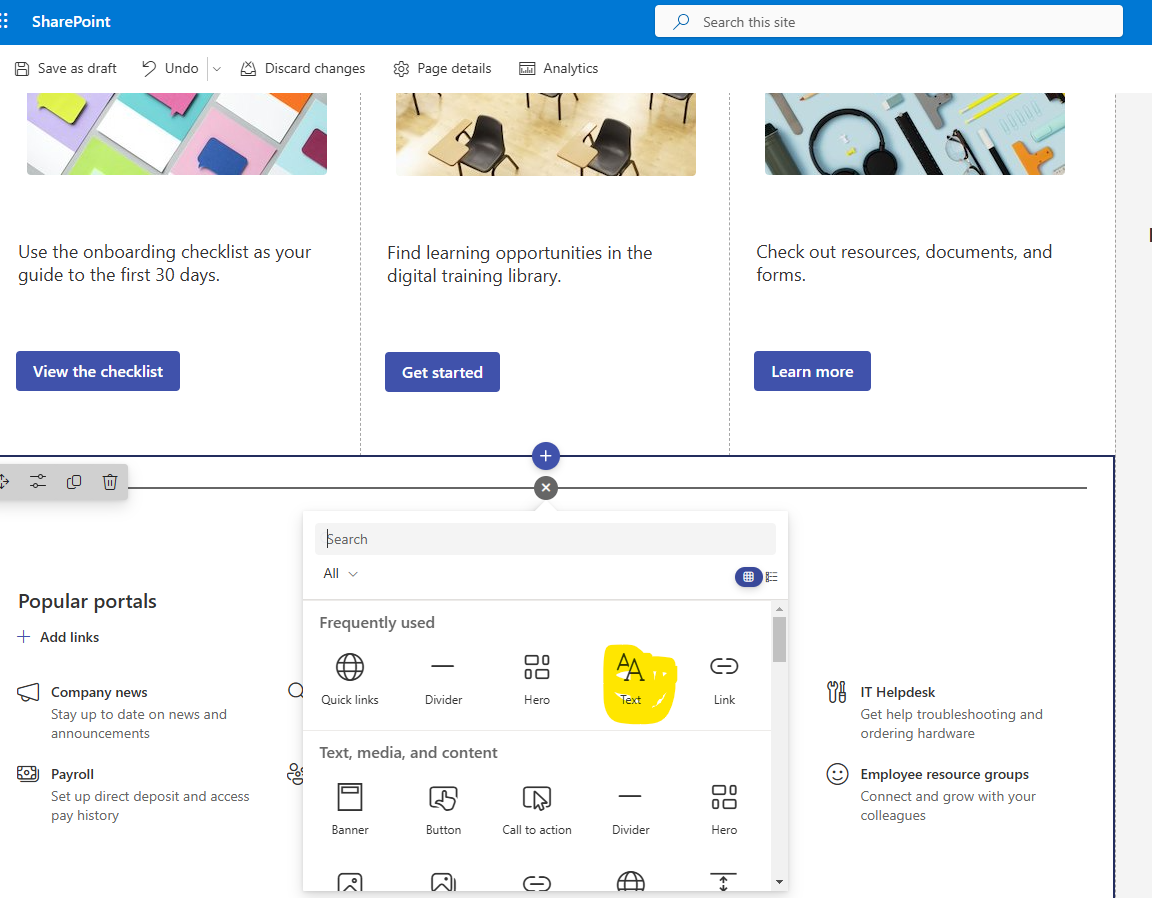
Next, we select the section and then click the "+" to display the available web parts, from which we select the text web part.
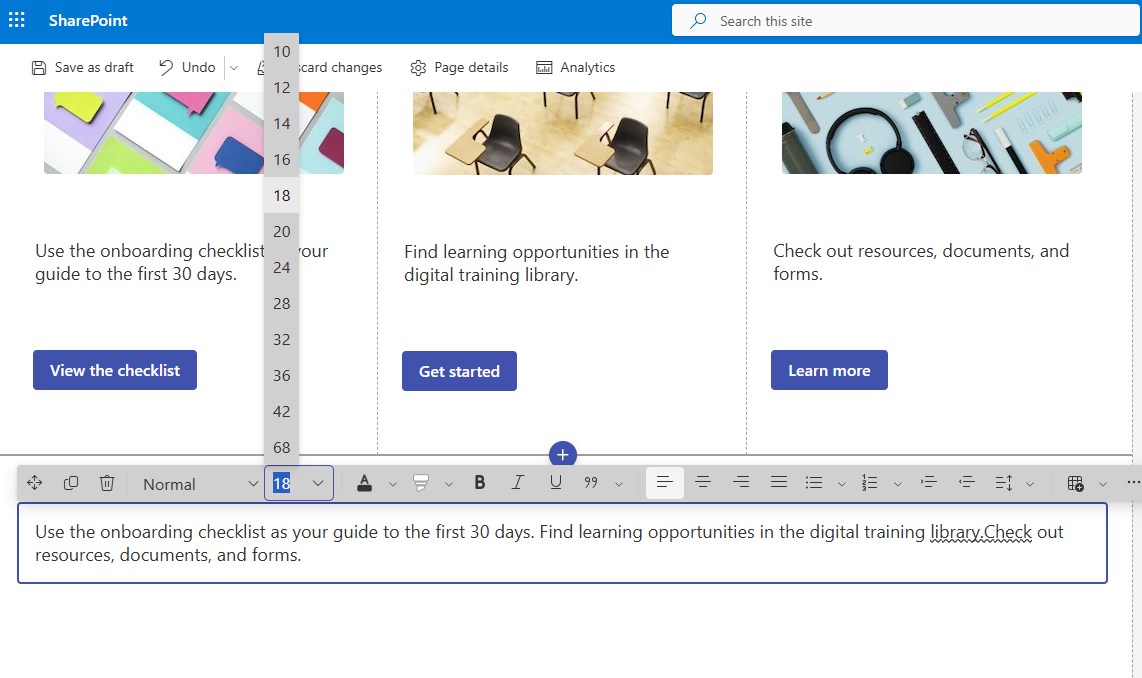
In the next step, we notice a toolbar at the top of the web part that contains a series of available fonts as well as the option to change the font size.
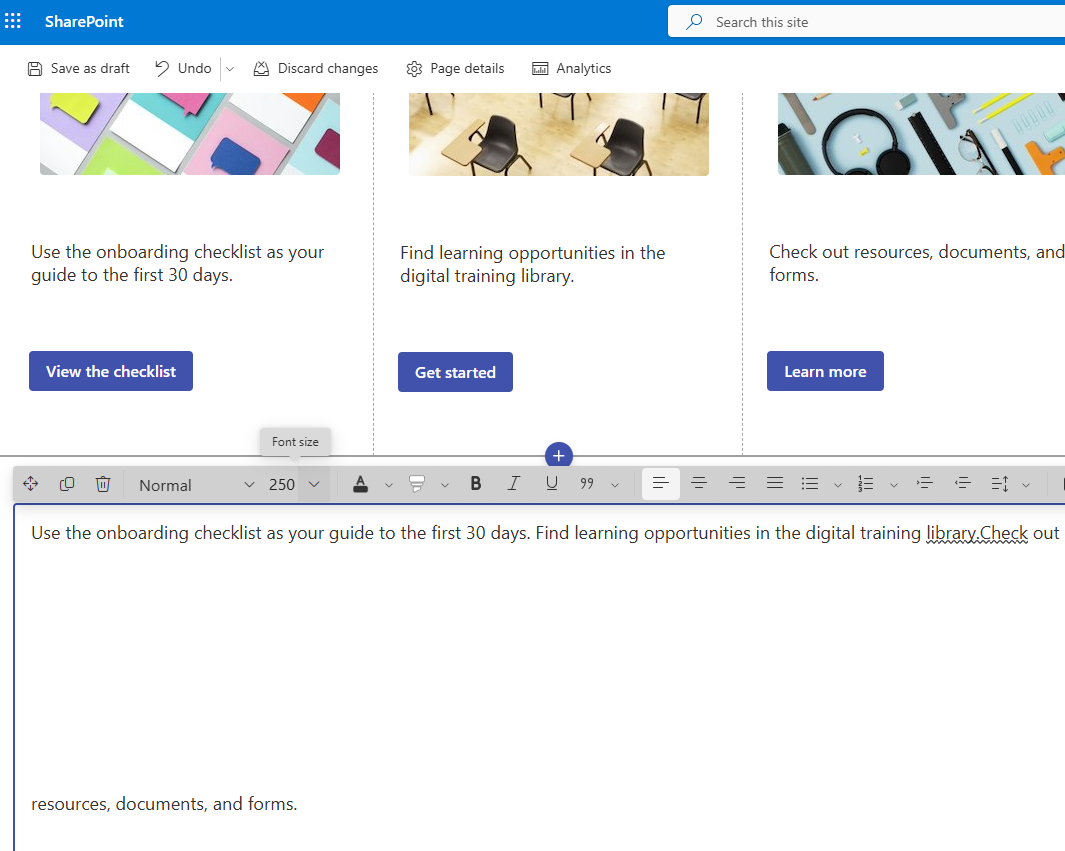
The maximum limit for font size is 250.
The next option includes coloring the text with a color of our choice from a palette.
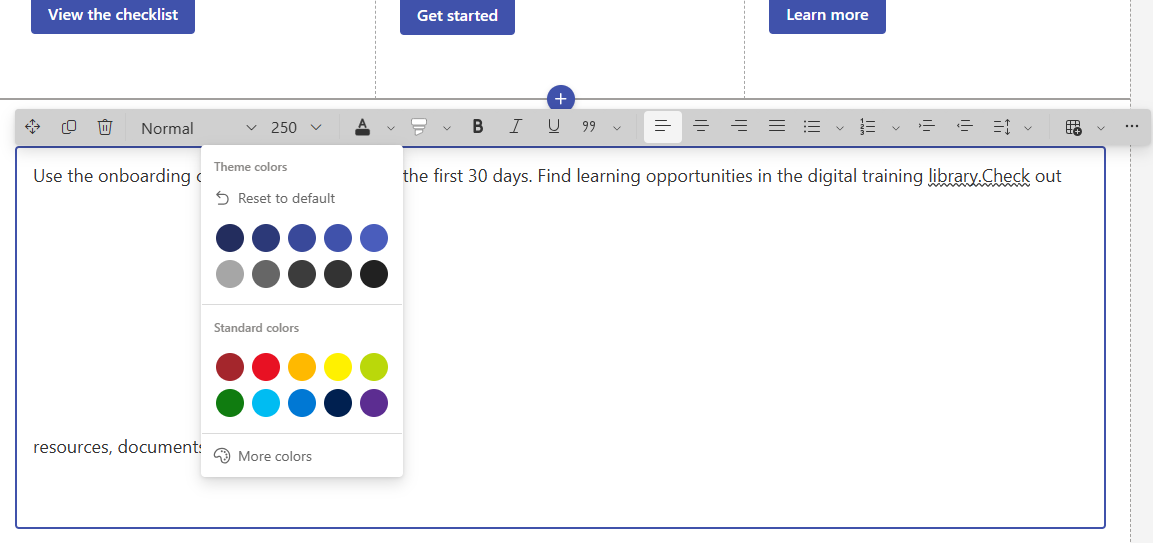
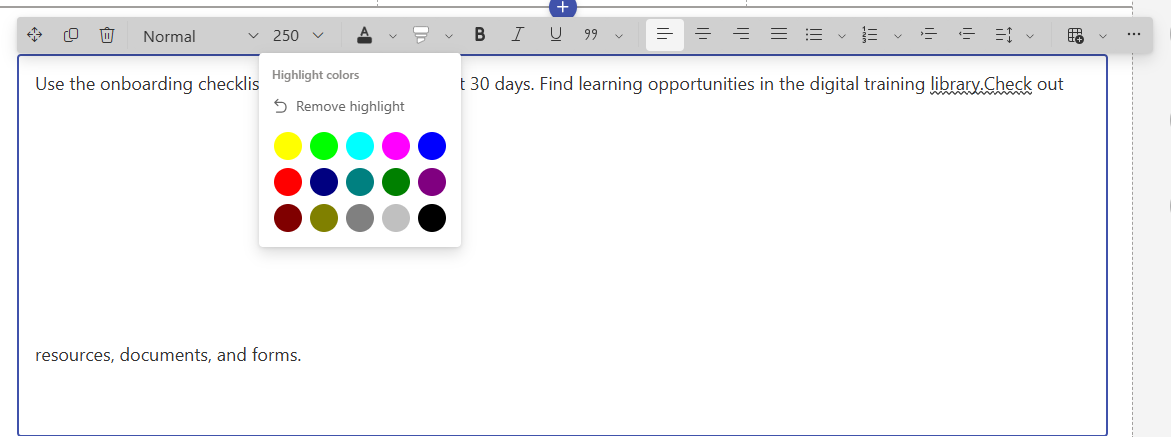
Next to this option, there is also the highlight text option with various colors from the 15 available choices.
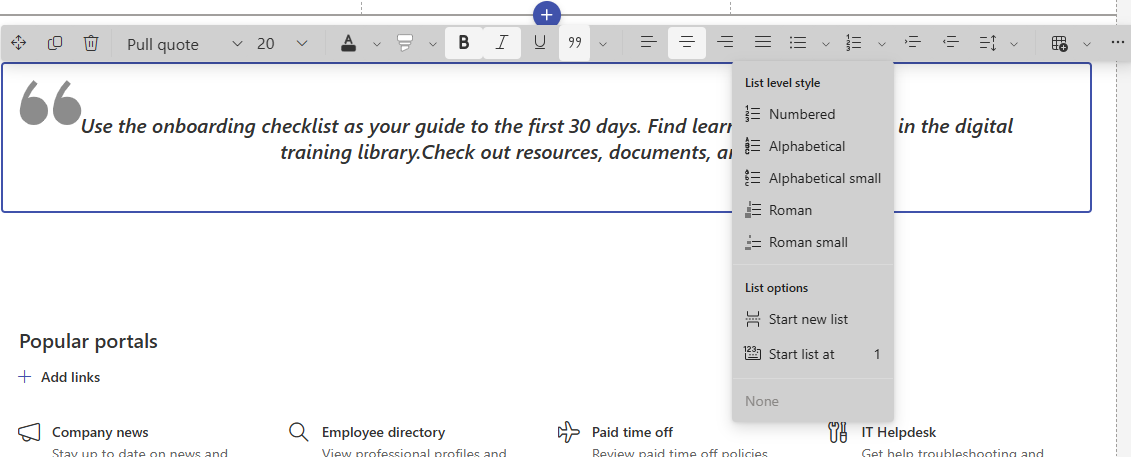
We also see that the text options bold, italic, underline, quote, and text alignment (center, right, and left) remain. However, a new option has been added to the List level style, allowing us to simulate lists with some templates as shown below.
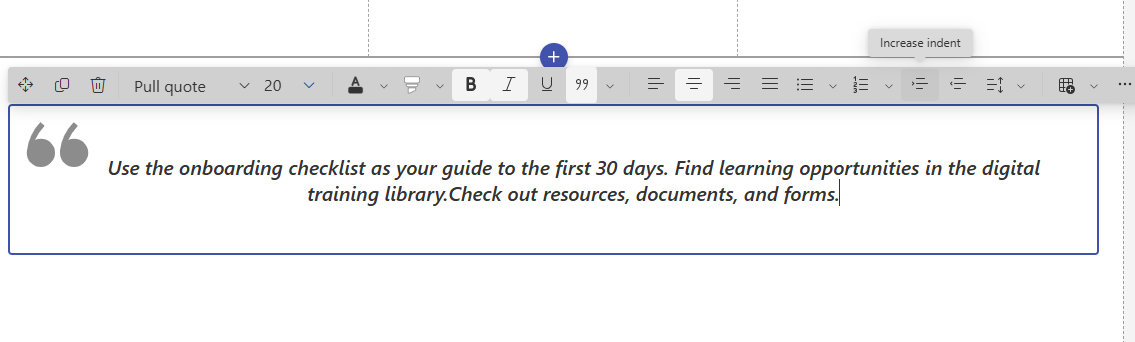
Adjacent options include those related to increasing or decreasing text indentation.
Additionally, there is an option for line spacing.
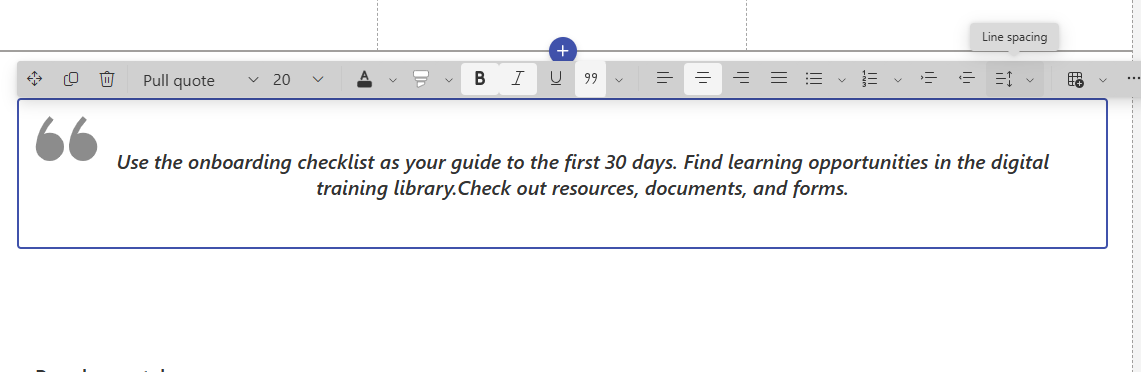
A new addition is the ability to add a table from a template based on our choice.
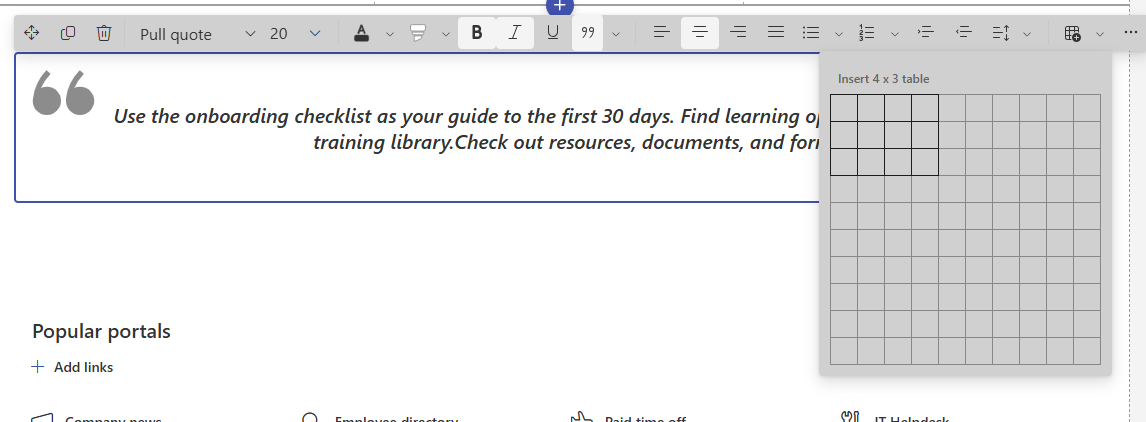
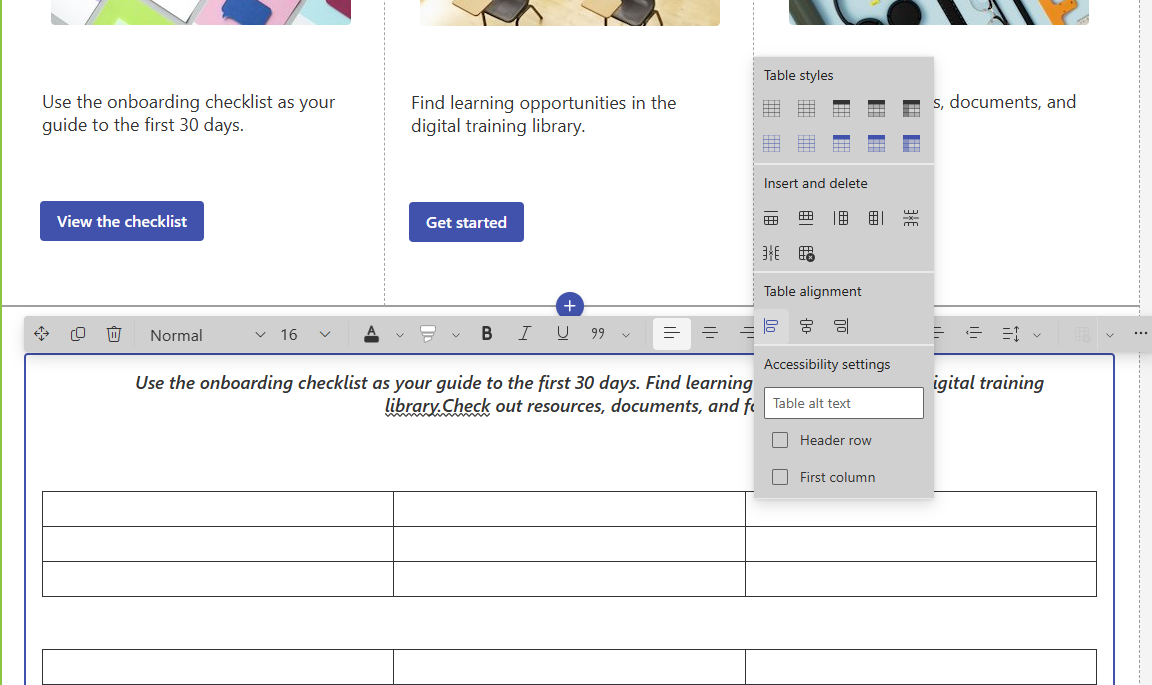
Once the table is inserted, we can use table styles based on templates, add and remove columns and rows, as well as adjust table alignment.
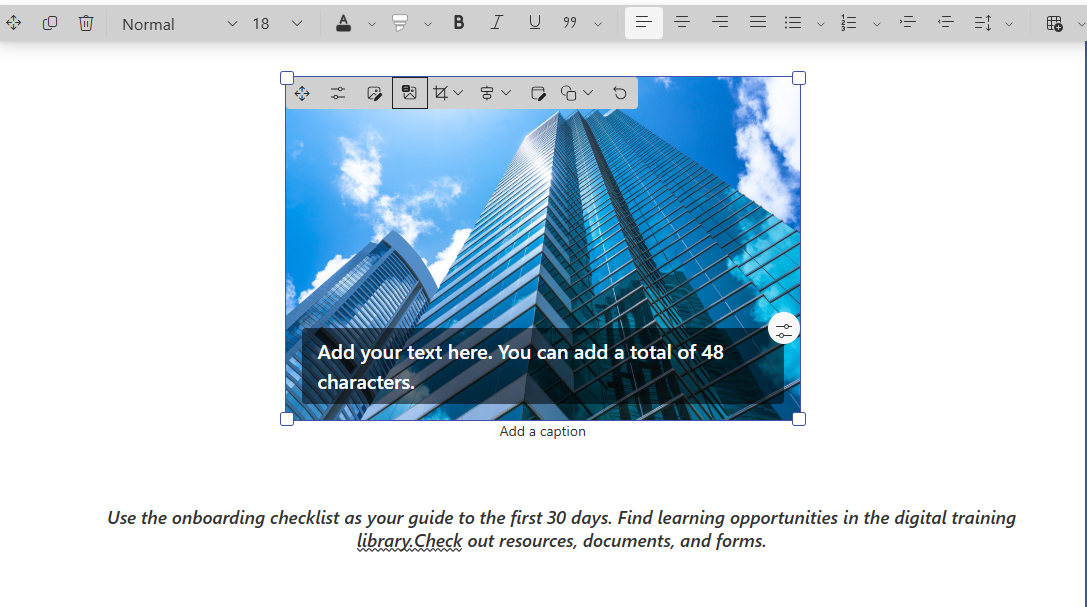
Another new addition is the ability to insert an image.
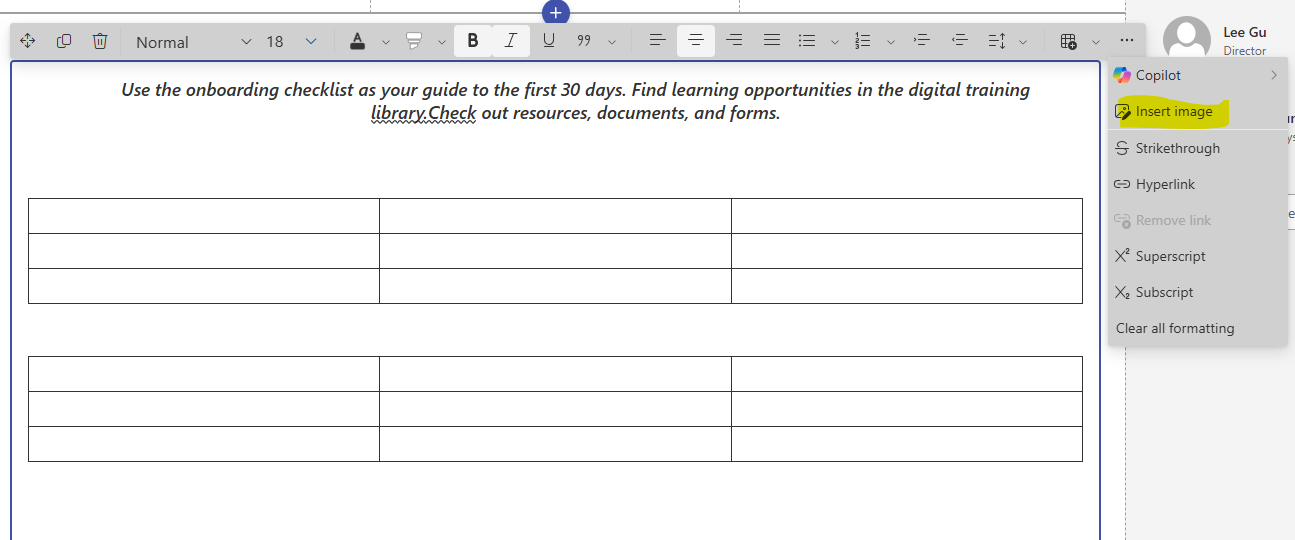
There are also some options related to the image that are similar to those available in the image web part.
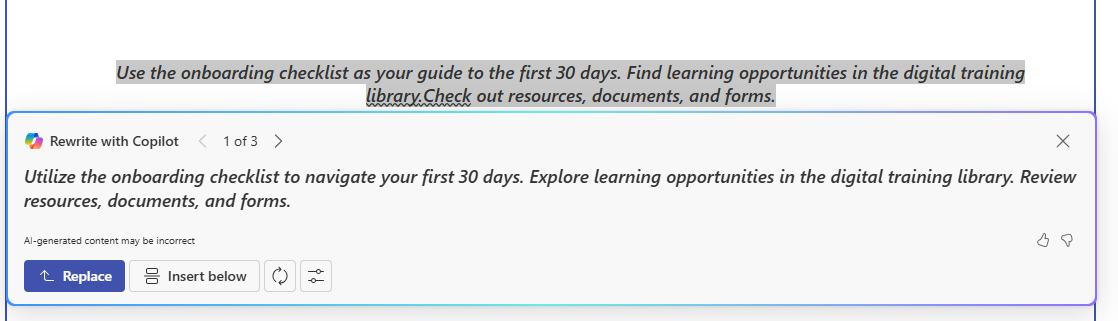
Finally, since we are in the era of AI, the Copilot feature has been added, allowing us to rewrite a text with Copilot. This feature can change the text and suggest a new, corrected version.
 #ModerWork
#M365_Apps_Services
#BusinessApps
#SharePoint
#PowerAutomate
#technology
#microsoft
#digitaltransformation
#cloud
#mvpbuzz
#m365
#ModerWork
#M365_Apps_Services
#BusinessApps
#SharePoint
#PowerAutomate
#technology
#microsoft
#digitaltransformation
#cloud
#mvpbuzz
#m365
Visit Archives below to find more articles about Microsoft technologies on Modern Workplace