
Free Material
Find hereMore than 150 Articles about Microsoft Technologies on Modern Workplace
Official Site
Microsoft Most Valuable Professional M365 Apps & Services
Microsoft Most Valuable Professional Business Applications
Consultant & Sr Cloud Solution Architect Modern Wokrplace
Find hereMore than 150 Articles about Microsoft Technologies on Modern Workplace
04 December 2024
In today's article, we will explore another new addition to SharePoint in 2024, which is the "apply shape to image" feature. As the name suggests, this is a new option in the image web part.
First, we select the page where we want to insert the image web part and then choose "edit" at the top right.
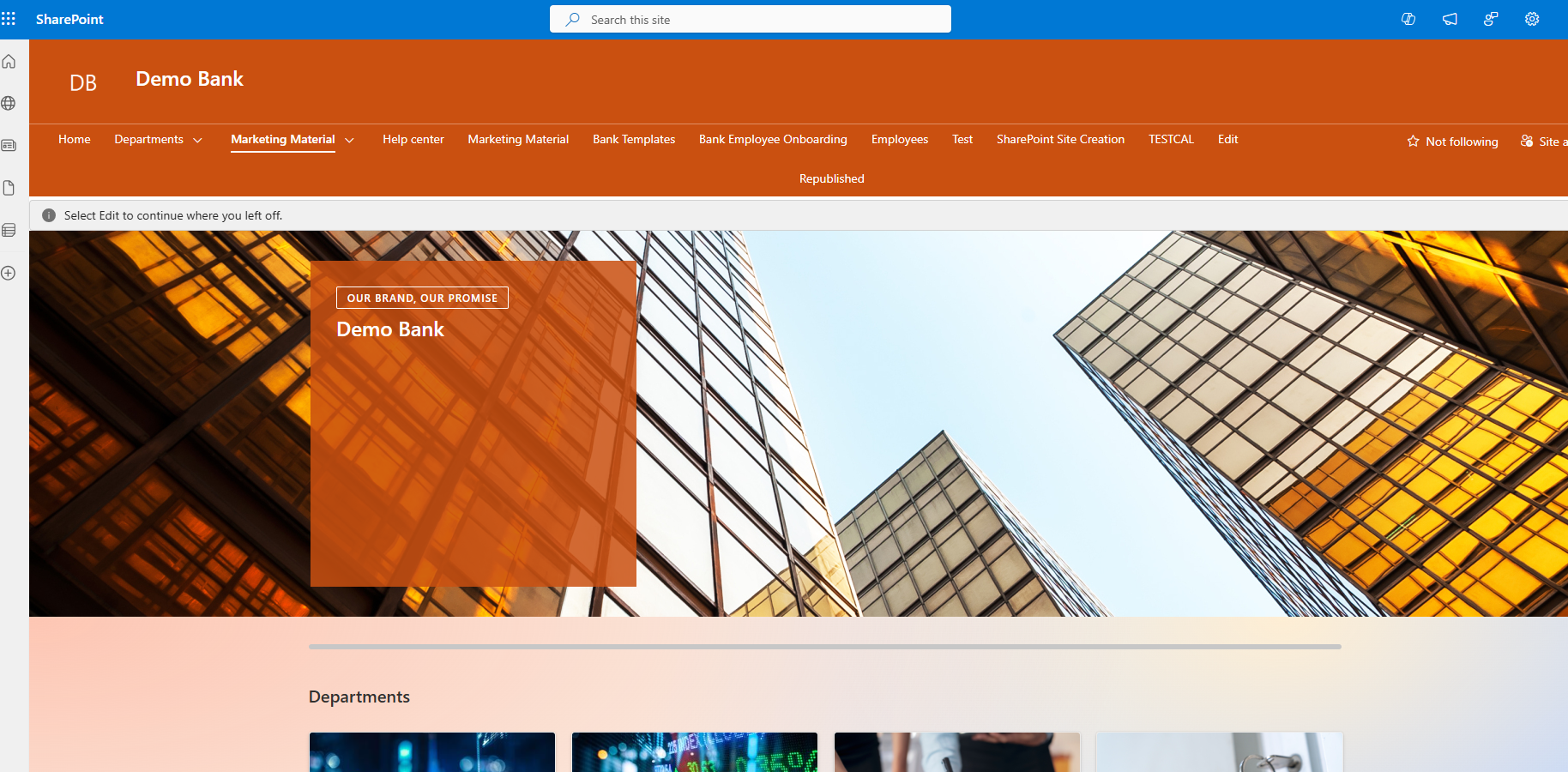
Next, we select the section where we want to insert the web part and then click the "+" to choose the image web part.
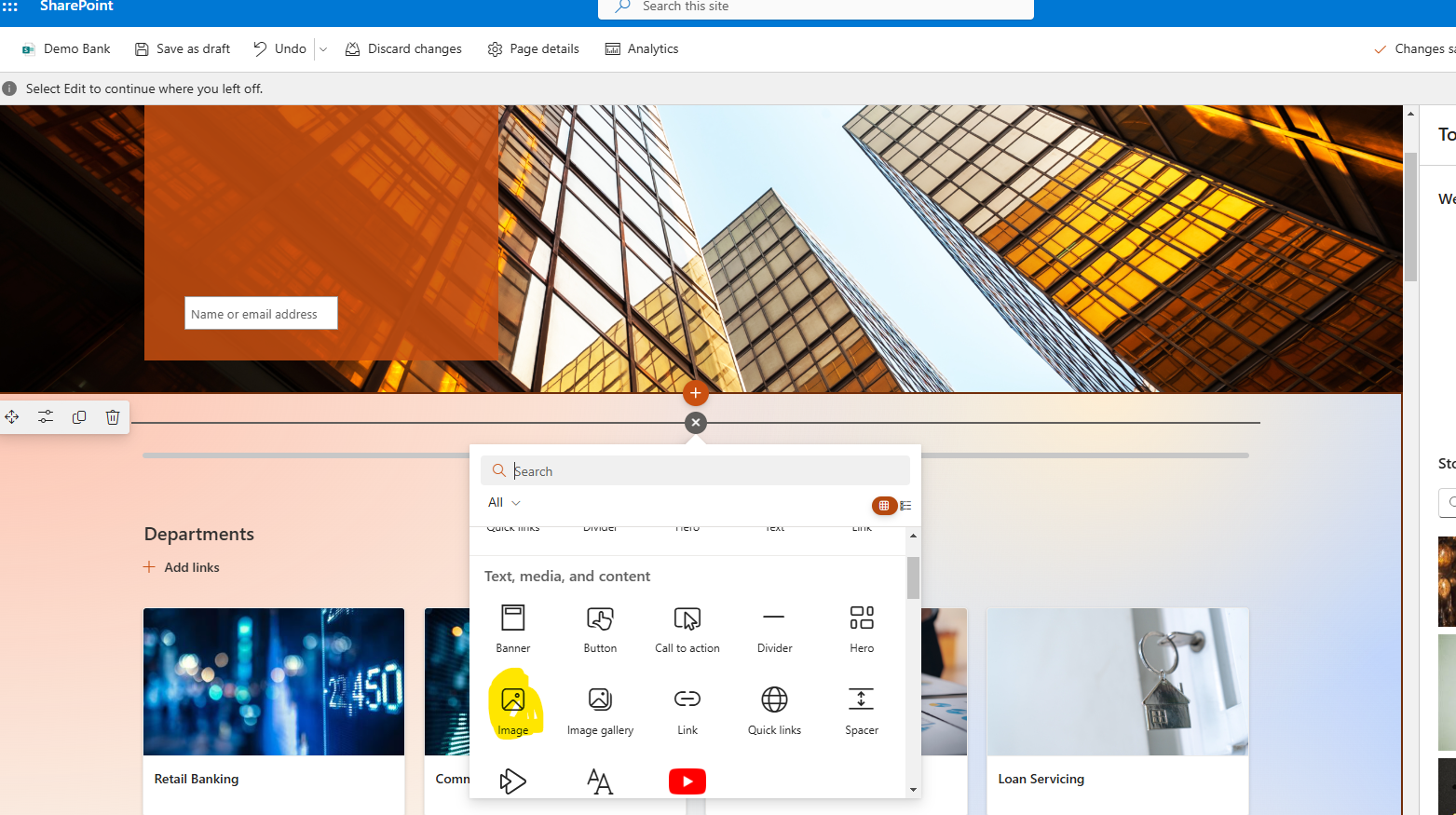
We select an image from the stock images, upload our own image, or choose an image that we have already uploaded to our page.

Once the image is inserted, we see in our toolbar that shapes have been added, and we have a series of options.
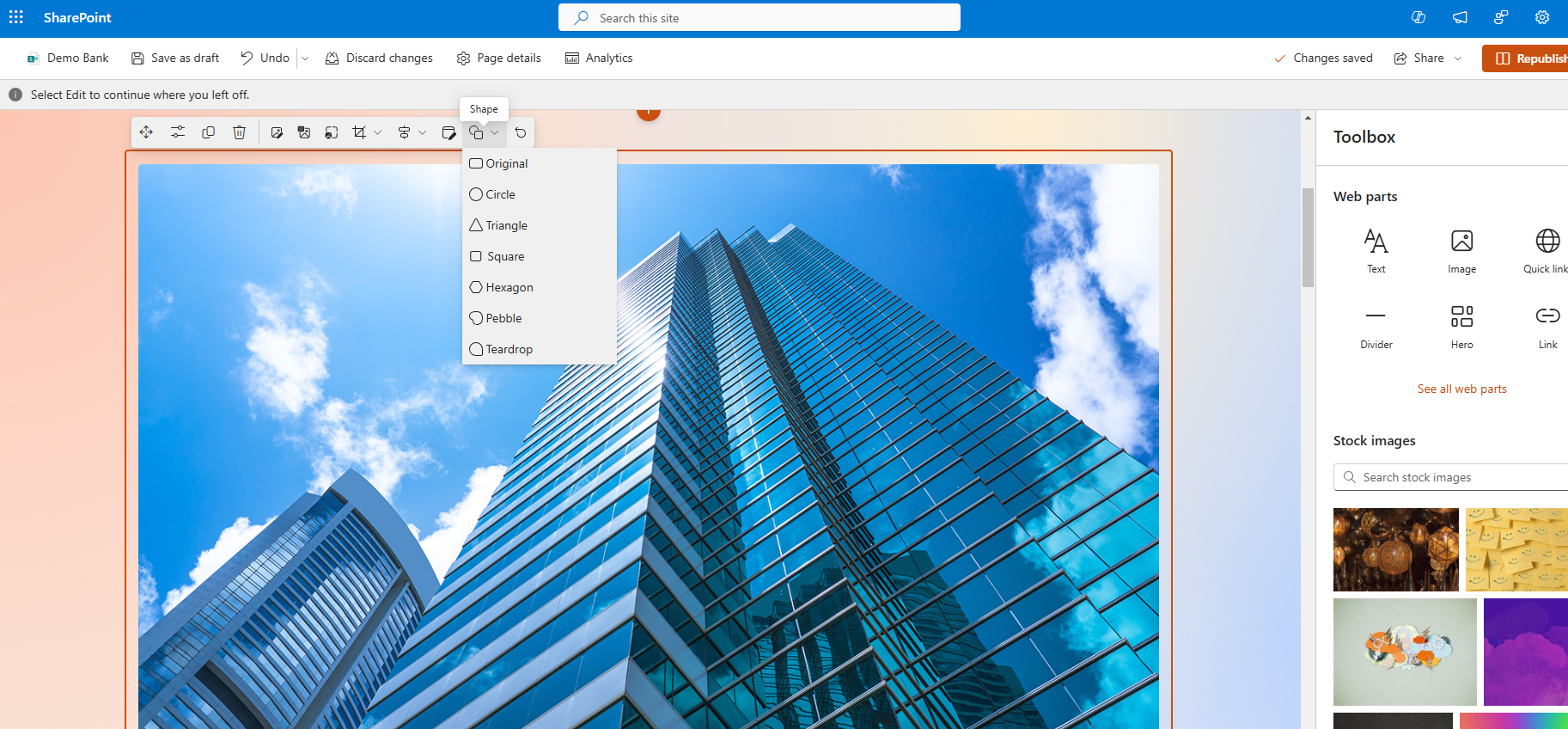
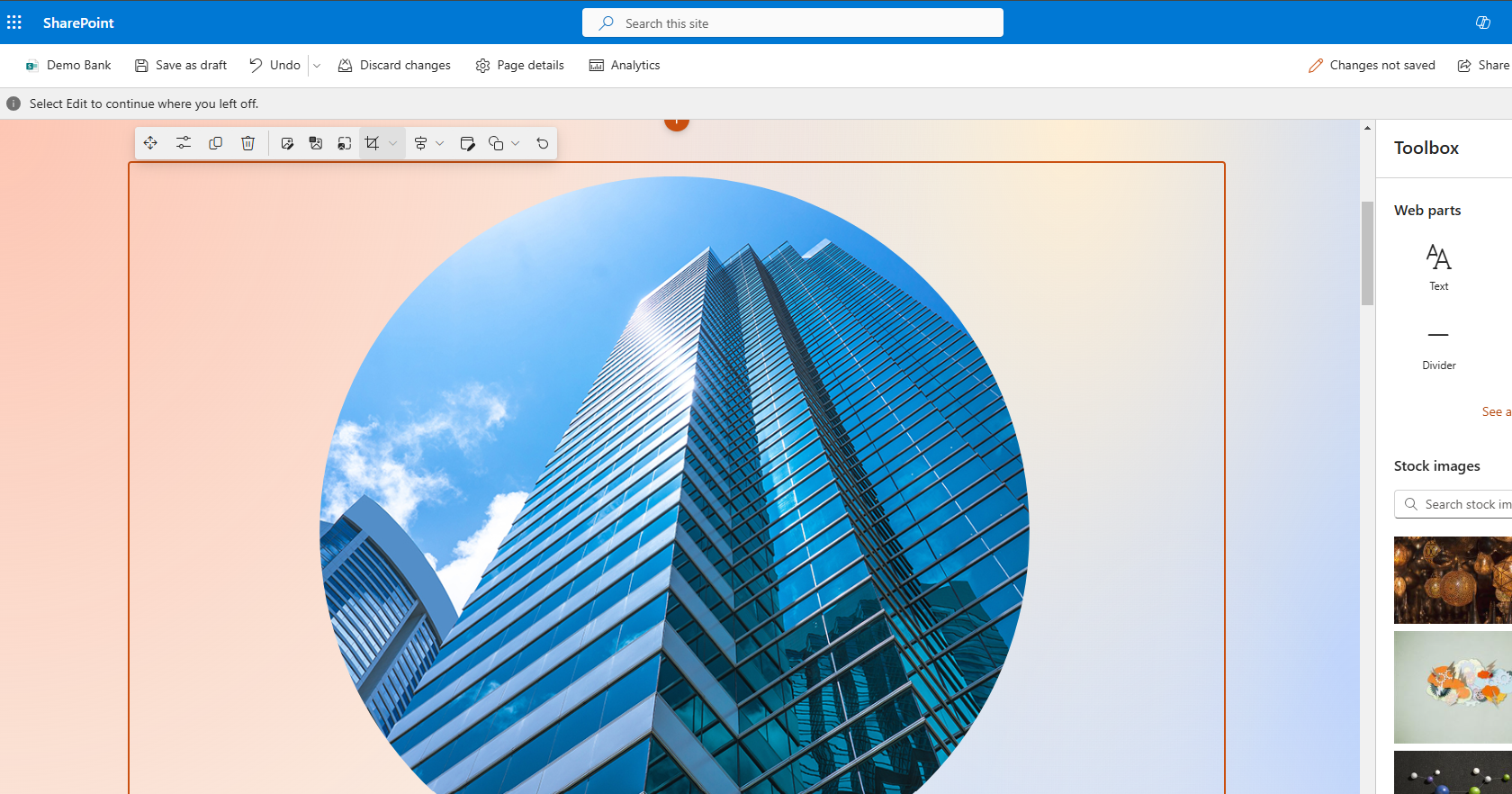
For example, we can choose a circle.
We can also choose a triangle.
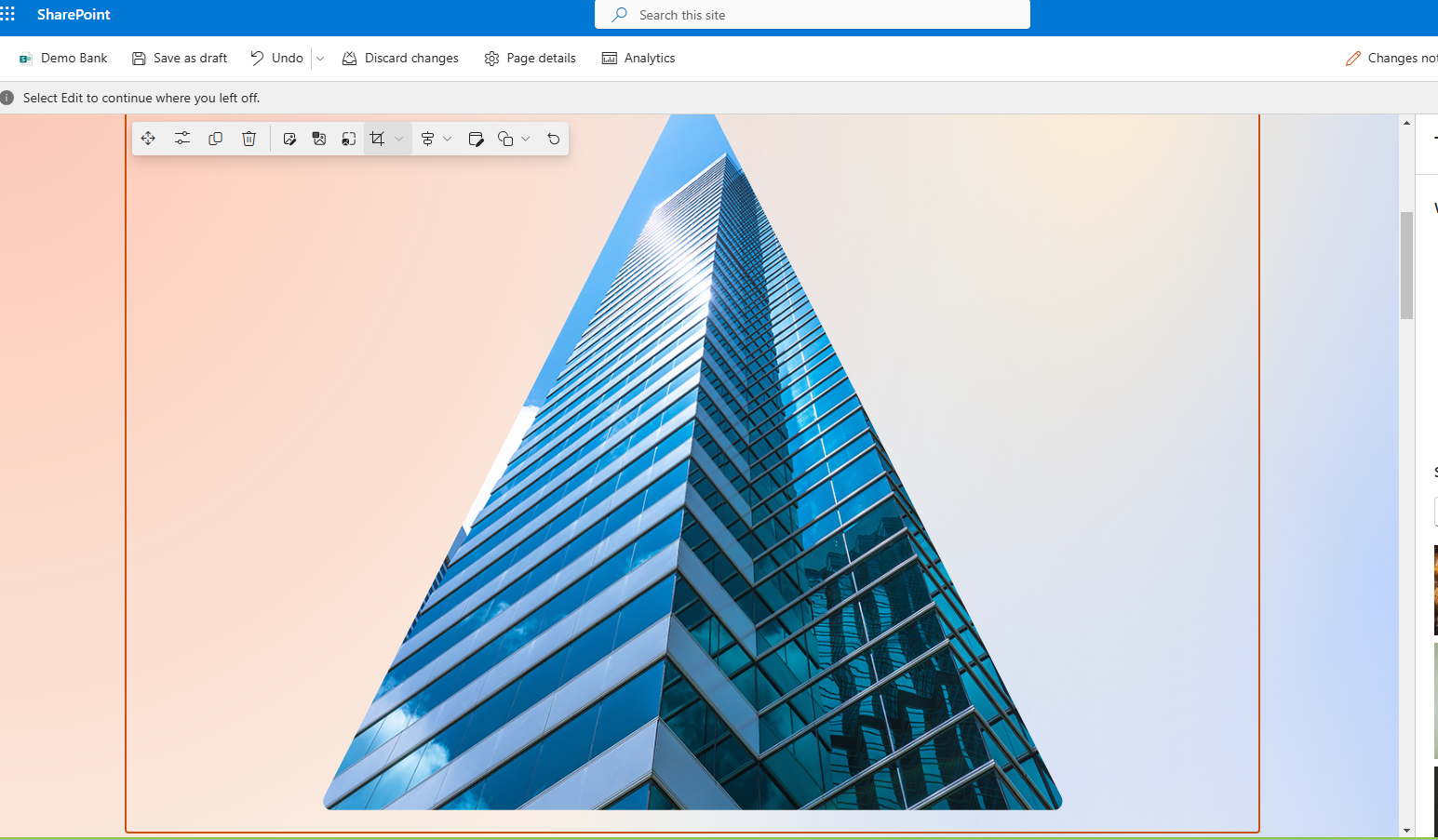
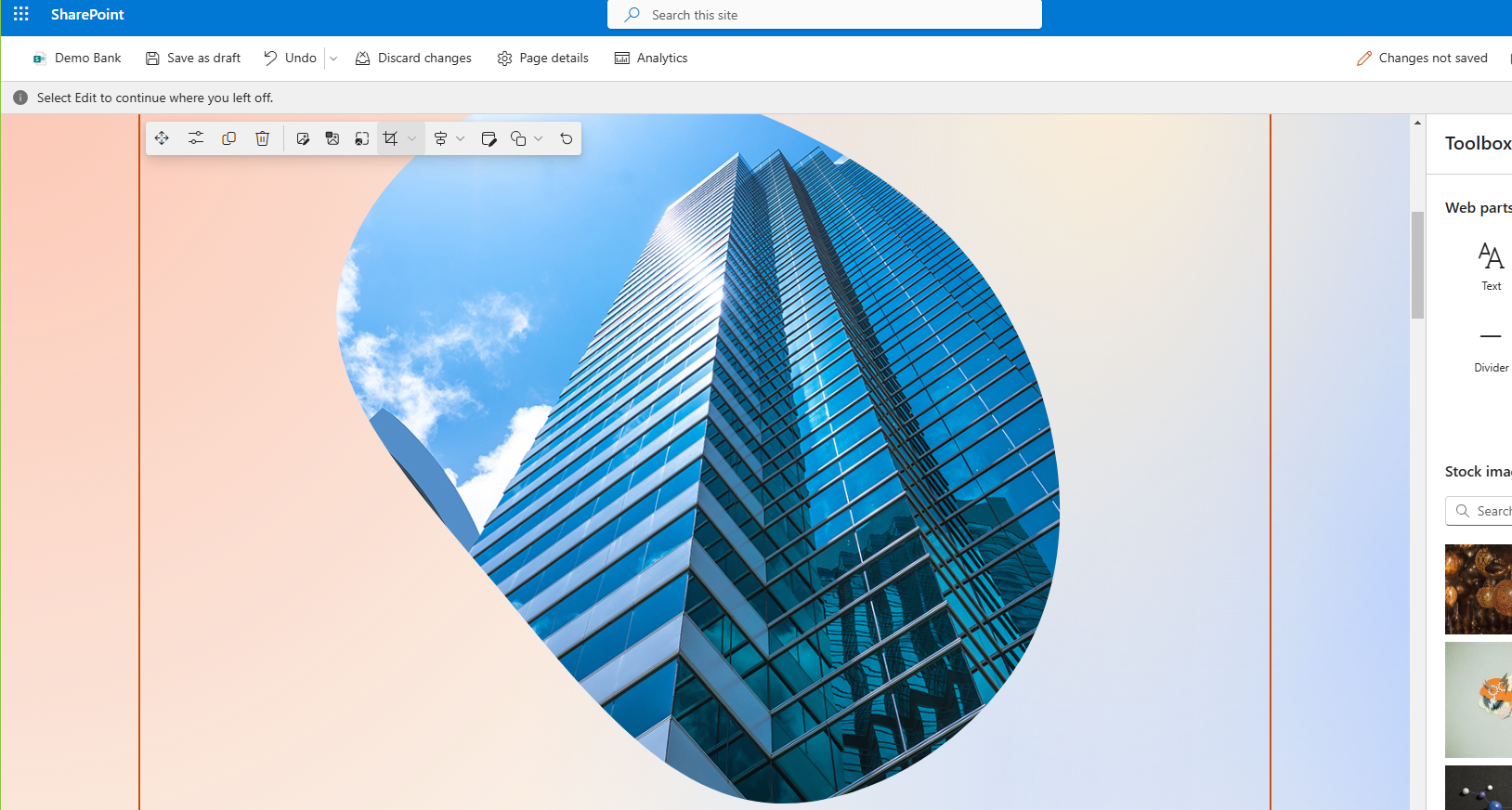
Or even better, another option like Pebble.
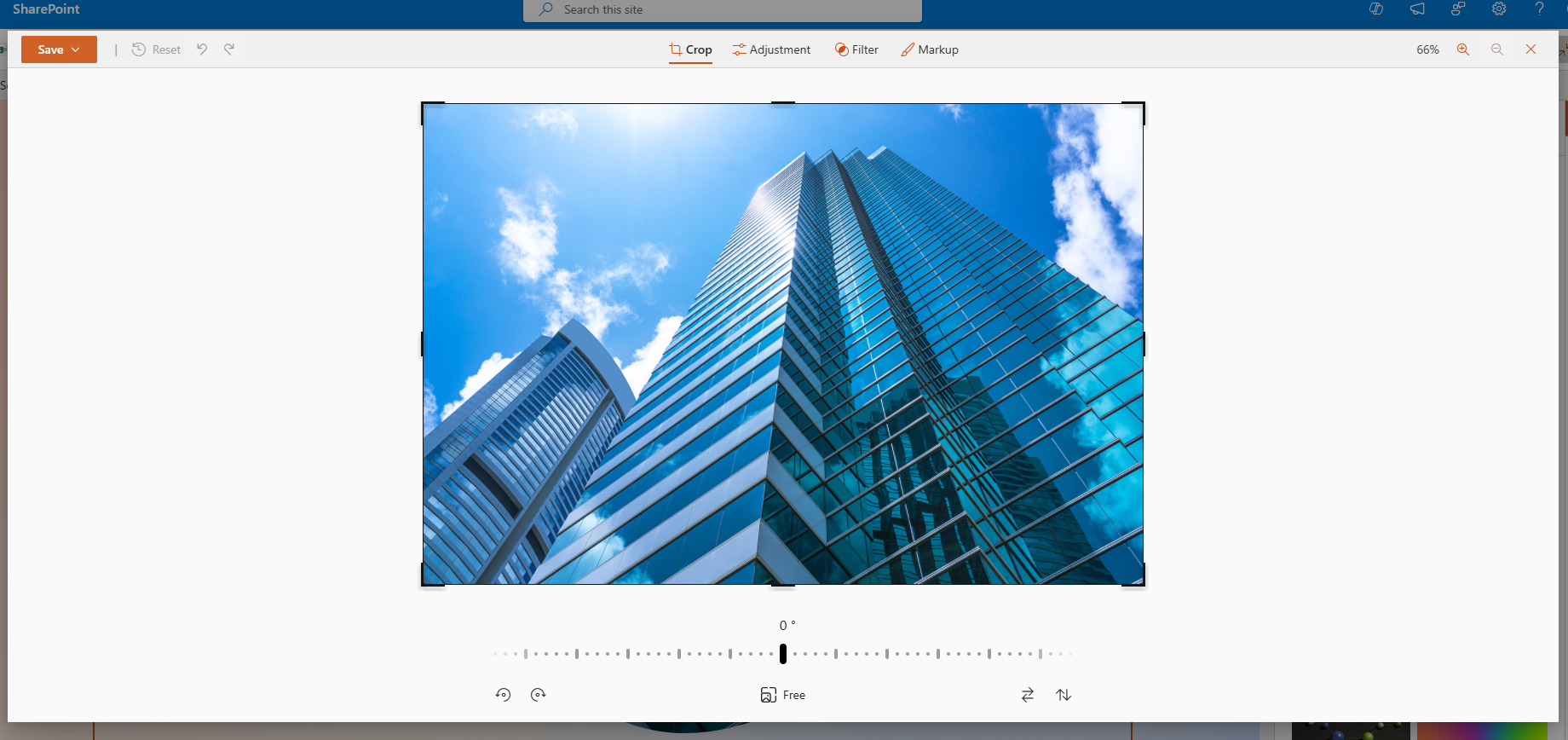
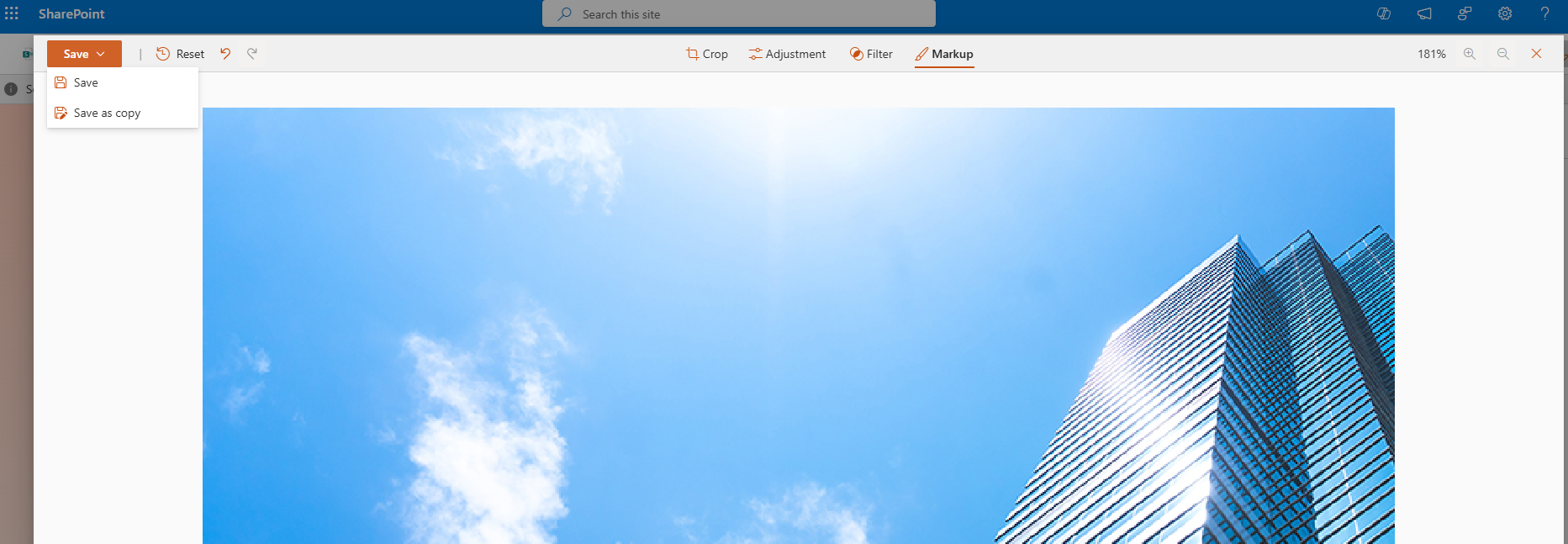
Additionally, we have the ability to use extra tools such as cropping the image, adjusting the image, rotating the image, and using the free option to change its size.
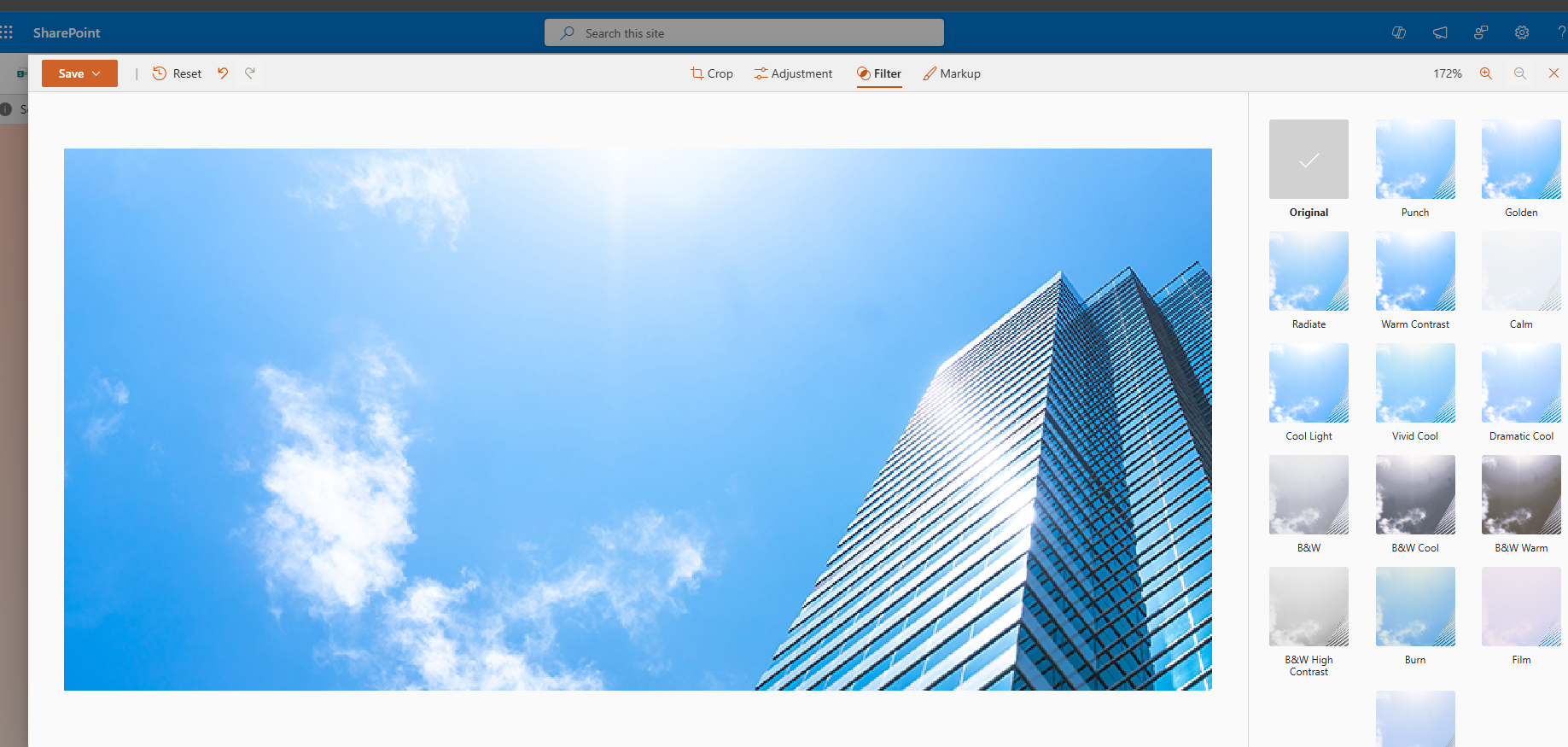
We can also apply filters.
To save the changes we have made, we need to save our image.
 #ModerWork
#M365_Apps_Services
#BusinessApps
#SharePoint
#PowerAutomate
#technology
#microsoft
#digitaltransformation
#cloud
#mvpbuzz
#m365
#ModerWork
#M365_Apps_Services
#BusinessApps
#SharePoint
#PowerAutomate
#technology
#microsoft
#digitaltransformation
#cloud
#mvpbuzz
#m365
Visit Archives below to find more articles about Microsoft technologies on Modern Workplace