
Free Material
Find hereMore than 150 Articles about Microsoft Technologies on Modern Workplace
Official Site
Microsoft Most Valuable Professional M365 Apps & Services
Microsoft Most Valuable Professional Business Applications
Consultant & Sr Cloud Solution Architect Modern Wokrplace
Find hereMore than 150 Articles about Microsoft Technologies on Modern Workplace
27 December 2023
In today's post I will show you how to export a list or library from a site to SharePoint using PowerShell. Note that this piece of script can be used in combination in case we want to create a library template and copy it exactly the same to a new site Initially to run this command we will need to have administrator privileges in both the SharePoint Online Management Shell and the associated site
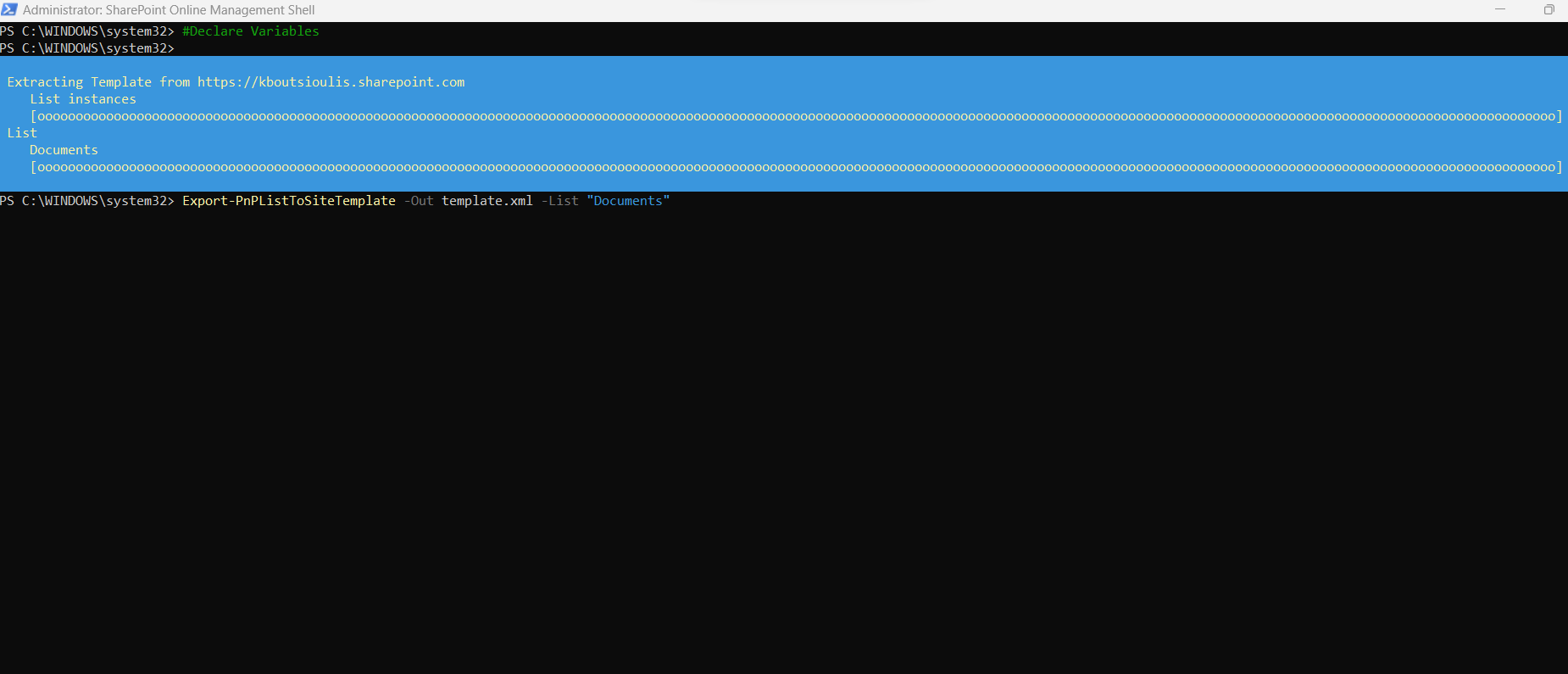
To run the above action we need to run the following PowerShell
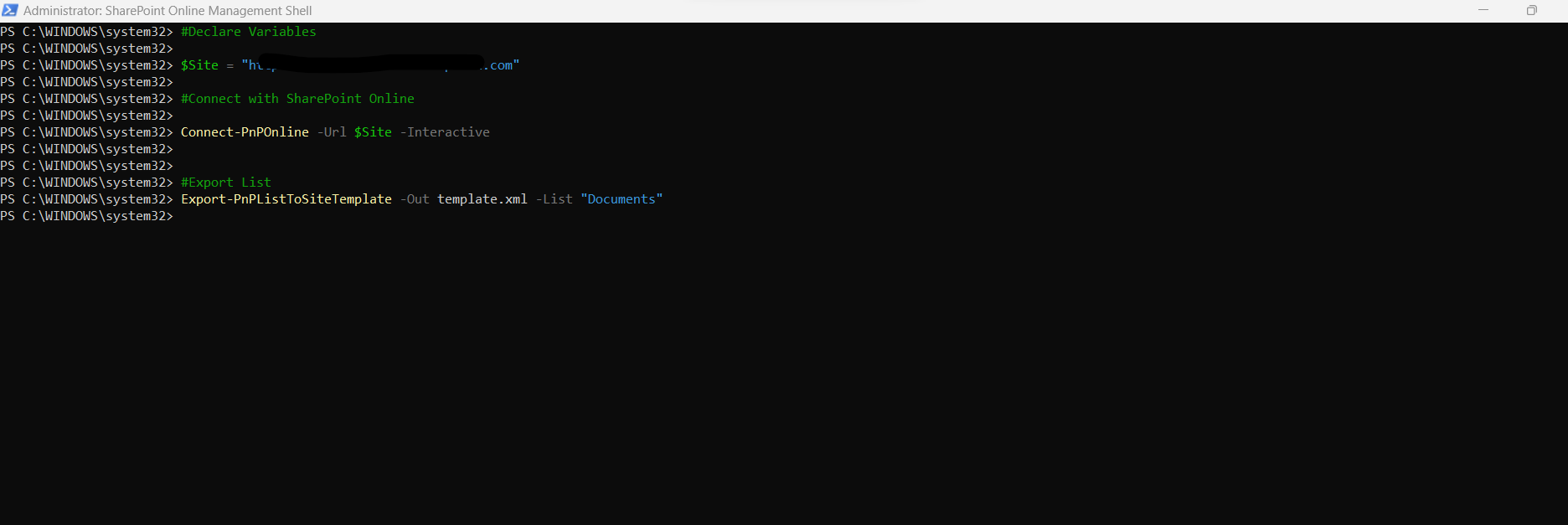
#Declare variable of site url
$spsiteurl = "https://mytenant.sharepoint.com"
#Connect with SharePoint Online
Connect-PnPOnline -Url $spsiteurl -Interactive
#Export List
Export-PnPListToSiteTemplate -Out template.pnp -List "Documents"
And if we want more than one list we have to execute the last command as follows
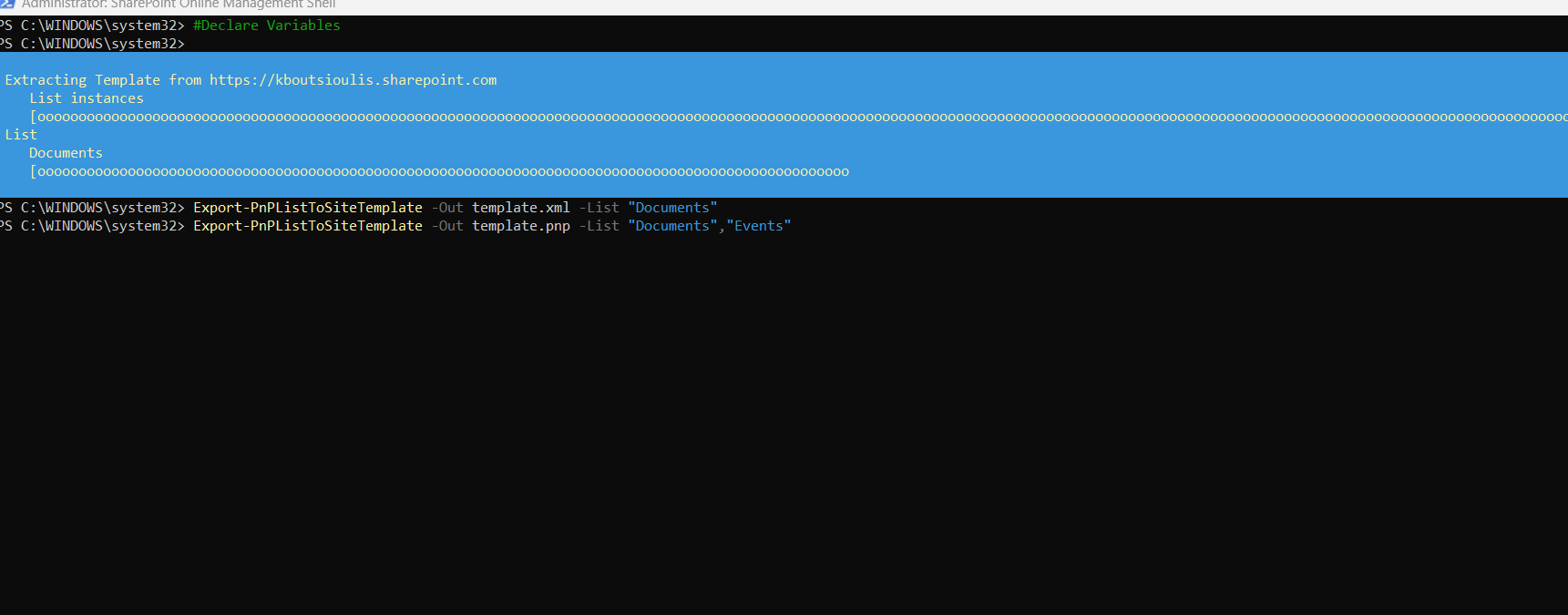
#Declare variable of site url
$spsiteurl = "https://mytenant.sharepoint.com"
#Connect with SharePoint Online
Connect-PnPOnline -Url $spsiteurl -Interactive
#Export List
Export-PnPListToSiteTemplate -Out template.pnp -List "Documents","Issue Tracker"
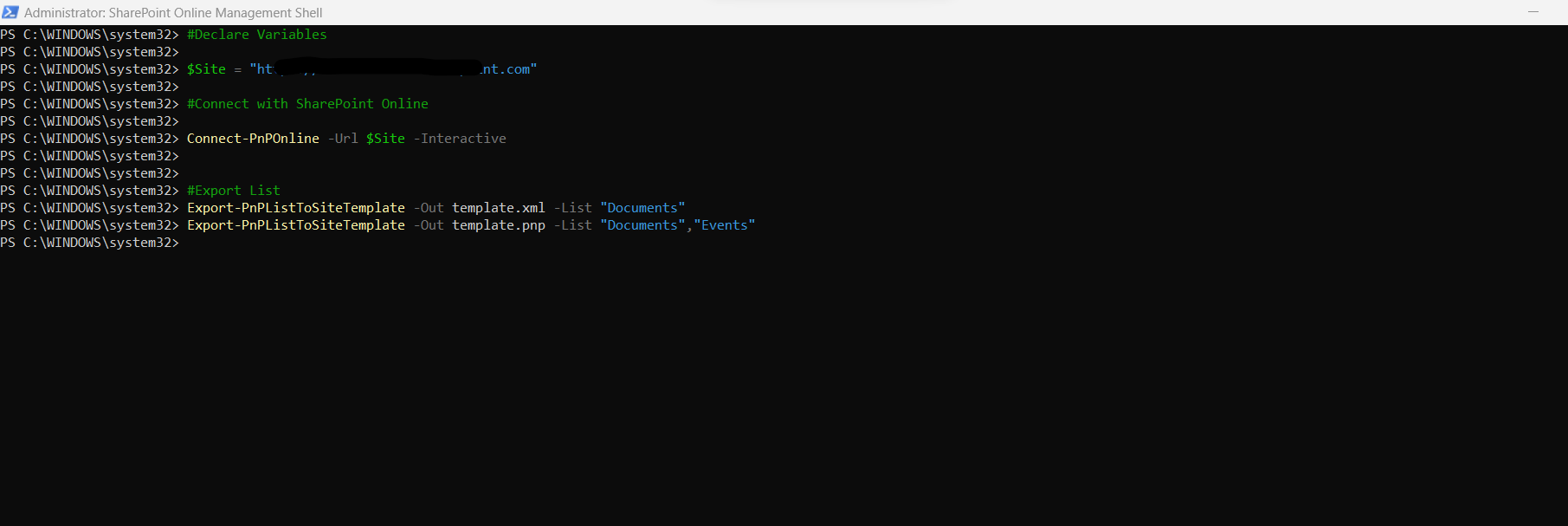
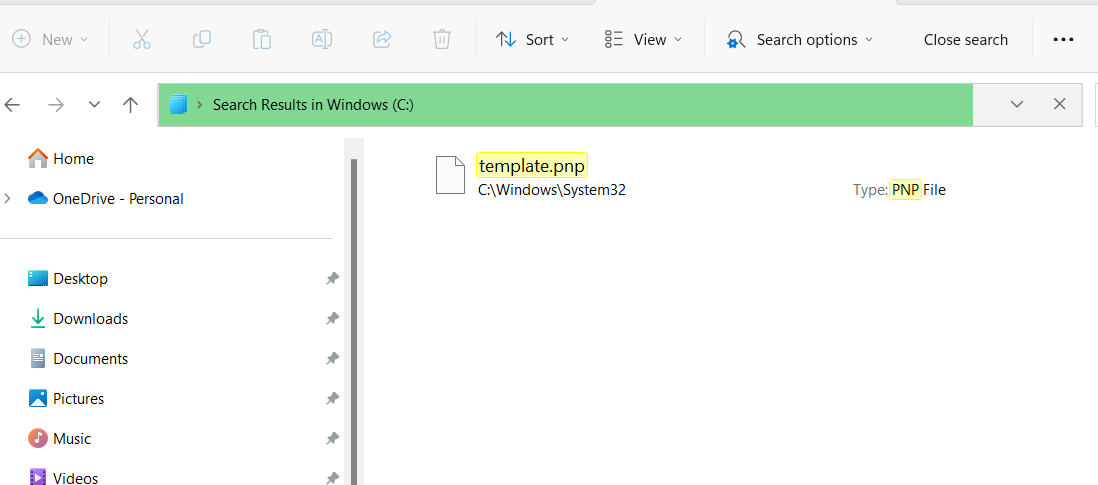
And as you can see in the system32 folder the corresponding .pnp file has been exported
 PnP Official Documentation
And you can use this file to import it using again PowerShell in a different site in your SharePoint
#PowerAutomate #technology #microsoft #PowerShell #PnP #digitaltransformation #cloud #mvpbuzz #m365Visit Archives below to find more articles about Microsoft technologies on Modern Workplace