
Free Material
Find hereMore than 150 Articles about Microsoft Technologies on Modern Workplace
Official Site
Microsoft Most Valuable Professional M365 Apps & Services
Microsoft Most Valuable Professional Business Applications
Consultant & Sr Cloud Solution Architect Modern Wokrplace
Find hereMore than 150 Articles about Microsoft Technologies on Modern Workplace
04 August 2024
In today's article, we will see how we can create a web part with announcements on a classic SharePoint Site. Since version 2013, Microsoft has maintained the external appearance of SharePoint at the same level with minor changes. It is clear, therefore, that even in organizations that have transitioned to digital transformation by choosing cloud technologies, it is familiar to maintain the image of internal intranets.
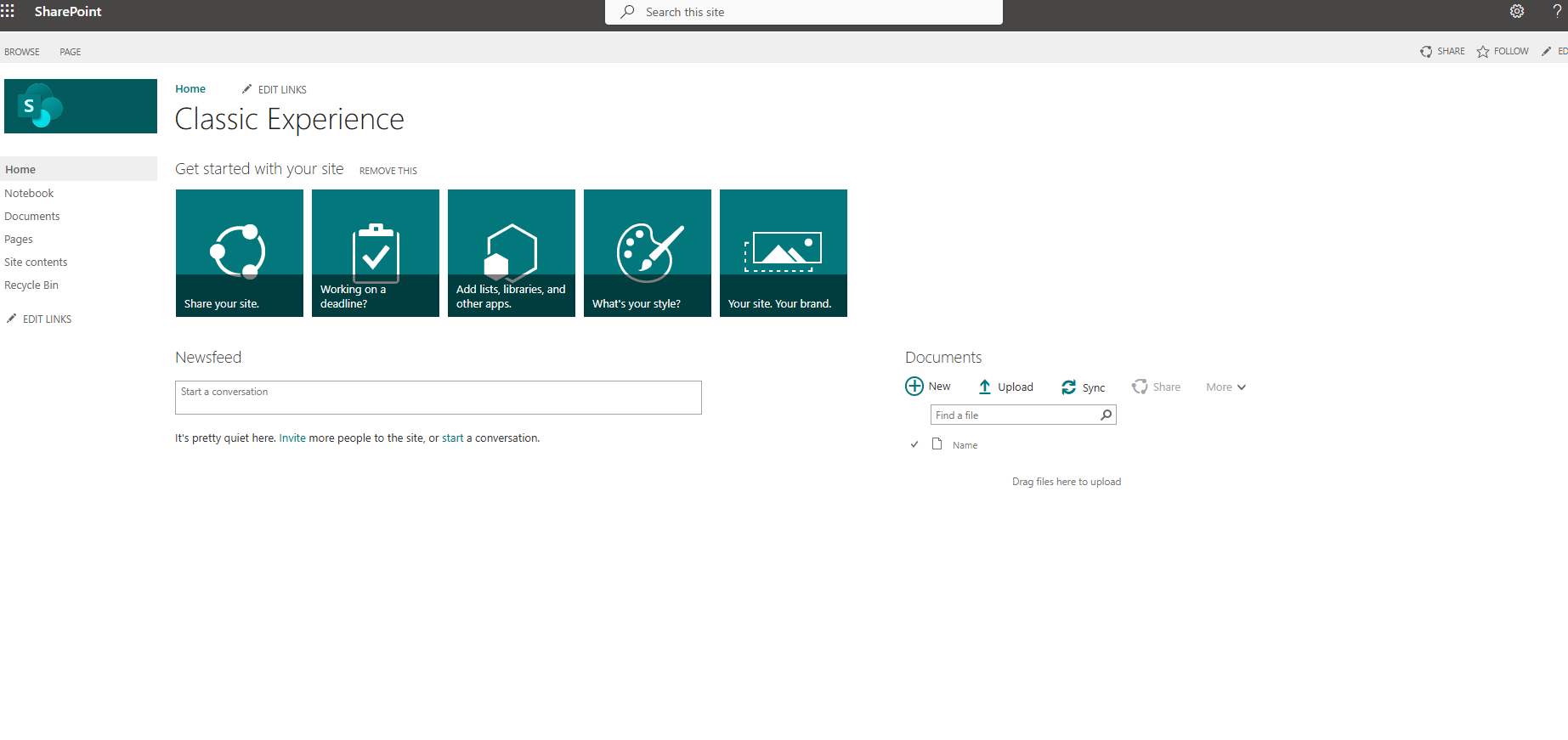
We can achieve this in SharePoint Online by maintaining the classic version of the sites and even the same web parts and their management. From the page that is in classic experience, we select the gear icon at the top right and then site contents.
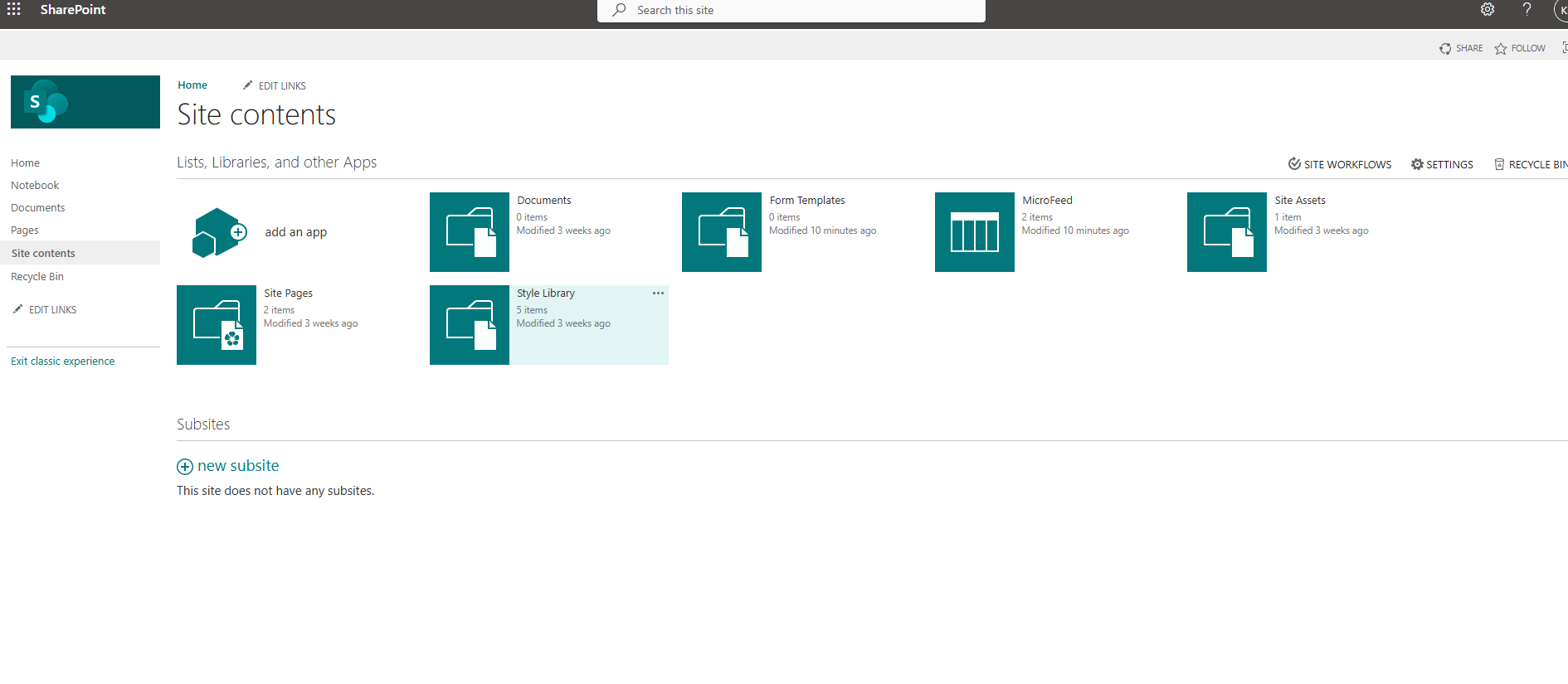
In the next step, we need to select add an app.
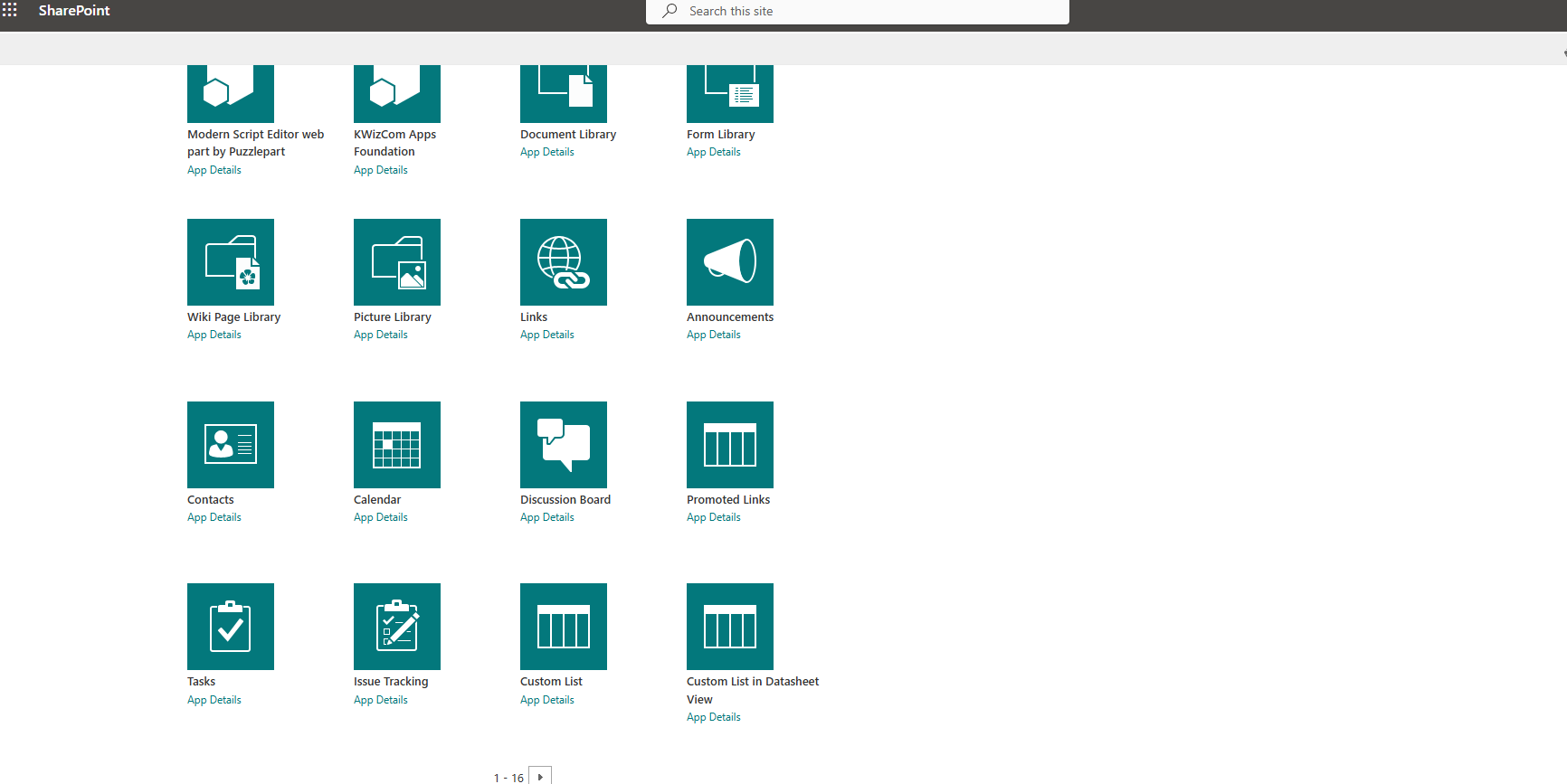
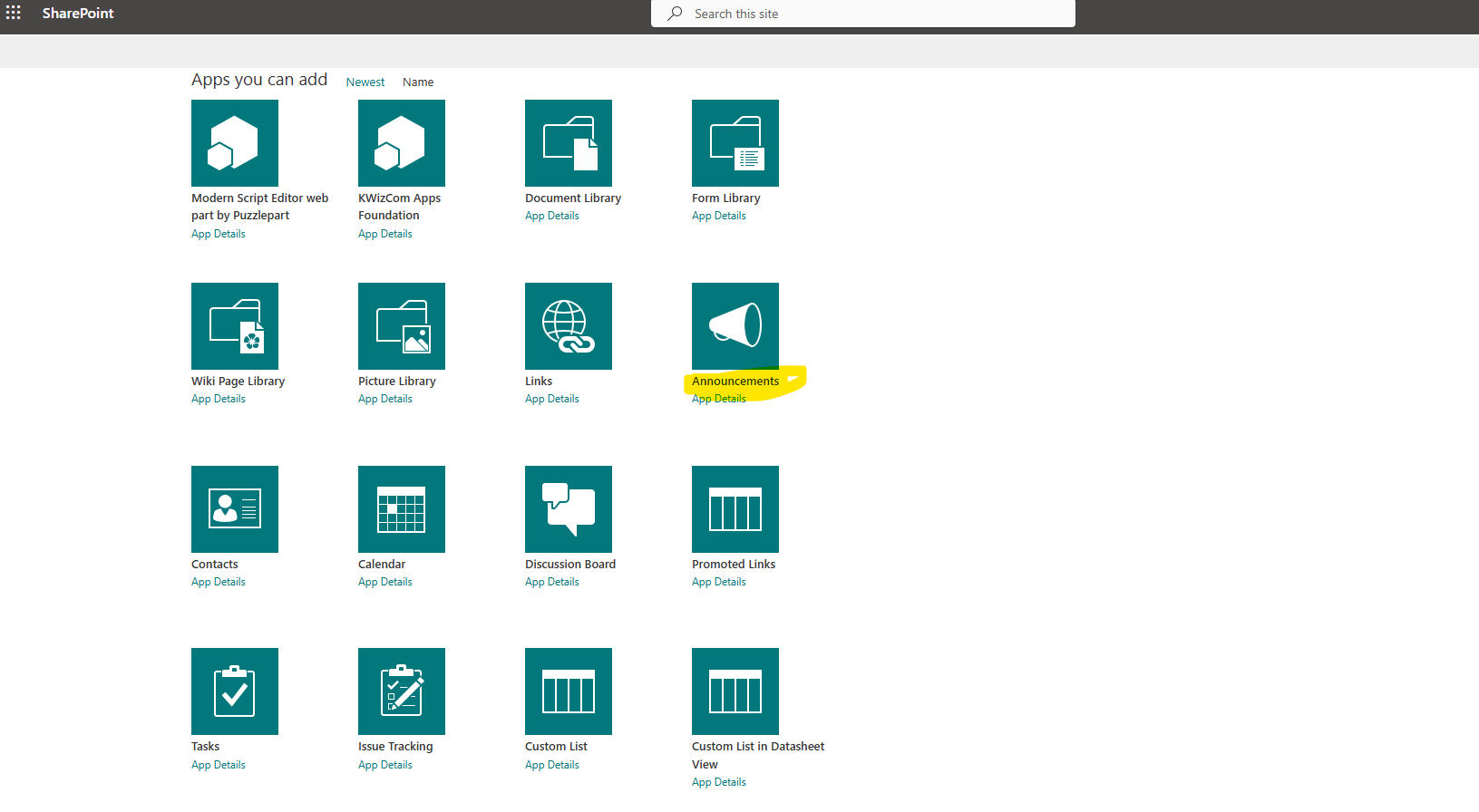
From the available web parts, we select announcements.
In the next step, we need to enter a name for our new web part.
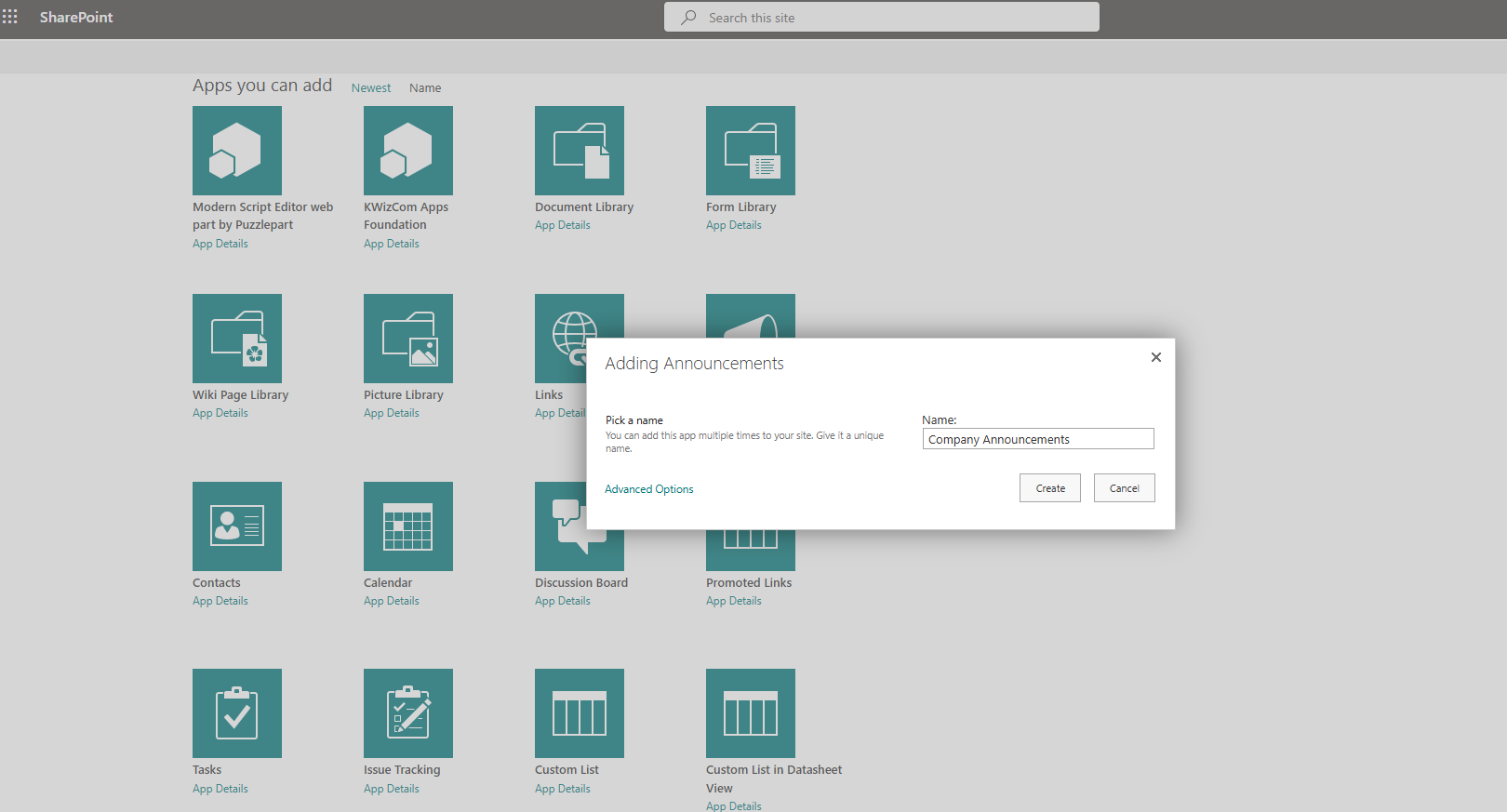
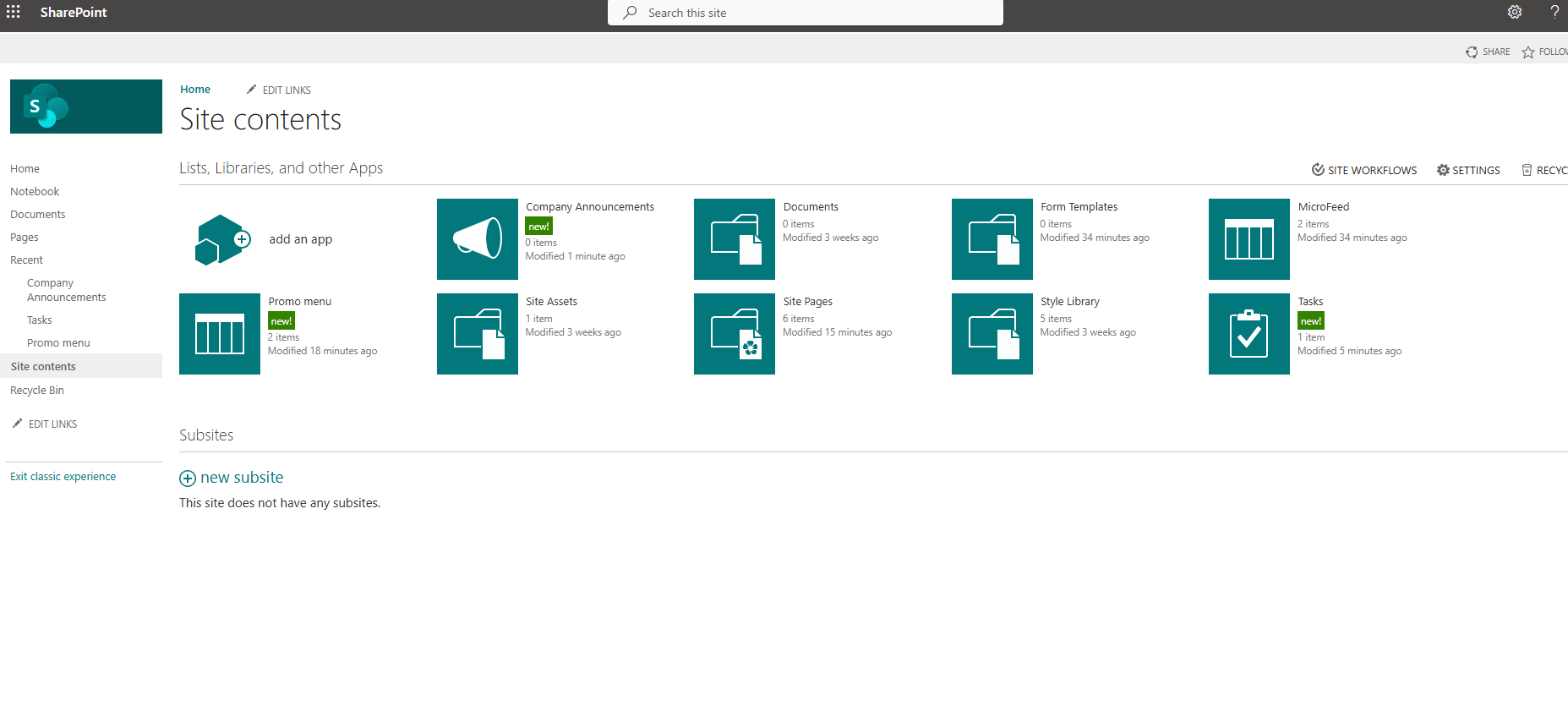
As you can see, we have created our new web part, and now we need to enter a new announcement.
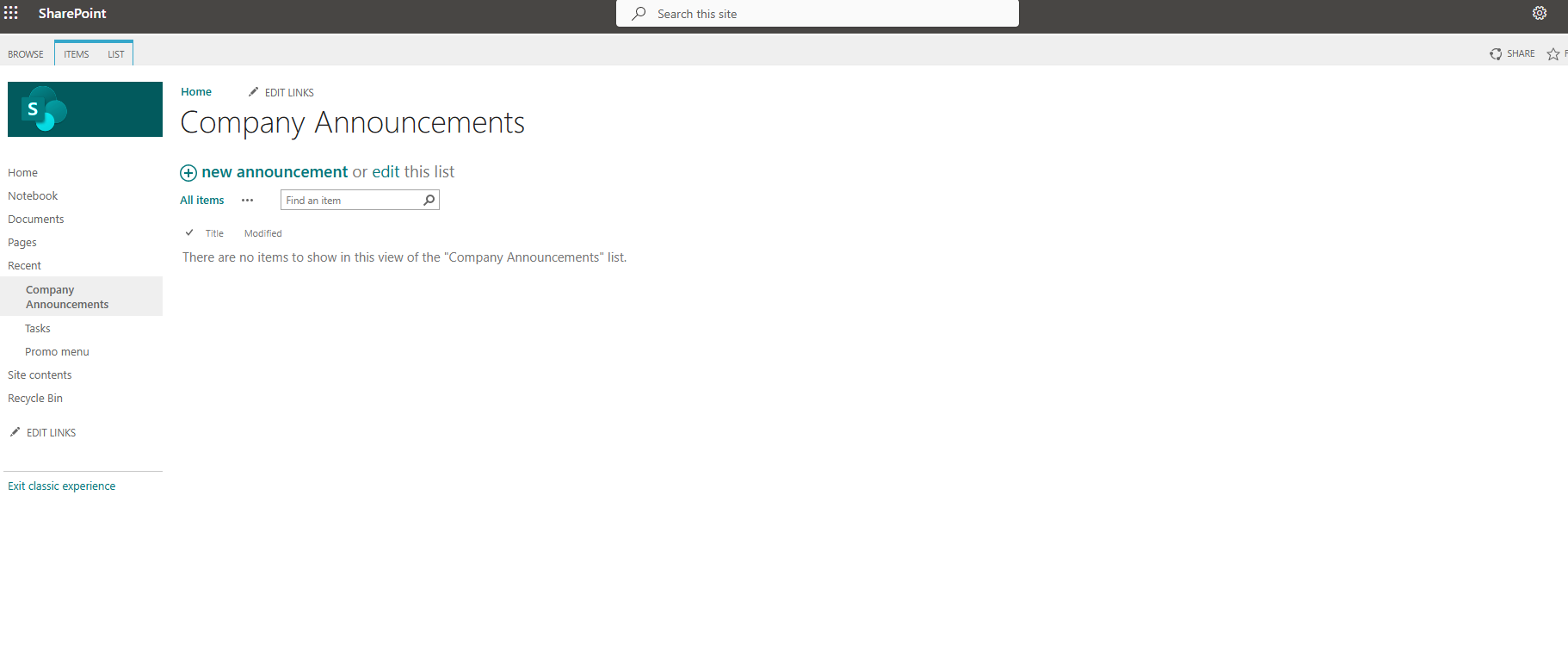
As you can see, it is an empty list type, and instead of a new item, it has the option new announcement.
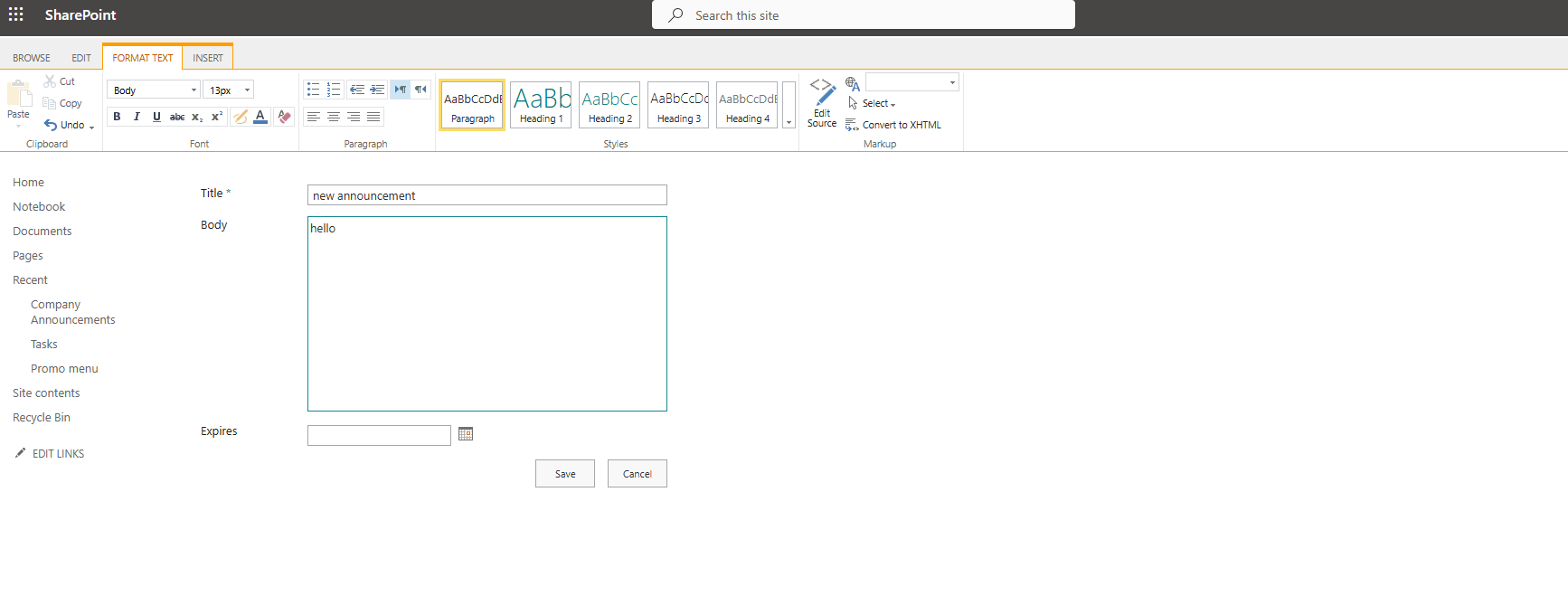
Once we select it, we are given the ability to fill out a form with the title of the announcement as well as its body. We can also enter an expiration date for our announcement.
The announcement was uploaded in the form you see below.
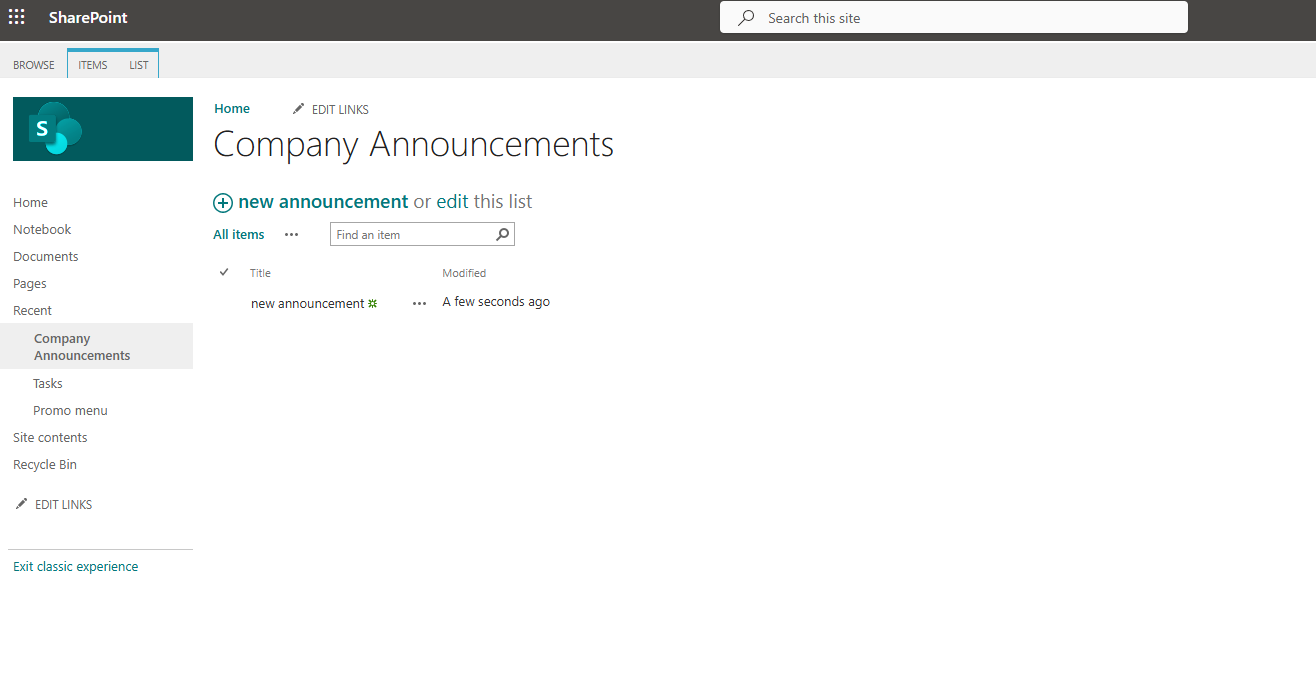
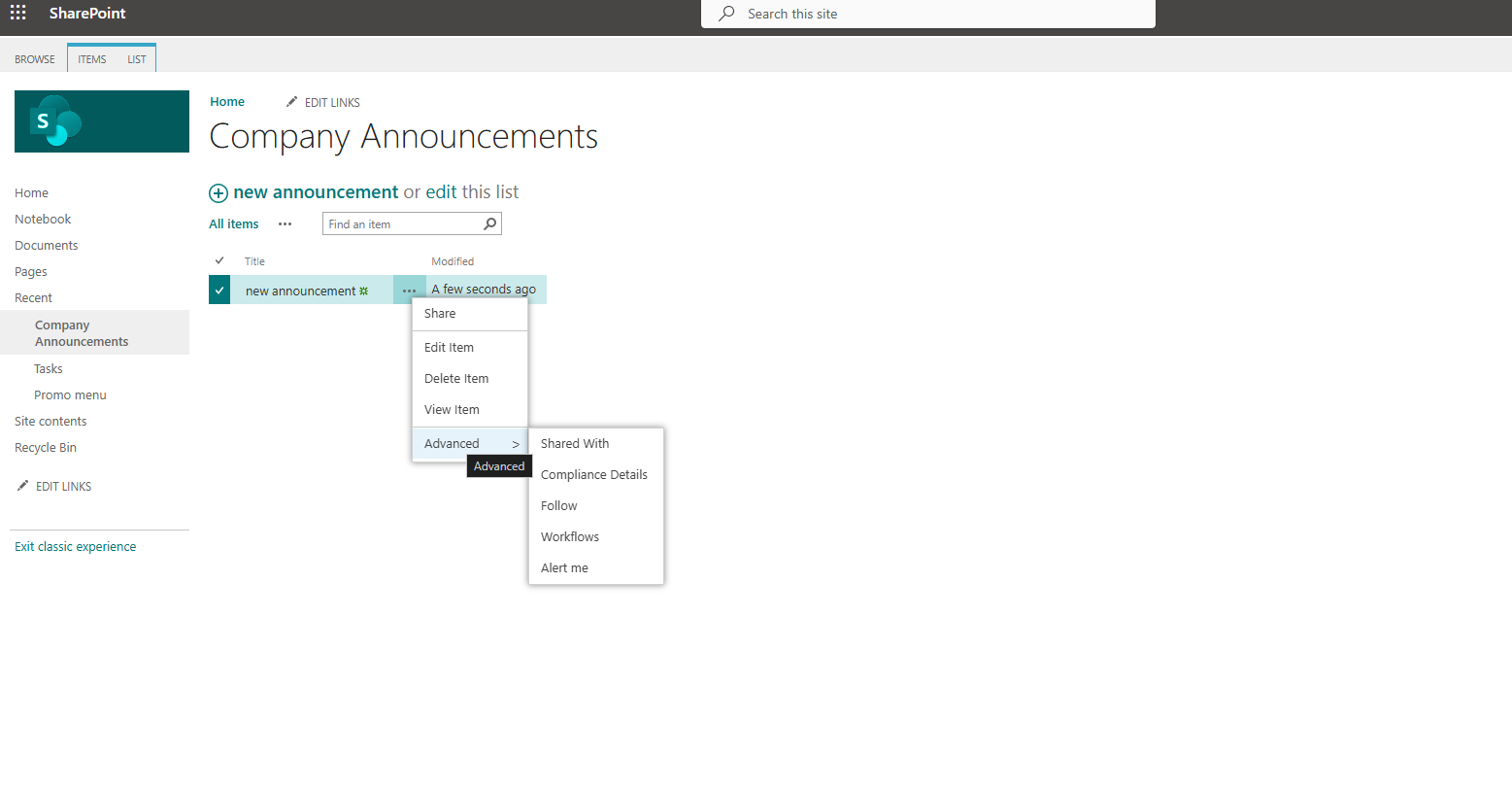
It is clear, of course, that this is an older version, so it has nothing to do with the new form of announcements on the new type of SharePoint sites. By selecting the three dots on the Item, I now have the ability to see the various options I encounter in the Items of a new type of list.
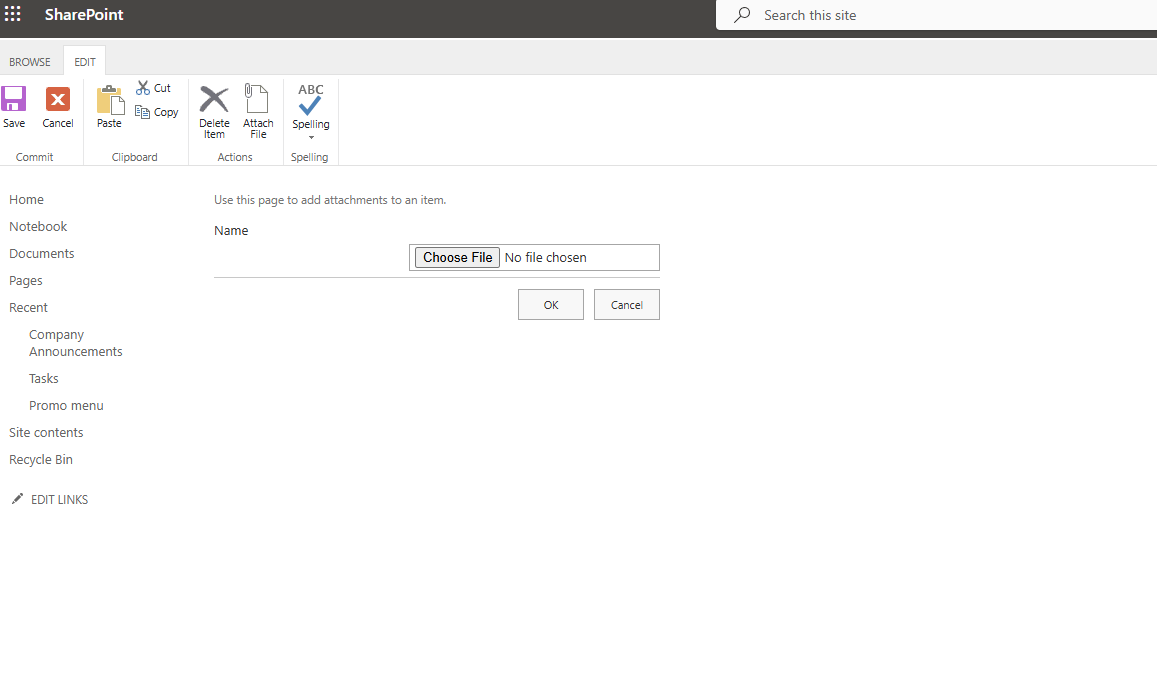
It should also be noted that in this version, there is the ability to insert an attached file along with the announcement, a need that was very popular among organizations, and now the process is a bit more complex to have an actual file in an announcement in the new versions.
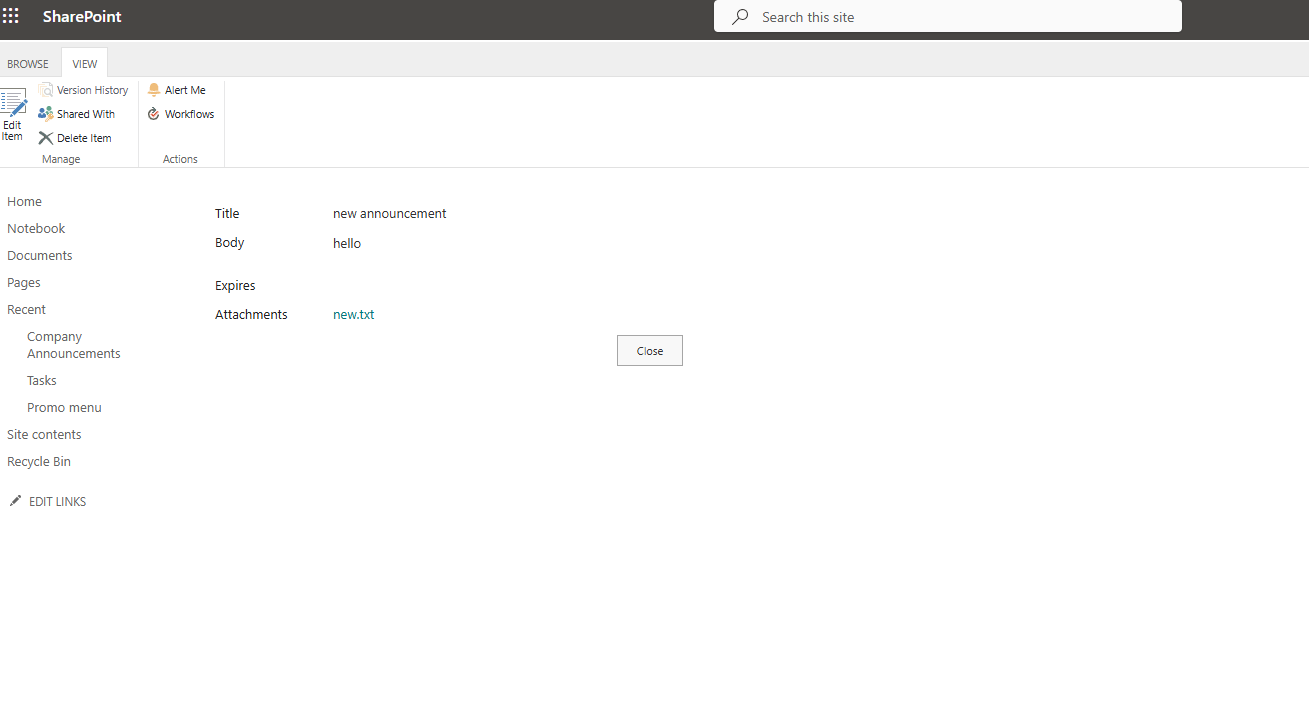
The final form of the announcement is what you see below.
 #ModerWork
#M365_Apps_Services
#BusinessApps
#SharePoint
#PowerAutomate
#technology
#microsoft
#digitaltransformation
#cloud
#mvpbuzz
#m365
#ModerWork
#M365_Apps_Services
#BusinessApps
#SharePoint
#PowerAutomate
#technology
#microsoft
#digitaltransformation
#cloud
#mvpbuzz
#m365
Visit Archives below to find more articles about Microsoft technologies on Modern Workplace