
Free Material
Find hereMore than 150 Articles about Microsoft Technologies on Modern Workplace
Official Site
Microsoft Most Valuable Professional M365 Apps & Services
Microsoft Most Valuable Professional Business Applications
Consultant & Sr Cloud Solution Architect Modern Wokrplace
Find hereMore than 150 Articles about Microsoft Technologies on Modern Workplace
11 August 2023
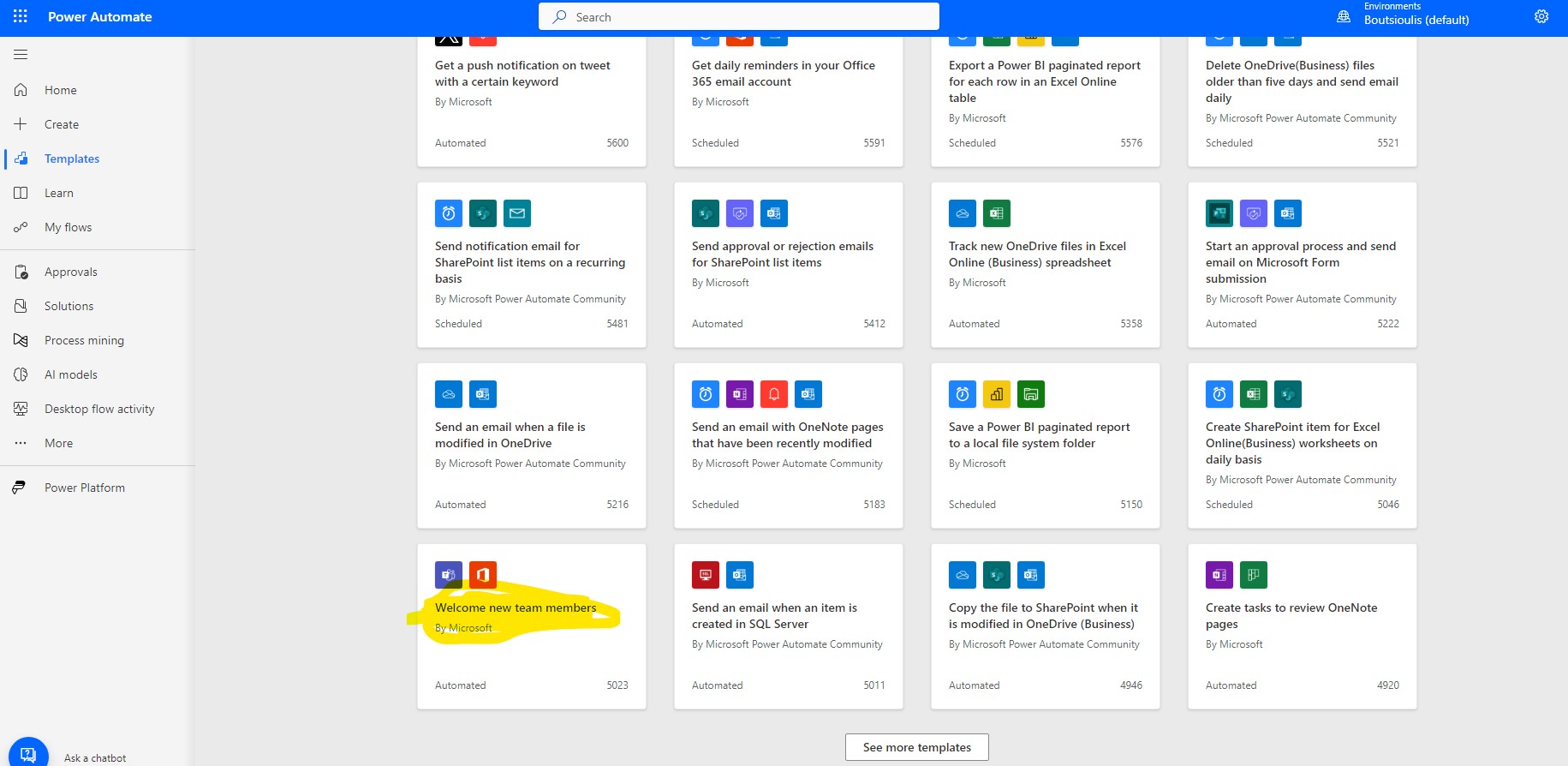
In today's article I will show you how we can use power automate to welcome new members to a team in Teams with an automated message So every time we have a new member join a team, a new message will automatically pop up welcoming the new member to the team. First from the active M365 subscription we login to the home page and from there in the left pop-up column select power automate Locate from the available templates the automate named Welcome new team member
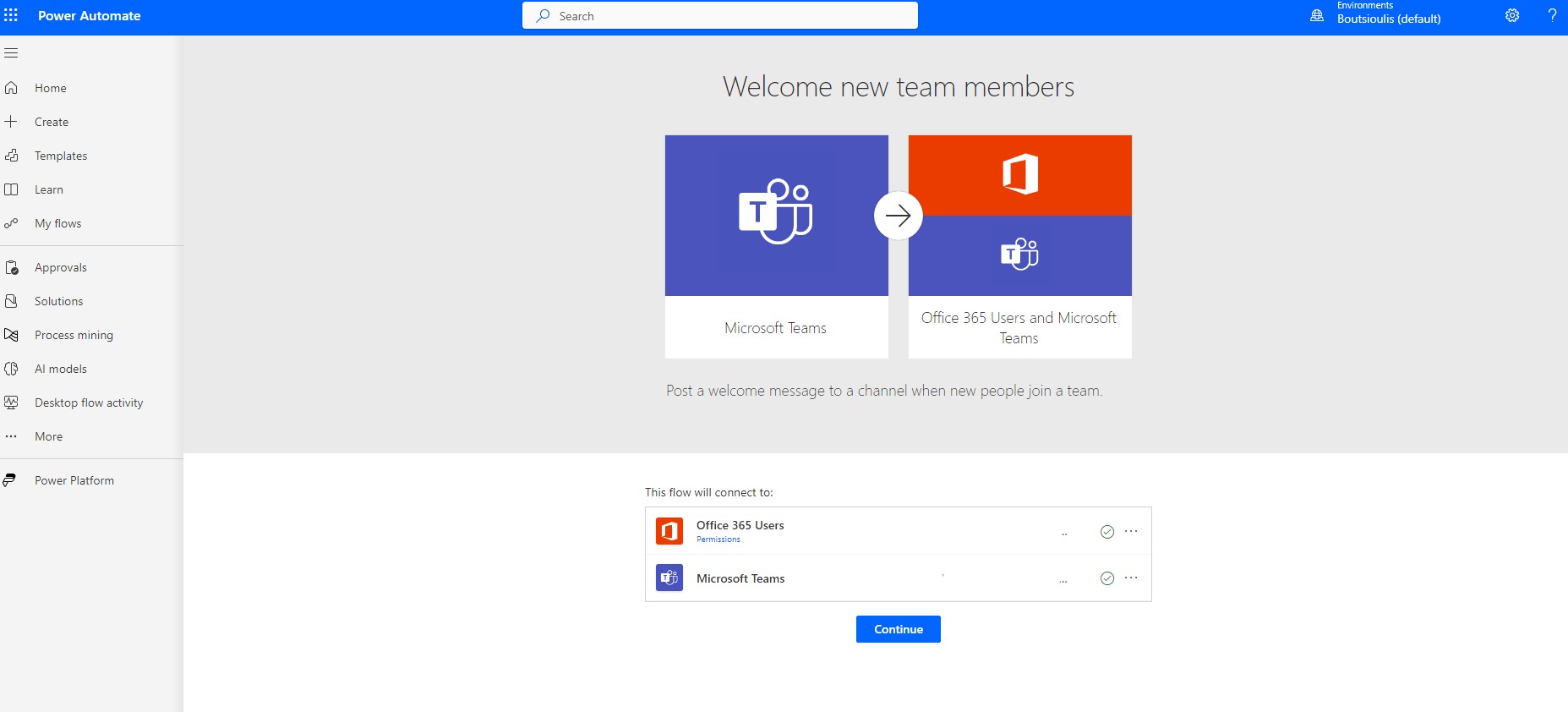
In the next step we allow all the necessary connections and click continue
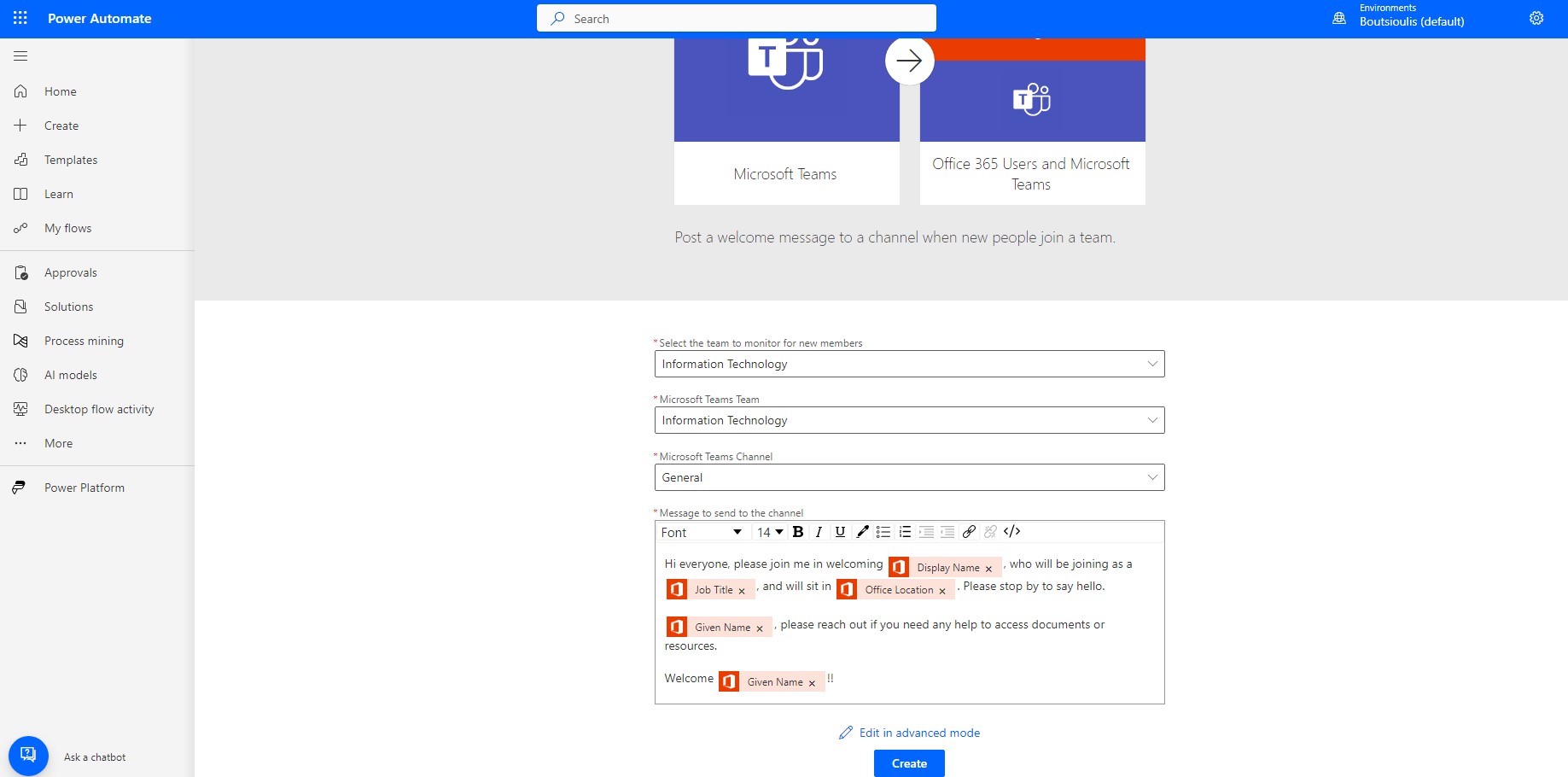
In the next step we need to specify the team and channel where the automatic post will be made as well as we can edit the body of the post
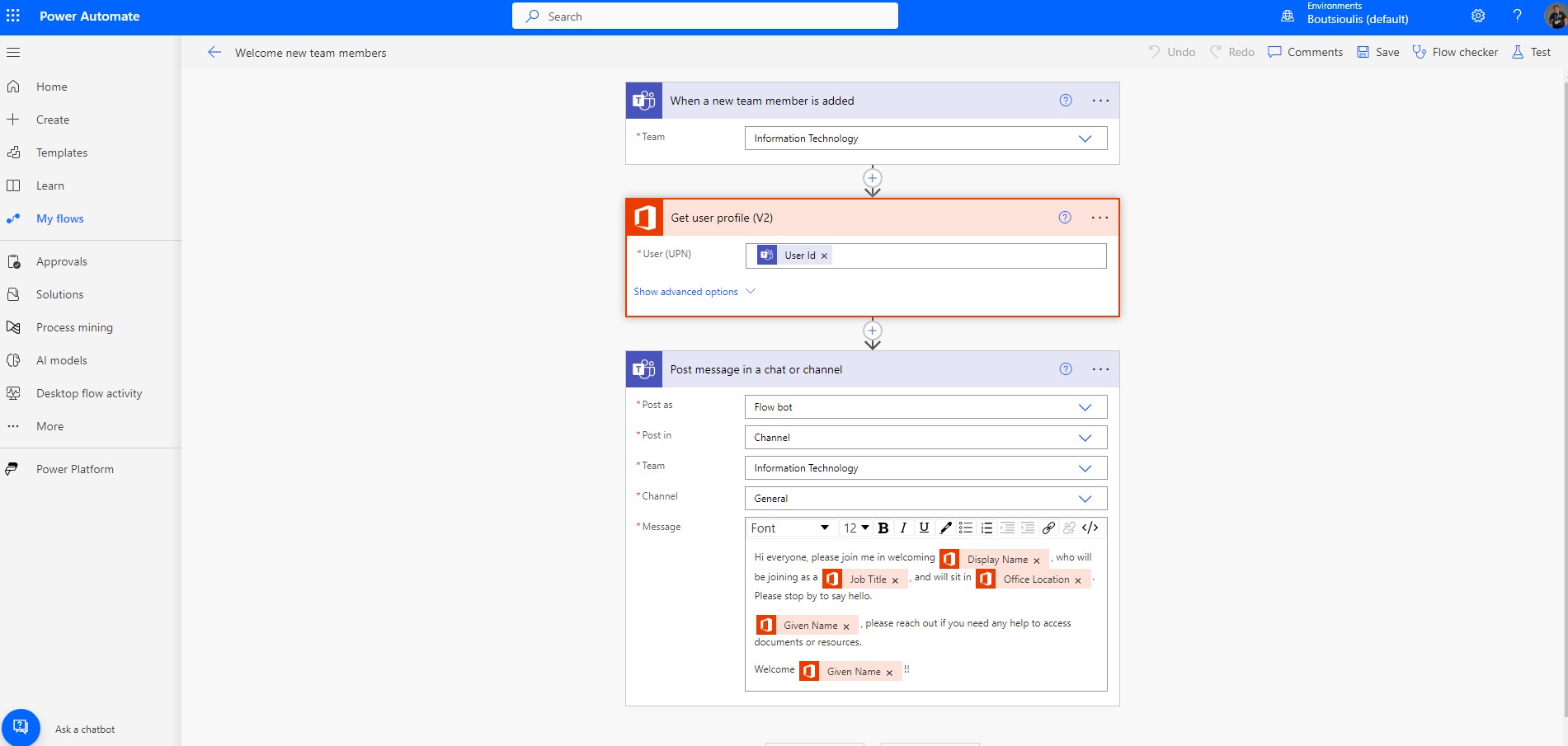
Once we have completed the process, we need to save our automate
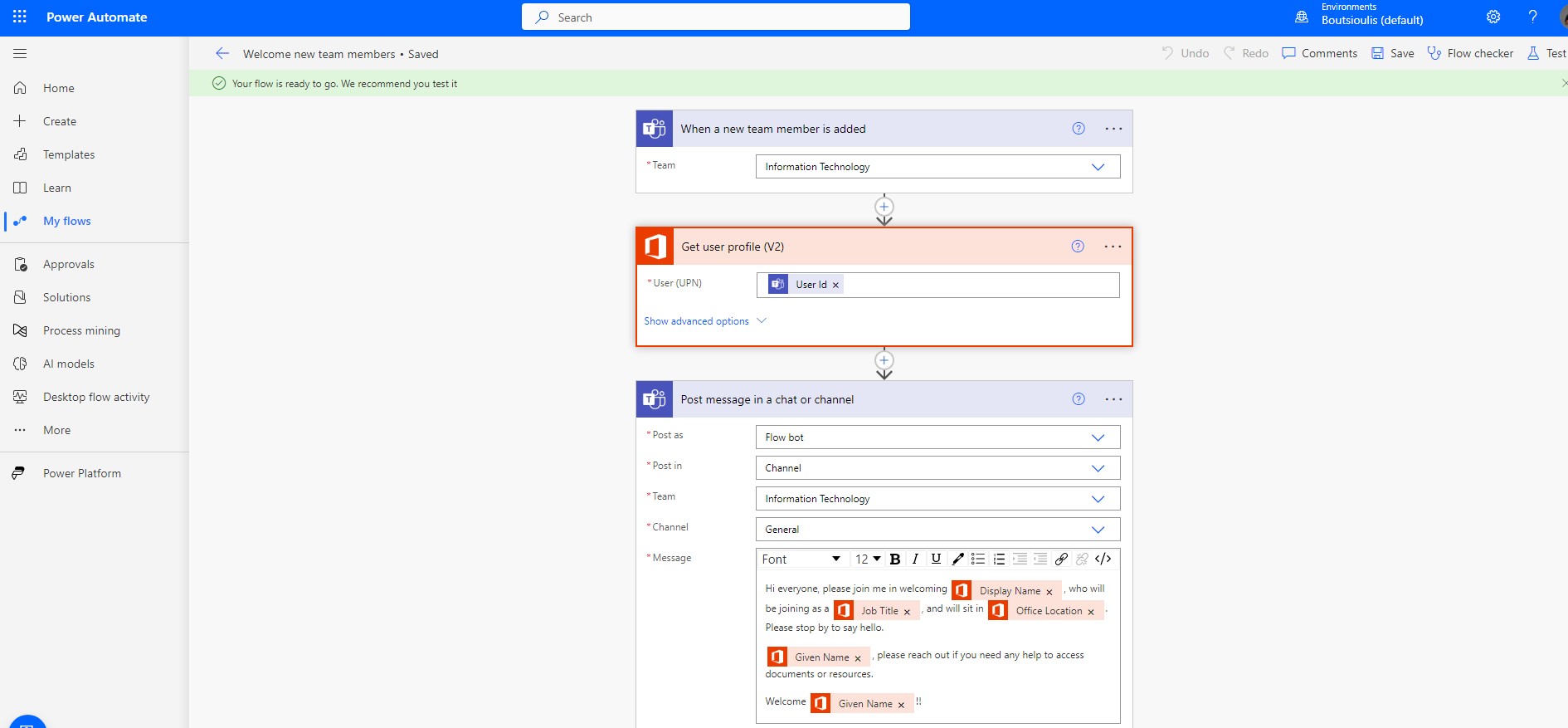
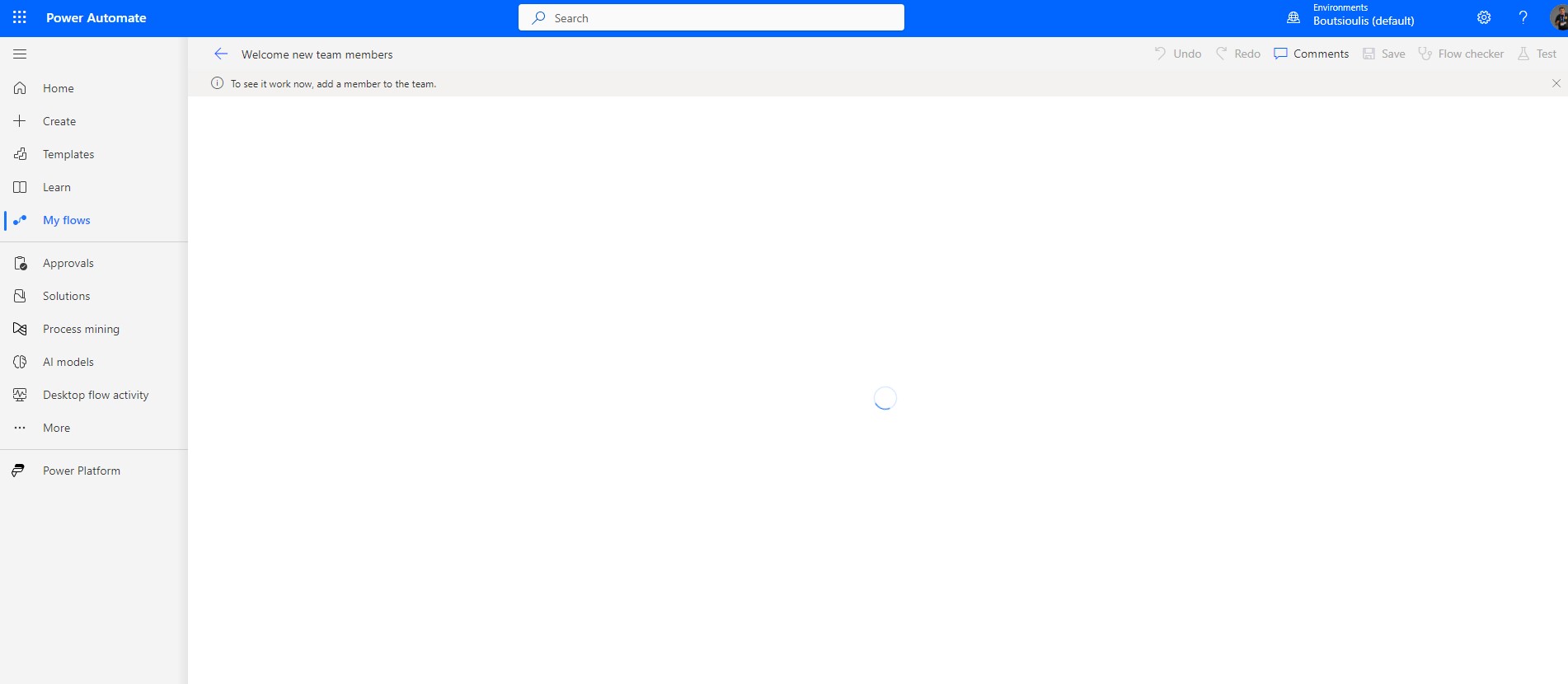
And in the next step, we'll have to manually check the automate for proper operation.
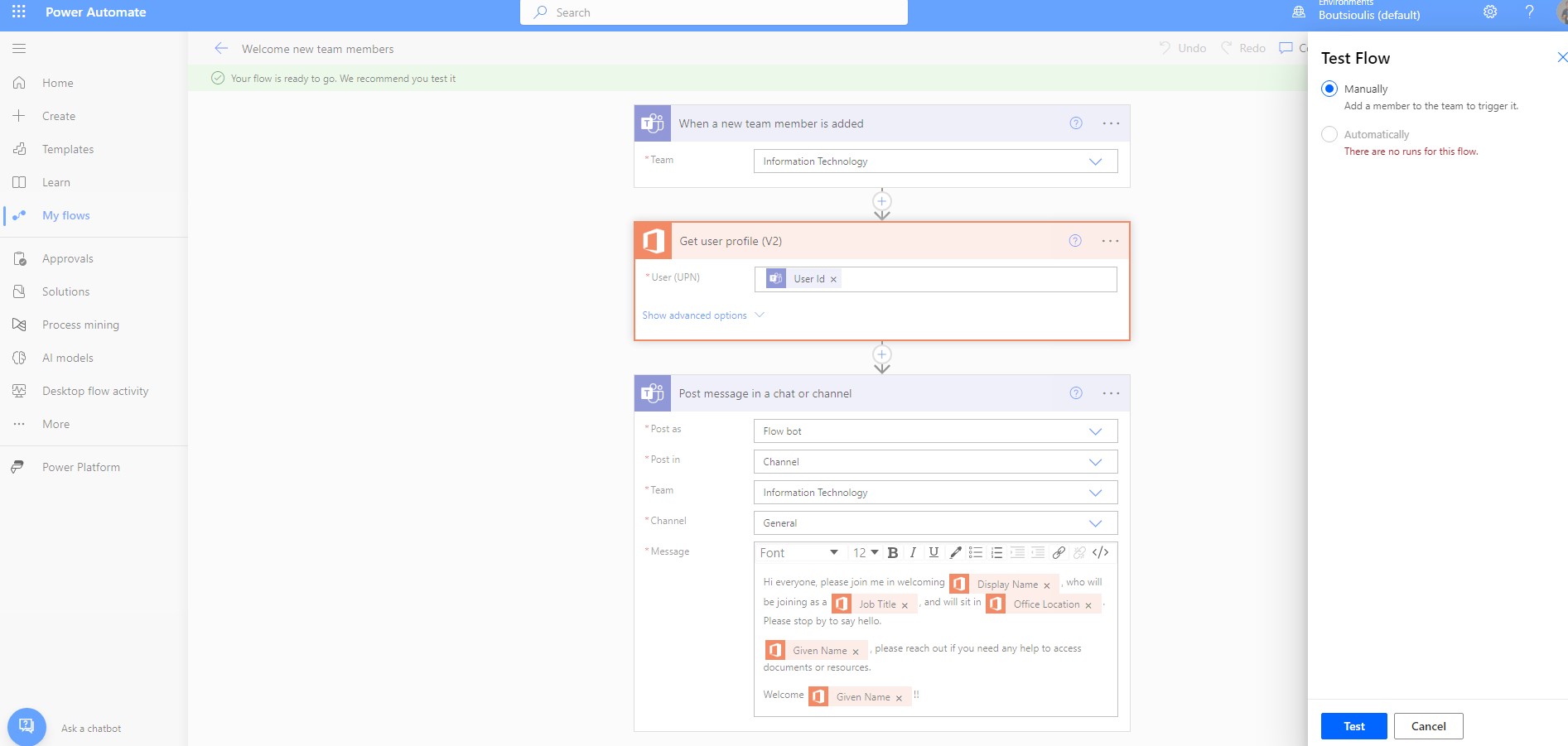
We are actually adding a new member to the IT Department as shown below
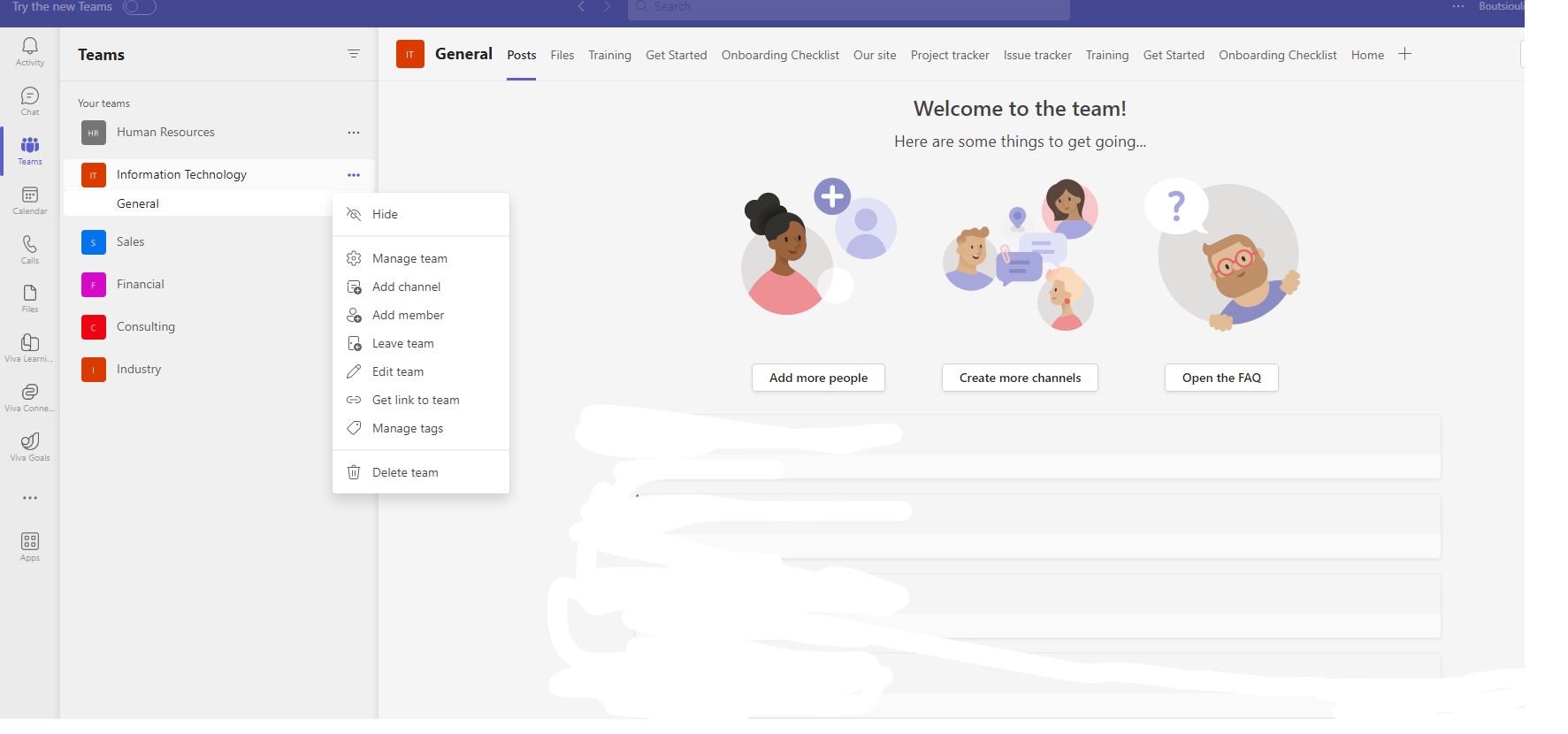
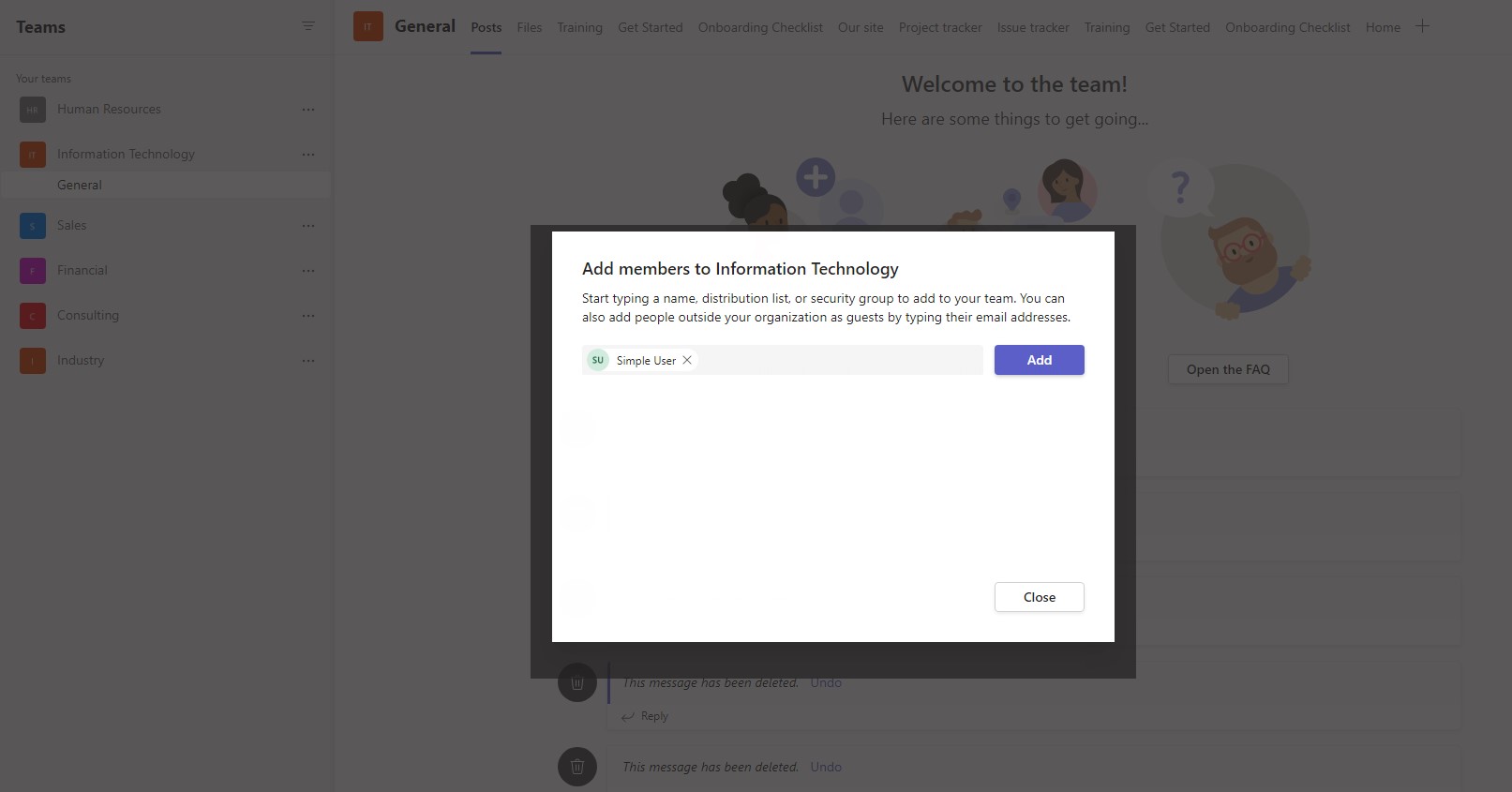
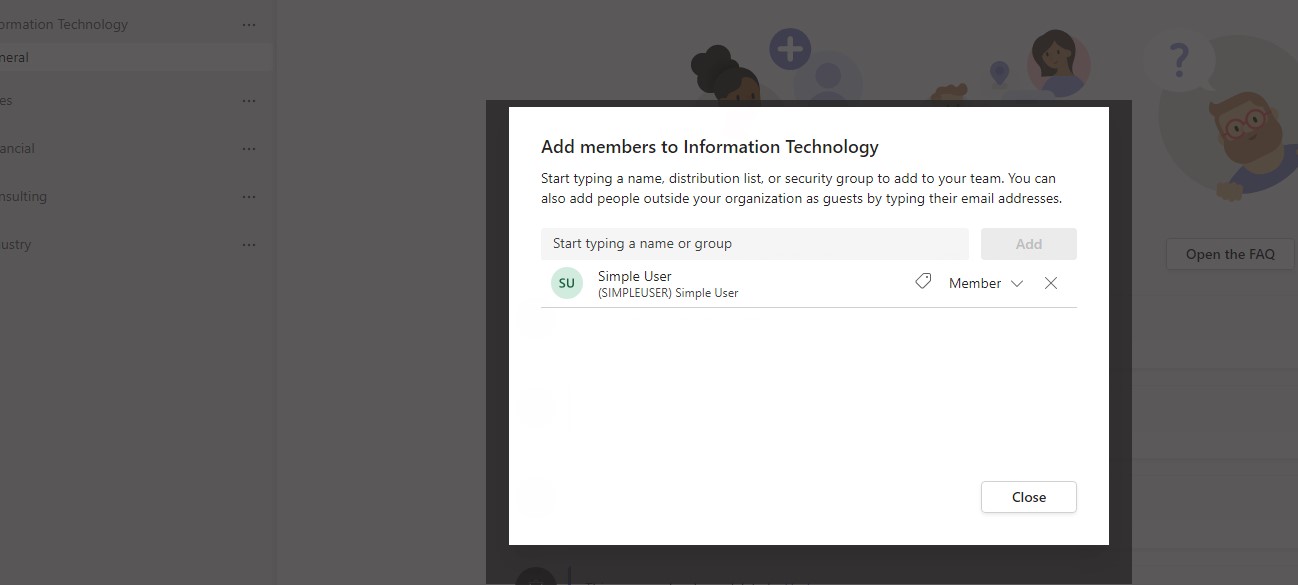
The automate was executed successfully.
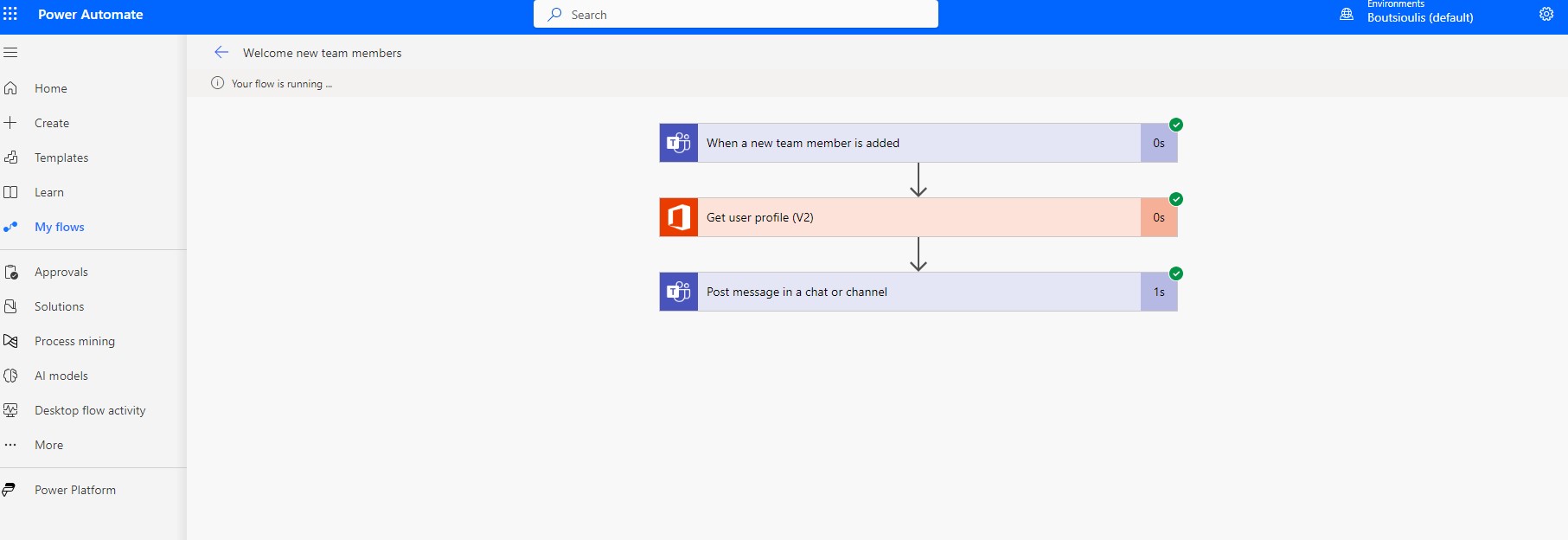
and finally, as you can see, it sent a message to welcome the new team member.
#technology
#microsoft
#PowerApps
#PowerAutomates
#digitaltransformation
#cloud
#mvpbuzz
#m365
#SharePoint
Visit Archives below to find more articles about Microsoft technologies on Modern Workplace