
Free Material
Find hereMore than 150 Articles about Microsoft Technologies on Modern Workplace
Official Site
Microsoft Most Valuable Professional M365 Apps & Services
Microsoft Most Valuable Professional Business Applications
Consultant & Sr Cloud Solution Architect Modern Wokrplace
Find hereMore than 150 Articles about Microsoft Technologies on Modern Workplace
07 August 2023
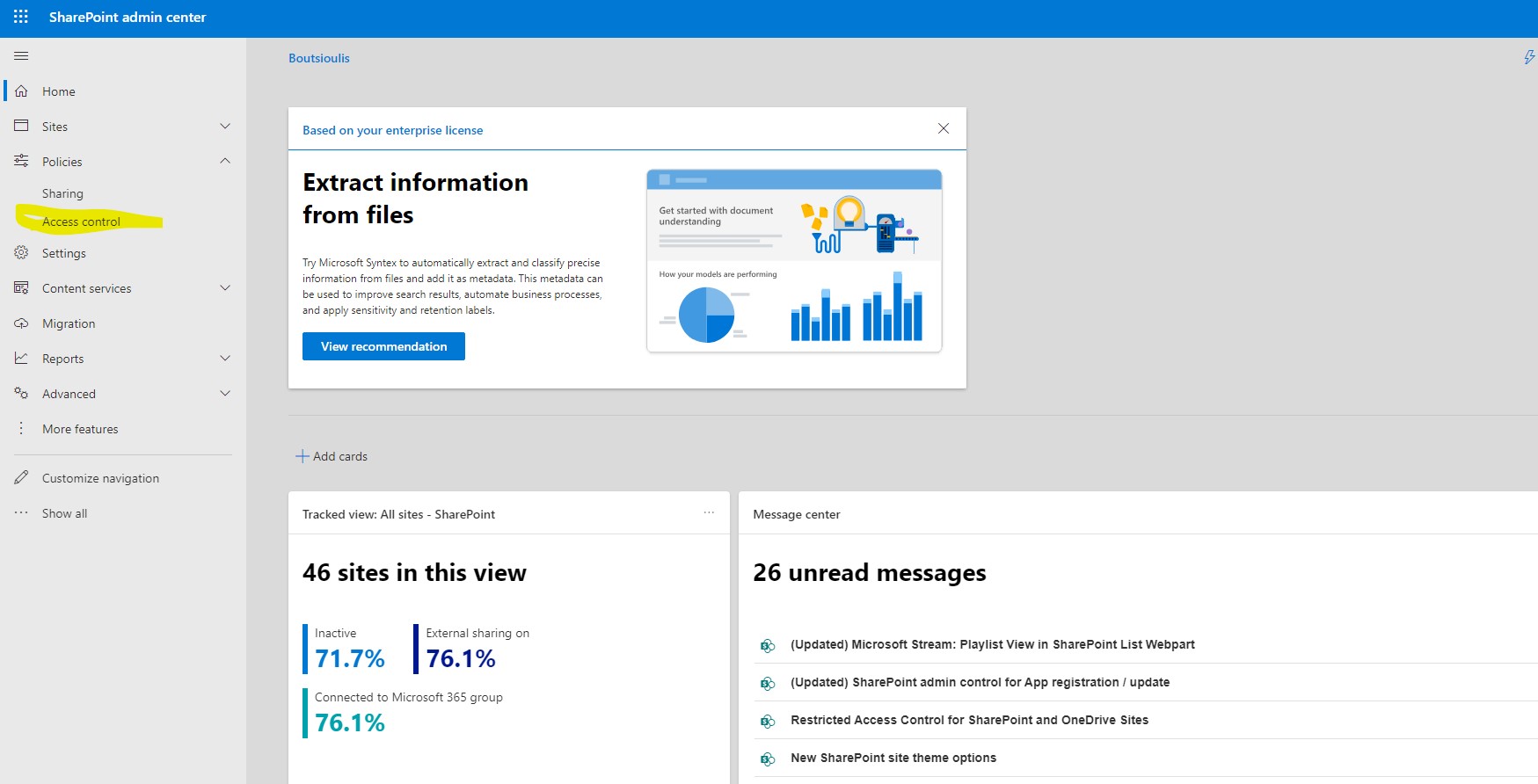
In today's article we will mainly focus on the Policies from the SharePoint admin center First from the active subscription to M365 we login to the home page and then from the left side pop-up column we select admin There we have to select SharePoint again from the left column As I have mentioned in other articles in the past in order for all this to be visible to us we will need to have SharePoint administrator privileges There in the left column we locate policies as the second option and below that as a sub-option we have Access Control.From this option we have the possibility to go to the Access Control page where we find a series of options
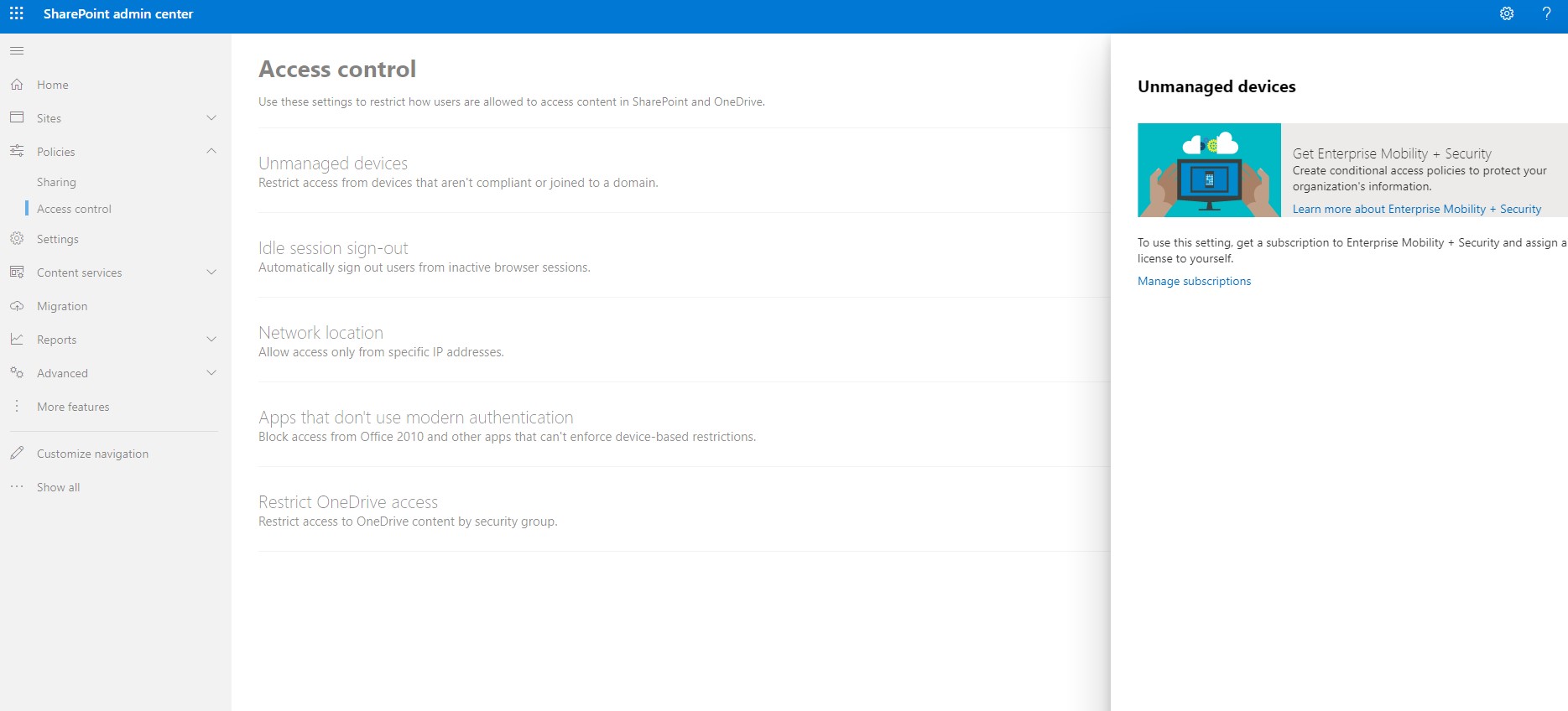
First we find the option Unmanaged Devices in which we can, through Enterprise Mobility and Security, not to allow access to devices that are not compliance friendly and join our domain
It is clear that devices that do not follow strict compliance policies or restricted policies originating from the domain are also the devices that can cause problems for the organization
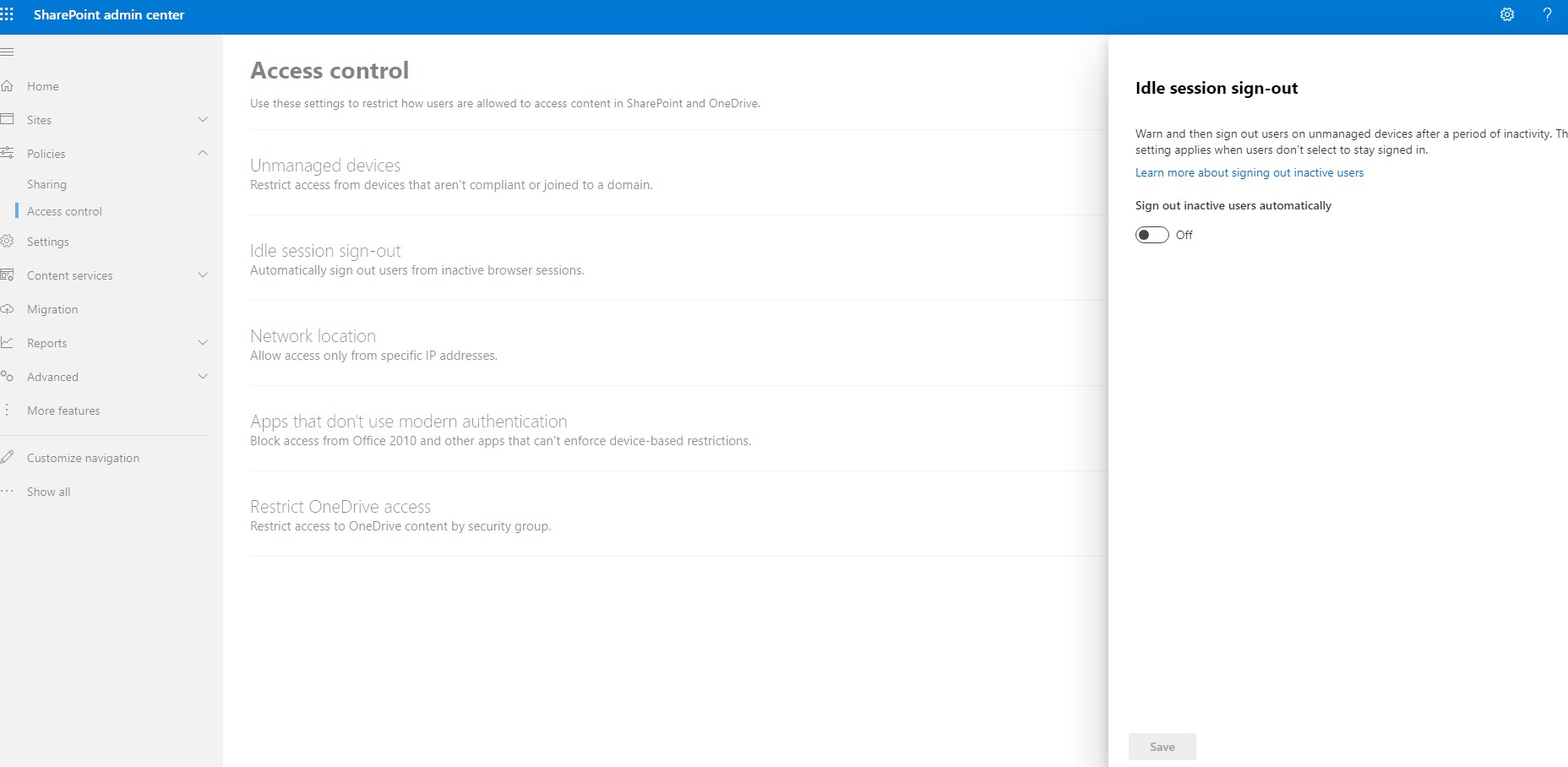
Next option is the Idle session sign out where we specify if after some time without any action we wish to automatically sign out the user Note here however that this option is only valid if the user has not selected stay signed in
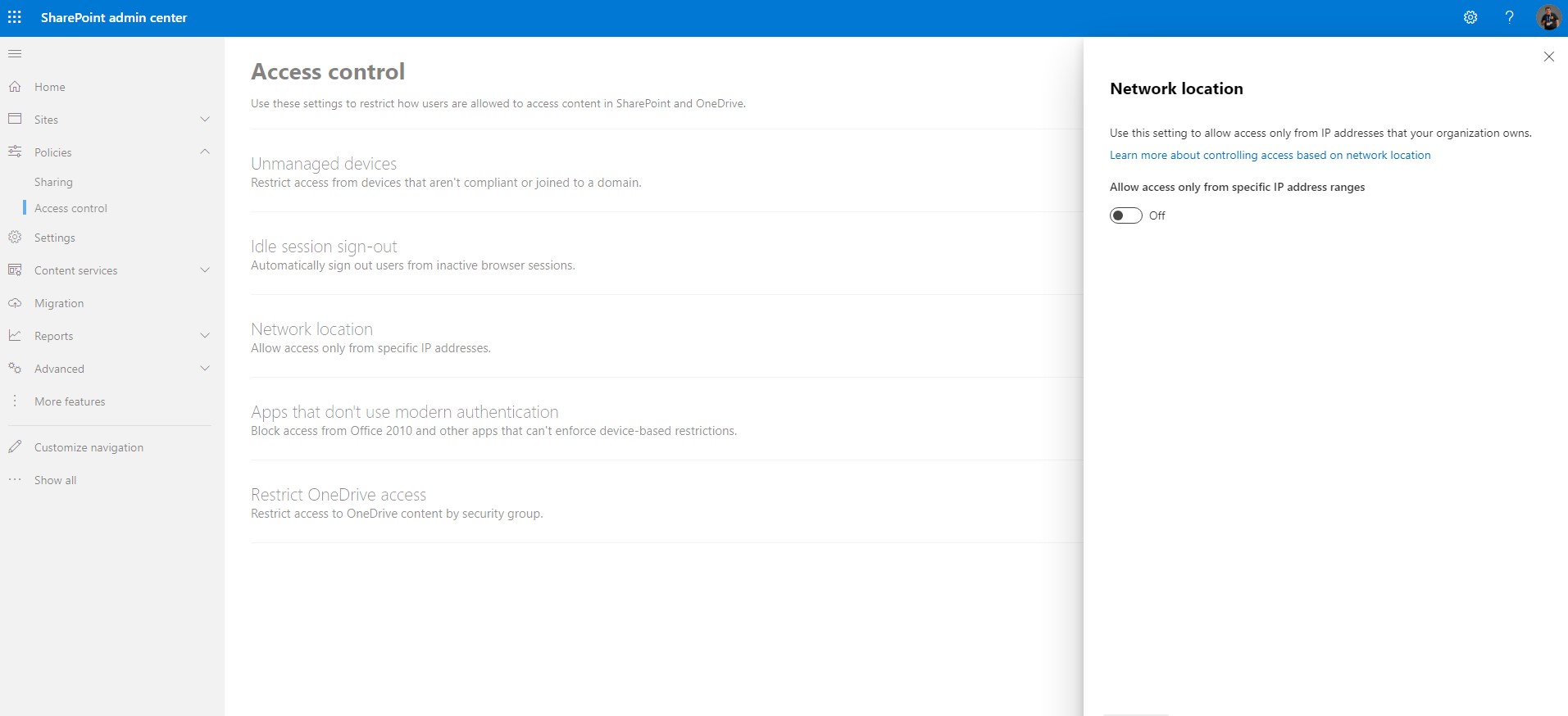
The next feature is very important is Network Location and is mainly for organizations that wish to access devices and users located in a specific ips area (e.g. only from the organization's subnet)
For the next option which is Apps that don't use modern authentication is an option that is mainly aimed at devices that have older versions of office and 3rd party programs that do not comply with the new updated policies that are enforced through the new authentication methods .So an organization may not allow access to these apps
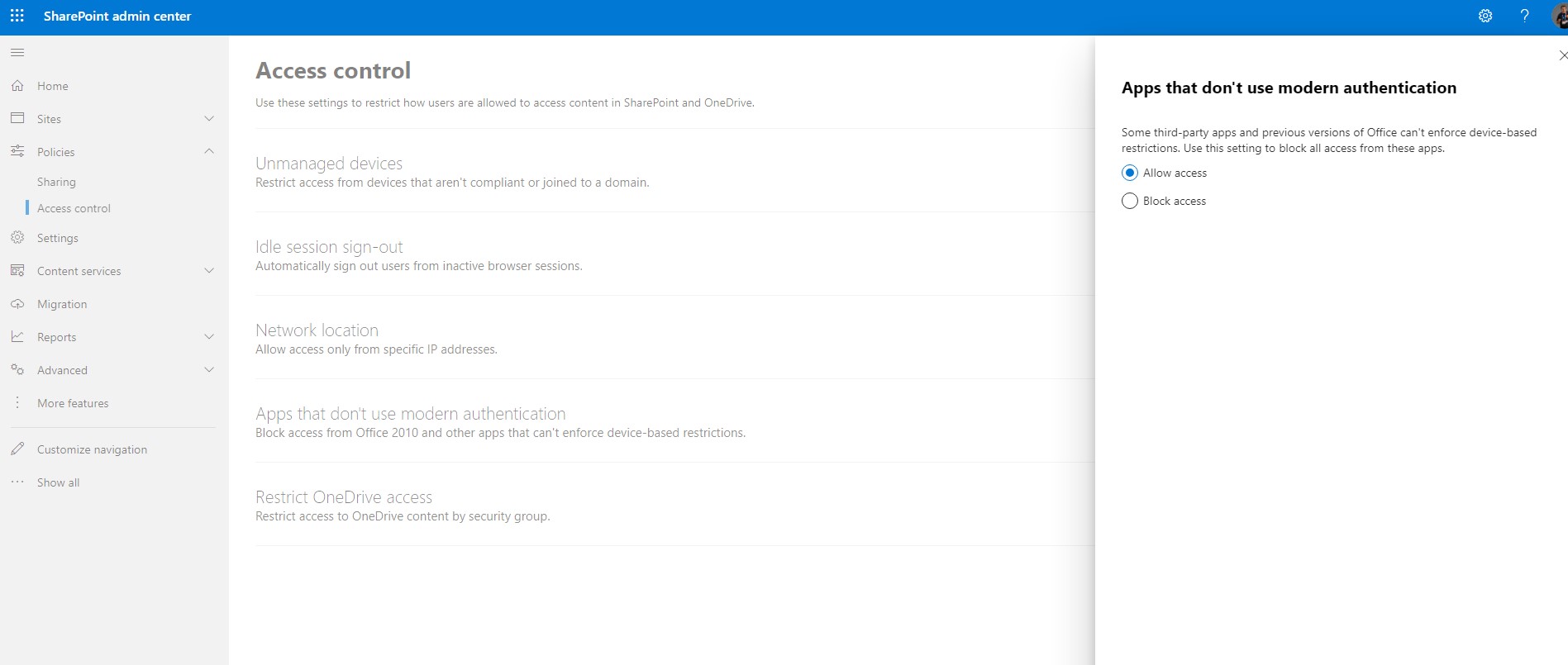
Finally, we identify the option whereby we can deny access to users who belong to specific user groups.
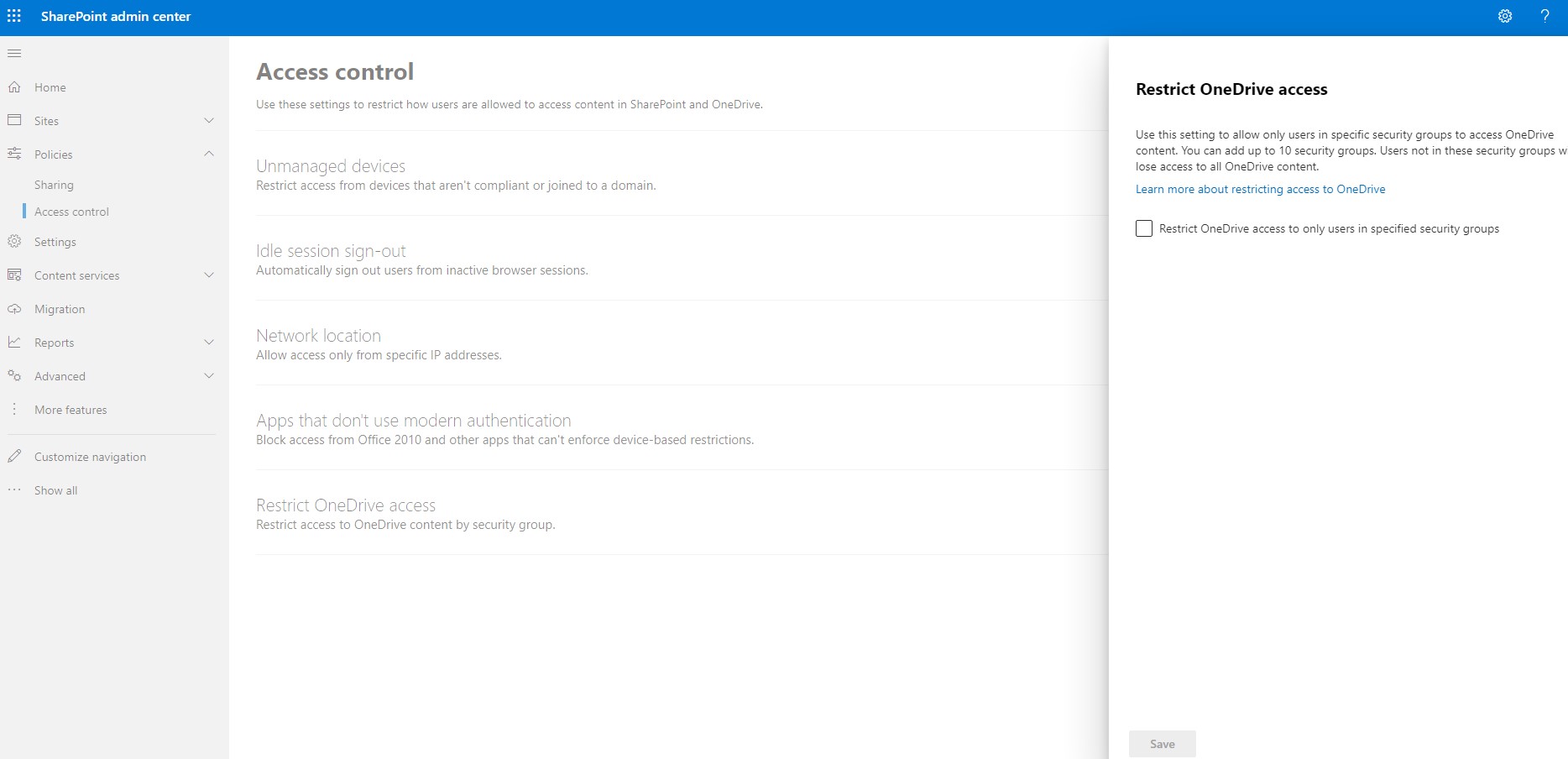
Of course, all this is theoretical and changes depending on the implementation architecture of a SharePoint-based project
#SharePoint #technology #microsoft #m365 #Onedrive #digitaltransformation #cloud #mvpbuzz #m365Visit Archives below to find more articles about Microsoft technologies on Modern Workplace