
Free Material
Find hereMore than 150 Articles about Microsoft Technologies on Modern Workplace
Official Site
Microsoft Most Valuable Professional M365 Apps & Services
Microsoft Most Valuable Professional Business Applications
Consultant & Sr Cloud Solution Architect Modern Wokrplace
Find hereMore than 150 Articles about Microsoft Technologies on Modern Workplace
23 August 2023
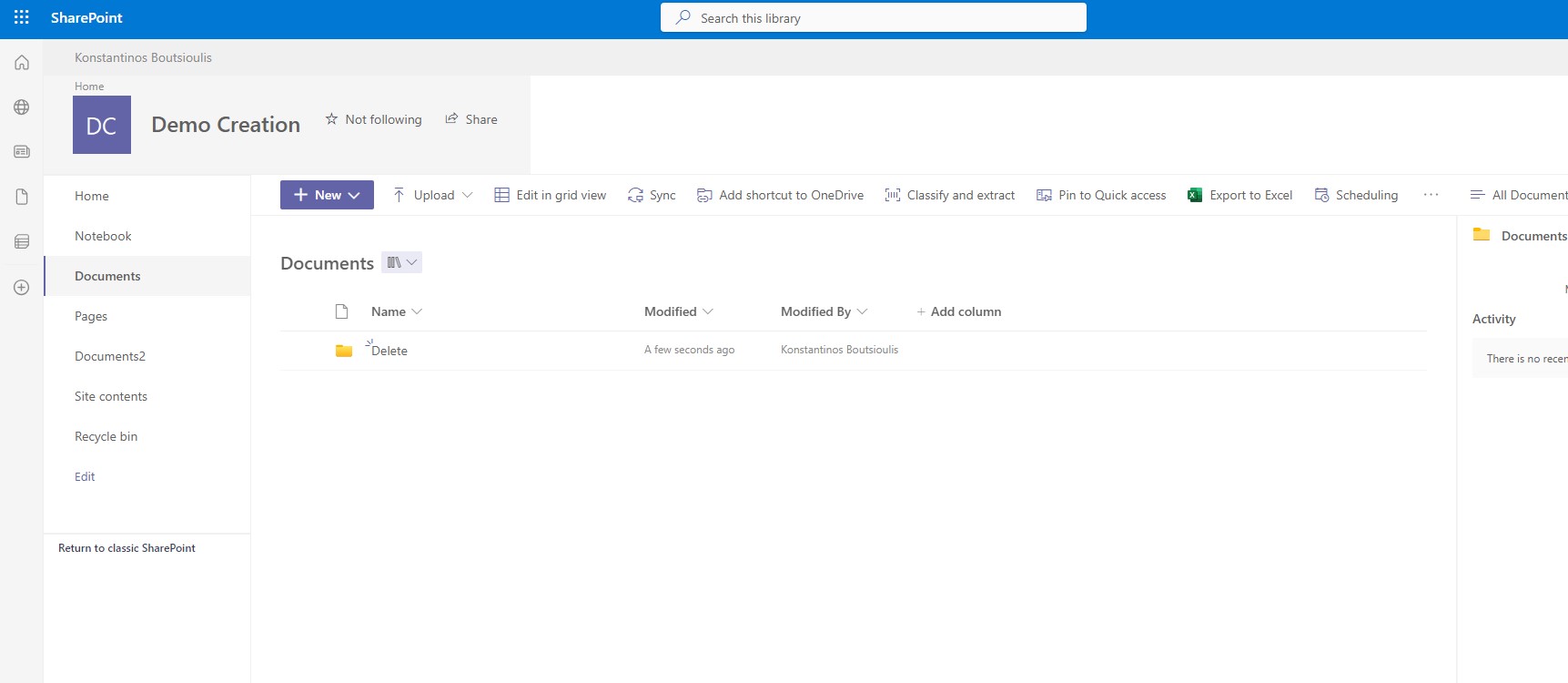
In today's article I will show you how we can retrieve a folder that we have deleted from a library in SharePoint Online using PnP First we create the Delete folder in our library and delete it
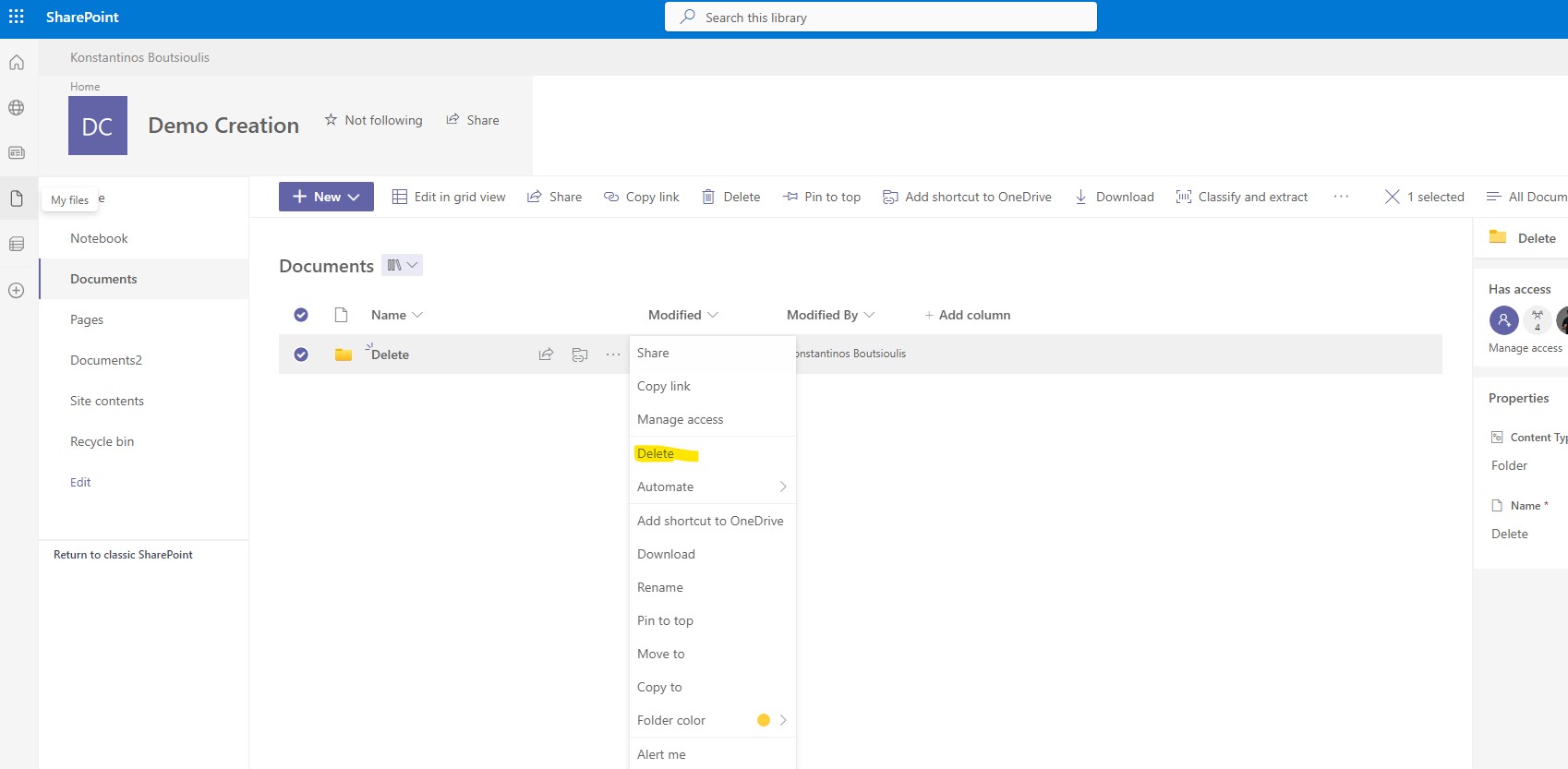
and finally our folder has been deleted
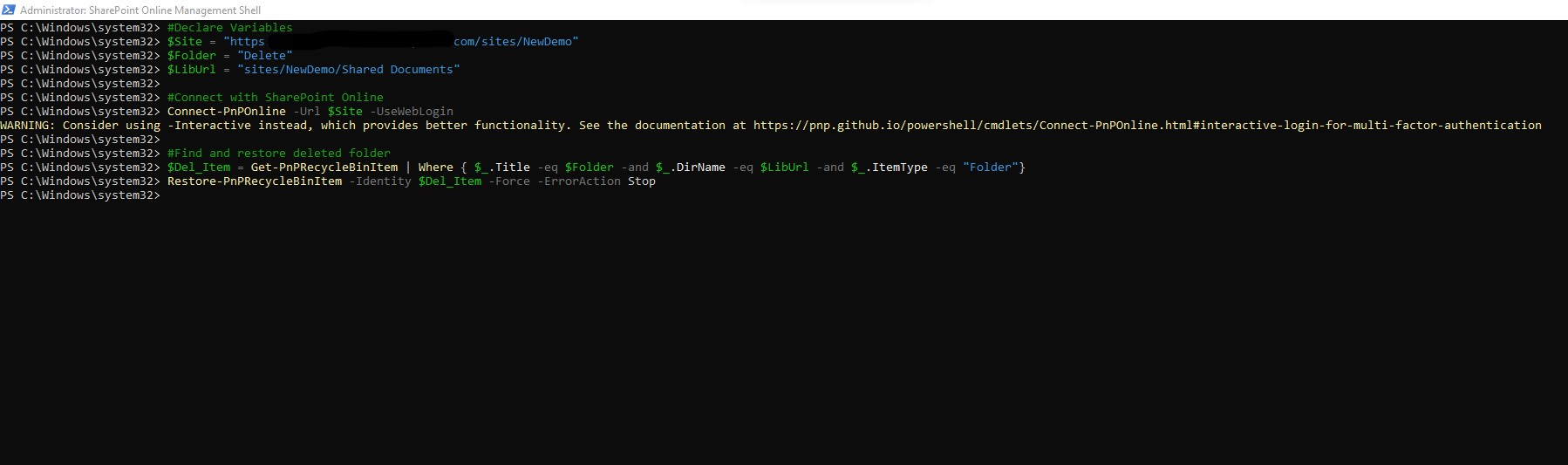
So now we need to open SharePoint Shell with administrator privileges and execute the following command
# Declare Variables
$Site = "https://mytenant.sharepoint.com/sites/NewDemo"
$Folder = "Delete"
$LibUrl = "sites/NewDemo/Shared Documents"
#Connect with SharePoint Online to your tenant
Connect-PnPOnline -Url $Site -UseWebLogin
#Find and restore deleted folder
$Del_Item = Get-PnPRecycleBinItem | Where { $_.Title -eq $Folder -and $_.DirName -eq $LibUrl -and $_.ItemType -eq "Folder"} Restore-PnPRecycleBinItem -Identity $Del_Item -Force -ErrorAction Stop
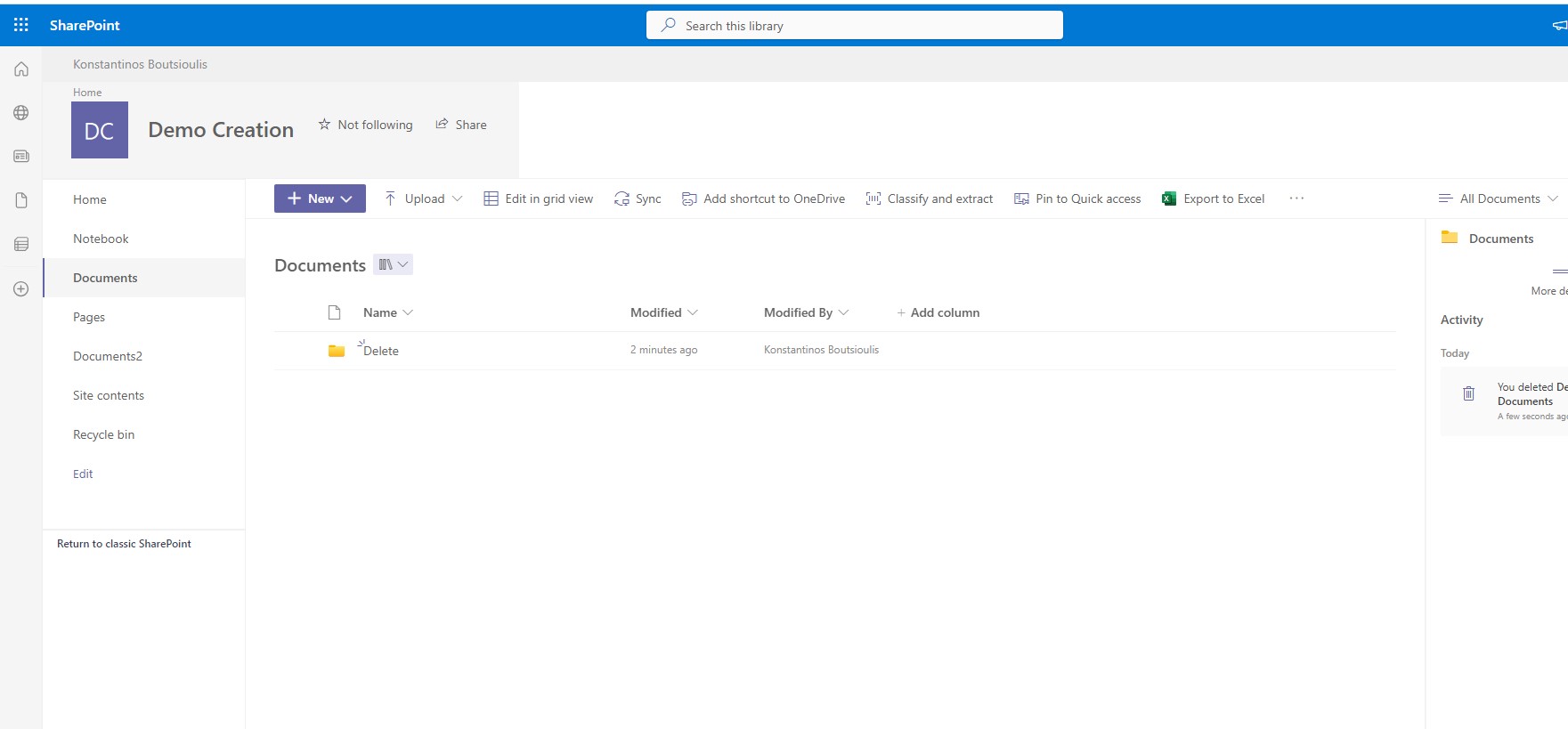
As you can finally see the folder had been restored to the location from which it was deleted
 #SharePoint
#technology
#microsoft
#PowerShell
#PnP
#digitaltransformation
#cloud
#mvpbuzz
#m365
#SharePoint
#technology
#microsoft
#PowerShell
#PnP
#digitaltransformation
#cloud
#mvpbuzz
#m365
Visit Archives below to find more articles about Microsoft technologies on Modern Workplace